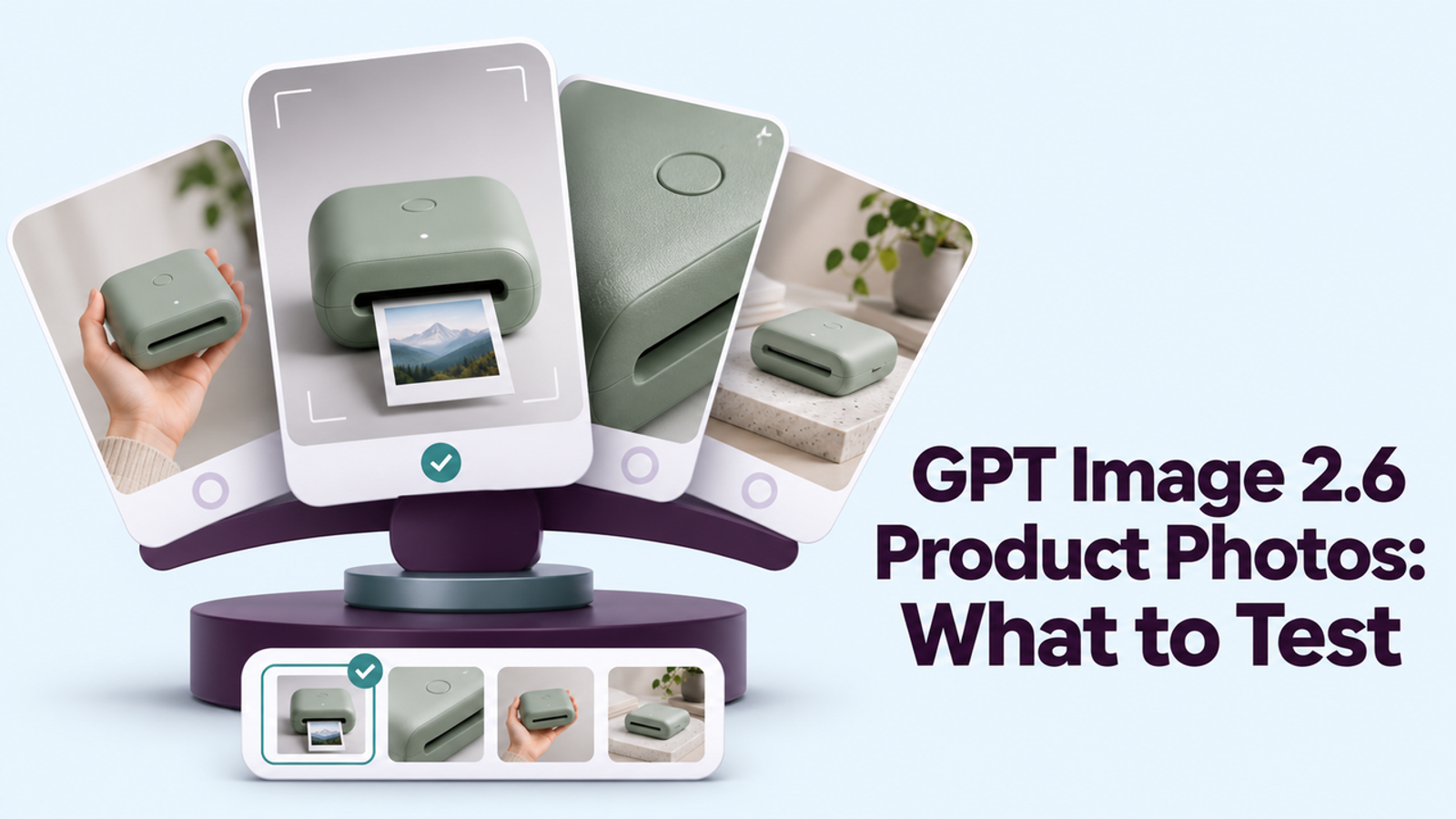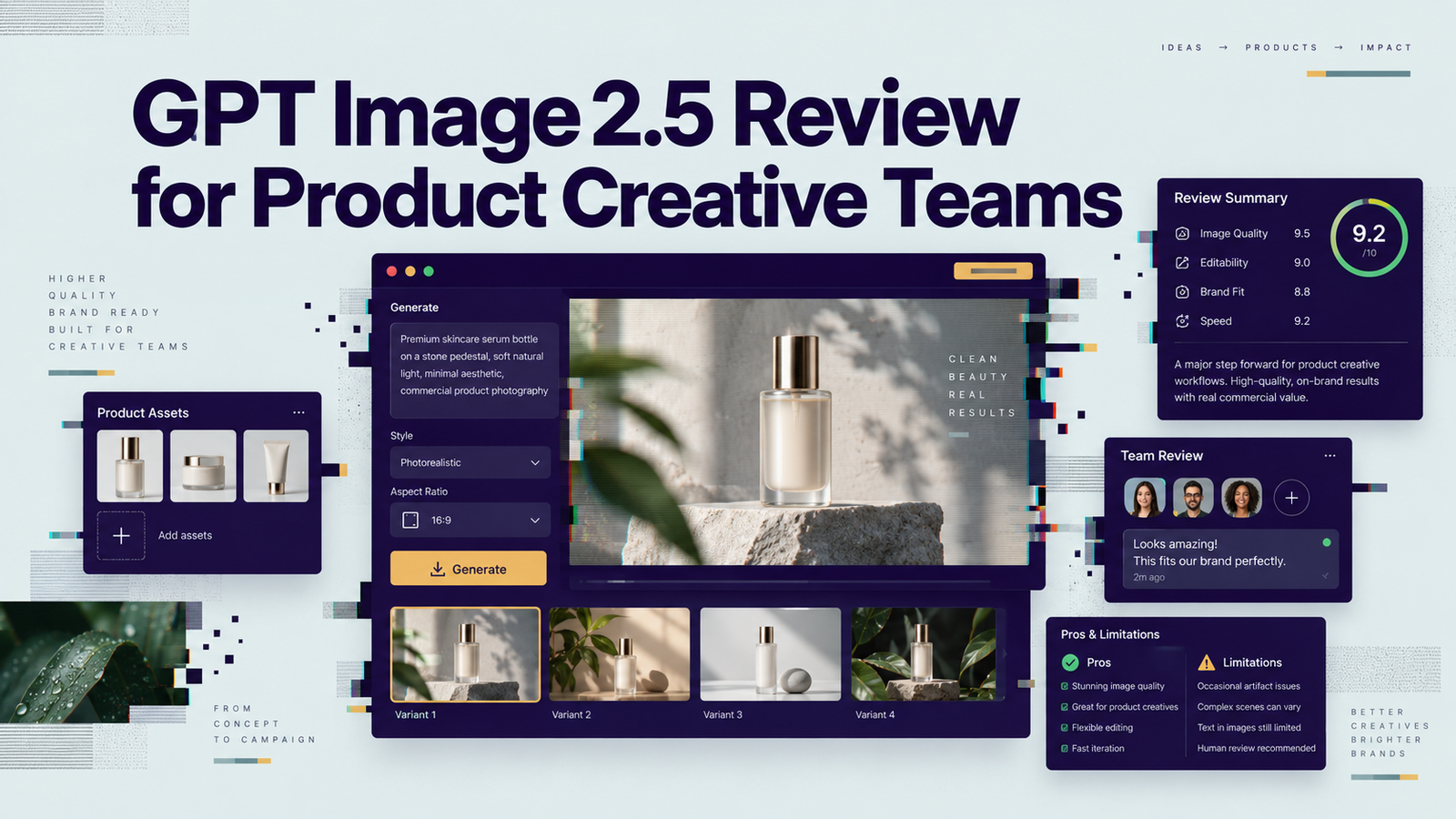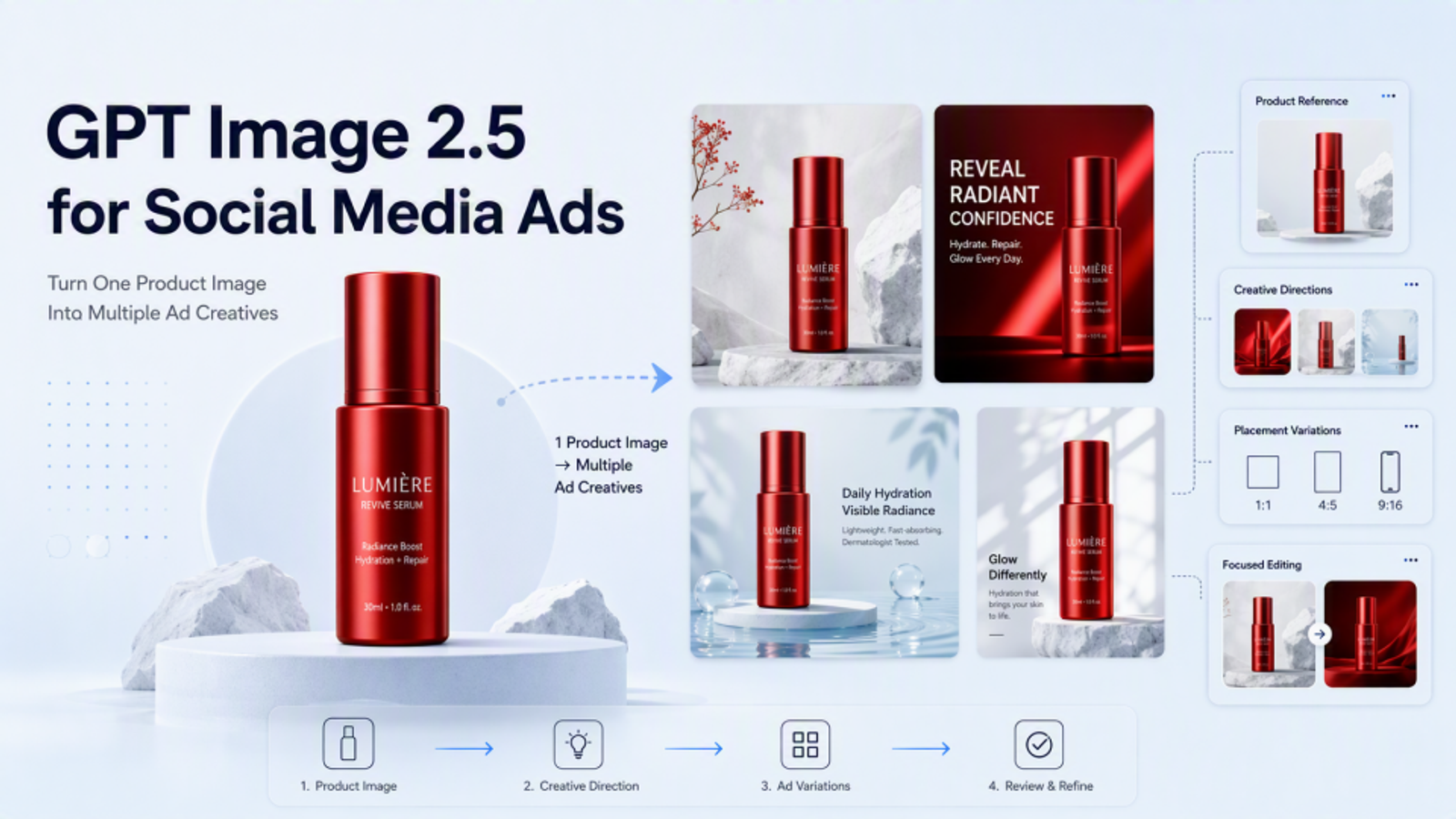
The short answer
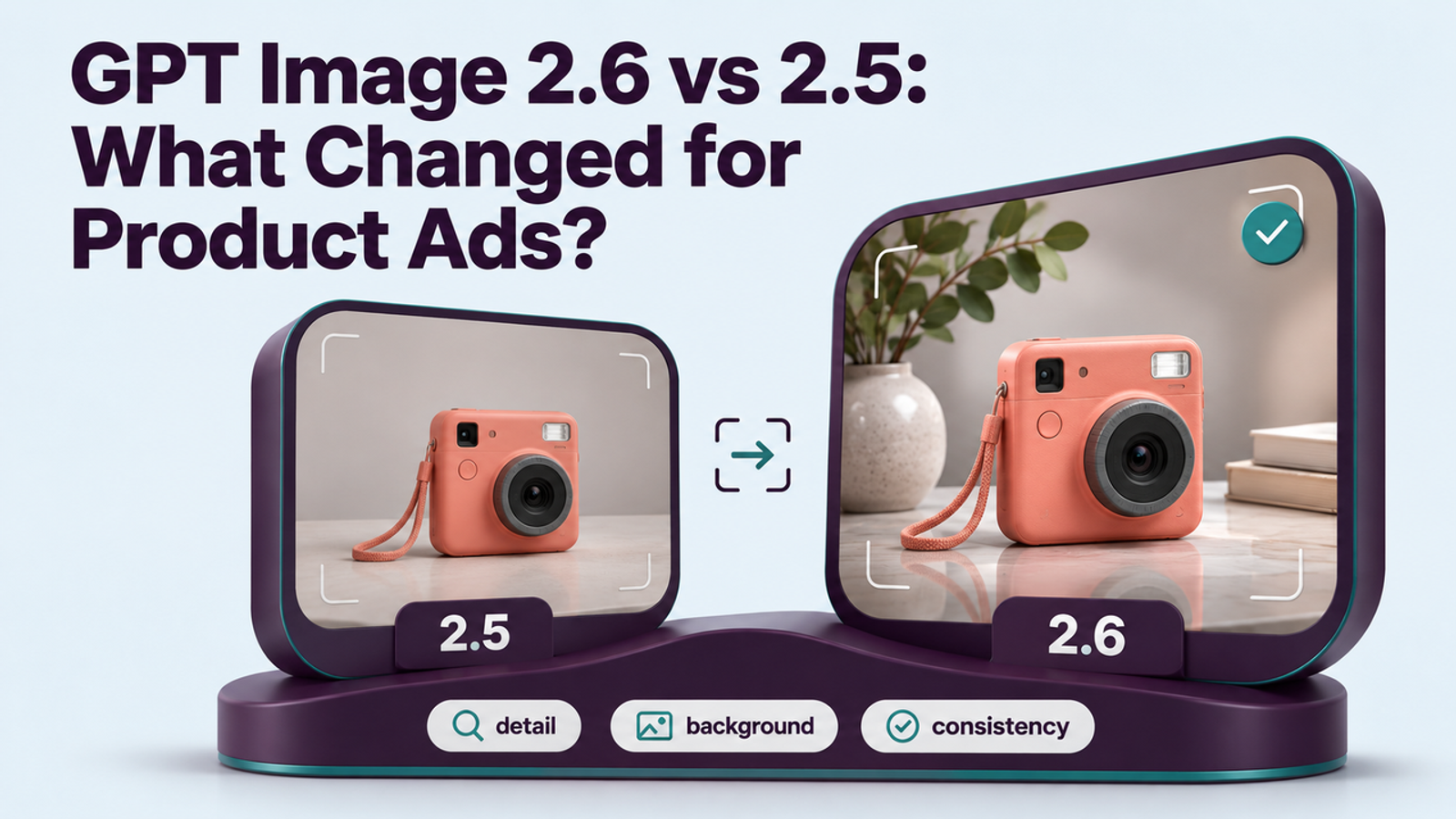
GPT Image 2.6 adds native GIF output and a complexity control to the 2.5 product-ad workflow, while still-image generation and editing remain available. I would migrate for a short loop only if the format fits the placement and the product survives a frame-by-frame review; A static campaign asset may not need the change.
What Changed Between GPT Image 2.5 and 2.6?
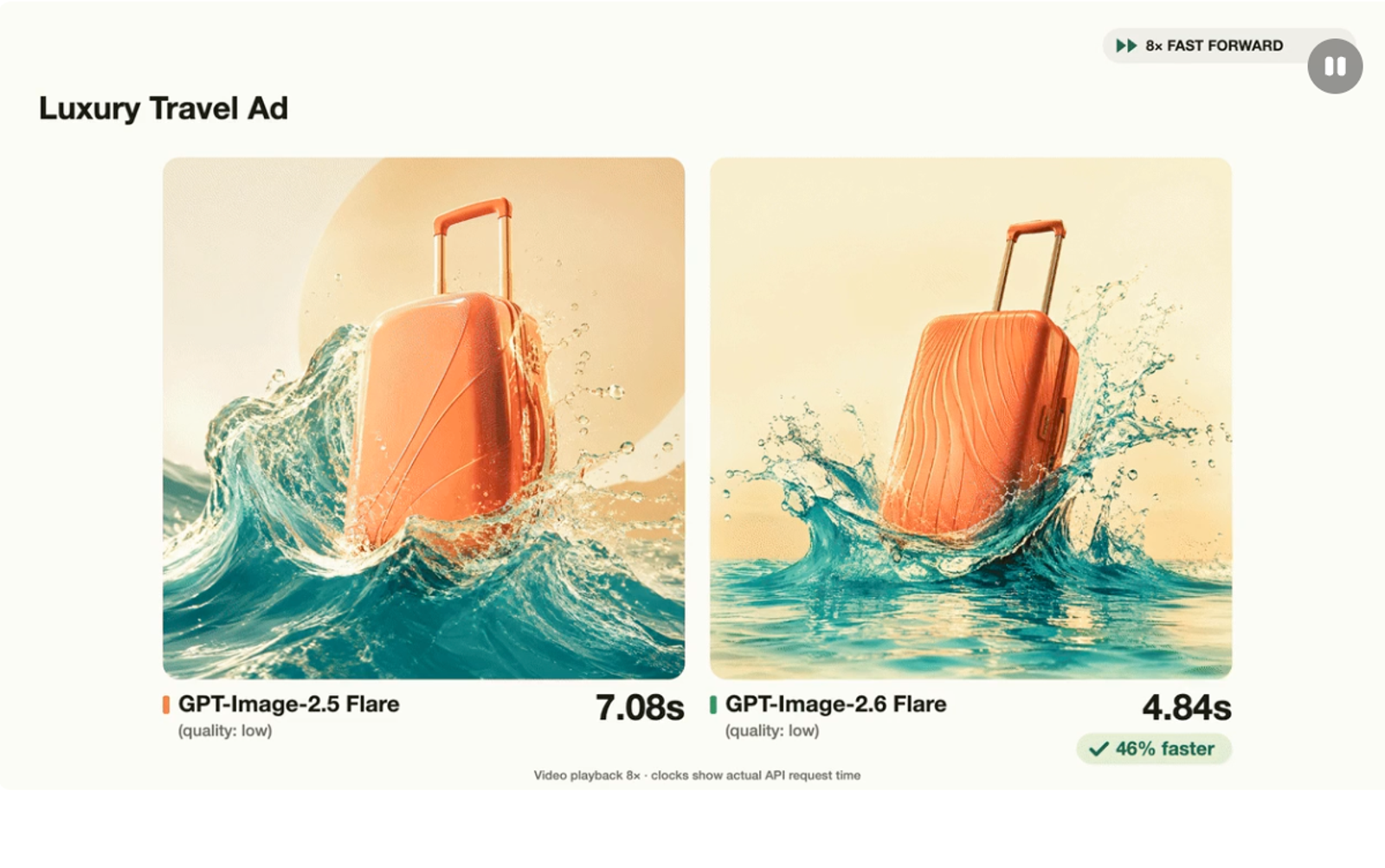
OpenAI's Images 2.6 announcement adds a practical ad format: a generated looping GIF. It also introduces adjustable complexity, separate from rendering quality. OpenAI claims faster output and better consistency. The important workflow distinction is that generating a loop and editing an approved packshot are different API tasks.
Compare Documented Capabilities for One Product Ad Brief
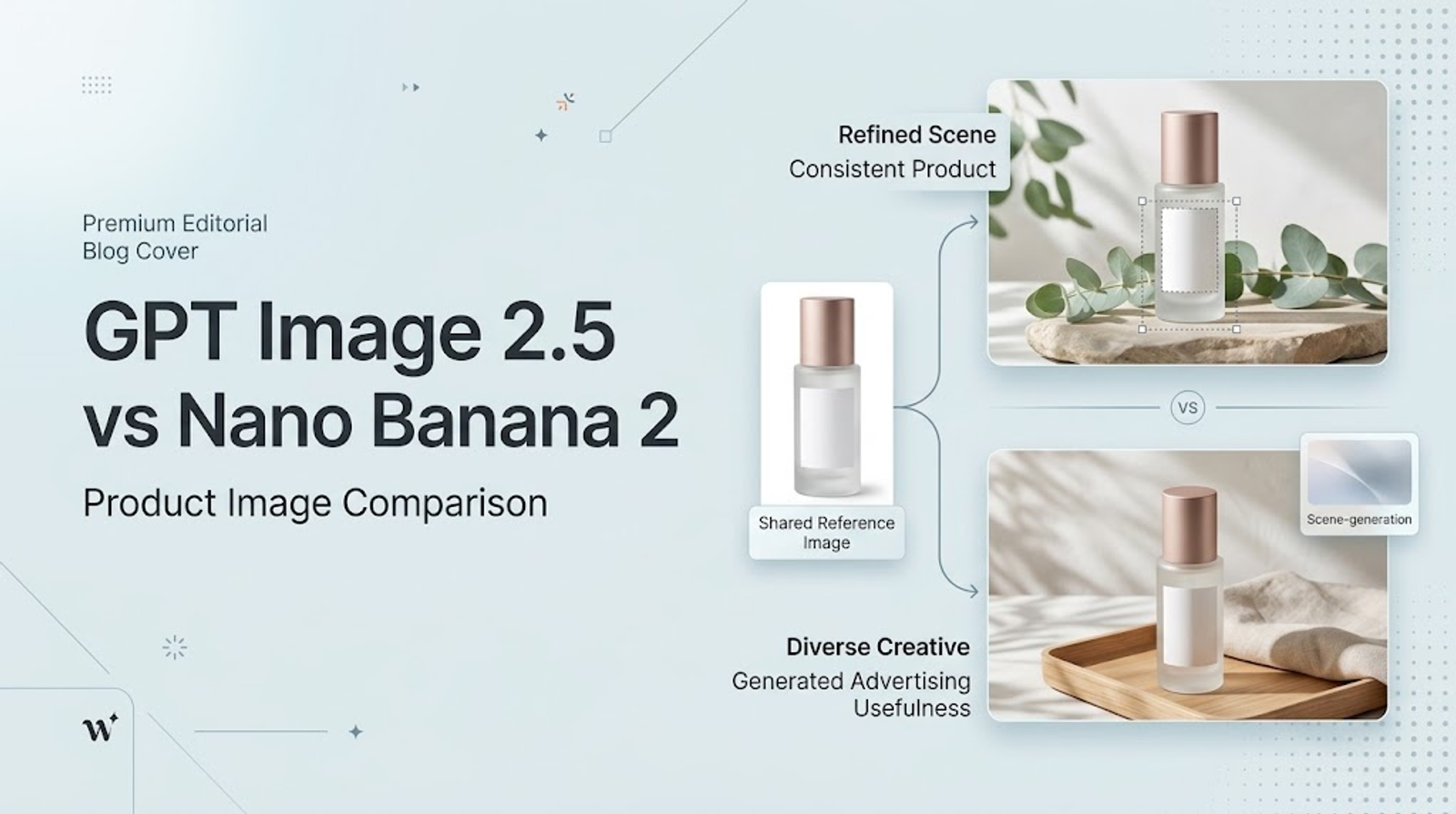
Suppose the brief calls for one approved bottle packshot with a legible label, unchanged cap and color, and space for separately approved copy. Compare both versions against that same brief, while recording which route can actually accept the source image. The table records supported paths, not observed winners.
| Review dimension | GPT Image 2.5 Flare / Sunburst | GPT Image 2.6 Flare / Sunburst |
| Deliverable | Generated or edited product still; no documented native GIF output | Generated or edited still, plus native GIF generation |
| Edit and planning | Targeted edits and markup-guided edits | Targeted edits and markup-guided edits; low, medium, or high complexity |
| Approval burden | Check one final frame and every claimed product fact | Check the still, or every GIF frame and the loop seam |
Static Images and GIF Output
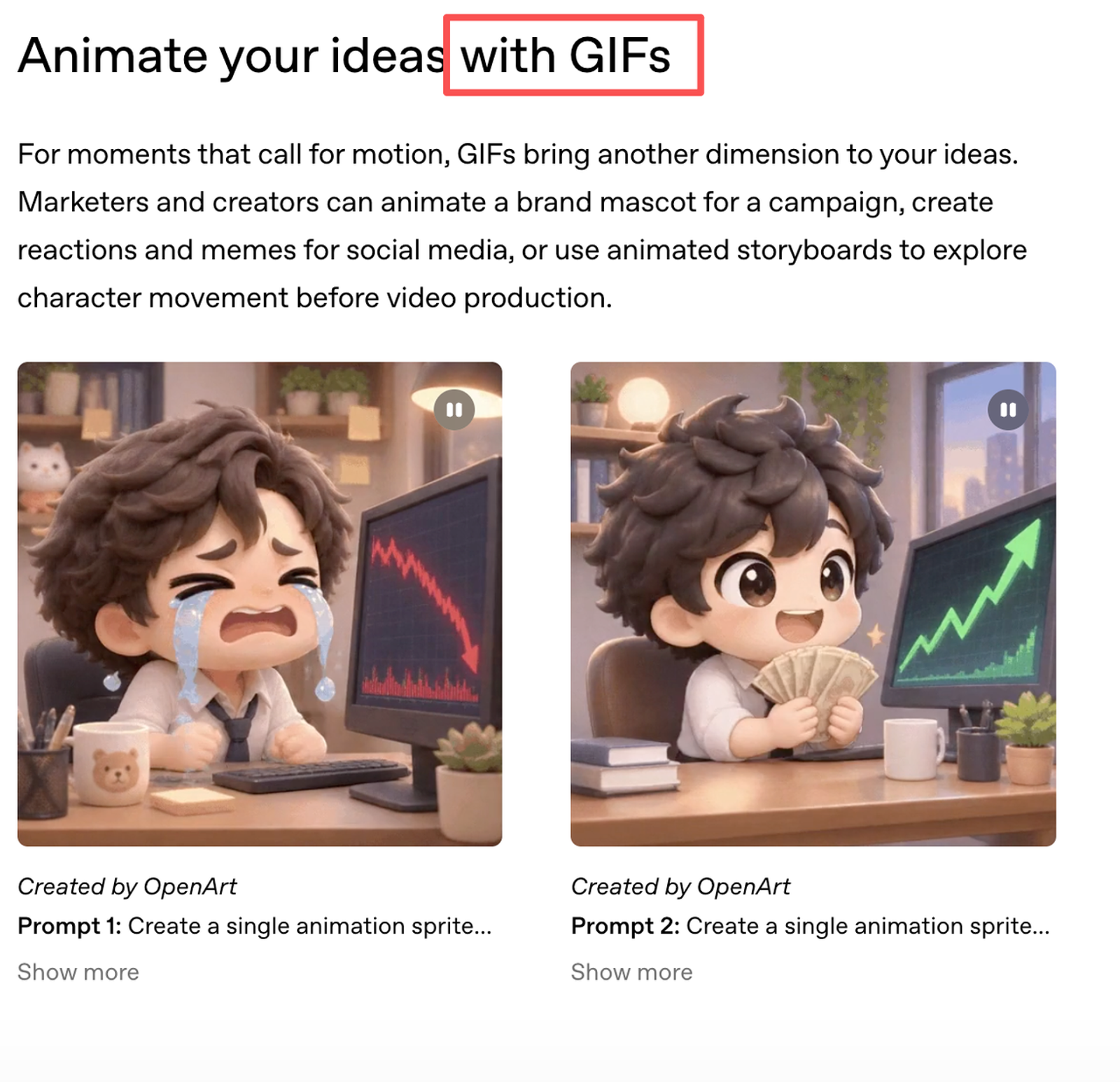
OpenAI's Images 2.5 release describes focused editing and product imagery. For a GPT Image 2.6 GIF, the image generation guide specifies output_format: "gif" on POST /v1/images/generations, with 2–64 frames and frame duration from 20 to 2,000 ms. That endpoint generates from a prompt; The image-edits endpoint cannot turn an uploaded packshot directly into a GIF. A prompted lookalike must be checked against the approved product image, not treated as the original in motion.
Editing and Planning Controls
Both 2.5 and 2.6 support markup-guided edits of still images through the Image API. The distinct 2.6 control is complexity: low, medium, or high planning effort, with high as the documented default. Quality controls visual fidelity separately. For a simple background revision, compare low complexity with the default before adding more planning effort. A dense composition may justify a higher setting, but a setting is only useful if the accepted image needs fewer corrections.
Product Detail and Motion Review
For the bottle, I would compare the cap, silhouette, printed label, color, and approved claim against the source at the same display size. In a GIF, pause on every frame, including the transition from last to first. A good opening frame can hide a changing wordmark halfway through. Pretty is easy to spot. Useful takes another look: a moving highlight only helps if the product stays identifiable and the claim stays accurate. Record whether a failure needs a new generation or can be fixed in the final layout.
Which Version Fits Your Ad Asset?
A Static Product Visual
Choose the 2.5 workflow when the deliverable is a still and an existing prompt-and-edit process already passes review. Test 2.6 on the same brief if complexity control might reduce revisions. Keep approved copy as a separate layer when exact wording matters; Whichever model renders the background, the final ad still needs a human check.
A Short Looping Product GIF
Choose 2.6 for an AI product ad GIF when restrained motion carries the idea: a light sweep or moving background that still makes sense on repeat. Specify what moves and what must stay fixed, then inspect each frame and the seam. A loop that alters package text fails even if its motion looks polished. If the precise photographed SKU must remain untouched, a separately composited product layer may be safer than a fully generated loop. Google Ads image-ad requirements impose animation limits; check the chosen placement before export.
When Does the Idea Need a Video Instead?
Use video when the message needs a sequence, camera move, demonstration, narration, or an ending that differs from the opening. A short GIF is useful for a repeated visual cue; it cannot stand in for a product demonstration merely because it moves. Wizstar's current product-image-to-video workflow explains how to prepare and review an authorized still for a longer shot. Its live image-to-video page accepts a still image and describes start/end frames, but does not document GPT Image 2.6 integration or GIF upload support. Check accepted input formats in the selected workflow before handing it a file.
Conclusion
GPT Image 2.6 makes native looping GIFs a real asset option and adds a planning control; GPT Image 2.5 remains viable for approved stills. I would choose by deliverable, then run one matched brief and count the frames and revisions that pass review. The next edit is part of the cost.
FAQ
- Can both GPT Image 2.6 variants generate GIFs?
- Yes. OpenAI documents Image API GIF generation for both Flare and Sunburst.
- Can GPT Image 2.6 GIFs have transparent backgrounds?
- The documented transparent-background route uses PNG or WebP output. OpenAI does not document
background: "transparent"with GIF output, so do not promise a transparent GIF from the API. - Does the Responses API image tool support 2.6 GIF output?
- The documented path is Image API generations. The Responses image tool documentation does not establish 2.6 GIF output.
- How do GIF output charges compare with 2.5 still images?
- OpenAI's current API pricing lists the same image-output token rate for the 2.5 and 2.6 variants: $30 per million tokens. A multi-frame GIF can cost more than one still. Estimate frames and dimensions, then inspect usage and revision costs.
- What commercial-use terms apply to product ad GIFs?
- OpenAI's applicable consumer or business terms govern the service and output; owning output as between you and OpenAI does not clear third-party rights. Secure rights to product photos, logos, people, and ad copy; review claims and placement rules. Please refer to the latest official documentation. This is general information, not legal advice.