The short answer
Pippit is a useful option for ecommerce teams making short videos from existing product assets, especially when they need several social ad drafts from the same listing. Its documented workflow covers product-link input, editing, local download, and direct publishing to selected channels. Whether it saves production time depends on how much correction each draft needs. This review draws on current public documentation, not hands-on testing.
Where Does Pippit Fit in Ecommerce Video?
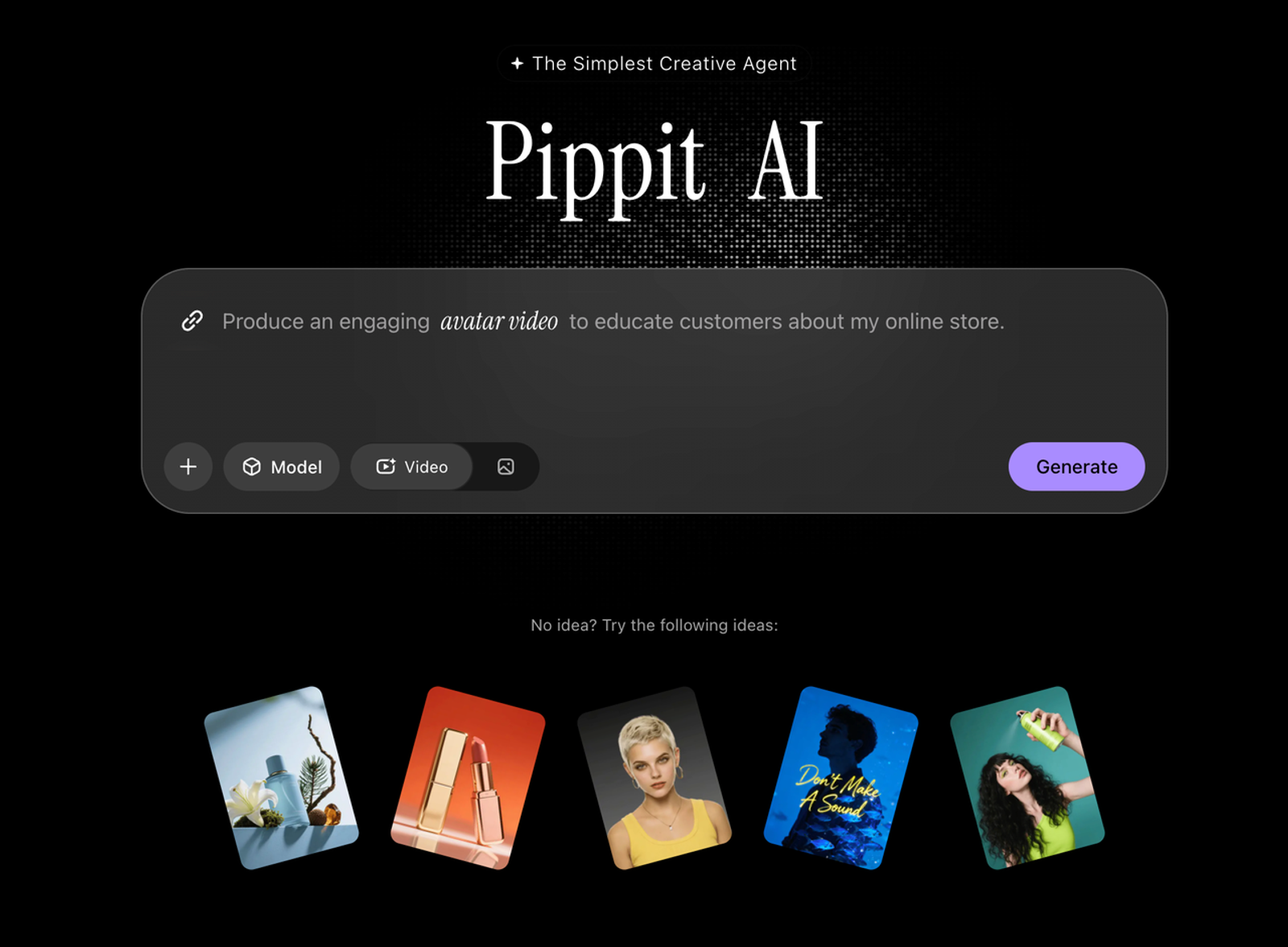
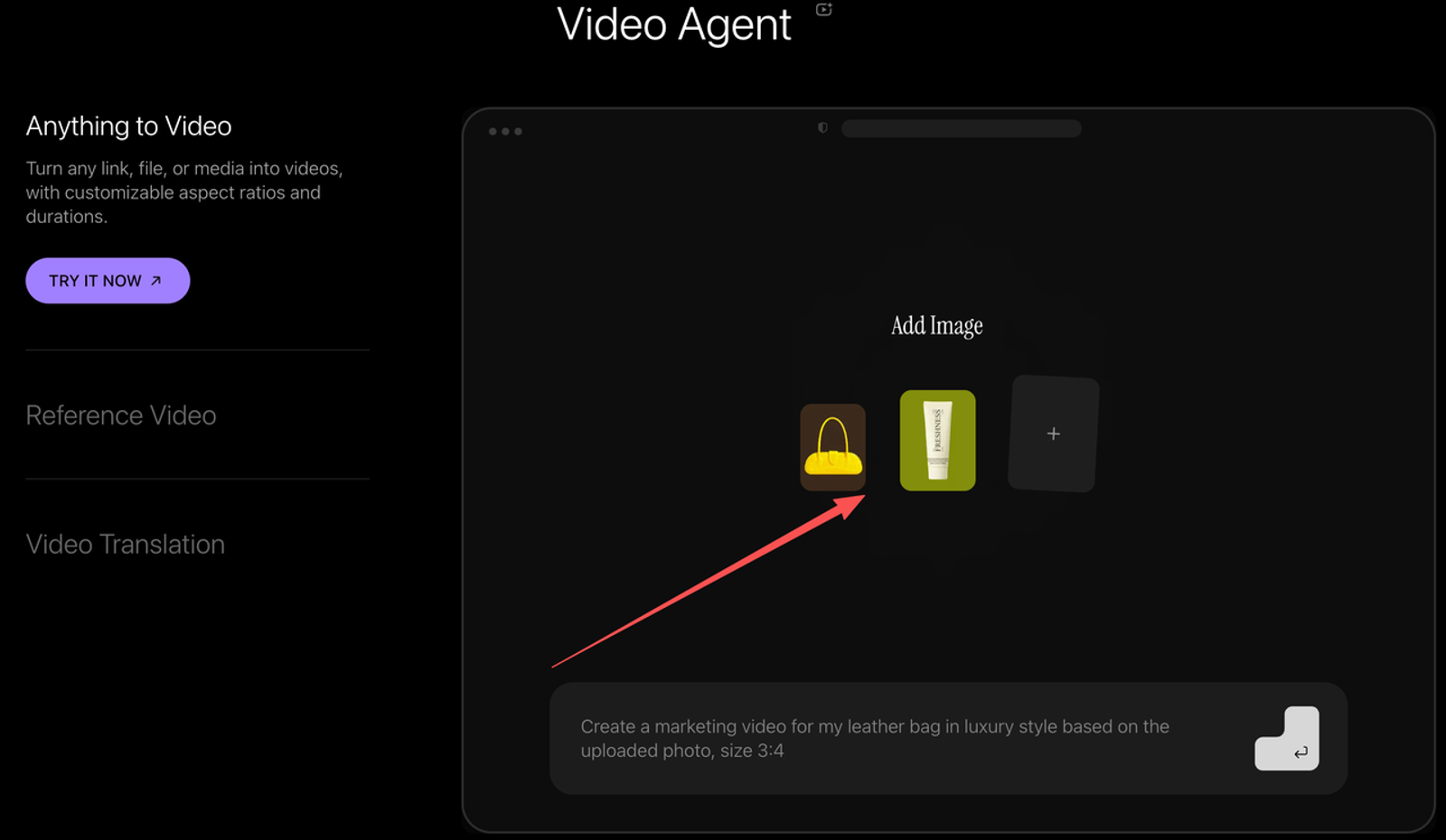
Pippit fits the repeatable job of turning a product listing or approved media pack into several short creative candidates. The official Pippit video workflow describes a Video Generator that accepts a product URL or manual product input, followed by editing and export. It lists TikTok Shop, Shopify, and Amazon among supported product-link sources. A seller can start from a maintained listing; an agency can supply material manually when a page is incomplete.
Product-Led Social Clips and Ad Drafts
The useful deliverable is an approvable draft: a short clip showing the right product and making one defensible point. A listing supplies names, images, and descriptions; the brand still decides which benefit has evidence and whether an offer is current. An AI presenter may make a draft look finished before those decisions have been checked.
How Does a Product Brief Become a Video?
The Pippit product video workflow moves from a product URL or supplied assets to a generated draft, an edit, and an export. The brief should define the facts and footage allowed into that sequence.
Preparing Store and Product Assets
Start with an approved product record: SKU and variant, spelling, price and expiry date, dimensions, claim evidence, and pack images. Add the audience, desired action, and assertions the video must avoid. Compare any details taken from a URL against that record; a product page may include reviews or temporary promotions that should never become ad copy. For manual input, keep each claim's source available to the reviewer.
TikTok Shop is one supported product source; it is not required to make a Pippit video. A Shopify or Amazon link also does not make the finished clip shoppable on TikTok. Pippit documents a separate publishing step for attaching a shop product link, consistent with TikTok Shop's seller guidance. For another destination, use a local download or a supported publishing connection and check its requirements separately.
Drafting, Editing, and Approval
Pippit's help material says a generated video can be opened in its editor and downloaded either before or after editing. That gives the team a revision path, though the documentation does not show that every element can be fixed independently. In the first review, mark the timecodes where the product, spoken claim, on-screen text, or final offer needs work. Give each correction to the owner and keep the rejected version; the next reviewer can then see whether the change actually solved the problem.
What Should a Seller Inspect?
Inspect the product's identity first, then the message and its presentation. A pleasant-looking clip can still show the wrong variant or imply a benefit the brand cannot substantiate.
Product Claims, Branding, and Presenter Rights
Pause on the variant color, package shape, logo, and any readable ingredient or technical label. Watch for an implied before-and-after claim as well as an explicit one. If an avatar demonstrates or endorses the product, check its script and likeness permissions. I would check the label before the lighting: an attractive shot cannot rescue an incorrect pack.
The applicable Pippit and CapCut terms distinguish user content from company-provided materials; commercial use of the latter remains subject to the materials license. An export does not establish ownership of its music, template, or avatar. Keep a record of each asset's source and permitted use, including the channels where the ad will run. Check the terms for the account's region before paid distribution. This is general information, not legal advice.
Format and Sound for Social Placements
Play the export on a phone in each intended placement. Interface controls may cover text that looked clear in the editor; music may overpower speech; captions may cut off a product name. A downloadable file is not automatically suitable for every destination: Google Ads' video specifications, for example, distinguish vertical, square, and horizontal assets by campaign format. Check the placement before cropping a TikTok-oriented draft for reuse.

What Are Pippit’s Workflow Limits?
Pippit's main workflow limits appear where the draft meets an account, license, or publishing destination. It documents direct posting to TikTok, Facebook, and Instagram, plus local download; That is not a universal connection to every ad account. Keep social posting, TikTok Shop product tagging, and paid-ad setup as distinct production tasks.
Platform Dependencies and Revision Effort
Pippit's pricing page lists credits, watermark removal, publishing, cloud storage, and team seats as plan-dependent features; verify the entitlements shown for your account and region. Before committing to volume, pilot one approved SKU and record the credits spent on drafts, rejected versions, and final exports. The next edit is part of the cost. Include agency review and client approval time, especially if a changed offer requires a new cut.
Who Should Consider Pippit?
Sellers and agencies with approved product material and a recurring need for short social clips have the clearest reason to test Pippit. The case is weaker when exact physical demonstrations or strict asset separation drive the brief.
Fit for Sellers and Agencies
A small seller can begin with one product, one claim, and one placement. An agency should keep each client's source pack and approval log distinct, then test seat permissions and asset visibility before sharing a workspace. If the brief requires an exact demonstration of product behavior that has never been filmed, obtain suitable source footage first; a generated draft cannot serve as proof that the product performs that way.

Conclusion
Pippit merits a controlled pilot when a team has reliable product records and recurring short-video work. Measure whether drafts preserve the SKU and claim, how many revisions they need, and whether the export fits each placement. Those results will say more about its value to your production team than the first polished draft.
FAQ
- Can an agency share a Pippit draft without granting store access?
- Yes. Pippit documents local downloads, so an agency can send an exported draft through its existing client-review process without granting store access. The public help pages do not establish a dedicated approval portal or granular guest permissions; check those separately if the client needs to review inside Pippit.
- Can Pippit add closed captions in languages other than English?
- Yes, Pippit documents multilingual captions and translation tools. Check whether your language pair and required output are supported, then review timing and local offer wording. Burned-in captions and a separate caption file are different deliverables, so confirm which one the campaign needs.
- Who owns the music and avatar assets in a Pippit export?
- The export does not transfer ownership of Pippit-provided music or avatars to the advertiser. Rights to company materials depend on their applicable license; uploaded brand assets require separate permission. Check the selected track and avatar's territory and paid-ad scope before reuse.
- Can an agency manage several brands in one Pippit workspace?
- Possibly, but public plan details do not establish brand-by-brand access partitions or a safe client limit. Test seat roles and asset visibility on the agency's plan. If contracts require separation, confirm those controls before placing several clients' material in one workspace.
- What happens to seller data uploaded to Pippit?
- Pippit's privacy policy says it may collect uploaded or generated content and metadata, including content pre-uploaded before a user saves or posts it. The policy describes service-provider sharing and deletion requests for content actively stored in Cloud Space, but gives no universal retention period for every seller asset. Review regional terms before uploading sensitive catalog material.