The short answer
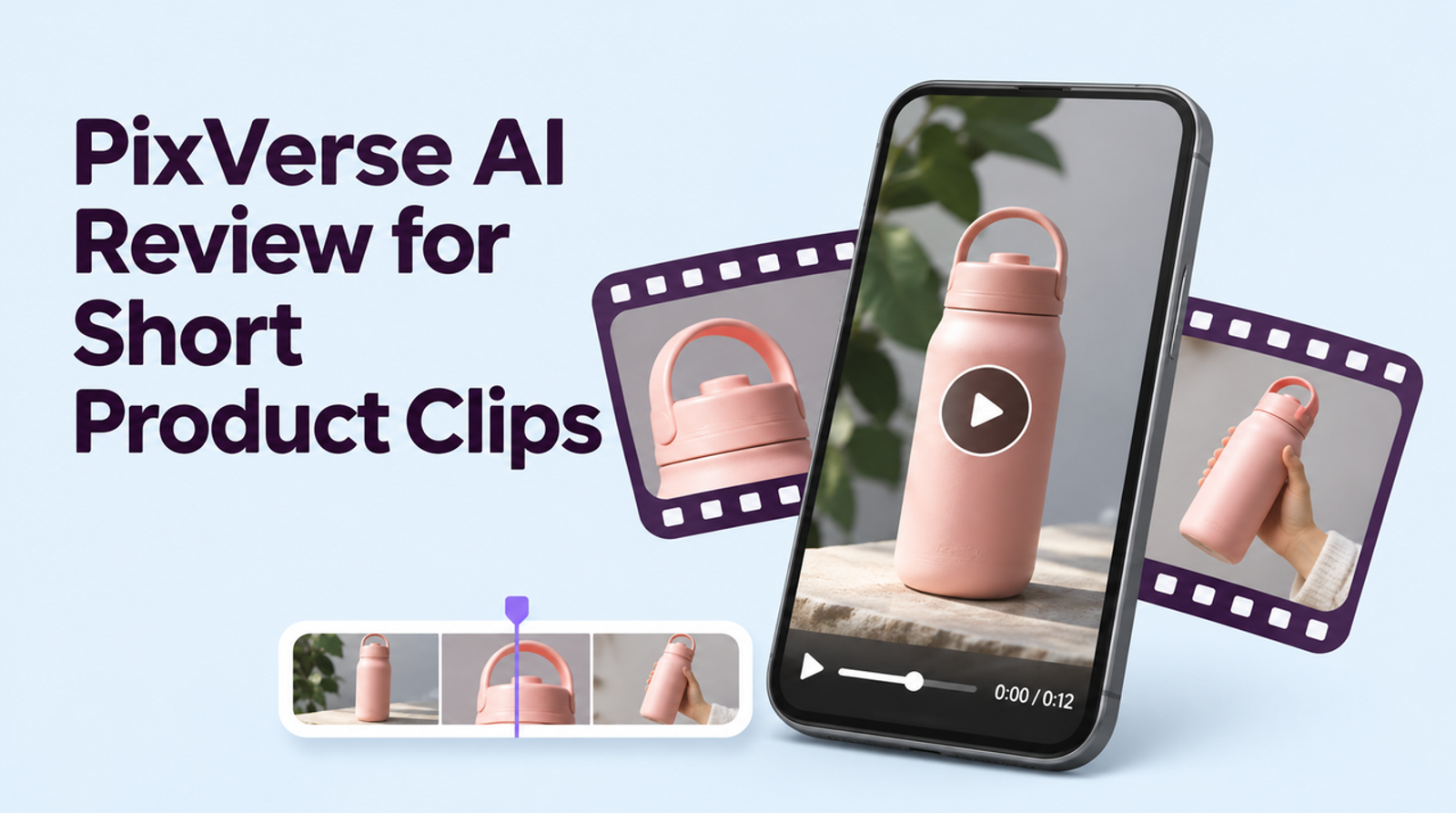
PixVerse is worth considering for a short product clip built from one approved still and one clear motion idea. A brand should expect to review and finish the result before it becomes an ad, especially when packaging must remain exact. This PixVerse AI review is based on official documentation checked November 5, 2026, not a hands-on product test.
Is PixVerse Suited to Short Product Clips?
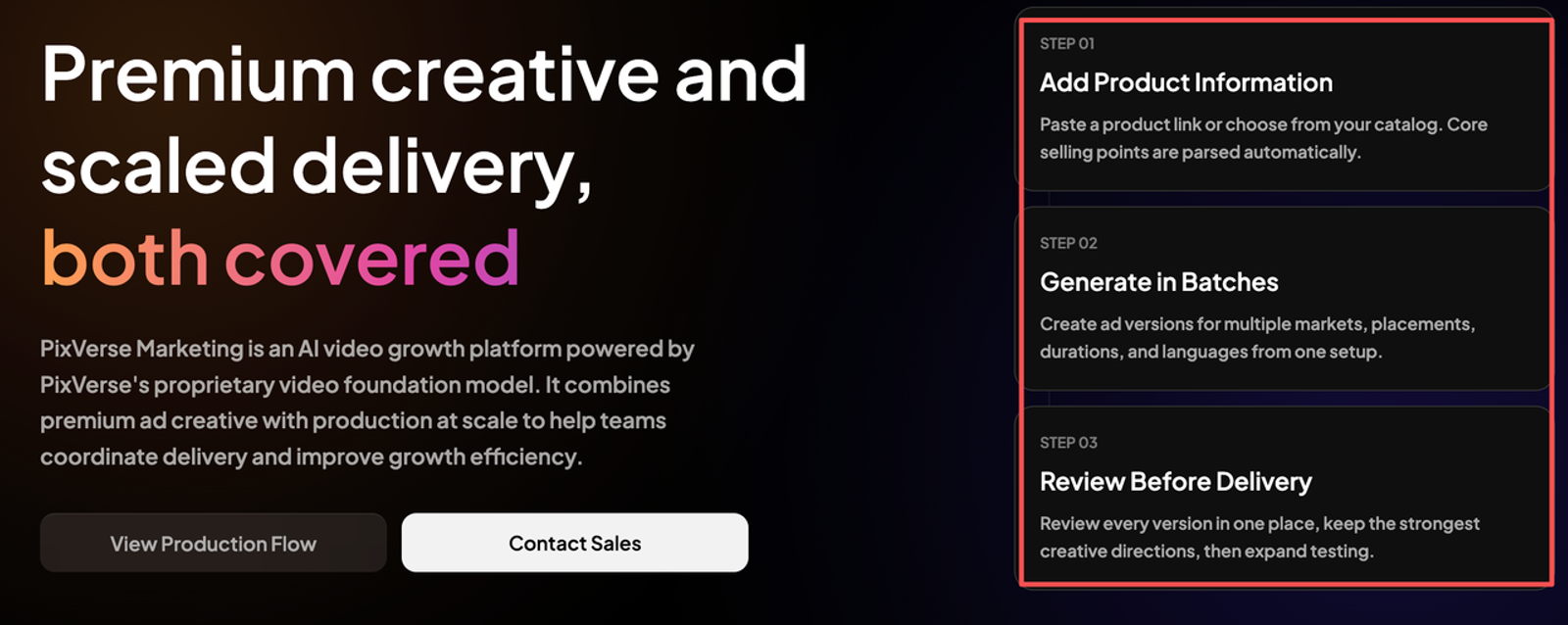
PixVerse's official site offers image-to-video alongside entertainment-oriented effects. For a product team, the relevant route is a single still becoming a single shot. I would assess that route before considering templates or a longer sequence, because the deliverable here is footage the editor can place in an ad.
The One-Shot Task and Its Deliverable
Define the deliverable as a front-facing bottle with a slow push-in and room for later approved copy. That keeps the test small enough to explain what caused a rejection.
PixVerse's current model documentation lists V6 and V6 Max among its image-to-video options, with model-dependent capabilities. Record the selected model and settings for each attempt; that is the unit of comparison for a useful PixVerse video review.

How Does a Product Still Become Motion?
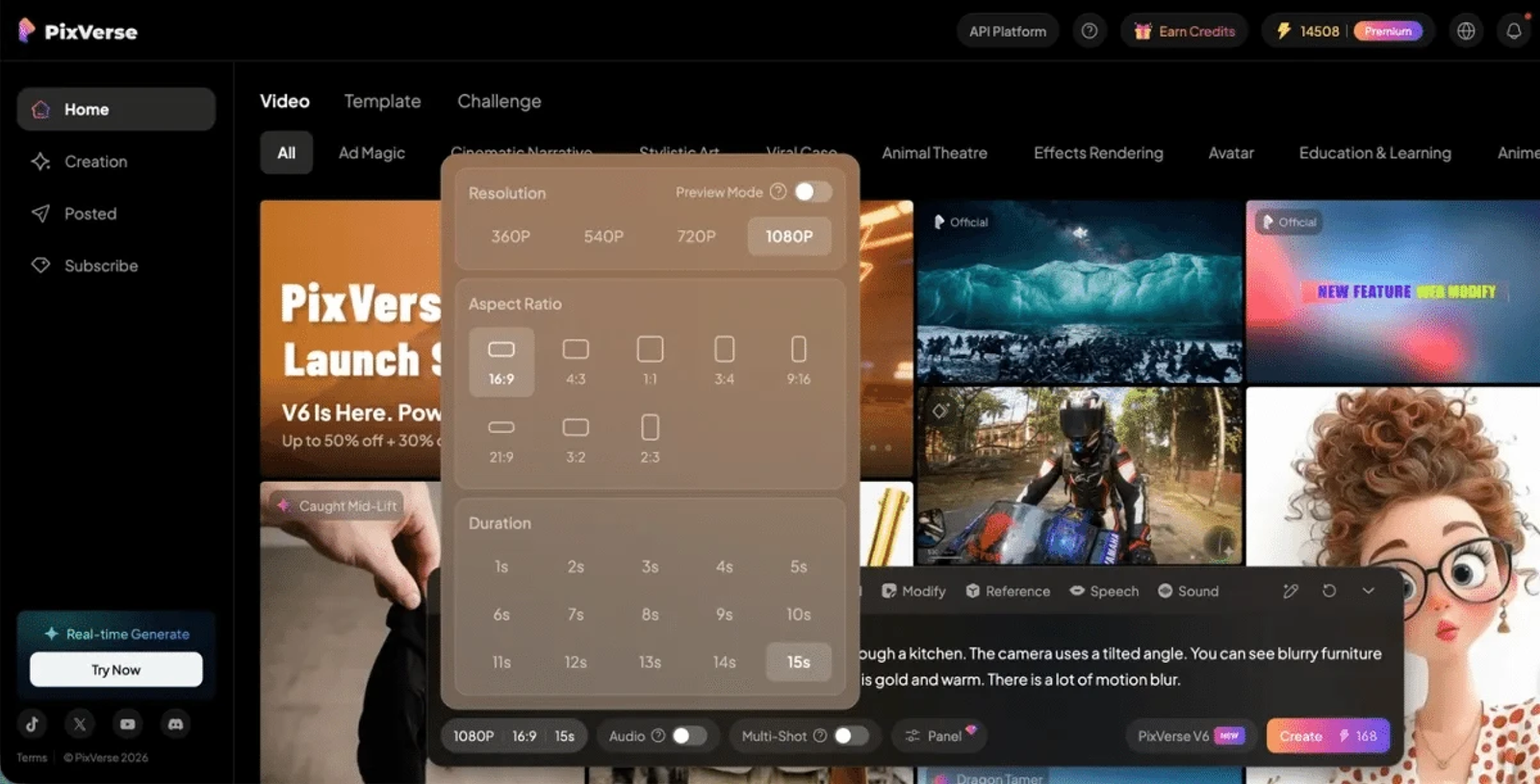
The image supplies the starting composition; the motion prompt specifies what should change over time. The PixVerse model capability map lists image-to-video support and durations of one to fifteen seconds for V6 and V6 Max, along with output resolutions and aspect ratios. Treat those as documented options, subject to the model and route you actually select.
Source Asset and Prompt Setup
I would use a clean, authorized photo with room around the product for the intended crop. The prompt can stay focused on a slow camera push, slight background movement, and no new hands or text. This is a proposed fixture, not an observed PixVerse result.
Before generating, choose the final placement's orientation and a duration long enough for the move but short enough to remain one shot. Keep audio and multi-shot features out of the baseline if the brief does not require them. If the first version fails, changing one input at a time is more informative than rewriting the whole prompt.
Draft Review and Revisions
Review the first draft at normal speed to see whether the move reads as intended. Log the model, resolution, duration, audio setting, prompt, and credits charged.
If framing fails, check the input crop and motion direction before rewriting the whole prompt. If the source photo is weak, replace it before paying for another take. The next edit is part of the cost. PixVerse's current subscription page lists 60 initial and 30 daily credits for Basic, alongside paid allowances. Record credits and editor time per accepted clip, including rejected attempts; the plan allowance alone cannot tell you that cost.
What Should a Brand Inspect in the Clip?
The brand's approval standard should come from its source image and product facts. For the sample bottle, I would record deviations rather than give the output a general “looks good” verdict.
Packaging, Typography, and Product Shape
I would check the label before the lighting. Pause on the first, middle, and last frames and at any turn, blur, or occlusion. Compare the cap, silhouette, logo placement, package texture, colors, and readable words with the authorized image. Small typography deserves a separate check at the size viewers will actually see, since an apparent match on a large monitor can become an invented word on mobile. If the ad makes a specific claim, that claim needs an approved source outside the generated clip.
The failure type determines the repair. A soft background may be acceptable or fixable in editing; a changed ingredient statement is a rejection for a label-led ad. A fixed photographed product layer over generated motion can protect the SKU, but then the team must inspect shadows, occlusion, and camera movement for an obvious composite. These are proposed acceptance rules for PixVerse product clips, not a measured defect rate.
Framing, Motion, and Ending
The clip should keep the product inside the intended crop, leave space for approved copy, and end on a frame an editor can cut from or hold. A rotation may reveal a side of the package absent from the source image; a smaller push-in may communicate depth without requiring that invention. Pretty is easy to spot. Useful takes another look when a shot must fit a real edit.
Where Does PixVerse Fall Short of a Finished Ad?
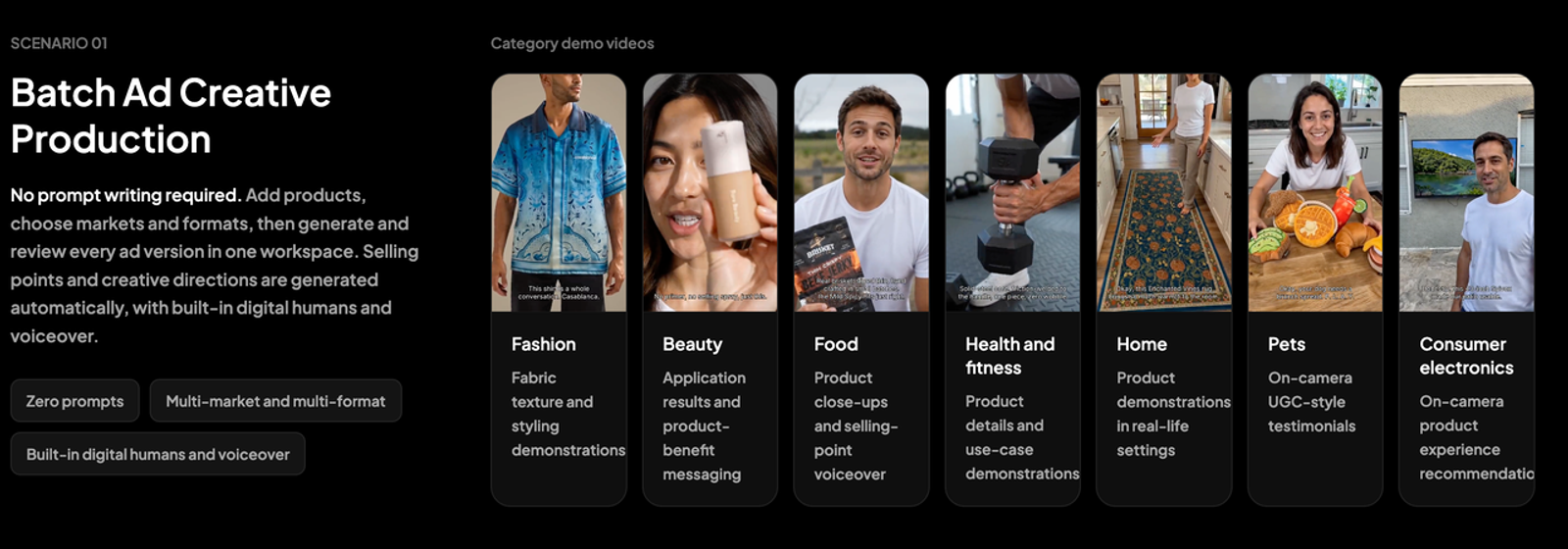
PixVerse can generate a shot; a brand still needs to assemble, substantiate, and export the advertisement. The chosen clip may require an approved headline, offer, legal text, captions, music, and a destination-specific crop. Keep the native source still and approved graphics available so an editor can replace a doubtful product frame rather than building the whole ad around it.
Editing, Claims, and Campaign Variants
An editor may need a different opening, language, aspect ratio, or end card for each placement; those changes can expose details that looked fine in the original cut. I would hand off the clip with the source image, settings, usable timecodes, and a short note on what was checked. Before a paid placement, verify rights to the product photo, logo, any person shown, soundtrack, and final copy.
Who Should Consider PixVerse?
PixVerse is most relevant to teams that have approved product photography, an editor to assemble the ad, and enough budget for rejected attempts. PixVerse AI limitations matter most when the brief requires unseen package surfaces, exact regulatory wording inside the generated video, or a faithful demonstration of real product performance.
Appropriate Tests and Poor-Fit Briefs
I would give the team one modest camera move and one target placement, then cap the pilot by credits and review time. A label-heavy or reflective SKU deserves a stricter pilot than a generic lifestyle object. If the first clip passes, repeat with a second SKU before calling the process repeatable.
Conclusion
PixVerse merits a controlled test for a simple product shot. I would compare the credits spent, rejected attempts, and editing time per approved clip, then decide whether the workflow earns a place in production. Its feature list shows what can be attempted; A reviewed output shows what the brand can actually use.
FAQ
- Can PixVerse export a clip without its default audio?
- PixVerse's V6 model documentation distinguishes generation with and without audio, so a silent output is a documented option. Confirm the audio setting on the selected web or API route before creating the clip; Muting an exported file later is a separate editing step.
- Can PixVerse exports be used in paid product ads?
- Only under the applicable terms. PixVerse's updated web terms allow commercial use for outputs generated through paid services with PixVerse-developed models; third-party models follow their own rules. The team must also hold rights to its inputs and clear the final ad. Please refer to the latest official documentation. This is general information, not legal advice.
- Does a PixVerse free export include a watermark?
- PixVerse lists watermark-free output as a paid-plan benefit, while Basic does not include that benefit. Treat free exports as watermarked unless the current account and export screen explicitly show otherwise; do not budget a free test as a clean paid-ad deliverable.
- Which vertical aspect ratios does PixVerse currently support?
- The current capability map lists 9:16, 3:4, and 2:3 among V6 and V6 Max options. Available ratios can depend on model and input route, so confirm the selector and crop before committing to a placement.
- Does PixVerse retain uploaded brand assets?
- Its privacy policy says uploaded cloud content can be stored to support access and sharing, and describes retention in purpose-based terms rather than a fixed period for every product image. For an unreleased SKU, obtain the applicable retention and deletion terms before upload; do not assume deleting a draft immediately removes every stored copy.