The short answer
Runway is a credible place to develop directed product-video shots, provided a team can review them and assemble the final ad. Its fit is less certain when a generated close-up must reproduce an approved product exactly. This Runway AI review examines documented workflows as of November 5, 2026; I have the documentation, not a finished product-footage test.
What Product Video Job Does Runway Fit?
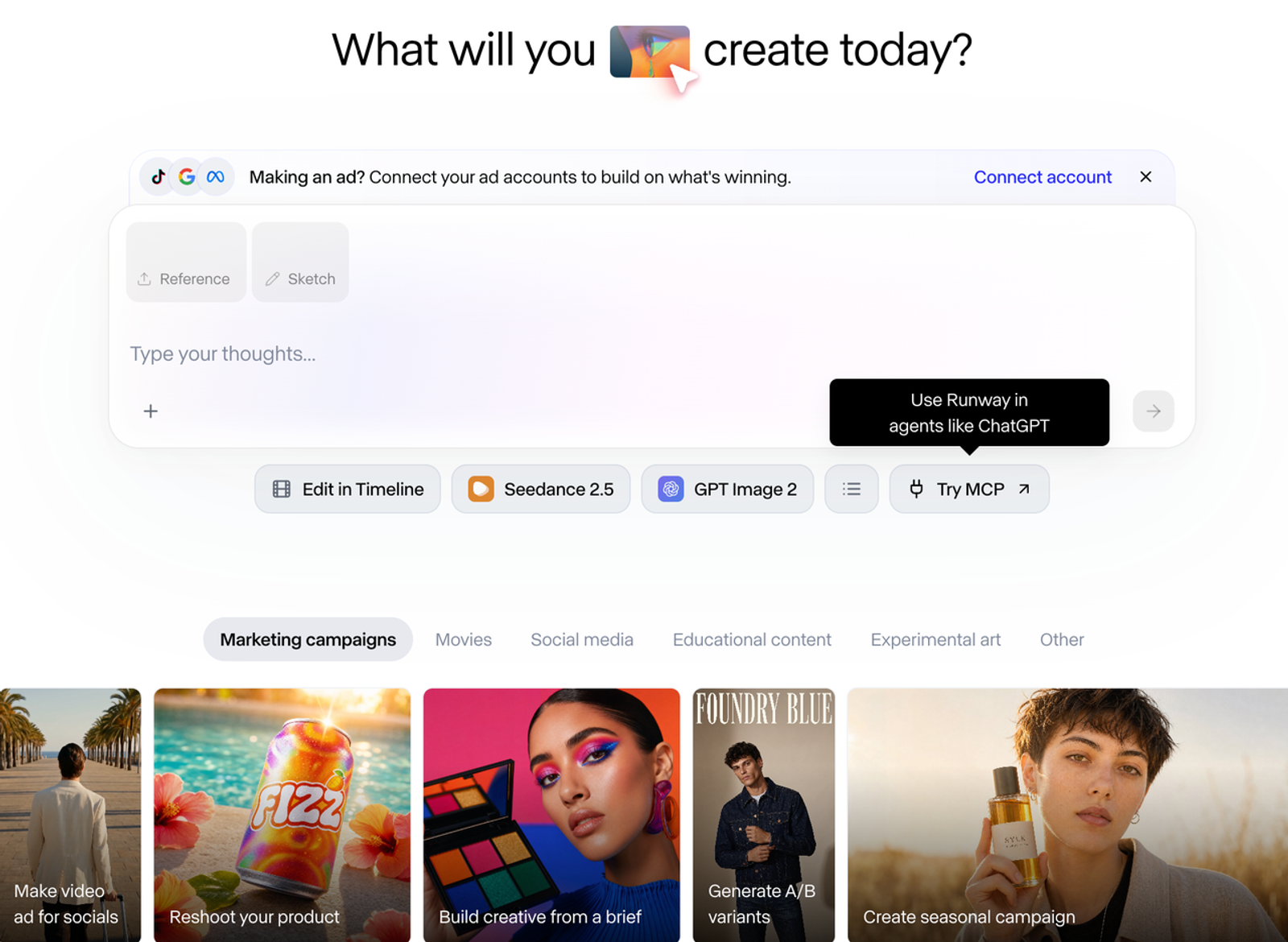
Runway fits the shot-making part of a campaign: an atmospheric opener, a moving backdrop, or a camera move that would otherwise require a shoot or animation. Its current Gen-4.5 creation guide documents text-to-video and image-to-video routes, each producing two- to ten-second clips at 720p and costing 12 credits per generated second.
Original Brand Footage Versus Product-Faithful Ads
An original brand shot can tolerate interpretation: light, setting, and movement may matter more than a particular object. A product-faithful ad has a stricter contract with the approved reference. I would use a generated establishing shot more freely than a close-up of packaging with small print.
Runway also has a Product Shot Video Builder, but it is a different route from directly generating with Gen-4.5. Its official help page says the builder first creates a newly framed still from the uploaded product photo, then animates that still with Kling Standard 3.0. A team evaluating the builder should approve the intermediate image before spending effort on motion. Otherwise, a changed label or silhouette can travel into every video frame.

How Does a Short Shot Move Through Runway?
A useful Runway product video workflow starts with one shot brief, an authorized source image if needed, and the intended aspect ratio. Runway's asset-management guidance says uploads enter private account Assets; confirm the sharing setting before using an unreleased SKU.
Preparing the Prompt or Product Reference
For text-to-video, the prompt must describe both the scene and its motion because no source image anchors the product. I would reserve that route for concepts, backgrounds, or generic objects. For image-to-video, Runway says the prompt should concentrate on motion: what the camera does, what moves in the environment, and what should remain still. The current guide lists 16:9 for text-to-video; image-to-video also lists portrait, square, and other ratios. A vertical ad brief should therefore choose the image-led route deliberately rather than assuming the text route offers the same framing.
A controlled brief might request a slow push toward a front-facing bottle, with no rotation or hand entering the shot. That is a proposed prompt, not a reported Runway result.
Generating, Reviewing, and Revising
Before generation, set duration and ratio for the intended placement, then save the prompt, source image, model route, and credit deduction. A five-second Gen-4.5 attempt uses 60 listed credits at the current rate; rejected attempts still count toward production cost.
Change one instruction at a time during revision. If an orbit exposes a side of the product absent from the reference, try a smaller move; if the source image is weak, repair it before generating again. The next edit is part of the cost. Count accepted shots, reruns, review time, and finishing work separately from nominal credits per second.

What Makes a Shot Usable for a Brand?
A usable shot passes a product-identity check and leaves the editor room to finish the message. Set the approval standard before judging the movement or lighting.
Product Identity and Visual Continuity
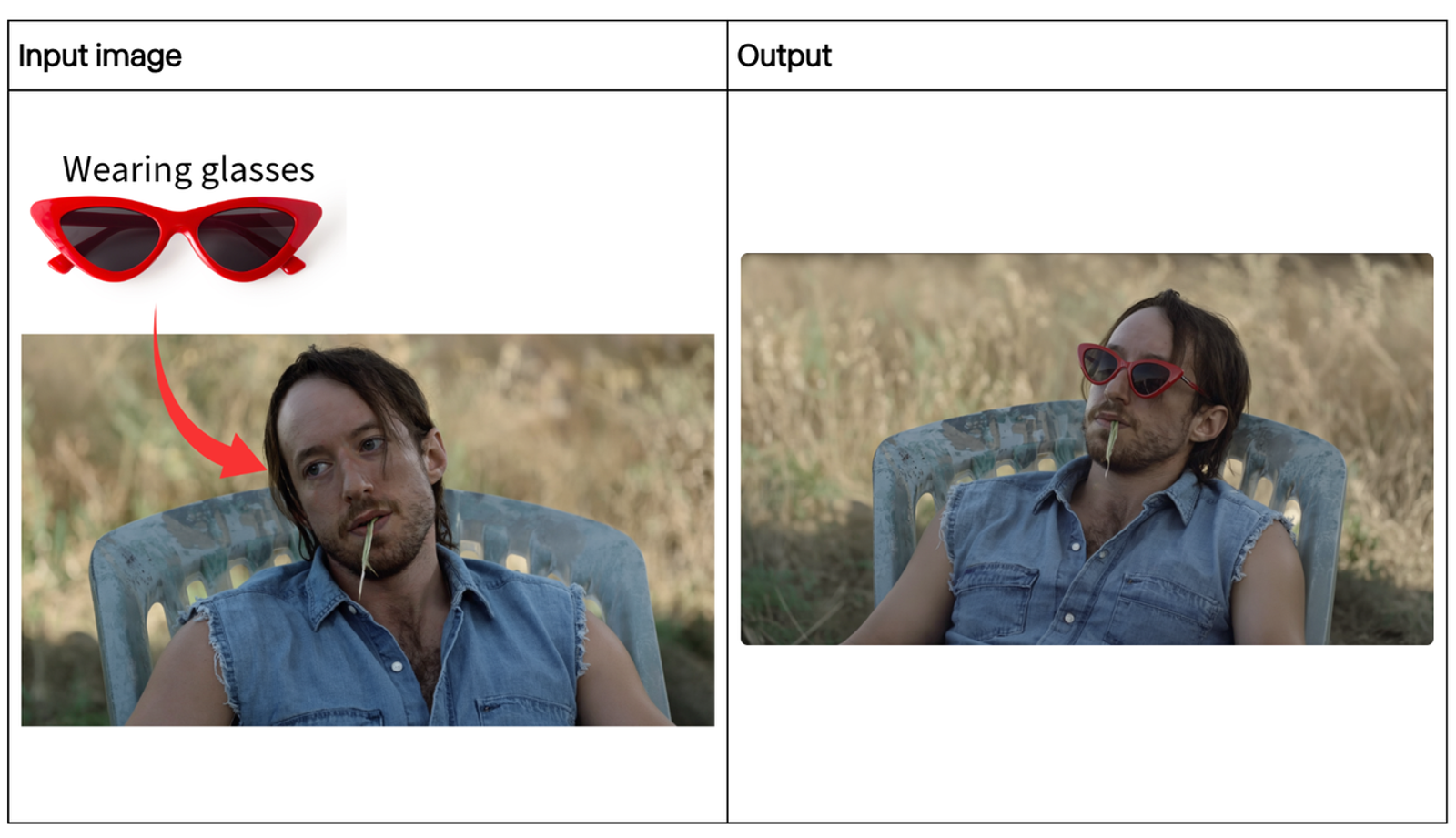
I would check the label before the lighting. Compare the SKU, cap, silhouette, colors, marks, and visible claims with the approved reference at the first, middle, and last frames, then pause at turns or partial obstructions. Hands, reflections, and shadows must also make physical sense. Across a campaign, compare color and product scale between shots.
If a shot fails that check, the team can move required text to approved graphics, composite a photographed product, or film the close-up. Those are different repairs with different costs. This is how I would assess Runway AI limitations for a product brief: by recording which repairs a shot needs. A synthetic pouring scene should not serve as evidence of the product's real behavior.
Camera Motion and Editorial Control
Runway's documentation invites detailed camera choreography, but a prompt remains a request. After the product check, I would ask whether the motion reveals the subject at the right moment, leaves room for copy, and ends on a usable cut. A steadier take can be more valuable than a dramatic orbit if it reduces editorial repair.
Where Does Runway Need Another Production Step?
Runway supplies footage for an editor to assemble with approved copy, disclosures, licensed audio, and captions. The team also needs placement-specific exports. Runway's ProRes and PNG-sequence guidance describes handoff files for some routes; export format does not make the footage an approved ad.
Ad Assembly, Claims, and Localization
Keep price, benefits, offer dates, and legal language in a controlled editorial layer unless the generated text has been individually approved. A localized version needs more than translated captions: the line must fit the shot, any spoken claim needs review, and packaging may vary by market. I would also watch the assembled ad on the target device before approval. A label legible on a desktop timeline can disappear under a mobile crop or platform overlay.
The handoff should identify usable timecodes, the chosen export, and who approves the final claim.
Who Should Use Runway for Product Video?
Runway makes the most sense for teams with a clear short-shot brief and enough editorial capacity to use the result. An exact packshot demonstration with no editing budget is a harder fit.
Fit by Creative Brief and Team Resources
An in-house team with approved stills may value image-led motion. A regulated or label-heavy SKU may be better served by filmed or composited close-ups, with generation confined to the setting. I would shortlist Runway according to how much interpretation the brief permits, then test more than one product before adopting the workflow.
Conclusion
Runway is a candidate for directed short shots, with the strongest fit where the team can finish and approve the result. I would judge its value by accepted clips and total revision effort, not a demo or credits per second alone.
FAQ
- Which current Runway plans include Gen-4.5?
- Runway's current Gen-4.5 guide lists Standard and higher for web access. The plan name alone does not specify how many attempts a team can afford; check the current credit allotment and the model's per-second deduction before budgeting a campaign.
- Can a Runway generation be exported as ProRes?
- Yes, on Max, Unlimited (Legacy), and Enterprise for supported Gen-4.5 Tool Mode generations. Select ProRes at generation time; Runway says an existing MP4 cannot simply be converted to that output through the same generation, and the format adds five credits per second. Workflows and Agent output remain MP4 under the documented rules.
- Does Runway offer API access to its current video model?
- Yes. The Runway developer API reference lists
gen4.5for image-to-video tasks. Confirm the endpoint, inputs, rates, and account terms separately from the web plan. - What are Runway’s current commercial-use rights for generated clips?
- Runway's commercial-use help page says it places no non-commercial restriction on creations and does not require credit. That does not clear rights to upload photos, logos, people, music, or the final ad's claims. Check the applicable terms and client permissions for the exact project.
- How long does Runway retain uploaded product references?
- Runway says uploaded media is stored in account Assets, private by default, and can be deleted. Separate reference guidance calls unsaved session references temporary, but does not give a universal deletion period for every underlying upload or backup. For confidential or unreleased products, obtain the retention terms for the relevant plan before upload.