AI Video Generator
With Wizstar AI, turn any text, photo or reference clip into cinematic 4K video — Seedance 2.5, Minimax H3, Kling 3.0 Omni and more, all in one platform.
Free to start · No credit card required · Seedance 2.5 · Kling 3.0 Omni · MiniMax H3
Every Top AI Video Model. One Login
One account, every model. Start a shot on Seedance, re-run it on Kling or MiniMax, compare side by side — no re-uploads, no separate subscriptions. Pick what the shot needs: prompt following, resolution, or cost per clip.
AI Video Generator
Seedance 2.5
Our newest flagship and the default pick when you want the best possible result. It has the strongest prompt following and scene continuity of anything on the platform — long, detailed prompts land closer to what you described, and motion stays coherent from the first frame to the last. It is the only model here that covers all three inputs — reference, image and text, and it renders the longest clips, up to 30 seconds, at 480P or 720P.
Try Seedance 2.5Try All AI Video Generators in Wizstar AI
Text, image, or an existing clip — three ways in, one publish-ready video out. No matter where a shot starts, it ends in the same place: graded, sized, and ready to post.
Reference to video
Upload the character, outfit, prop or art style you need to keep, describe the shot, and Wizstar animates it instead of redrawing it. What you uploaded is what comes back — same face, same costume, same palette — take after take.
- Keeps identity, not just vibe — face, hair, costume and colour survive camera moves, new lighting and re-runs, so separate takes still cut together.
- Mix references in one shot — pair a character sheet with a mech or prop sheet and both stay on model in the same scene.
- Seedance 2.5, MiniMax H3, Seedance 2.0 — re-run the same references on another model and compare takes without uploading anything again.
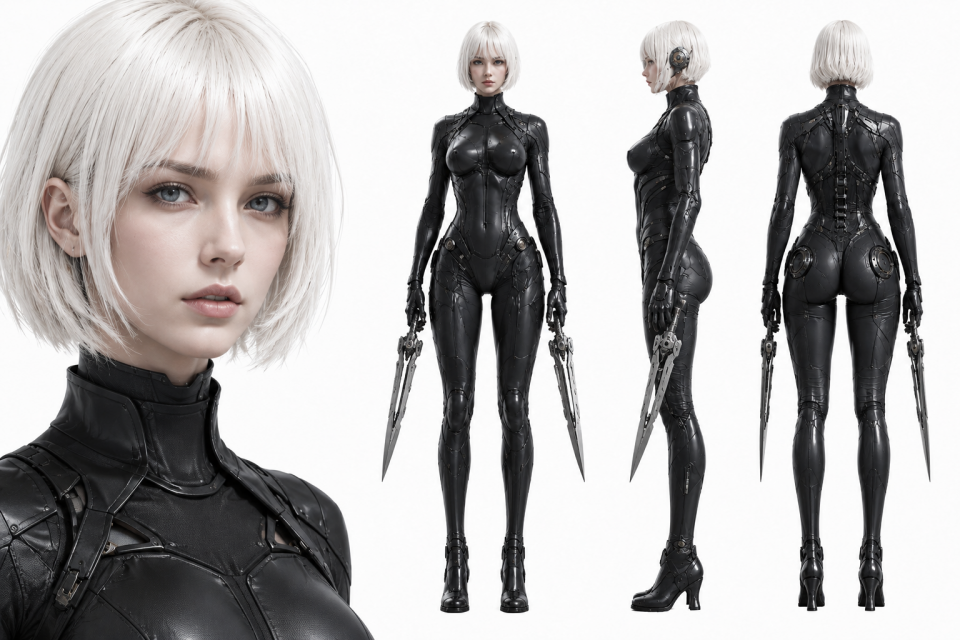
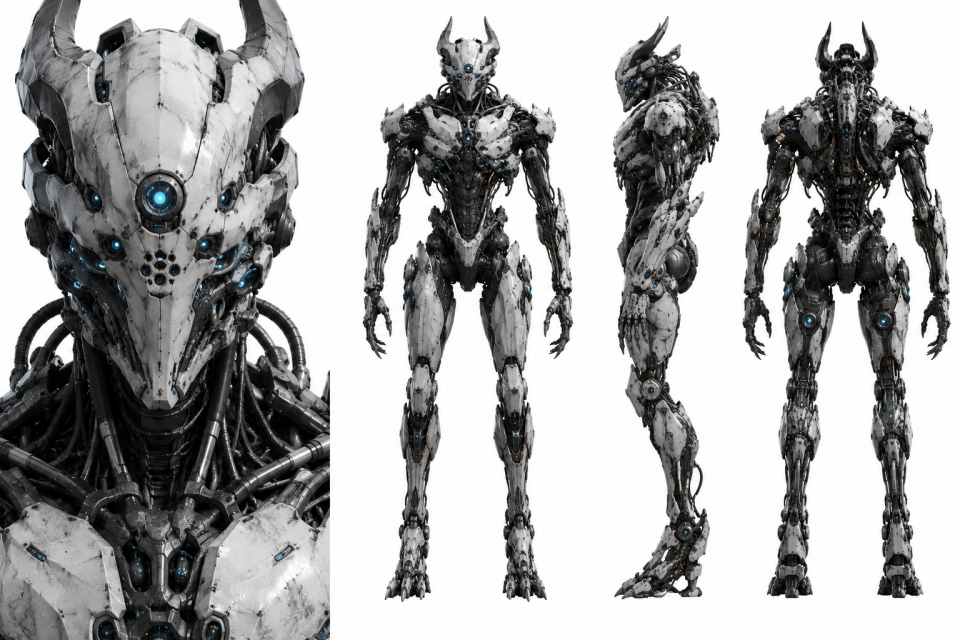
Image to video
Start from a still you already like. Wizstar reads the composition, depth and lighting inside the frame and moves the camera through it — push in, orbit, parallax — instead of pasting motion on top. Add a second image as the end frame when the shot has to land somewhere exact.
- Camera moves that respect the frame — subject, background and lighting stay consistent while the shot pushes in, orbits or pulls back.
- Start and end frame control — set where the shot opens and where it has to land, and let the model fill in the motion between them.
- Publish-ready in one pass — pick aspect ratio, resolution and duration per shot, so the same clip works for a feed post, a story or a landing page.
Text to video
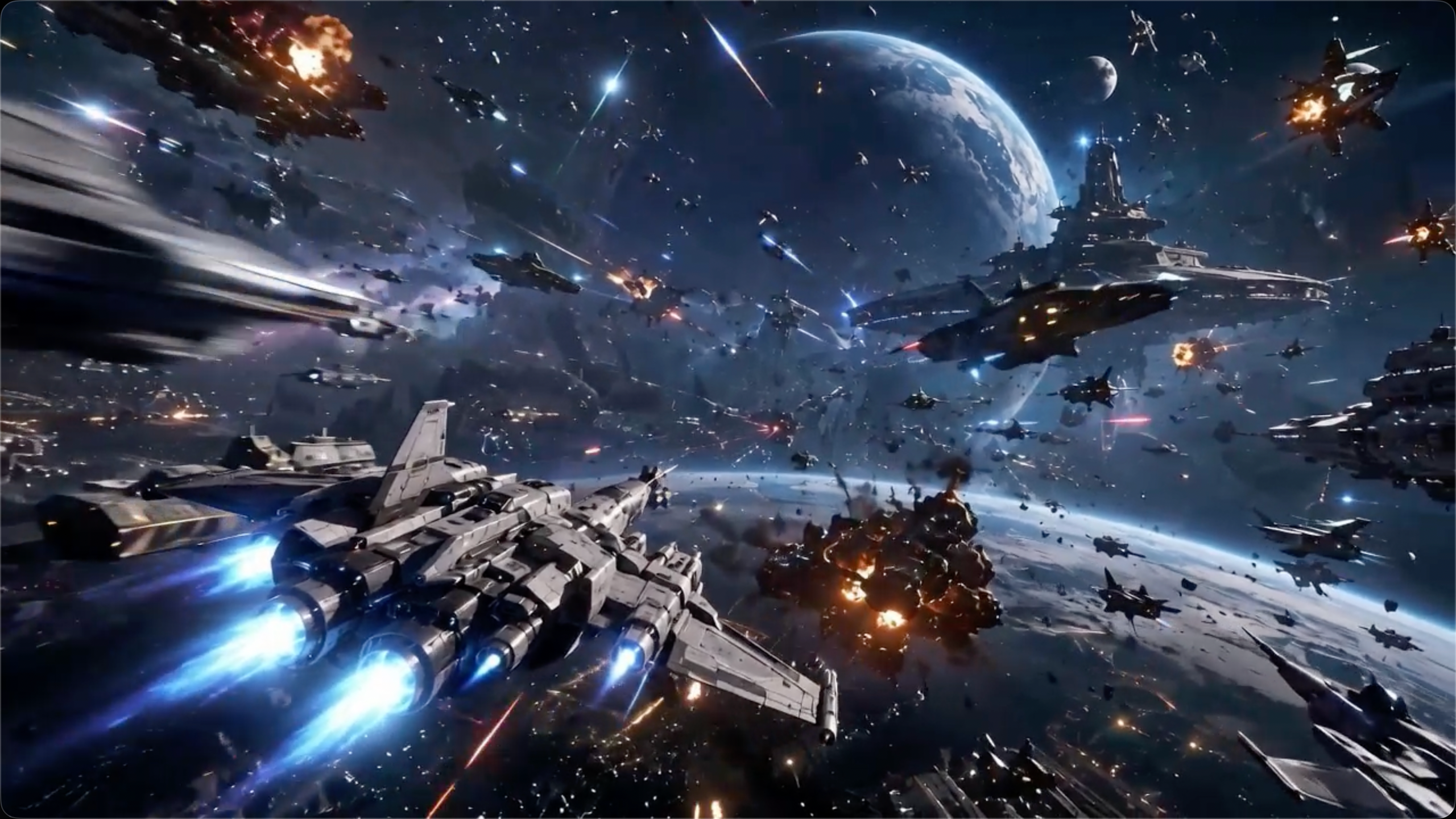
No footage, no stills — just a line of description. Write what happens, who is in it and how it should feel, and Wizstar handles framing, camera motion, lighting and grading. Iterate on the prompt until the shot is right, then send the same prompt to another model for a second opinion.
- Prompt in, finished shot out — framing, camera motion, lighting and colour are handled for you, with no keyframes and no timeline work.
- Up to 2,000 characters — describe subject, action, camera and mood in a single prompt instead of fighting a short input box.
- Seedance 2.5, Seedance 2.0, Kling 3.0 Omni, Seedance 1.5 — same prompt, every text-capable model, takes you can compare side by side.
Wide tracking shot, a girl in a billowing cloak rides a broom through a moonlit magic forest at night, weaving between giant ancient trees; glowing creatures scattered through the woods — a shimmering unicorn, a night cat; moonlight breaks through the canopy into volumetric shafts, mist and floating spores drifting; the camera tracks her from the side, then tilts up; shallow depth of field, teal-and-amber cinematic grade.
How to Generate an AI Video with Wizstar
Pick how you want to start
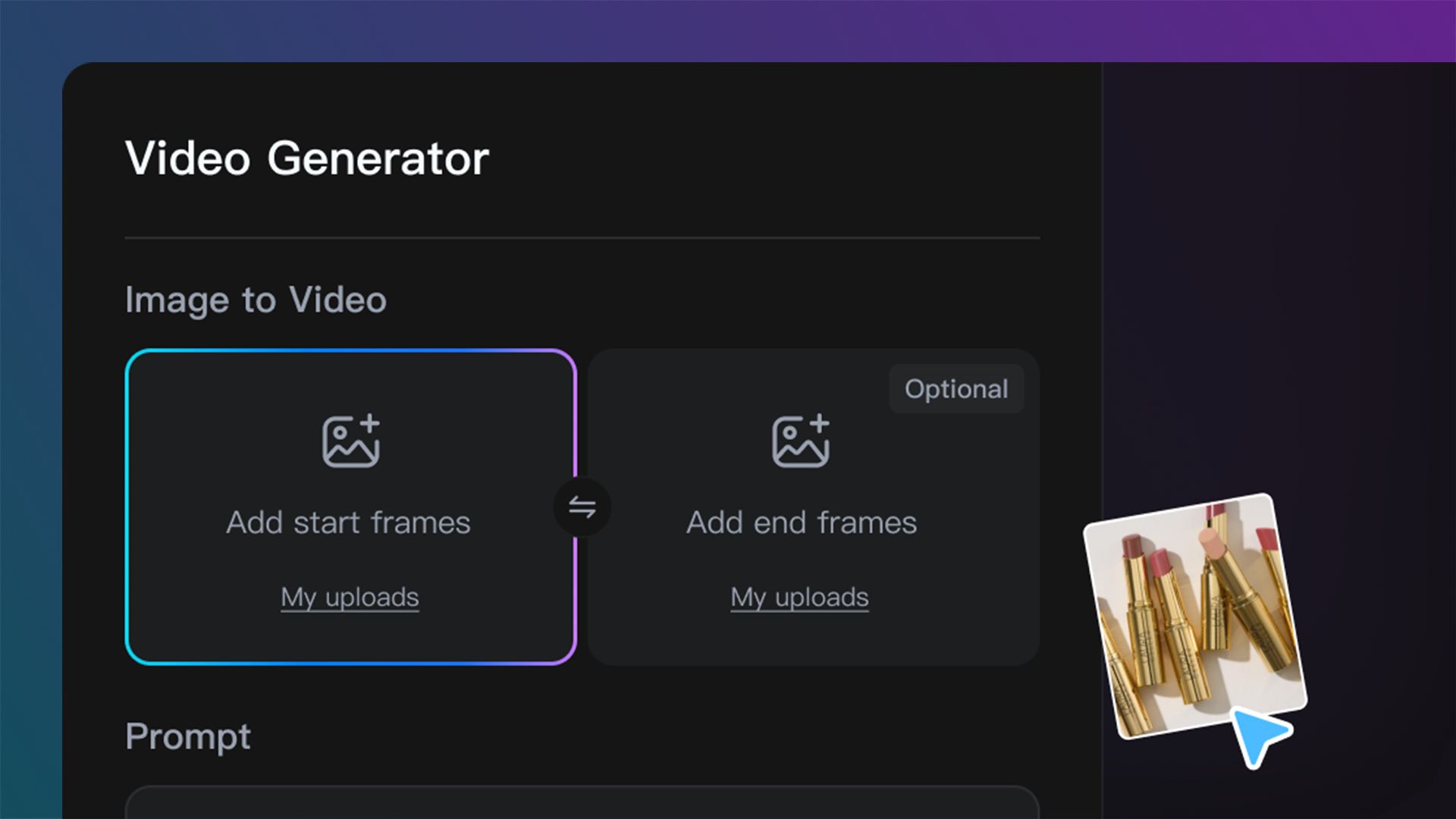
Reference, image or text — all three start in the same input box on this page, so you can switch approach without leaving the page.
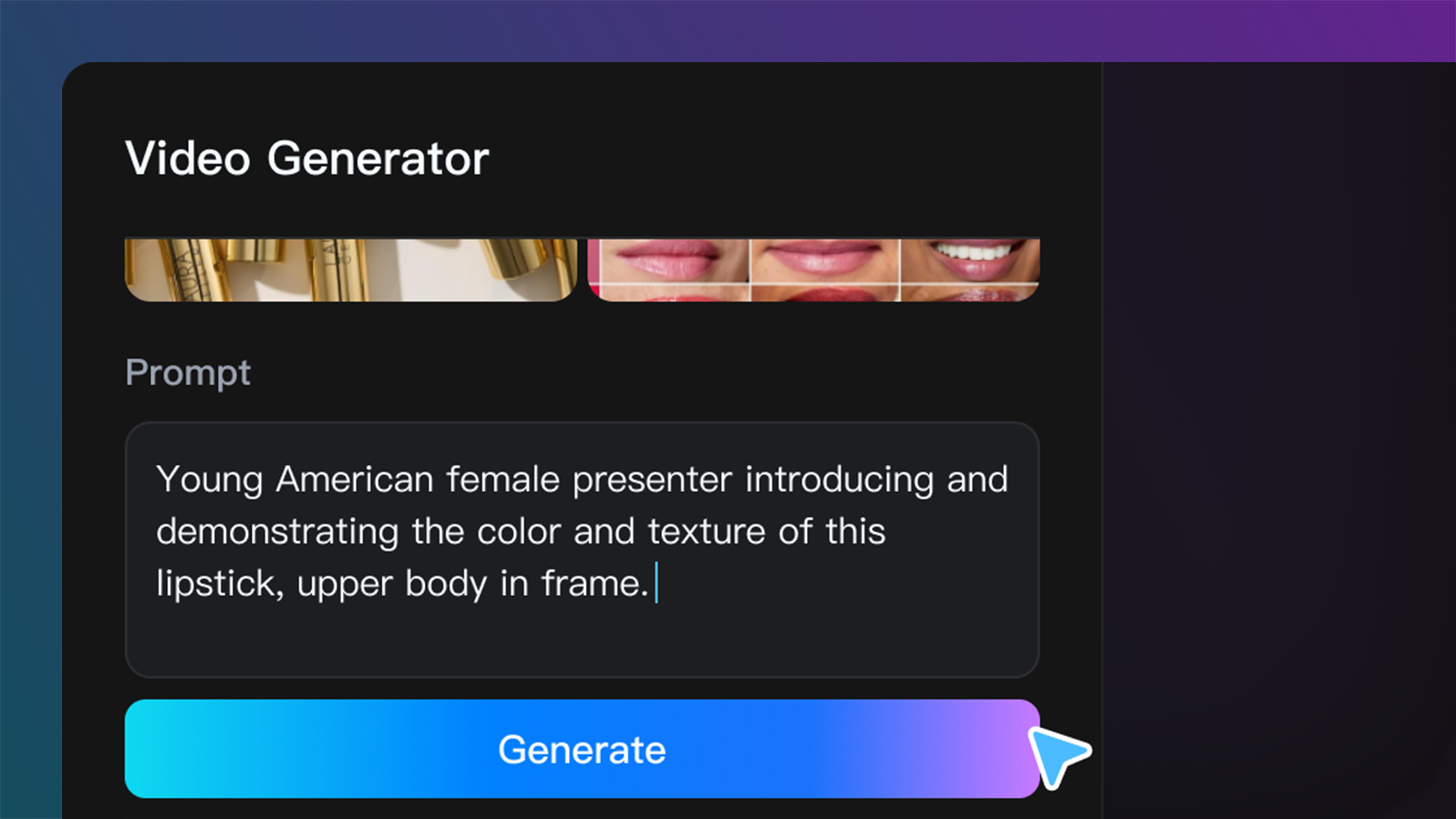
Add your prompt and images
Describe the shot, upload a reference or your start and end frames, then set model, ratio, resolution and duration.
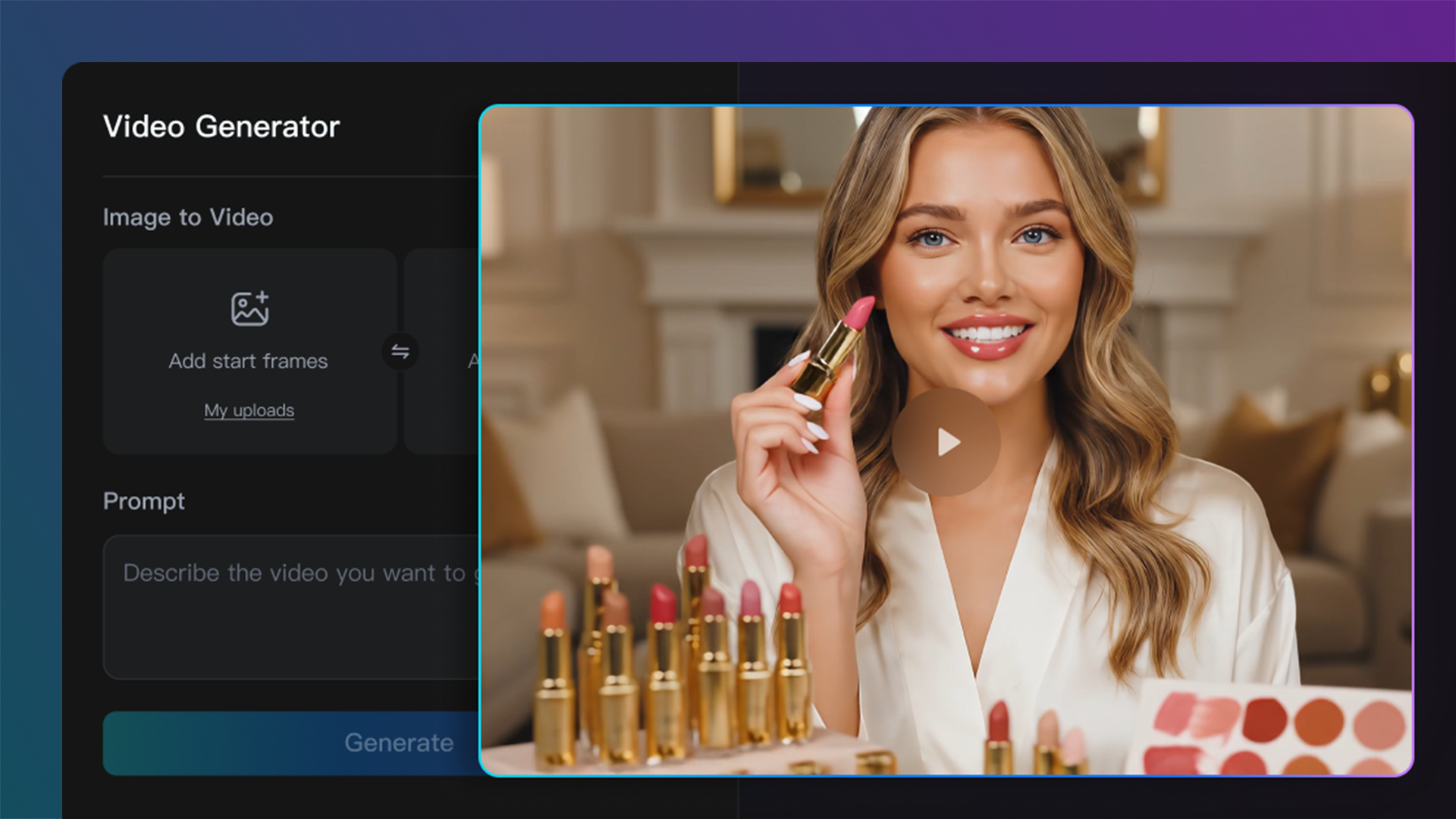
Generate and download
Let Wizstar render the clip, adjust the prompt and re-run as many times as you need, then download the finished video.
Who uses the AI Video Generator

Social Videos
Create short-form videos for TikTok, YouTube Shorts, Instagram, and other social channels.
Marketing Campaigns
Turn campaign ideas into video concepts for ads, launches, and brand storytelling.
Product Visuals
Animate product images or product concepts into more engaging video assets.
Explainers & Tutorials
Create simple videos that explain ideas, workflows, products, or learning content.
Creative Testing
Generate multiple visual directions quickly and compare which idea works best.
Storytelling
Turn scripts, scenes, or story ideas into cinematic video moments.
More AI Creation Tools from Wizstar
AI Drama
AI Video Generator FAQ
Wizstar's AI video generator turns prompts, scripts, images, or a reference clip into video with advanced models like Seedance 2.5, Kling 3.0 Omni, and MiniMax H3. You can create text-to-video, image-to-video, and reference-to-video content without filming, editing skills, or complex production tools.
Generate your first video with Wizstar
Type a prompt or upload an image, and hit generate. It's free to start.
Get started for free