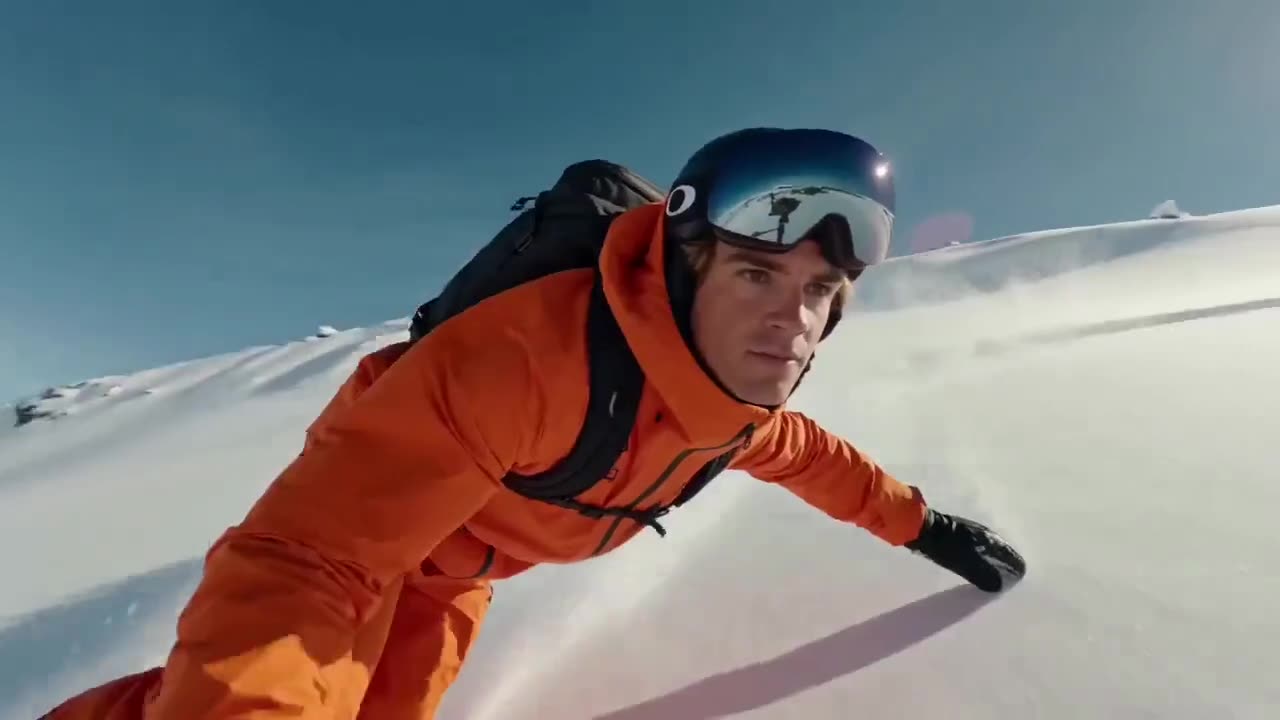
SEEDANCE 2.5 · Video
High-speed alpine motion
Seedance 2.5 example · Motion coherence
Create Seedance 2.5 videos with audio from text, first and last frames, or up to 50 image, video, and audio references on Wizstar.
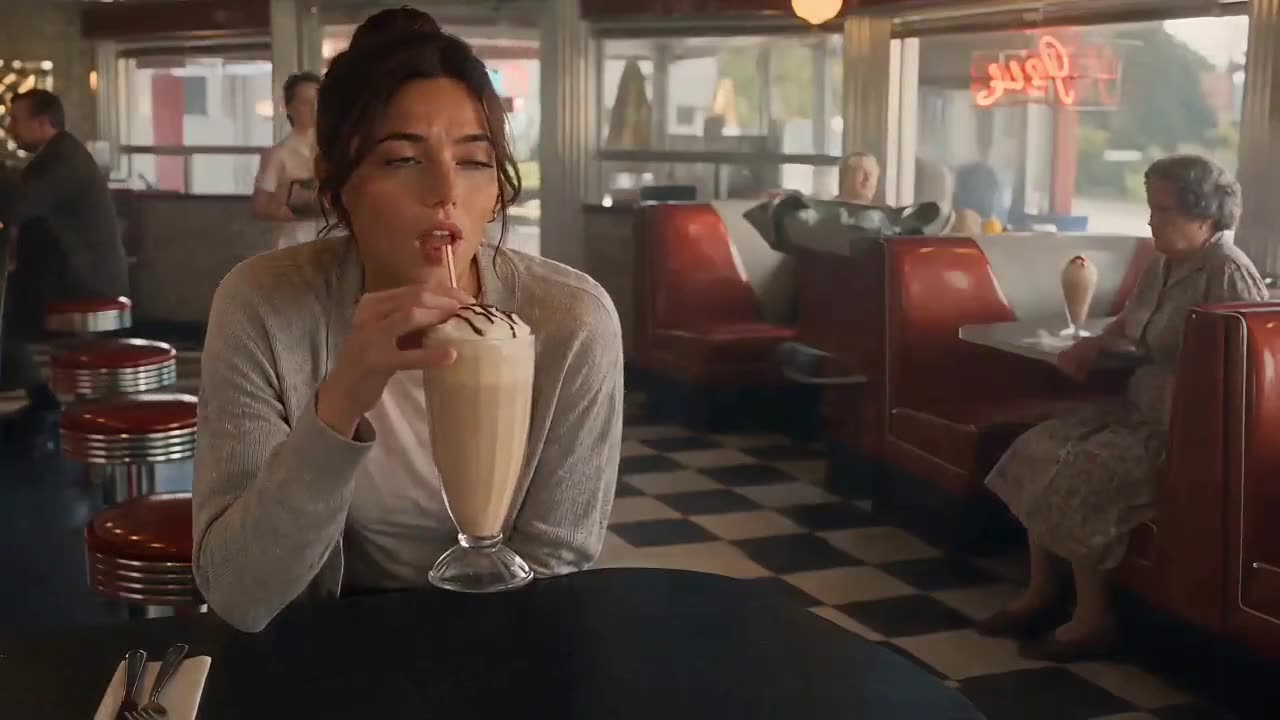
See how Seedance 2.5 supports real creative briefs and output formats.
Seedance 2.5 example · Motion coherence
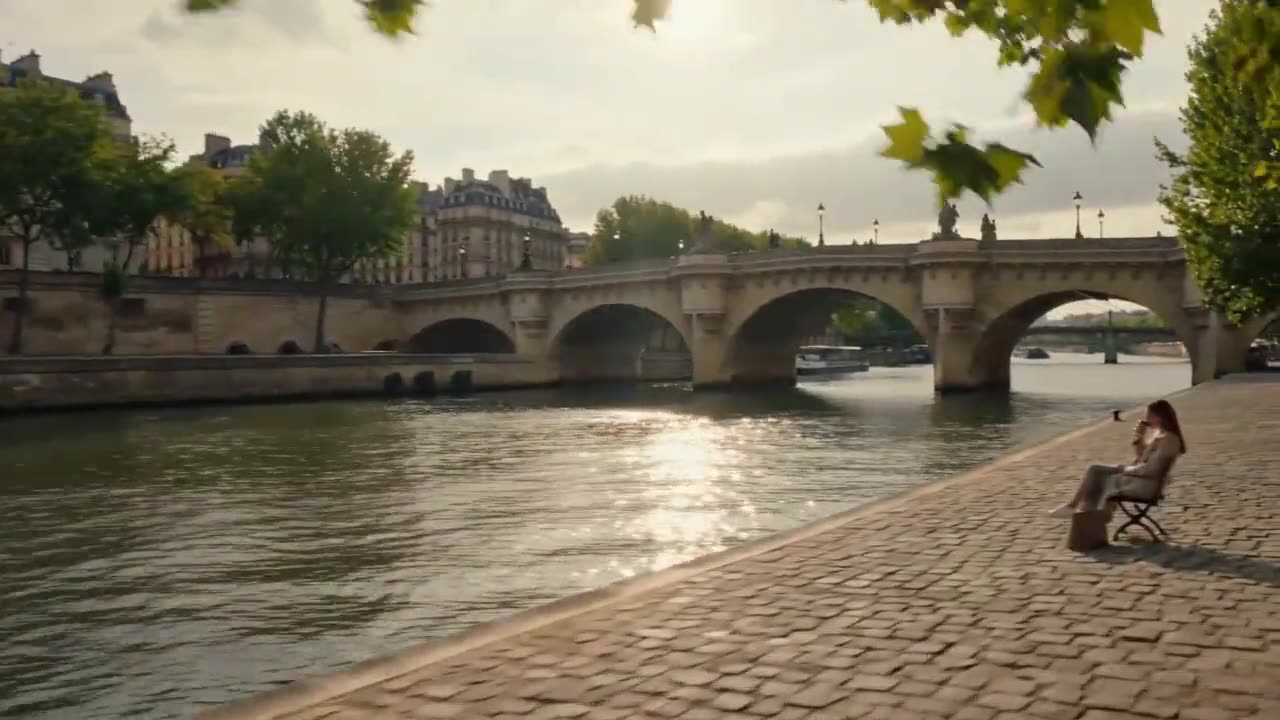
Seedance 2.5 example · Scene consistency
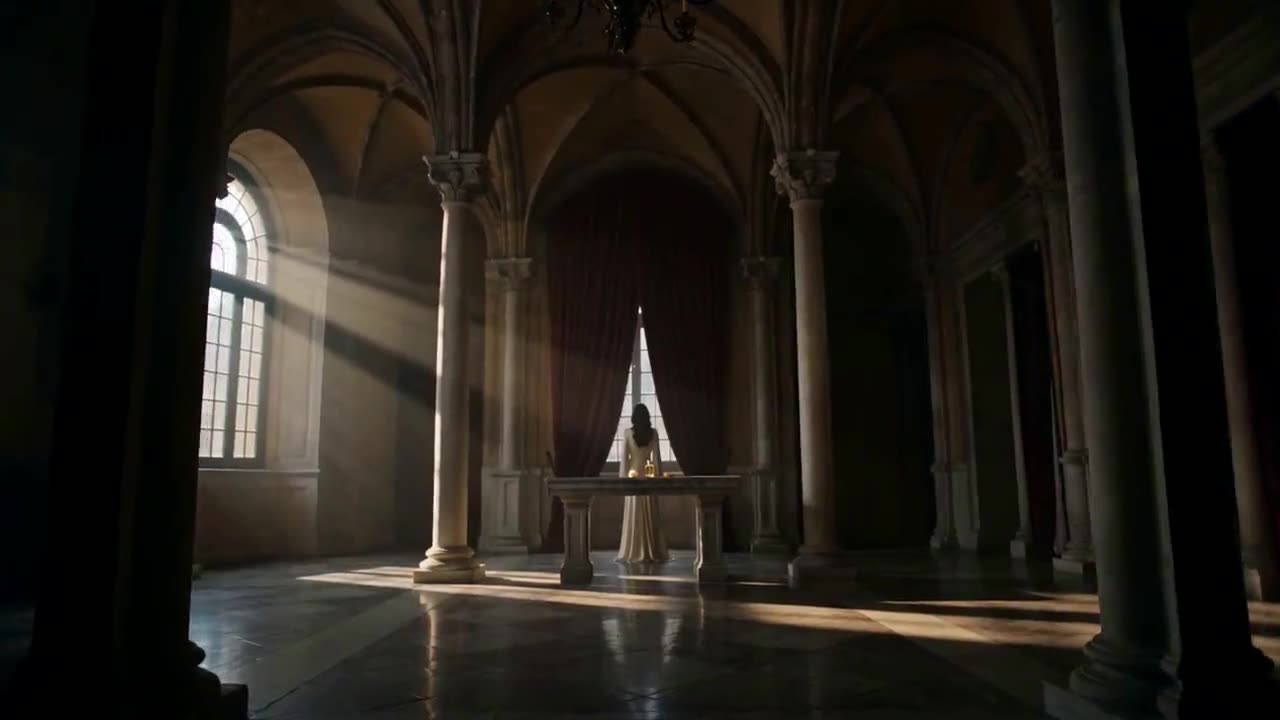
Seedance 2.5 example · Product fidelity
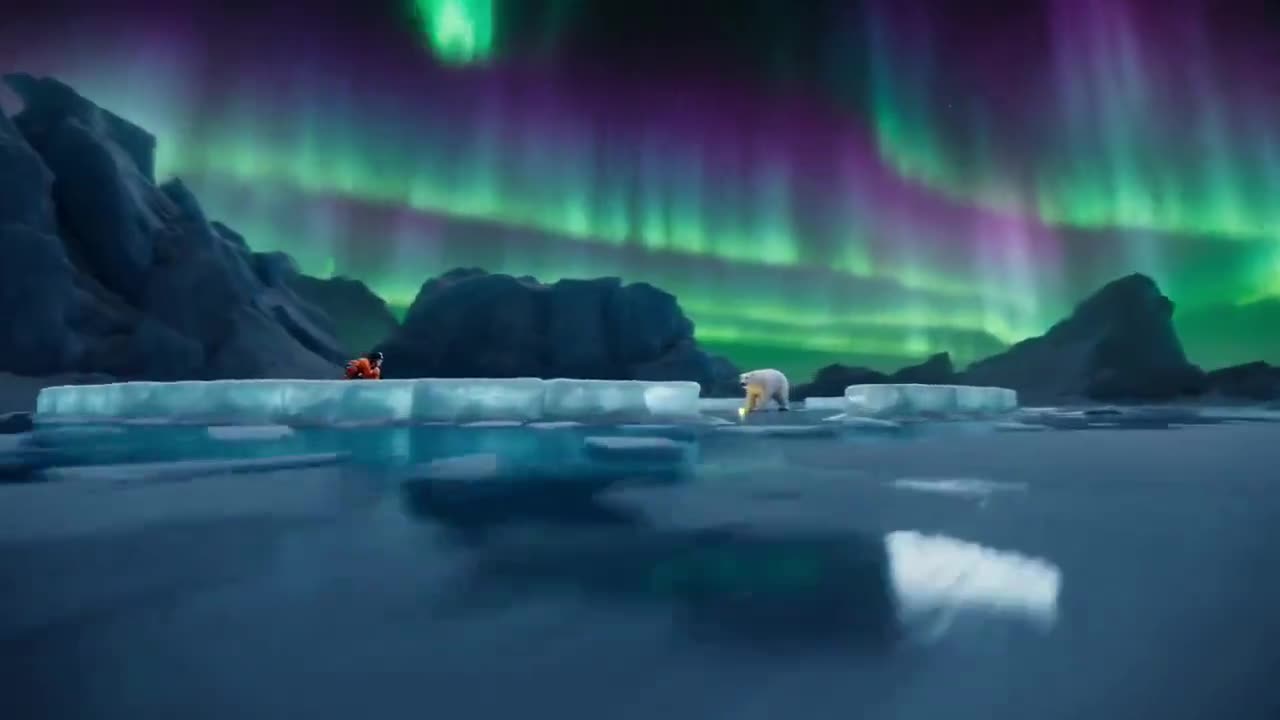
Seedance 2.5 example · 30-second video
Seedance 2.5 example · Action continuity
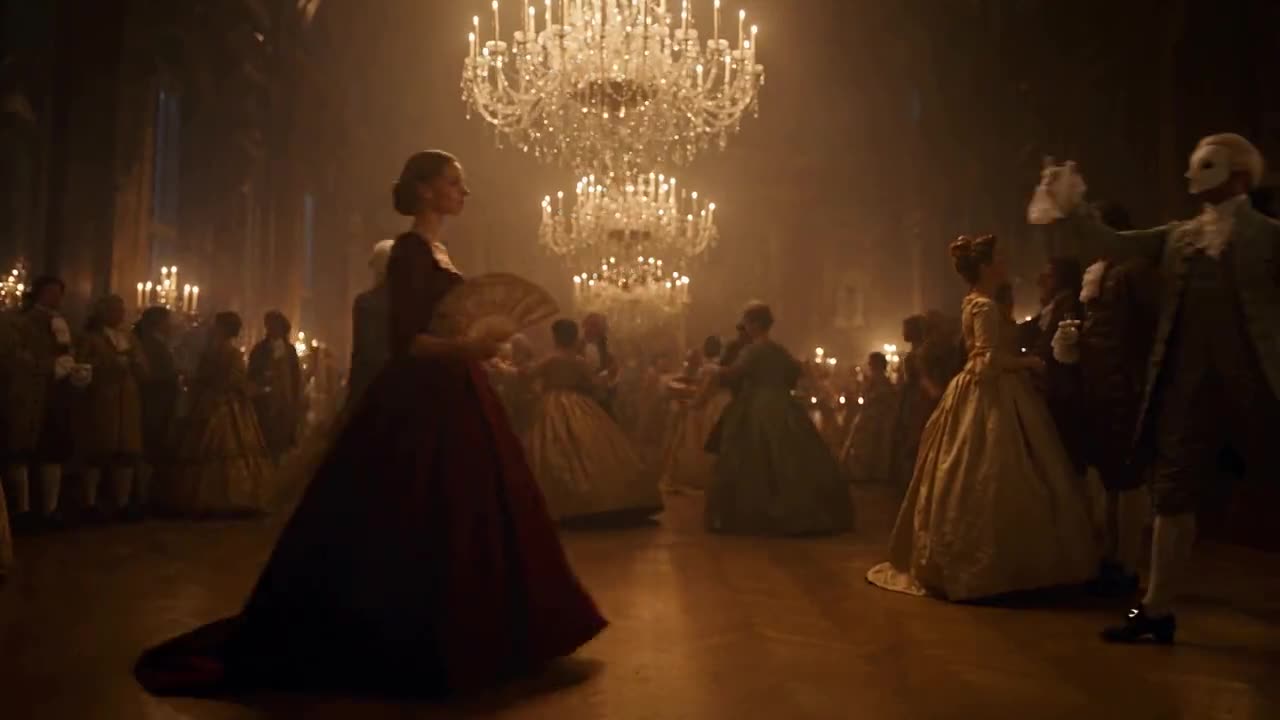
Seedance 2.5 example · Character consistency
Create Seedance 2.5 videos with audio from text, first and last frames, or up to 50 image, video, and audio references on Wizstar.
Seedance 2.5 is a generative video model from ByteDance. On Wizstar, creators can begin with text, a required first frame, or a multimodal reference pack, then review and refine the result in the AI video generator.
Seedance 2.5 is developed by ByteDance. Wizstar provides the creation workflow described on this page.
Explore the core Seedance 2.5 capabilities available in the current Wizstar workflow.
Create a complete scene with generated sound in Reference, Keyframe, or Text mode.
Combine up to 50 image, video, and audio references in one Reference to Video brief.
Use a required first frame and an optional last frame to direct the transition.
Describe the world, camera, atmosphere, pacing, and sound from a written prompt.
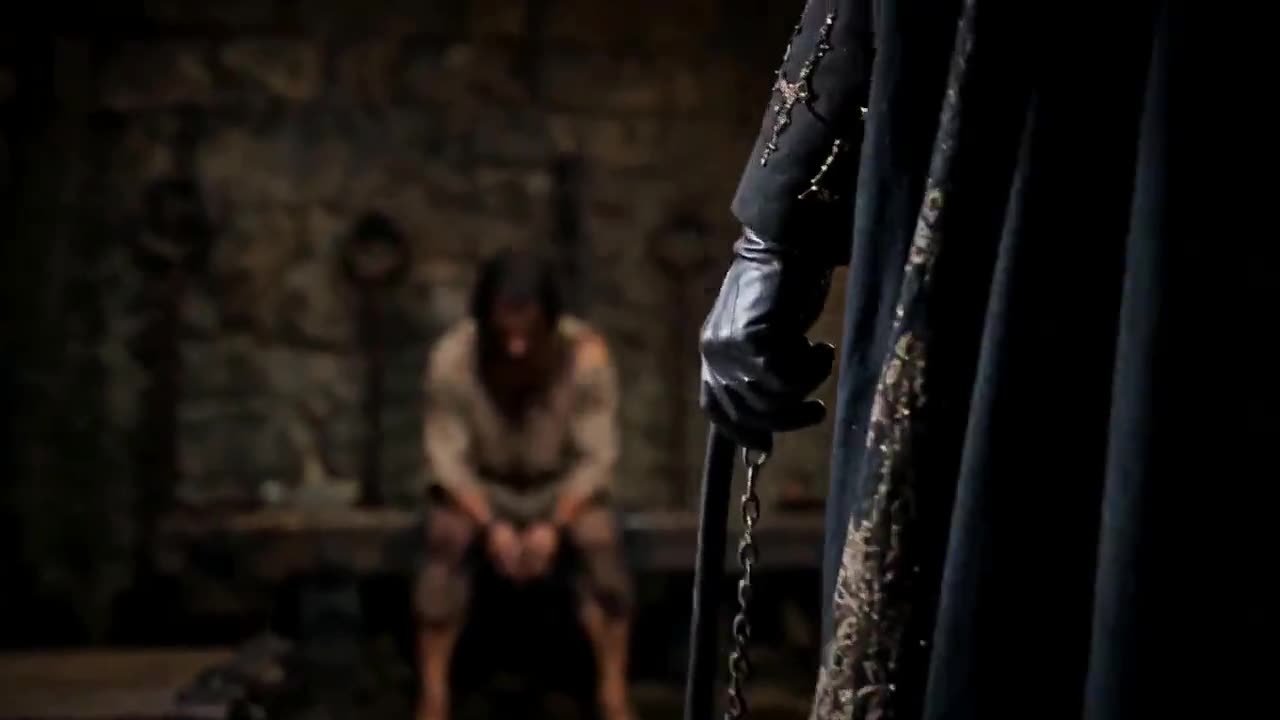
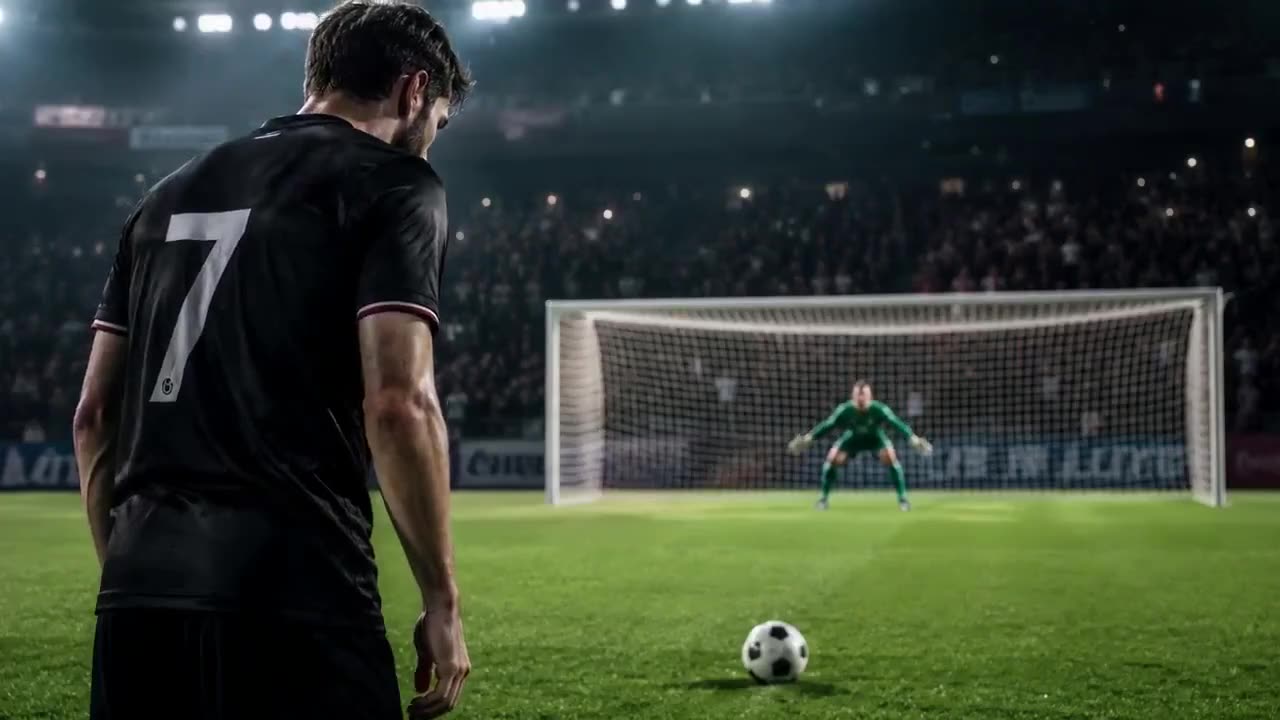
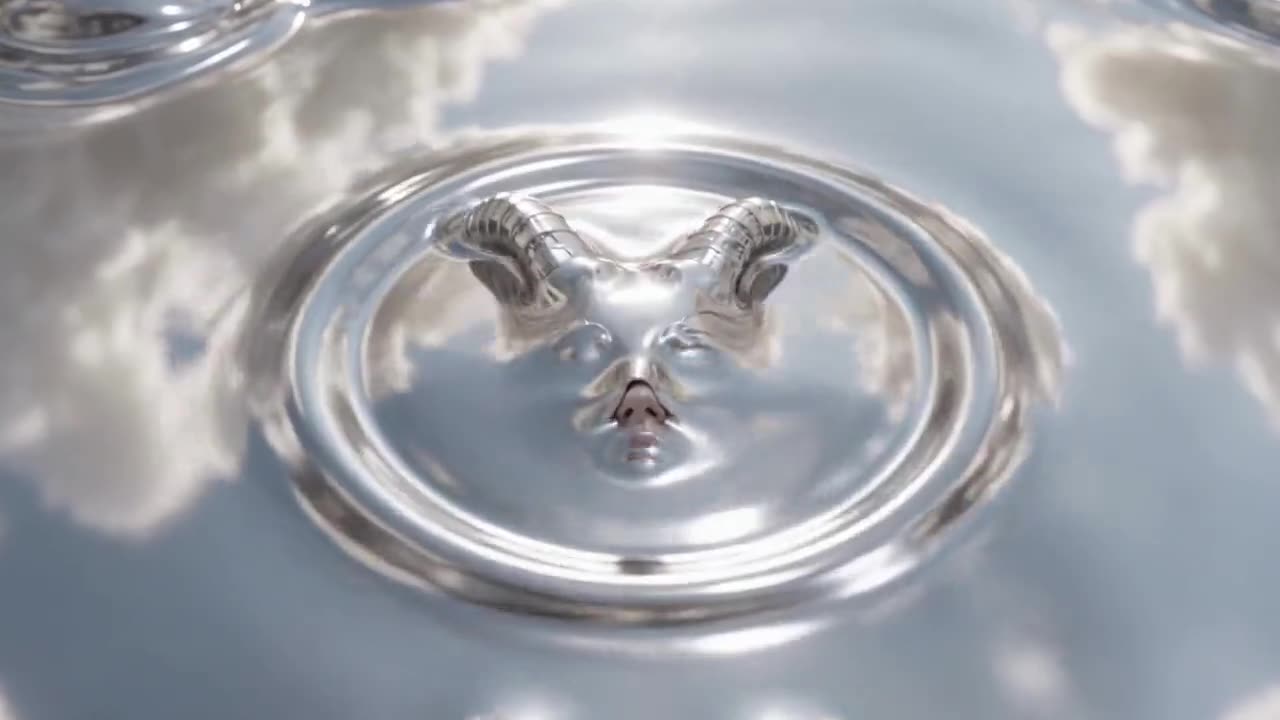
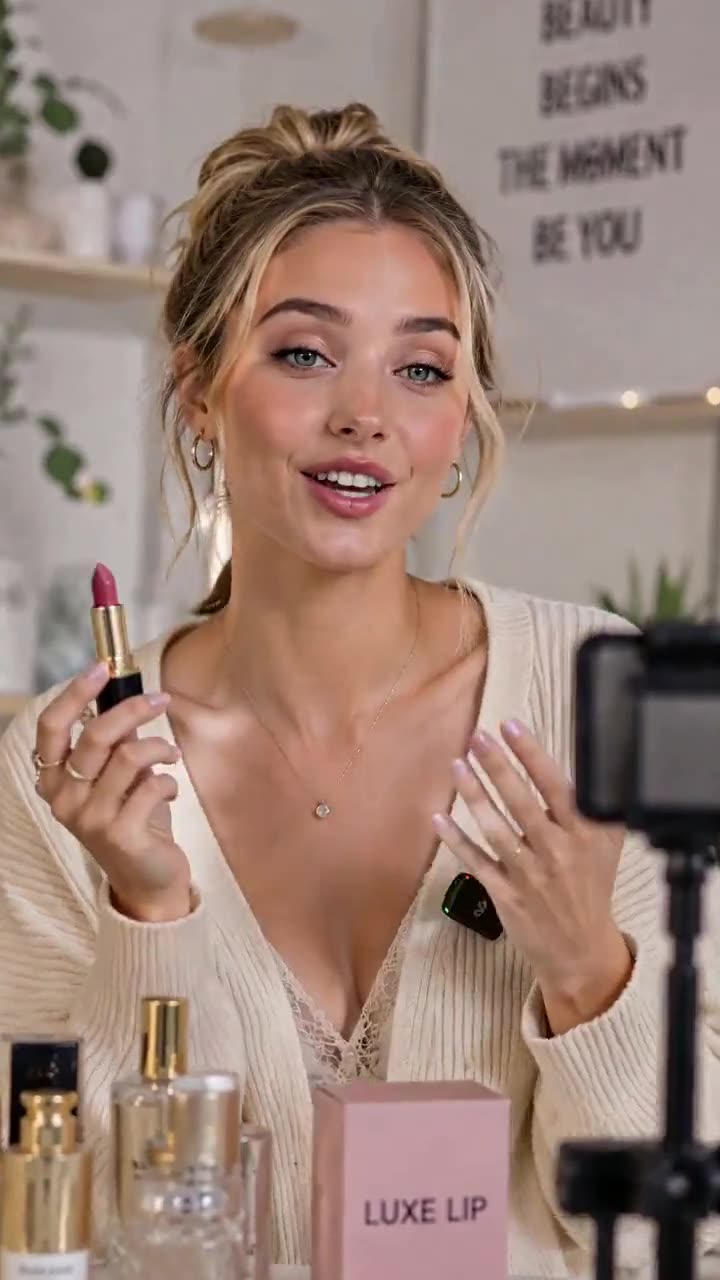
Create with Seedance 2.5 in three steps inside Wizstar.
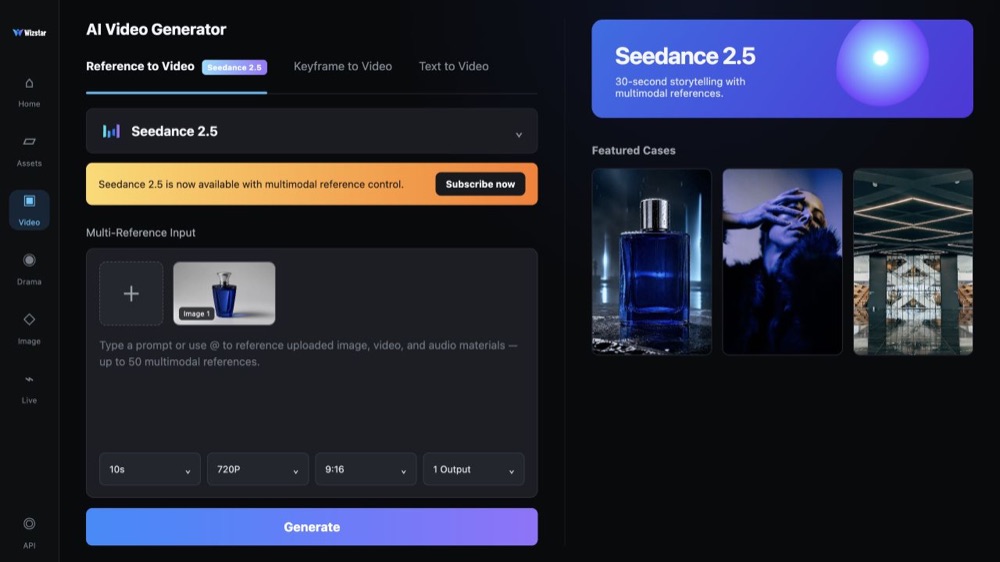
Choose a creation mode, upload the relevant source material, and set the available output controls.
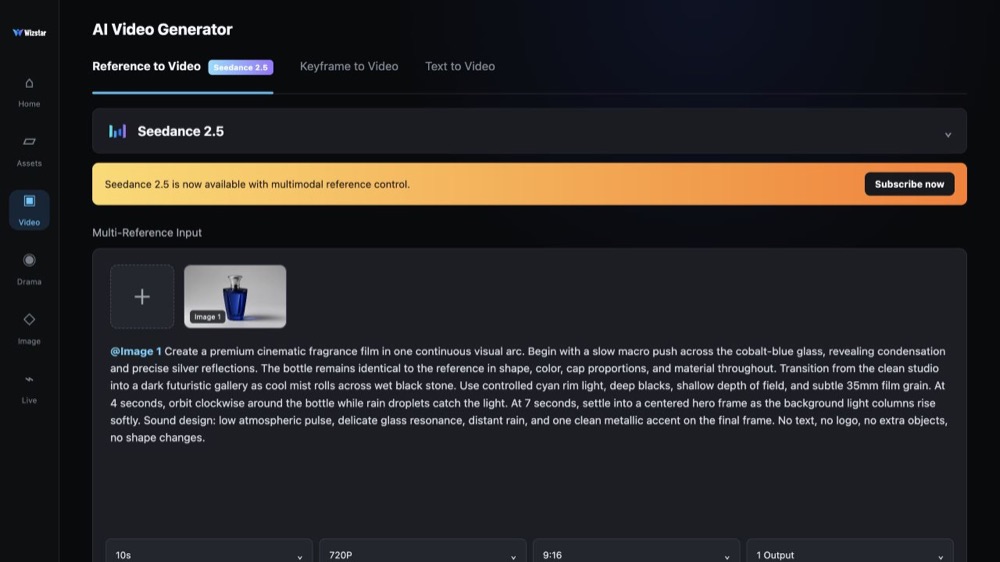
Assign each reference a job and describe continuity, action, camera, lighting, pacing, and sound.
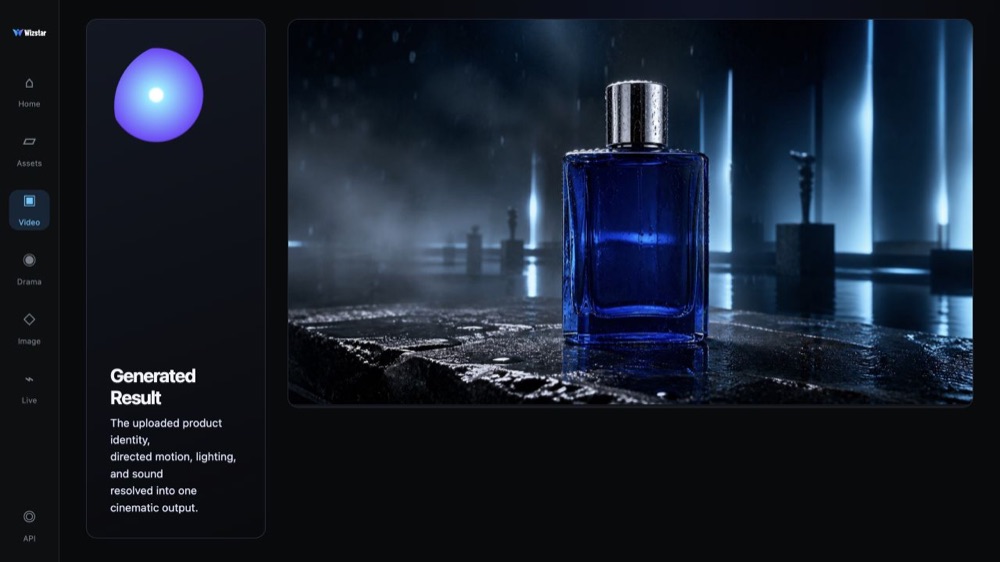
Review the complete output, then adjust the prompt, references, or settings for the next version.
Connect Seedance 2.5 capabilities to the creative jobs teams need to complete.
Turn product references and a creative brief into polished launch visuals and social cutdowns.
Create with Seedance 2.5Create short-form concepts with hooks, dialogue, and visual continuity.
Create with Seedance 2.5Test characters, camera language, and multi-shot narratives before production.
Create with Seedance 2.5Show connected hand-object actions for demos, recipes, tutorials, and how-to content.
Create with Seedance 2.5Compare the available model workflows before choosing a starting point.
| Model | Type | Best for | Primary input | |
|---|---|---|---|---|
| Seedance 2.5 Current | Video | 30-second video generation with audio | Text or reference media | |
| MiniMax H3 | Video | Multimodal video generation with synchronized sound | Text or reference media | View |
| Kling 3.0 | Video | Cinematic motion control | Text or reference media | View |
| Seedance 2.0 | Video | Multi-shot visual storytelling | Text or reference media | View |
| Seedance 1.5 | Video | Superb audio-visual synchronization | Text or reference media | View |
| Veo 3.1 | Video | Cinematic 4K video with rich audiovisual detail | Text or reference media | View |
| Gemini Omni 1.1 Flash | Video | Greater control with improved visual consistency | Text or reference media | View |
| Gemini Omni Flash | Video | Strong visual consistency across multimodal inputs | Text or reference media | View |
| Sora 2 | Video | Prompt-driven visual storytelling | Text or reference media | View |
| GPT Image 2 | Image | Prompt-led image generation and editing | Text or reference image | View |
| GPT Image 2.5 | Image | Sharper image generation with faster, more precise editing | Text or reference image | View |
| Nano Banana 2 | Image | Fast text-to-image generation and reference editing | Text or reference image | View |
| Seedream 5.0 | Image | ByteDance flagship for high-fidelity generation | Text or reference image | View |
Review the Seedance 2.5 inputs and output controls presented in the source workflow.
Confirm the controls displayed in the generator before beginning production work.
Use these Seedance 2.5 prompt patterns to make the creative direction explicit.
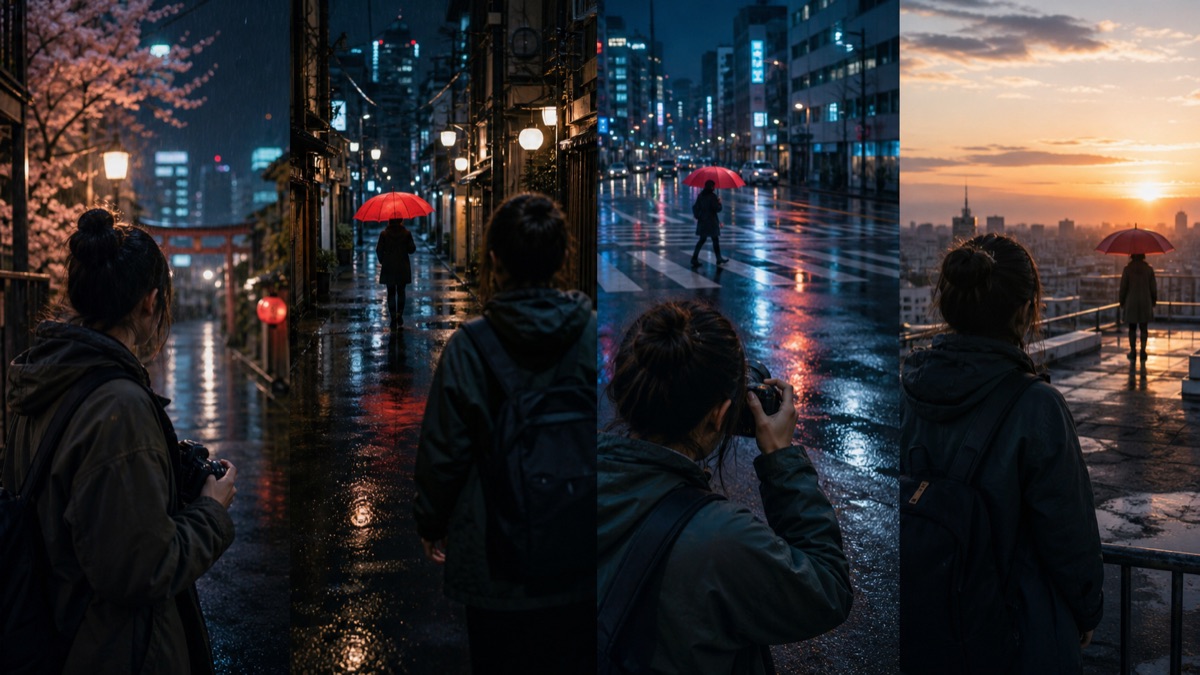 Plan the full sequence
Break the Seedance 2.5 prompt into setup, action, transition, and ending. Describe camera movement, pacing, atmosphere, and sound.
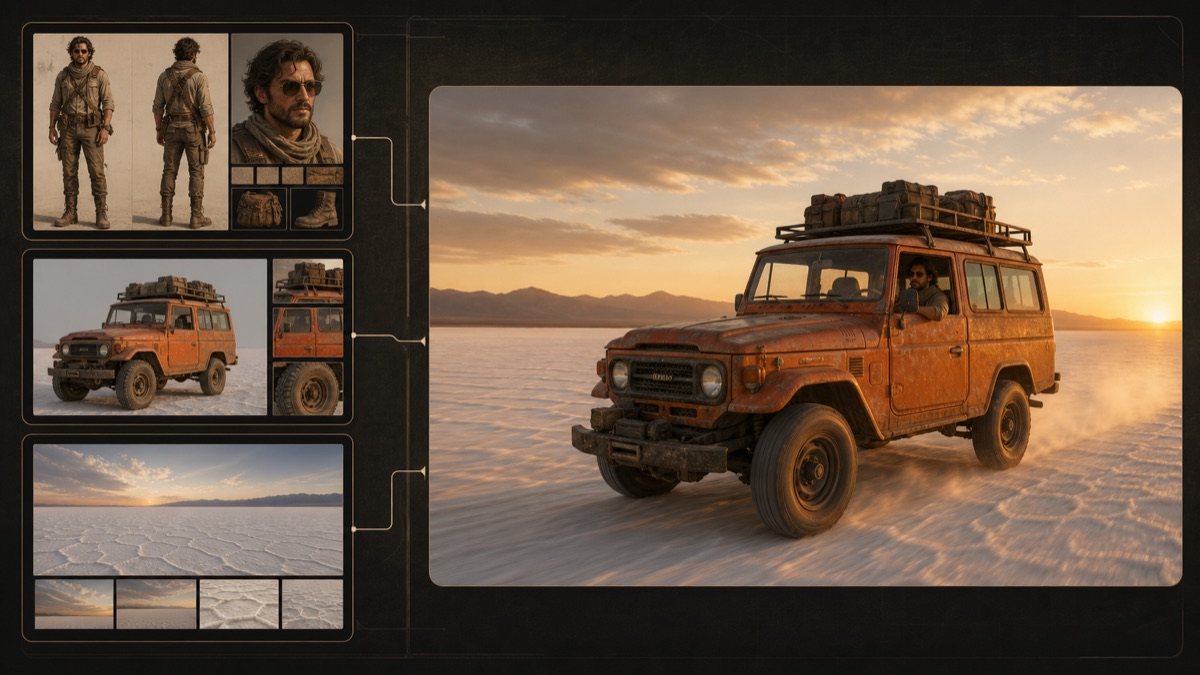 Give each reference a job
Identify every uploaded image, video, or audio file and state whether it controls the subject, style, movement, environment, or sound.
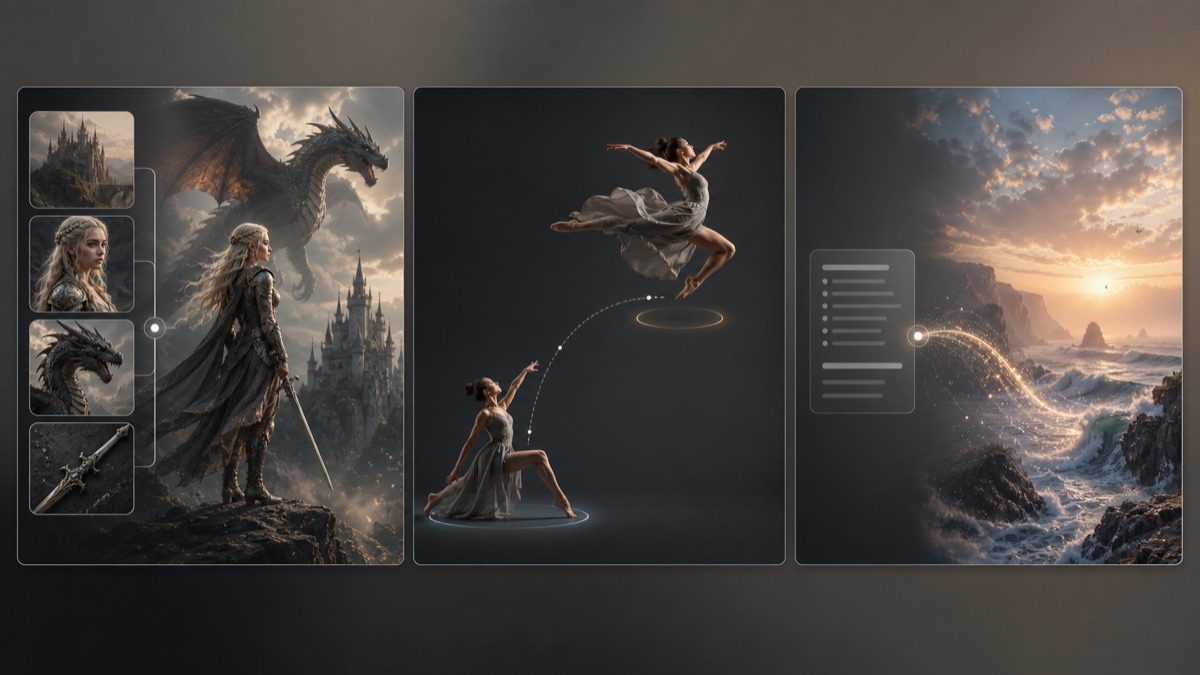 Choose the right Seedance 2.5 mode
Use Reference to Video for existing assets, Keyframe to Video for defined endpoints, or Text to Video to begin from an idea.
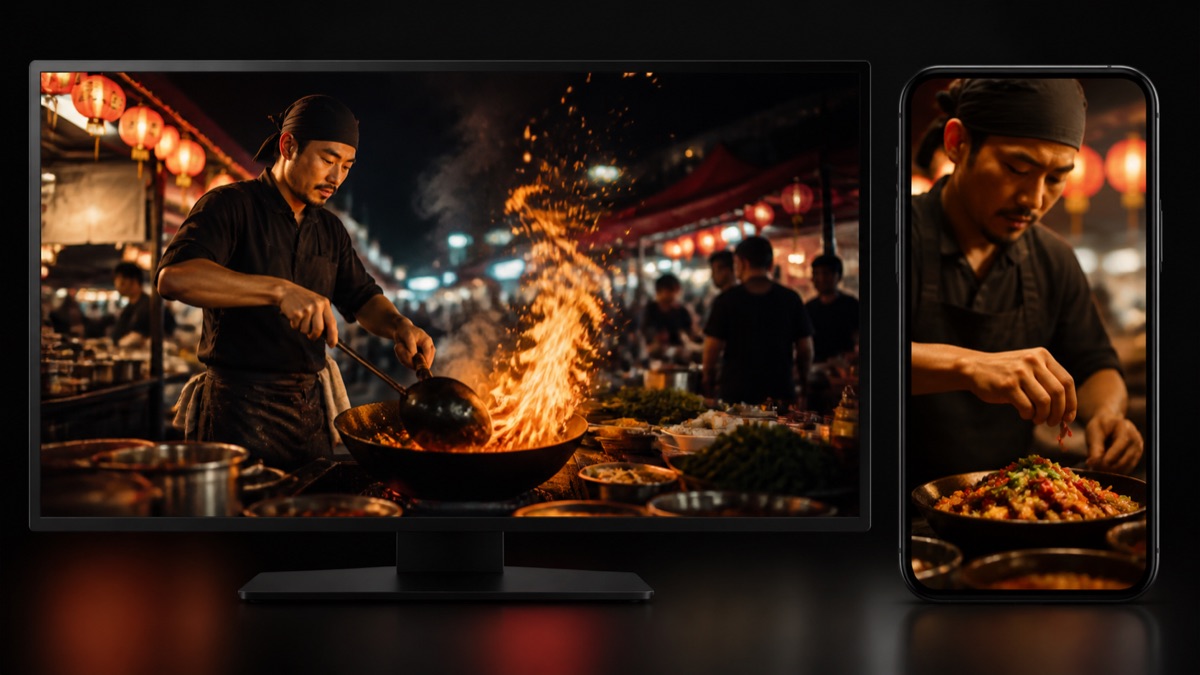 Design for the destination
Choose 9:16 or 16:9 before writing the scene, then match the composition, duration, and pacing to the target channel.
Practical ways Seedance 2.5 fits into creative planning and review.
Use one reference pack to communicate subject identity, environment, movement, and sound direction.
Choose the workflow that matches the material already available instead of forcing every brief into text to video.
Review a complete sequence before production so creative teams can discuss motion, pacing, and continuity together.
Answers to common questions about using Seedance 2.5 on Wizstar.
The Seedance 2.5 AI Video Generator on Wizstar is a web-based workspace for creating short AI videos with synchronized audio. You can use Seedance 2.5 text to video, keyframes, images, videos, and other multimodal references to describe the subject, motion, camera direction, and sound of a scene.
Wizstar presents Reference to Video, Keyframe to Video, and Text to Video workflows for Seedance 2.5. Choose Reference to Video when you need to preserve visual identity, Keyframe to Video when you have a first or last frame, and Text to Video when the idea is best expressed as a detailed written prompt.
Yes. Seedance 2.5 image to video and Reference to Video can accept up to 50 image, video, and audio references in one brief. Give each reference a clear role in the prompt—for example, subject identity, environment, movement, product detail, or sound direction—so the model can connect the materials to the intended sequence.
The current Wizstar Seedance 2.5 workflow shows 4, 10, 15, 20, 25, and 30 second duration choices in Reference and Text modes, with 480P and 720P output options. Confirm the duration and resolution controls in the generator before submitting because available settings can change.
In the Seedance 2.5 Keyframe to Video workflow, upload a first frame and add an optional last frame to define the visual start and destination. Use the prompt to explain the action, transition, camera movement, timing, and what should remain consistent between the two frames.
Yes. The three Seedance 2.5 workflows presented on Wizstar include sound generation. For a more controlled Seedance 2.5 video with audio, describe dialogue, ambience, effects, rhythm, and the relationship between sound and on-screen action instead of mentioning audio only as a general preference.
Seedance 2.5 should not be treated as an unlimited free AI video generator. Wizstar may apply credits based on the selected model, duration, resolution, and workflow, so check the current credit amount shown in the Seedance 2.5 generator before submitting a job.
A dedicated Seedance 2.5 API has not been verified for this landing page. This page documents the Wizstar web workflow for the Seedance 2.5 AI video generator; check Wizstar’s current API information and access terms before planning an automated integration or production pipeline.
Start from text, keyframes, or reference media, then direct the motion and sound.