SEEDREAM 5.0 · Image
Product visual concept
AI image example · Product
Create Seedream 5.0 images on Wizstar from text or reference images. Use Pro for up to 2K output from 6 credits per image, or Lite for up to 4K.

See how Seedream 5.0 supports real creative briefs and output formats.
AI image example · Product
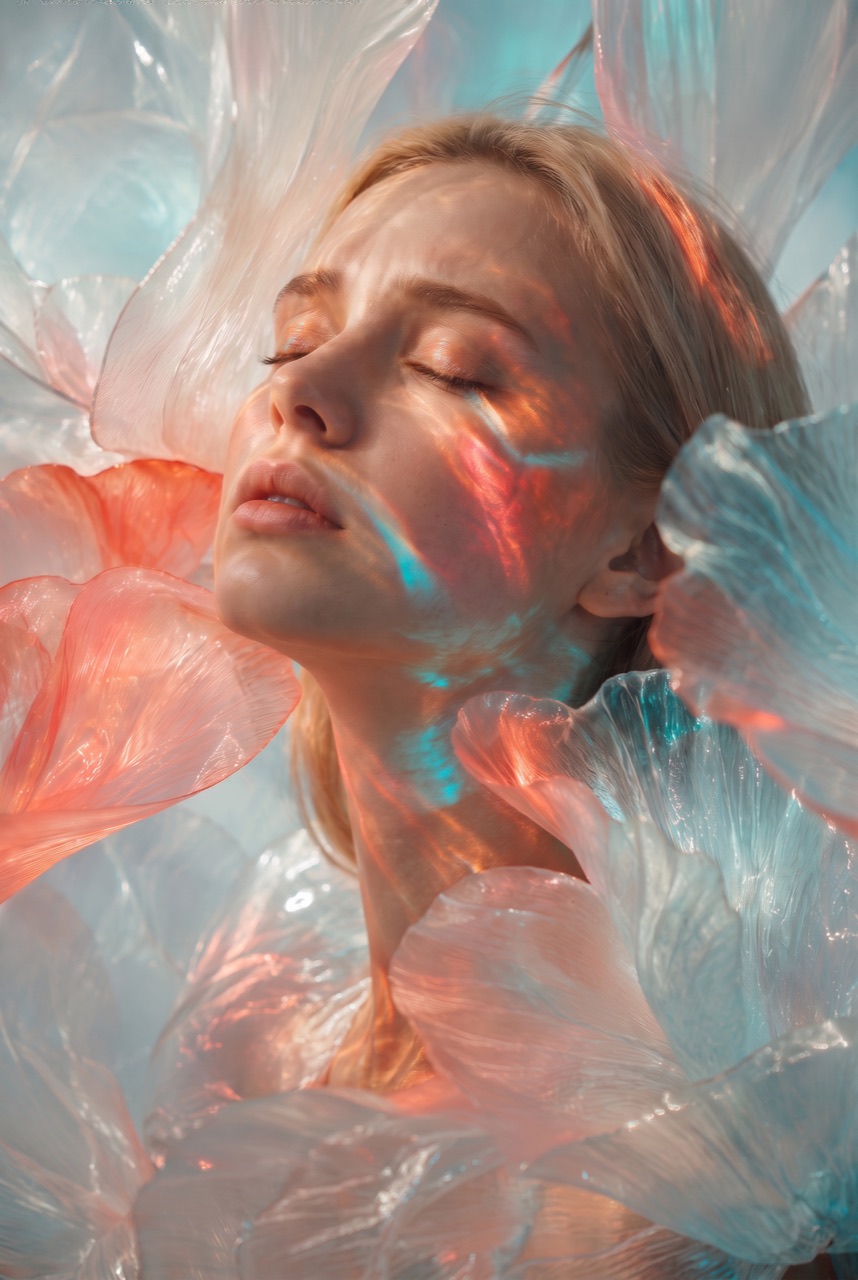
AI image example · Portrait
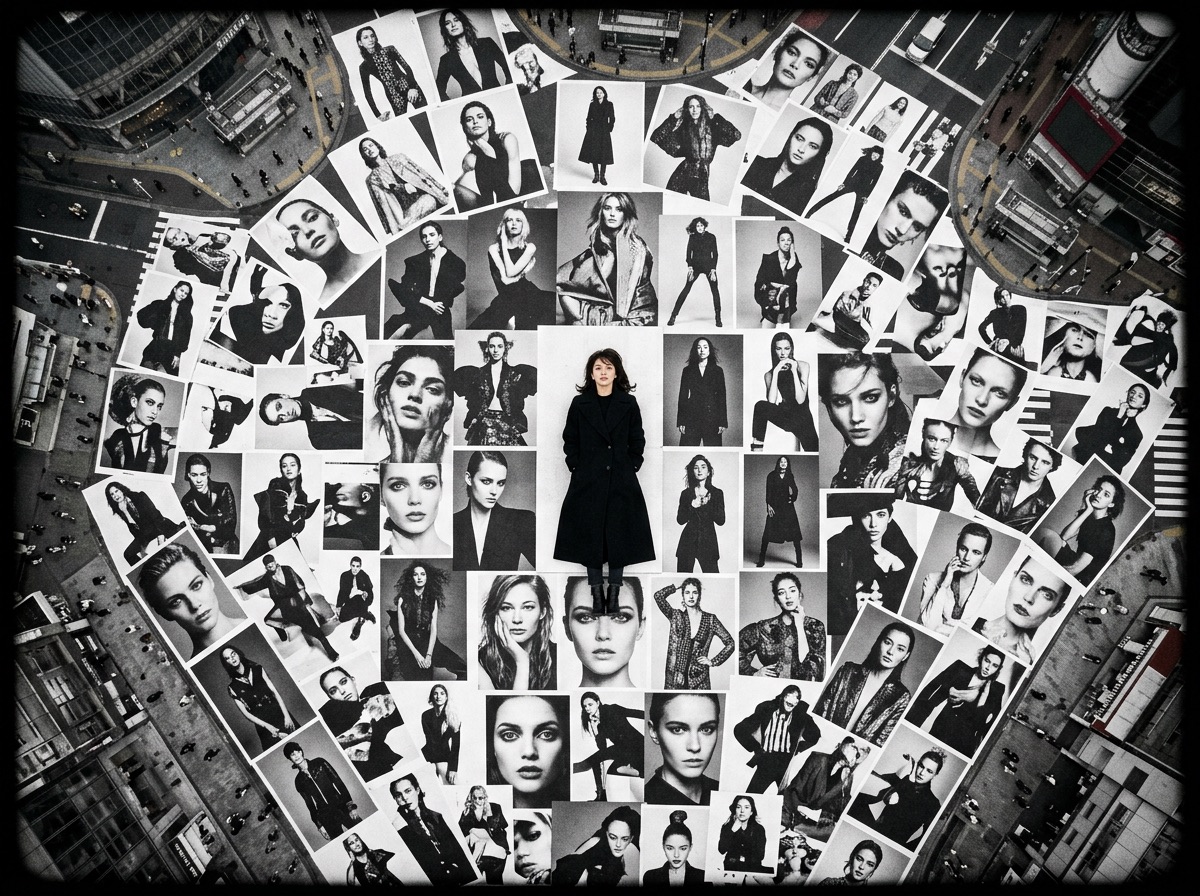
AI image example · Poster
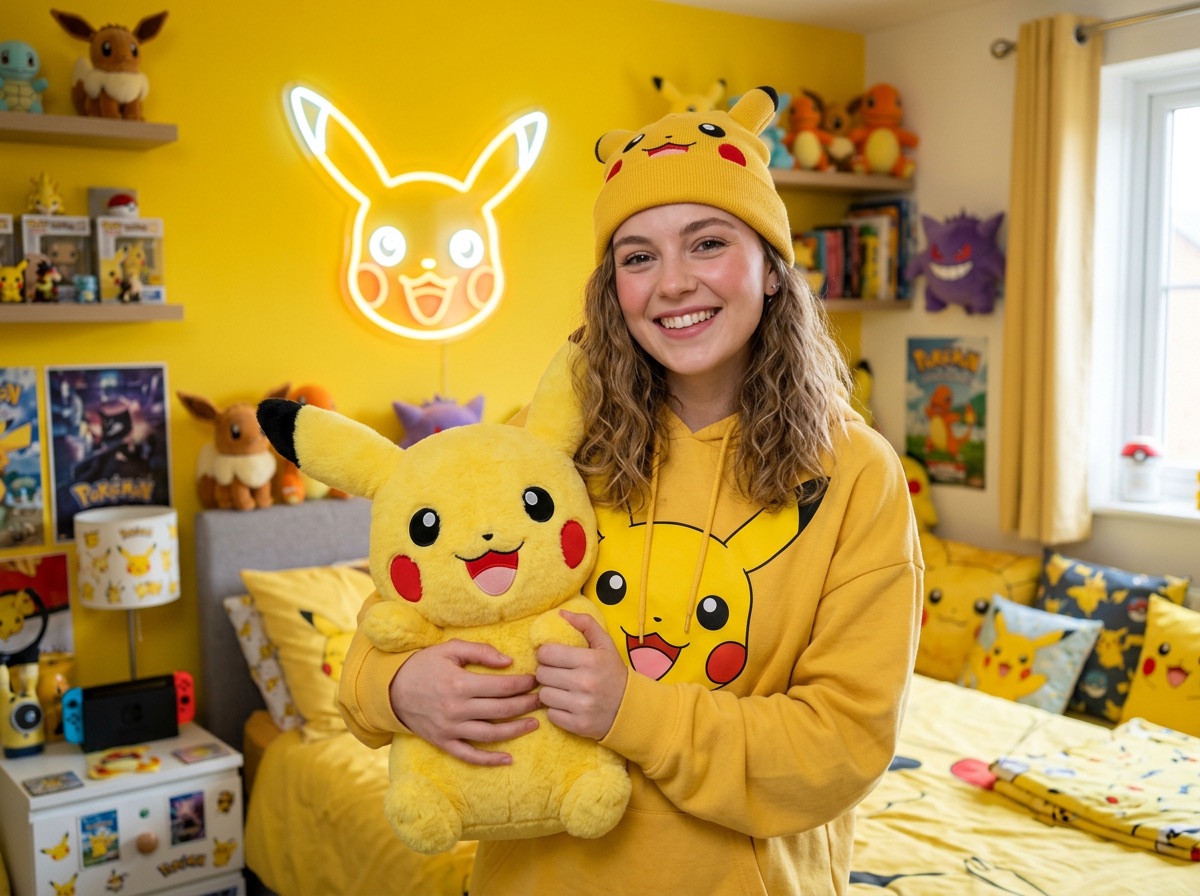
AI image example · Lifestyle
Create Seedream 5.0 images on Wizstar from text or reference images. Use Pro for up to 2K output from 6 credits per image, or Lite for up to 4K.
Seedream 5.0 is a ByteDance image model in the Wizstar AI image generator. On Wizstar it works in the Image Creation tab: write a prompt, add reference images if you want, and generate. This page opens the Seedream 5.0 Pro tier, which gives output up to 2K from 6 credits per image. A Lite tier in the generator gives output up to 4K.
Seedream 5.0 is developed by ByteDance. Wizstar provides the creation workflow described on this page.
Explore the core Seedream 5.0 capabilities available in the current Wizstar workflow.
Describe the subject, layout, lighting and style in one prompt, and generate an image from scratch.
Add reference images if you want to guide the subject, style or layout of the result.
Get detailed textures, materials and lighting that suit polished visual work.
Use Pro for up to 2K output from 6 credits per image, or switch to Lite in the generator for up to 4K.
Create with Seedream 5.0 in three steps inside Wizstar.
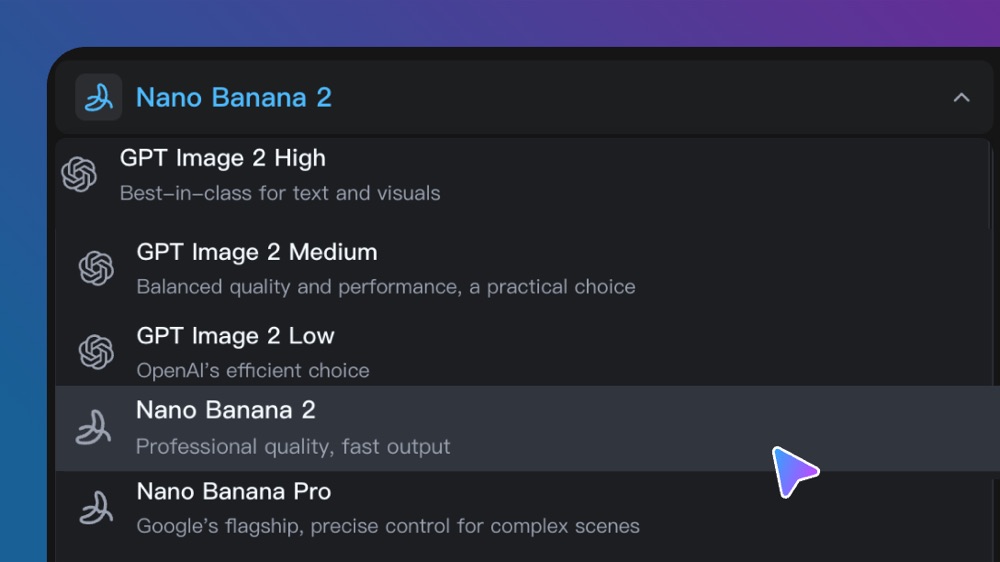
Open the Wizstar AI image generator and pick Seedream 5.0 Pro in the model list.
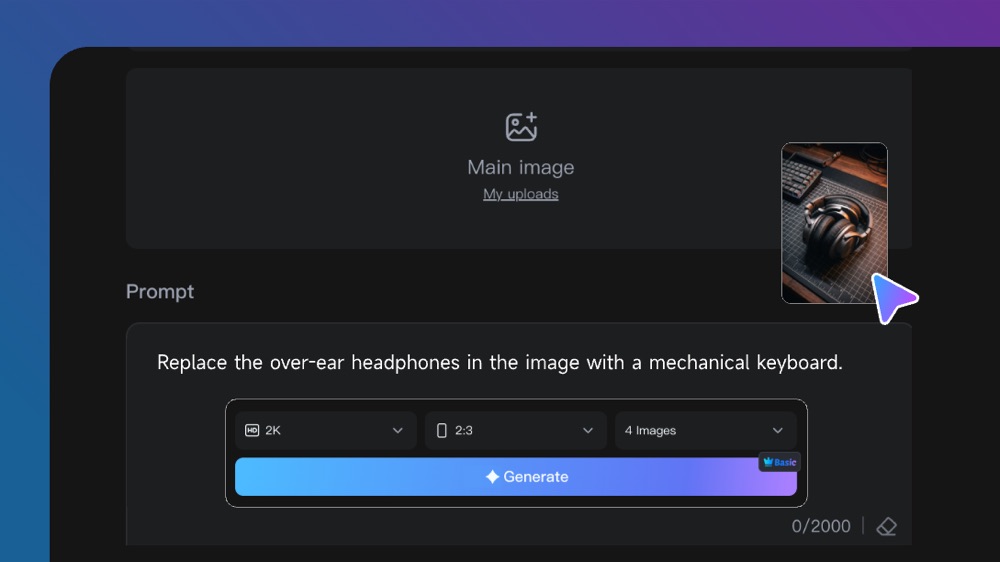
Describe the subject, layout, lighting and style. Add reference images if you want to guide the result.
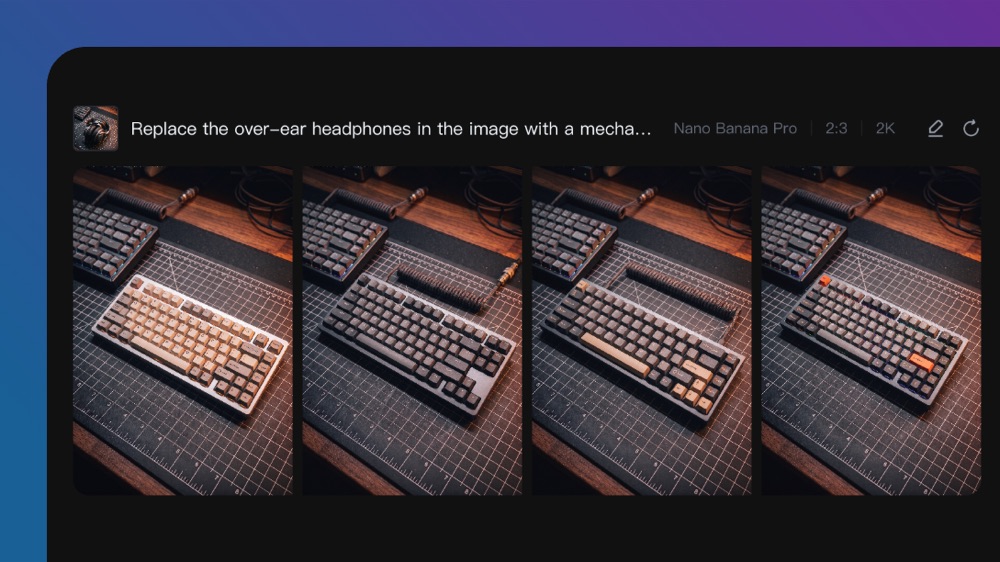
Generate the image, check the details, then change the prompt or reference images for the next version.
Connect Seedream 5.0 capabilities to the creative jobs teams need to complete.
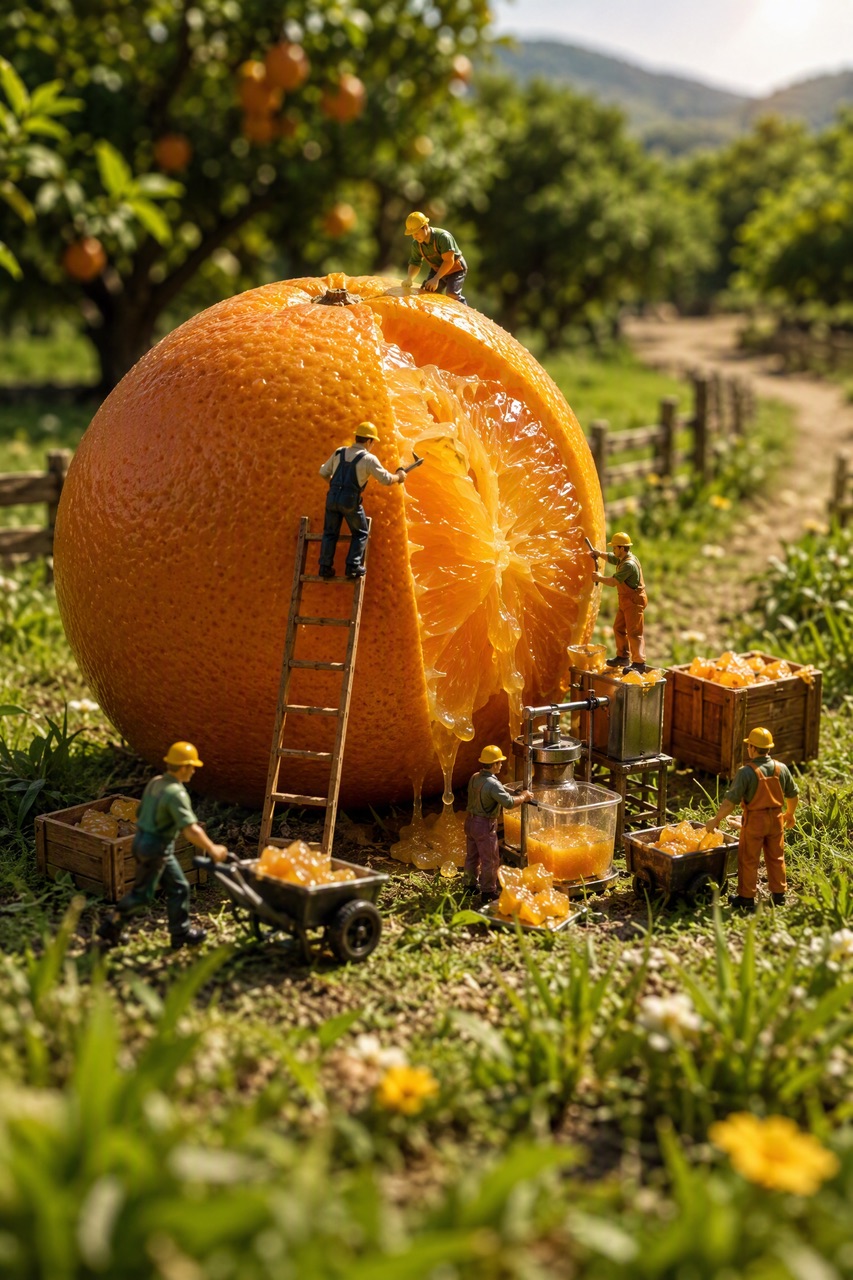
Create clean product shots and scenes for listings, launches and ads.
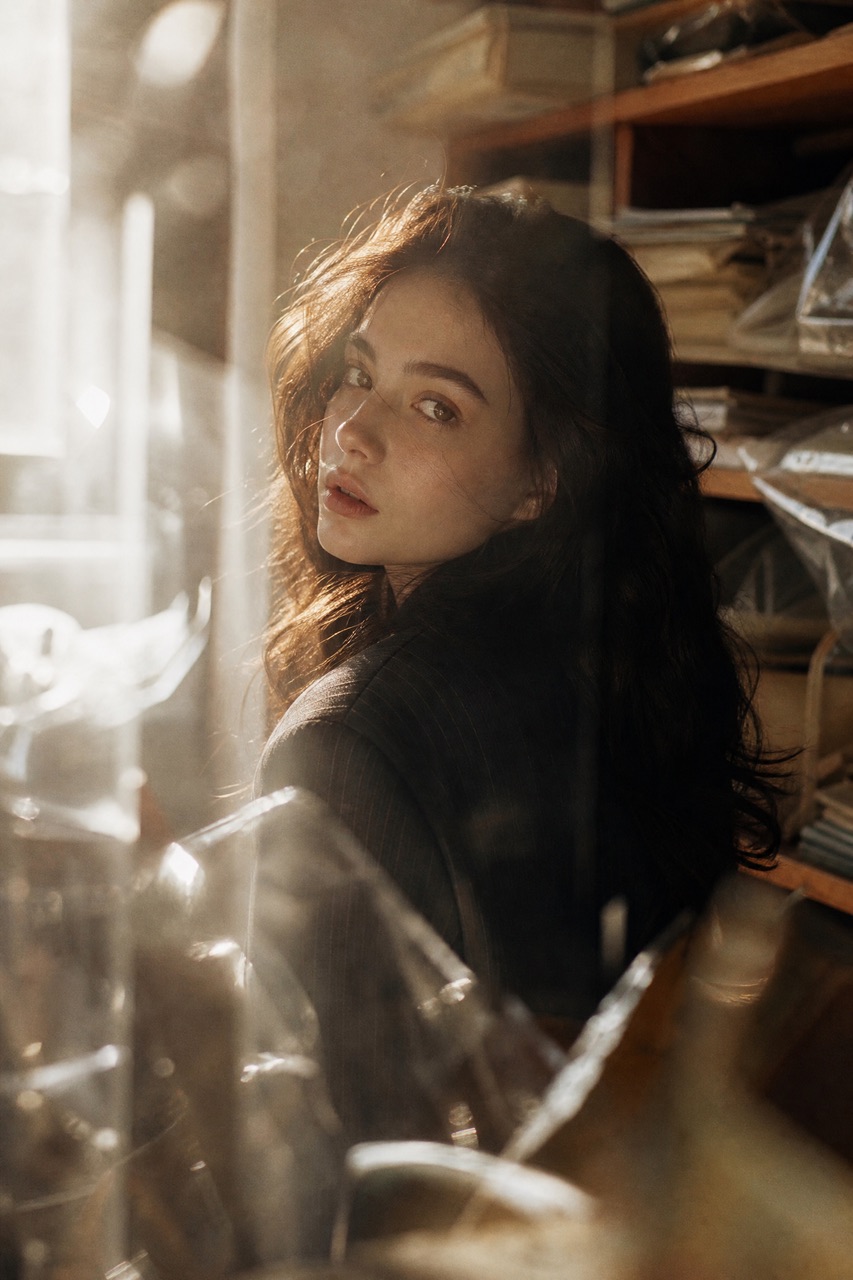
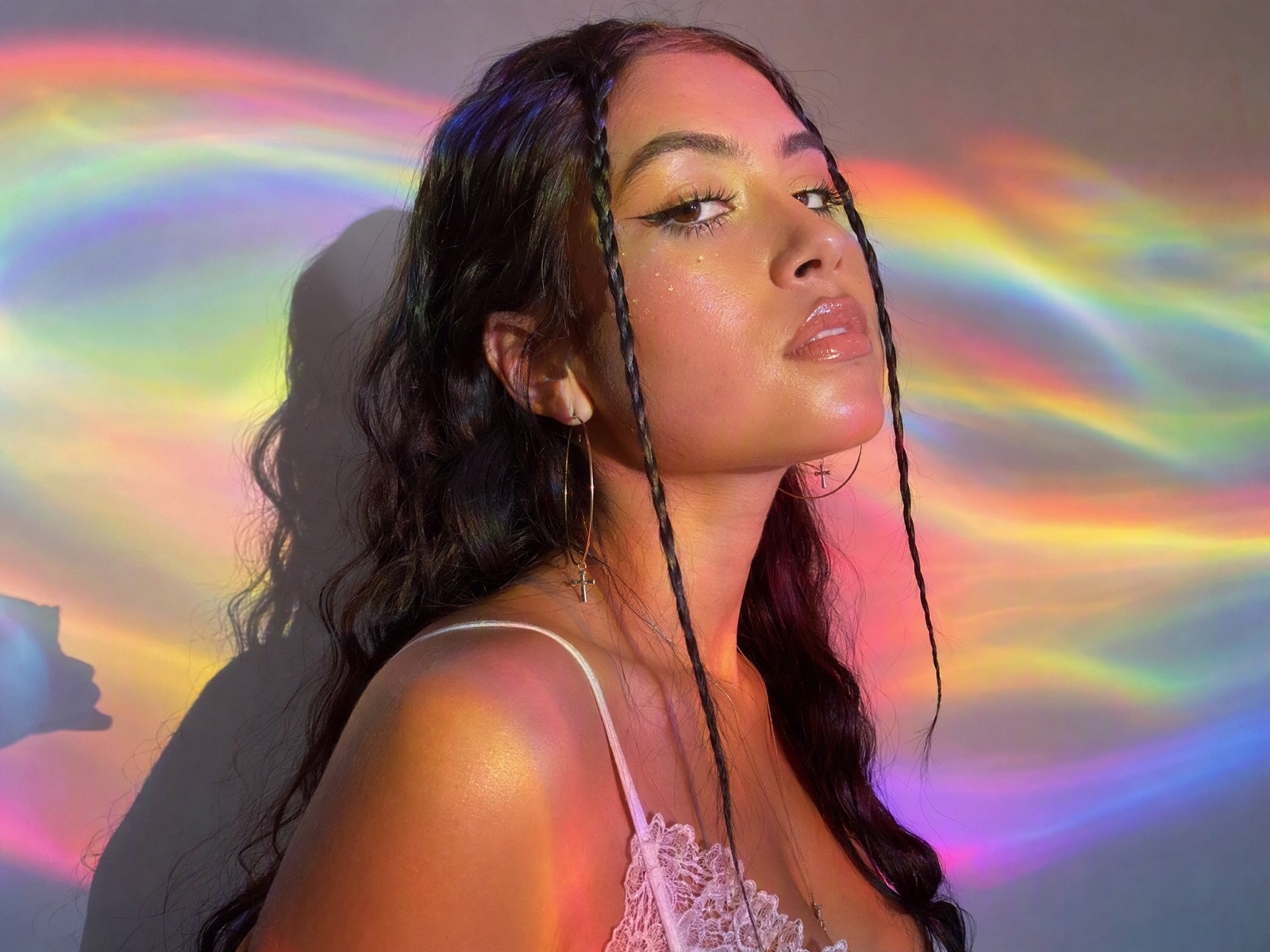
Create with Seedream 5.0Try out portrait ideas with controlled lighting, clothing and mood.
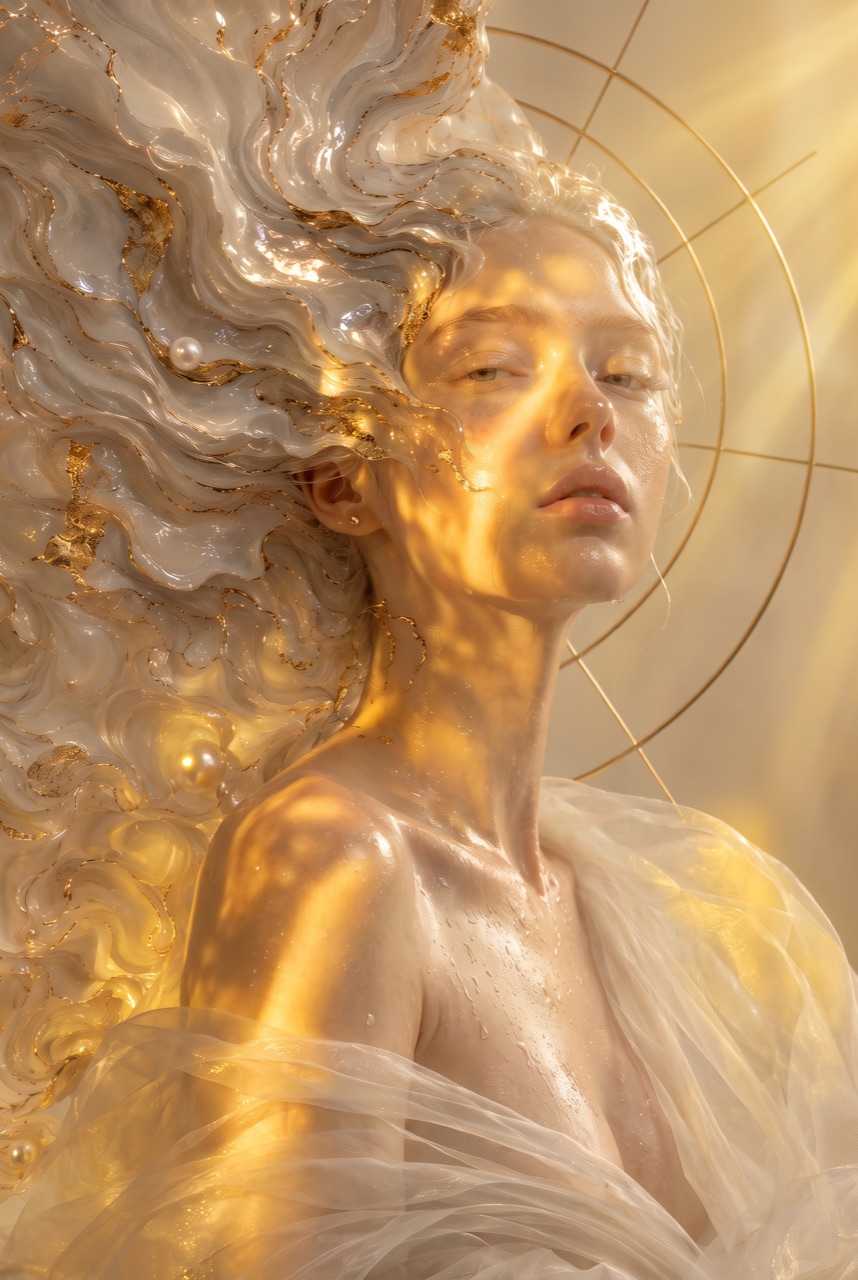
Create with Seedream 5.0Draft poster layouts and campaign images with a headline and a clear layout.
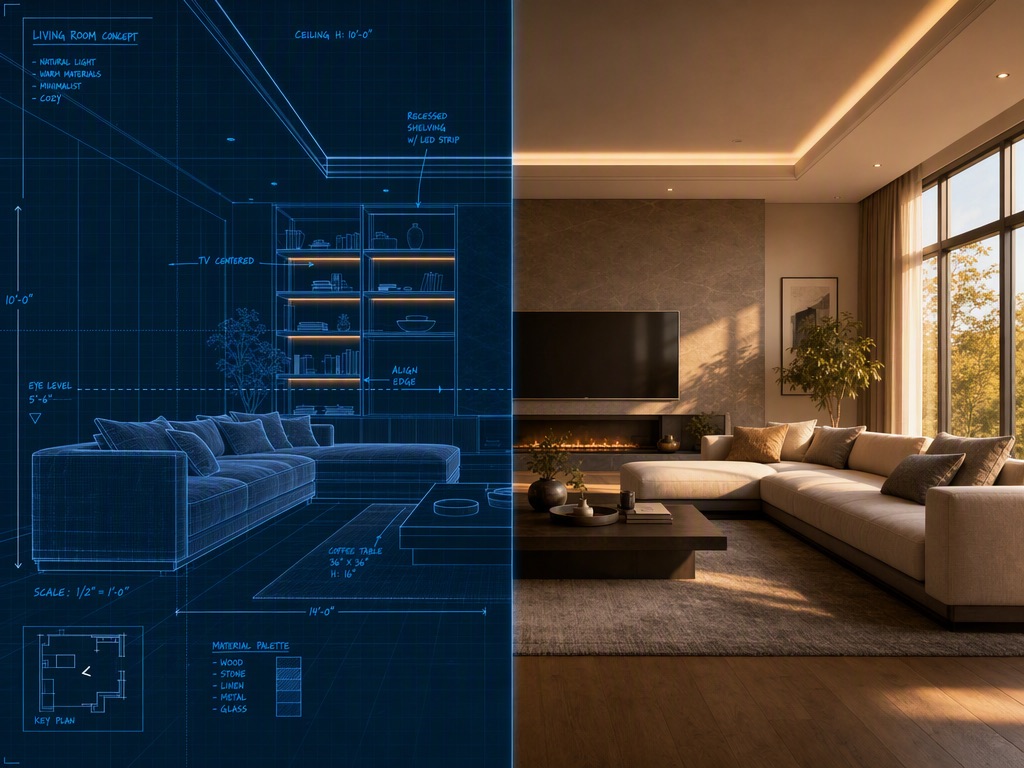
Create with Seedream 5.0Picture rooms, spaces and everyday moments for brand and design work.
Create with Seedream 5.0Compare the available model workflows before choosing a starting point.
| Model | Type | Best for | Primary input | |
|---|---|---|---|---|
| Seedance 2.5 | Video | 30-second video generation with audio | Text or reference media | View |
| MiniMax H3 | Video | Multimodal video generation with synchronized sound | Text or reference media | View |
| Kling 3.0 | Video | Cinematic motion control | Text or reference media | View |
| Seedance 2.0 | Video | Multi-shot visual storytelling | Text or reference media | View |
| Seedance 1.5 | Video | Superb audio-visual synchronization | Text or reference media | View |
| Veo 3.1 | Video | Cinematic 4K video with rich audiovisual detail | Text or reference media | View |
| Gemini Omni 1.1 Flash | Video | Greater control with improved visual consistency | Text or reference media | View |
| Gemini Omni Flash | Video | Strong visual consistency across multimodal inputs | Text or reference media | View |
| Sora 2 | Video | Prompt-driven visual storytelling | Text or reference media | View |
| GPT Image 2 | Image | Prompt-led image generation and editing | Text or reference image | View |
| GPT Image 2.5 | Image | Sharper image generation with faster, more precise editing | Text or reference image | View |
| Nano Banana 2 | Image | Fast text-to-image generation and reference editing | Text or reference image | View |
| Seedream 5.0 Current | Image | ByteDance flagship for high-fidelity generation | Text or reference image |
Review the Seedream 5.0 inputs and output controls presented in the source workflow.
Confirm the controls displayed in the generator before beginning production work.
Lightweight and fast, ideal for frequent creation
Use these Seedream 5.0 prompt patterns to make the creative direction explicit.
 Stage the product
A matte ceramic skincare bottle on a travertine pedestal, soft side light from a window, gentle shadow, warm neutral background, clean premium product photography.
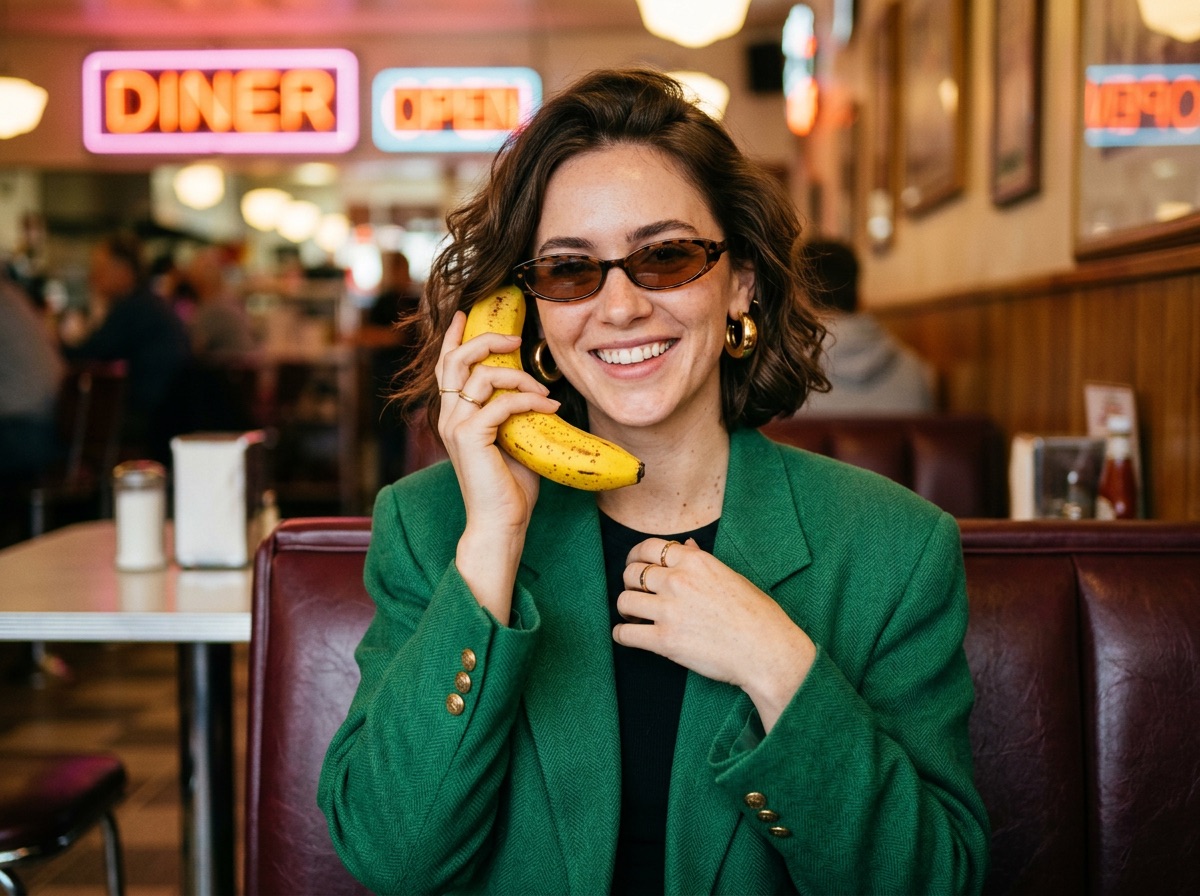 Direct the portrait
Editorial portrait of a young woman in a tailored linen jacket, three-quarter view, soft golden-hour light, shallow depth of field, calm confident expression.
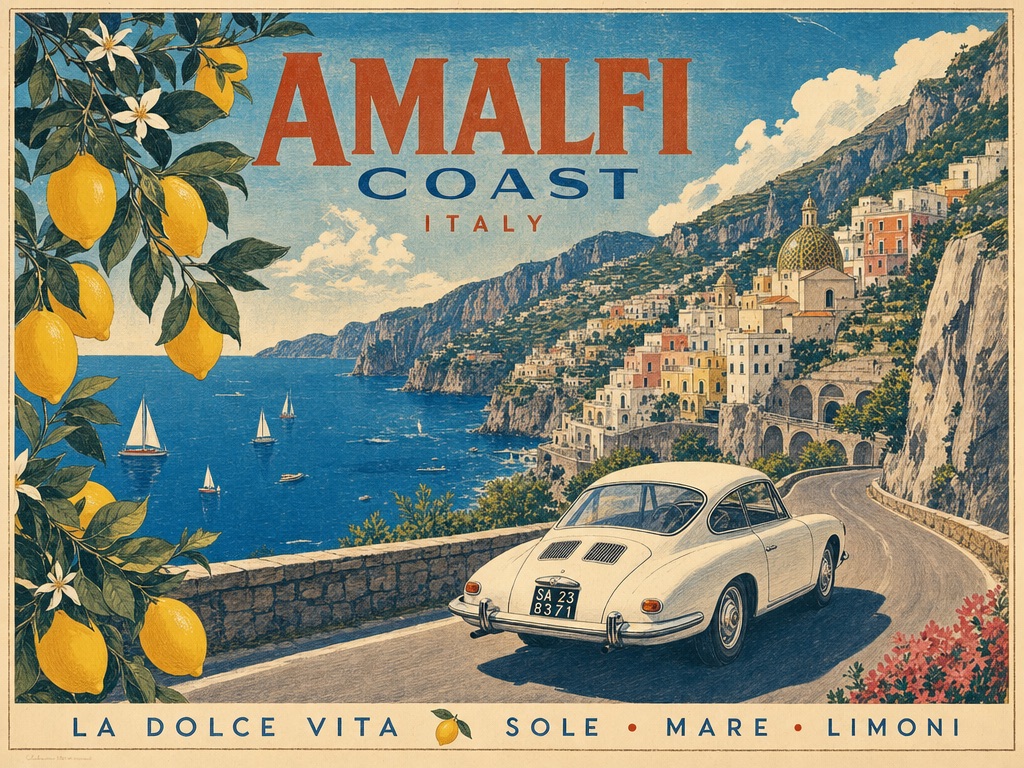 Spell out the text
Minimalist concert poster with the exact headline "SUMMER NIGHTS" in large bold type at the top, a glowing moon below, deep blue gradient background.
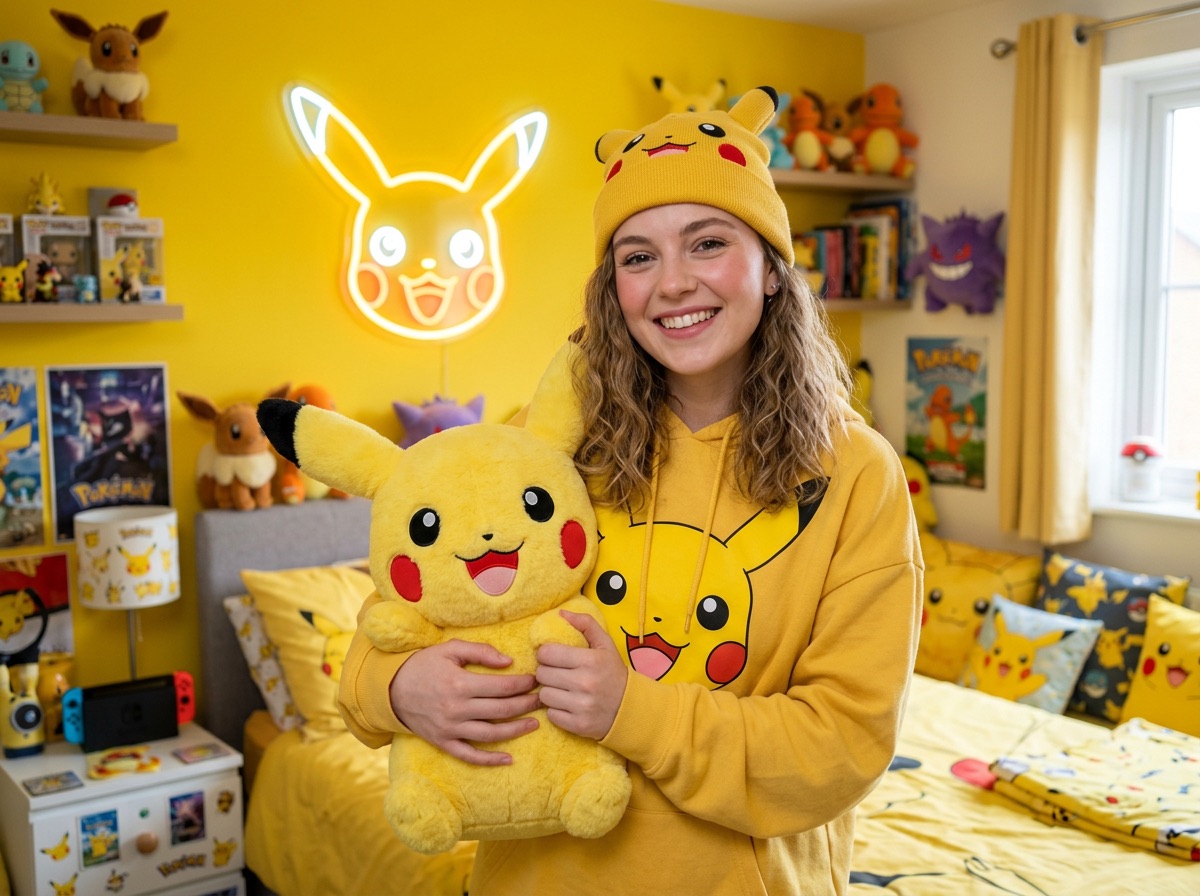 Describe the space
Sunlit Scandinavian living room with a light oak floor, a cream boucle sofa, a large window and potted plants, wide-angle interior photography.
Practical ways Seedream 5.0 fits into creative planning and review.
Put the subject, layout, lighting and style in one prompt for more predictable, detailed results.
Add reference images when a product, style or layout needs to stay easy to recognize.
Pick the Pro or Lite tier before you generate, so the image size fits where you will use it.
Answers to common questions about using Seedream 5.0 on Wizstar.
Seedream 5.0 is a ByteDance image model in the Wizstar AI image generator. On Wizstar it works in the Image Creation tab and makes images from text prompts. You can add reference images to guide the result.
Open the Wizstar AI image generator and choose Seedream 5.0 Pro. Write a prompt that describes the subject, layout, lighting and style, and add reference images if you want. Generate the image, then improve the prompt for the next version.
This page opens the Pro tier, which gives images up to 2K. A Lite tier is also in the generator, with output up to 4K. Pick the tier that fits your project before you generate.
Yes. You can add reference images next to your prompt to guide the subject, style or layout. In the prompt, say what each reference should control, so the result follows your idea.
Seedream 5.0 Pro starts from 6 credits per image. The cost can change with the tier and output settings, so check the credit amount shown in Wizstar before you submit.
Seedream 5.0 is not an unlimited free AI image generator. Each generation uses credits, so check the credit amount shown in Wizstar before you submit.
Start from a text prompt or reference image, then set the composition and output format.