
GEMINI OMNI FLASH · Video
Peaches and peach blossoms
AI video example · Fresh produce
Create Gemini Omni Flash videos on Wizstar from image and video references. Generate 3–10 second clips with audio for product, beauty and social content.

 9:16|720P
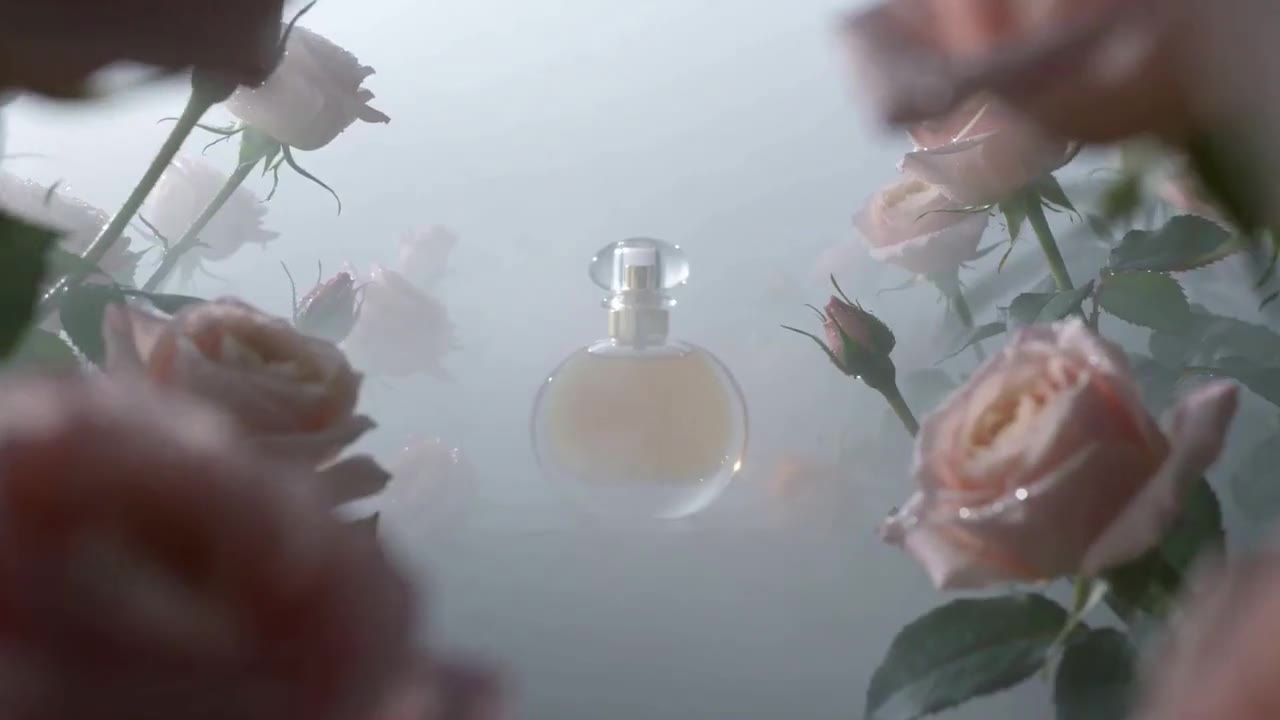
See how Gemini Omni Flash supports real creative briefs and output formats.
AI video example · Fresh produce
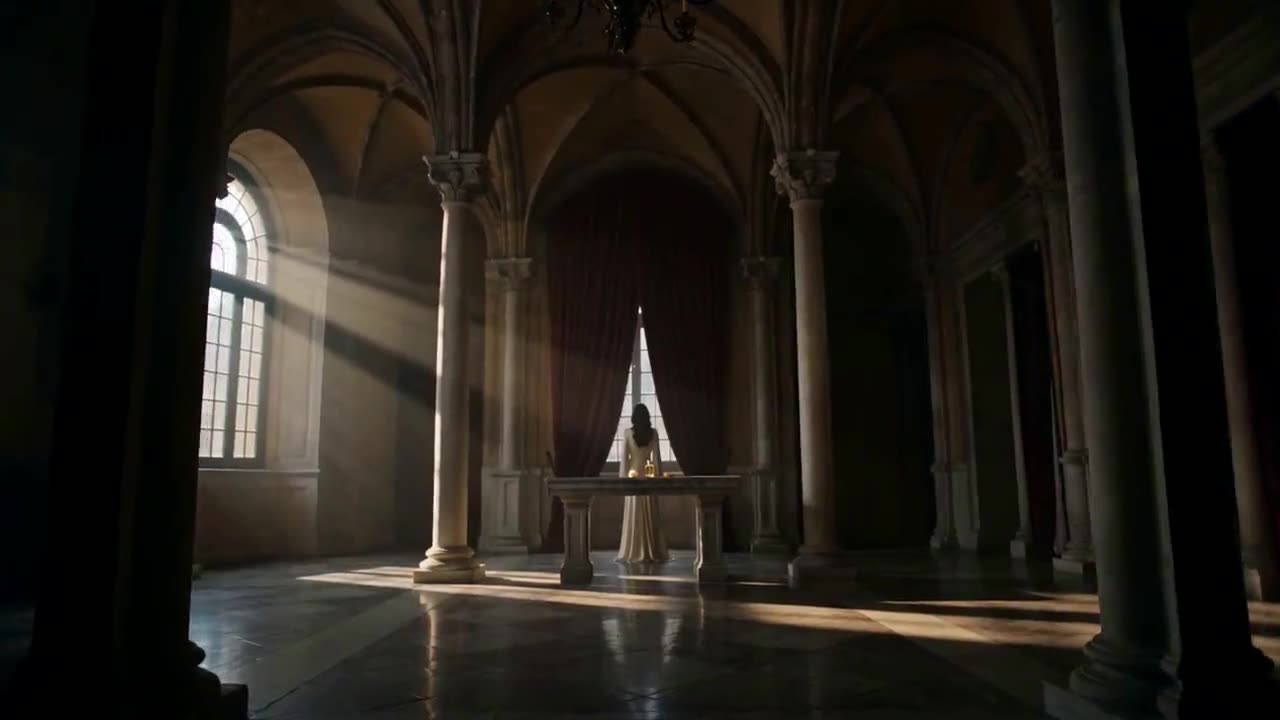
AI video example · Product ad

AI video example · Social shopping
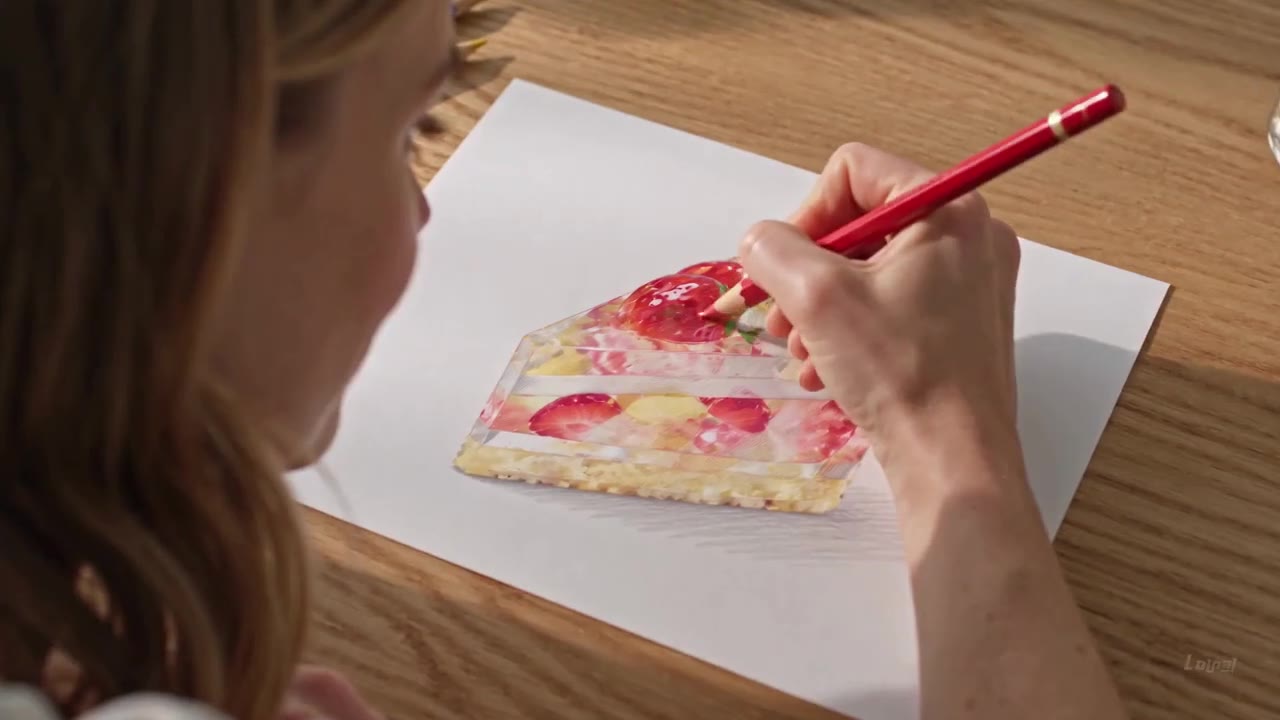
AI video example · Drawing process
Create Gemini Omni Flash videos on Wizstar from image and video references. Generate 3–10 second clips with audio for product, beauty and social content.
Gemini Omni Flash is a Google video model in the Wizstar AI video generator. On Wizstar it works in the Reference to Video tab. Add image and video references, describe the shot, and the model makes a 3 to 10 second clip with generated audio. It is the lighter, faster option next to Gemini Omni 1.1 Flash, and a good fit for product and beauty content where the item must stay easy to recognize.
Gemini Omni Flash is developed by Google. Wizstar provides the creation workflow described on this page.
Explore the core Gemini Omni Flash capabilities available in the current Wizstar workflow.
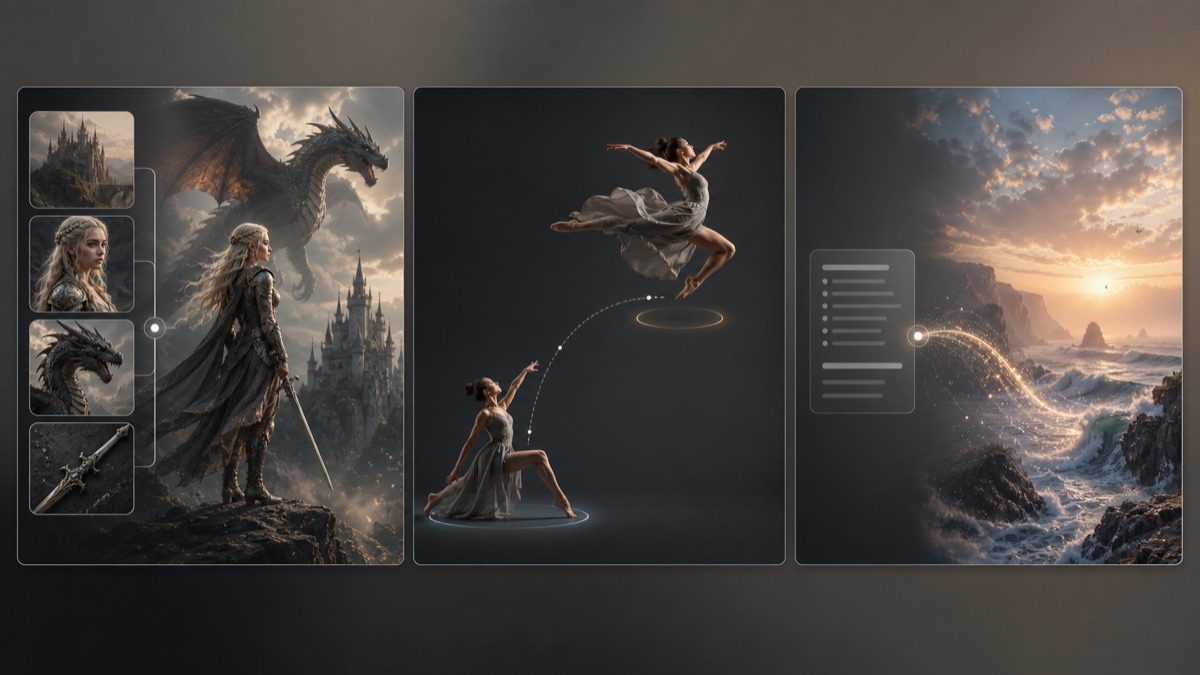
Combine product photos and video references to set the item, setting, style and motion.
Keep packaging, colors, shapes and textures close to your references throughout the clip.
Generate sound with the picture, from rain and sizzling to music that sets the mood.
Make short product moments quickly and test several versions before you choose a final one.



Create with Gemini Omni Flash in three steps inside Wizstar.
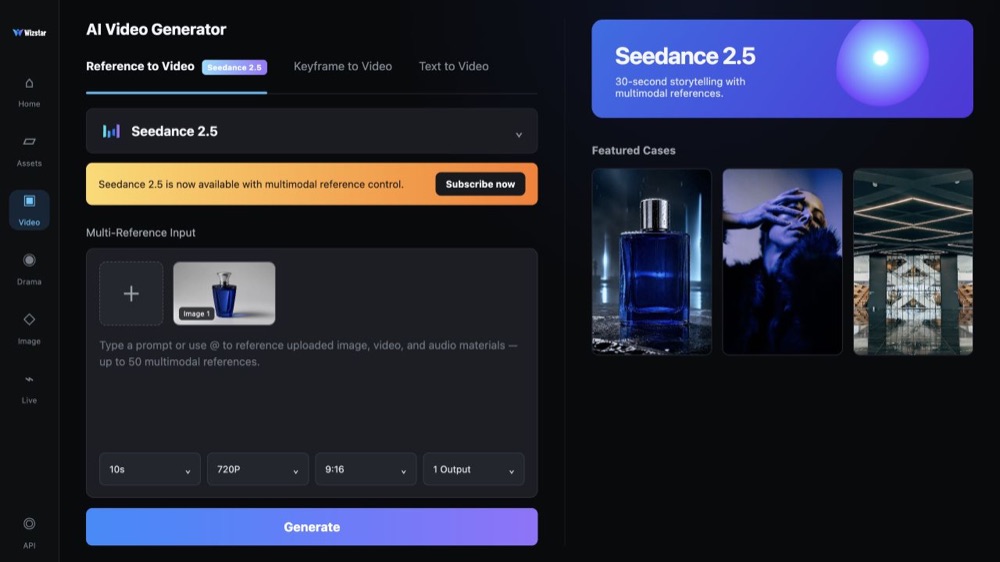
Choose Gemini Omni Flash in the Reference to Video tab of the Wizstar video generator.
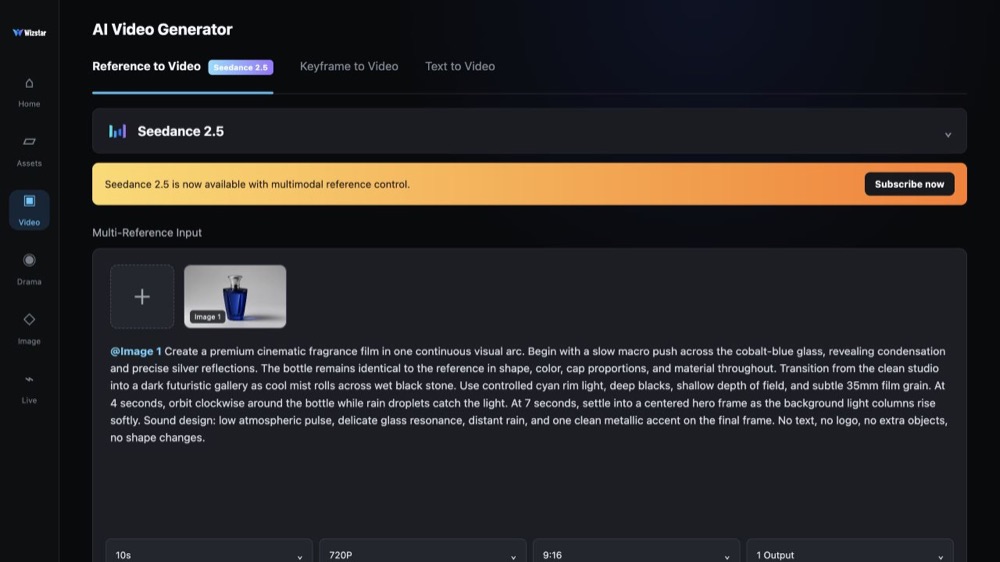
Upload product images or video references, then describe the scene, camera, lighting and sound.
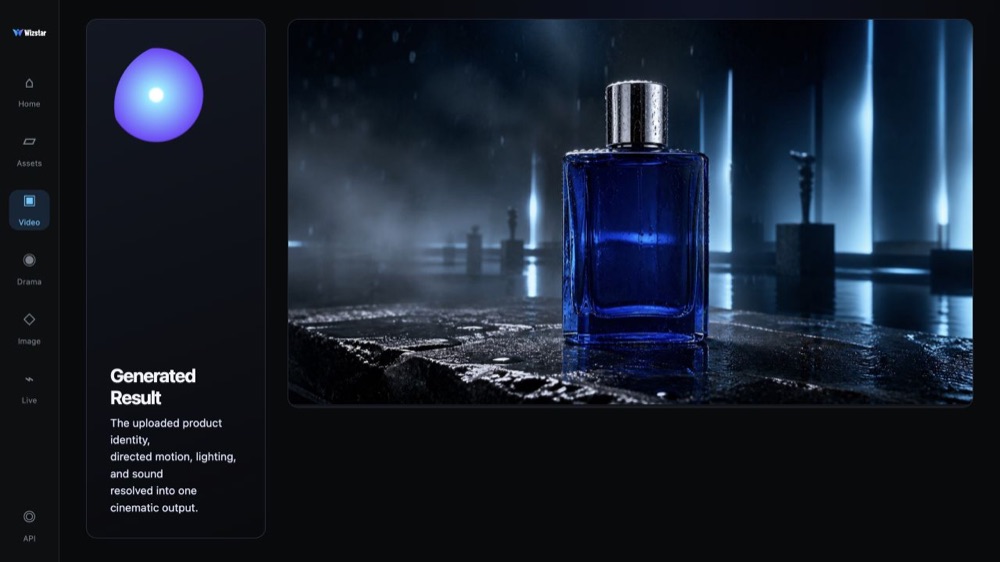
Review the clip with audio, check the product details, then change the prompt for the next try.
Connect Gemini Omni Flash capabilities to the creative jobs teams need to complete.
Show lipstick, eyeshadow and fragrance products in short, polished clips.
Create with Gemini Omni FlashTurn product photos into close-up videos for product pages and launches.
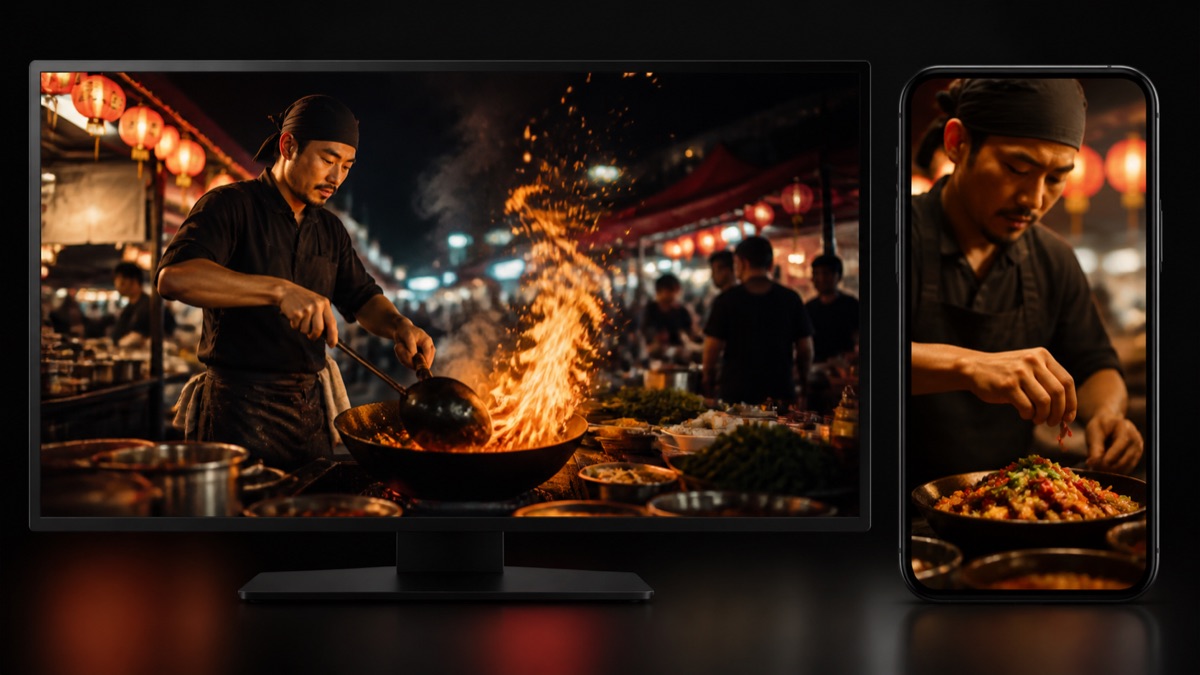
Create with Gemini Omni FlashCreate appetizing close-ups of ingredients, pouring and cooking moments.
Create with Gemini Omni FlashMake quick, eye-catching videos for feeds, stories and shop pages.
Create with Gemini Omni FlashCompare the available model workflows before choosing a starting point.
| Model | Type | Best for | Primary input | |
|---|---|---|---|---|
| Seedance 2.5 | Video | 30-second video generation with audio | Text or reference media | View |
| MiniMax H3 | Video | Multimodal video generation with synchronized sound | Text or reference media | View |
| Kling 3.0 | Video | Cinematic motion control | Text or reference media | View |
| Seedance 2.0 | Video | Multi-shot visual storytelling | Text or reference media | View |
| Seedance 1.5 | Video | Superb audio-visual synchronization | Text or reference media | View |
| Veo 3.1 | Video | Cinematic 4K video with rich audiovisual detail | Text or reference media | View |
| Gemini Omni 1.1 Flash | Video | Greater control with improved visual consistency | Text or reference media | View |
| Gemini Omni Flash Current | Video | Strong visual consistency across multimodal inputs | Text or reference media | |
| Sora 2 | Video | Prompt-driven visual storytelling | Text or reference media | View |
| GPT Image 2 | Image | Prompt-led image generation and editing | Text or reference image | View |
| GPT Image 2.5 | Image | Sharper image generation with faster, more precise editing | Text or reference image | View |
| Nano Banana 2 | Image | Fast text-to-image generation and reference editing | Text or reference image | View |
| Seedream 5.0 | Image | ByteDance flagship for high-fidelity generation | Text or reference image | View |
Review the Gemini Omni Flash inputs and output controls presented in the source workflow.
Confirm the controls displayed in the generator before beginning production work.
Use these Gemini Omni Flash prompt patterns to make the creative direction explicit.
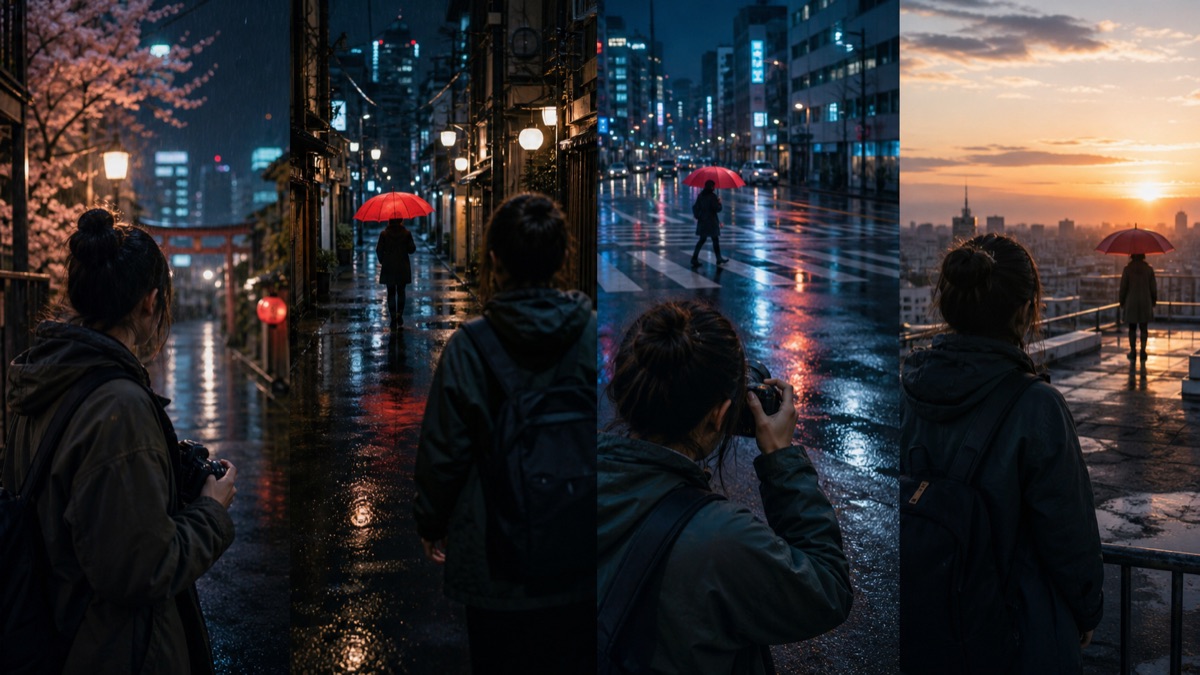 Place the product in a scene
Use the reference image of the perfume bottle. The bottle stands among fresh red roses, petals drifting down, soft morning light, slow push-in, gentle piano music.
 Add a playful idea
A glossy red lipstick sits inside a toy claw machine; the claw descends, grabs it and lifts it toward the camera, bright arcade lights, mechanical whirring and a cheerful chime.
 Direct the atmosphere
A lavender perfume bottle in a fine rain mist, droplets beading on the glass, cool purple tones, the camera slowly circling, soft rainfall sound.
 Go macro for food
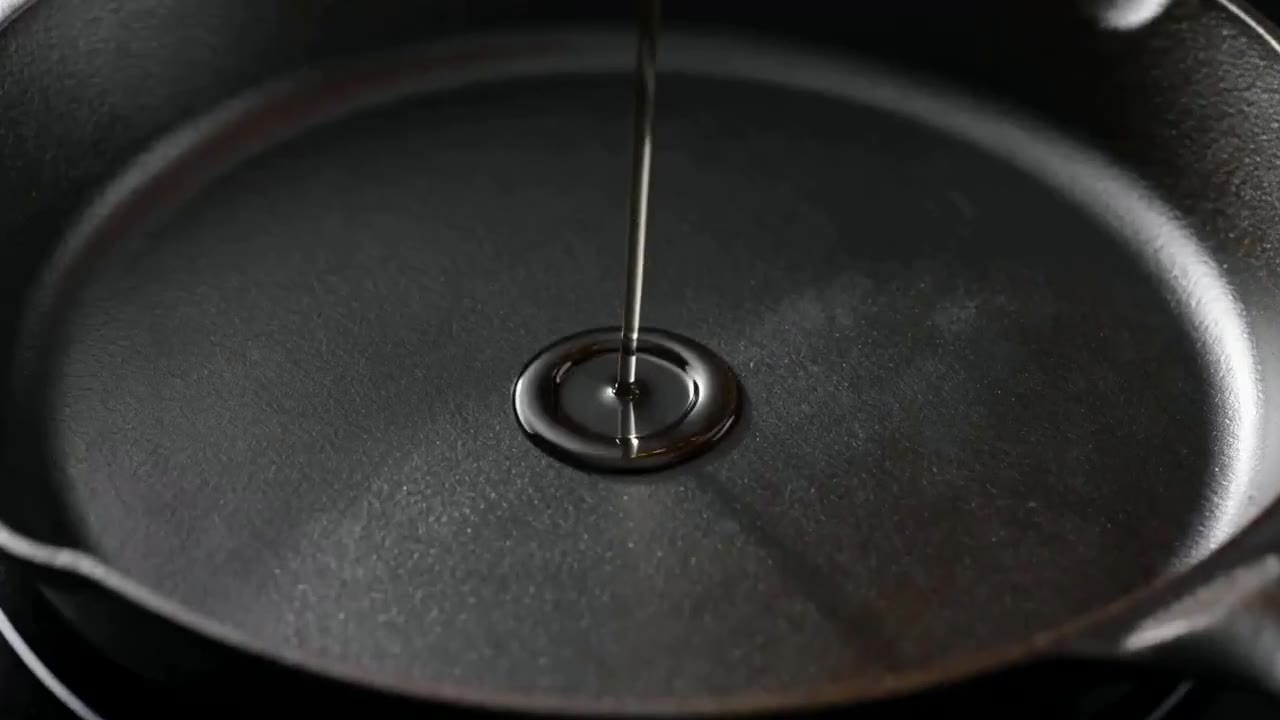
Extreme close-up of golden oil poured into a hot cast-iron pan, the oil rippling and shimmering, warm kitchen light, crisp sizzling sound.
Practical ways Gemini Omni Flash fits into creative planning and review.
Upload clear product references, so packaging, colors and shapes stay easy to recognize.
Describe texture and sound, such as rain on glass or sizzling oil, to make close-ups feel real.
Make several short clips quickly, then move your best idea to Gemini Omni 1.1 Flash for 4K.
Answers to common questions about using Gemini Omni Flash on Wizstar.
Gemini Omni Flash is a Google video model in the Wizstar AI video generator. On Wizstar it works in the Reference to Video tab, takes image and video references, and makes 3 to 10 second clips with generated audio.
Open the Wizstar video generator and pick Gemini Omni Flash in the Reference to Video tab. Upload your product images or video references and write a prompt about the scene, camera and sound. Generate the clip, then improve the prompt for the next try.
Gemini Omni Flash suits product and beauty content such as fragrance, makeup and food clips. Its strong visual consistency helps keep packaging, colors and shapes close to your references.
Gemini Omni Flash clips run from 3 to 10 seconds. Check the length and output options in the generator before you submit, because the available settings can change.
Gemini Omni Flash is the lighter, faster option for quick product and beauty clips. Gemini Omni 1.1 Flash adds greater control, improved visual consistency and native 4K output, for harder character and scene work.
Gemini Omni Flash is not an unlimited free AI video generator. Each generation uses credits. The amount depends on the length and output settings, so check the credit amount shown in Wizstar before you submit.
Start from text, keyframes, or reference media, then direct the motion and sound.