NANO BANANA 2 · Image
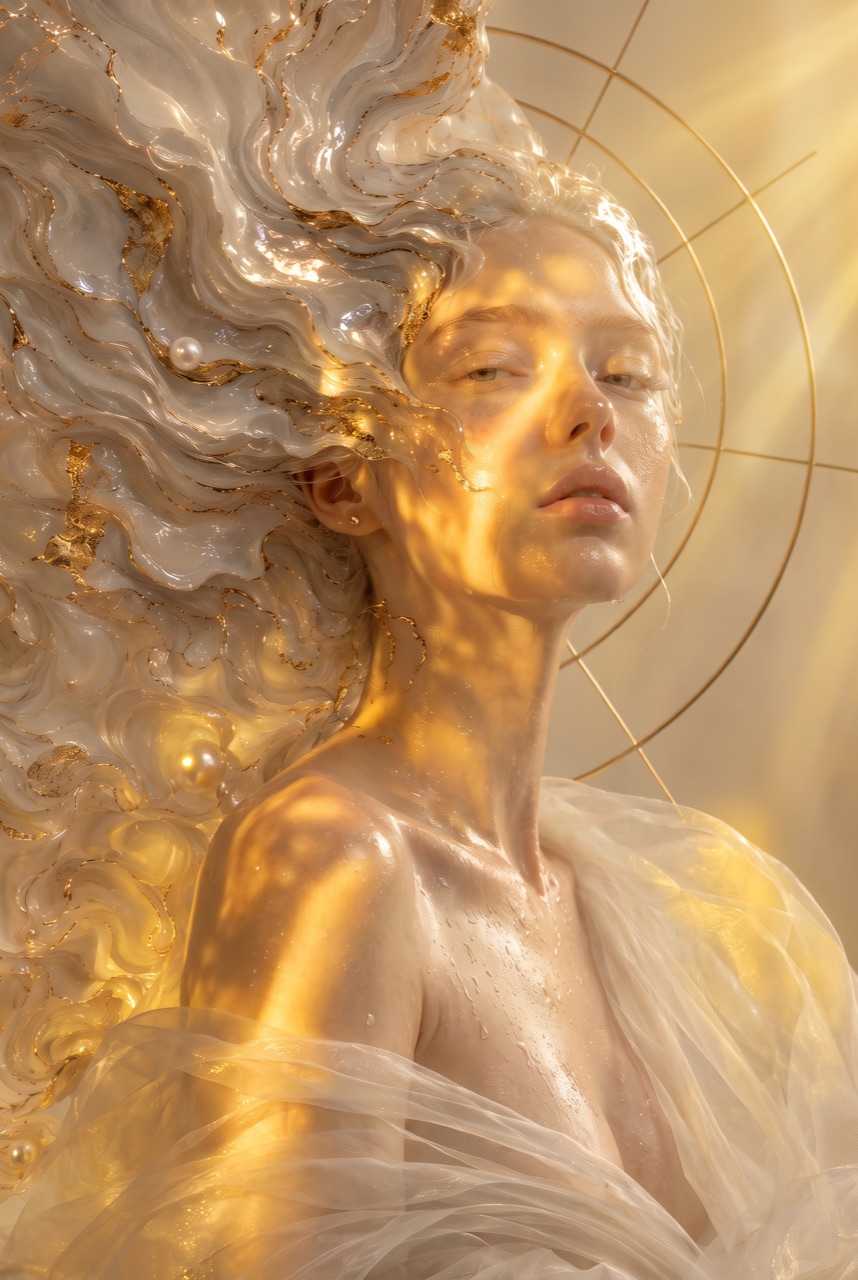
Celestial editorial portrait
Nano Banana 2 example · Prompt to image
Create Nano Banana 2 images from text prompts or reference photos with fast image generation, editing controls, and output up to 4K on Wizstar.

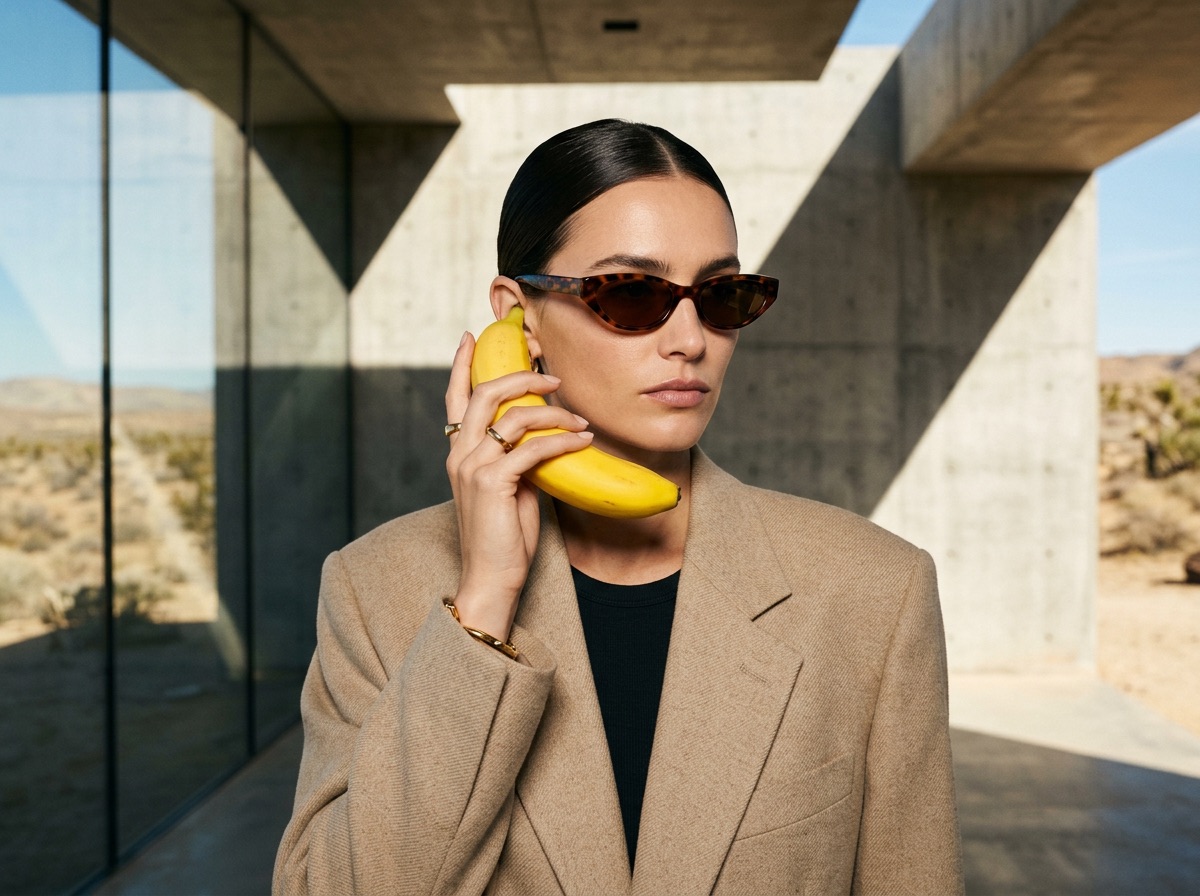
See how Nano Banana 2 supports real creative briefs and output formats.
Nano Banana 2 example · Prompt to image
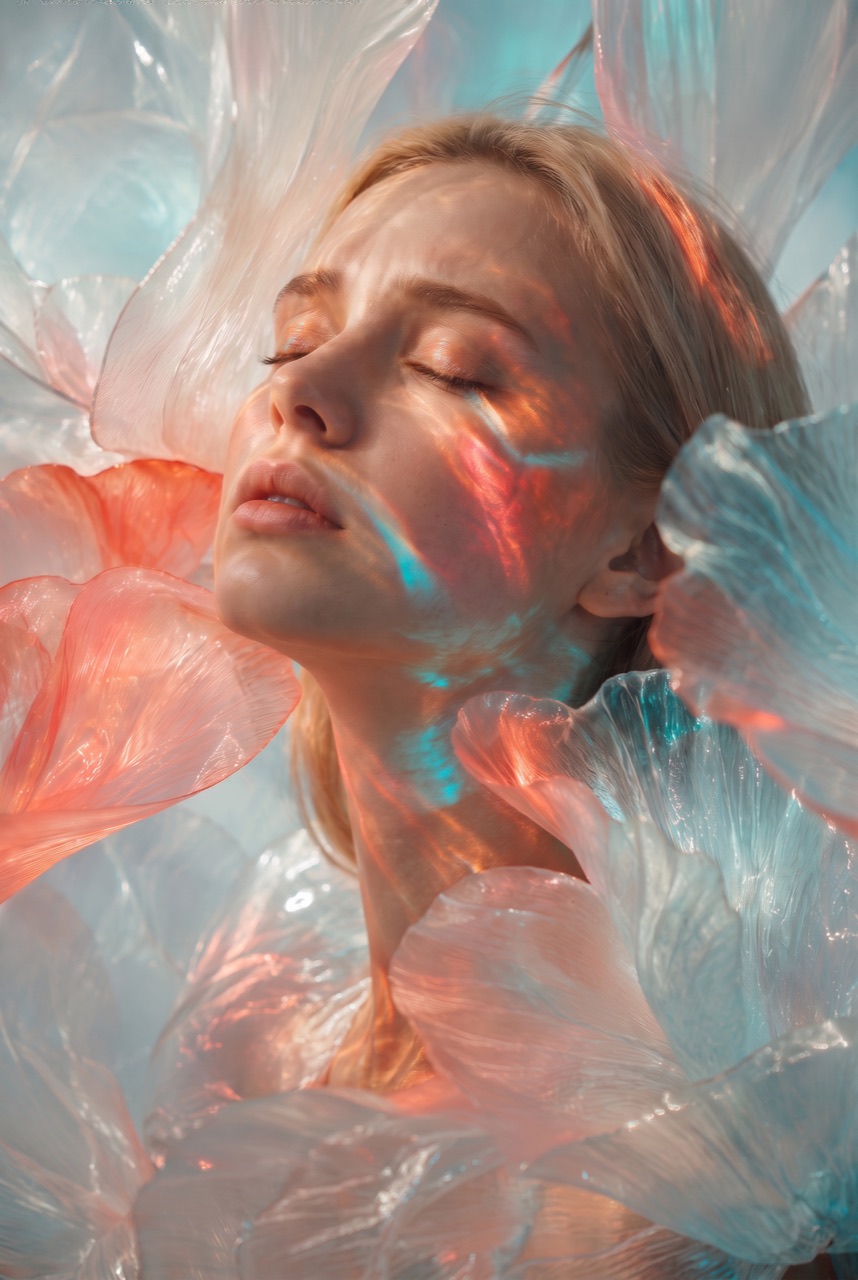
Nano Banana 2 example · Prompt to image
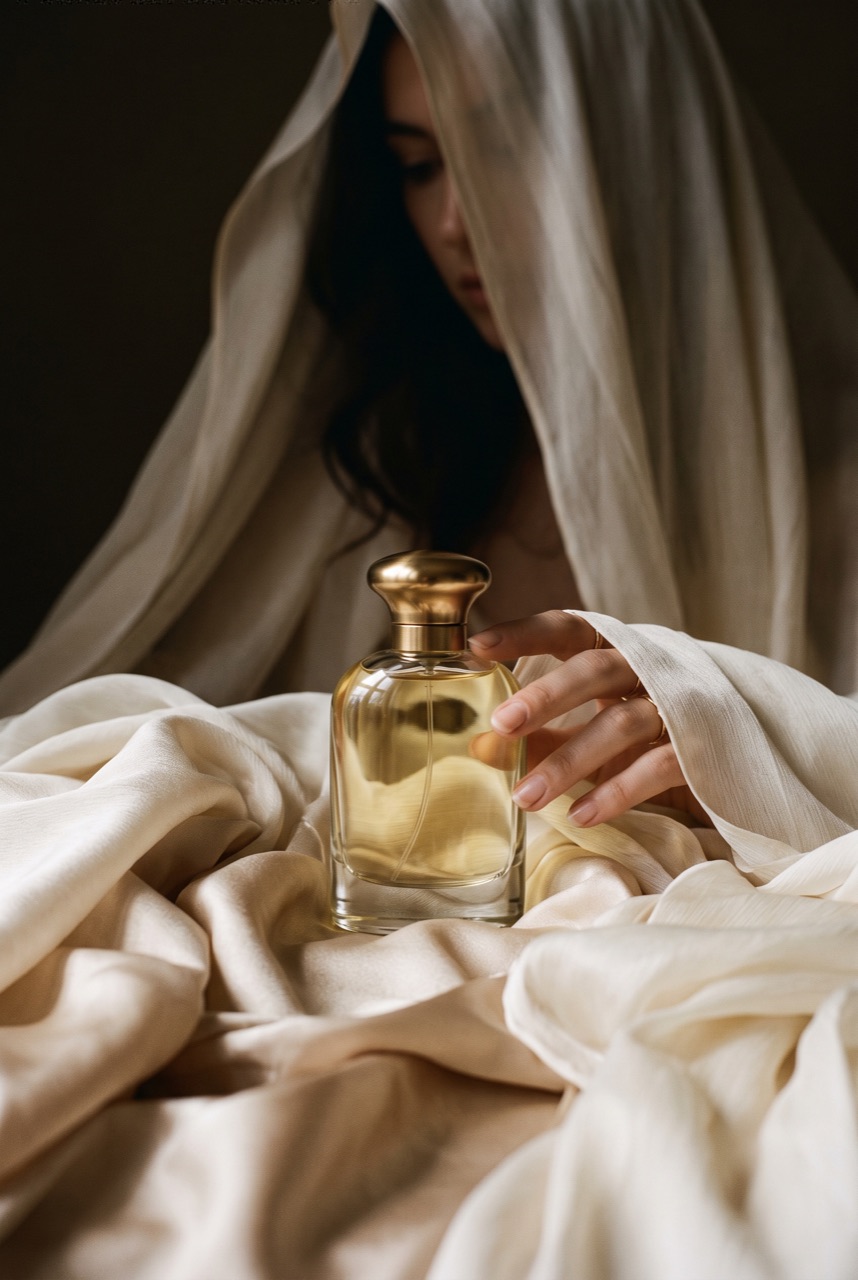
Nano Banana 2 example · Prompt to image
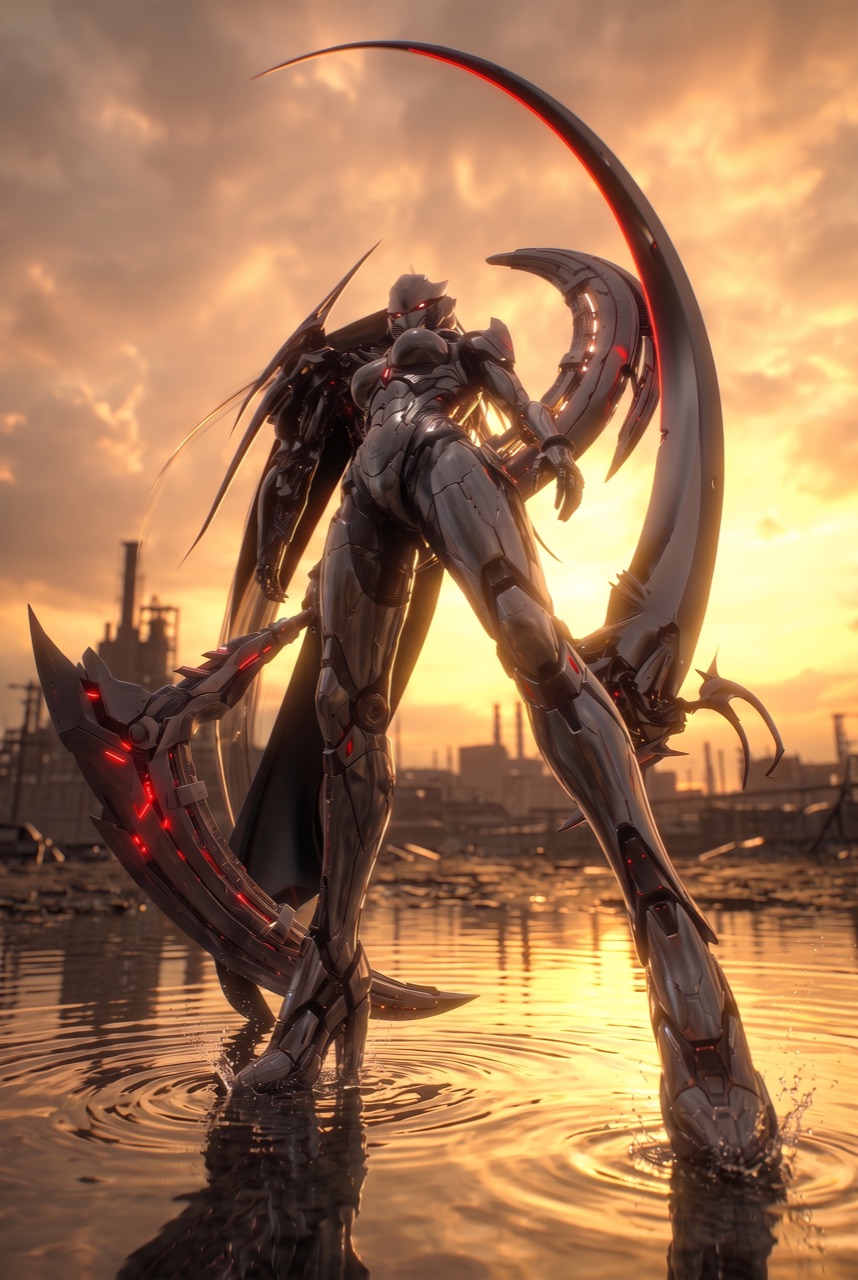
Nano Banana 2 example · Prompt to image
Create Nano Banana 2 images from text prompts or reference photos with fast image generation, editing controls, and output up to 4K on Wizstar.
Nano Banana 2 is a Google image model available in Wizstar for creating images from text prompts or editing a reference photo. Its workflow combines prompt direction with resolution, aspect ratio, and output-count controls.
Nano Banana 2 is developed by Google. Wizstar provides the creation workflow described on this page.
Explore the core Nano Banana 2 capabilities available in the current Wizstar workflow.
Turn a concise prompt into an image direction with subject, setting, composition, and style.
Upload a source image and describe the visual change you want to make.
Test multiple visual directions while keeping the core brief consistent.
Choose 1K, 2K, or 4K and common square, landscape, portrait, and vertical ratios.
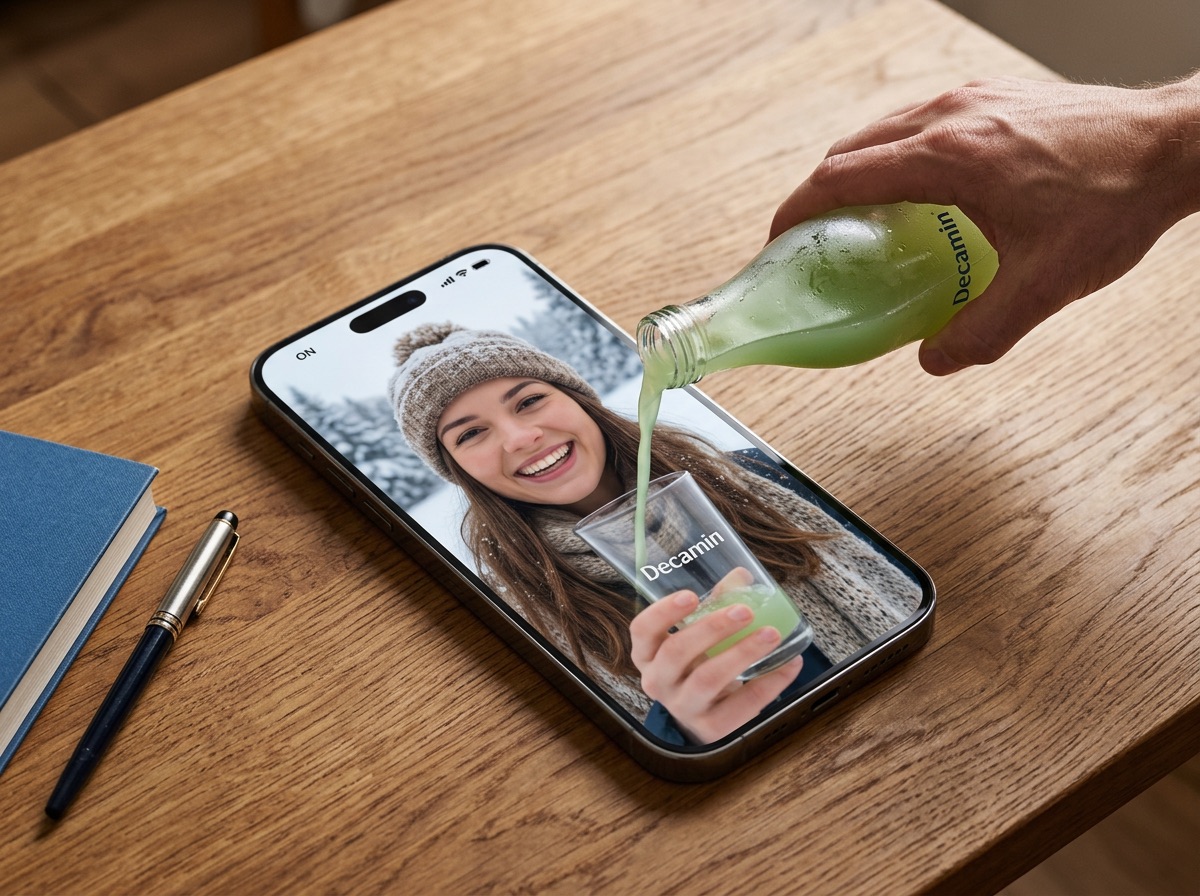
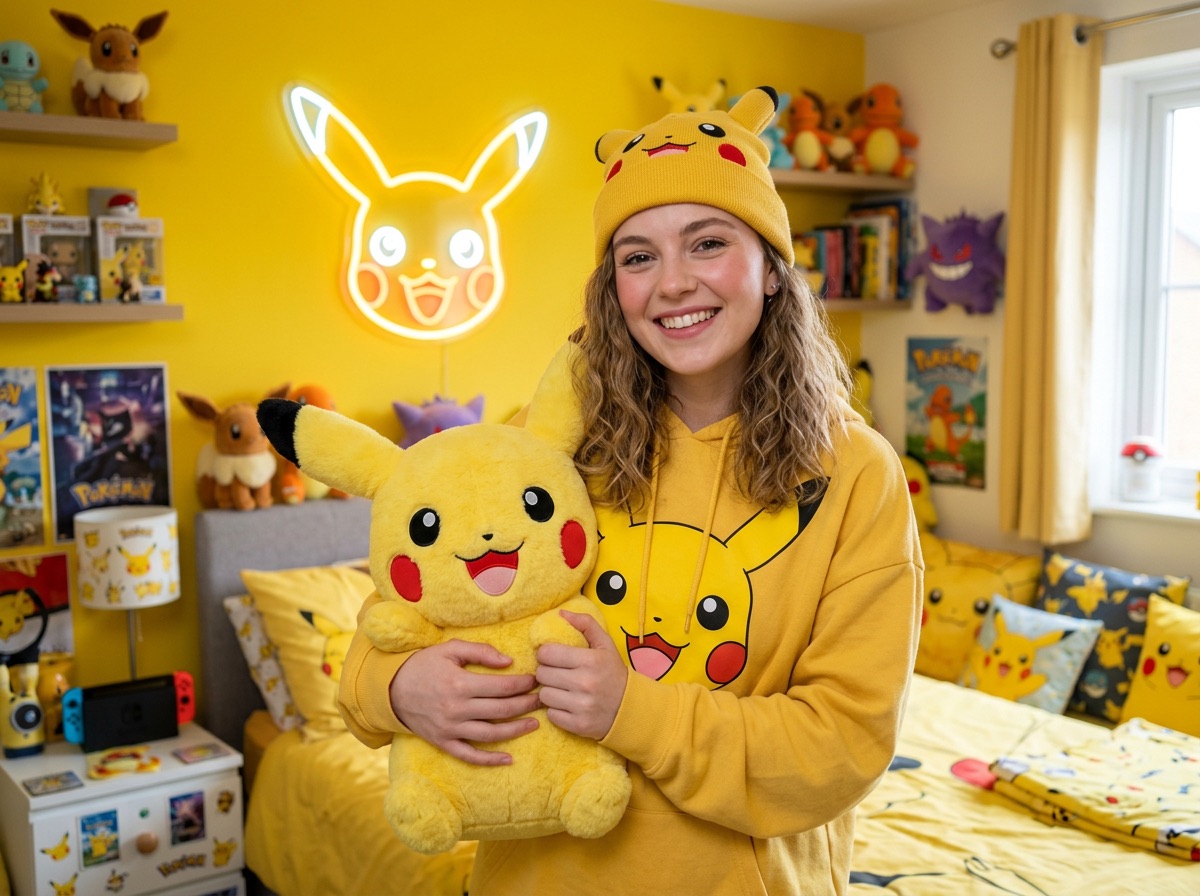
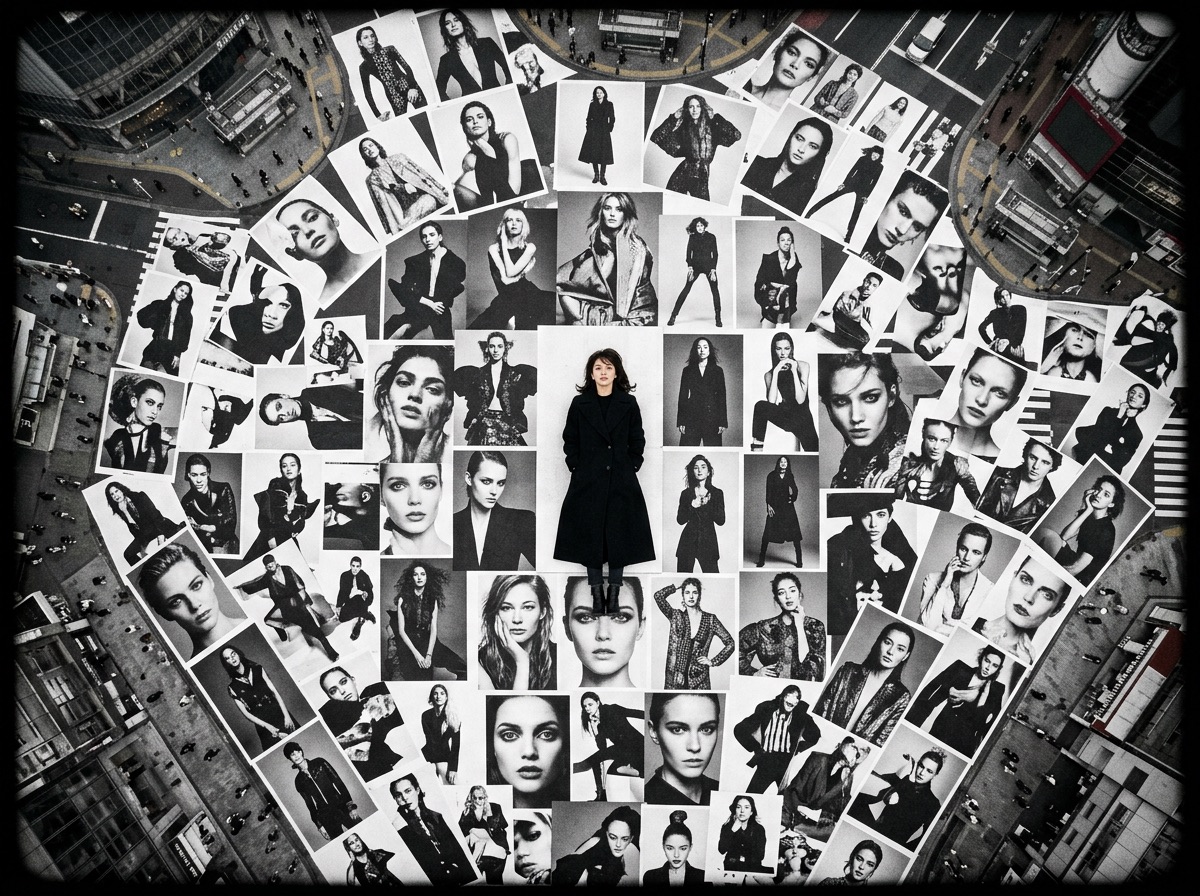
Create with Nano Banana 2 in three steps inside Wizstar.
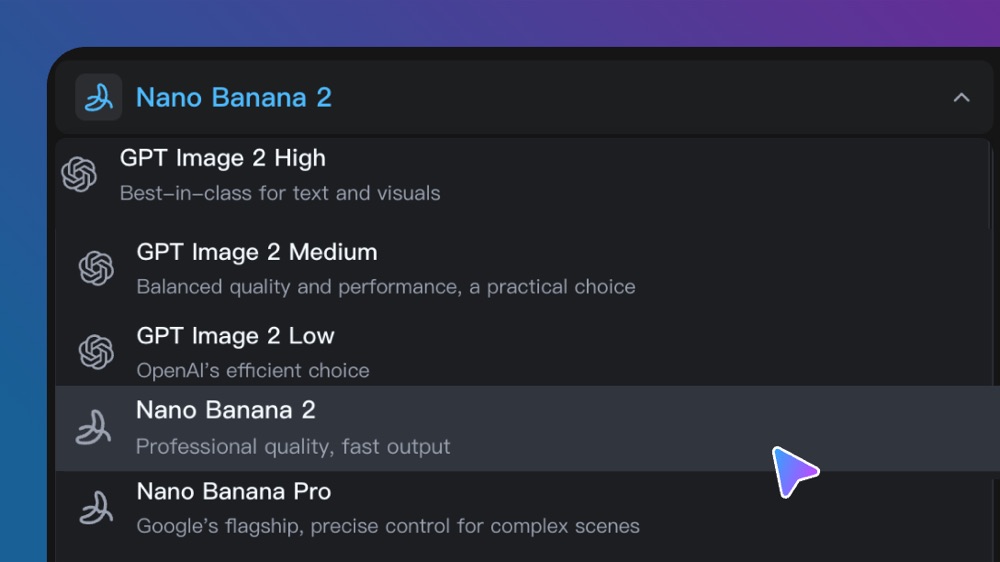
Open the image model selector and choose Nano Banana 2.
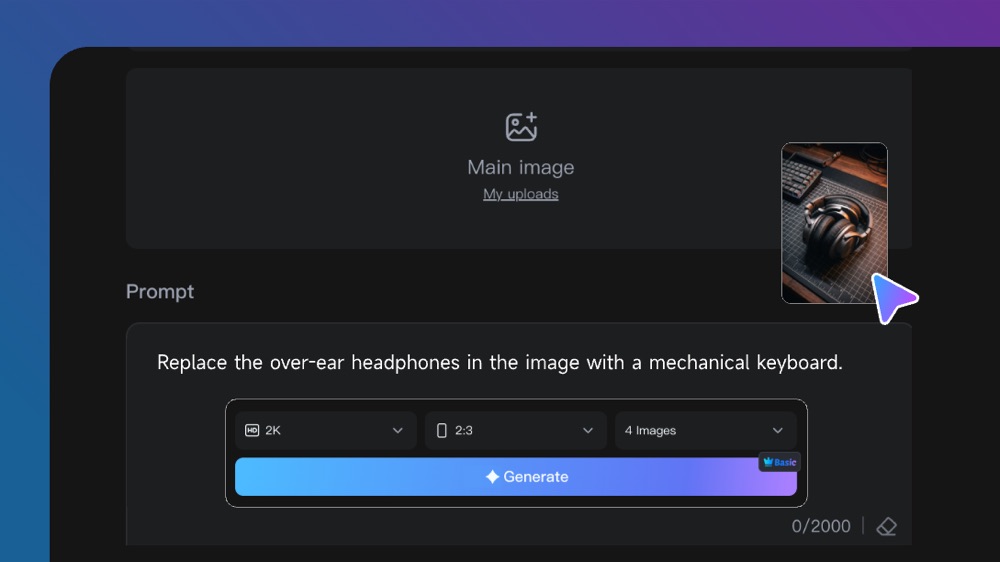
Upload an image when needed, then describe subject, composition, style, resolution, and ratio.
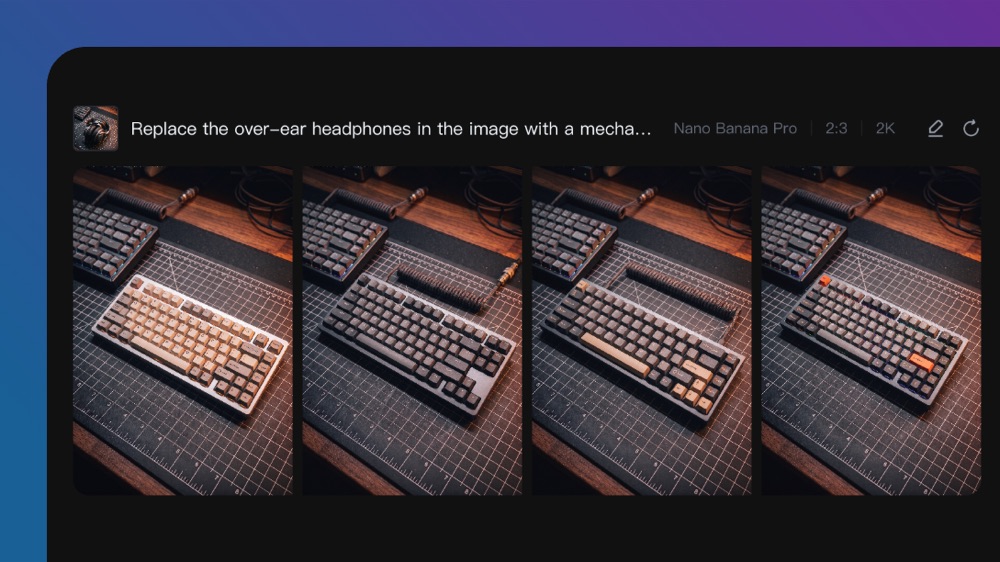
Generate the images, compare the results, and refine the prompt or output settings.
Connect Nano Banana 2 capabilities to the creative jobs teams need to complete.
Develop images for social posts, launches, thumbnails, and campaign tests.
Create with Nano Banana 2Translate a brief into campaign concepts, product scenes, and ad creative.
Create with Nano Banana 2Explore backgrounds, angles, materials, and lighting from a product reference.
Create with Nano Banana 2Compare colors, styles, and compositions before a design handoff.
Create with Nano Banana 2Compare the available model workflows before choosing a starting point.
| Model | Type | Best for | Primary input | |
|---|---|---|---|---|
| Seedance 2.5 | Video | 30-second video generation with audio | Text or reference media | View |
| MiniMax H3 | Video | Multimodal video generation with synchronized sound | Text or reference media | View |
| Kling 3.0 | Video | Cinematic motion control | Text or reference media | View |
| Seedance 2.0 | Video | Multi-shot visual storytelling | Text or reference media | View |
| Seedance 1.5 | Video | Superb audio-visual synchronization | Text or reference media | View |
| Veo 3.1 | Video | Cinematic 4K video with rich audiovisual detail | Text or reference media | View |
| Gemini Omni 1.1 Flash | Video | Greater control with improved visual consistency | Text or reference media | View |
| Gemini Omni Flash | Video | Strong visual consistency across multimodal inputs | Text or reference media | View |
| Sora 2 | Video | Prompt-driven visual storytelling | Text or reference media | View |
| GPT Image 2 | Image | Prompt-led image generation and editing | Text or reference image | View |
| GPT Image 2.5 | Image | Sharper image generation with faster, more precise editing | Text or reference image | View |
| Nano Banana 2 Current | Image | Fast text-to-image generation and reference editing | Text or reference image | |
| Seedream 5.0 | Image | ByteDance flagship for high-fidelity generation | Text or reference image | View |
Review the Nano Banana 2 inputs and output controls presented in the source workflow.
Confirm the controls displayed in the generator before beginning production work.
Lightweight and ultra-fast for high-volume creation
Use these Nano Banana 2 prompt patterns to make the creative direction explicit.
Lead with the subjectCreate an editorial portrait of a fashion designer in a sunlit studio, natural pose, textured materials, warm highlights, and a quiet neutral background.
Define the visual styleCreate a premium product still life with sculptural fabric, realistic reflections, warm studio light, and a deep espresso background.
Preserve the reference subjectKeep the person and clothing unchanged. Replace the location with colorful desert architecture and match the new sunlight to the subject.
Write for the final placementCreate a 16:9 campaign visual with the subject on the right and uncluttered negative space on the left for a headline.
Practical ways Nano Banana 2 fits into creative planning and review.
Move from one brief to several visual directions without changing tools.
Use a reference image when identity, product shape, or an existing composition needs to stay recognizable.
Set the output ratio before generating to reduce recropping for social, web, or campaign placements.
Answers to common questions about using Nano Banana 2 on Wizstar.
Nano Banana 2 is a Google image model available in Wizstar for text-to-image generation and reference-image editing. The Nano Banana 2 AI image generator is suited to visual concepts, portraits, product scenes, social creative, and other workflows where a written brief and an existing image can work together.
Yes. Upload a main image to the Nano Banana 2 image generator, describe the edit, and state which subjects or details should remain unchanged. For more controlled results, separate the requested changes from the details that must be preserved, such as identity, pose, product shape, composition, or background.
For a strong Nano Banana 2 prompt, describe the subject, setting, composition, visual style, lighting, color palette, and intended output format. Add the audience or destination when relevant, and explain how any uploaded reference image should influence the final composition rather than leaving its role implicit.
The source Wizstar workflow presents Nano Banana 2 output at 1K, 2K, and 4K, with 1:1, 4:3, 3:4, 16:9, and 9:16 aspect ratios. Select the output size and ratio before generating so the image is composed for its destination, including social posts, product pages, presentation slides, and vertical mobile content.
The inspected Wizstar controls present one, two, or four Nano Banana 2 images per generation. Use several outputs to compare creative directions or prompt variations, then refine the strongest result with a more specific description of the composition, subject details, lighting, and required text.
Nano Banana 2 is not guaranteed to be an unlimited free AI image generator. Available starter credits and generation costs can change with resolution, output count, and other options, so check the current credit amount in the Wizstar image generator before submitting.
You can use Nano Banana 2 for social creative, product scenes, campaign concepts, design exploration, portraits, editorial images, and edits based on a reference image. Start with the intended audience and visual outcome, then add concrete direction for subject identity, composition, style, lighting, and output ratio.
Start from a text prompt or reference image, then set the composition and output format.