The short answer
The best text to video AI tools 2026 depend on whether a team needs an open-ended concept, directed camera motion, or a workspace for comparing drafts. Judge the approved clip after revisions, not the first attractive preview: text alone cannot prove a real SKU’s label or proportions.
What Counts as Text-to-Video for a Short Ad Clip?
Here, text-to-video means a prompt creates moving imagery without a source still or existing footage. That is narrower than turning a script or product URL into a full ad with stock shots, narration, and captions, and different from image-to-video, where a photo anchors composition. A prompt-led clip is a visual ingredient, not automatically a finished ad.
For an ad, ask whether the team can request one action, revise it, and finish the clip in its usual editor. Keep claims, exact packaging text, and captions out of generated pixels when accuracy matters; add approved copy and disclosures in post.
How Were These Four Tools Compared?
Give Each Tool the Same Product and Shot Brief
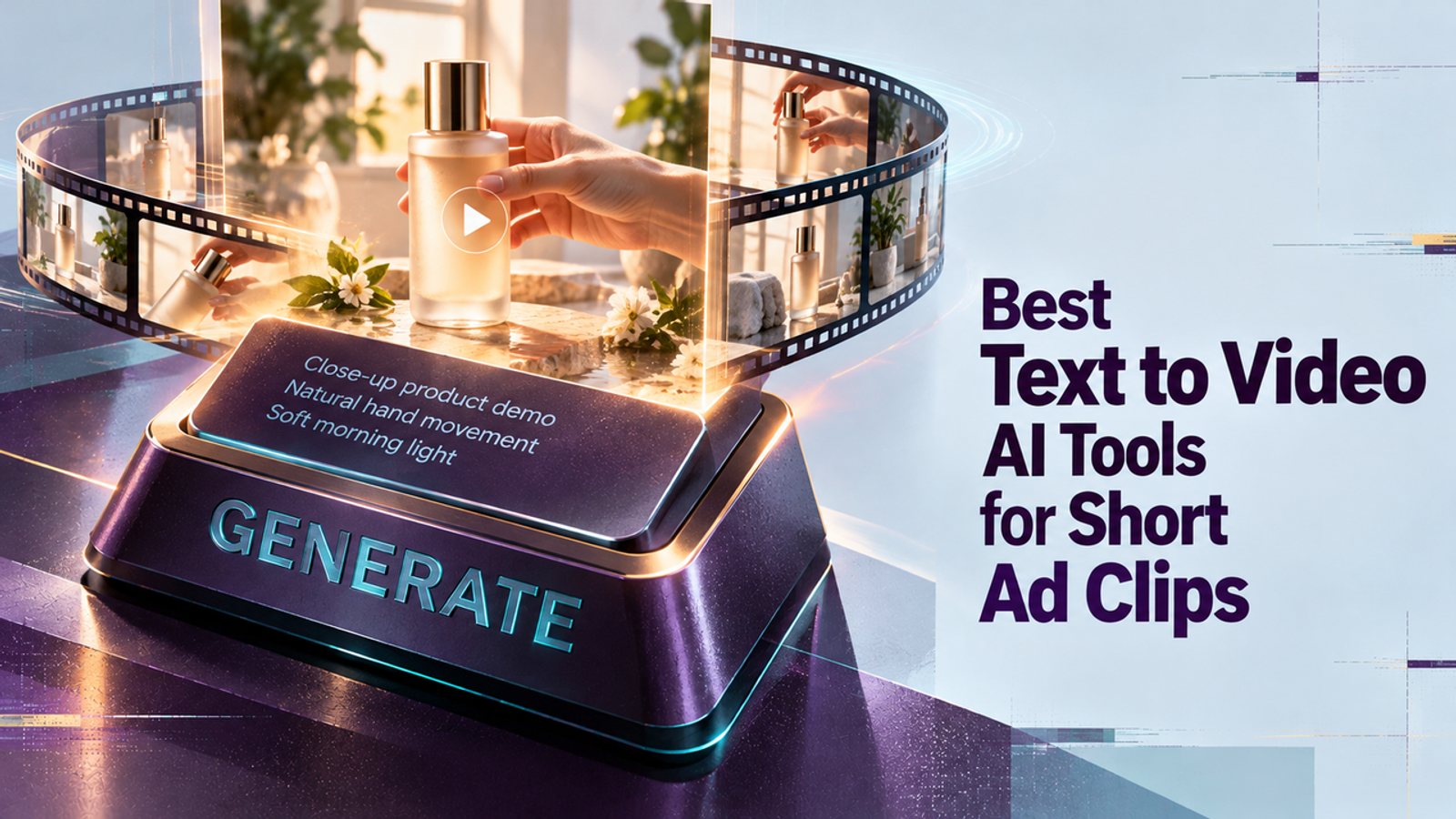
Use a product your team is authorized to depict and write down its visible attributes. A shared text-only fixture could read: “Create a five-second vertical product shot of [SKU], a matte cobalt bottle with a cylindrical body, narrow shoulder, silver cap, and one white front label. Place it on a warm-gray plinth. Make a slow 20-degree camera arc as a soft highlight moves across the surface. Keep the bottle still; do not open it, add hands, invent label copy, or show extra products. End centered with clear space above for editor-added copy.” Replace the description with verified product facts and use it unchanged across tools.
This tests one shot, not a storyboard. Record prompt, model/version, ratio, duration, revisions, and failed runs. Log a seed if offered, but do not assume it ensures repeatability. I did not generate this fixture for the article.
Score Prompt Control, Revisions, and Usable Cost
Review first, middle, and last frames for silhouette, color, label, and continuity; then check motion, framing, and unwanted text. Use pass/fail for product facts and a team rating for motion, prompt fit, revision burden, and export readiness. Set rejection rules first so visual polish cannot excuse an inaccurate SKU.
Compare cost per approved clip, including credits, retries, export charges, editing time, and the license tier needed for ads. Public pages do not give a comparable cost for one approved asset across all four, so plan prices alone cannot identify the cheapest. A platform license cannot clear third-party trademarks, music, or product claims in your brief.

Wizstar — Text-First Marketing Shot Workflow
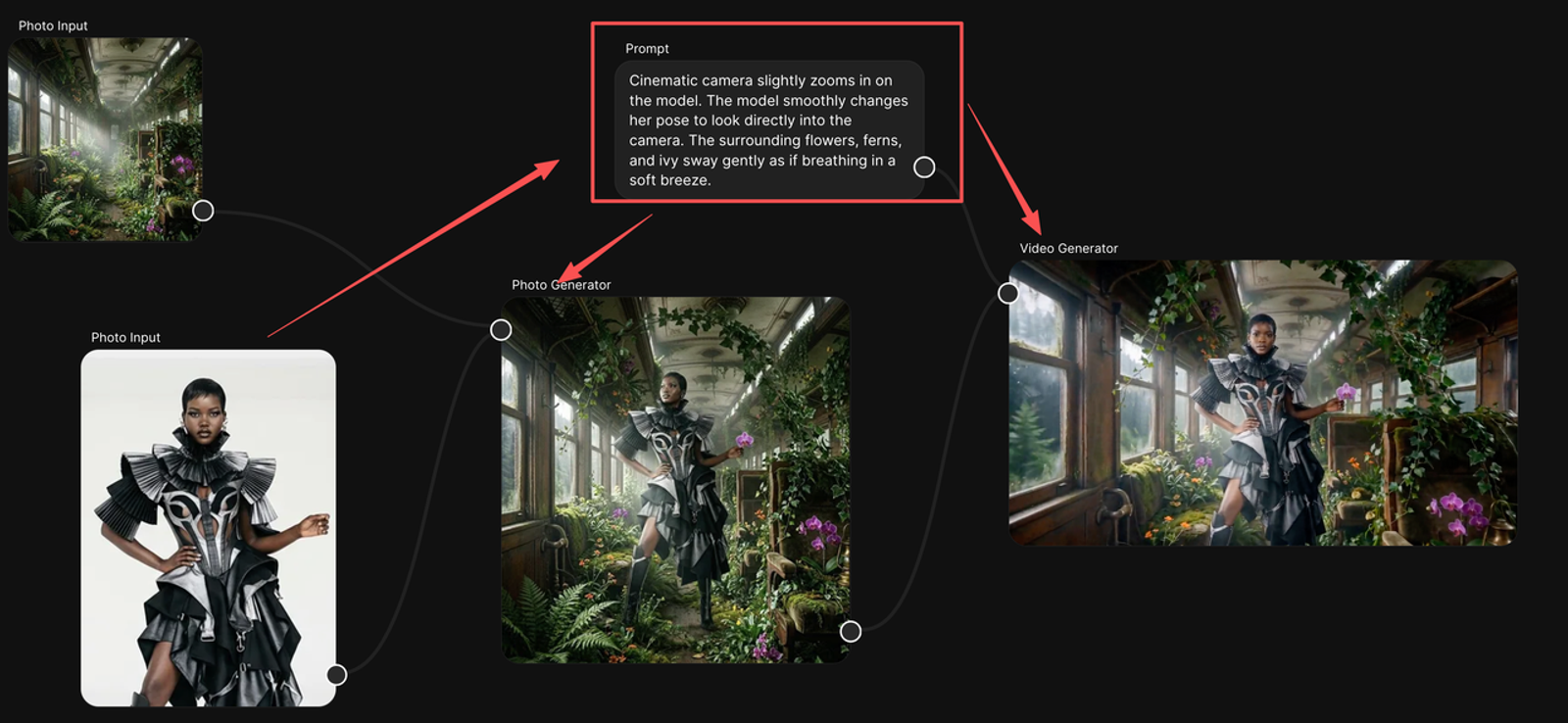
Wizstar presents text-to-video alongside image and reference inputs, with multiple model options in one workbench. Its current model and video options make it a candidate when a team wants to try the same brief with different available models without treating each model as a separate buying decision. Check the live selector: available models, duration, resolution, and credit use can vary by workflow and account.
Best Fit and Key Trade-Offs
The likely fit is a marketing team that wants to compare prompt-led drafts in one workbench. That is a workflow hypothesis, not evidence Wizstar preserves a SKU better. Without a visual anchor, label and package geometry remain review risks; use an authorized image if the actual product must be exact.
Measure whether model choice and revisions reduce unusable attempts. Check credit cost before generating variants, and move only approved footage to editing.
Runway — Directed Generative Shots
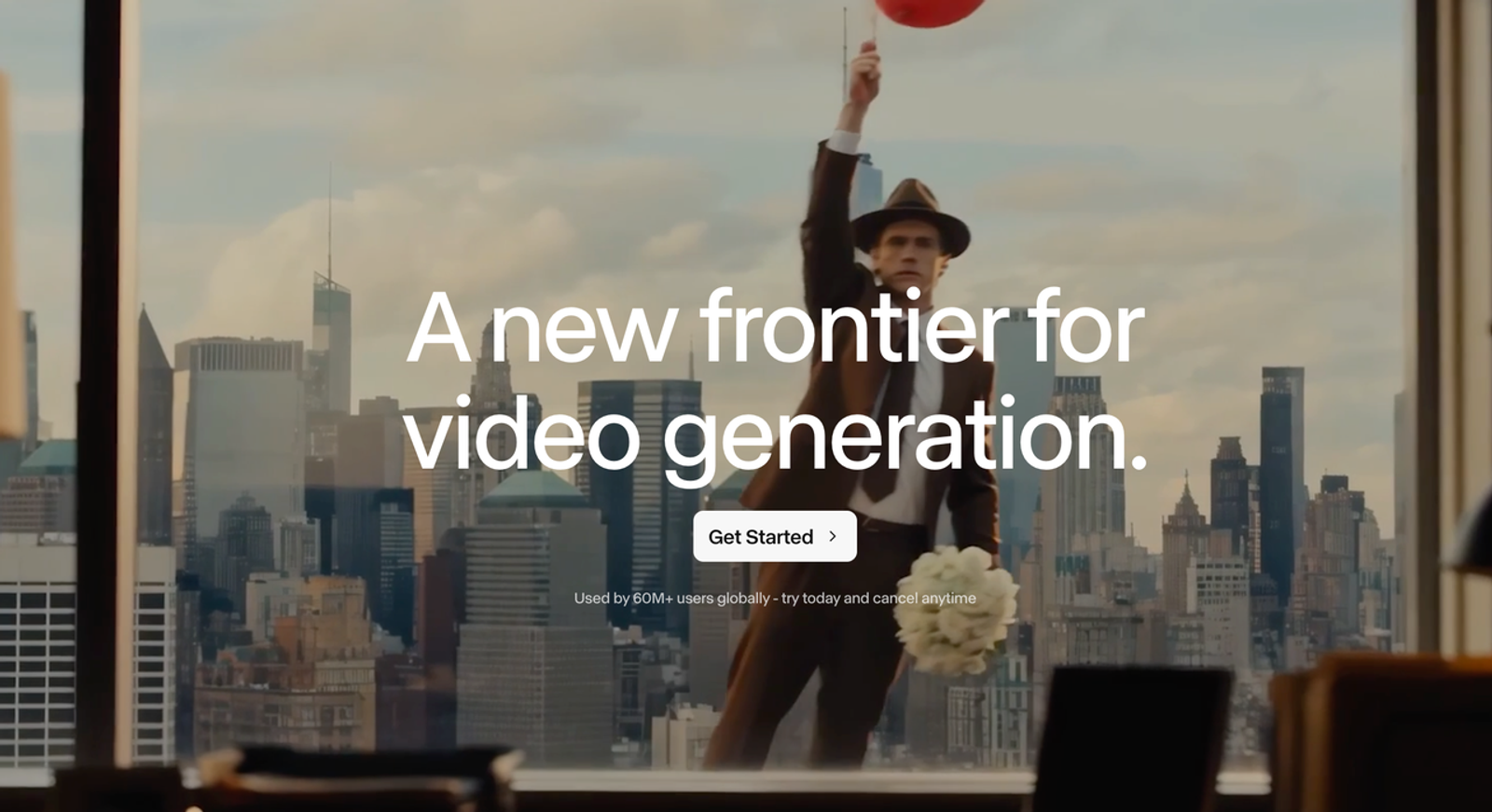
Runway’s Gen-4.5 guide describes sequenced actions and camera choreography. It lists text-to-video at two to ten seconds, 720p, and 12 credits per second; its text-only specification lists 16:9, so confirm vertical output before planning a 9:16 ad. The official Gen-4.5 guide frames prompt adjustment as part of iteration.
Best Fit and Key Trade-Offs
Runway is a reasonable candidate when a brief depends on camera movement or timed action. The per-second rate helps estimate a first pass, but approved-clip cost includes reruns and editing. Direction does not lock small product details, so compare the label and shape with the source page before keeping a take.
Luma — Short Visual Concepts From Text
Luma’s Dream Machine is a candidate for short concept shots built around atmosphere, lighting, or a visual hook. Keep this comparison on its text-only path; adding a reference image to just one tool changes the test. Check Luma’s published generation-rights guide: commercial use and treatment of submitted content vary by plan.
Best Fit and Key Trade-Offs
Use Luma at concept stage when visual direction matters more than package fidelity. A polished orbit is not proof that the bottle matches the SKU. The next edit is part of the cost: include outside-editor work and the applicable plan if the shot needs rebuilding.
Google Flow — Prompt-Led Scene Drafts
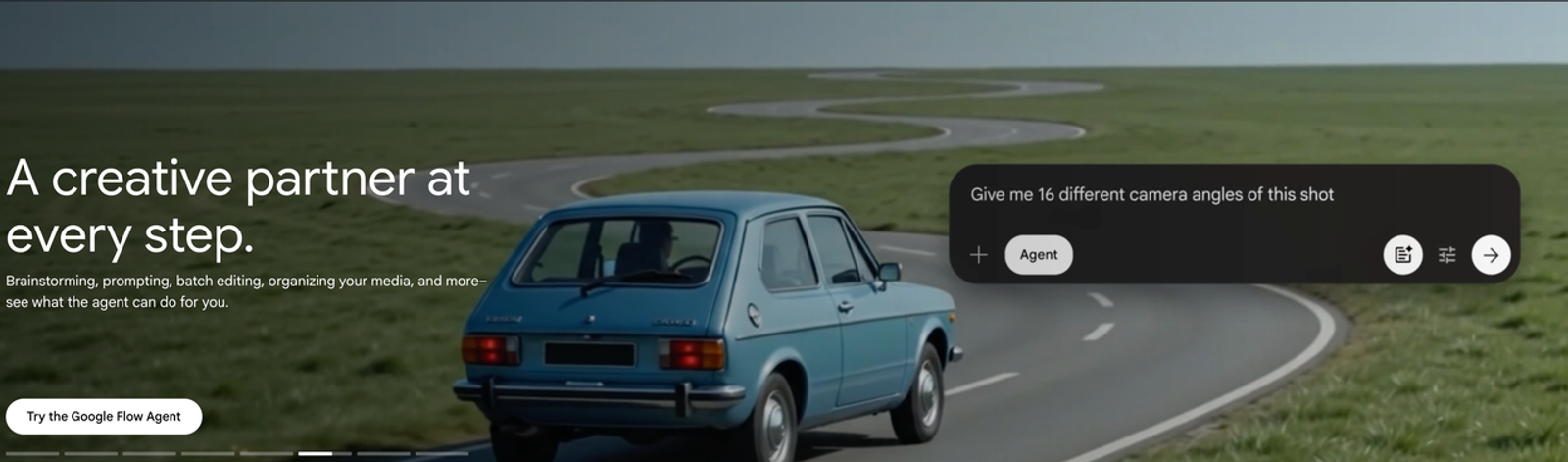
Google Flow organizes prompt-led work around projects, assets, and generation history. Its current access and credits guidance says availability depends on supported regions and eligible subscriptions; model costs appear in the product and can change. Check access before building it into a team workflow.
Best Fit and Key Trade-Offs
Flow may suit a team organizing connected scene drafts. For one insert, that broader workspace may add little. Check which model ran if Flow switches to a compatible option, and record it with the clip; otherwise a model change can look like a prompt effect.
Compare Four Tools on the Same Text Brief
| Tool | Likely workflow fit | Verify in a trial | Cost question |
| Wizstar | Compare available models in one workbench | Active model and product drift | Credits plus review time |
| Runway | Direct camera motion and timed action | Ratio, label accuracy, retries | Credits plus editing |
| Luma | Explore visual concepts | Current model and commercial tier | Generation estimate and license |
| Google Flow | Organize related scene drafts | Region, subscription, selected model | Model credits and workspace value |
This is a selection matrix, not a quality ranking. Handoff the approved MP4 with its prompt, model details, revision log, product-accuracy check, and separately approved copy, captions, and music. A draft earns a review, not a green light.
Which Tool Fits Your Short-Clip Workflow?
Choose by the bottleneck. Try Runway if the shot depends on camera choreography and its output ratio fits. Consider Luma for concept exploration after checking plan rights. Flow fits connected drafts when access and project organization matter. Include Wizstar if comparing available models in one workbench is useful. If none passes the product-fact gate, do not solve that with more prompt adjectives; change the input method or bring in approved footage. That is a useful result from a trial, too, because it prevents the team from buying a text-only workflow for a task that needs visual control.
Keep the prompt fixed for round one, then revise one instruction at a time. Log failure type—color, silhouette, label, or invented detail. If the product is right, but the shot feels flat, change motion or lighting. That record makes the buying decision about repeatable work, not cherry-picked previews.
When Should a Team Start From a Product Image Instead?
Start from a product image when the frame must show a real package, trademark, colorway, or distinctive feature. Text generation invents the item from words; an image-to-video workflow adds a visual anchor but still needs distortion checks. Use text-only for concepts or product-adjacent inserts where the actual SKU can be added later.
For a mechanism demo—opening a cap, pouring liquid, fitting an accessory—use approved footage, not a prompt that can invent product behavior. Pretty is easy to spot; usefulness takes another look.
Conclusion
Choose the tool whose prompt, revisions, format, rights, and usable cost hold up on your brief. Keep concept visuals separate from product proof and review the exported clip in its final edit. Without a matched test, “best” is a shortlist, not a result.
FAQ
- Can a saved prompt reproduce the same shot after a model update?
- No. A prompt preserves the instruction, not model behavior. Save model/version, settings, date, and output with it; rerun a small check after updates. The old approved clip is a reference, not a repeatability guarantee.
- Which tools offer a separate caption file rather than text baked into pixels?
- The reviewed text-to-video pages do not establish SRT/VTT sidecar export for these workflows. Add captions in an editor and export a separate subtitle file there if needed. Lettering in the frame is not a caption track.
- Can a text-generated clip be exported with transparency for later compositing?
- I could not confirm native alpha export for these paths. A high-resolution file or image sequence does not by itself establish transparency. If compositing depends on alpha, get written confirmation for the model, plan, and codec first.
- Do the tools let teams exclude confidential ad prompts from model training?
- There is no blanket yes. Google’s Labs FX data FAQ says disabling history prevents future interactions from human review and model improvement, though service interactions may be retained for up to 72 hours. Other vendors’ plan terms differ; check account controls and business agreements. Keep confidential launch details out of prompts until approved.
- Can two team members share and edit the same text-to-video draft?
- No shared behavior should be assumed across all four. Runway documents team workspaces and shared project assets; Google Flow offers asset links, while Luma’s board links are public to anyone who has them. Those options are not the same as co-editing a prompt. Wizstar’s public feature page does not establish team edit permissions. Verify prompt access, revision history, link visibility, and export rights before putting an unreleased campaign in a shared space.