AI video gen is the short way people search when they want a clip from a prompt, a still, or a reference. I treat that search as a first-test job, not a finished campaign. On 20 September 2026, Google Keyword Planner still put the United States volume for this phrase in the 10,000 to 100,000 band, with a 900 percent year-over-year jump and low competition. That spike is why I write down the input, the model, and a pass line before I generate.
The useful question is not “which tool is best.” It is whether one clip stays on-brief after one revision. If you already have a product still, start there. If you only have a sentence, start with text, then lock a still as soon as one frame is worth keeping.
What does AI video gen actually mean
People type the short phrase when they want a generator, not a lecture on diffusion. In practice it is a short render: you give the model a written shot, a still, or a reference, and you get a few seconds of motion. Related searches I pulled the same day, including “generate ai video” and “text to video ai,” sit in the 1,000 to 10,000 band. Those queries are the same job with more words.
I do not treat the abbreviation as a different product from a full generator. It is the same pass with less typing. The live Wizstar AI video generator puts text, image, and reference in one box, which matches how I actually brief a first clip.
What it is not: a camera replacement for claims, logos, or regulated copy. The FTC advertising guidance still applies when the clip will sell something.
How do you start without wasting a credit
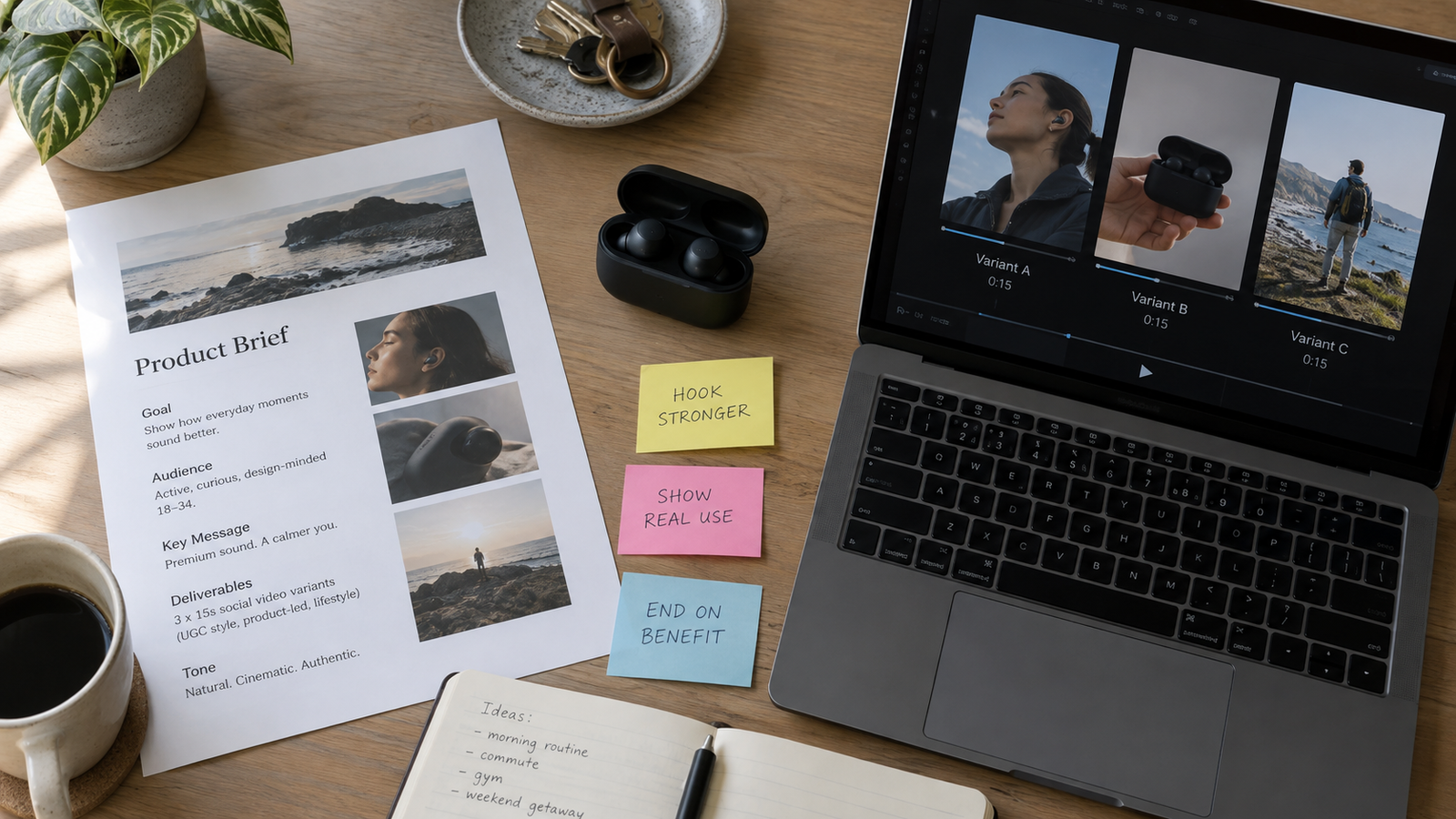
I freeze one brief on paper before I open a generator. One product, one allowed claim, one aspect ratio, one action that lasts 6 to 12 seconds. Then I generate three variants and change only one variable: camera, motion, or the last line of the prompt.
If the first three clips fail the same way, I stop. Repeating the same prompt is how teams burn credits. I would rather change the still than add adjectives.
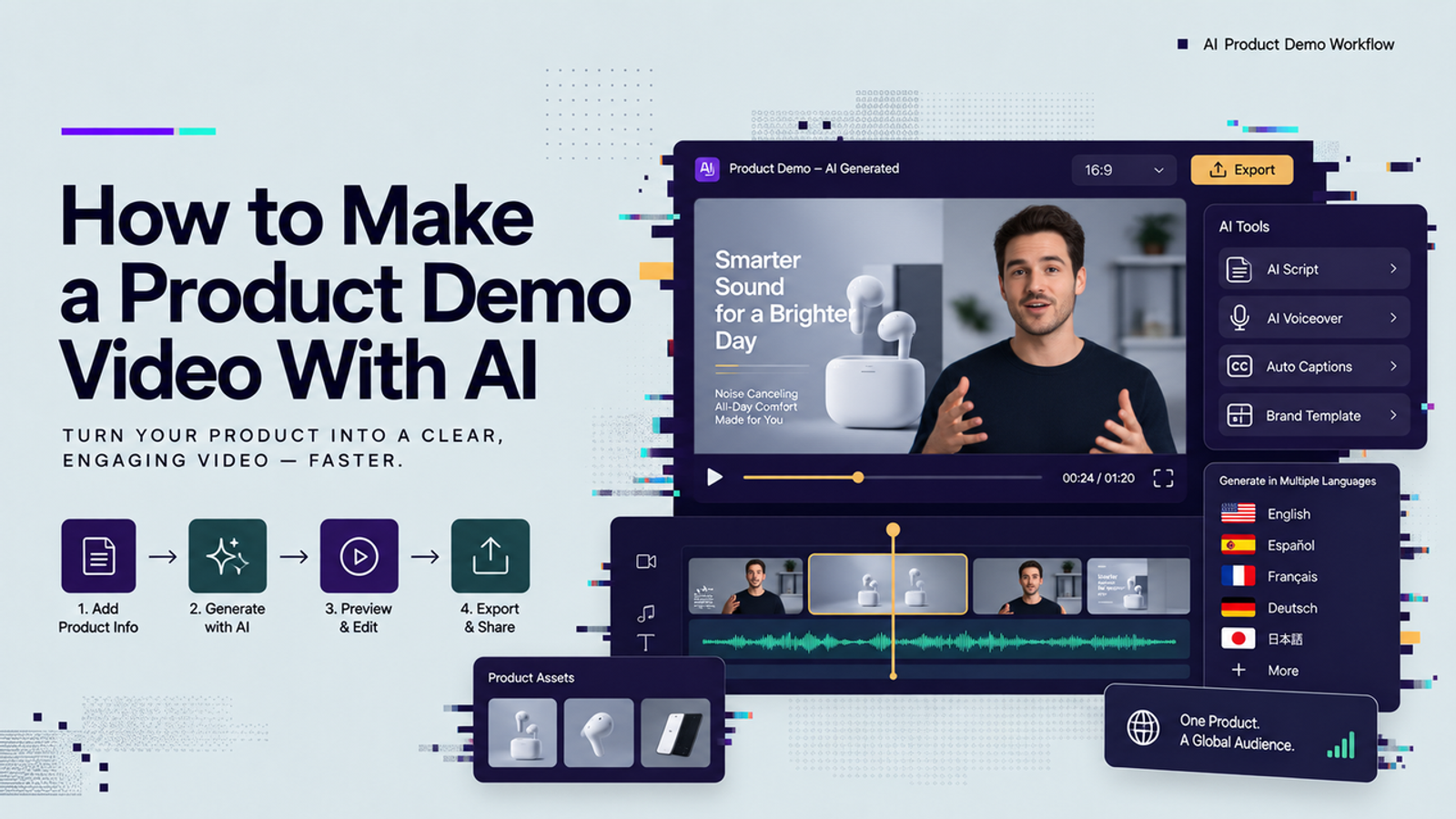
For a product demo, I reuse the same test I described in how to make a product demo video with AI: the object must stay recognizable, and cleanup must stay under one editing hour.
Which input should you pick first
Pick the input that already exists.
- A product still. Use image to video when the pack, bottle, or device must match a live listing. The first frame is the contract.
- A character or style sheet. Use reference to video when two or more images have to survive in the same shot. Wizstar’s feature page lists Seedance 2.5 as the model that accepts reference, image, and text, with clips up to 30 seconds at 480p or 720p.
- Only a sentence. Use text to video when you have no still. Expect more drift. As soon as one frame is usable, switch to image to video so the next pass has an anchor.
I checked the same Wizstar page on 20 September 2026. It also lists Kling 3.0 Omni and MiniMax H3 in that one box. I pick the model after I pick the input, not before.
What should a first clip prove
I score five things on a 1 to 5 sheet: product identity, motion of the main action, readable text on pack or UI, audio if the model outputs sound, and minutes of cleanup. The pass line is simple. Two of three variants stay recognizable, and cleanup stays under one hour.
Google’s related ideas for this cluster still include “ai video generator free” in the 10,000 to 100,000 band. Free credits are useful for that sheet. They are not a quality verdict. Wizstar’s page says new users get free credits and can start without a credit card. I use that for the first three variants, then I stop if the identity score is below 3.
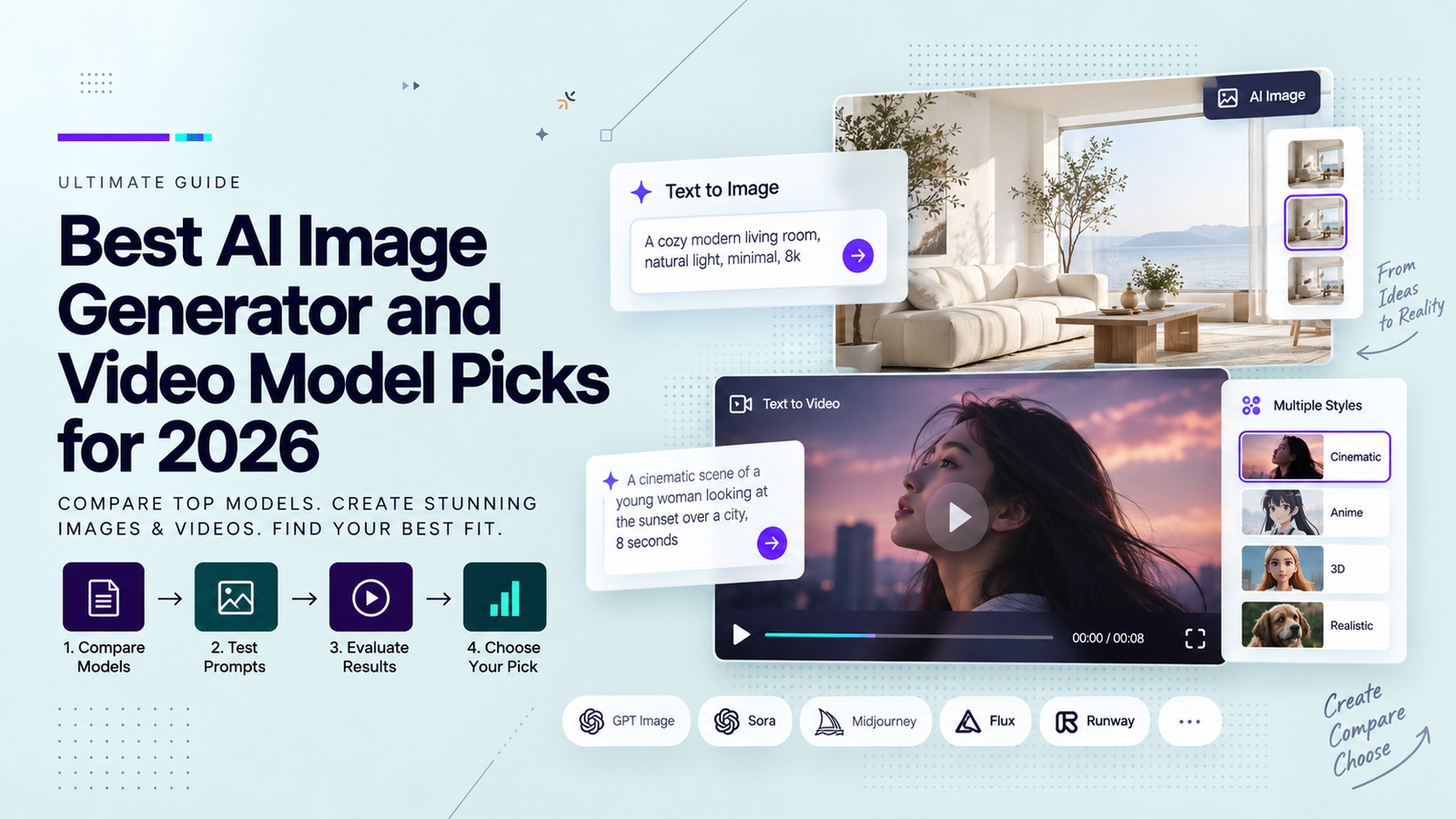
If you need a dated model table rather than a first-clip sheet, use the best AI image and video model picks for 2026. A leaderboard narrows the field. It does not replace the sheet.
When should you stop and reshoot
Stop when the failure is identity, not taste. If the bottle morphs, the logo smears, or a hand grows a sixth finger, another prompt will not save the take. Reshoot from a cleaner still, or film the hero shot and keep AI for B-roll.
Keep AI for previz, social cutdowns, and concept tests. Keep a human pass on claims. I would not put an unreviewed clip on a paid ad that names a health, finance, or performance result.
That is the whole method I use for this search this week: one brief, one input, three variants, a written pass line. If two variants clear the sheet, the generator earned the next brief. If they do not, the search term was never the bottleneck.
FAQ
- Is ai video gen different from an AI video generator
- No. The short search is the same job as a full generator: a prompt, a still, or a reference in, a short clip out. I use the short phrase when I am testing. I use the long phrase when I am comparing models.
- Can I start from text only
- Yes. Text is the right start when you have no still. Lock a usable frame as soon as you have one, then switch to image to video so the product does not drift.
- Does a free credit prove the model is good enough
- No. Free credits are for the first three variants. Judge the model on identity, motion, and cleanup time, not on whether the trial button worked.
- Which Wizstar models can I try in one box
- The live feature page lists Seedance 2.5, Kling 3.0 Omni, and MiniMax H3, with text, image, and reference in the same input. Confirm duration and resolution on the page the day you generate, because those limits are model-specific.