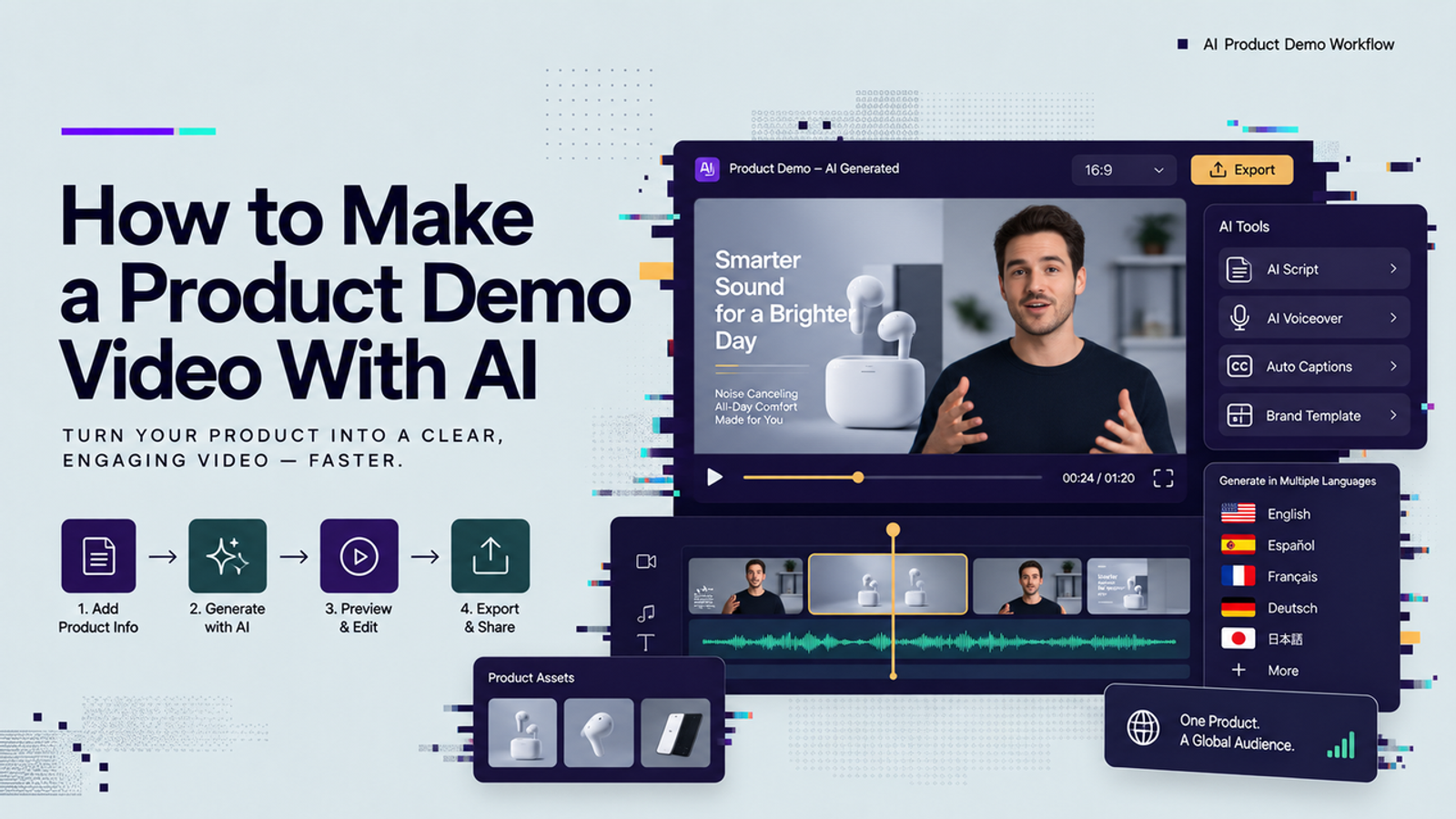
Hi, I’m Vela. I usually start a product demo the very unglamorous way: one product, one short script, and one question — can this become something my team can actually review?
That is the part I care about most when using AI for demo videos. Not whether the first version looks perfect. Not whether the tool promises a polished video in seconds. I want to know if it can help me get off the blank timeline, show the product clearly, and leave me with a draft I can improve instead of starting from scratch.
So in this guide, I’ll walk through how to make a product demo video with AI in a practical way: define the goal, prepare approved assets, write a focused script, generate a small draft set, review the details, and only then export.
Define the Demo Goal Before Production
A product demo video should not explain the whole product. It should show one audience, one problem, one promise, and one next understanding. Before opening an AI product demo video maker, write a simple brief: who is watching, what they need to see, and which claim the video must prove.
For a SaaS feature, the goal might be “show how a user imports data and gets a clean report.” For a physical product, it might be “show the texture, size, and main use case in 20 seconds.” Marketing teams still need proof behind product statements, and the FTC advertising and marketing guidance is a useful reminder that advertising claims should be clear, supportable, and not misleading.
Gather Approved Product Inputs
AI product demo video production gets messy when the inputs are vague. I would collect the approved script, product screenshots, product images, logo files, brand colors, pronunciation notes, and usage restrictions before generation. Boring, yes. Still useful.If the demo includes a real interface, decide whether the screen is public, approved, and free of private data.
If the product is still in beta, ask whether the team is allowed to upload that interface to an external tool. The NIST Generative AI Profile is not a video tutorial, but its risk framing is useful here: treat generative output as something to govern, not something to blindly trust.
Write a Single-Promise Script
The script should be short enough that every sentence earns its place. I usually like a simple shape: problem, product action, visible proof, result. That structure keeps the product demo video workflow from turning into a feature tour.
Avoid stacking claims like “faster, cheaper, smarter, easier, safer” in one sentence. One claim per scene is easier to verify. If a line says the dashboard is easy to read, the screen should actually be readable.
Prepare Screens, Images, and Brand Assets
Use clean, high-resolution visuals with fewer tiny details than you think you need. Small text, crowded dashboards, reflective packaging, and low-contrast labels often cause trouble after generation. Small thing, but it matters.
For rights, keep the source folder clean. Separate assets your team owns from assets licensed from a third party. The U.S. Copyright Office AI materials are worth reviewing when your workflow includes AI-generated elements, human-created assets, or a mix of both. I would not treat “the tool generated it” as a complete rights answer.
Build the First Demo Sequence
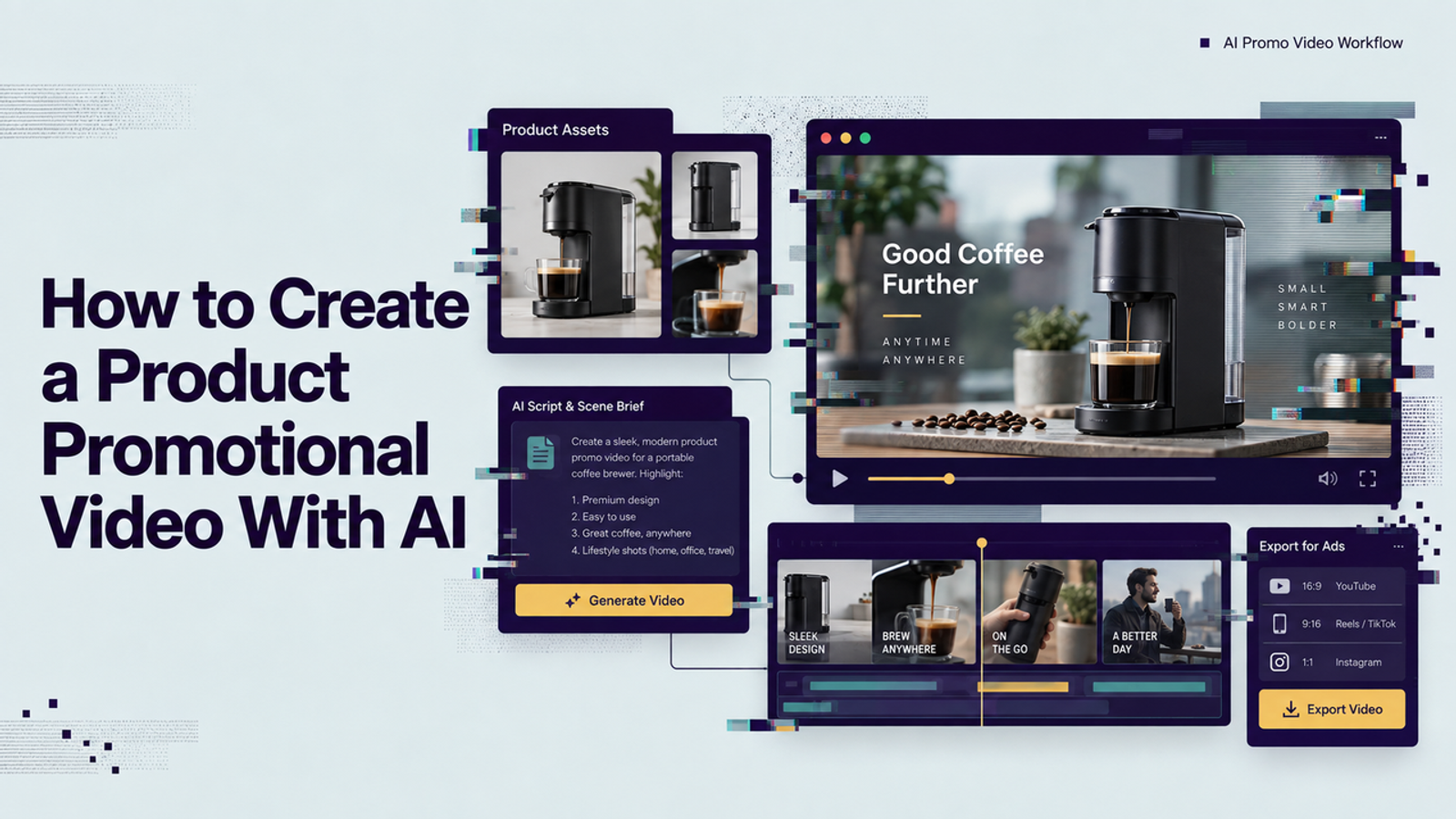
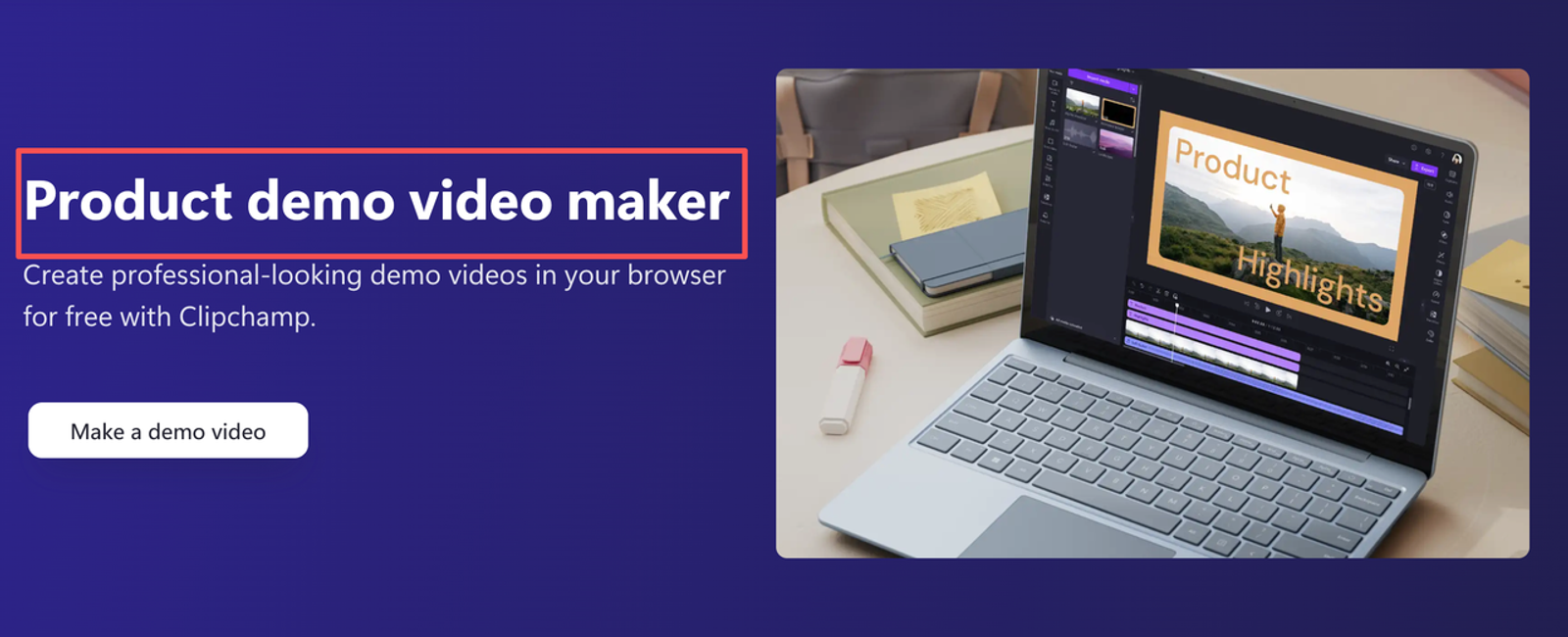
Do not build the whole campaign first. Build the shortest sequence that proves the promise. For most first drafts, three to five scenes are enough: hook, product context, action, proof, ending frame. The goal is clarity.
This is where product promotional video thinking helps. A demo still needs pacing, but it should not hide the product behind motion. If the viewer remembers the style but not the product, the demo is lost.
Match Each Scene to One Claim
Scene mapping is the easiest way to prevent confusion. Put the script in one column and the planned visual in another. If a sentence has no matching visual, rewrite the sentence or cut it. If a visual makes a claim the script does not support, remove it.
For example, “Set up your campaign in minutes” needs a fast setup sequence, not a random beauty shot. “Compare every version side by side” needs the comparison screen, not a floating icon. This keeps the AI from making a beautiful video that says almost nothing.
Choose Voice, Avatar, or Screen Capture
Voiceover works well when the product is the hero and the viewer needs explanation. An avatar can help when the demo needs a presenter, a founder-style update, or a human guide. Screen capture is usually best when accuracy matters more than performance.
I would be careful with avatars for emotional promises, medical claims, financial claims, or anything that depends heavily on trust. If the mouth, eyes, or gestures pull attention away from the message, I would switch to voiceover or screen capture.
Generate a Small Draft Set
Generate a small set, not twenty versions. I would start with two or three drafts using the same approved script and visual plan. Change only one variable at a time: voice style, aspect ratio, pacing, or visual direction. If everything changes at once, you will not know what improved the result.
Keep a simple generation log. Record the script version, source assets, prompt, tool settings if available, output ratio, date, and review notes. This helps the team avoid repeating failed prompts.
Review Product Accuracy and Viewer Clarity
Watch the draft once like a normal viewer, then once like a picky product marketer. The first pass answers, “Do I understand the product?” The second pass answers, “Is anything inaccurate, risky, or confusing?”
Check product accuracy, message clarity, visual control, brand fit, and usage readiness. Are the interface, labels, product shape, colors, numbers, and claims correct? Did the logo distort, the UI text change, or the motion become strange? Good enough to review does not mean good enough to publish.
Revise, Approve, and Export
Revise from the biggest issue down. Fix wrong claims before fixing rhythm. Fix product distortion before changing music. Fix unreadable screens before adding captions. A polished inaccurate demo is worse than a rough honest one.
Approval should include product, marketing, and legal or compliance review when needed. For export, match the channel early instead of resizing at the last second. If the demo may run as an ad, check current platform requirements such as Google Ads video specs before final export, because format, duration, and asset rules can change.
Common AI Demo Failure Modes
The most common failure is overpromising in the script. AI then makes the claim look smoother, which can make the problem worse. Keep claims narrow and visible.
Another failure is product drift. Packaging bends, UI text changes, dashboard numbers become strange, or colors shift. For a product demo, I would regenerate or replace the scene.
A third failure is treating localization as a last-minute voice swap. If the same demo will become a multilingual product promotional video, leave room for translated lines, captions, and market-specific wording. Localization works better when timing is planned from the start.
Conclusion
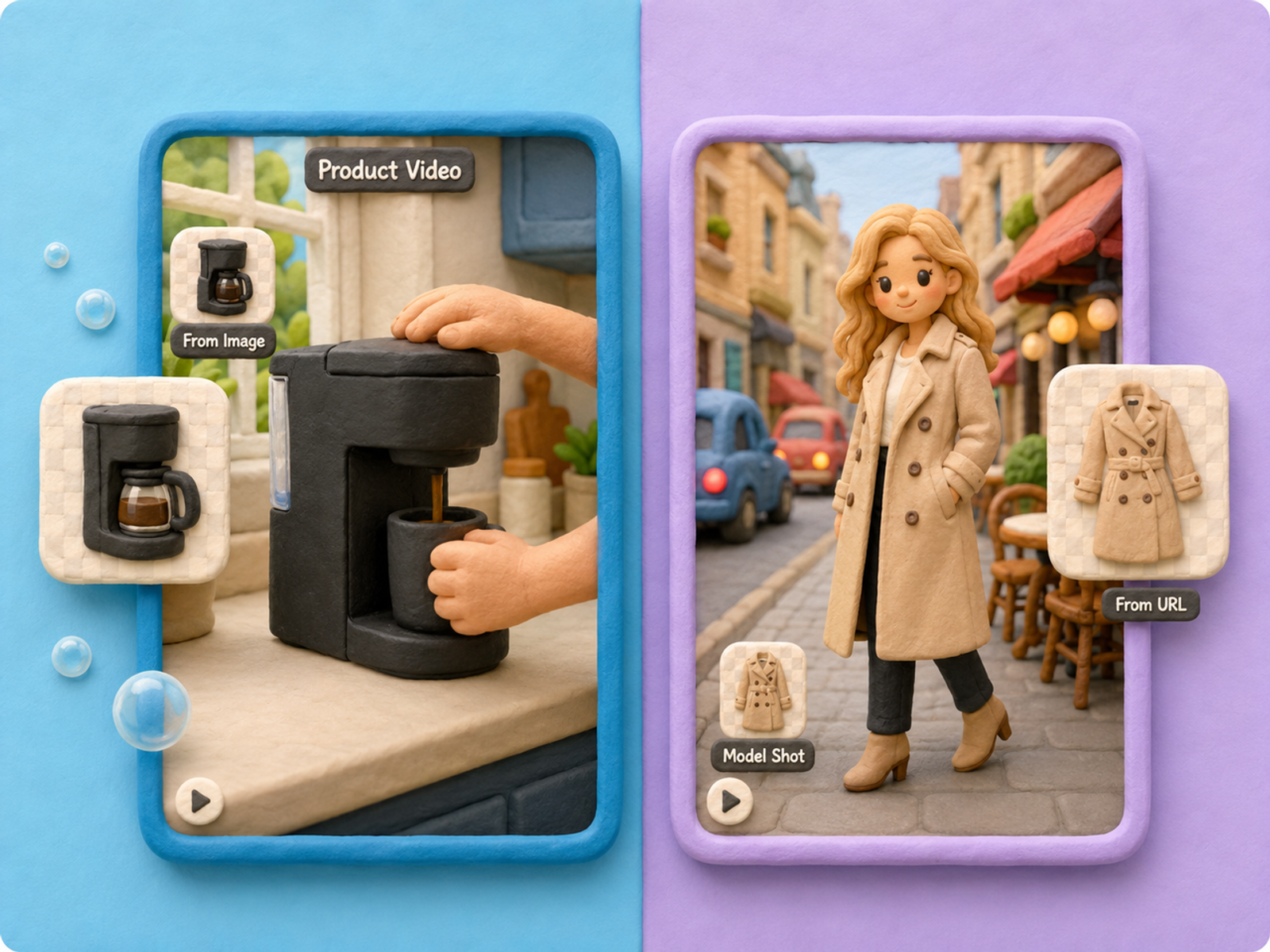
Learning how to make product demo video content with AI is less about finding a magic button and more about building a controlled path. Start with a clear demo goal, gather approved assets, write a single-promise script, generate a small draft set, and review the result before export.
The useful mindset is simple: AI helps you get off the blank timeline. It does not remove responsibility for claims, rights, privacy, product accuracy, or viewer clarity. First version, then review. That is the workflow I would trust.
FAQ
- Do AI-generated product demos require a disclosure label?
- Sometimes, depending on the platform, market, content type, and how synthetic the media is. I would not assume one universal rule. Check the ad platform, local law, and internal brand policy before publishing.
- Can confidential beta interfaces be uploaded to video tools?
- Only if your company has approved that tool, data handling process, and use case. If the interface is confidential, unreleased, or under NDA, treat it as sensitive material. The ICO AI guidance resources are useful background for thinking about personal data and AI systems.
- What permissions cover customer data shown on screen?
- Use mock data when possible. If real customer data appears, get the right consent, contract basis, and internal approval before using it. Blurring after the fact is not always enough.
- How should teams archive approved scripts and source assets?
- Save the final script, source visuals, generated drafts, approval notes, export files, and usage rights in one project folder. I would also archive the generation log, because six weeks later nobody remembers which version was approved.
- Can the same demo be localized without rerecording narration?
- Often, yes, if the original demo was planned with localization in mind. Keep scenes clean, avoid fast narration, leave caption space, and review the translated version for meaning, timing, pronunciation, and visual fit.