I’m Vela, and I’d treat a product promotional video as a controlled marketing asset, not an AI generation exercise. The useful question is not “How much can AI make for me?” It is “What does this video need to prove, what can the source material support, and which parts still need human approval?” Build from that direction and AI can speed up marketing video production without quietly inventing product details.
Define One Job for the Promotional Video
A promotional video gets messy when it tries to introduce the product, explain every feature, answer objections, build brand awareness, and drive a purchase in 30 seconds. I would choose one job first: introduce a launch, demonstrate one use case, explain one feature, or give a warm audience a reason to act.
Match the Goal to a Single Audience Action
Write the intended viewer action in one sentence before you write the script. “Understand how the new dashboard works” creates a different product launch video from “notice why this bag is easier to pack.” That action should shape the hook, proof, pacing, and what you leave out.
If the video says a product is faster, safer, more accurate, or more effective, keep the source that supports that statement next to the script. The FTC’s 2025 Workado order is a useful reminder that advertised accuracy or efficacy claims need competent, reliable evidence. AI does not make a claim safer just because it wrote the sentence.
Choose the Product Proof the Viewer Must See
For a physical product, proof might be the zipper closing, a compartment fitting the intended item, or a surface being cleaned. For SaaS, it might be a visible workflow: import, action, result. I would rather show one inspectable proof clearly than stack five vague benefits over attractive B-roll.
That proof becomes the anchor for the rest of the product promotional video. If a generated scene cannot preserve it accurately, replace the scene.
Prepare Brand-Safe Source Assets
The cleanest AI product video starts before generation. Build a small source pack that separates approved facts from creative interpretation. This is also where I would check current commercial-use terms for the model, rights attached to music and stock assets, and destination-platform disclosure rules. Those terms can change, so verify them for the actual production date.
Create a Visual Reference Pack
For a product, include clean front, side, detail, packaging, and in-use references where possible. For SaaS, use current interface captures and a simple map of the interaction you want to show. Add brand colors, logo rules, type choices, and framing examples.
I would keep the pack boring on purpose. A reference image is there to lock identity, not inspire ten new directions. If the product has a distinctive label, button layout, port, seam, or silhouette, mark it as “must preserve.”
The NIST Generative AI Profile recommends managing generative-AI risk through testing, evaluation, verification, and validation across the lifecycle. For a small marketing team, that becomes a simple habit: define what must stay true before you generate anything.
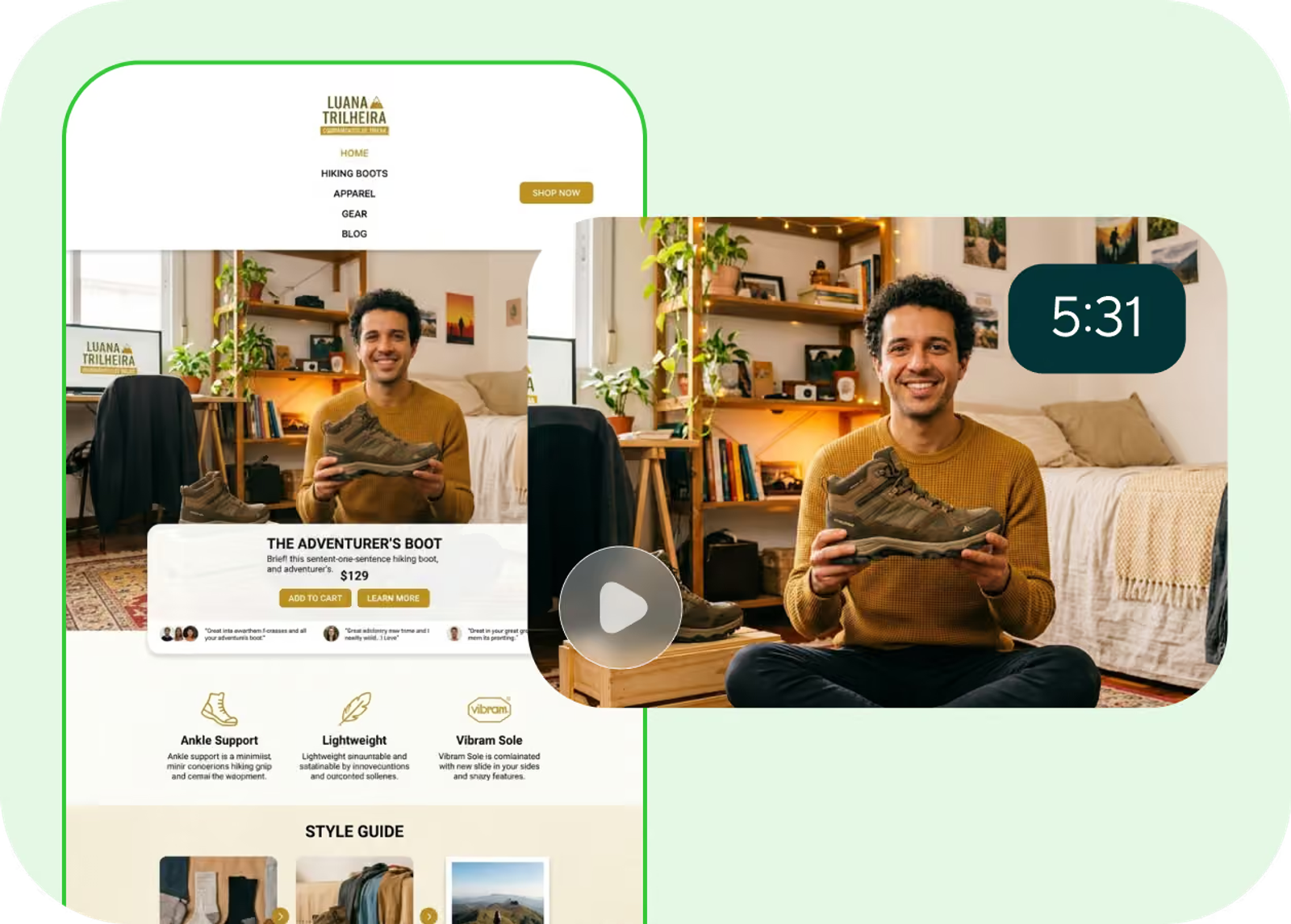
Turn Product Claims Into Verifiable Script Points
Split the script into three columns: line, source, and visual proof. A line such as “works with X” should point to an approved specification or product document. A softer line such as “designed for a cleaner desk” may be positioning rather than a measurable performance claim, but it still needs to stay faithful to the product.
If a claim cannot be traced, I would remove it or rewrite it as an observable description.
Build the Video in a Controlled AI Workflow
Once the brief and source pack are stable, AI becomes useful because you can generate around fixed decisions instead of asking the model to invent the campaign.
Draft the Storyboard Before Generating Scenes
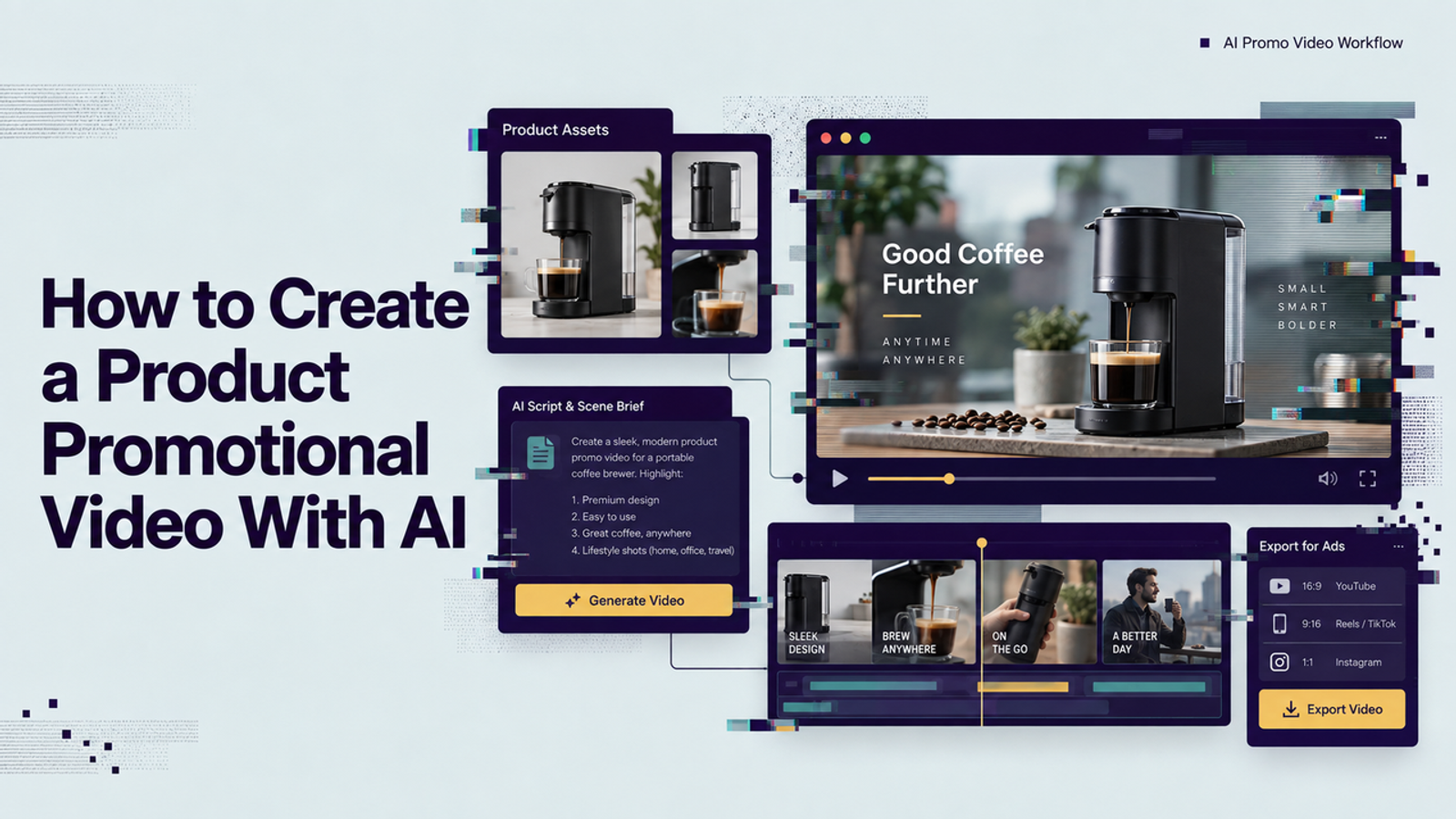
I like a simple sequence: hook, product context, proof, supporting detail, closing frame. The storyboard does not need polished art. It needs shot purpose, product state, camera direction, on-screen text, and what must remain unchanged.
This is also where I would decide which shots should not be generated. If a close-up contains regulated packaging text, a sensitive disclaimer, or an interface that must be exact, use approved source footage or a controlled screen capture.
Generate Product Shots Without Losing Identity
Generate one scene family at a time and change as little as possible between revisions. If the product shape is correct but the background is wrong, change the background. Do not rewrite the whole prompt and hope the next version preserves the product by accident.
Review geometry, color, logos, labels, ports, packaging, scale, and how the object behaves in a hand. A beautiful shot with a subtly different product is not a usable marketing asset.
The U.S. Copyright Office’s 2025 AI copyrightability report also distinguishes human-authored selection, arrangement, or modification from prompting alone. For teams building reusable campaign assets, keeping a record of human editing decisions is sensible production hygiene.
Add Voice, Captions, and Licensed Music
Voice should serve the script, not compete with it. Read the final copy aloud before generating or recording narration; awkward product language becomes obvious quickly. Then time captions to the spoken line and keep them clear of product proof, UI controls, and important motion.
For accessibility, W3C’s closed-caption guidance stresses that captions should communicate dialogue and important sounds for synchronized media. That is a useful quality bar even when a campaign is not being evaluated for formal WCAG conformance.
For music, use a track whose license explicitly covers the intended commercial channel, territory, editing, and paid-media use if relevant. “Royalty-free” is not the same as “free for every use,” so keep the license record with the project.
Review the Cut Before Publishing
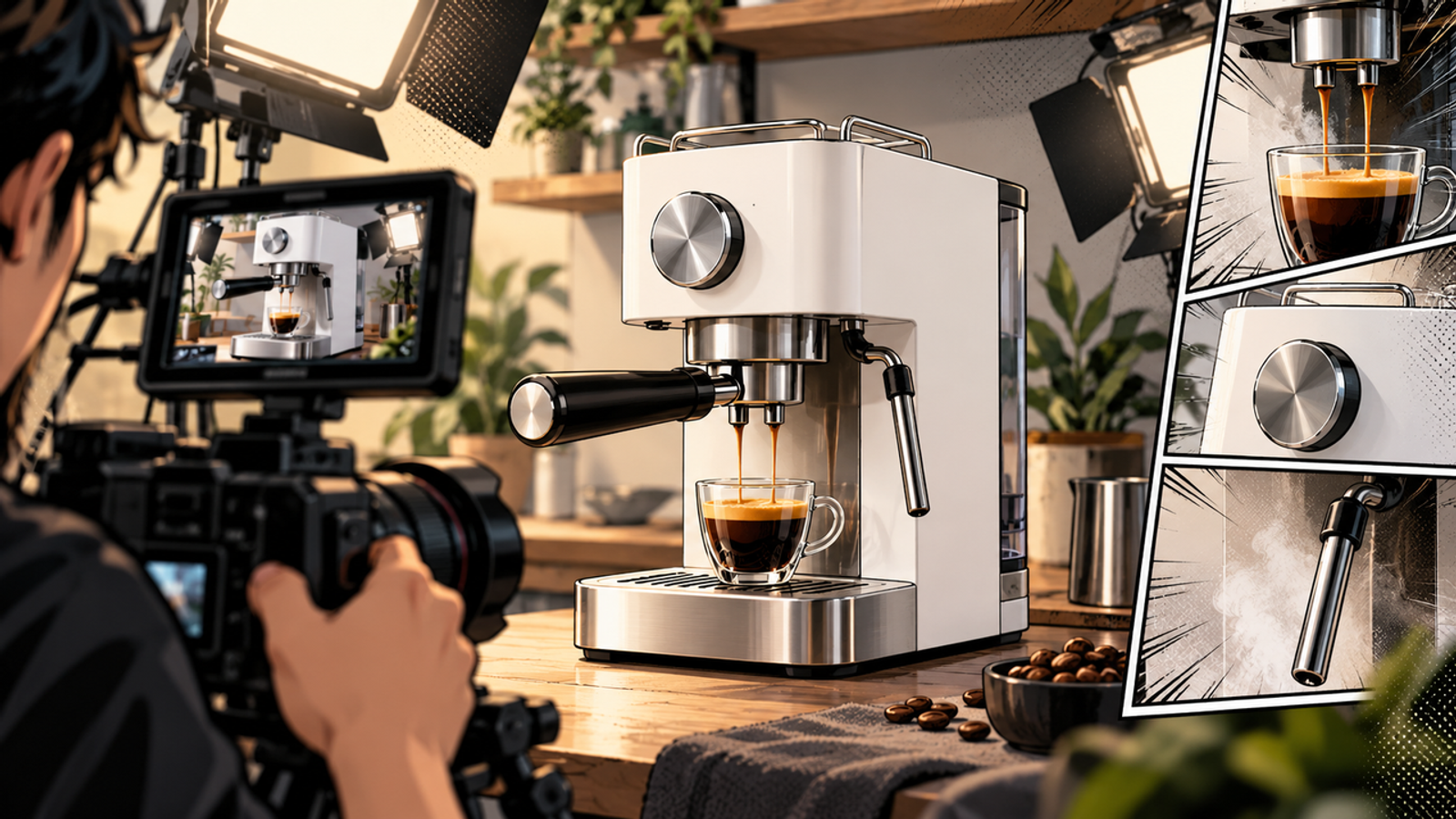
This is where AI video stops being a generation task and becomes marketing production. I would run one factual pass, one visual pass, and one channel pass before approval.
Check Product Accuracy and Brand Consistency
Watch once without sound and inspect only the product. Watch again for claims, captions, voice, music, and any implied before-and-after message. Compare the cut against the original reference pack rather than relying on memory.
For higher-risk campaigns, keep a simple approval log showing who checked product facts, rights, brand treatment, and final export. A dated table is enough for a small team.
Disclosure is another review item. The European Commission’s AI Act transparency guidance explains Article 50 obligations around marking or labelling certain AI-generated content. Rules vary by jurisdiction and platform, so check what applies to the asset, audience, and distribution channel you use.
Export Channel-Specific Versions From One Master
Build one approved master cut first, then create channel versions from that source. Reframe for 9:16, 1:1, or 16:9; adjust safe areas; shorten the opening where needed; and retime captions without rewriting the product claim.This protects consistency and turns one promotional video workflow into a reusable campaign system.
FAQ
- Who should approve claims in an AI promotional video?
- The product owner or subject-matter expert should verify factual product statements, while marketing or legal should review claims that carry regulatory, contractual, or reputational risk. AI can draft language, but it should not be the final approver.
- Can one promotional cut support multiple product launches?
- Only if the core product story remains true. Reuse structure, pacing, shot logic, and brand treatment, but rebuild claims and proof for each launch. Do not reuse a proof scene for a different SKU unless it accurately depicts that SKU.
- When should a brand disclose AI-generated promotional footage?
- Check applicable law, industry rules, and each distribution channel’s policy. Disclosure becomes especially important when synthetic footage could reasonably be mistaken for a real person, event, testimonial, or product demonstration.
- How can failed generations be reused instead of discarded?
- Salvage clean backgrounds, transitions, lighting references, non-product B-roll, camera ideas, or timing. A failed product shot may still show which prompt constraint needs tightening. Keep useful fragments in a “not approved for product proof” folder.
- Should product visuals or a spokesperson lead the opening?
- Lead with whichever makes the value easiest to understand. If the product has an immediately visible problem-and-proof moment, show it first. If the offer needs context, a spokesperson can set up the problem quickly. The opening should clarify the job, not satisfy a fixed format rule.