First month 40% off — unlock Seedance 2.5, MiniMax H3 and more models for $10.99First month 40% off — Seedance 2.5, MiniMax H3 & more for $10.99

AI Image Generator

Describe it, and see it. Turn text to image for posters, portraits, illustrations and ad visuals, or start from your own photos.

Wizstar’s AI image generator and AI picture generator turns text to image in seconds, with GPT Image 2.5, Nano Banana and Seedream in one place.

Free credits on sign-up · Up to 4K · No credit card required

Add reference images (up to 5) — optional
GPT Image 2
1K
4 / 8

Create Images from Text or from Your Photos

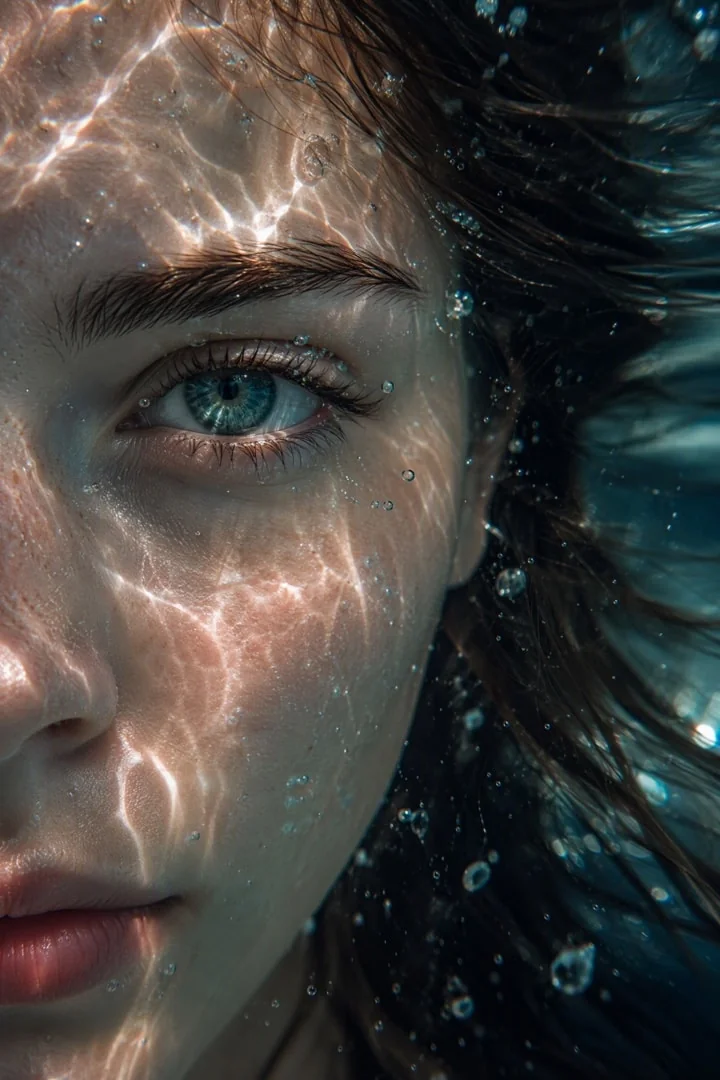
Text to image AI example

Text to Image AI

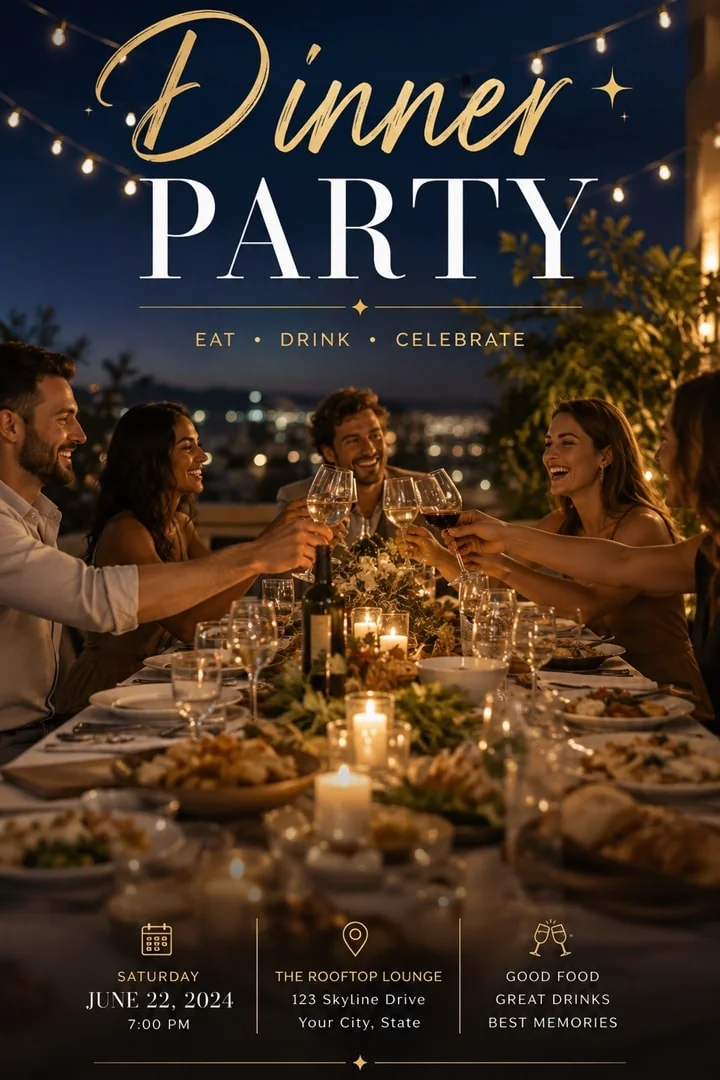
Type what you want to see — subject, style, lighting, lens, mood — and get finished images in seconds. Prompts can be up to 5,000 characters, so you can describe every detail of a complex scene. Text to image works well for posters with real words on them, product ideas, characters and backgrounds. If the first result is close but not right, change one detail in the prompt and generate again, or try the same prompt on another model to compare styles.
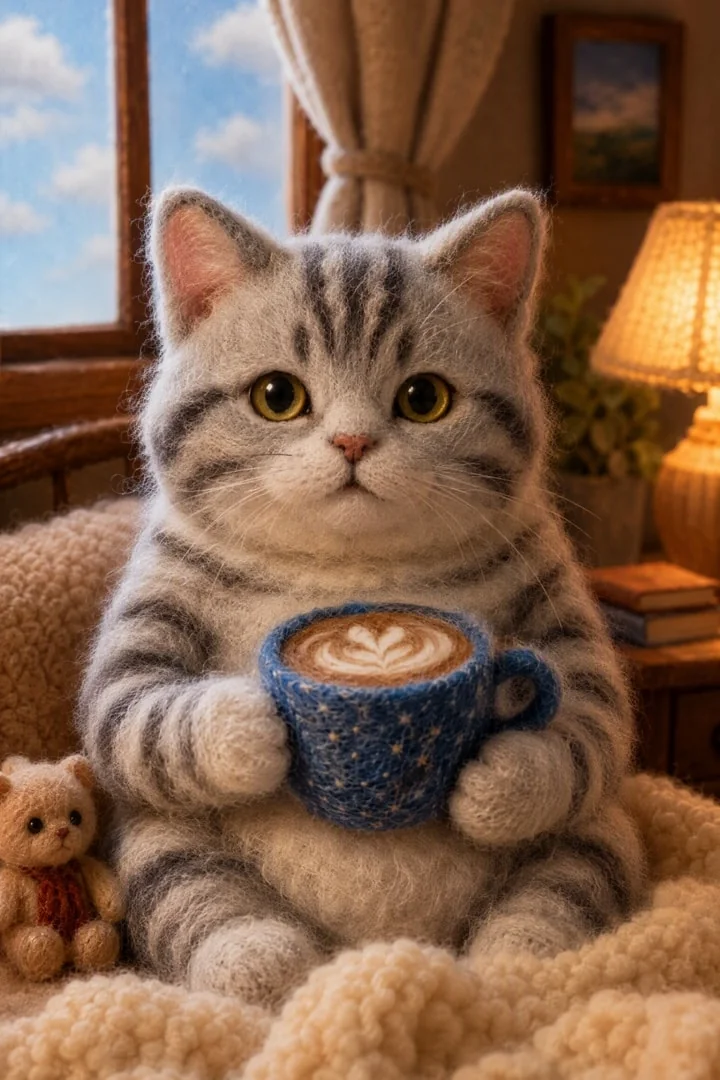
Image to image AI example

Image to Image AI

Upload up to five reference images to guide the character, product, composition or style, then tell the AI what to change. Restyle a photo, keep a character consistent across a series, or combine several references into one scene. For example, upload a product shot and a beach photo and ask for the product on the sand at sunset. Clear, well-lit references give the best results, and the prompt should say which image controls what.

How to Use the AI Image Generator

1

Write a prompt

Describe the image you want in plain words. Add up to five reference images if you want to guide the character, product or style of the result.
2

Pick a model and format

Choose a model, an aspect ratio (1:1, 16:9, 9:16, 2:3, 3:2, 3:4, 4:3 or 21:9) and a resolution up to 4K. Not sure which model to pick? Start with GPT Image 2.5 and compare later.
3

Generate and refine

Check the credit cost, generate, then download, regenerate or edit the result. You can also send the image straight to the AI Video Generator to animate it.

The Best AI Image Models, One AI Image Creator

Each model has its own strengths, so the best AI image generator depends on the picture you want. Credits are per image and can vary with the quality setting. You always see the exact cost before you generate.
ModelBest forMax resolutionCredits / image
GPT Image 2.5 (Sunburst / Flare)Accurate text in images, posters and long, detailed instructions4K5–10Model page →
GPT Image 2Everyday images and quick ideas at the lowest cost4K3Model page →
Nano Banana 2 / ProFast generation and editing your own photos4K6Model page →
Nano Banana 2 LiteQuick drafts1K4Model page →
Seedream 5.0 ProPhotorealistic portraits, skin detail and products4K7Model page →

Choose the Right Size and Resolution

Pick the shape and sharpness before you generate. The model composes the whole picture for that frame, so you do not lose anything to cropping later. Here is a quick guide to where each size works best.

1:1 · 4:3 · 3:4Feeds, profiles and products

Square and near-square images fit Instagram posts, profile pictures, product listings and thumbnails. 3:4 gives a little more height for people and fashion shots.

9:16 · 2:3Stories, posters and phone screens

Tall images fill a phone screen for Stories, Reels covers and mobile wallpapers. 2:3 is the classic shape for posters and book covers.

16:9 · 3:2 · 21:9Banners, slides and scenes

Wide images work for YouTube thumbnails, website banners, presentations and landscape scenes. 21:9 gives a cinematic, movie-style frame.

1K · 2K · 4KAn AI image generator in 4K

Use 1K for quick ideas and drafts, 2K for social posts, and 4K when you need to print, zoom in or use the image on a large screen. The exact credit cost for your settings is shown before you generate.

What You Can Make with an AI Photo Generator

Marketing visuals

Ad creatives, banners and social posts in every aspect ratio, so one idea can run on Instagram, YouTube and your website without a new design.

Posters and graphics

Layouts with legible headlines and brand colors. GPT Image 2.5 is the best choice when the words on the image must be spelled correctly.

Portraits and photography

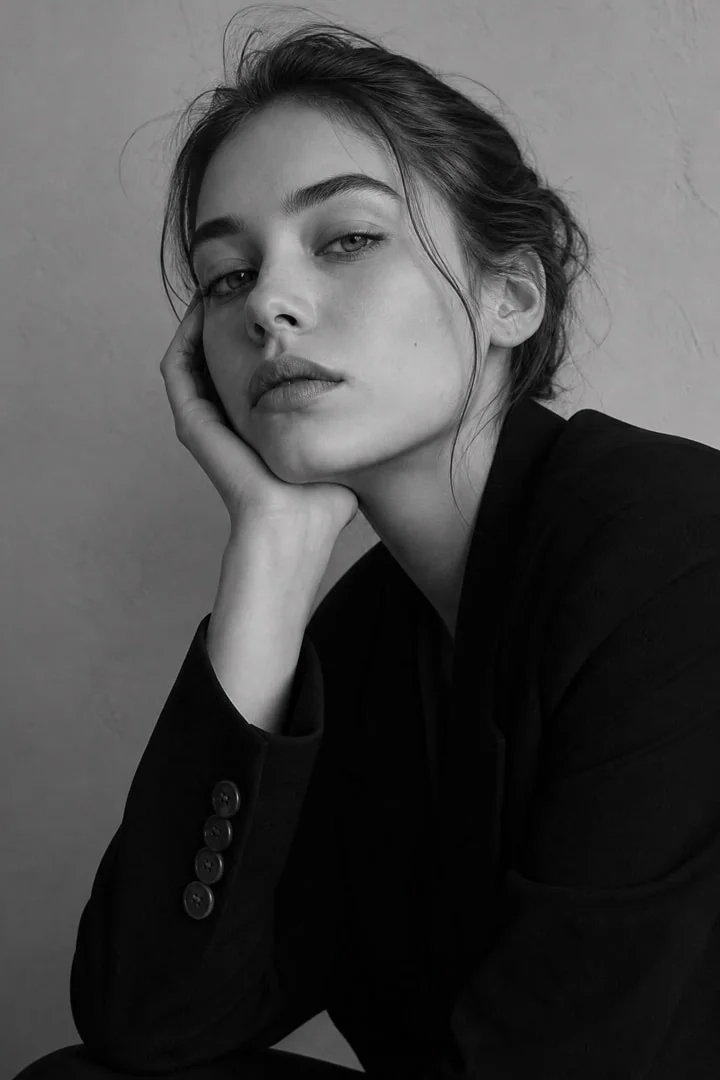
Studio-style portraits and lifestyle scenes without a shoot. Seedream 5.0 Pro gives the most photo-like skin, light and depth.

Illustration and concept art

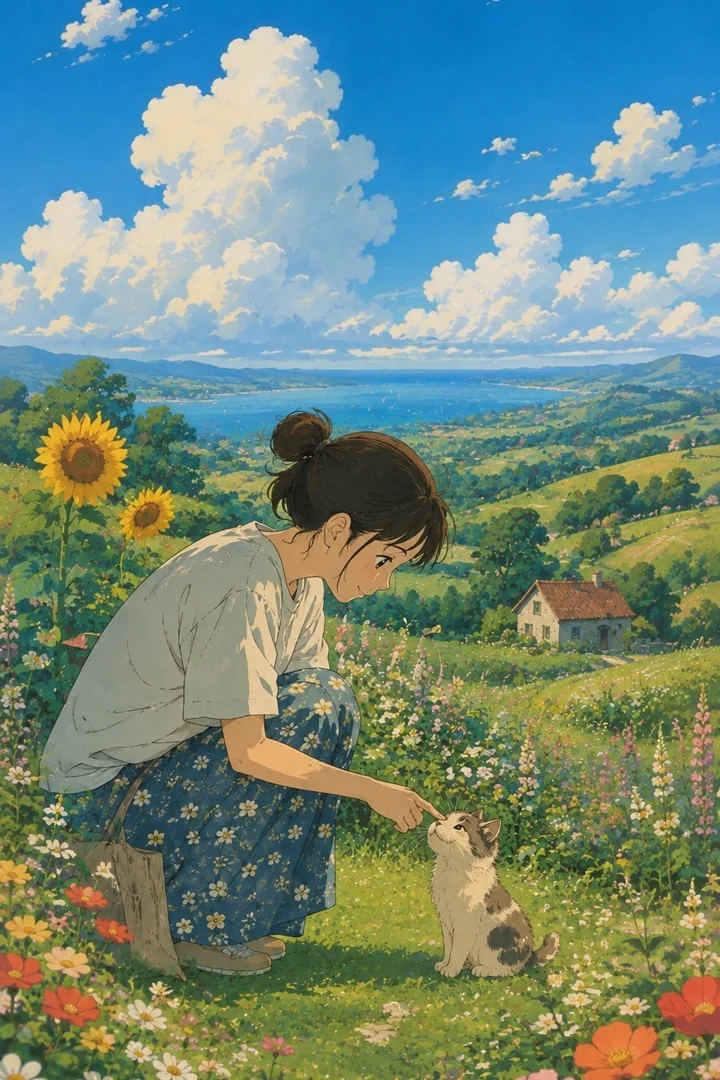
Characters, environments and storyboards for games and stories, from watercolor to anime and 3D styles. Add reference images to keep one character the same across a series.

Product images

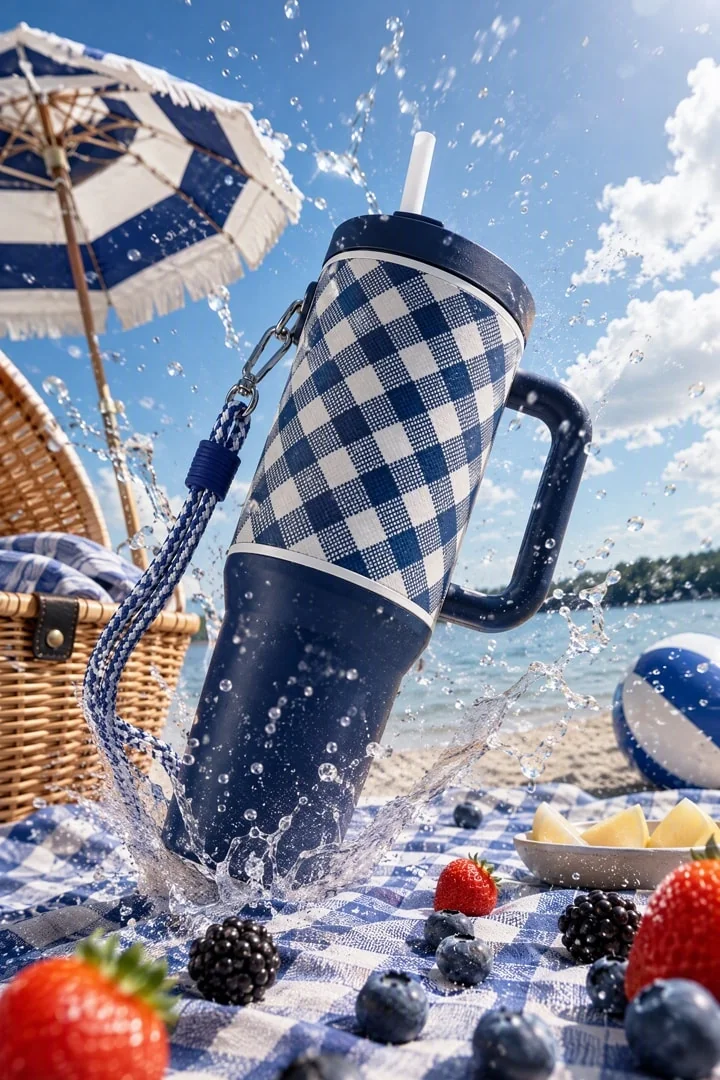
Clean product shots and scenes. Upload your product photo as a reference and place it on a table, in a kitchen or on a beach without a studio.

How to Write a Prompt for the AI Picture Generator

Good prompts are short, clear and in a sensible order. Use this simple structure, then add details only where they matter. The same prompt habits work for every model on this page, from GPT Image 2.5 to Seedream 5.0 Pro.

Step 1Name the subject first

Start with what the picture is about: “A red vintage bicycle leaning on a brick wall.” One main subject per image gives a cleaner result than a long list of objects.

Step 2Add a style

Say what kind of image it is: photo, watercolor, 3D render, flat illustration, anime or oil painting. For photos, a lens or camera word such as “35mm” or “macro” helps.

Step 3Describe light, color and mood

Soft morning light, warm sunset tones or bright studio light change the whole picture. A mood word like cozy, bold or calm keeps the colors consistent.

Step 4Put any words in quotes

If the image needs text, such as a poster title or a shop sign, write the exact words in quotes and say where they go. Keep it short — a few words read better than a full sentence.

Step 5Change one thing at a time

When a result is almost right, keep the prompt and change only one detail, such as the background or the light. Changing many things at once makes it hard to tell what helped.

TipSay what you want, not what you don’t

Models follow positive instructions better. Instead of “no people”, write “an empty street at dawn”. Instead of “not blurry”, write “sharp focus on the cup”.

Why Wizstar Is the AI Image Generator for Real Work

Many models, one place

Compare GPT Image 2.5, Nano Banana and Seedream on the same prompt, without switching apps or accounts.

Up to 4K output

Eight aspect ratios, from 1:1 to 21:9, with sharp detail that holds up in print and on large screens.

Up to five references

Keep characters and products consistent across a series of posts, ads or story scenes.

From image to video

Animate any result in the AI Video Generator in one click, using your image as the first frame.

AI Image Generator FAQ

You can start free. New accounts get free credits to generate images, with no credit card required. Each model shows its credit cost before you generate.

Create Your First Image with AI

Free credits on sign-up. Up to 4K.