First month 40% off — unlock Seedance 2.5, MiniMax H3 and more models for $10.99First month 40% off — Seedance 2.5, MiniMax H3 & more for $10.99

Face Swap: Put Any Face Into Any Photo

Upload a photo and a face. Our AI face swap replaces the face and keeps everything else — pose, hair, outfit, lighting and background.

Wizstar is a photo face swap tool that works online: no app, no editing skills, one click.

Free to try · Works in your browser · Only use photos you have the right to use
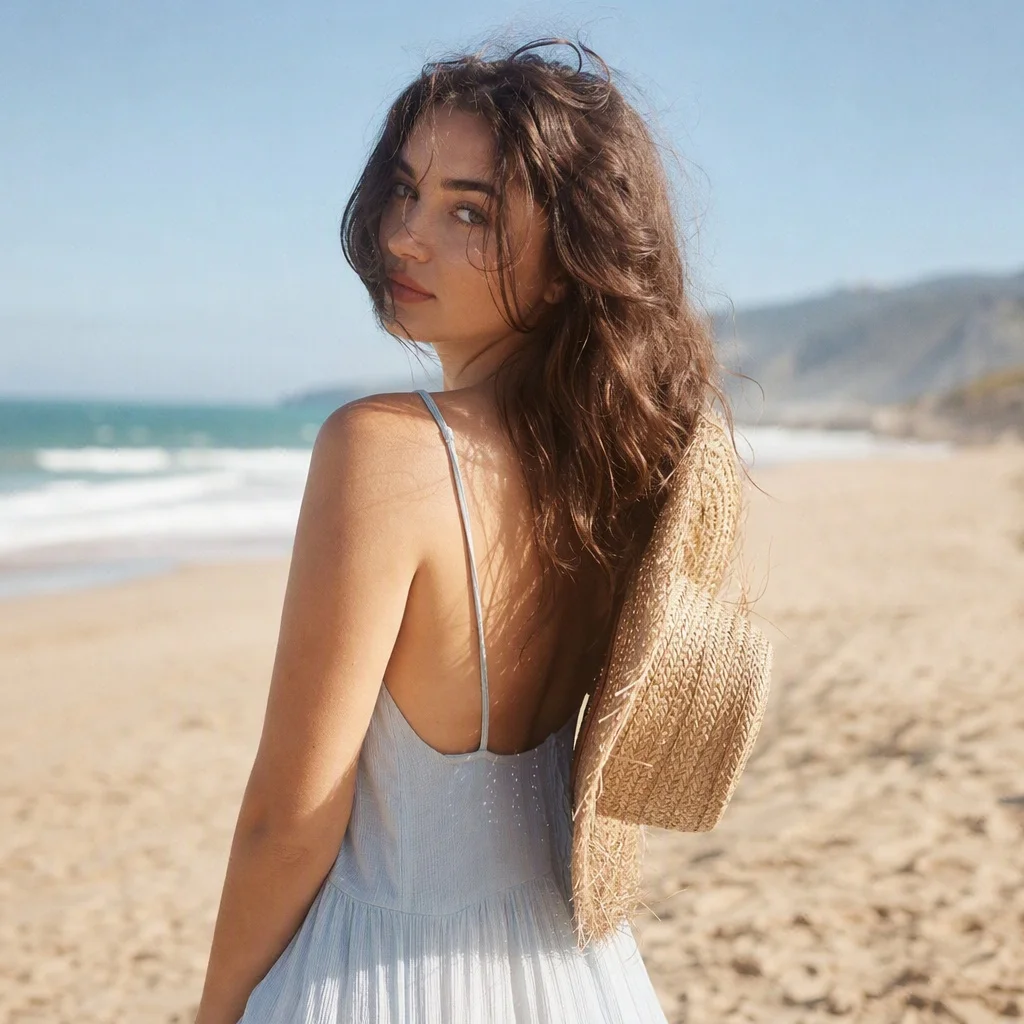
Photo to edit
Or start from a template
GPT Image 2 · 1K · 1 image · ratio follows your photo

Face Swap Photo Results

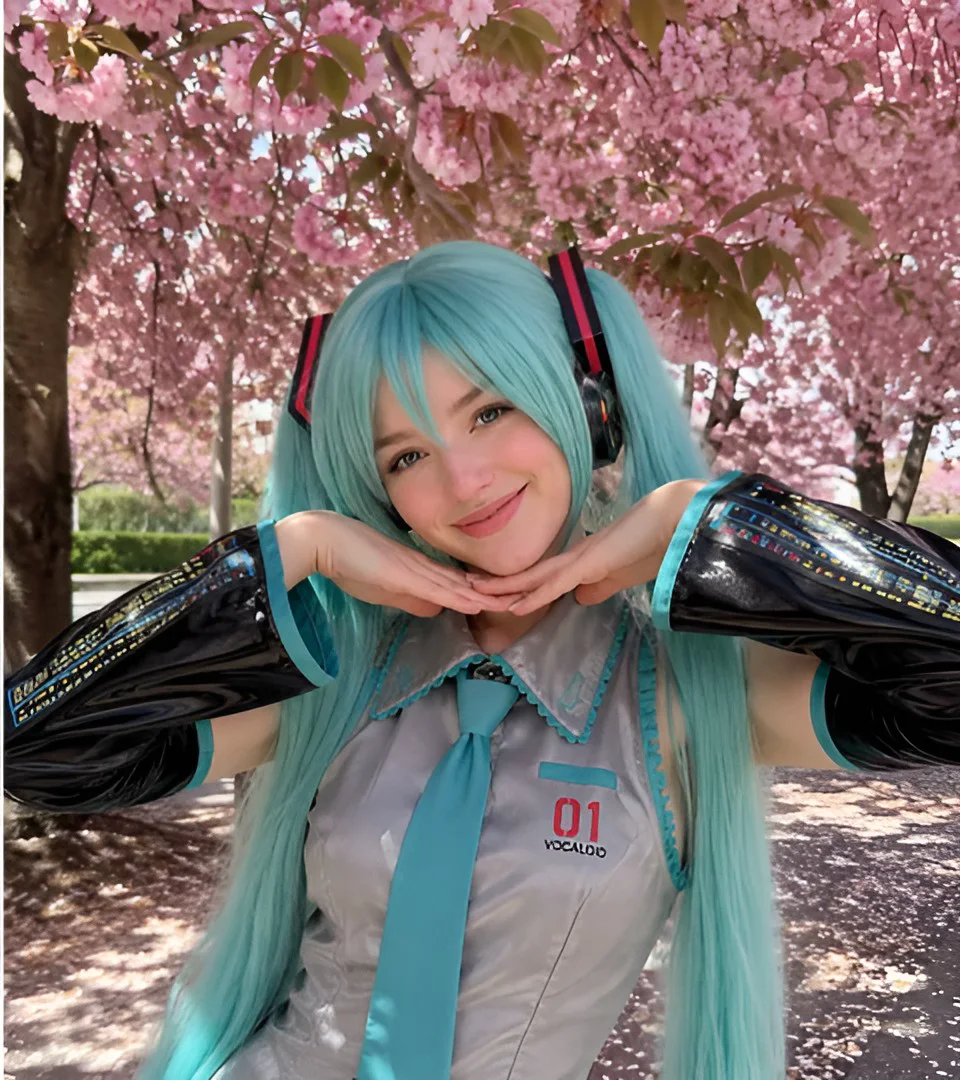
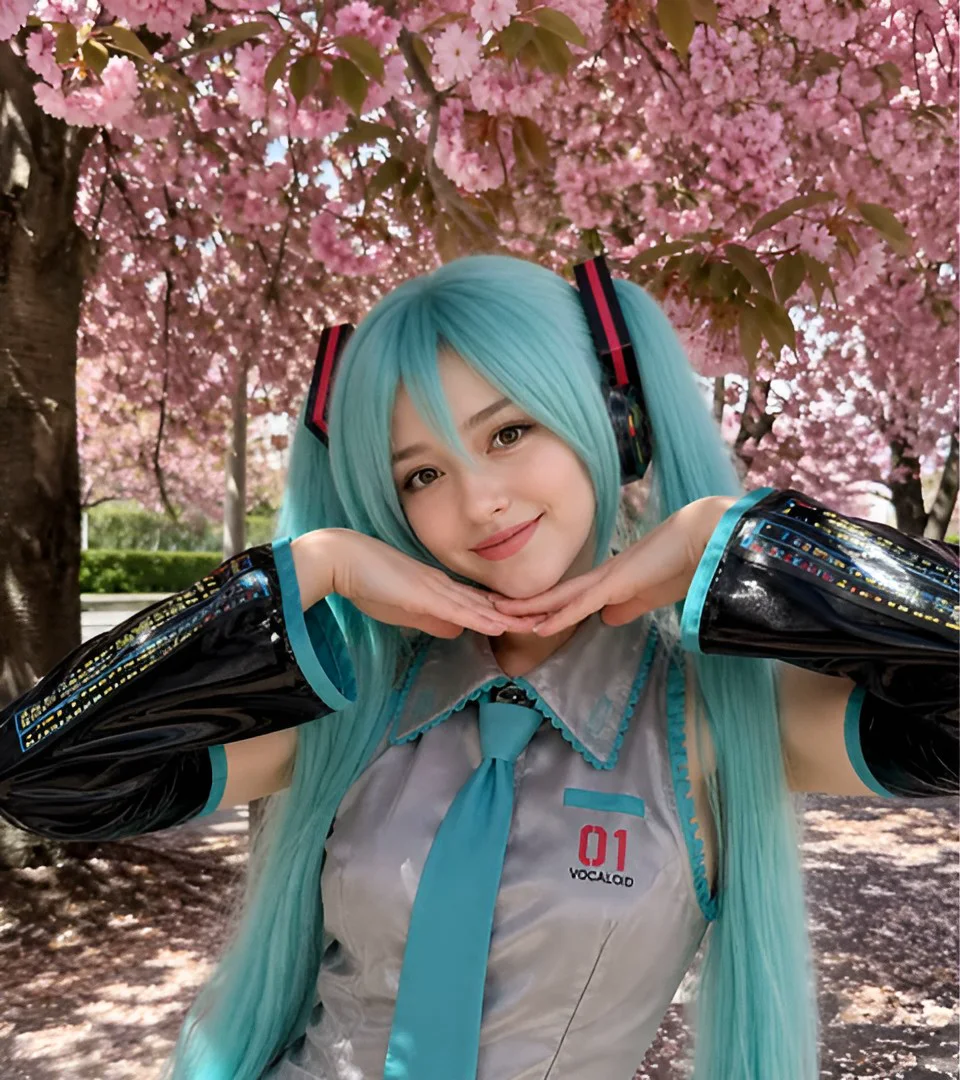
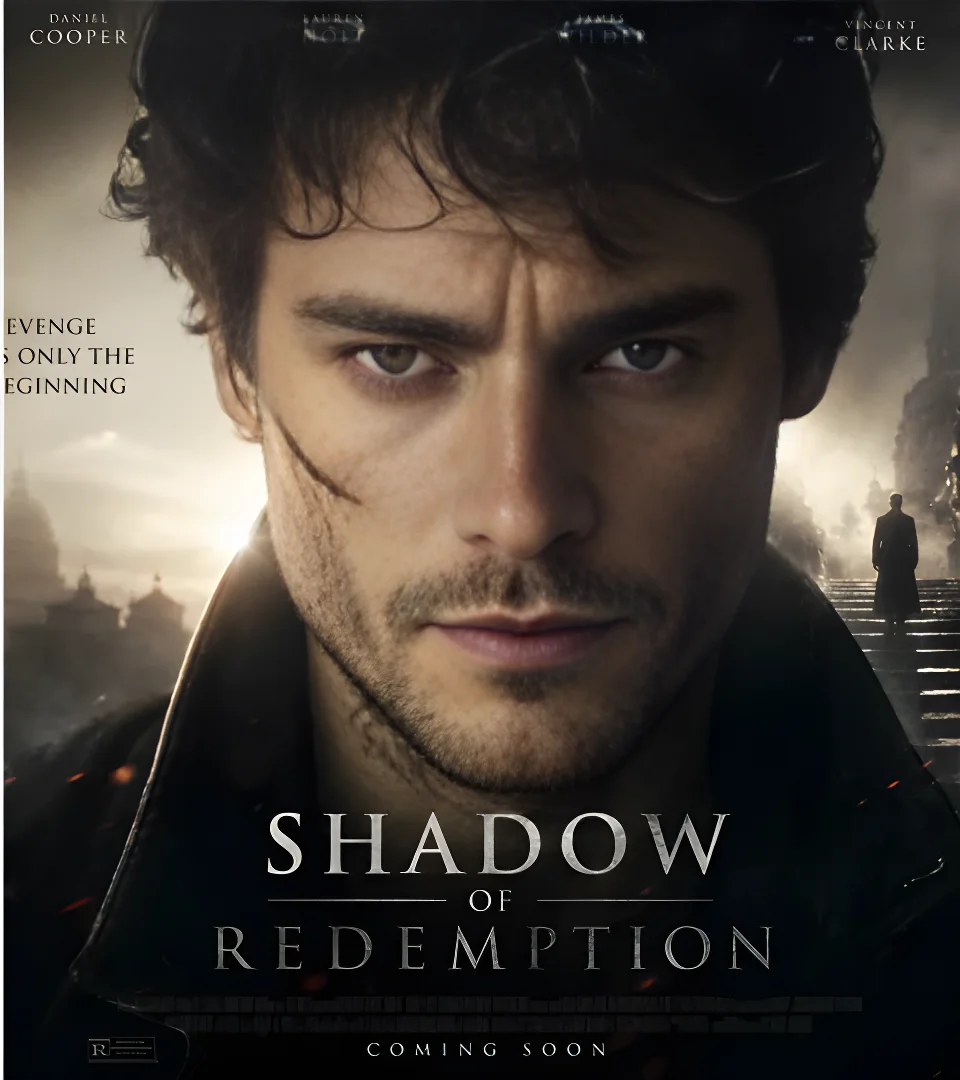
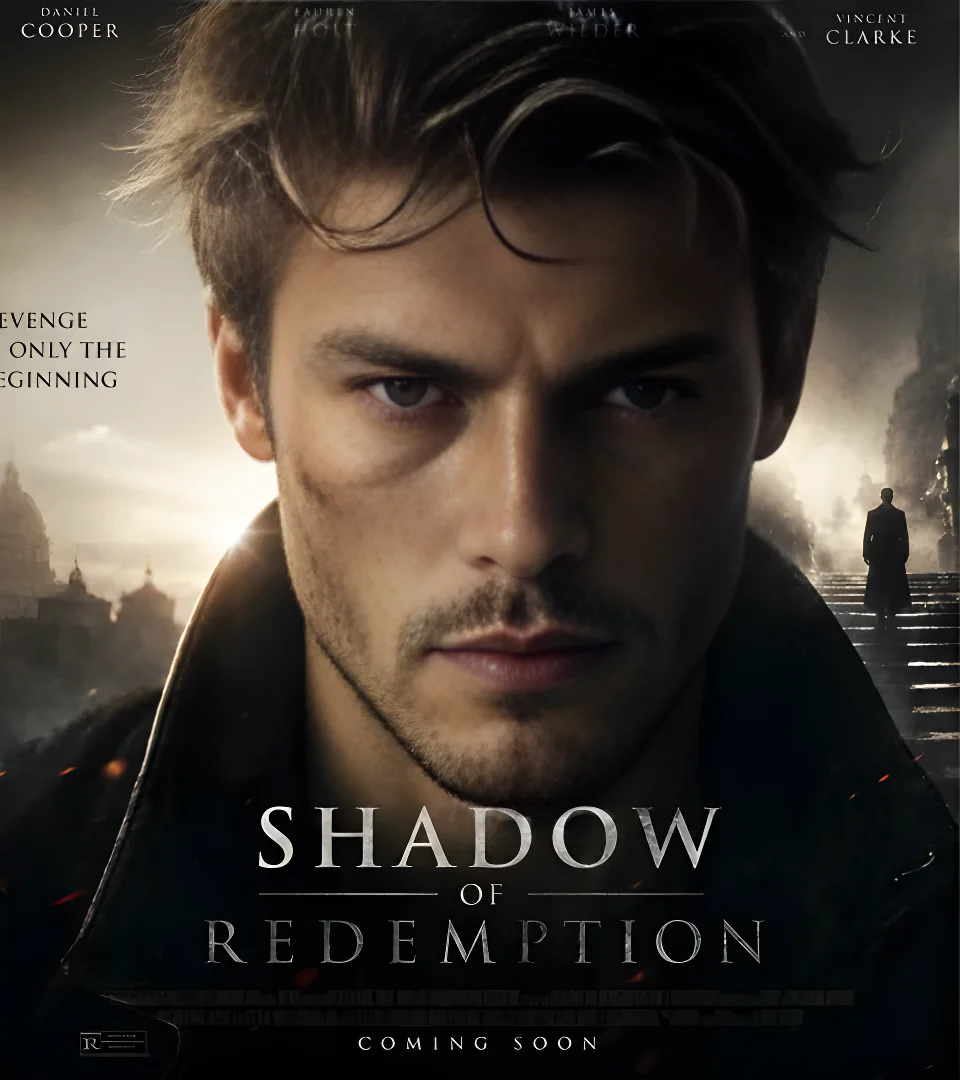
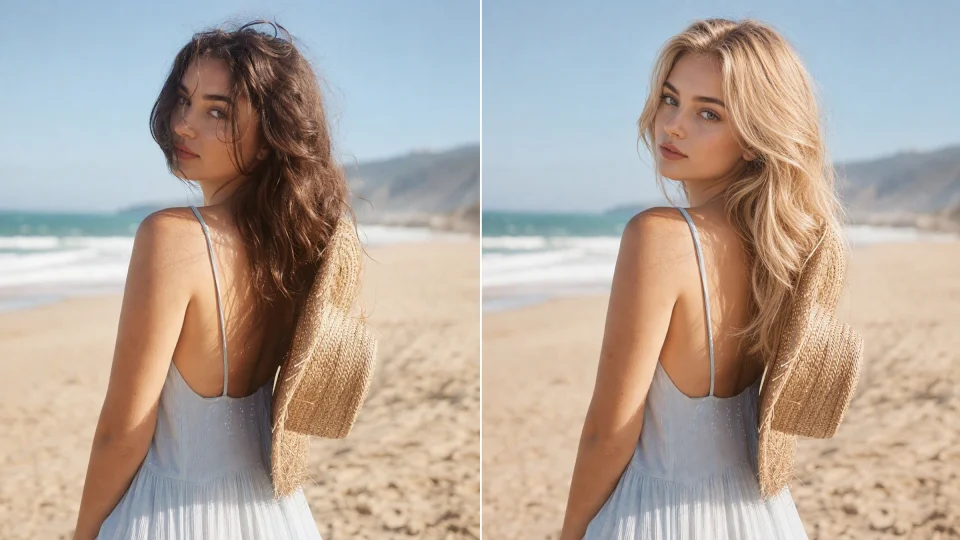
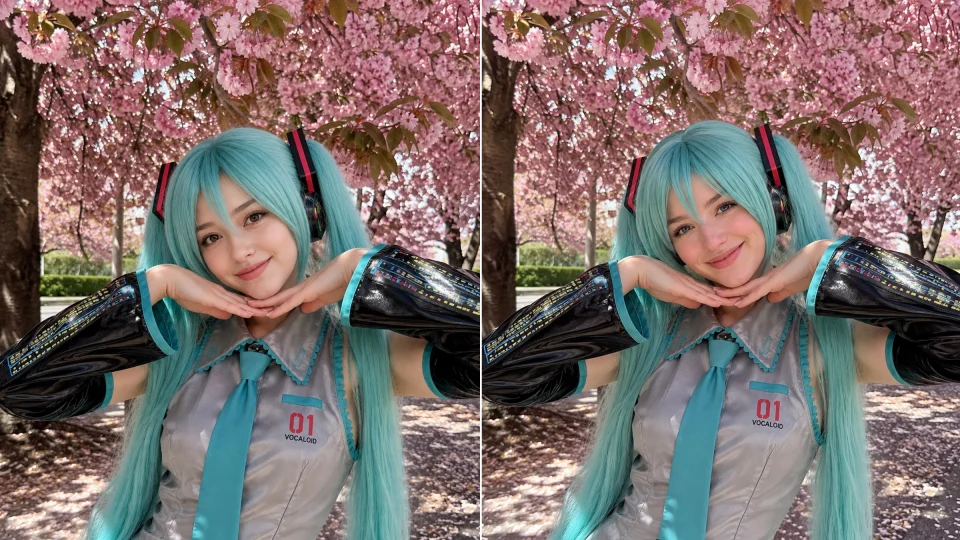
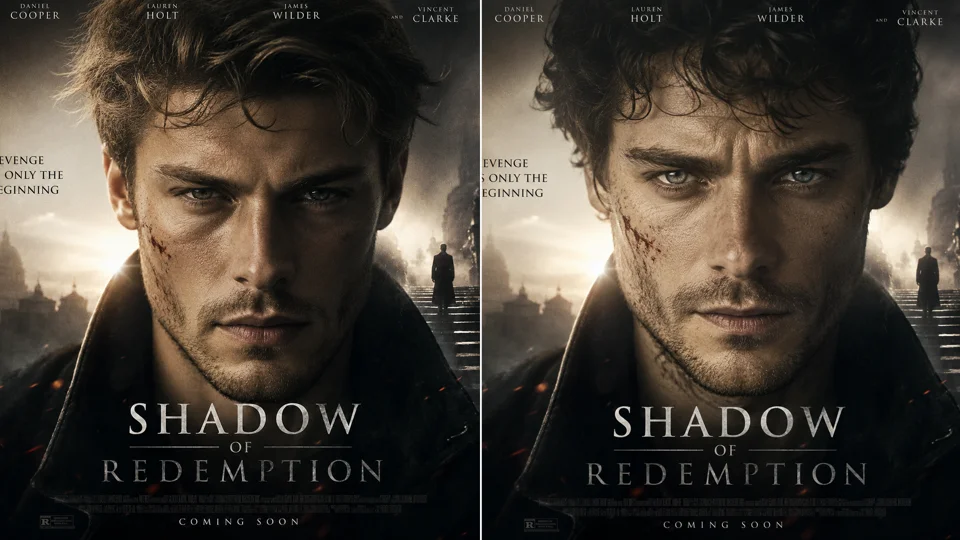
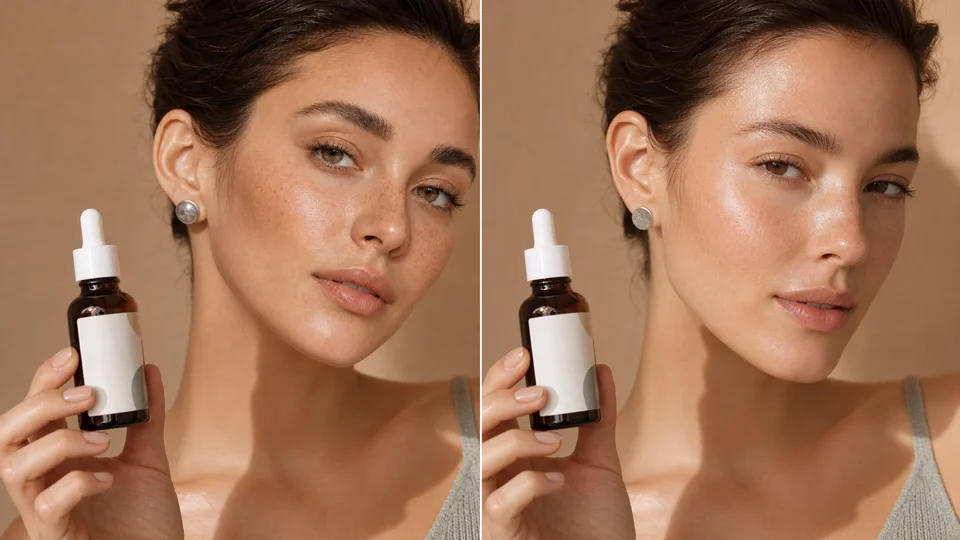
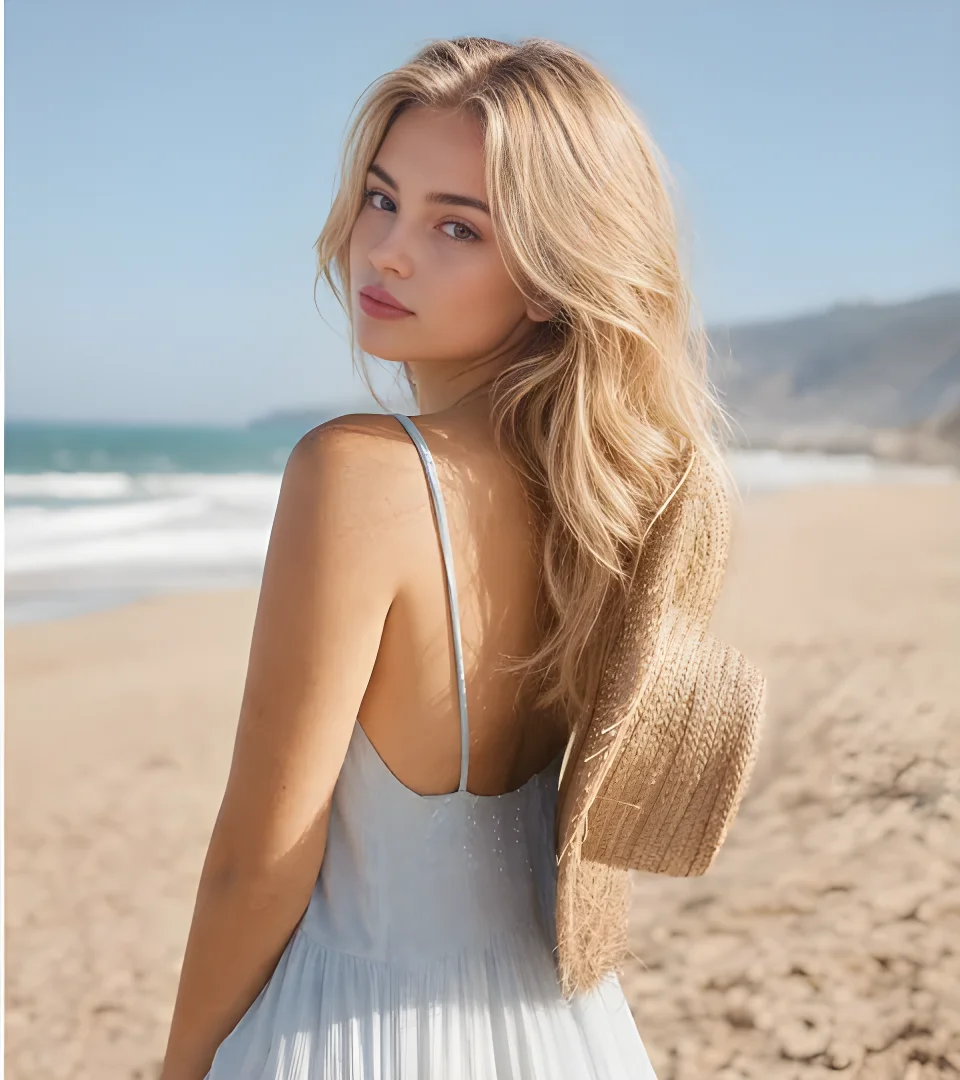
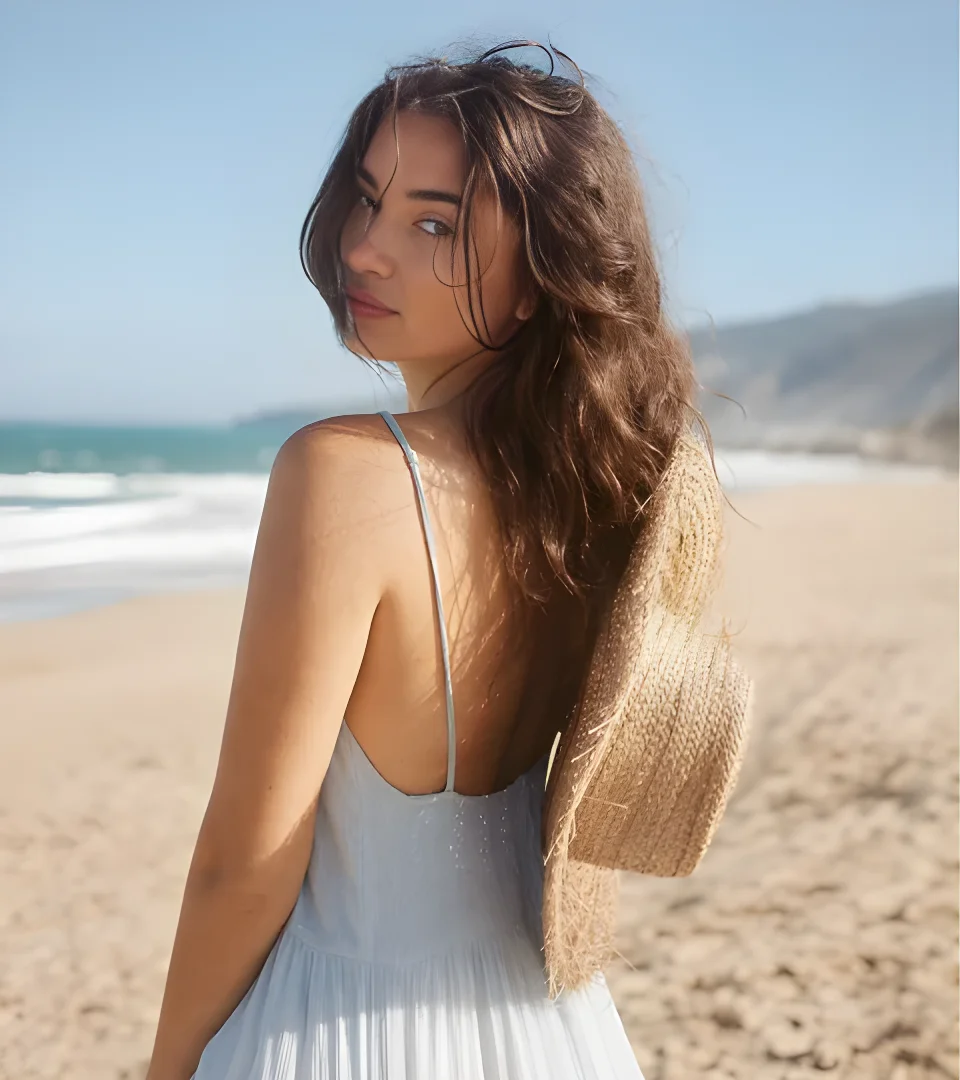
Drag the slider to compare. The face changes; the lighting, skin tone match and hairline blend stay natural. Each result below was made with a single click, from one photo to edit and one face photo.
Before and after AI face swap of a portrait photo
Before and after AI face swap of a portrait photo (before)

Portrait

Cosplay face swap: user's face on a fantasy character
Cosplay face swap: user's face on a fantasy character (before)

Cosplay

Poster face swap: face placed into a movie-style poster
Poster face swap: face placed into a movie-style poster (before)

Movie poster

Face Swap Ideas to Try

Face Swap template

Classic Face Swap

Swap faces between two photos for fun edits and side-by-side comparisons. It works best when both faces look toward the camera.
Cosplay template

AI Cosplay Face Swap

See yourself as a game hero, anime character or fantasy warrior without the costume. The template keeps the outfit, props and scene, and adds your face.
Poster Face Swap template

Movie Poster Face Swap

Star in a movie poster, magazine cover or event flyer. Great for birthday surprises, party invites and fun social posts.
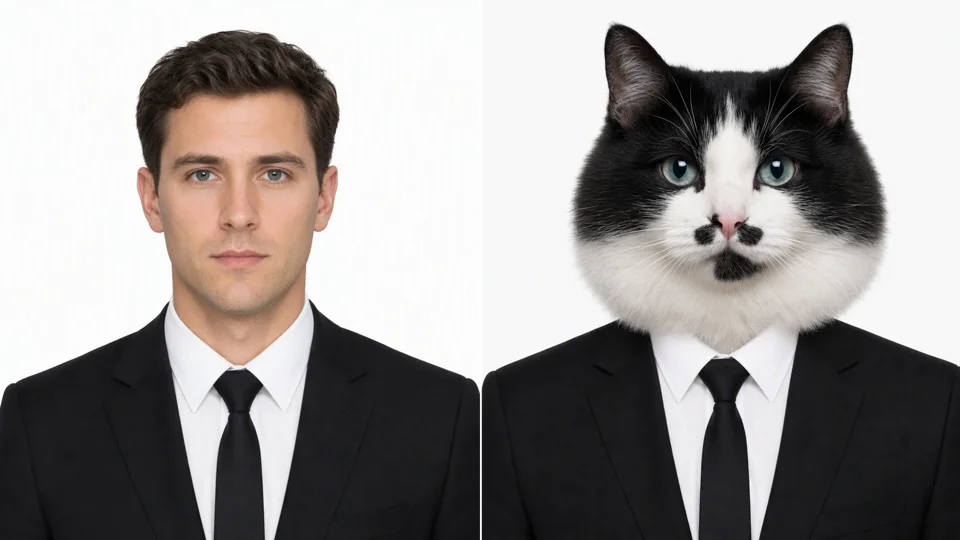
ID Photo Face Swap template

ID Photo Face Swap

Try a clean, studio-style headshot look on a formal ID-style template. For fun and previews only — never use it to make real ID documents.
Product Model Face Swap template

Product Model Face Swap

Put a brand-approved model face on product and apparel photos for consistent catalog shots, as long as you have the model’s permission.
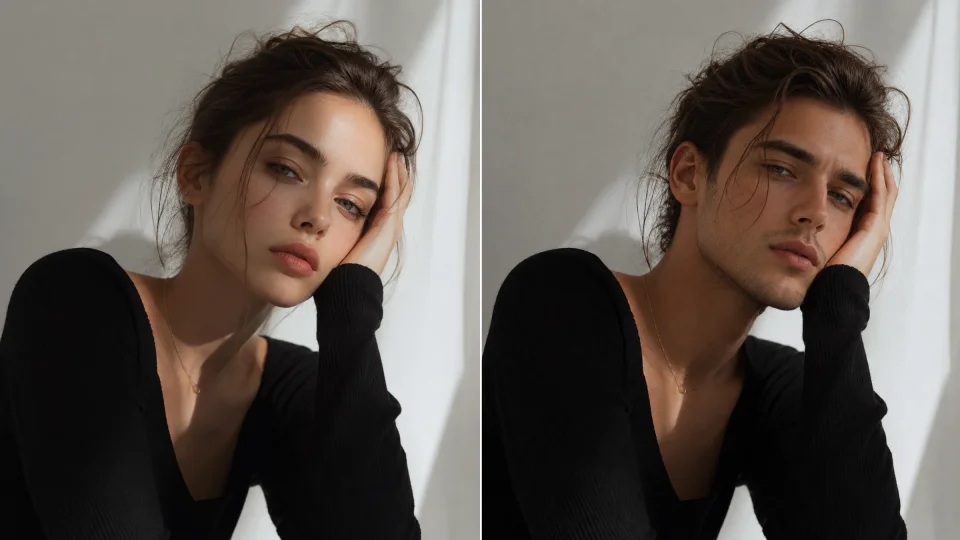
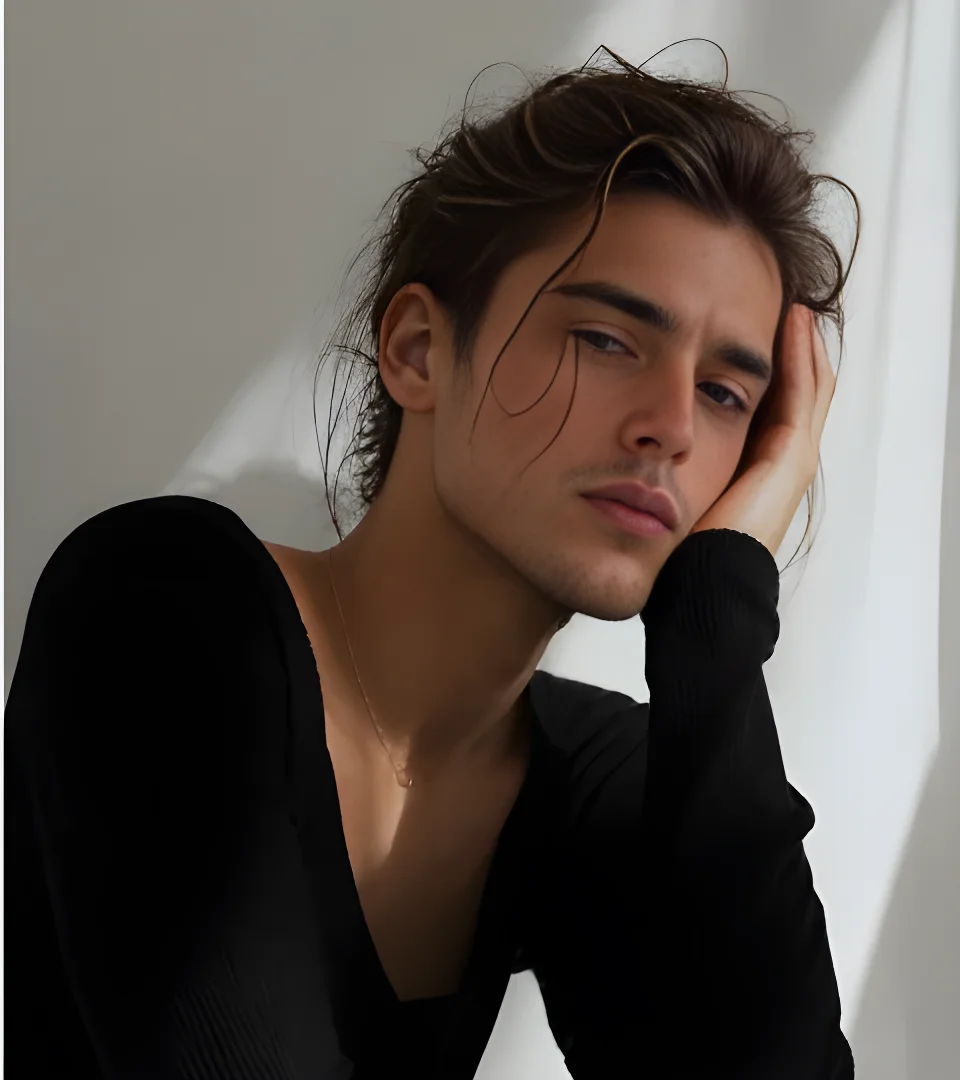
Before and after AI gender swap of a portrait
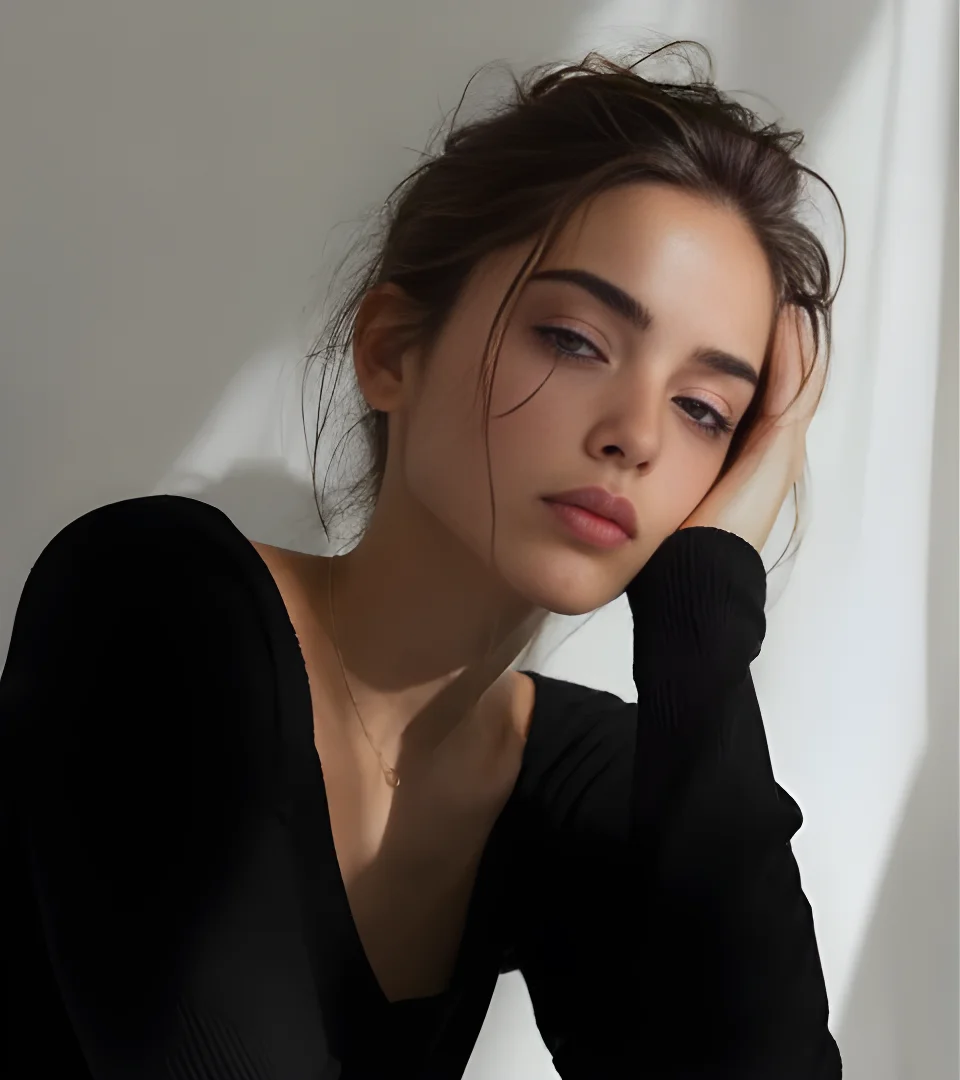
Before and after AI gender swap of a portrait (before)

AI Gender Swap: See Yourself as Another Gender

Curious how you’d look as a man or a woman? Pick the Gender Swap template, upload a clear photo of your face, and Wizstar’s gender swap AI blends your features into a gender-swapped portrait — same eyes, same smile, a whole new look.

Use it for fun profile pictures, social trends, character design or creative storytelling. Lighting, skin tone and edges are matched automatically, so the result looks like a real photo, not a filter.

For the most natural gender swap, use a front-facing photo with your whole face visible and no strong shadows. Hair, clothes and background come from the template, so you can try the same face on different looks and keep the one you like.

How to Face Swap a Photo in 3 Steps

1

Upload the photo to edit

Choose the picture whose face you want to replace, or start from a template. JPG, PNG and WebP photos all work, and the main person’s face should be clearly visible.
2

Upload the face

Add a clear, well-lit photo of the face you want to use. Front-facing photos without sunglasses work best. No photo at hand? Use the sample face to see how it works first.
3

Swap and download

Click Swap Face. The AI matches head angle, lighting and skin tone, and returns one high-quality image you can download or swap again. The credit cost is shown before you start, and you can swap again with a different face at any time.

What Our AI Face Swap Keeps — and What It Changes

Wizstar’s face swap AI changes one thing: the face of the main person in your photo. Everything else in the picture stays where it was, so the result looks like the original photo with a new face, not a collage.

ChangesThe main person’s face

Face shape, eyes, nose, mouth, eyebrows and skin tone come from your face photo, so the person still looks like themselves.

KeepsEverything else

Composition, background, body, pose, clothing, hairstyle, hair color, glasses, accessories and everyone else in the photo.

MatchesLight & angle

Head pose, gaze, camera angle, lighting direction, color temperature, grain and sharpness, with seamless edges.

Output1 image per swap

Aspect ratio follows your original photo, at 1K resolution. Powered by GPT Image 2, so each swap takes one generation.

What Photos Work Best for Face Swap

The AI can only use what it can see. These simple checks make the swapped face look sharper and more like the real person, and they take just a few seconds before you upload.

Face photoClear, front-facing and well lit

Use a photo where the face looks straight at the camera, with both eyes, the nose and the mouth fully visible. Soft daylight works best. Avoid sunglasses, masks, hands in front of the face and heavy filters.

SharpnessBig enough to show detail

A face that fills a good part of the photo gives the AI more detail to copy. Very small, blurry or heavily compressed images, like old screenshots, lead to a softer result.

Photo to editOne main person, face not covered

Pick a target photo with one clear main person whose face is not hidden by hair, hats or objects. The AI swaps that face only, so make sure the person you want to change is the largest face in the picture.

AngleSimilar angles look most natural

The AI matches head angle and lighting, but results look best when both photos show the face from a similar direction. A front-facing face on a side-profile body is harder to blend.

A Face Swapper for Creators, Brands and Fun

Content creators

Make memes, reaction images and video thumbnails that stand out in a busy feed and get more clicks.

Cosplayers and fans

Preview a character look before building the costume, or share a quick fan edit.

E-commerce teams

Keep one approved model face across product photos for a consistent catalog.

Marketers

Personalize posters and campaign visuals in minutes, without a new photo shoot.

Why Use Wizstar to Swap Faces

Natural results

The face changer matches lighting and skin tone so the photo looks like one shot, not a cut-and-paste edit.

Nothing else moves

Hair, clothes and background stay exactly as they were, so only the face is new.

Templates included

Six ready-made face swap ideas, from cosplay to posters, so you can start without your own photo.

Same account, more tools

Turn the result into a video with the AI Video Generator, or create new pictures with the AI Image Generator.

Templates or Your Own Photo: Which to Choose

TemplatesFastest way to a fun result

Pick one of the six templates, add your face and click Swap Face. The scene, outfit and lighting are already set up, so it is the quickest way to try cosplay, a movie poster or a gender swap. Templates are a good first try if you are new to face swap.

Your photoFull control over the scene

Upload any photo you want to change: a group trip, a product shoot or a favorite movie scene you own the rights to. The AI swaps the face of the main person and leaves the rest of your picture exactly as it is.

Use Face Swap Responsibly

Face swap is made for fun, creative and approved commercial work. A few simple rules keep it safe for you and for the people in your photos. If you are not sure whether a photo is okay to use, choose one of the templates instead.

Ask first

Only use your own face, or the face of someone who has agreed. For brand work, get written permission from the model before you publish.

No fake documents or tricks

Never use a swapped face to pretend to be someone else, open accounts, pass an identity check or make a real ID, passport or license.

Be clear it is edited

When you share a swapped photo of a real person, say that it was made with AI, especially in ads, news or anything people might take as real.

Face Swap FAQ

Yes, you can try it free. New accounts get free credits, and each face swap uses a small number of credits shown before you generate.

Try AI Face Swap Now

Free to try. Only use photos you have the right to use.