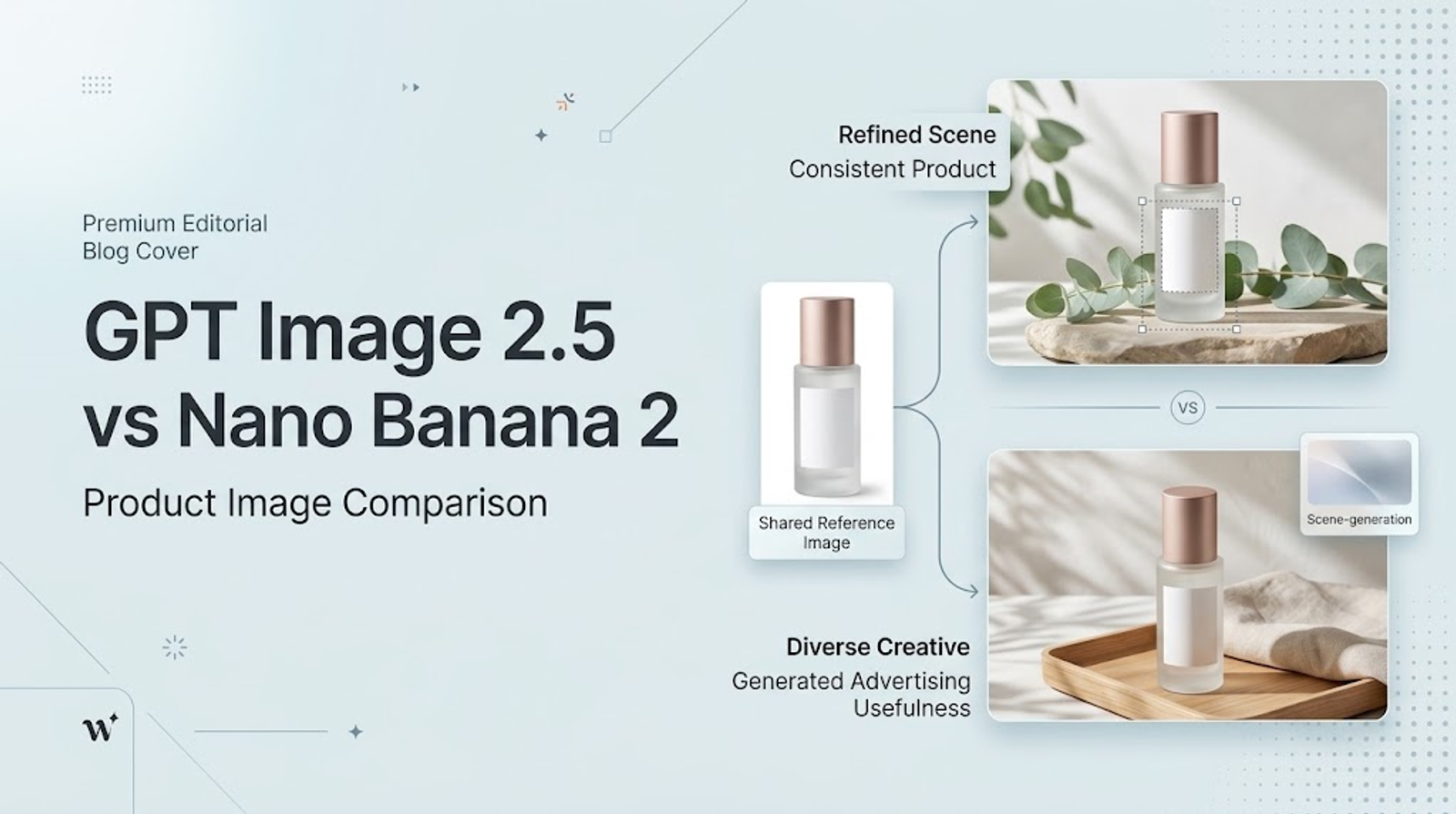
Choosing between GPT Image 2.5 and Nano Banana 2 for product images is less about finding a permanent winner and more about matching the tool to the job. Ecommerce teams usually care about a small set of practical questions: Does the product remain recognizable? Can a marketer change the scene without rebuilding the asset? Can a creative team produce enough useful variants for ads? How much review and cleanup does each output require?
This comparison treats both tools as moving products whose access, versions, pricing, and interfaces can change. Google’s official materials describe Nano Banana 2 as Gemini 3.1 Flash Image, with image generation and editing available through Gemini and Google developer surfaces. OpenAI’s official image generation documentation describes GPT-Image-2.5-Sunburst and GPT-Image-2.5-Flare, including reference-image editing, masks, multi-turn workflows, and output controls. Those are documented capabilities. The practical recommendations below are conditional judgments, not a controlled benchmark.
Compare the workflow, not the feature list
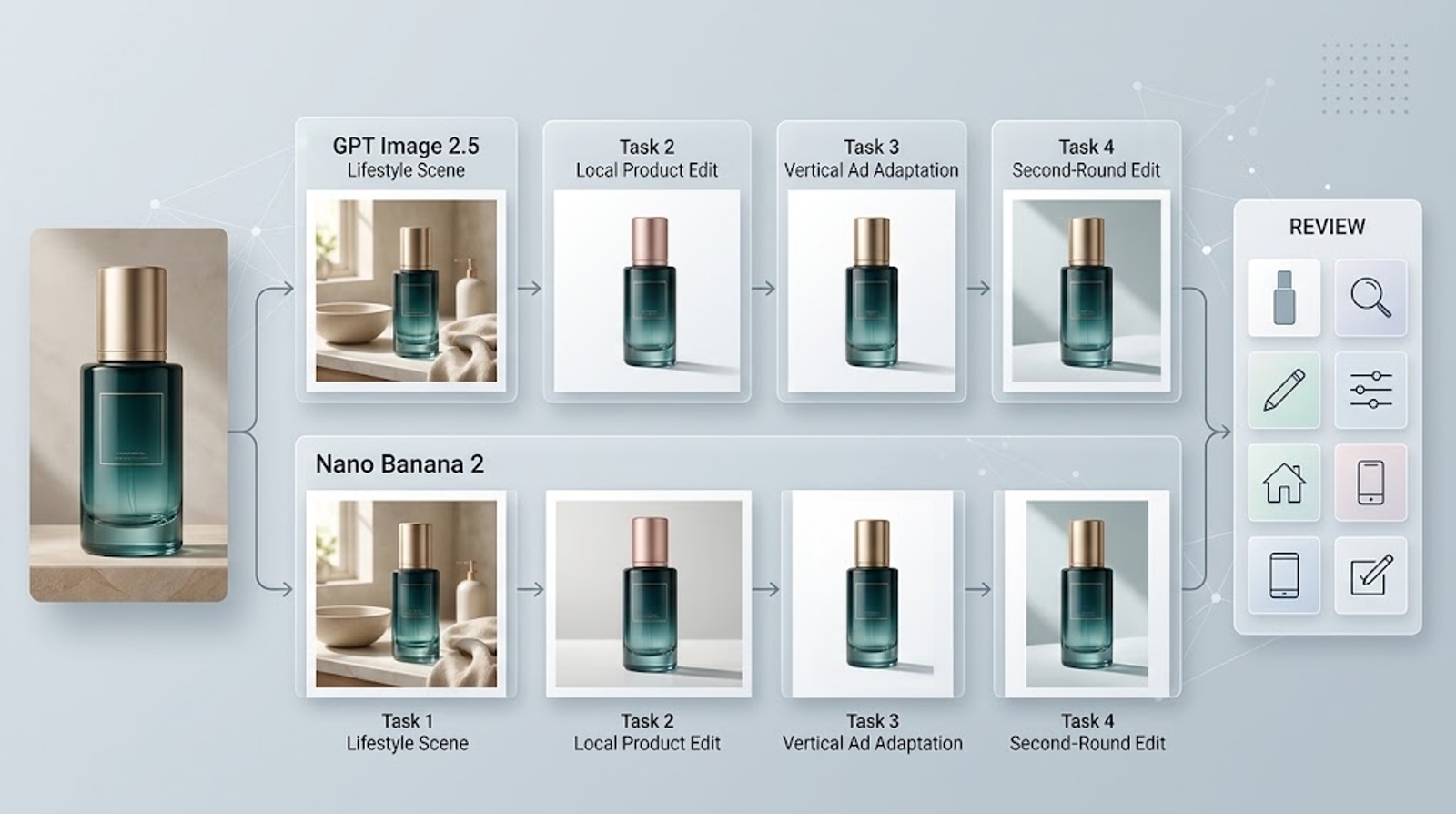
A useful image editing comparison starts with the same task and the same acceptance criteria. For a product-image workflow, use a source image that contains:
- a clearly visible product
- readable but non-critical packaging text
- distinctive shape, color, and materials
- a simple scene that can be changed
- a target placement such as a product page, feed ad, or story ad
Then define one task at a time:
- Create a lifestyle scene from the source product image.
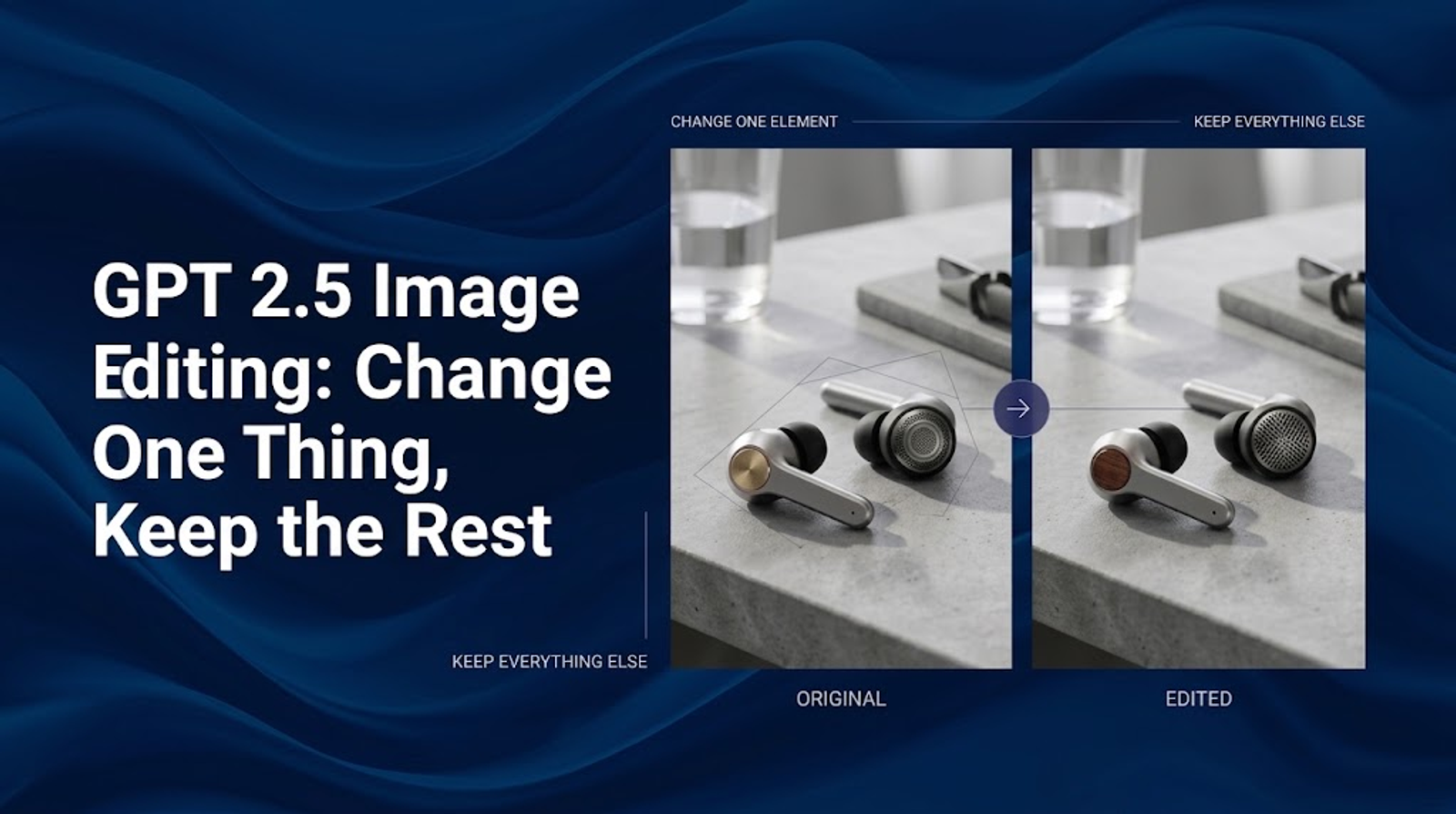
- Change one product attribute while preserving the package.
- Produce a vertical ad variation with copy-safe space.
- Make a second edit after the first result.
Score the outputs on product consistency, detail preservation, editing control, scene usefulness, ad adaptability, and review effort. This approach is more informative than asking which model produces the prettiest isolated image.
Product consistency and detail preservation
For ecommerce, product consistency usually has the highest cost when it fails. A changed cap, distorted logo, altered bottle shape, or invented package claim can make an attractive image unusable.
OpenAI positions GPT Image 2.5 as improved at preserving subjects from reference photos and following targeted edits across multiple turns. Its documentation also warns that recurring brand elements and structured compositions can still vary. Google’s official Nano Banana materials emphasize image generation and editing, including creating and transforming images in Gemini. Neither statement proves that one tool will preserve every product more accurately in every prompt.
The practical decision is to test the details your business actually needs. Use the same product reference and ask each tool to:
Change only the background from warm beige to deep cobalt blue. Preserve the product shape, packaging, logo, label, cap, reflections, and shadow.
Inspect the output at the final display size. A model that preserves the overall silhouette but changes small compliance text may still fail the task. A model that produces a more attractive scene but changes the product material may also fail.
Editing control and reference-based workflows
GPT Image 2.5 has a documented workflow for editing existing images, using image references, and applying a mask to guide a local replacement. OpenAI notes that masks must match the source image’s format and dimensions and include an alpha channel; it also says the model may not follow the exact mask boundary completely.
Nano Banana 2 is also presented by Google as an image generator and photo editor that can transform uploaded or referenced images. The exact interface and available controls depend on the Google product or developer surface being used, so buyers should verify the current implementation before designing a production process around a specific control.
For a comparison, separate three questions:
- Can the tool accept the reference?
- Can it express the requested local change?
- Can the team inspect and repeat that change reliably?
A tool may be strong at broad visual transformation but less predictable for a narrow packaging revision. Conversely, a more controlled workflow may require more prompt structure and review time.
Scene generation and creative usefulness
Both tools can be evaluated on whether they create scenes that help sell the product rather than merely decorate it. A useful scene should clarify a use occasion, audience, benefit context, or campaign idea.
Use a shared brief:
Create a premium lifestyle ad using the provided product image as the fixed product reference. Place the product in a bright morning routine. Keep the package large and recognizable, preserve the logo and label, and leave clear space for a short headline.
Then compare:
- product scale and visibility
- lighting and perspective
- relationship between props and product
- amount of copy-safe space
- whether the scene supports a real marketing idea
- how much cleanup the concept needs
Do not treat a cinematic background as evidence of better commercial performance. A scene can be visually impressive and still bury the product or make the message ambiguous.
Product ad images and platform adaptation
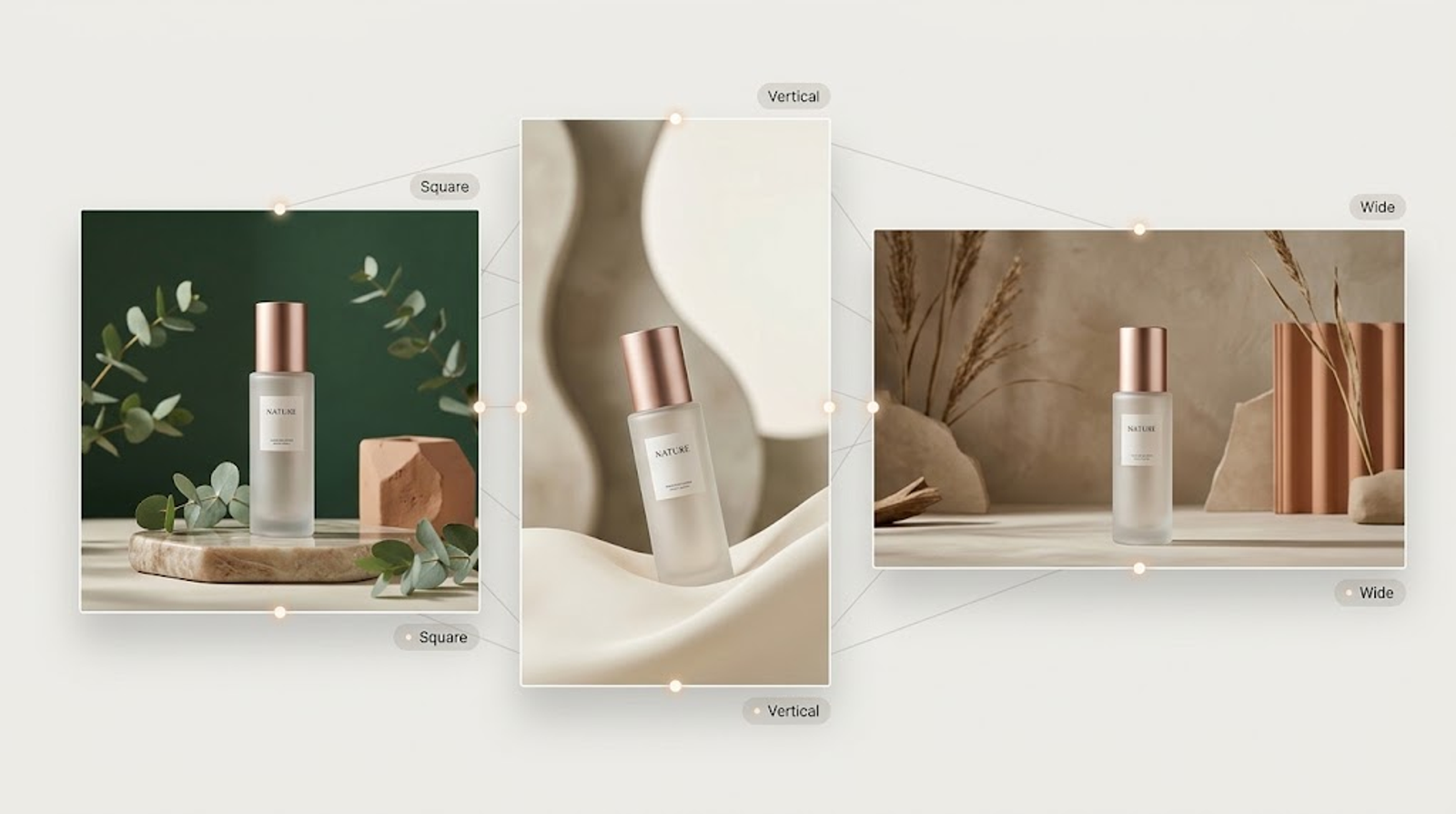
The better tool for a campaign is often the one that makes controlled variants easier, not the one that wins a single square-image test. Ask each tool to adapt the same concept for a feed, a vertical story, and a product-page module.
A useful instruction is:
Adapt this approved product concept to square and 9:16 formats. Keep product identity, lighting direction, color treatment, and the central message consistent. Rebalance negative space for each placement instead of stretching the original composition.
Review each output separately. Check mobile-scale recognition, crop safety, platform interface overlap, headline space, and whether the focal point survives the new aspect ratio.
GPT Image 2.5’s API exposes size, quality, format, compression, and background controls. Google’s product surface may expose different output and access controls depending on where Nano Banana 2 is used. This is a workflow distinction to verify in the current product, not a basis for a universal quality claim.
AI image quality is task-specific
“Image quality” is too broad to be a useful buying criterion by itself. Break it into observable dimensions:
- product identity
- edge and material realism
- text legibility
- lighting coherence
- perspective
- composition
- style consistency
- speed to an approvable result
A model can look better in a cinematic scene but perform worse on small packaging details. Another can preserve the product but need more work to create an ad-ready composition. Record the reason for each pass or fail so the team does not turn a single preference into a general ranking.
For important comparisons, run several representative prompts and multiple seeds or generations where the product allows it. Do not claim a benchmark unless the test conditions, sample size, and scoring method are documented.
Workflow efficiency and total production cost
Efficiency includes more than generation time. Count:
- briefing and prompt-writing time
- reference preparation
- generation or waiting time
- number of useful variants
- correction rounds
- typography and compositing work
- human review
- storage and approval overhead
A fast first generation may be expensive if every output needs extensive repair. A slower or more structured workflow may be more efficient when it produces an approvable result in fewer rounds.
For API teams, also verify current pricing, model availability, rate limits, file requirements, and commercial terms directly from the vendor. Those details change and should not be inferred from a comparison article.
Which tool is better for which product-image job?
Use GPT Image 2.5 when your workflow benefits from the documented OpenAI image-editing stack: reference images, mask-guided local edits, multi-turn refinement, and explicit output controls. It is a sensible candidate for teams building an API-driven or conversational editing workflow around a product source image.
Use Nano Banana 2 when your team is already centered on Gemini or Google’s creative surfaces and values the ability to generate and edit within that ecosystem. Verify the current access path, controls, output behavior, and commercial terms before standardizing on it.
Choose neither by default when the task requires exact packaging reproduction, legally sensitive text, proof of a regulated product condition, or a final asset with no human review. In those cases, AI can support concept development, but approved photography and design production remain part of the workflow.
A fair evaluation worksheet
Create a small matrix with one row per task and one column per criterion:
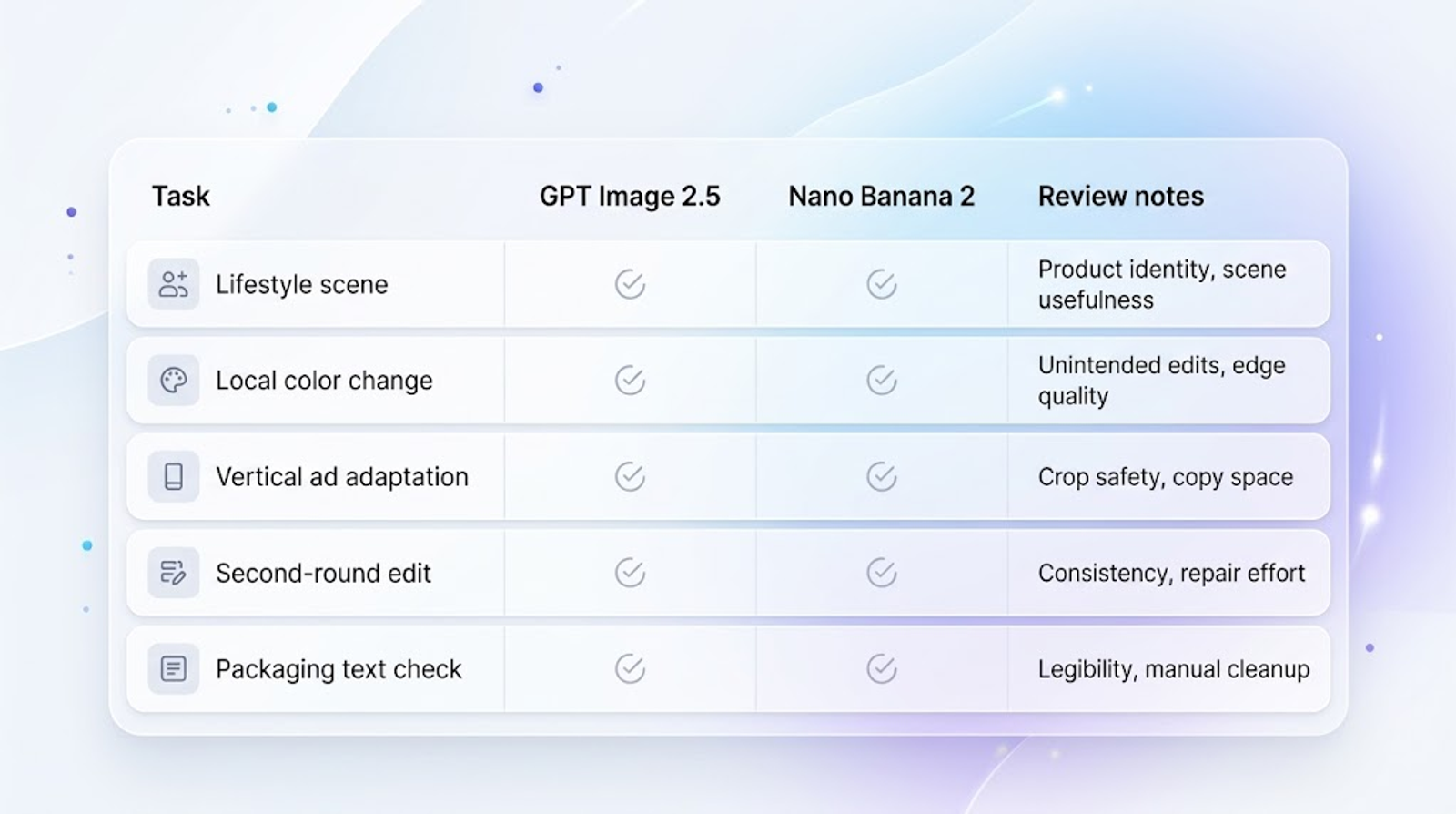
Use a simple rating scale, but keep the notes. A score without the reason behind it is hard to reuse when the product category or campaign changes.
Final verdict
There is no responsible universal answer to “GPT Image 2.5 vs Nano Banana 2 for product images” without a defined task and current access conditions. GPT Image 2.5 has a clearly documented reference, mask, multi-turn, and output-control workflow. Nano Banana 2 is a strong candidate for teams operating inside Google’s Gemini and developer ecosystem, with official positioning around fast image generation and editing.
For an ecommerce buyer, the better choice is the tool that preserves the product details your category cannot compromise, produces useful scene and placement variants, and reaches approval with less total review effort. Run a small, repeatable comparison on your own product images before committing budget or changing the entire creative workflow.
Ready to scale your product visuals? Nano Banana 2is now live on Wizstar, empowering you to generate razor-sharp, consistent e-commerce assets in seconds. Plus, GPT Image 2.5 is coming soon to unlock pinpoint, single-element visual editing right within your workflow—stay tuned!