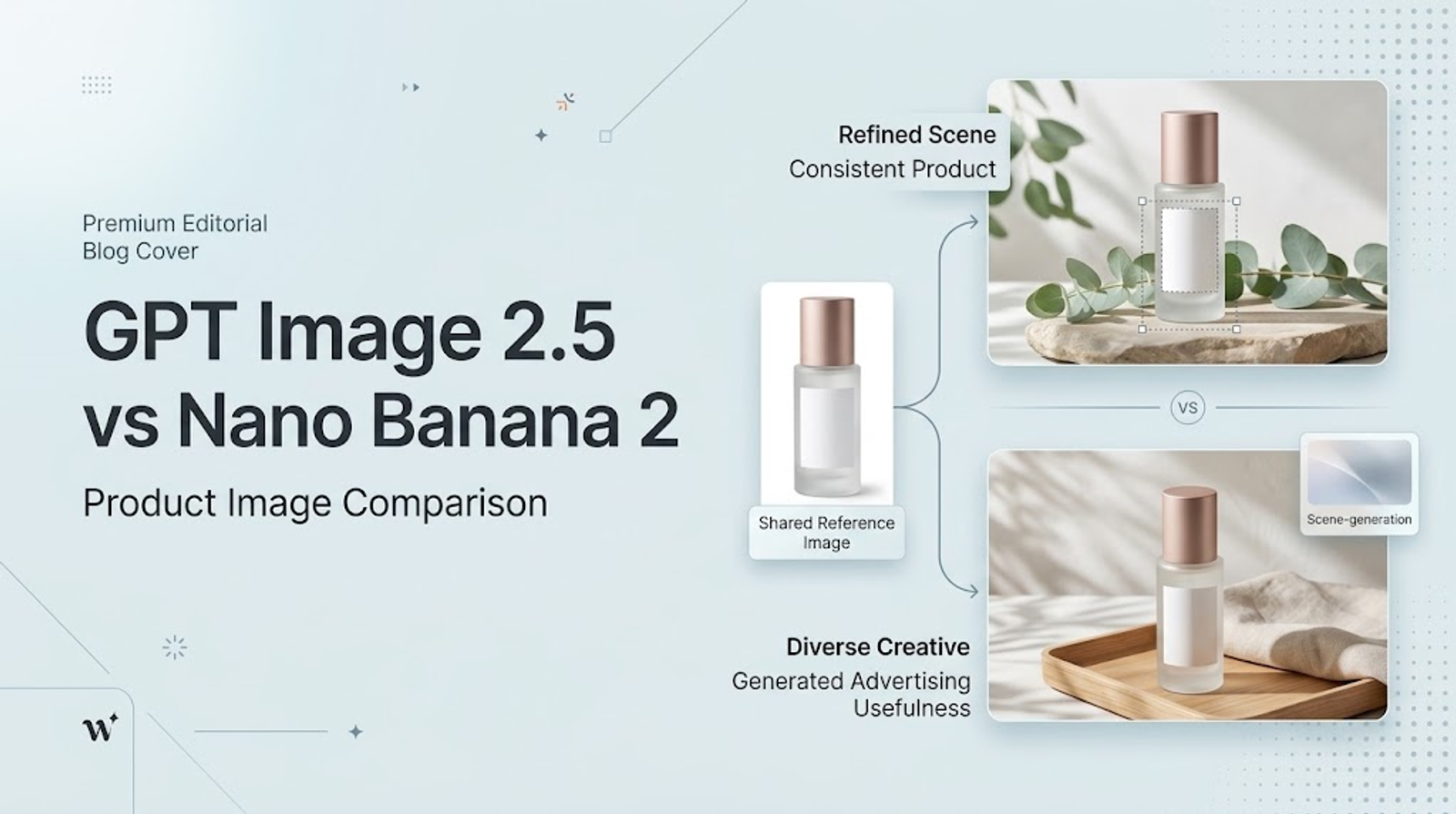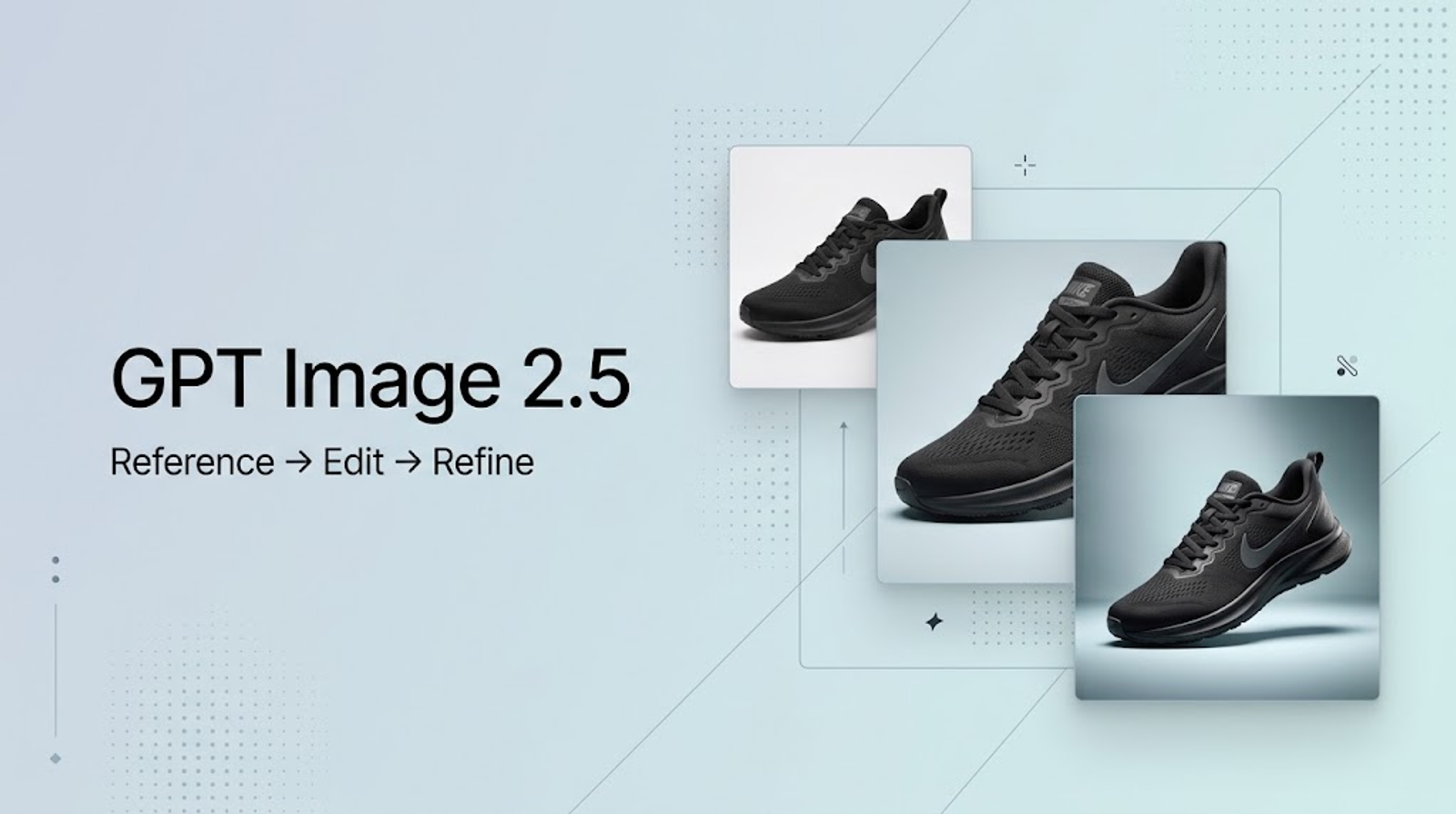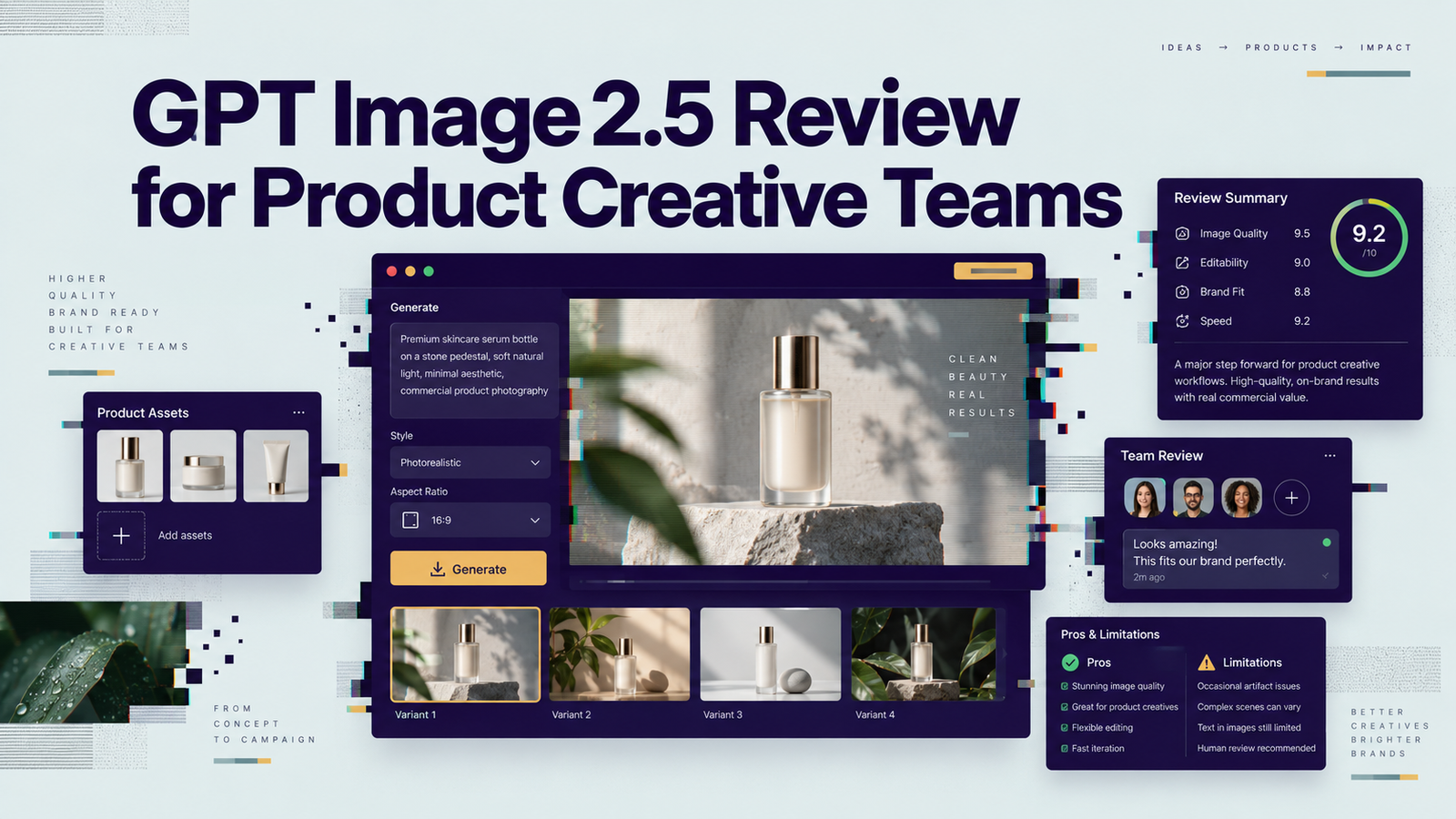
GPT Image 2.5 sounds exciting on paper, but for a product creative team, the real test is much less glamorous: can it keep the product looking right when you change the background, revise the copy, or ask for one more variation?
I’m Vela, a content creator who spends a lot of time testing AI creative workflows with real product assets, short briefs, and the occasional generated image that looks perfect until I zoom in on the packaging. I’m less interested in whether GPT Image 2.5 can make a beautiful first image than whether it can produce a reviewable product creative, survive a few edits, and leave the team with a manageable amount of cleanup.
That is the lens I’m using for this GPT Image 2.5 review. I’ll look at how ChatGPT Images 2.5 differs from GPT-Image-2.5 Flare and Sunburst, where product fidelity and editing control matter most, how teams can actually access the models, what the current pricing means in practice, and where I would still keep a human approval step firmly in the workflow.
Quick Verdict for Product Creative Teams
My read is that GPT Image 2.5 is worth a controlled pilot if your bottleneck is product creative iteration: starting from an approved reference, making local changes, and producing multiple reviewable versions without rebuilding the composition each time.
I would not treat it as a pixel-locked product renderer or a shortcut around brand review. OpenAI says Images 2.5 improves reference fidelity, focused edits, multi-turn consistency, and generation latency versus Images 2.0. Those are exactly the areas product teams care about, but “better” is not the same as “guaranteed.” The useful test is still your own SKU, packaging, logo, copy, and revision pattern. OpenAI’s September 8 launch note is the clearest source for those product-level claims.
What GPT Image 2.5 Actually Includes
The naming is easy to blur, so I would keep three layers separate.
ChatGPT Images 2.5
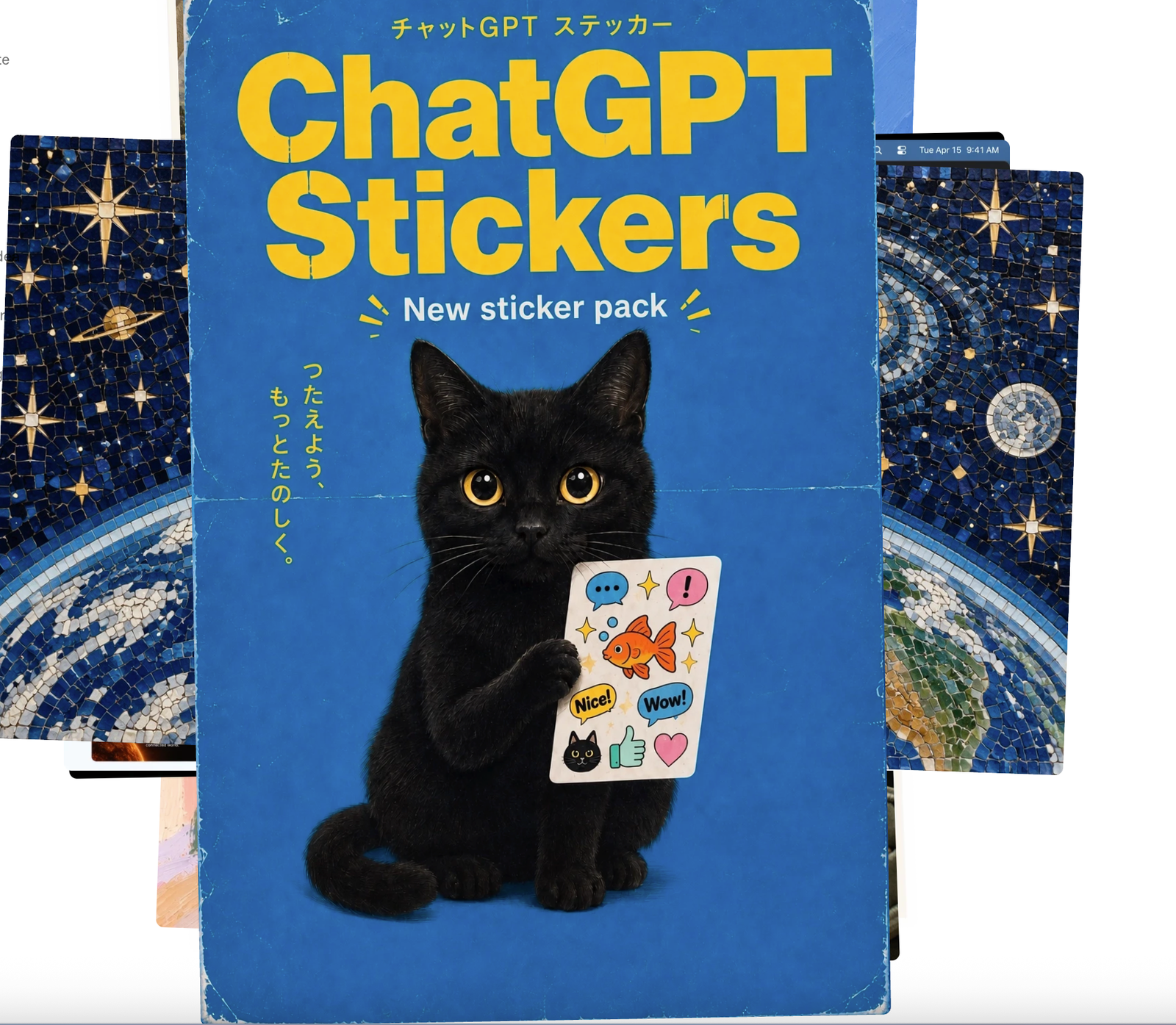
ChatGPT Images 2.5 is the image-creation experience inside ChatGPT. OpenAI says Images 2.5 is available across ChatGPT, ChatGPT Work, and Codex. In ChatGPT, features include Sketch, image comments, templates, and multi-turn editing. This is the most natural entry point for a marketer or designer who wants to brief, review, and revise interactively rather than build an API workflow.
GPT-Image-2.5 Flare and Sunburst
The API currently has two GPT Image 2.5 models. GPT-Image-2.5 Flare is positioned as the default, faster choice for everyday generation, rapid prototyping, product experiences, and higher-volume work. GPT-Image-2.5 Sunburst is positioned for workflows where editing precision matters more and longer generation time is acceptable.
Both accept text and image inputs, support low, medium, high, xhigh, max, and auto quality settings, and can be used through the Image API or the Responses API image-generation tool. I would not collapse these into “the GPT Image 2.5 model.” They are separate API choices with different workflow intent.
Review GPT Image 2.5 on One Product Brief
Without an independent benchmark, the fairest thing I can do is define the pilot I would run before a creative team adopts it.
Generate From an Approved Product Reference
I would start with one authorized packshot, one approved visual direction, and a short brief that locks the product shape, label, materials, hero angle, background, and intended ad format. Nothing fancy. The goal is not to see how imaginative the model can be; it is to see whether the source product remains recognizable while the scene changes.
OpenAI says reference-led workflows have improved subject fidelity. I would still review product geometry, label spelling, logo placement, color, reflections, and small hardware details against the source before calling the output usable.
Make a Local Edit Without Changing the Rest
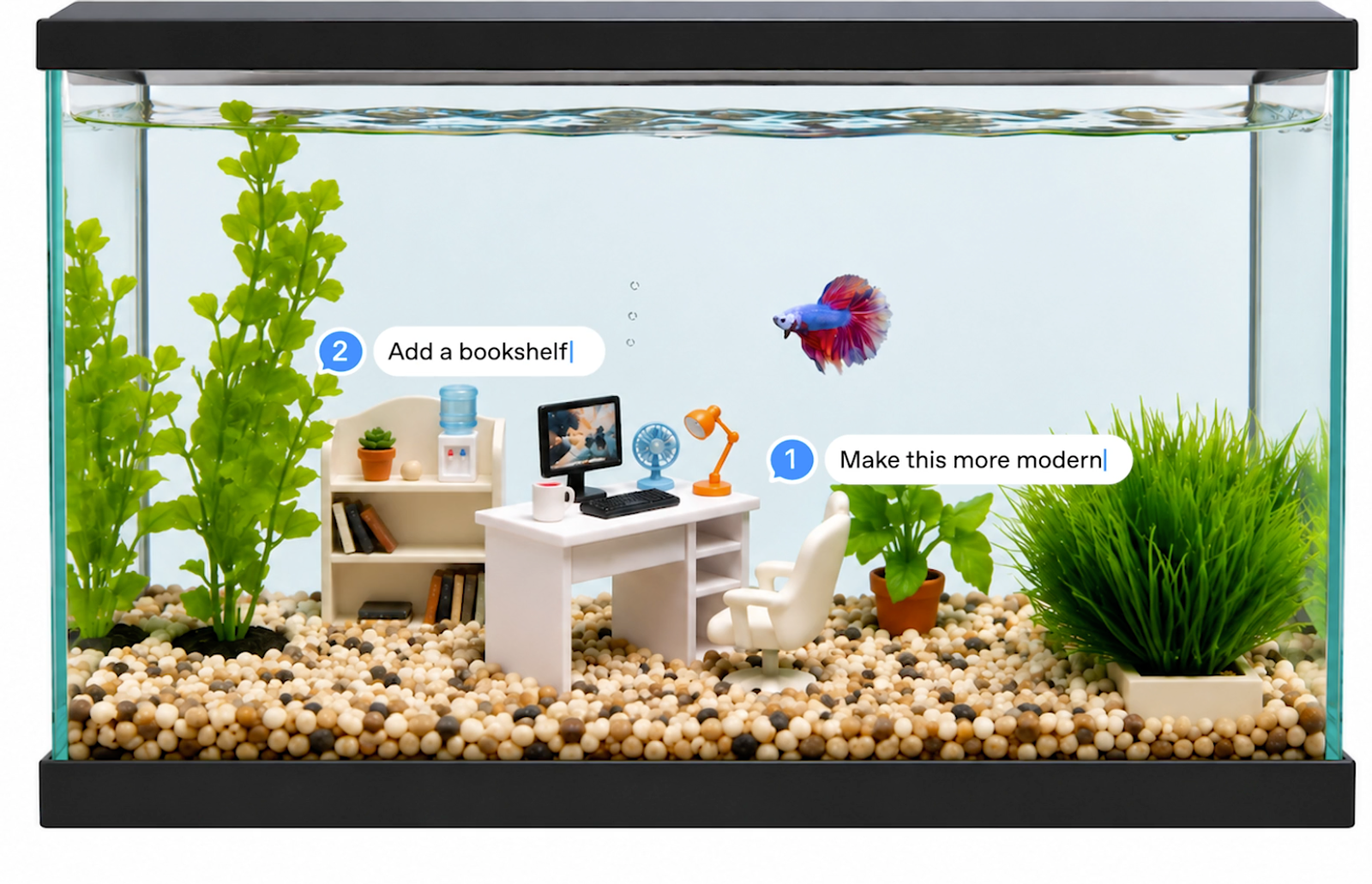
Next I would change exactly one layer: swap the background, replace a prop, change a headline, or adjust the lighting direction. OpenAI specifically describes Images 2.5 as better at changing requested elements while preserving surrounding composition and brand treatment.
This is where I would slow down. A local edit is valuable only if the untouched product stays untouched enough for the team’s standard. One beautiful revised image is less useful than a repeatable edit pattern.
Check Consistency Across Revisions
The third test is multi-turn drift. I would make three or four sequential changes and compare the final asset with the original reference after every turn. Product creative often dies by a thousand tiny changes: a logo gets softer, a cap changes shape, the camera angle creeps, or approved copy mutates.
OpenAI says multi-turn consistency is improved, but that still needs a real asset check. I would log the prompt, model, quality setting, output count, and human review result for every revision. If the workflow cannot be reproduced, it is not ready for production.
How to Use GPT Image 2.5
Choose ChatGPT, the Image API, or the Responses API
For a manual creative session, I would start in ChatGPT. For a product or internal tool that needs one-off generation or edits from a prompt, OpenAI recommends the Image API. For conversational or multi-step image workflows, the Responses API adds multi-turn editing and keeps image context across steps. The OpenAI image generation guide is the useful reference here rather than turning this review into a developer tutorial.
One small cost detail matters: Responses API requests can include the mainline model’s token usage in addition to image-generation costs. If you are comparing workflow cost, measure the whole request, not just the final image.
Match Flare or Sunburst to the Job
I would start with Flare when the team needs fast ideation, many variants, or routine product creative. I would move a difficult edit to Sunburst when preserving details across revisions matters more than latency.
That is a workflow choice, not a quality trophy. If Flare already preserves the product and clears review, there is little value in using a heavier path just because it sounds more premium.
GPT Image 2.5 Price and Access
As of September 9, 2026, Flare and Sunburst use the same published token rates: image input is $8 per million tokens, cached image input $2, image output $30, text input $5, and cached text input $1.25. The OpenAI API pricing page is the page I would recheck before budgeting because these are dynamic facts.
There is no single honest “GPT Image 2.5 price per image” that covers every job. Token consumption can vary by model, quality, size, and input, even when the token rates are identical. OpenAI also notes that auto quality makes estimation less predictable. Rate limits depend on API usage tier, and the current model cards list the free API tier as unsupported.
For production pinning, both model cards currently expose dated September 8, 2026 snapshots as well as undated IDs. I would pin a dated snapshot for repeatable campaign production and test the undated alias separately before switching.
Limits for Brand-Sensitive Production
The biggest risk is confusing improved fidelity with guaranteed fidelity. Generative editing can still alter packaging text, product proportions, colors, reflections, small features, or layout details. A brand-sensitive workflow needs source comparison, text review, approval gates, and a record of which model and settings produced each asset.
Provenance needs the same care. OpenAI says ChatGPT Images 2.5 continues to use C2PA metadata and also adds invisible SynthID watermarking. The C2PA specification is designed so provenance-aware editing systems can preserve and add to an asset’s history, but C2PA metadata can also be removed by software or export paths that do not preserve it. I would verify the delivered file after external editing rather than assume the original provenance survived.
Reader note: This article provides general product and workflow information, not legal, privacy, or advertising-compliance advice. Commercial use, rights to people or source assets, API data handling, C2PA or invisible-watermark disclosure, platform ad rules, and product policies can change. Check the latest OpenAI terms, data controls, system card, applicable regional law, and ad-platform rules, then have the relevant rights holder and compliance owner review campaign assets before publication.
Conclusion
For product creative teams, GPT Image 2.5 looks most interesting as an iteration system, not a promise of final-art perfection. Flare gives teams a faster default path; Sunburst gives them a more precision-oriented option when revisions are harder. The real adoption question is whether an approved product can survive generation, one local edit, and several follow-up edits with a manageable amount of human correction.
I would pilot it on one authorized SKU, record every setting, and count how many revisions reach “reviewable” without rebuilding the asset. If that number is good, the workflow deserves a larger test. If product details keep drifting, a nicer demo will not fix the production problem.
FAQ
- Can teams use GPT Image 2.5 outputs in paid advertising?
- Potentially, but “the API produced it” is not a clearance opinion. Under OpenAI’s current business agreement, customers own output as between themselves and OpenAI to the extent permitted by law, while remaining responsible for input rights and output use. Copyright protection can also depend on human authorship and jurisdiction; the U.S. Copyright Office AI study is a useful current reference for U.S. copyrightability. I would still run trademark, likeness, claim, platform, and asset-license review before paid use.
- What happens to C2PA provenance after external editing?
- A provenance-aware editor can preserve prior credentials and append new edit history. A tool or export process that strips metadata may remove the embedded C2PA manifest. OpenAI’s system card says it also uses invisible SynthID as a complementary layer, but I would not treat either mechanism as a substitute for your own asset records.
- Does OpenAI train on product images submitted through the API?
- OpenAI currently says business and API inputs and outputs are not used to train or improve its models by default unless the organization explicitly opts in. That is a platform policy, not a substitute for checking retention settings, contractual requirements, or whether your team is allowed to upload the asset in the first place.
- How should teams handle images of real people in campaign creativity?
- Get explicit consent and all necessary rights before using a person’s likeness. OpenAI’s current service terms prohibit using visual capabilities to reproduce a person’s likeness without express consent and necessary rights. I would also keep consent scope, campaign territory, duration, and editing permissions documented internally.
- Which dated GPT-Image-2.5 snapshots can teams pin in production?
- As verified on September 9, 2026, the listed dated IDs are gpt-image-2.5-flare-2026-09-08 and gpt-image-2.5-sunburst-2026-09-08. Model availability can change, so check the model pages before deploying or changing a pinned version.