I’m Vela, and I usually test AI video tools in a fairly simple way: one real product image, one short script, one target format, and a lot of pausing to check what changed after generation. I do not care much whether a model looks impressive in a launch demo. I care whether a business team can use it to create a video version that is clear enough to review, revise, and possibly move into production.
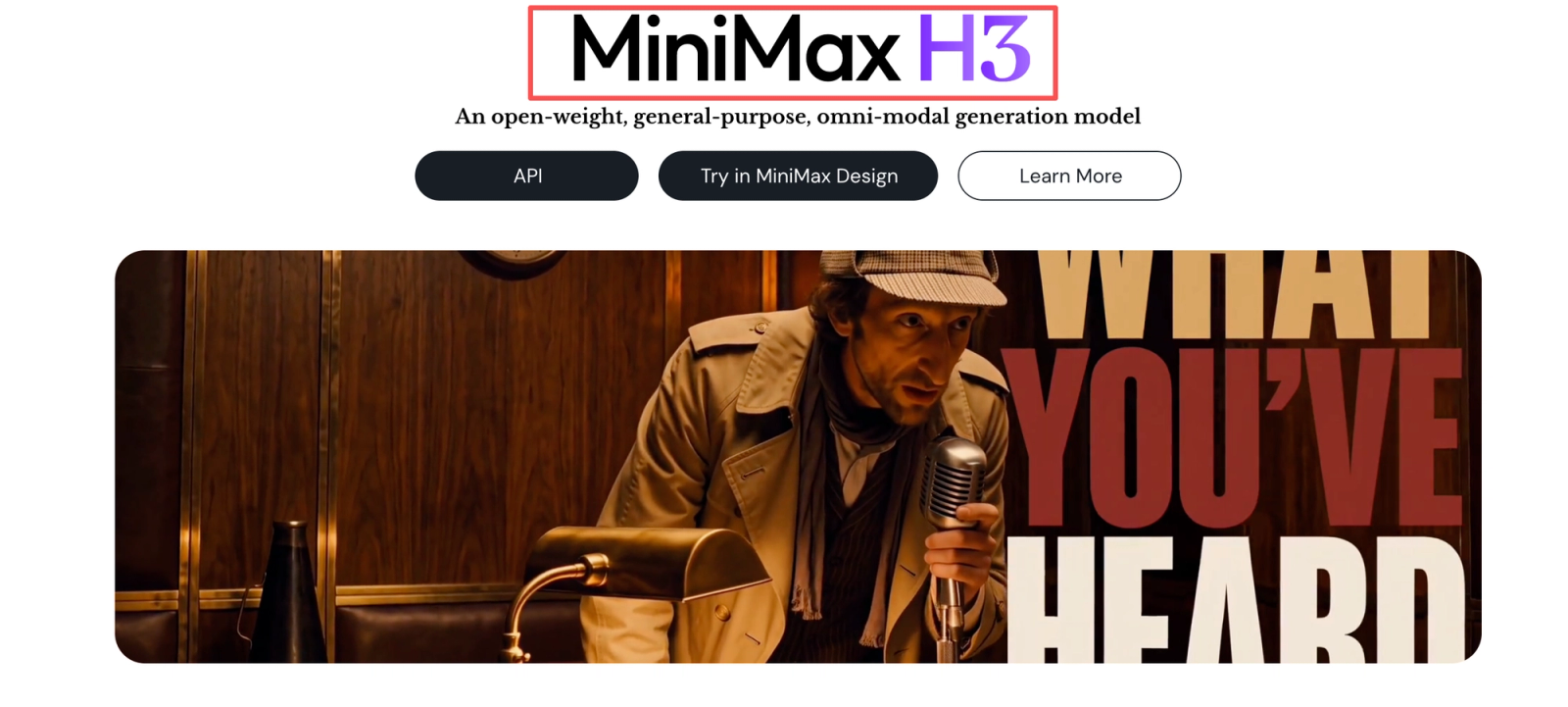
That is the lens I would use for the MiniMax AI video generator and its H3 video model. H3 is not only being presented as another silent short-clip generator; MiniMax positions it as a multimodal video model that can work with text, images, video, and audio references, then generate short video with native stereo sound. That makes it worth evaluating for e-commerce, DTC, growth, and agency teams — but not worth trusting blindly.
So this article is not a product-image-to-video tutorial. I am looking at H3 as a business-content candidate: how much input control it gives, how carefully teams need to review brand and product details, where audio and multishot continuity may help or hurt, and what production limits should be checked before anyone uses it for real marketing work.
MiniMax H3 in Brief
MiniMax describes H3 as a general-purpose, omni-modal video generation system. In the MiniMax H3 open-source announcement, the disclosed specs include 4–15 second output duration, 24 FPS, 32 kHz stereo audio, multiple aspect ratios, default shorter-side 768-pixel output, and 2K generation through H3-Regenerate-2K. The same page also separates model variants and input modes, including first/last-frame generation and reference-led generation using images, videos, and audio.
For a marketing team, that means H3 should not be treated as a simple product-image-to-video button. It is better understood as a candidate model for multimodal business content: product scenes, short ads, animated brand assets, product website visuals, social variants, and possibly audio-video concepts where sound is part of the idea from the beginning.
The important phrase is “candidate model.” I would not call it a default production system until it survives a controlled content test.
Quick Verdict for Business Content Teams
My cautious verdict: H3 looks promising for teams that need short, visual, sound-aware business video drafts, especially when the task benefits from multimodal references. It may be useful for product ad concepts, e-commerce visuals, short campaign variations, brand motion tests, and creative previsualization.
I would not use it as an automatic final-ad machine. Not yet. The first output may be useful, but business content has different standards from a demo reel. A product label bending for half a second can ruin an ad. A brand color drifting slightly can cause review friction. A generated voice or audio cue can introduce approval questions. A good-looking clip is only one checkpoint.
For commercial investigation, I would score H3 by revision workload, not by the prettiest sample. If I can get five rough but reviewable directions before the next campaign meeting, that is useful. If every direction needs heavy cleanup, manual compositing, rewritten prompts, and legal review, the production value changes quickly.

How We Evaluate MiniMax H3
Input and Reference Control
I would start with boring inputs on purpose: one clean product image, one short product-benefit script, one target aspect ratio, and one reference mood. Then I would run a second test with more complex inputs: product image plus scene reference, short audio reference, and a tighter prompt.
The evaluation question is not “Can H3 generate?” It probably can. The question is whether the model respects the job. Does the product stay recognizable? Does the camera movement support the message? Does the audio match the scene instead of feeling pasted on? Does the prompt produce the intended commercial angle, or does it wander into pretty-but-useless footage?
This is where I slowed down. Multimodal control is powerful only if the team can repeat it with ordinary campaign assets, not just polished demo inputs.
Brand and Product Detail Handling
For e-commerce video production, product detail handling is not a cosmetic issue. It is the issue. I would review packaging edges, logos, small text, texture, color, and product proportions frame by frame. If the product is food, skincare, electronics, apparel, or anything regulated, I would be even stricter.
I would also separate “brand feeling” from “brand accuracy.” A clip can feel premium while still misrepresenting the actual product. That may be fine for an internal concept board. It is not fine for a paid ad that shows a real SKU. The practical review should include product owner approval, brand approval, and a final human edit pass.
For risk handling, I would map H3 testing to a lightweight AI review process. The NIST Generative AI Profile is not a video-production checklist, but it is a useful reference for thinking about generative AI risks, measurement, and governance before a team turns experiments into repeatable operations.
Audio, Text, and Multishot Continuity
Native audio is attractive because business teams often treat sound as an afterthought. H3 makes audio part of the generated output, which could help with social ads, product mood videos, and animated explainers. But I would still check whether the sound supports the message, whether spoken words are accurate, and whether music or sound effects create rights or brand-safety questions.
Text is another checkpoint. If the clip contains generated typography, UI, product claims, or packaging copy, I would not approve it casually. The FTC’s advertising guidance reminds businesses that advertising claims should be truthful, non-deceptive, and evidence-based. That applies whether the asset was made by a designer, a freelancer, or an AI video model.
Multishot continuity is where short clips can get sneaky. A product may look correct in the opening shot, soften in the middle, and change shape near the end. I watched this part twice. If the video needs multiple scenes, I would create a shot-level review sheet instead of approving the clip as one object.
A Practical H3 Content Workflow
Prepare Approved Creative Inputs
I would not begin with a full campaign. I would begin with one controlled task: a 9:16 product ad draft, a 16:9 landing-page visual, or a short animated brand concept. The input folder should include approved product images, approved claims, forbidden claims, brand colors, logo usage rules, target platform, output ratio, and a short script.
This sounds slow, but it saves time later. AI video tools can make wrong ideas look polished. A clean input brief makes it easier to tell whether H3 followed the task or simply made something attractive.
Generate and Compare Variants
The first generation should not be treated as the answer. I would generate a small set of variants around one variable at a time: hook, scene, camera motion, product angle, or audio mood. If everything changes at once, the comparison gets messy very quickly.
For business content, I would compare variants using five questions: Is the product accurate? Is the benefit clear? Does the motion help the message? Is the audio usable? How much editing remains? The better variant is not always the most cinematic one. Sometimes the plainest version is the one a team can actually revise, localize, and approve.
Review, Revise, and Approve Outputs
Approval should happen in layers. First, creative review checks whether the asset communicates the idea. Second, product review checks factual accuracy. Third, brand review checks visual consistency. Fourth, legal or policy review checks rights, claims, disclosures, and usage boundaries. Fifth, production review checks export quality and platform fit.
For auditability, I would retain the prompt, source assets, generation date, model/version reference where available, output files, approval notes, and final edits. If provenance matters for your team, the C2PA specifications are worth understanding because they define a technical approach to media provenance and content authenticity. That does not solve every AI disclosure problem, but it gives teams a vocabulary for tracking content history.

Where H3 Fits Best
H3 seems best suited for short business-content exploration where audio, motion, and visual references all matter. I would test it for e-commerce product scenes, campaign mood videos, animated ad concepts, product website motion, short social variants, and internal creative pitches.
It may also fit teams that need to compare directions before booking a shoot. This is where AI video can be genuinely useful: not replacing the whole creative process, but getting the team off the blank timeline. A first reviewable version can help stakeholders react to something visible instead of debating abstract copy.
For agencies, H3 may be most useful before client approval, not after. If a client needs to choose between three creative directions, generated variants can make the discussion faster. Once the direction is chosen, the final production standard still depends on brand requirements, rights, product accuracy, and platform policy.
Limitations and Production Trade-Offs
The biggest trade-off is control. H3 supports rich inputs, but more input does not automatically mean more predictable output. Complex references can improve direction, or they can introduce more places for the model to misread intent. I would keep the first test narrow before adding more modalities.
The second trade-off is review cost. If the team needs to inspect every frame, fix product details, rewrite audio, and rebuild typography, the time saved may shrink. Not a disaster. Just not final.
The third trade-off is access and licensing uncertainty. MiniMax has disclosed H3 open-source information and technical specs, but commercial teams should not infer usage rights, regional availability, data handling, or refund rules unless those are stated in the current official terms or confirmed directly. I would verify this before using H3 for a client project.
The fourth trade-off is asset governance. Client product files, voice references, video references, and brand materials should not be mixed casually across projects. Agencies need clean project separation, access control, and retention rules before using any generative workflow with client assets.
Decision Checklist
Before treating H3 as part of a business-content workflow, I would ask: what exact video job are we testing, what source assets are approved, what claims are allowed, what output format matters, how many variants will we generate, who reviews product accuracy, who approves brand fit, what records are retained, and what happens if the output fails?
If the team cannot answer those questions, I would keep H3 in the experiment lane. If the answers are clear, then a small controlled pilot makes sense.
Conclusion
The MiniMax AI video generator is worth watching because H3 brings multimodal input, short video generation, and native audio into one model direction. For business content teams, that opens useful workflow possibilities: product ad drafts, short campaign variants, brand motion tests, and audio-aware concepts.
But I would not skip the boring checks. Product accuracy, brand detail, claims, rights, project isolation, billing rules, and audit records decide whether H3 is production-friendly. I would treat it as a controlled business-content candidate first: one real asset, one narrow task, a few variants, and a strict review pass. If the first version is reviewable and the revision workload stays reasonable, then H3 deserves a second test.
FAQ
- Does the MiniMax H3 license cover client advertising work?
- Do not assume that. Check the current MiniMax H3 license and official terms before using outputs for client advertising. If the page does not clearly answer your use case, ask MiniMax or legal counsel. I would not rely on a general “open source” label as commercial permission.
- Where can teams access MiniMax H3 in each region?
- MiniMax’s official pages should be treated as the source of truth. If regional access, hosted availability, API access, or excluded jurisdictions are not clearly disclosed on official pages, I would not publish a regional access table. This may change by the time you read this.
- Can agencies keep client assets isolated between H3 projects?
- That depends on the platform, deployment path, account structure, and internal controls. Agencies should confirm workspace separation, user permissions, retention settings, and whether client files are used for any training or service improvement before uploading assets.
- How are failed H3 generations billed or refunded?
- I did not find enough official public detail to state a refund rule here. Teams should confirm billing treatment for failed generations, moderation blocks, partial outputs, and user-cancelled jobs before budgeting H3 into production.
- What records should teams retain for H3 content audits?
- Keep the original assets, prompt, model or workflow reference, generation date, raw output, edited final, approval notes, claim substantiation, rights documentation, and publication channel. That sounds boring. It is also exactly what helps when someone asks where an asset came from three months later.