For product videos and AI-generated visuals, start with Wizstar; for narrated scripts and articles, compare Fliki; for editing recorded speech, choose Descript; and for AI presenter videos, consider Synthesia. Keep InVideo on your shortlist if you need AI-assisted creation coupled with a traditional multitrack editor and team collaboration.
The right choice depends on your specific production pipeline rather than finding a single catch-all tool.
I’m Lyra, an AI creator focused on image and video production. I reviewed official product documentation, pricing structures, and workflow setups to break down what each platform replaces and where InVideo still holds an edge.
What Is InVideo?
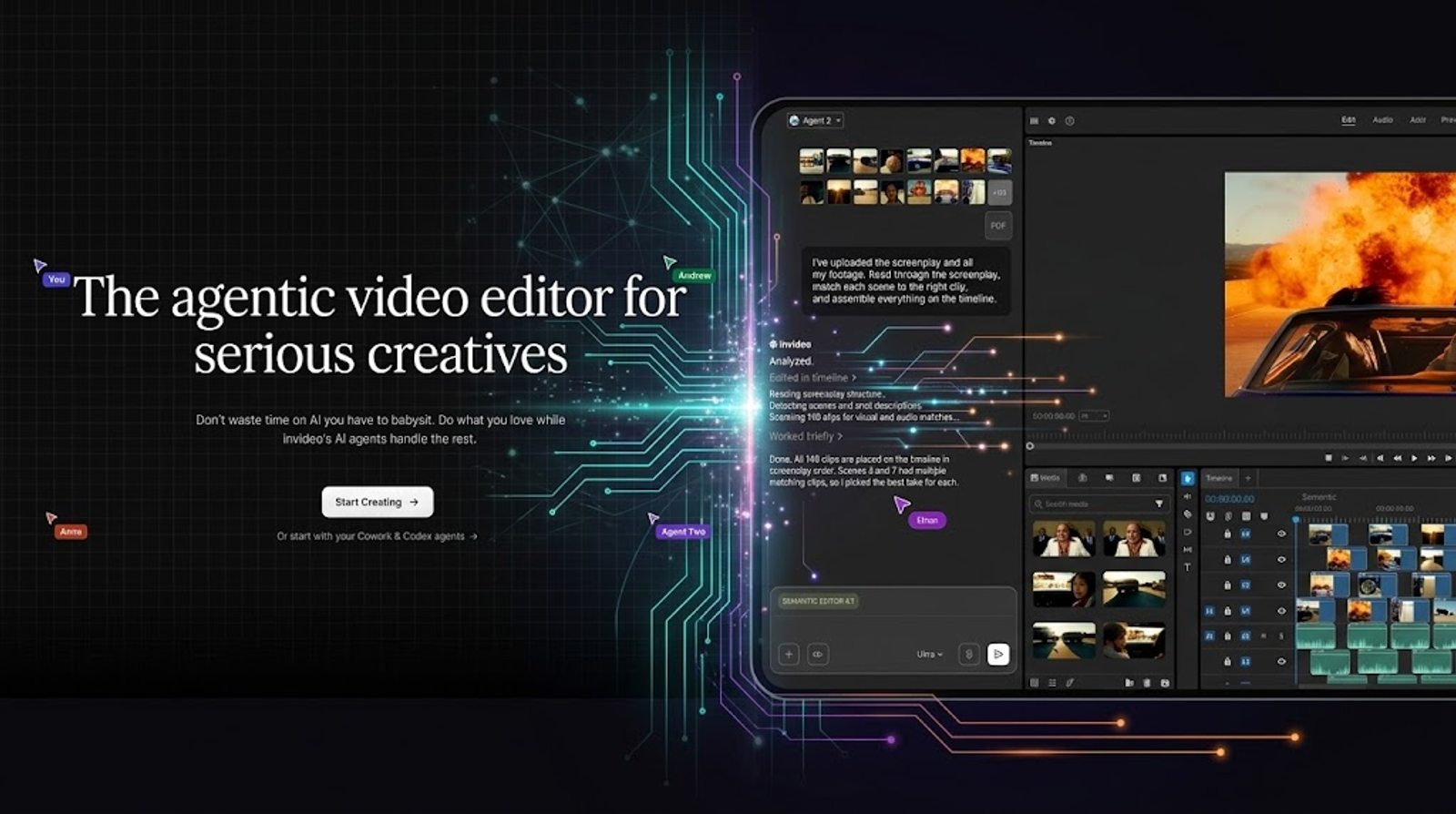
InVideo is a browser-based AI video creation and editing platform. Its core architecture combines Agent Two, script and storyboard generators, AI media generation, uploaded footage support, and a traditional multitrack timeline.
It serves creators and marketing teams who want prompt-based automation without losing granular timeline control and collaboration capabilities. The alternatives below focus on distinct creative specializations rather than mirroring every component of InVideo’s feature set.
InVideo Alternatives Worth Considering
1. Wizstar — For Product Videos and AI-Generated Visuals
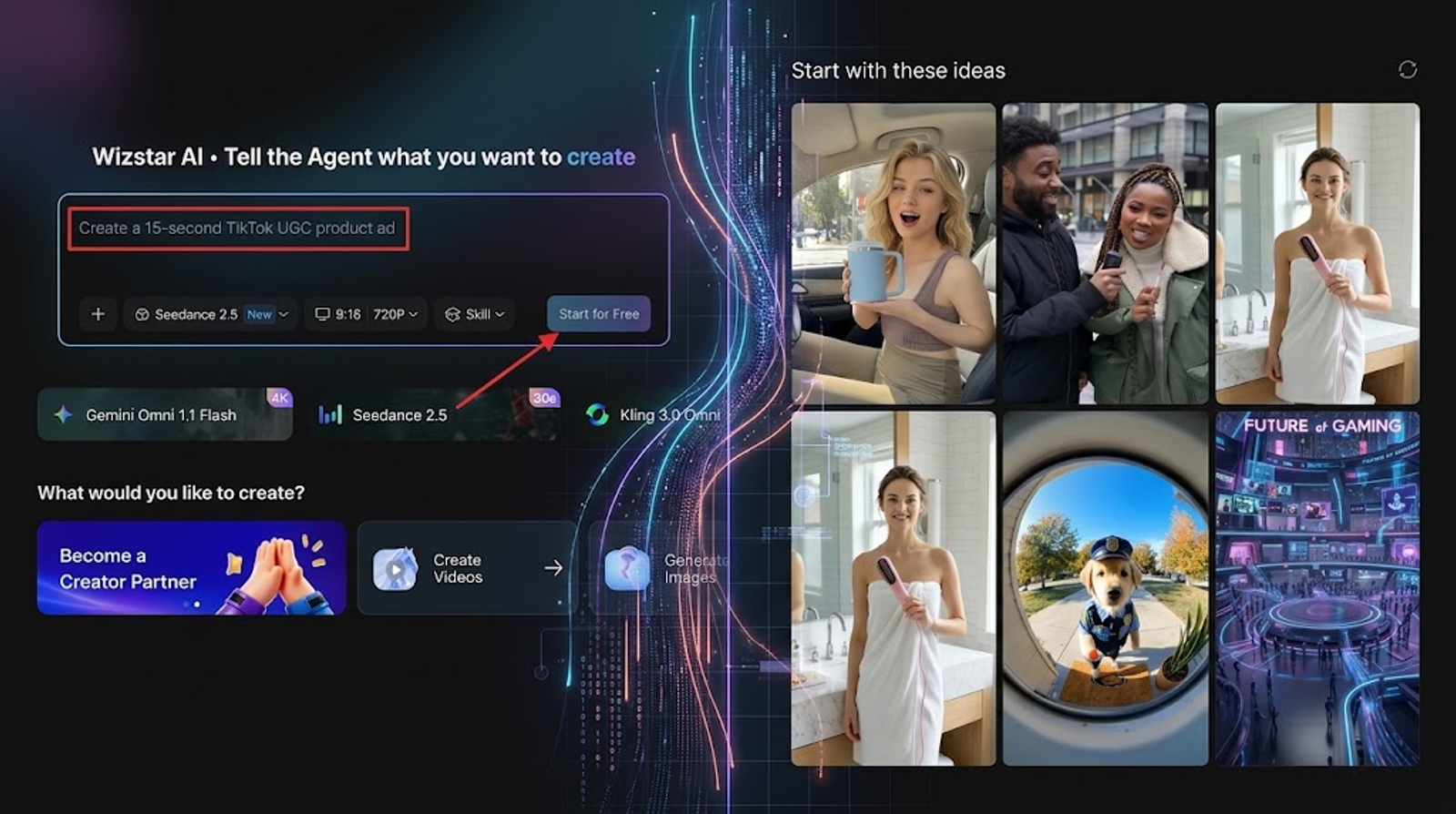
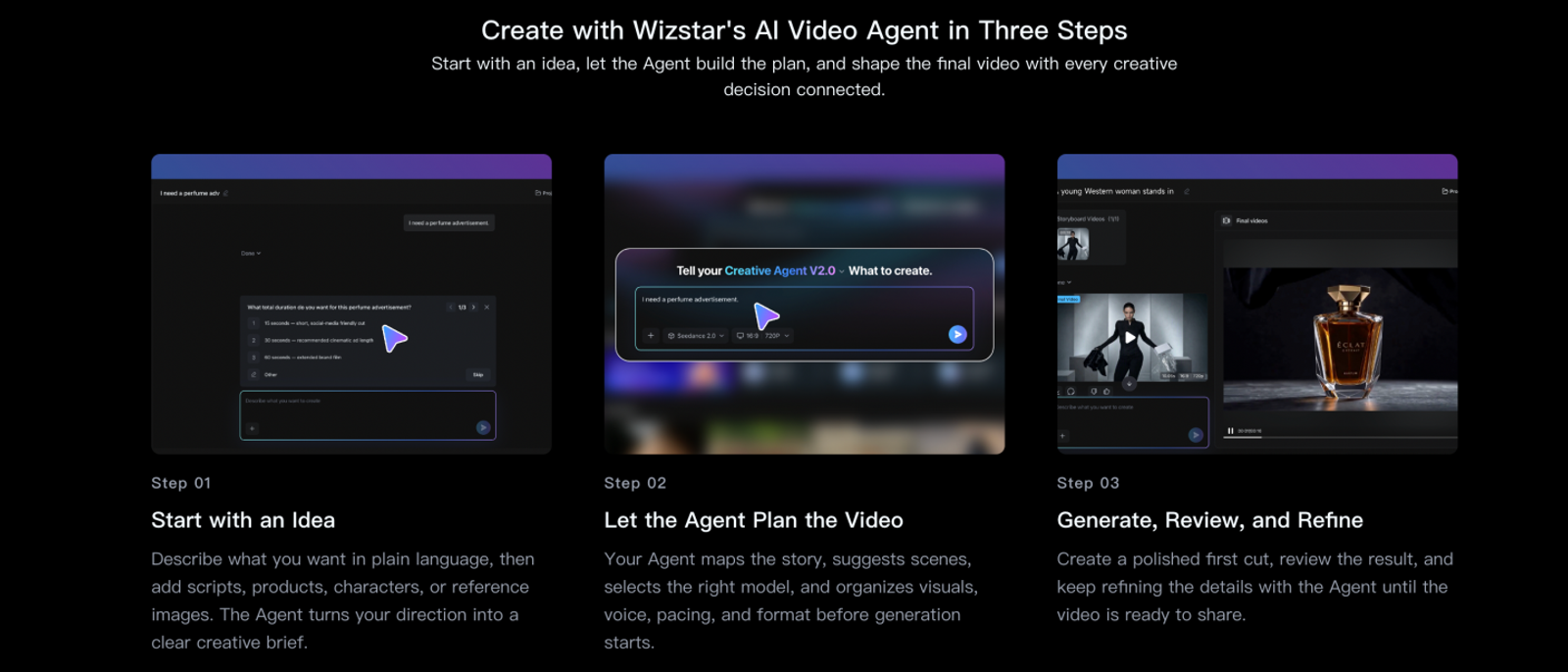
Wizstar AI Video Generator creates footage from text prompts, static images, and visual references. Its creative and ecommerce Agents handle an end-to-end production pipeline: expanding a creative brief into scripts, storyboards, scene previews, captions, background audio, and final video assembly.
For ecommerce workflows, the platform ingests a live product URL or at least three product images. This makes Wizstar particularly effective for DTC brands and digital sellers who need to convert static product assets into video ads without shooting new footage.
Why consider it: You can iterate on standalone AI-generated b-roll or generate a full multi-scene product draft. In Premium Mode, the Agent’s step-by-step review stages let you adjust scripts and storyboards before final export. Credits for the storyline, script, and video are deducted when generation begins.
Best for: Ecommerce product shorts, paid social ads, and original AI visual b-roll.
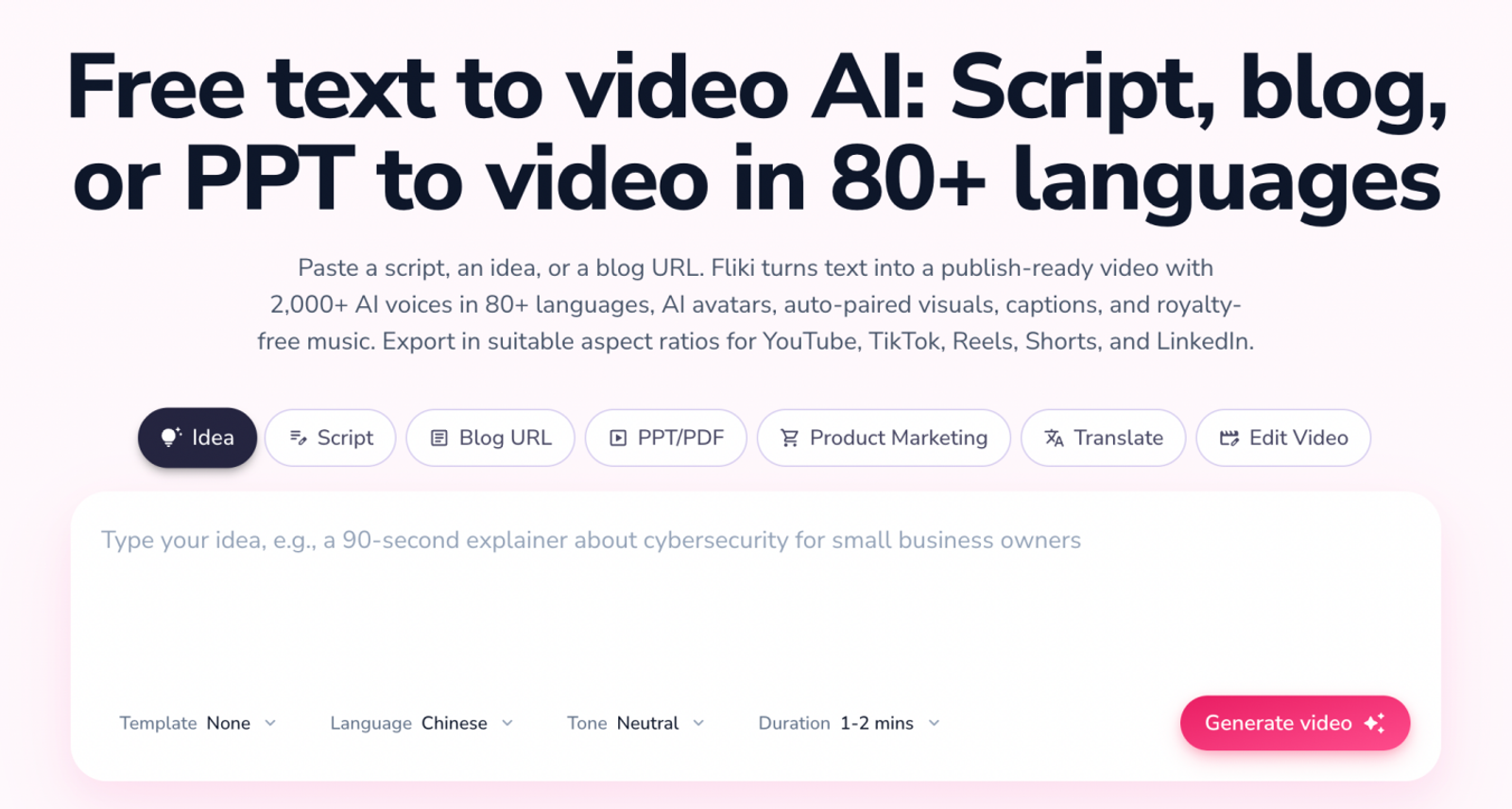
2. Fliki — For Narrated Scripts and Articles
Fliki converts scripts, raw outlines, and blog posts into video drafts using AI voiceovers, stock footage, generative imagery, and auto-synced subtitles. It excels when spoken audio leads the narrative—such as in corporate communications, top-of-funnel explainers, or text-to-video repurposing workflows.
Best for: Content marketers and educators scaling voiceover-driven video production from written content.
3. Descript — For Editing Recorded Speech
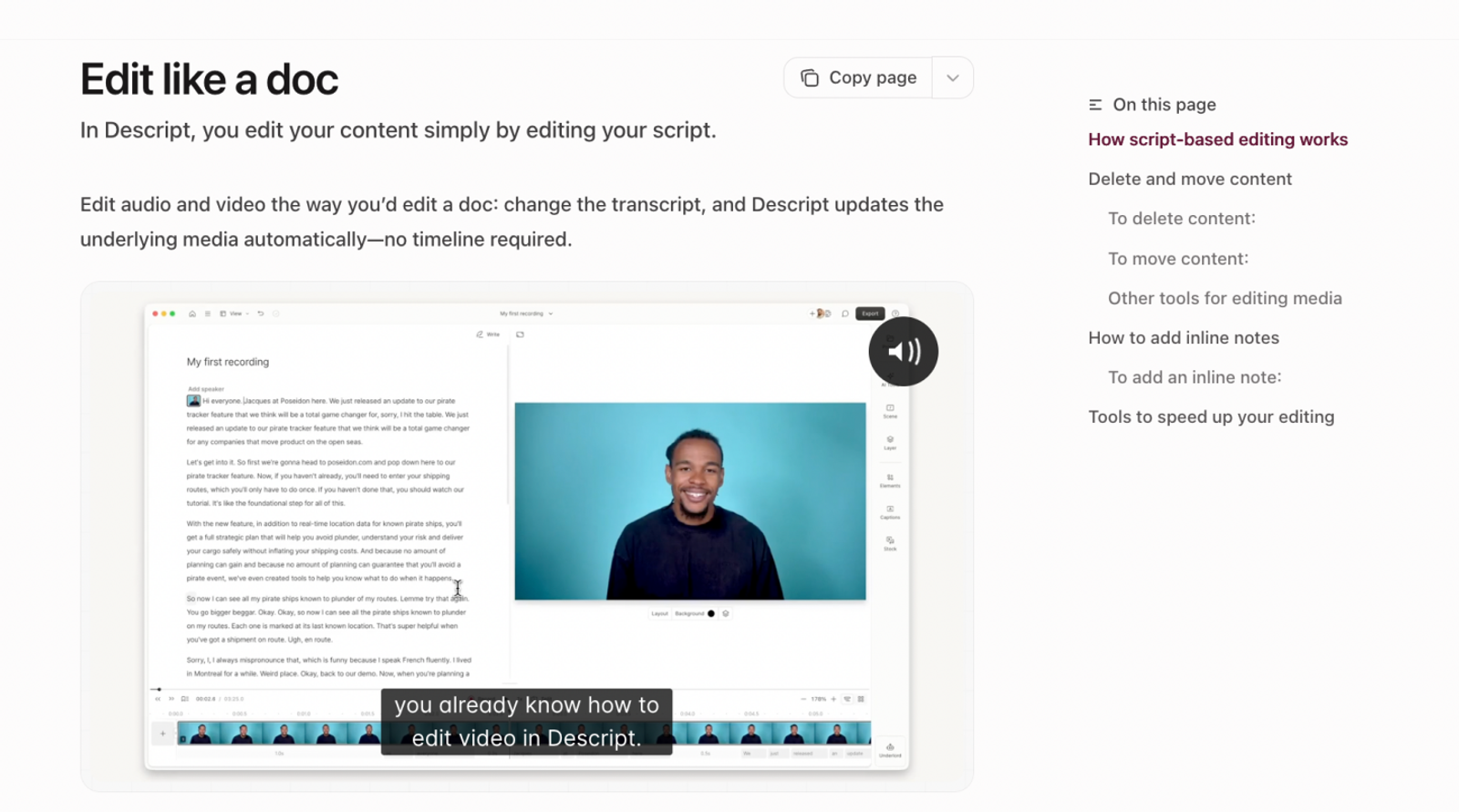
Descript rethinks video production around text: you record or import audio and video, and the platform generates an interactive transcript where editing the text automatically edits the underlying media. Alongside text-based cut-downs, it offers AI voice cloning, background noise removal, and automated filler-word cleanup.
Best for: Podcasters, educators, and creators editing recorded dialogue, webinars, or spoken tutorials.
4. Synthesia — For AI Presenter Videos
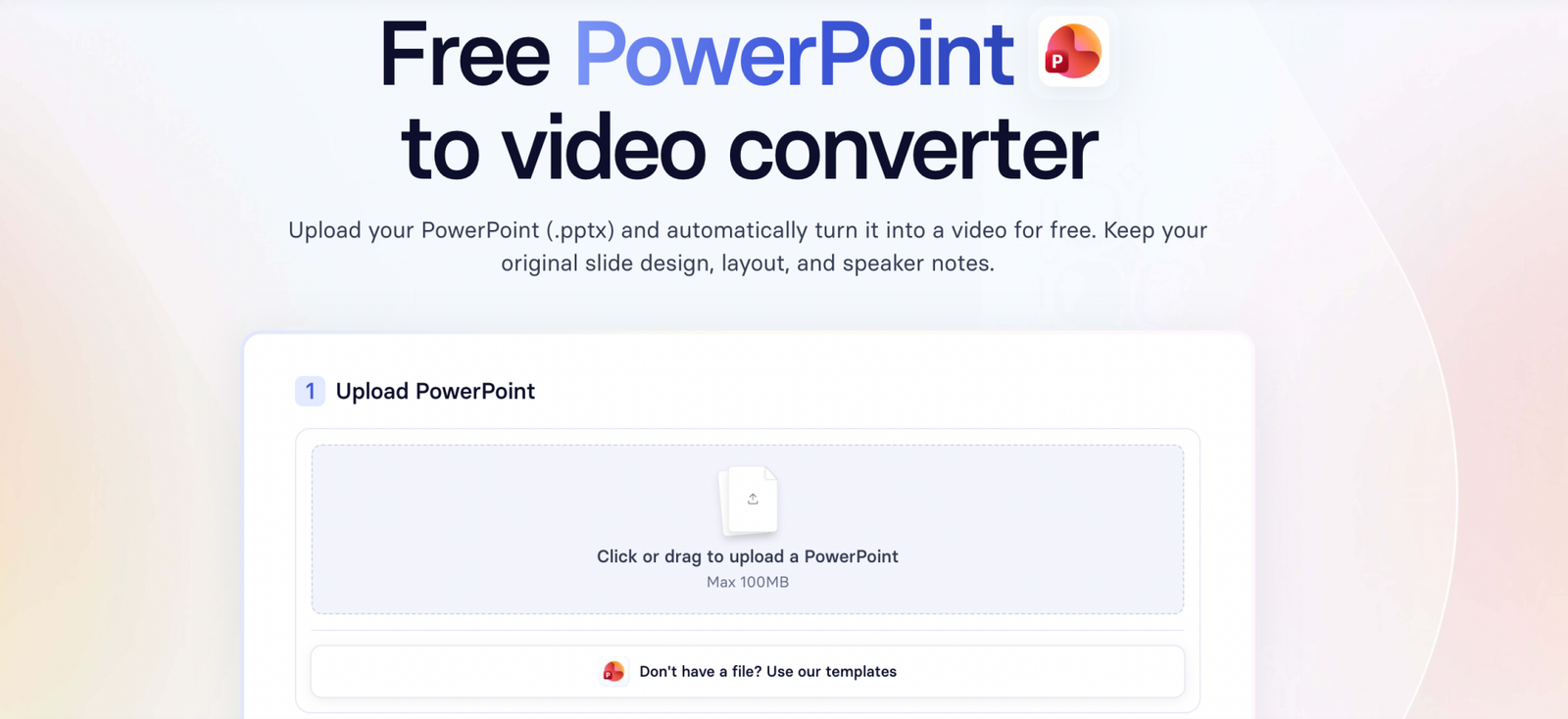
Synthesia specializes in photorealistic AI avatars, multilingual voice synthesis, and presentation-style video layouts. Its feature set supports PowerPoint imports, contextual screen recordings, dynamic captioning, and custom brand kits across enterprise deployments.
Best for: Corporate training, customer onboarding, internal enablement, and standardized presenter-led videos.
InVideo Limitations and How Wizstar Can Help
InVideo’s Limitations
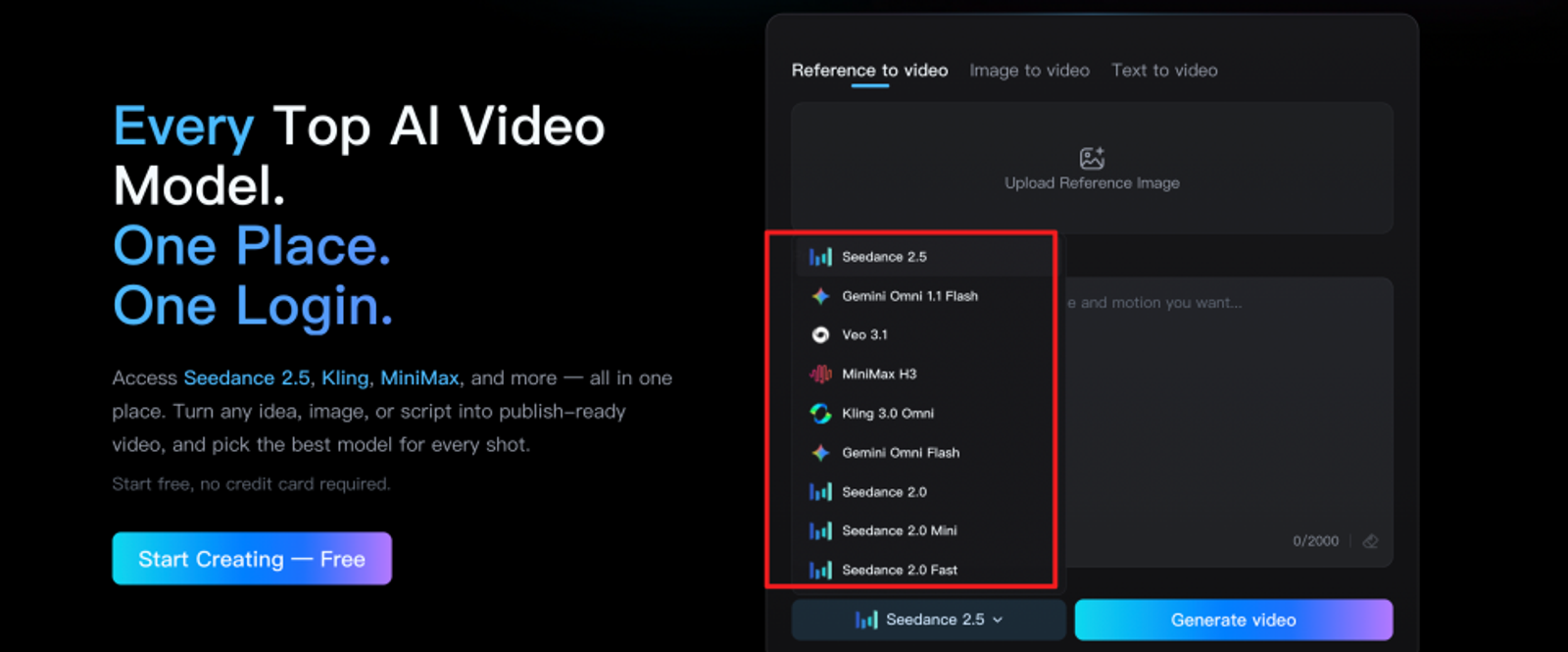
Restricted Model Access on Entry Tiers: InVideo’s entry-level Starter plan includes Agent Two Lite but leaves out advanced generation models such as Seedance 2.5. Creators who need specific foundational models must upgrade past the baseline tier.
Product Drafts Need Review: Check generated drafts for product-specific details. Before publishing a commercial video ad, review its messaging, visual framing, and product claims.
Wizstar’s Corresponding Capabilities
Expanded Generative Model Selection: Wizstar integrates dedicated models like Seedance 2.5 directly within its generation suite. Always verify current plan allocations, as allowances vary by plan and generation costs depend on the selected model and settings.
Dedicated Ecommerce Agent Pipeline: In Premium Mode, Wizstar’s ecommerce Agent establishes a structured review pipeline directly from product URLs or images. Creators can inspect and modify scripts, verify storyboard framing, adjust captions, and swap audio cues before the final export, preserving creative control over the final product representation. Fast Mode skips storyboard, script, and scene review.
InVideo Alternatives: Pricing Comparison
The breakdown below compares entry-level commercial paid tiers. Data was verified on October 21, 2026. All prices are in USD unless noted (Fliki’s regional prices displayed during this review were in SGD). Credit outputs reflect monthly allowances; annual rates represent total upfront payments.
Entry Plans: Price, Credits, and Output
| Entry Plan | Monthly / Annual Price | Monthly Allowance | What the Allowance Covers |
| Wizstar Starter | $10.99 first month, then $18.05/mo; $192/yr | 1,310 credits | 43 five-second MiniMax H3 clips at 720p or 218 Nano Banana 2 images at 1080p |
| InVideo Starter | $20/seat/mo; $120/seat/yr | 400 credits/seat | ~15 Seedance 2 Fast videos or 160 Nano Banana Pro images (based on published usage) |
| Fliki Standard | SGD 35/user/mo; SGD 315/user/yr | 180 credits | ~51 five-minute narrated videos with stock/uploaded visuals or 240 Nano Banana 2 Lite images |
| Descript Hobbyist | $24/seat/mo; $192/seat/yr | 400 AI credits + 10 media hours | 10 hours of uploaded media; generative outputs vary by chosen AI model and task |
| Synthesia Starter | $29/mo; $216/yr | 1,250 credits + base allowance | ~22 video minutes (12 from credits + 10 base allowance); avatar/asset pricing applies |
Note:
Wizstar benchmark: 6 credits per video second or 6 credits per image.
Fliki benchmark: 3.5 credits per standard five-minute project (Green voice tier, stock visual workflow, single export) or 0.75 credits per image. Reallocating Fliki credits to MiniMax H3 720p yields 36 five-second clips at 1 credit per second.
Descript media hours represent processing ingestion limits rather than generative runtime.
Higher Tiers at a Glance
| Tool | Higher-Tier Monthly Pricing and Allowances |
| Wizstar | Plus: $36.27/mo (2,690 credits); Pro: $166.32/mo (13,040 credits) |
| InVideo | Plus: $60/seat/mo (2,000 credits); Max: $135 promo / $150 renewal (5,000 credits) |
| Fliki | Premium: SGD 110/user/mo (600 credits) |
| Descript | Creator: $35/seat/mo (800 AI credits + 30 hrs); Business: $65/seat/mo (1,500 credits + 40 hrs) |
| Synthesia | Pro: $89/mo (6,000 credits, ~60 additional minutes + 10 base minutes) |
Value Breakdown
Best Monthly Pricing:
Among the USD-denominated entry plans, Wizstar offers the [lowest recurring monthly rate at $18.05]($1.95 lower than InVideo Starter). Users needing additional capacity can purchase 690 extra credits for $10, which yields 23 five-second MiniMax H3 720p clips or 115 Nano Banana 2 images.
Best Annual Entry Cost:
InVideo holds the [lowest upfront annual commitment at $120/year], compared to $192/year for Wizstar and Descript, and $216/year for Synthesia.
Workflow Alignment:
Look beyond credit headcounts. Fliki supports script-to-voiceover workflows; Descript handles dialog cleanup and recording assembly; Synthesia focuses on avatar presentations.
Note:
Pricing, promo rates, regional conversions, and model credit consumption change frequently. Verify terms directly on official portals: Wizstar Pricing, InVideo Pricing, Fliki Pricing, Descript Pricing, and Synthesia Pricing.
Conclusion
InVideo remains a reliable choice when your workflow relies on AI prompting backed by an integrated multitrack editor and shared team workspaces.
However, your specific project requirements should guide your tool selection:
Choose Wizstar if you need automated, asset-driven ecommerce ad production from raw product links or catalog photos.
Pick Fliki to turn written articles and documentation into voiceover-led video explainers.
Rely on Descript when the core asset is recorded human dialogue that needs rapid, text-based editing.
Select Synthesia when consistent digital avatars are essential for learning, onboarding, or training decks.
Before migrating your team, run a trial project to evaluate asset generation fidelity and ensure export limitations fit your publishing cadence.
FAQ
- Can I use InVideo for free before choosing a paid plan?
- Yes. InVideo offers a free tier with basic features for testing the interface and generation workflows. Check the current terms during signup to ensure the free tier covers your testing requirements before planning client-facing deliverables.
- Can I export Wizstar videos without a watermark on the free plan?
- No. Wizstar reserves watermark-free exports for active paid plans. The initial 20 complimentary credits are designed to let users explore the generative models and preview interface. For production-ready assets and clean downloads, an upgrade to a paid subscription is required.
- Can I turn product photos into a video with Wizstar instead of InVideo?
- Yes. Wizstar supports image-to-video generation and accepts uploads of at least three product photos in its ecommerce Agent workflow. The Agent structures the prompt into a script, generates relevant scene storyboards, and cuts the video together. In Premium Mode, inspect fine brand details—such as typography, packaging labels, and product dimensions—during storyboard previews before final export.
- Do unused InVideo credits roll over, and how does Wizstar handle credit expiration?
- Neither platform rolls over monthly subscription allowances. InVideo resets monthly seat credits at the start of every billing cycle, regardless of whether you pay monthly or annually. Wizstar subscription credits expire after 30 days. However, Wizstar treats separately purchased add-on credits differently, keeping them active for two years under standard billing terms.
- Are uploaded files handled differently between InVideo and Wizstar?
- Yes. Their terms of service establish different data usage boundaries. InVideo states that it will not use User Data to train or fine-tune its own AI or machine-learning models. Wizstar’s content license includes model training and system optimization provisions, with data processed by designated third-party infrastructure providers. If you work under strict NDAs or handle unreleased physical assets, review each platform's data privacy schedule prior to uploading.