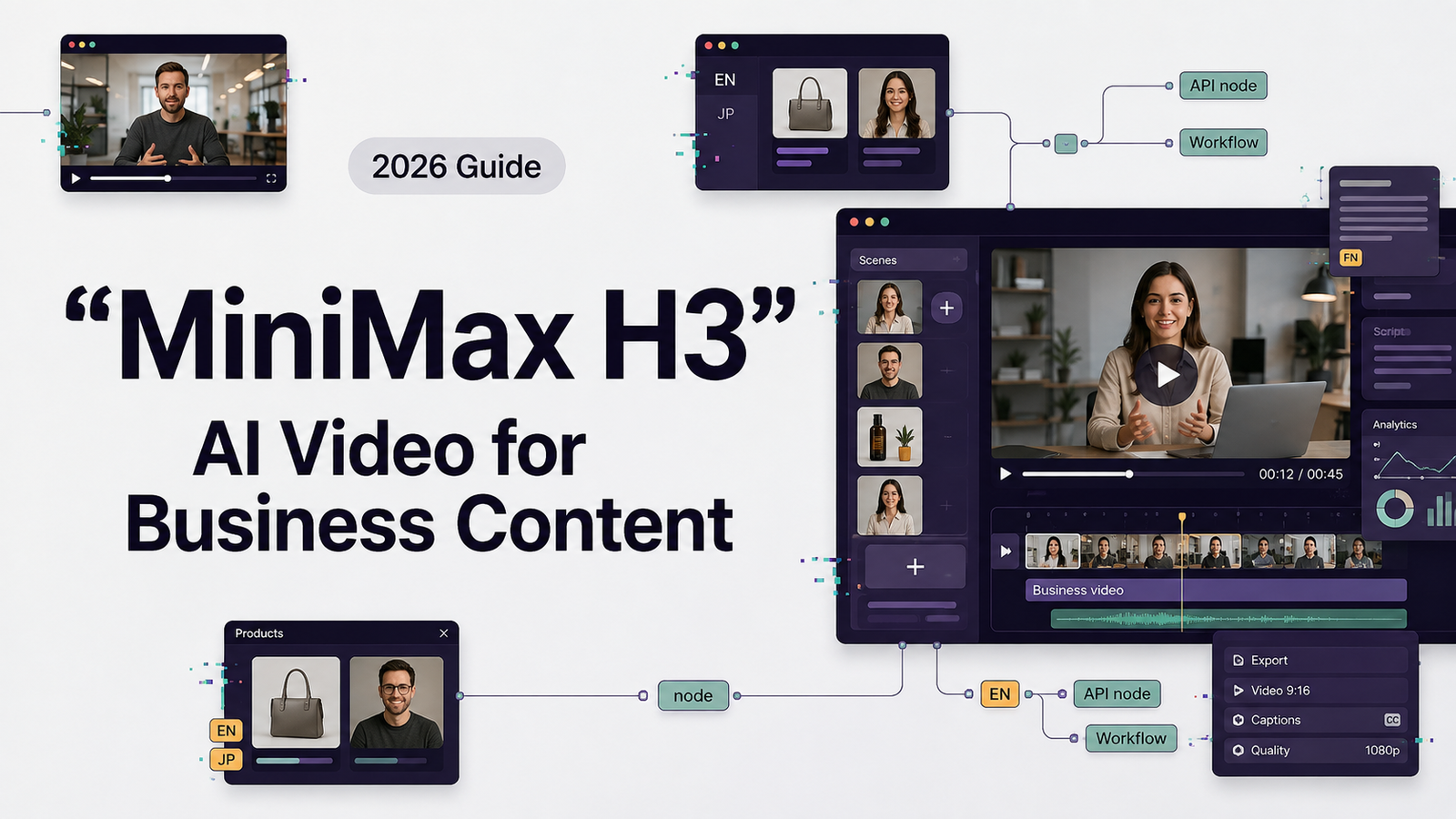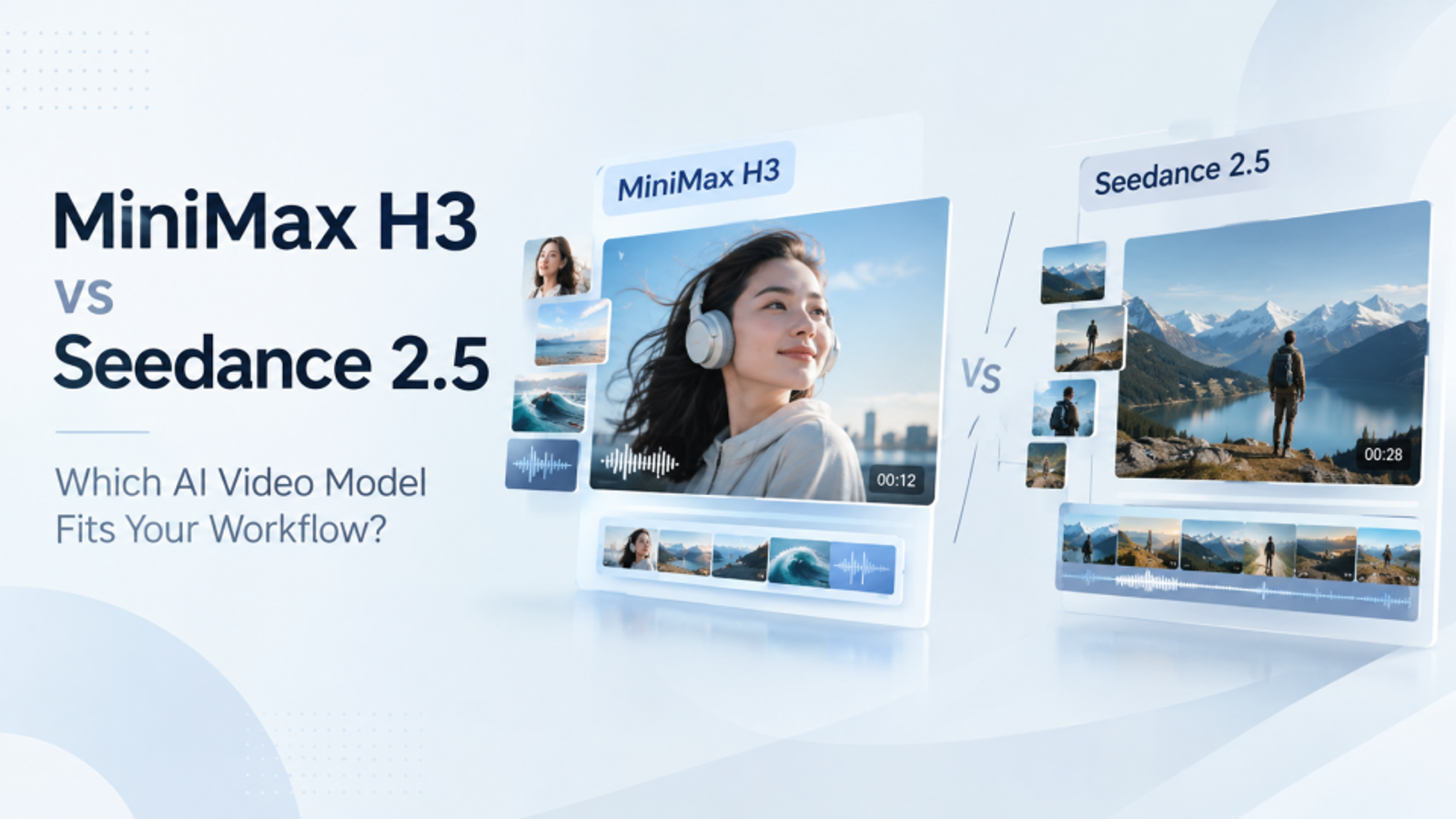
In this MiniMax H3 vs Seedance 2.5 comparison, I used Wizstar to review the two models through the same general workflow: define a brief, prepare text and reference assets, generate a clip, and consider how easily the result could move into a broader marketing project. The goal was not to declare a universal winner. It was to explain what each model is built to do and which choice makes more sense for a specific type of video.
Quick Answer: MiniMax H3 vs Seedance 2.5
MiniMax H3 is the more interesting option when the prompt combines text, images, video, and audio. MiniMax describes H3 as a general-purpose multimodal generation model with native stereo sound and video generation up to 15 seconds at 2K resolution. Its design is centered on understanding relationships between different media types.
Seedance 2.5 is the better fit when duration, reference volume, and structured motion control matter more. Its official materials describe up to 30-second generation, up to 50 multimodal references, R2V guidance, local video editing, and multilingual creation.
My short answer is simple: choose H3 for focused, audio-rich multimodal clips; choose Seedance 2.5 for longer narratives and reference-heavy production.
MiniMax H3 vs Seedance 2.5: Official Capability Comparison
1. Model Focus and Input Context
MiniMax H3 focuses on general-purpose multimodal generation, supporting text, images, video, and audio as input.
Seedance 2.5 is designed for longer, more controllable video production. It supports text, images, video, audio, scripts, and other references, providing broader context for complex video projects.
2. Video Duration and Audio
MiniMax H3 supports video generation up to 15 seconds and native stereo sound generation, making it suitable for short audiovisual concepts.
Seedance 2.5 supports videos up to 30 seconds and offers audio references, along with audio-aware creation and editing. Its longer duration makes it a better fit for projects that require more time to develop a narrative.
3. Reference Control and Editing
MiniMax H3 offers generalized reference and editing capabilities, including image-to-video and video-to-video generation. It also supports in-context regeneration and multimodal editing.
Seedance 2.5 provides more extensive reference-based control through its R2V guidance and support for up to 50 multimodal references. It also supports local or region-level editing without requiring the entire scene to be recreated.
4. Language and Text Rendering
MiniMax H3 highlights instruction following and accurate text and brand rendering, which can be useful for product visuals and advertising content that depends on recognizable branding.
Seedance 2.5 emphasizes multilingual creation and controlled presentation, making it suitable for projects that require multilingual content or more structured visual storytelling.
5. Best Use Cases
MiniMax H3 is a good fit for:
- Short advertisements and promotional clips
- Product visuals
- Audio-visual concepts that combine generated imagery and sound
Seedance 2.5 is a good fit for:
- Narrative-driven videos
- Multi-shot advertisements
- Reference-led projects that require more detailed creative control
Overall, MiniMax H3 focuses on general-purpose multimodal generation and compact audiovisual content, while Seedance 2.5 is better suited to longer narratives, multi-shot production, and workflows that rely on extensive references and targeted editing.
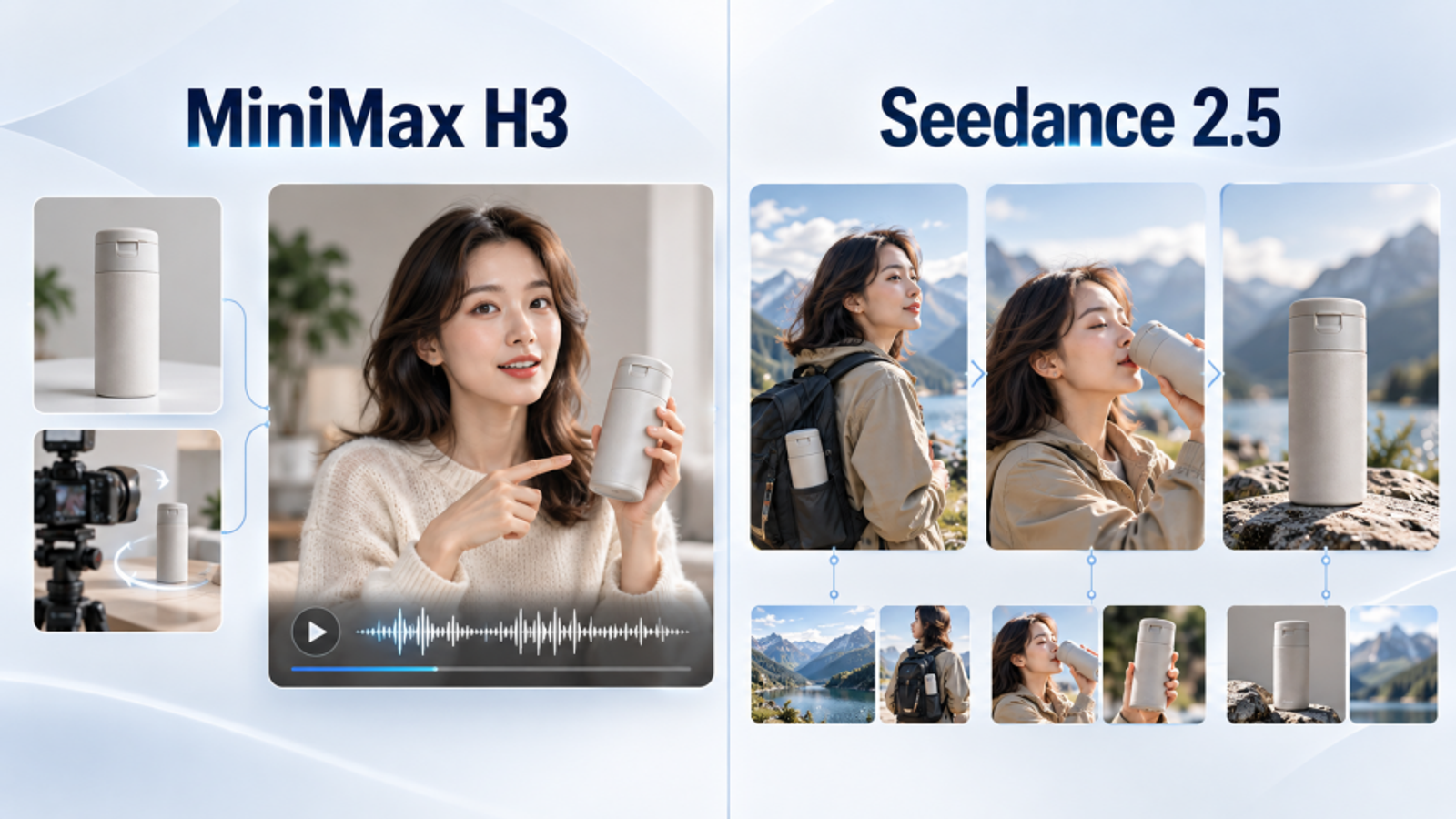
Multimodal Understanding and Prompt Control
The central difference in MiniMax H3 vs Seedance 2.5 is how each model handles creative context.
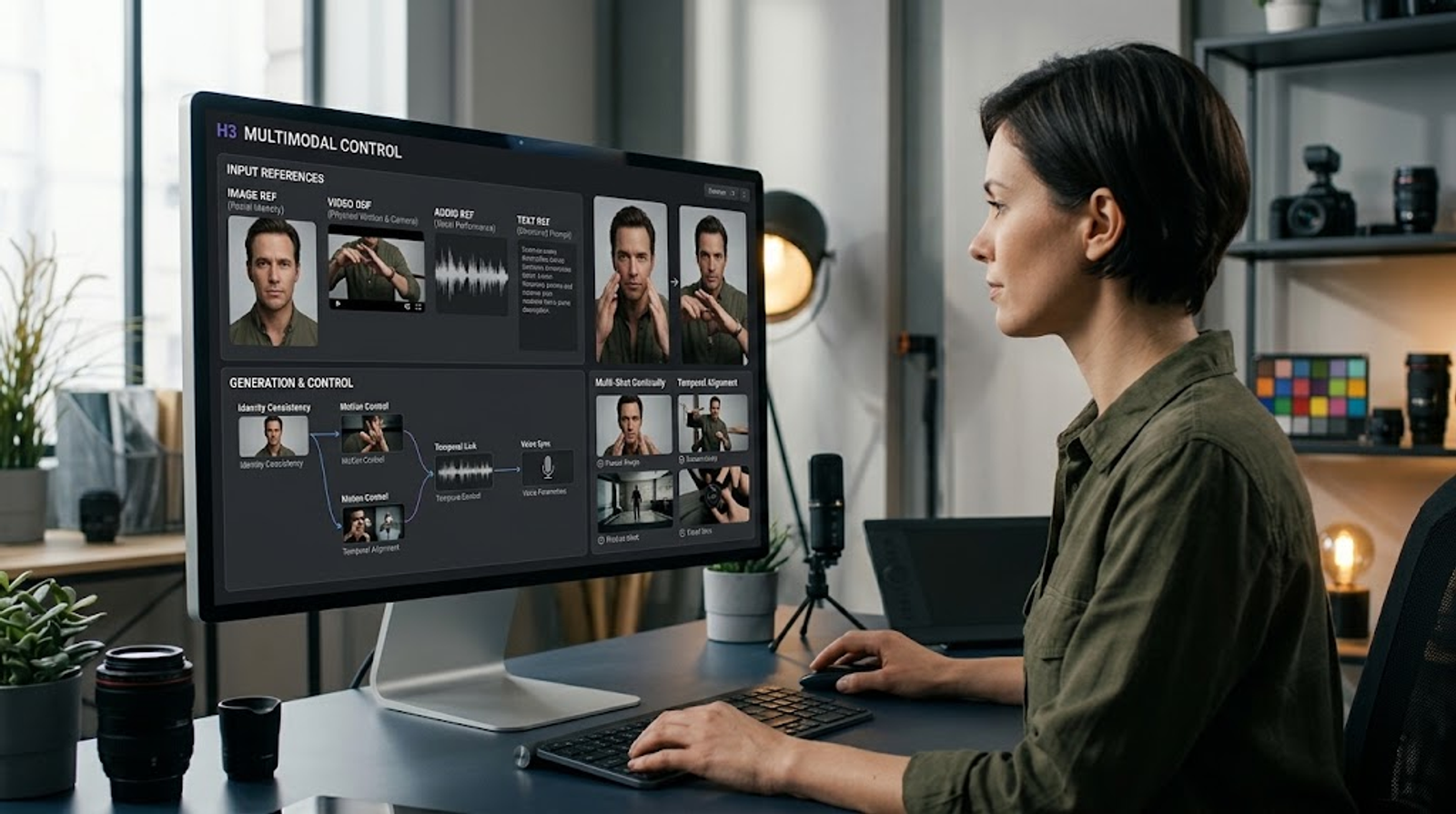
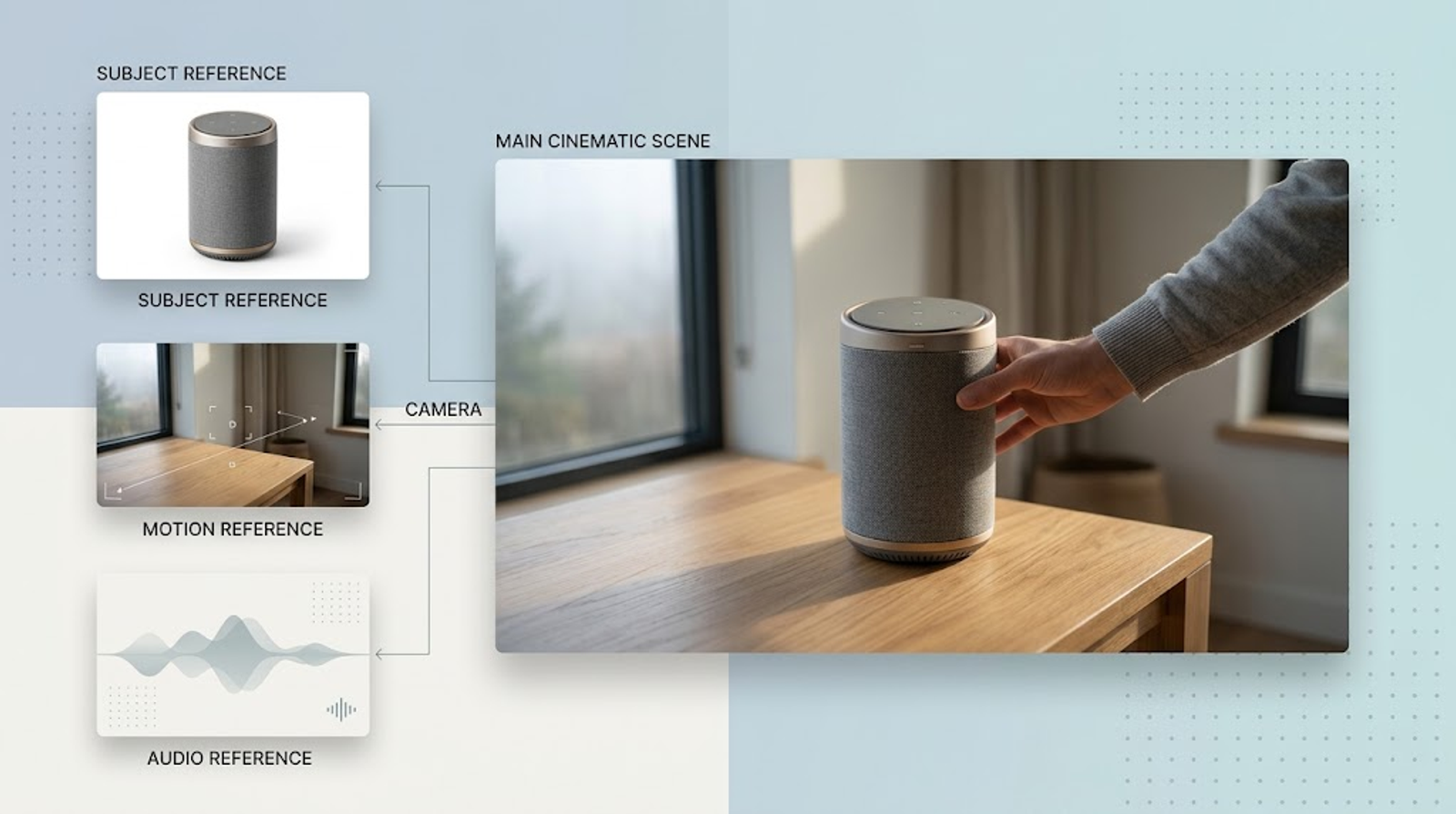
MiniMax presents H3 as a model that connects modalities instead of treating every task as a separate specialist. Its official demonstration describes a single instruction that uses camera movement from one video, a character from an image, and vocals from an audio reference. The creator explains the relationship in natural language, and H3 is designed to interpret the complete context.
That makes MiniMax H3 prompts useful for instructions that combine subject identity, movement, camera behavior, sound, and brand elements. MiniMax also lists text-to-image, text-to-video, image-to-video, video-to-video, and generalized reference editing among H3’s training tasks.
Seedance 2.5 takes a more structured production approach. Its official examples show R2V references guiding movement, spatial position, and interactions. The model is also presented with support for multiple images, videos, audio references, and other creative inputs in one generation process.
In practical terms, H3 encourages me to describe relationships among assets. Seedance 2.5 encourages me to describe a sequence, define the role of each reference, and control how the scene develops over time. Both approaches can be effective, but they reward different prompting habits.
Duration, Resolution, and Audio
Duration is one of the clearest differences in MiniMax H3 vs Seedance 2.5. MiniMax H3 officially supports videos up to 15 seconds and offers 2K resolution by default. That format is well suited to short advertisements, animated posters, opening titles, product reveals, and social clips with one clear creative idea.
Seedance 2.5 officially supports videos up to 30 seconds. That extra time matters when a prompt needs several connected beats, a complete product demonstration, or a longer character performance. It gives a creator more room to establish a setting, develop an action, and reach a final visual payoff without splitting the idea into multiple generations.
The audio distinction is also important. H3’s official announcement specifically describes jointly generated audio and native stereo output. Seedance 2.5’s official materials describe audio references, multilingual presentation, and editing that can preserve audio and timeline continuity. Therefore, H3 has the clearer native-sound position, while Seedance 2.5 fits a broader audio-aware production workflow.
Image-to-Video, Reference Inputs, and Editing
MiniMax H3 image to video is part of H3’s generalized reference and editing design. H3 can use images, video, and audio as connected context, and MiniMax highlights V2V motion transfer. This is useful when the goal is to preserve a subject while transferring movement or camera behavior from another source.
Seedance 2.5 is more explicit about reference-led production. Its official materials describe R2V guidance using sources such as green-screen performances or white-model videos. They also describe workflows with many reference assets and the ability to refine specific parts of a generated video.
This difference becomes clear during revisions. H3 is appealing when the edit can be described as a broad multimodal instruction. Seedance 2.5 is appealing when the creator wants to change one object, character, or region while keeping the rest of the scene stable.
A Practical MiniMax H3 Tutorial
My MiniMax H3 tutorial is straightforward: explain relationships before adding style words.
- Name the subject and describe what must remain consistent.
- State which image controls identity or design.
- State which video controls motion or camera movement.
- Describe the voice, music, ambience, or sound effect you need.
- Divide multi-shot ideas into clear time or scene sections.
- Specify text, logos, and brand elements carefully.
For MiniMax H3 text to video, describe the action, camera, environment, lighting, and sound in the same prompt. For MiniMax H3 image to video, explain what must stay unchanged and what should move. For MiniMax H3 prompts with audio, explain when the sound begins and how it relates to the action.
Seedance 2.5 users can use a similar structure. Give each reference a clear role, define the timeline, and describe transitions between shots. For R2V work, explain movement paths and spatial relationships instead of relying only on general words such as “cinematic” or “premium.”
How Wizstar Fits the Comparison
Wizstar is useful here because it brings model selection into a wider content workflow. Alongside video generation, its product materials describe AI script and scene planning, product-link and brand-asset inputs, digital human creation, voice tools, lip sync, subtitles, and multilingual video localization.
That context changes how I think about MiniMax H3 vs Seedance 2.5. The model is responsible for the video-generation behavior, but the finished campaign may also need a presenter, a localized voice track, translated subtitles, or several versions for different markets. Wizstar is designed to connect those steps, so the model comparison can stay focused on the creative decision rather than becoming an isolated technical exercise.
Which Model Would I Choose?
I would choose the MiniMax H3 video generator for short clips with native stereo audio, multimodal instructions, product or brand visuals, motion-transfer experiments, and concepts that combine several media types in one prompt. Its 15-second format encourages a focused brief.
I would choose Seedance 2.5 for 30-second narratives, multi-character scenes, projects with many references, R2V motion guidance, and videos that may need local corrections. Its longer generation window is valuable when a concept needs more time to develop.
After reviewing MiniMax H3 vs Seedance 2.5, I would not name one universal winner. H3 is the sharper choice for short, connected, audio-rich generation. Seedance 2.5 is the more flexible choice for duration, reference scale, and structured revision. The right model is the one that removes friction from the specific video you are trying to make.
Open Wizstar, compare both AI video workflows with your own brief, and start creating a polished product, brand, or story video.
Sources