The short answer
The best AI video generation tools for marketing teams depend on the deliverable: Wizstar fits product-photo ads, Runway original visual clips, Synthesia presenter-led explanations, and invideo AI scripted social edits. Shortlist by input, likely revisions, and export handoff. Feature pages alone cannot establish a quality ranking. The next edit is part of the cost.
Which Video Task Does Your Marketing Team Need to Solve?
Consider one authorized launch brief for an insulated bottle: approved photos, specifications, brand kit, script, and likeness permissions. The team needs a vertical ad and an owned-site explainer. Each tool gets these facts but a different job; a generic montage would tell us little.
Product Ads and UGC-Style Clips
If buyers must see the actual bottle, image to video tools should start with its approved packshot. Ask for a hook, visible use case, and legible close-up. AI UGC-style clips may borrow a creator format, but cannot invent a customer's experience. Check the label, cap, color, and claim after each revision.

Original Visual Clips
Text to video tools can make condensation, a moving background, or a reveal transition. These inserts tolerate invention better than the hero SKU. Keep approved imagery for exact packaging, and test whether only a weak insert can be regenerated.
Presenter-Led Explainers
A presenter can explain size or care when clarity matters most. An owned-site FAQ and a paid endorsement have different licensing needs. Use a substantiated script, check pronunciation and captions, and clear the avatar and voice for the intended channel.
Scripted Social Videos
When scripts, captions, music, and mixed media form one cut, a timeline matters. The bottle video may combine an approved photo, real demonstration, generated background, and offer card. Test whether one inaccurate scene can be replaced without rebuilding everything.
How Should You Compare AI Video Generation Tools?
Start With One Approved Campaign Brief
Write one brief with audience, channel, ratio, duration, approved claims, asset rights, and deliverables. Give all candidates identical product facts and brand rules, then assign each its suitable task. Save prompts, drafts, review notes, and exports. I have the documentation, not a finished test; this is a proposed pilot, not a measured quality ranking.
Compare Revisions, Exports, and Cost per Approved Clip
Budget for a draft, two revisions, and export. Record credits, money, labor, and unusable generations; divide by clips that pass review. A label error can turn a cheap render into a full rerun. At checkout, verify credits, rollover, watermark, resolution, seats, download rights, and premium-format charges.
1. Wizstar — Product Ads and AI UGC
Best Fit and Key Trade-Offs
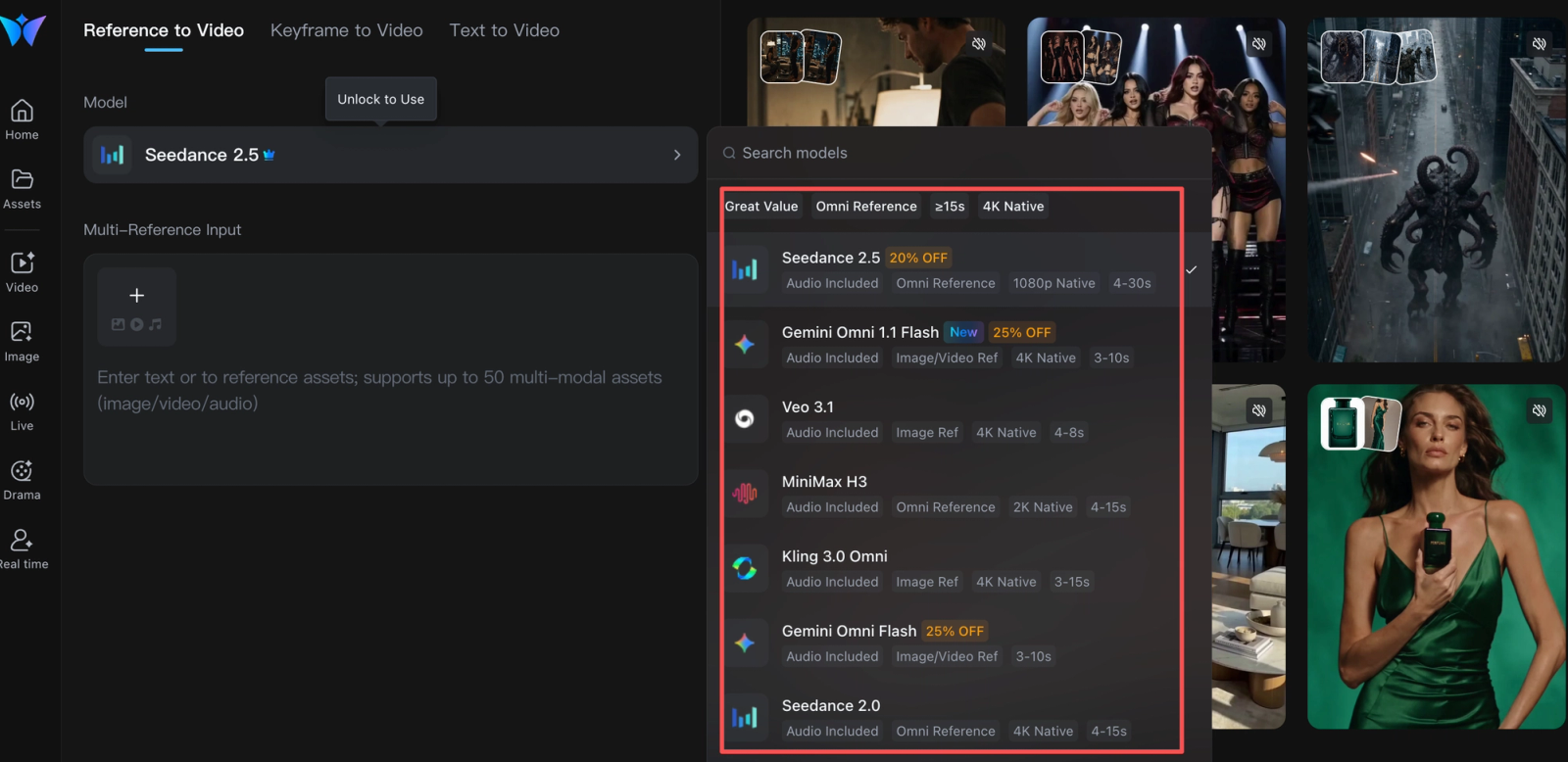
Wizstar's official site describes product-photo and product-link videos with scripts, captions, voiceovers, and avatar options. Start with the authorized bottle image or listing, supply approved features, and draft a product-focused ad. Have the brand owner check packaging and claims; revise the image, script, or shot direction before export. This fits teams repeatedly turning catalog assets into ads or AI UGC-style concepts.
A product-consistency claim does not prove your cap or small print will survive generation. Inspect both frame by frame; never invent a testimonial. Wizstar lists model-dependent credits and paid-plan export benefits, with commercial use subject to terms. Its public materials did not establish universal client-transfer, training opt-out, or project-portability rights. If product ads recur, pilot one approves SKU in Wizstar and measures the corrections required before spend.
2. Runway — Original Video Clips
Best Fit and Key Trade-Offs
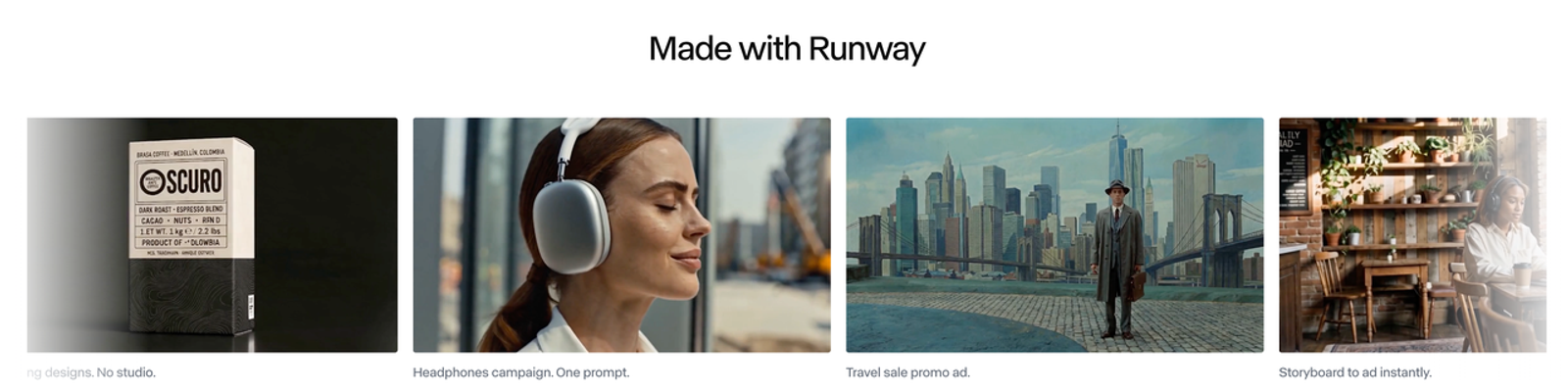
Runway's official site covers a creative suite; Gen-4.5 documentation specifies text to video and image to video. Prompt a condensation or lifestyle insert, choose the campaign ratio, then download the selected clip. Gen-4.5 lists two-to-ten-second durations, 720p output, and per-second credit costs; higher-end formats depend on plan and extra credits. Use approved imagery for exact packaging.
Handoff means the selected clip, prompt, settings, and usage record. Runway permits commercial output subject to terms; input and likeness rights still matter. Check sharing permissions before client review because asset links may expose inputs or prompts. Accept or reject this visual insert without altering the factual product shot.
3. Synthesia — Presenter-Led Videos
Best Fit and Key Trade-Offs
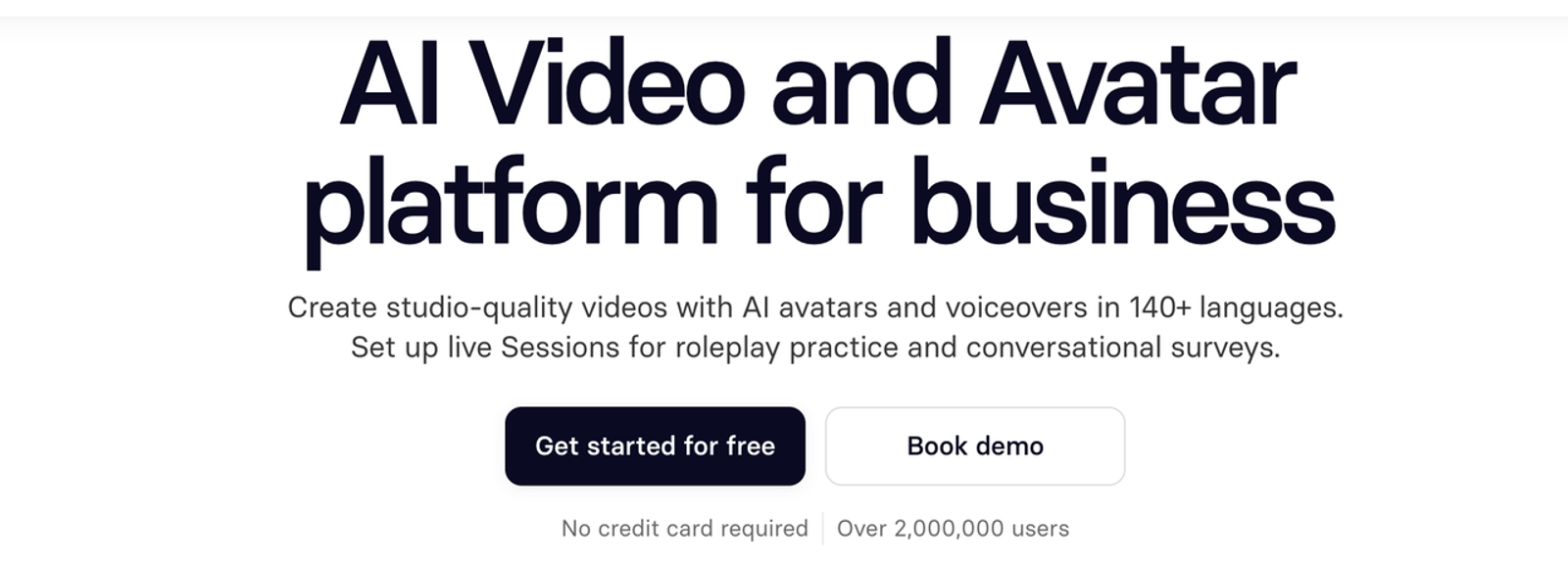
Synthesia's official site offers script-led avatar videos and an editor. Write a factual bottle-care explainer for the owned product page; select a permitted presenter and voice, add approved imagery, then review pronunciation, captions, claims, and mobile legibility. Script and scene edits suit changing information. Plans use credits; downloads require a paid plan, while brand kits are Enterprise features. Confirm the plan before promising a client file.
Synthesia's July 2026 licensing guidance bars stock and synthetic avatars and voices from paid promotion. Custom-avatar use depends on the likeness owner's agreement and informed consent. An owned-site explainer may fit; The paid ad needs separate clearance. An avatar cannot turn an unverified claim into a genuine customer testimonial.
4. invideo AI — Scripted Marketing Videos
Best Fit and Key Trade-Offs
invideo's official site presents script writing, AI agents, generated and stock media, collaboration, and a multitrack timeline. Give it the bottle script and approved assets, build a vertical cut, then replace scenes and adjust timing, captions, and music. It fits a complete scripted social video. Current help says AI generation consumes credits while manual timeline edits and exports do not; model and plan still affect cost.
invideo documents MP4 and editable-project export to Premiere Pro or Final Cut Pro, plus OpenTimelineIO for DaVinci Resolve. Check imported effects and media links before promising portability. Commercial output remains subject to service terms and third-party rights. Review every footage source, claim, and music licence for the paid placement.
Side-by-Side Fit for a Marketing Brief
| First job in the bottle launch | Practical starting point | Review gate | Typical handoff |
| Product-photo ad | Wizstar | SKU, label, claims, persona | Approved ad export and source record |
| Original visual insert | Runway | Motion, usable frame, rights | Selected clip for assembly |
| Owned-site explainer | Synthesia | Script, captions, avatar licence | Share link or paid-plan download |
| Scripted social cut | invideo AI | Sequence, assets, music, claims | MP4 or checked editor project |
The meters differ: Wizstar credits vary by model, resolution, and seconds; Runway Gen-4.5 uses 12 credits per second; Synthesia shares credits across video and other AI features; invideo charges for AI work but not manual edits or exports. A posted monthly fee cannot predict the cost of an approved clip without a revision allowance.
Product Visibility and Brand Accuracy
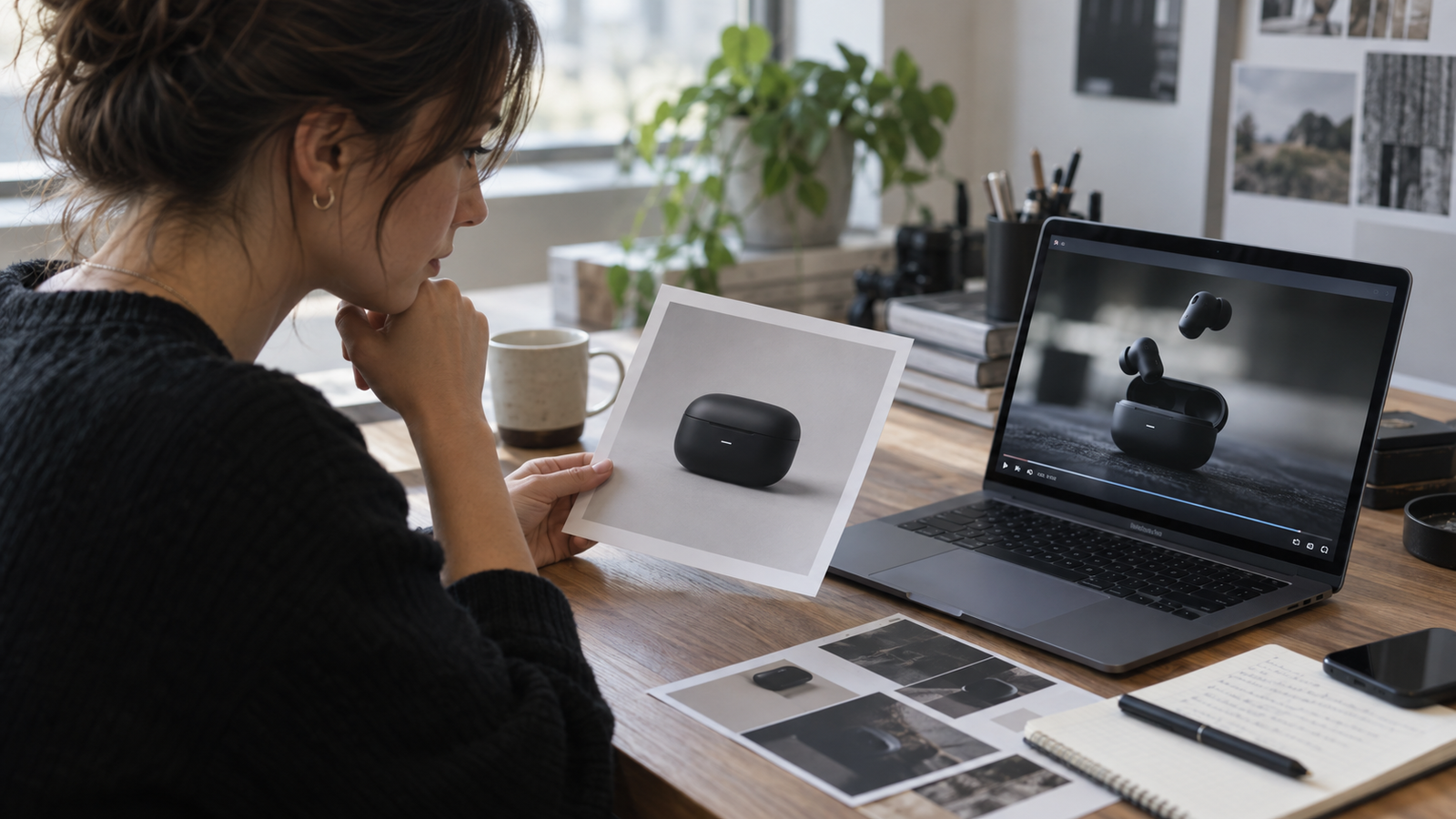
Compare the hero shot with an approved still at ad viewing size. Mark cap, color, logo, small print, and claim card pass, fix, or reject. Pretty is easy to spot. Useful takes another look. For a mood insert, review motion; for a presenter, spoken facts and consent. Keep one acceptance standard across variants.
Editing, Approval, and Export Handoff
Ask the approver which edit they will request first, then test it. Keep a manifest of version, ratio, assets, music rights, and approval owner. An MP4 is a delivery file; a project or interchange timeline is an editing handoff. Confirm which the next editor needs.
Which Tool Should Your Team Try First?
Choose the tool closest to the bottleneck. If approved packshots are abundant but ad concepts are scarce, pilot Wizstar. If the editor needs a few original visual inserts, pilot Runway. If the channel is an owned knowledge page with frequently revised explanations, pilot Synthesia and clear avatar use first. If a script and mixed assets must become a complete cut, pilot invideo AI. Run one constrained brief through the chosen workflow, log two revisions, and compare cost per approved deliverable. A second candidate is useful only if it addresses the first pilot's actual failure.
When Is a Shoot or Editor the Better Choice?
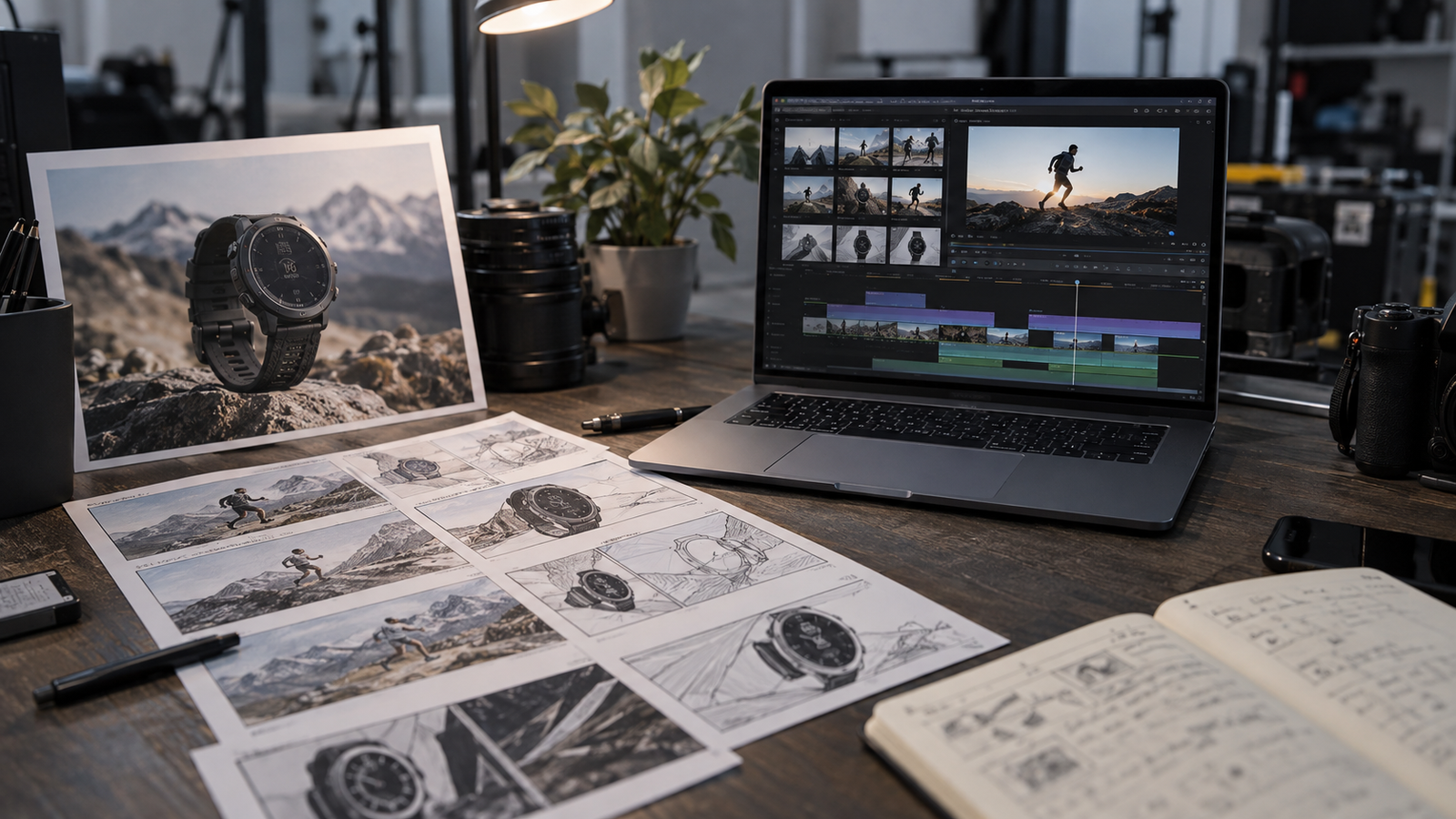
Film the real product when exact mechanics, fine packaging text, a regulated claim, or a real person's experience carries the sale. Bring an editor in when timing, color, multilingual versions, and multiple deliverable formats demand precise control. AI clips can still serve as storyboard material or background inserts. The decision should follow what must be true on screen: if a reviewer cannot verify it from the generated draft, capture or edit that element directly.
Conclusion
Shortlist AI video tools for marketing by the deliverable your team must approve, not by a highlight reel. Use one authorized brief, price the revision path, and verify rights and export at the intended placement. The winning pilot is the one whose draft survives product, brand, and handoff review with the least avoidable rework.
FAQ
- Can an agency keep different clients' brand assets separate in one video tool?
- Possibly, but do not infer isolation from a folder name. Check workspace and project roles, guest access, public links, deletion, retention, and contract terms on the purchased plan. Use separate client spaces and a permission test before uploading confidential assets. The public materials reviewed here do not establish equivalent isolation across all four tools.
- Do AI video tools use uploaded product images to train their models?
- There is no platform-wide answer. Synthesia says customer inputs and outputs are not used for general pretraining; Runway and invideo describe enterprise-specific protections. Training, inference, support review, and avatar personalization differ, as may self-serve terms. Obtain written treatment for the exact plan and asset type before uploading embargoed images.
- Can a generated spokesperson appear in a paid testimonial ad?
- Only after checking the tool's avatar licence, the person's consent where relevant, and the truth of the testimonial. Synthesia restricts stock and synthetic avatars in paid promotion. In the US, the FTC's current testimonial guidance explains that an AI avatar is not automatically forbidden, but a false experience or deceptive portrayal can violate the rules. A scripted actor cannot honestly claim to have used the bottle unless that claim is true. Other jurisdictions and ad platforms may add requirements.
- Can an agency transfer usage rights in a generated clip to its client?
- Do not promise automatic assignment. Check the vendor's current output terms, whether stock footage, music, model likeness, and uploaded assets permit the client's intended channels, and whether the agency contract actually grants the needed rights. Record the asset licences with the export. This is a commercial review checklist, not legal advice.
- Can a team move an editable project to another AI video platform?
- Do not assume so. invideo documents interchange exports for named desktop editors, which is useful but does not prove that another AI platform can reopen the project. For the other tools, confirm a documented project format before committing to cross-platform editing. If none exists, retain original media, scripts, prompts, captions, and an edit decision list so the work can be rebuilt.