
The short answer
These AI lip-sync video tools serve different marketing workflows: Sync Labs documents a supplied-video-and-audio path; HeyGen centers presenter-video translation; D-ID’s Studio creates a talking head from a photo and audio; Wizstar describes lip sync within broader video and localization workflows. This comparison is based on official documentation checked October 30, 2026. It does not rank mouth timing, face stability, or output quality. I have the documentation, not a finished test.
A team should decide whether it is replacing speech in existing footage, translating a presenter, or creating an avatar. A striking demo can hide the next edit: plausible mouth movement alongside changing teeth, jawline, or speaker identity.
How to Compare AI Lip Sync on One Speaker Clip
For a fair hands-on evaluation, obtain one spokesperson video and one separate, approved audio recording. Record the same target language, exact script, clip length, crop, source resolution, and permission scope. Keep the face visible and use a passage with consonants, a pause, and a brief smile. Save the original files and the first output from each tool; do not quietly substitute a better source for one candidate.
First check whether the product actually accepts that pair of inputs. If it instead translates the original speech or starts from a still photo, mark the supplied-video-plus-audio fixture not applicable. Then evaluate that tool on its own documented task with a separate result sheet. This avoids treating a missing input mode as poor lip-sync quality. None of the tools below was run for this article, so the proposed checks have no observed scores.
Score Timing, Face Stability, and Repair Work
Review the output at normal speed, then inspect the words around a pause and the first and last frames. Note whether mouth closure aligns with audible consonants, whether speech continues while lips freeze, and whether teeth or facial hair flicker. Compare the eyes, nose, jaw, skin texture, and expression with the source. A synced mouth is not enough if the spokesperson looks like another person by the end.
Record each failure with a timestamp and proposed repair: clean the audio, shorten the passage, adjust the script, change the crop, or replace the shot. Log generation time, usage charged, export availability, watermark, and review rounds. The next edit is part of the cost. Without those notes, one attractive sample can seem like a dependable workflow.
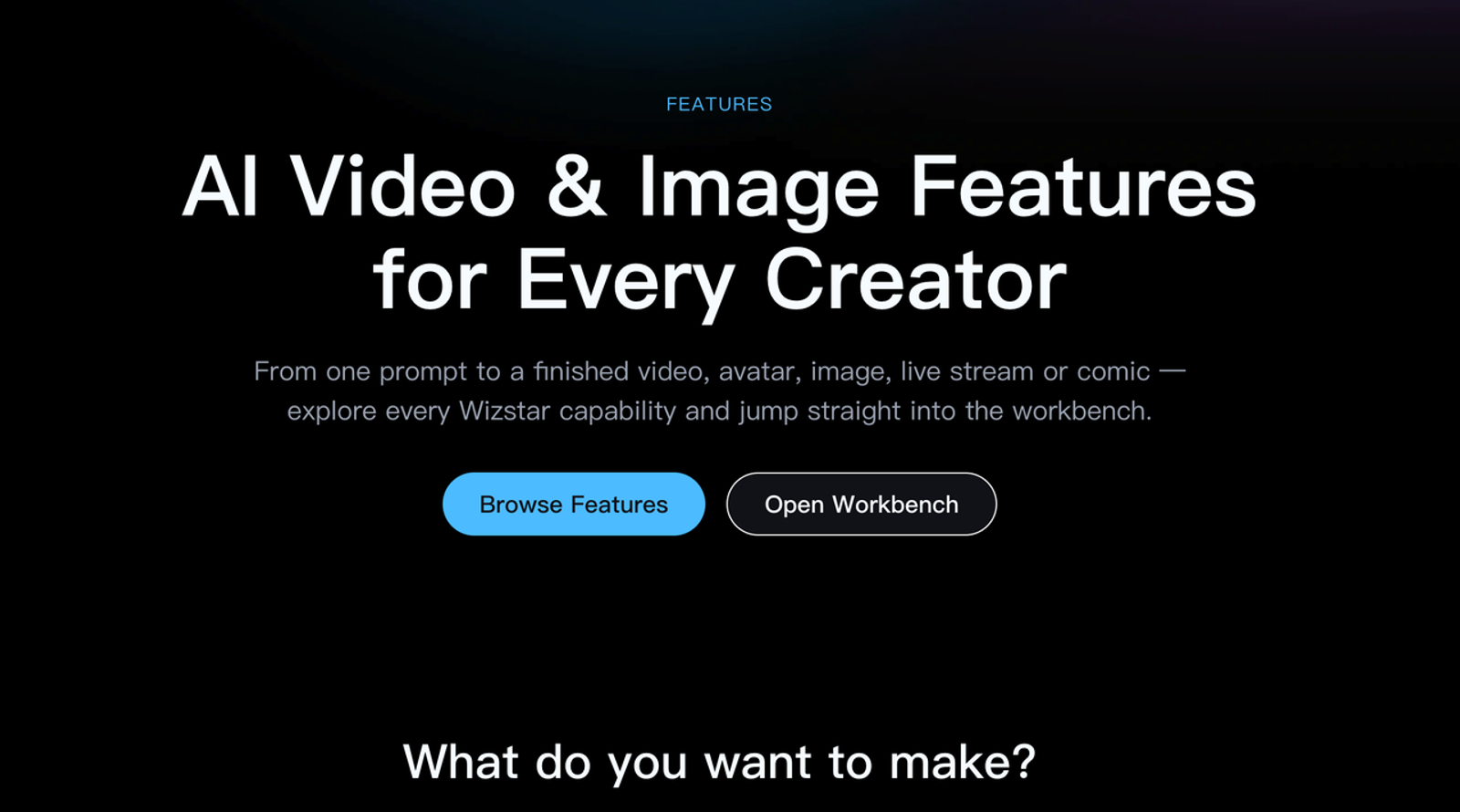
Wizstar — Lip Sync in a Business Video Workflow
Wizstar’s feature overview lists AI Video Translation, AI Avatar, product-video creation, and other video workflows. Its API page describes matching a voiceover to people in videos, and the site presents dubbing with lip sync as part of localization. That supports a business-workflow fit: a team preparing a product or presenter clip may want generation, avatar expression, and language versions in the same environment. These are vendor descriptions, not independent evidence of output quality.
The public feature summary does not by itself confirm that a marketer can upload an arbitrary existing speaker clip and a separately approved audio file in one specific interface, nor does it establish downloadable draft, plan-level commercial terms, retention, or voice-cloning permissions. I would request the exact input screen and plan terms before placing Wizstar into the common video-plus-audio test. Do not infer standalone voice cloning from an avatar or translation label.
Best Fit and Key Trade-Offs
Wizstar is most relevant when lip sync is one step in a wider marketing-video or localization brief. Its trade-off for this comparison is verification effort: confirm the specific input mode, export, and rights in the account the team would buy. If the separate audio track cannot be supplied as required, mark this fixture not applicable and assess the documented translation workflow instead.
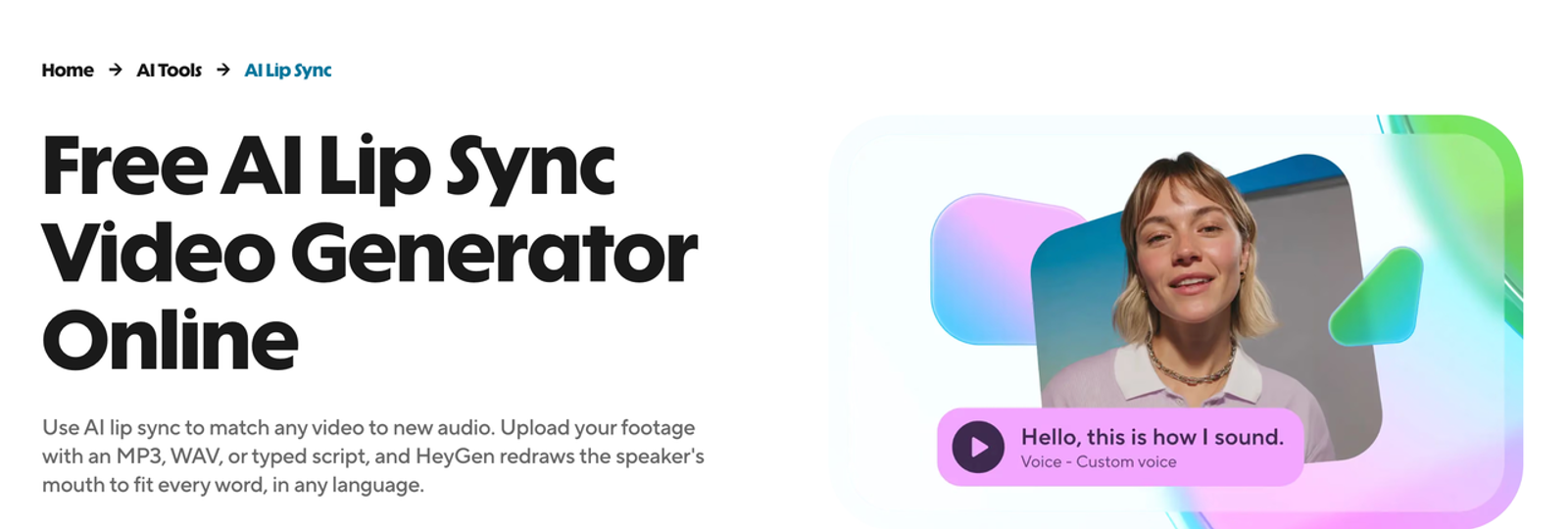
HeyGen — Localize a Presenter Video
HeyGen’s Video Translation guide documents importing a video, selecting target languages, and choosing an engine. Its Audio Only option leaves lip sync off; Speed and Precision include lip sync. The guide also says that spoken audio and optionally captions are translated, while text already baked into the image is not. For a launch clip, this matters: a lip-synced presenter can still stand beside an untranslated price, feature name, or offer.
This is a fit for an authorized presenter video whose original speech needs localization. It is not the same as supplying any external replacement audio track to the standard translation workflow. The guide describes local voice-file upload for a specific video as an Enterprise option, which should not be generalized to every plan. It documents downloading a completed translation, but that does not answer whether a free or pre-payment draft is available for a particular account today.
Best Fit and Key Trade-Offs
Choose HeyGen to evaluate translated presenter clips, with language review and on-screen-text replacement included in the budget. The trade-off is that translation accuracy, timing, voice quality, and visual lip sync are separate approval questions. The translated line still has to fit the shot. For the fixed supplied-audio fixture, confirm a supported enterprise workflow or mark it not applicable.
Sync Labs — Sync a Supplied Video and Audio Track
Sync Labs’ product documentation explicitly describes video-plus-audio lip sync through Studio and its API. That makes it the clearest documented match for the proposed fixture. The company also offers multiple models and notes that input quality matters; its guidance favors a visible face and clear audio, while certain models depend on natural speaking motion in the original video. A team should select the model and settings before testing, then keep them fixed across retries.
This route fits an approved translated track and a supplied clip. Translation, terminology, captions, and audio rights remain the team’s job. Vendor fidelity claims need testing on the team’s speaker, especially around occlusion, profiles, and long pauses.
Best Fit and Key Trade-Offs
Sync Labs fits a controlled post-production handoff between a localization team and an editor. Its trade-off is that the team must prepare and approve both media inputs and handle downstream ad assembly. Before purchase, verify the current model, plan, watermark, commercial-use terms, and upload retention; a generated preview does not itself approve a paid campaign.
D-ID — Create a Talking-Head Clip
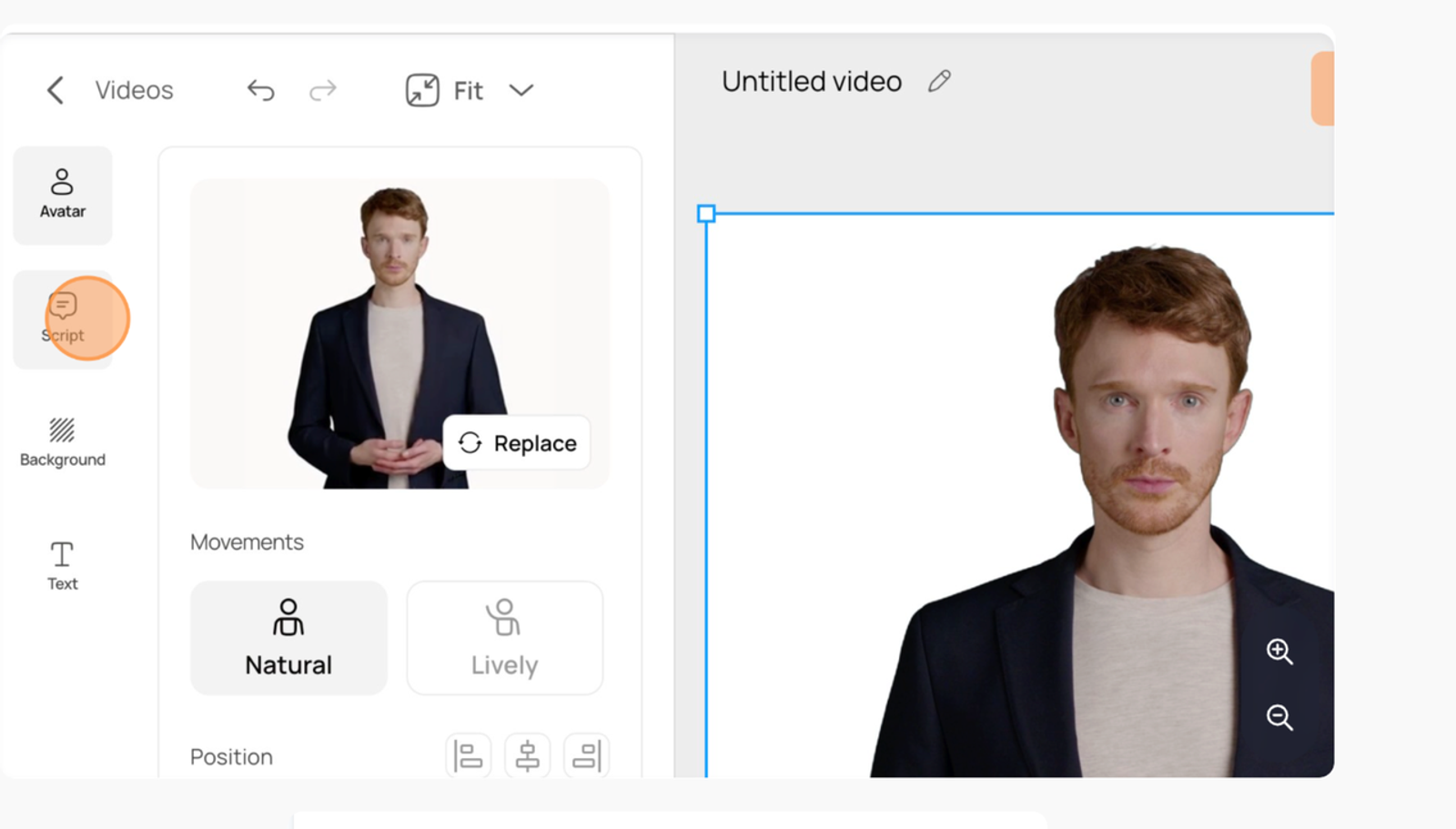
D-ID’s Studio creation guide documents selecting an avatar or uploading an image, then typing a script or uploading an audio file. That is a clear still-image-plus-audio task. D-ID also has a separate Video Translate feature for existing footage, but the Studio talking-head path should not be described as arbitrary supplied-video-plus-audio replacement.
The guide states that completed Studio videos can be downloaded, while draft videos cannot. D-ID’s commercial-use help distinguishes personal-use plans from plans allowing ads and marketing; the team should verify its current subscription and source rights before publishing. A photo avatar may be useful when no presenter footage exists, but that is a different creative and consent decision from modifying a recorded performance.
Best Fit and Key Trade-Offs
Choose D-ID to assess a short approved talking-head message from a still portrait and recorded audio, or evaluate its translation product on a separate existing-video task. The trade-off is that the output may need more identity and expression review than a real filmed clip. For the common supplied-video-plus-audio fixture, mark the Studio avatar path not applicable.
Compare Outputs Under the Same Review Rules
Use one sheet with columns for input mode, model or engine, plan, script, language pair, source file, generation time, export status, and rights note. For actual outputs, add timestamps for mouth mismatch, face drift, visible artifacts, and each repair attempt. Ask a native-language reviewer to check meaning and a person familiar with the spokesperson to check identity. Watch the clip once without staring at the mouth; if the lips pull attention away from the message, log the exact moment.
Do not calculate an overall winner from documentation. Among the modes documented here, only Sync Labs clearly matches the proposed separate video-and-audio input. The others may suit different marketing tasks. A future matched test should report both successful and failed samples, not just the most attractive export.
Match the Tool to a Marketing Clip Task
If an approved translation track already exists, begin with the tool that accepts it alongside the source video. If the team needs a full translated presenter version, evaluate HeyGen and any verified Wizstar translation workflow on the same original clip and language pair. If it needs a new still-photo spokesperson message, D-ID’s Studio path is relevant. Keep the audience, claim, destination, and review standard the same where tasks overlap, but do not force incompatible inputs into one quality score.
Conclusion
This documentation-based comparison can narrow a shortlist by input and workflow; it cannot establish which tool produces the most convincing clip. Sync Labs documents supplied video and audio, HeyGen centers video translation, D-ID’s Studio starts from an image and audio, and Wizstar describes broader business-video workflows whose exact test controls need account-level confirmation. To answer a search for the “best lip sync video AI” with evidence of visual performance, run the applicable tools on authorized media, retain failed outputs, and compare mouth timing, face stability, and repair effort before a paid release.
FAQ
- Can a team reuse one approved voice across language versions?
- Only if the speaker’s consent and the service terms cover that use, the specific languages, and the commercial channels. Approval of one recording does not automatically authorize cloning or new statements. Review each translated script with the speaker or their authorized representative and keep the approved version on record.
- Which tools offer a downloadable draft before a paid export?
- The public documentation does not establish a comparable free downloadable draft across all four. HeyGen documents downloading completed translations; D-ID says Studio drafts cannot be downloaded; Sync Labs and Wizstar require account- and plan-level checks for the relevant workflow. Ask each vendor or verify in the intended plan before budgeting a trial.
- Does a tool retain uploaded face or voice samples after deletion?
- Do not assume deletion is immediate or complete. Check each vendor’s current privacy terms, retention schedule, backups, model-training settings, and enterprise agreement for the specific product used. If the source contract restricts external processing, resolve that before upload.
- Can a spokesperson revoke consent for future AI versions?
- That depends on the agreement and applicable law. A marketing team should define a withdrawal process, stop new generations when authorization ends, and identify already published assets for review. This is general information, not legal advice.
- What rights are needed to use a synced clip in a paid ad?
- Confirm rights for the source footage, likeness, original and replacement voices, script, music, and the generated output under the chosen plan. The destination platform may also require synthetic-media disclosure. The U.S. FTC’s endorsement guidance reinforces that a real person’s apparent recommendation must reflect their honest views; a technically convincing sync cannot authorize invented testimony. I would check that before I hit export.