
The short answer
The best UGC video creation tools for Instagram Reels depend on the task: Wizstar drafts product scenes, CapCut edits existing footage, Canva builds brand layouts, and HeyGen produces a scripted spokesperson. An Instagram UGC video maker may imitate creator footage; A synthetic presenter or scene does not prove a real customer used the item.
Which Reels Tasks Should the Tools Handle?
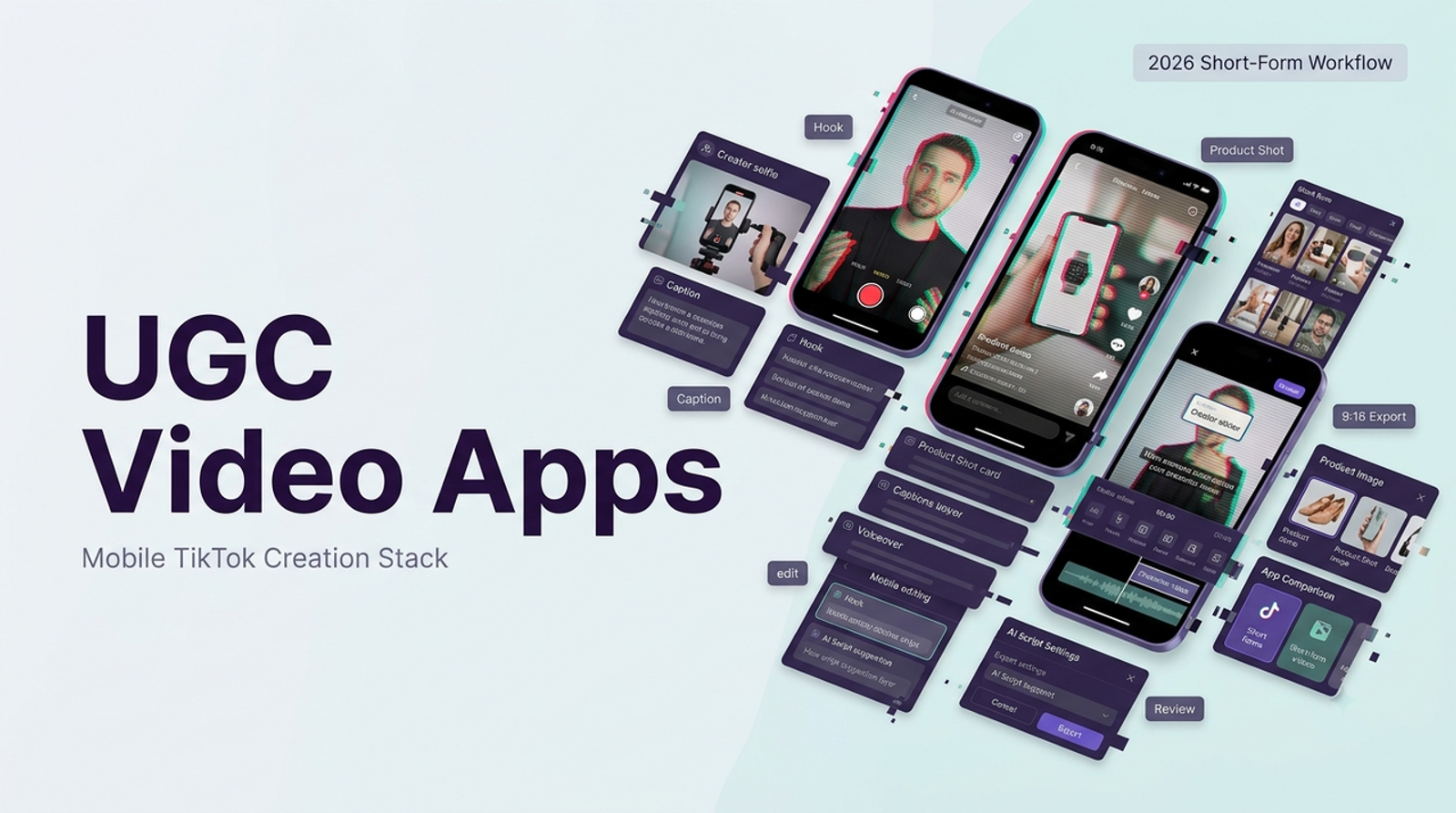
Evaluate UGC tools for Reels by separating creation, editing, and publishing. Ask who supplies the image, makes the shot, corrects captions, and delivers the file. Meta's Reels ads guidance emphasizes vertical creativity with key messages in a safe zone. Preview the Instagram placement: its interface can compete with low captions and a bottom-edge product label.
Compare a Shared 9:16 Product Ad Brief
Use an approved serum bottle, its front-pack photo, a real handheld clip, an approved texture close-up, one substantiated claim, and a cleared offer. For a proposed 15-second 9:16 Reel, show “See [SKU] up close” and the pack in seconds 0–3, the product and claim in seconds 3–10, and the offer in seconds 10–15. Lock the copy and logo across routes. Inputs differ; review each phone-size export with sound and muted.

Wizstar — Generate UGC-Style Product Scenes
Wizstar's AI video generator describes image-to-video and reference-to-video inputs, prompts, model choice, and output settings. Start with the cleared bottle image; request slight camera movement that keeps the package front visible. A push toward the bottle asks less of a single front-pack photo than an orbit exposing unseen sides. Use real texture footage for claims about the formula. The generated shot is a candidate insert, not a customer demonstration or a guarantee of exact label text.
Best Fit and Key Trade-Offs
Wizstar fits a team missing a product scene but holding a usable still. If bottle shape, logo, or text changes, regenerate from better material or use the photographed pack. If a hand must hold it, real footage can establish scale and contact. Leave space for captions; check the chosen model's ratio, duration, download, and commercial terms. The public page does not establish an Instagram scheduler, brand kit, or team approval workflow; plan those separately.

CapCut — Edit Reels from Existing Footage
CapCut is the direct route when real handheld and texture clips exist. Cut to the approved hook, place the close-up where the script mentions texture, correct auto-captions against locked copy, and export vertically. A weak cut or caption can be revised without regenerating the bottle.
Best Fit and Key Trade-Offs
CapCut cannot supply a missing authentic demonstration. Keep the label in frame, then test captions against Instagram's interface. Check premium elements before editing: some require Pro to export. For Reels ads, CapCut's US materials license says its Commercial Sounds are licensed for CapCut, TikTok, and TikTok for Business; Instagram use needs separate rights from the relevant holders. Check the applicable agreement elsewhere. A familiar editing track is not automatically cleared ad music.

Canva — Build Reels from Brand Layouts
Canva suits a campaign whose product clip is approved but whose hook card, offer panel, colors, and typography must stay consistent across variants. Place the same bottle shot inside a vertical design, reserve a stable area for offer text, and keep the product larger than decorative graphics. Canva's video-caption help documents editable timeline captions, Brand Kit-related styles, translation options, and MP4 export with captions.
Best Fit and Key Trade-Offs
That control helps when several hooks use one approved shot. A dense frame can crowd the package; layout cannot repair inaccurate footage. Review captions at phone size; confirm resolution, caption deliverables, and paid-element and audio licenses. Use an editor for frame-level repairs.
HeyGen — Produce a Spokesperson-Led Reel
HeyGen is the option when a person on screen must deliver the approved line. Its product-placement guide describes combining a product image, avatar, and script; it says small hand-held objects suit that route best. For the shared brief, have the presenter introduce the SKU and hand off to the real texture footage. Judge the generated handling separately from the spoken line: the voice can be clear while the bottle scale or label fails.
Best Fit and Key Trade-Offs
The presenter offers a repeatable way to change a scripted hook or language, subject to the account's avatar, translation, caption, export, and usage terms. Confirm the plan can deliver the required resolution and caption file before making variants. Recheck pronunciation, lip movement, product identity, and caption position for each variant. If a generated hand covers the product name, cut to an approved pack shot rather than shrinking the logo into a corner. Do not script “I use this every day” as a synthetic testimonial. If the ad depends mainly on seeing the serum's real texture, the presenter should take less screen time than the product proof. If I am watching the mouth, I have stopped listening to the offer.

Compare Hook, Caption, Product, and Export Results
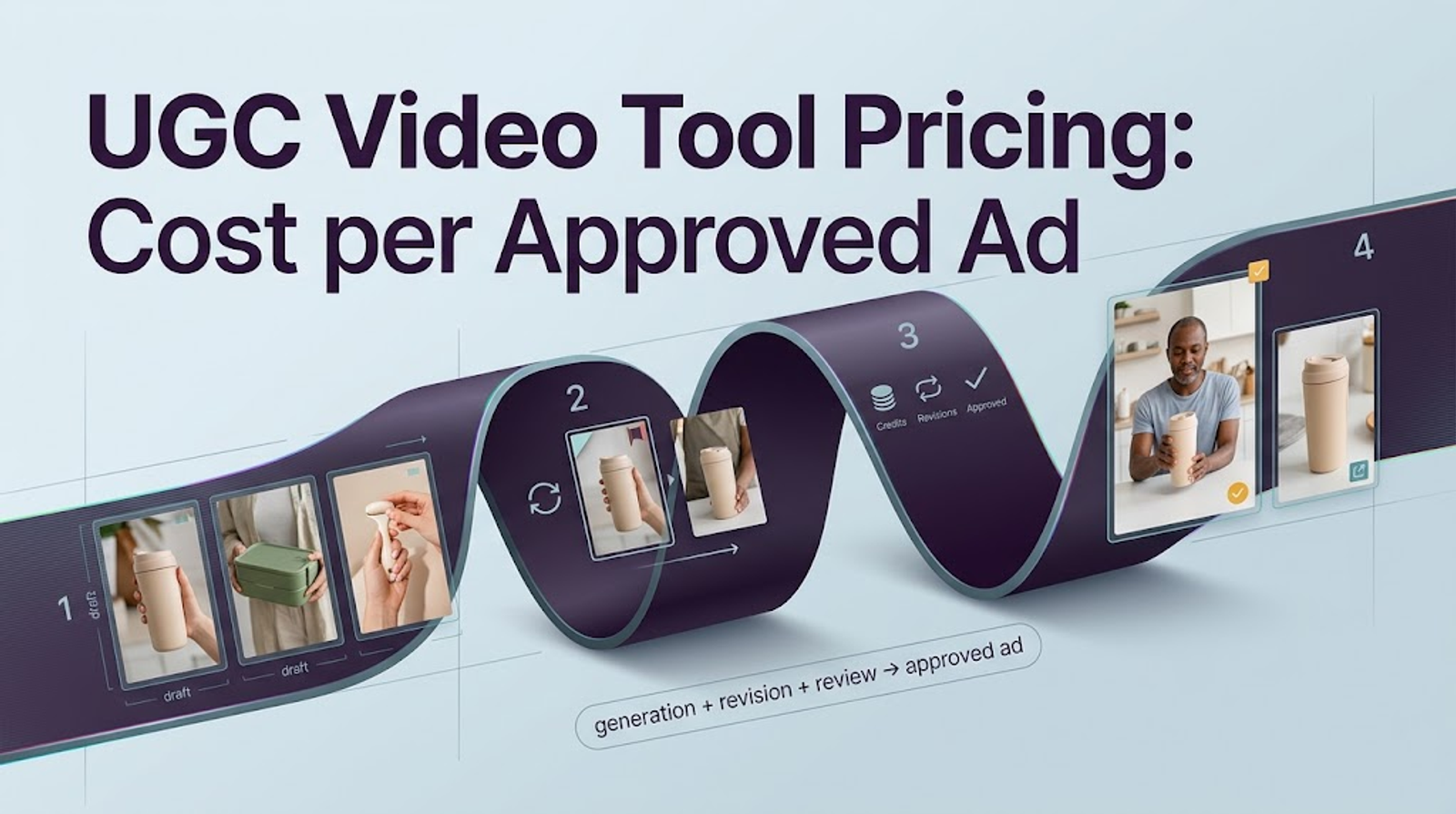
Compare Reels ad creation tools with pass/fail gates before style preference. The SKU and claim must be correct, rights documented, and export readable in placement. Stop a draft at a false product claim, however strong its hook. Then mark timecodes: does the hook identify the product; do captions match the script and clear the interface; is the product visible with its claim; and can the team deliver without a locked feature or unlicensed asset?
Record the correction each rejected draft needs: a better source image, a caption move, a simpler layout, an approved pack cutaway, or licensed music. Note whether that correction requires a new render, timeline edit, or different asset. A cheap first draft can become an expensive second pass. These are review questions, not observed failure rates. I want to see what survives a second look on the downloaded, phone-size file.
Choose a Creation Workflow for Your Reels Campaign
Choose a primary creation route and a finishing route. Wizstar can supply a product insert and HeyGen a presenter clip; CapCut or Canva can assemble those with captions and an offer. If real product behavior supports the claim, keep its filmed footage in the edit. Preserve the master clips, script, graphics, licenses, and final export outside the tool. I care about the second pass: compare reviewer time, replacement shots, and blocked exports alongside subscription or generation charges.
Conclusion
Choose the tool for the work actually missing, then review the same 9:16 product brief against product truth, caption space, revision effort, and the final export. The best route is the one that leaves your team with a Reel it can approve and use under its actual rights.
FAQ
- Does Instagram require an AI label for a synthetic spokesperson Reel?
- For an organic Reel with a photorealistic synthetic spokesperson, yes: Meta's AI-content disclosure guidance says to use its disclosure tool for digitally created or altered photorealistic video. Paid ads have a separate labeling process; check current Ads Manager requirements and local rules. An AI label does not make a fabricated customer testimonial truthful.
- Which tools support multiple languages for one Reel?
- HeyGen documents video translation; Canva documents caption translation; CapCut can generate captions in supported languages. Wizstar's plan comparison lists video translation on paid tiers. These are different jobs: check the exact language, plan, translated claim, timing, and any package text that remains in the image.
- What happens to saved Reel projects when a tool subscription ends?
- There is no shared rule. CapCut says drafts with Pro elements remain after a subscription ends, but exporting them can require renewal or replacing those elements. Check each provider's downgrade terms; save approved exports and source assets first. An MP4 does not preserve an editable project.
- Can a brand reuse the same approved spokesperson across variants?
- Possibly, if the avatar or talent license covers the client, markets, duration, and variants. Review each new language or product pairing. A real person's likeness needs permission; a synthetic face should not imply personal endorsement.
- What usage rights apply when a Reel becomes a paid ad?
- Clear the footage, product image, music, graphics, voice, likeness, and claims for the intended platform and territory. Tool access and a successful download do not by themselves grant every advertising right. Check each provider's current terms and the brand's underlying permissions before launch. This is general production guidance, not legal advice.