
The short answer
For an authorized product photo, shortlist Wizstar for a marketing clip, Runway for directed motion, Luma for visual concepts, and Kling for image-led variants. Searching for “best AI image to video tools 2026” is only a start; the test is whether the SKU, label, and approved claim survive motion and revision.
Which Image-to-Video Tool Fits a Product Photo?
Choose by the shot the photo can honestly support. A front-facing bottle can anchor a slow push-in or changing background light. It cannot show an unseen back label, prove how a cap seals, or substantiate a temperature claim. Generative video may invent those missing views. Favor a restrained shot that is easy to review and replace.
This comparison concerns one shot from an existing still. The team still must check the SKU, rights, message, format, and final edit; An offer card, music, and captions may need a separate workflow.
How Were These Four Tools Shortlisted?
All four document image-to-video creation, but their entry points differ: Wizstar groups models in a marketing workspace; Runway offers directed generation and a separate product-shot builder; Luma supports still animation and concept work; Kling offers model-dependent image controls. These are reasons to shortlist, not logo-fidelity evidence. Recheck model access and terms before purchase or publication.
Start With the Same Authorized Product Still
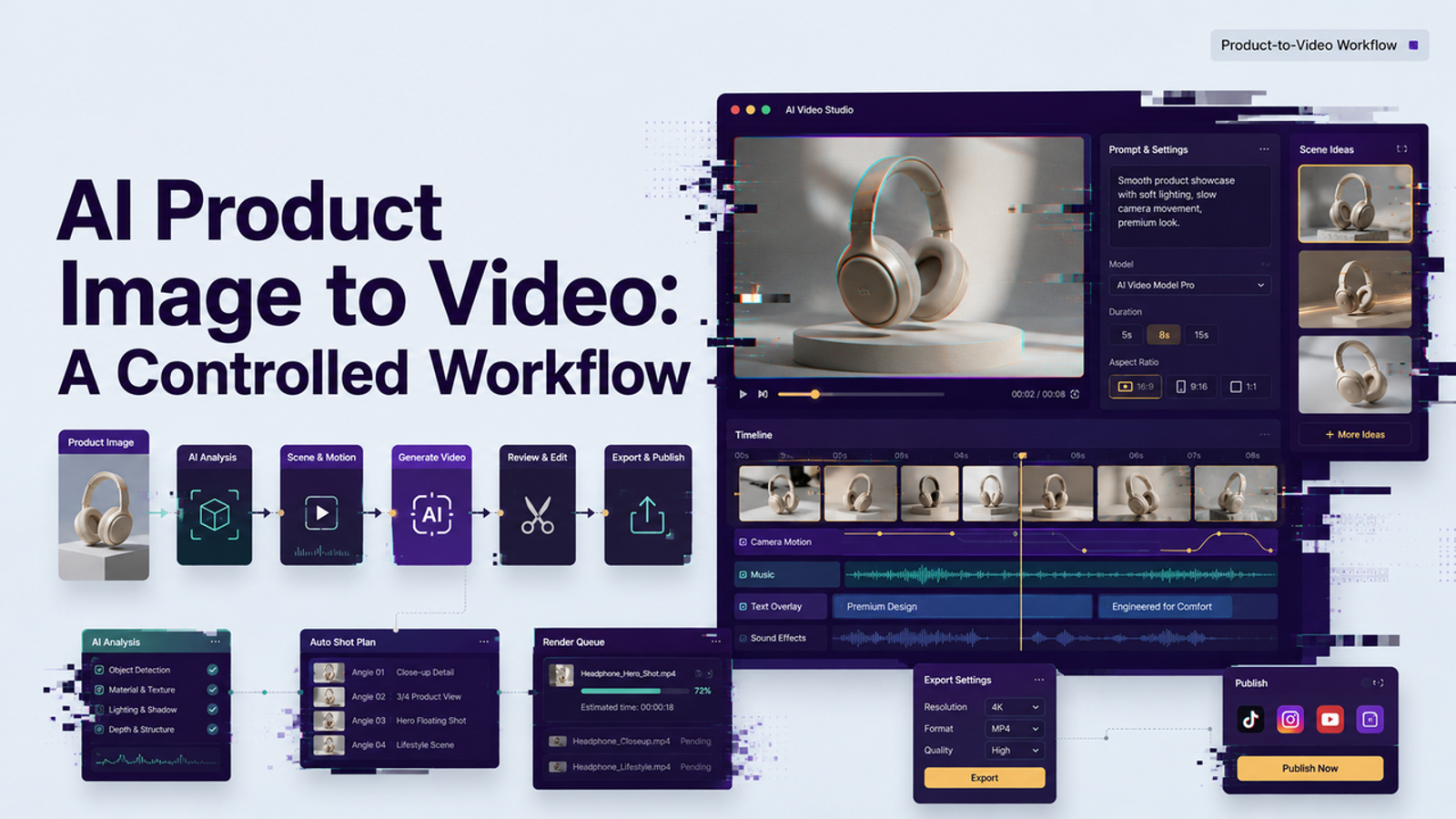
For a product photo to video pilot, I would use a clean, front-facing photo of one SKU with permission for third-party AI processing. Record its version, visible label, cap, color, channel, and prohibited claims. Give every tool this brief: “Make a five-second vertical shot. Keep the bottle stationary and front-facing with one slow camera push-in. Preserve its cap, silhouette, color, and label. Add no hands, rotation, new text, or audio.” This is a proposed fixture, not four completed renders.
Keep the source and prompt beside every output. If a service changes the still first, save that intermediate frame. Runway's Product Shot Video Builder creates a newly framed image before animation, so assess it as a separate route.
Check Product Detail, Motion, Revision Work, and Usable Cost
Compare the opening, midpoint, and final frame with the approved photo, then scrub the clip. Mark silhouette, cap, color, logo, label, and any newly visible surface pass, repair, or reject. At phone size, an unreadable label fails a brand close-up. I would check the label before the lighting.
Record whether these image to video AI tools add motion without morphing the product. Revise the instruction once; note whether the still can be reused or the shot needs a paid rerender. The next edit is part of the cost. Log credits for accepted and rejected generations, watermark or plan requirements, export format, editor time, and approved clips. Calculate cost per approved clip; product pages cannot supply that acceptance rate.
Wizstar — Product Photo to Marketing Clip
Best Fit and Key Trade-Offs
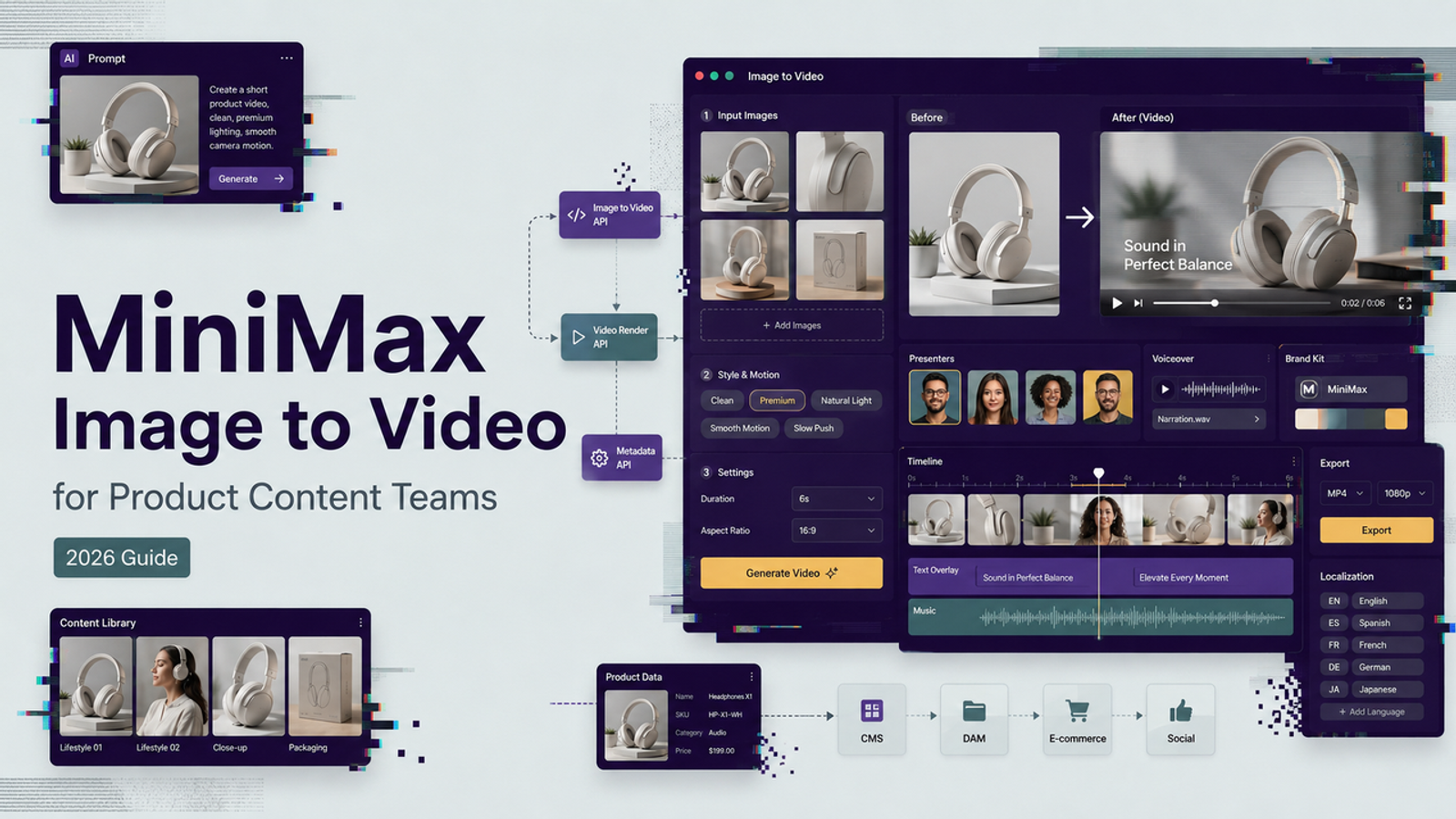
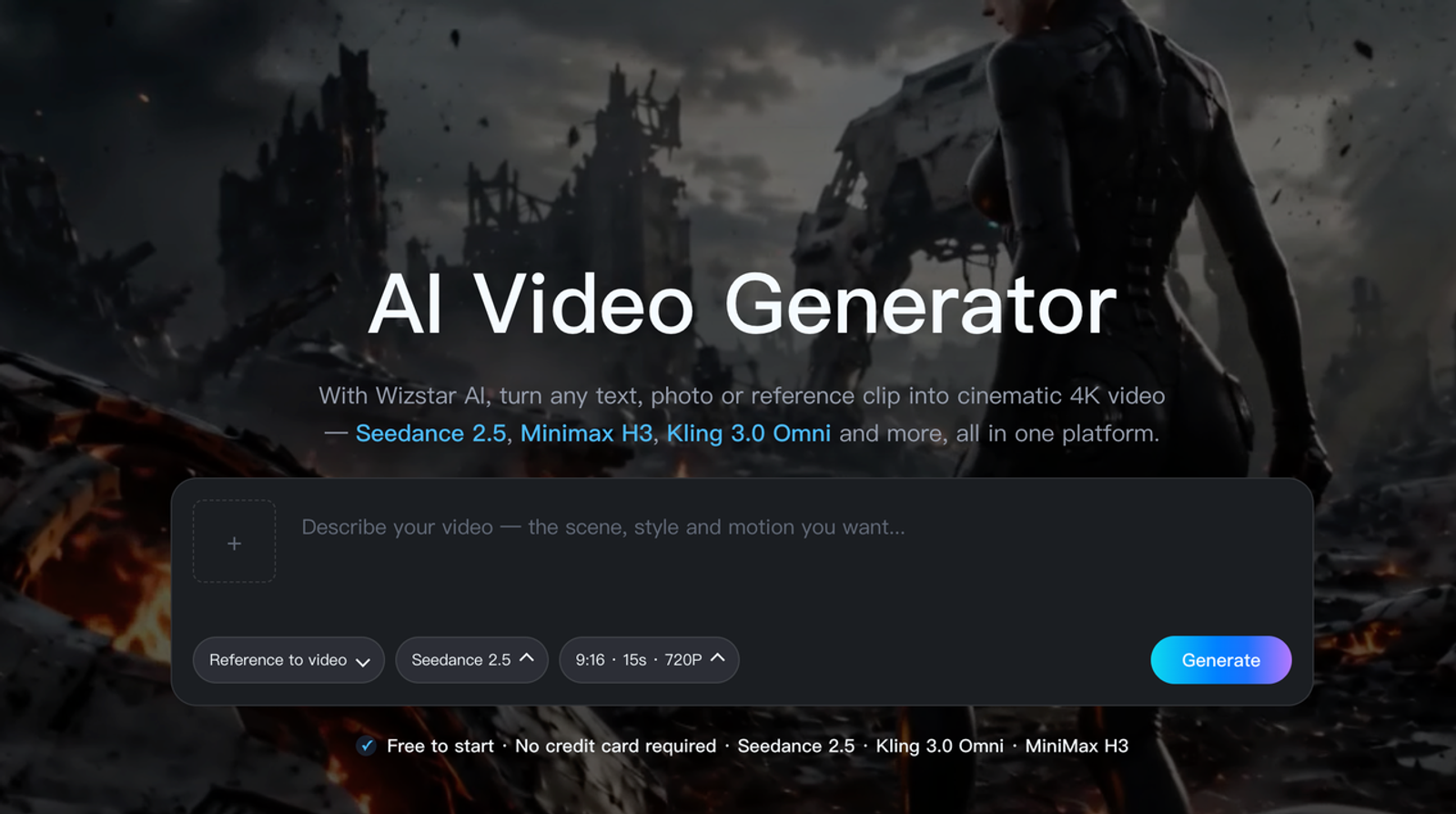
Wizstar's image-to-video generator presents still input, a motion prompt, model choice, start and end image fields, and output settings. It gives a marketing team a direct way to try one authorized packshot. Save the exact model and settings: “made in Wizstar” does not identify the generator. The site's consistency claim does not prove SKU or logo fidelity.
Wizstar meters video by model, resolution, and seconds; its paid plans list watermark-free export and commercial use subject to terms. Count reruns at the chosen settings. Begin with restrained motion, reject invented labels, and check the downloaded clip's handoff to the editor. Its place on this blog does not make it the winner.
Runway — Directed Motion From a Still
Best Fit and Key Trade-Offs
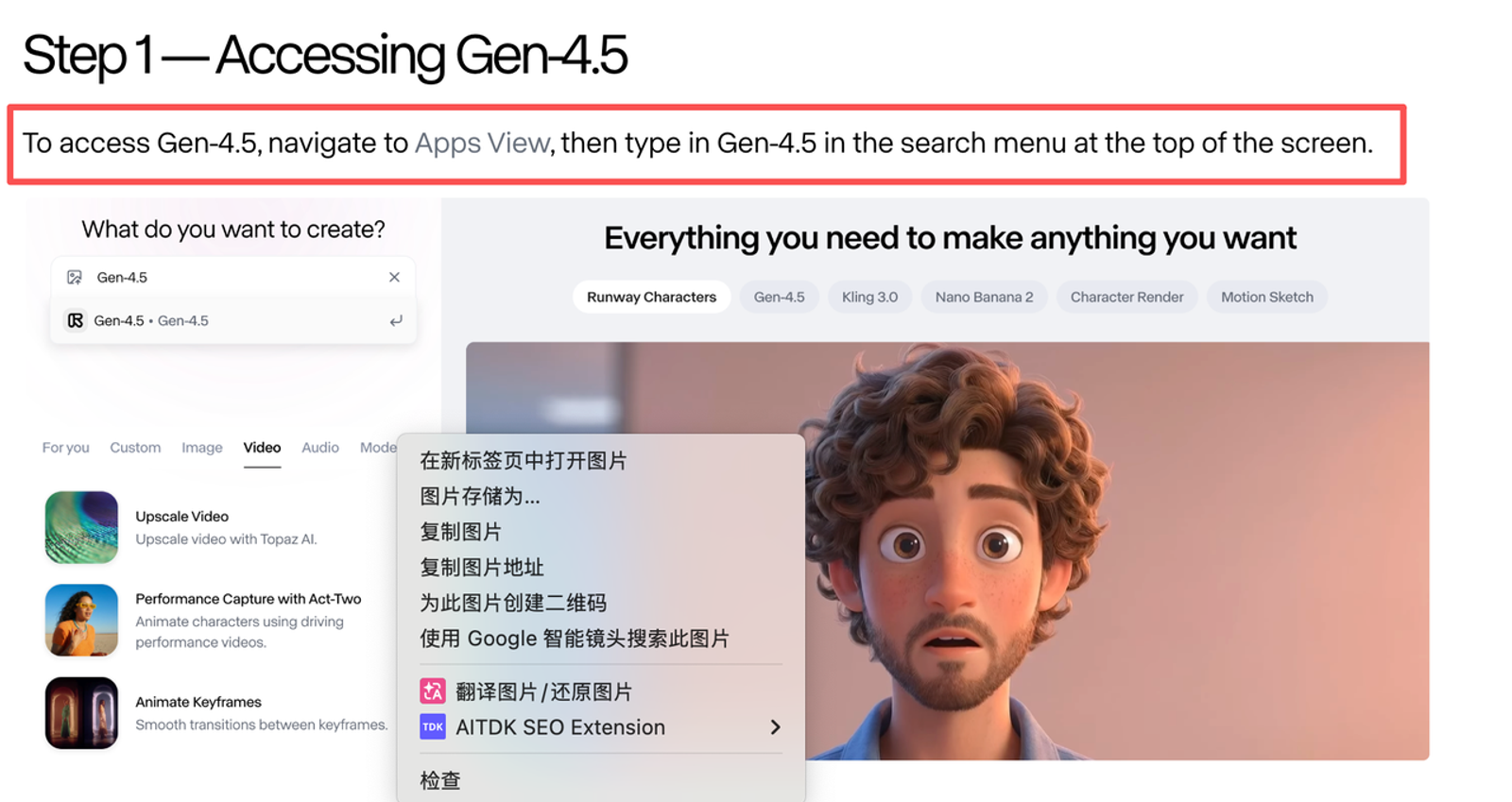
Runway's Gen-4.5 guide documents image input, motion-focused prompts, two-to-ten-second clips, 720p output, and 12 credits per second on Standard or higher. It suits an editor directing one move from an approved frame. Five seconds costs 60 listed credits before revisions or output upgrades. The guide cannot establish bottle-label accuracy.
Runway's Product Shot Video Builder places the item in a generated scene before animation; review that new still separately. Use Gen-4.5's direct route for the baseline. Runway's commercial-use guidance permits use of creations, subject to input and other rights.

Luma — Short Visual Concepts From a Still
Best Fit and Key Trade-Offs
Luma's video capabilities guide distinguishes still animation from start-and-end-frame generation and describes extension and reframing. Consider it for a mood shot or a reveal ending on a separately approved frame. Background motion may add value while the product barely moves. This is task fit, not measured packaging fidelity.
Count a later crop, grade, or transition as extra work. Luma's Dream Machine credits vary by model, length, and resolution; commercial use requires a qualifying paid tier. Record the tier at generation time: upgrading later does not license an earlier noncommercial asset. Review visuals and rights before handoff.
Kling — Image-Led Shot Variants
Best Fit and Key Trade-Offs
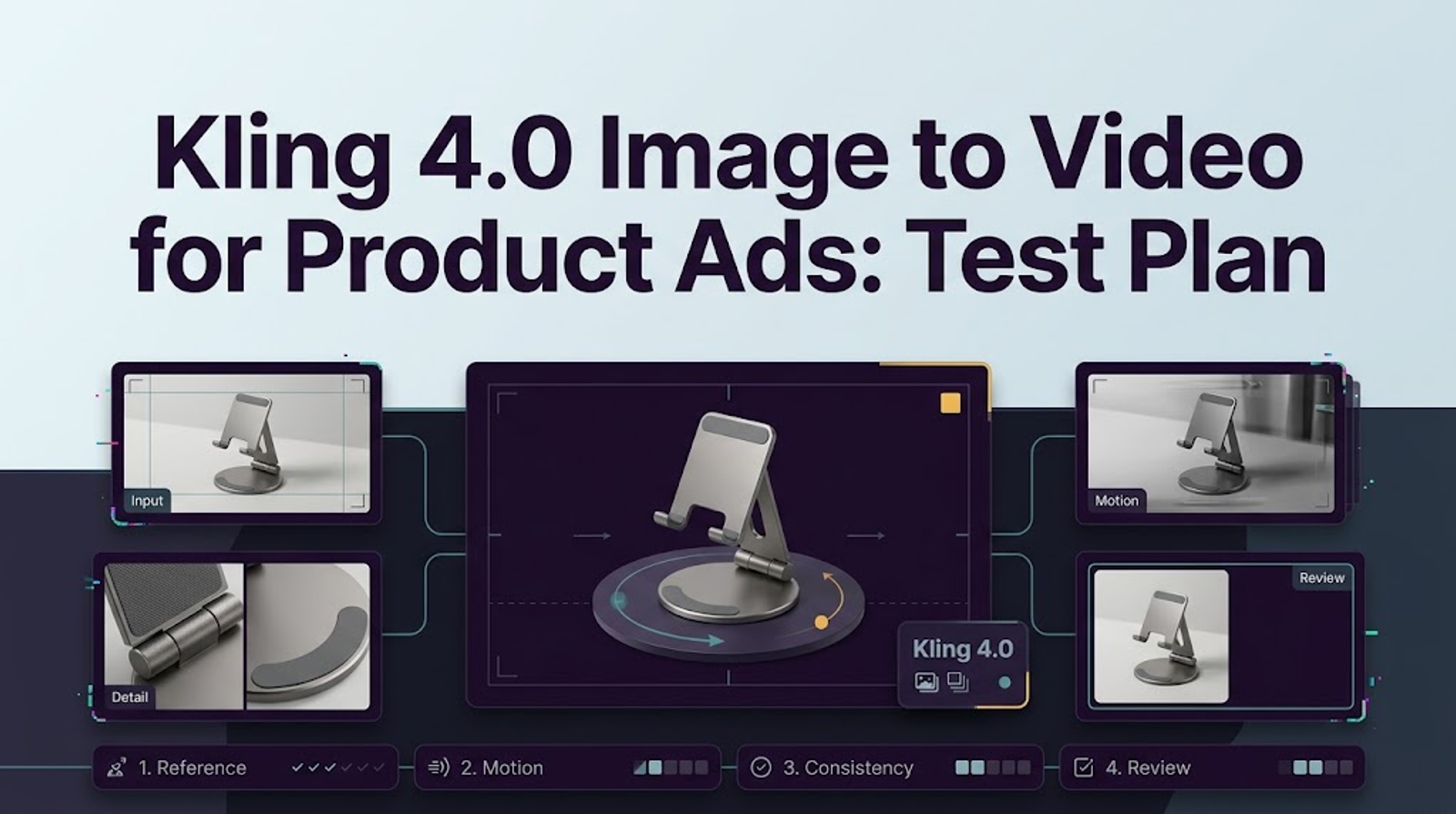
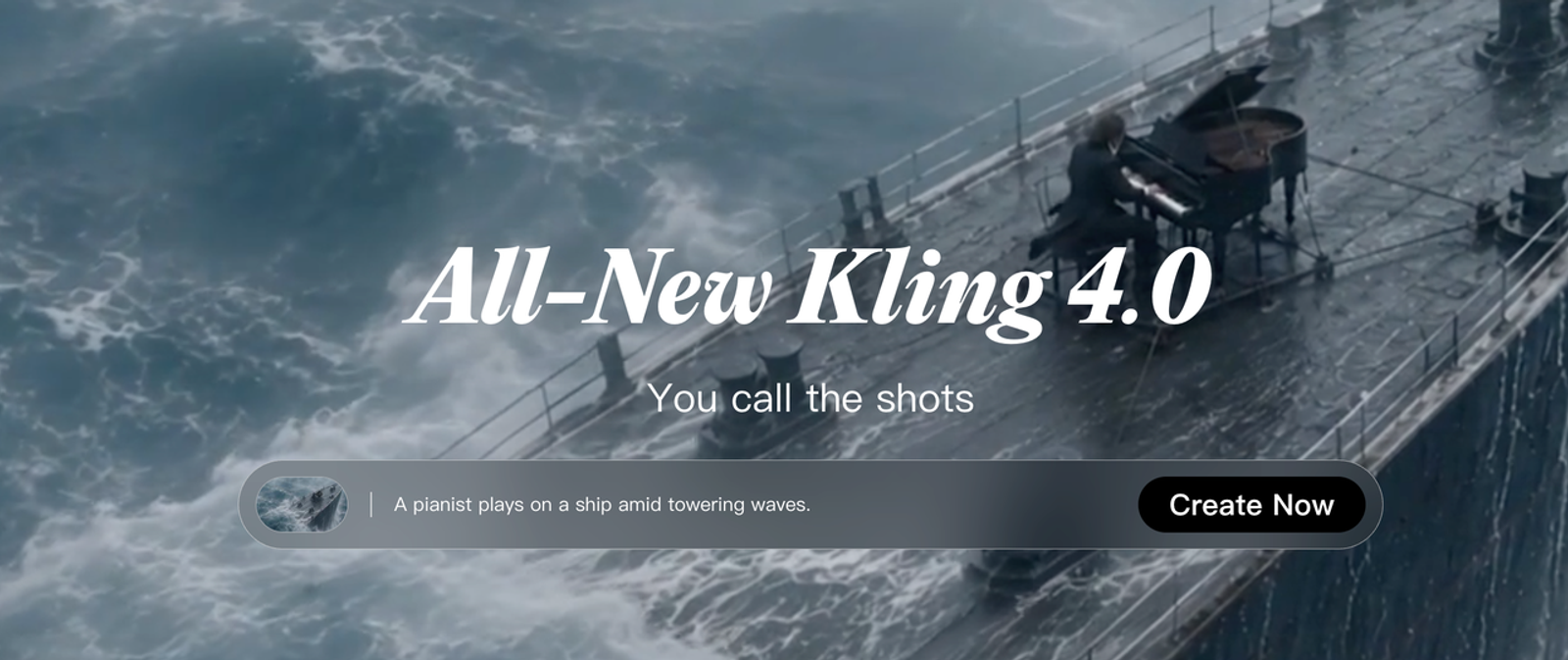
Kling's 4.0 user guide documents image-to-video, first and last frames, and multiple keyframes for full 4.0. Flash lacks start-and-last-frame and multiple-keyframe control. Confirm what your account exposes before planning a reveal; Kling 3.0 may be the available baseline. Record the actual model.
Shortlist Kling for motion variants from one still. Change one variable per attempt: push-in, lateral move, or background motion. Kling's paid-service terms describe commercial rights for members, while its general terms contain broader restrictions; resolve the applicable terms before a client ad. Check credits and watermark conditions at purchase.
Compare the Four Tools on One Product Shot
| Candidate | Shape, logo, and label | Camera motion | Revision work | Usable clip cost |
| Wizstar | Review in the named model | Check the same slow push-in | Log rerun or model switch | Model credits, export, editing |
| Runway | Review direct Gen-4.5 output | Check the same slow push-in | Change one prompt instruction | Credits per attempt, export, editing |
| Luma | Review the animated still | Check the same slow push-in | Record any regeneration | Model credits, paid rights, editing |
| Kling | Review the selected model | Check the same slow push-in | Change one motion variable | Credits, watermark, rights, editing |
Every cell is a planned check, not a result; product accuracy and cost per approved clip remain untested. If Wizstar uses Kling as its model, compare platform workflow and price with Kling's native route, not two independent generators. Save raw outputs before editing so repairs do not hide generation errors.
How Should a Brand Choose a Tool for Its First Clip?
Start where the next human decision is clearest: Wizstar for a product-photo entry point in a marketing workspace; Runway for a directed editor handoff; Luma for concept or transition exploration; Kling for motion variants or a confirmed keyframe route. Authorize the image, cap attempts, and define product changes that force rejection.
After two review rounds, ask which clip the brand could approve and what that cost. If none passes, animate the original still with a controlled pan or zoom in an editor, especially when the label must remain pixel-accurate.
When Is a Product Photo the Wrong Starting Asset?
A still is insufficient when the sale depends on how the real object opens, pours, connects, or compares in size. One angle cannot authorize an unseen side. Get footage, approved angles, or a verified 3D asset. Generated motion may provide atmosphere around a real demonstration.
For regulated packaging, mandatory text, or performance claims, preserve approved graphics as ungenerated layers. An AI product video generator can propose a surrounding scene; It can not supply product facts.
Conclusion
The best first tool is the one that can turn your approved still into a reviewable shot without making the product less true. Give Wizstar, Runway, Luma, or Kling the same restrained brief, record the exact route and cost, and judge the second pass as carefully as the first. If a generated frame changes the SKU, keep the real photo and change the production method.
FAQ
- Which tools accept a transparent product PNG without adding an unwanted backdrop?
- None of the four should be assumed to preserve transparency in generated video. Runway's Supported file types help page accepts PNG input, but does not promise alpha in output. The reviewed Wizstar, Luma, and Kling pages do not establish an alpha-preserving route either. Test the PNG against light and dark backgrounds, or composite the approved cutout over a fixed backdrop first.
- Can any of these tools use a specified end frame for a product reveal?
- Yes, in specific routes. Wizstar shows start and end fields, subject to the selected model. Luma's Ray3.14 model guide documents start and end keyframes. Kling's full 4.0 Keyframes route supports an end frame but cannot be combined with Omni Reference; Flash lacks end-frame control. Runway's Gen-4.5 guide does not document a second, end-frame image for this route. Inspect the frames between endpoints: accurate endpoints do not guarantee an accurate reveal.
- Can an exported image-to-video clip be used in paid ads under each current license?
- Not under one blanket rule. Runway's commercial-use help says no attribution is required. Luma's Licensing guide says Free and Lite generations stay noncommercial even after an upgrade. Wizstar's pricing table lists paid-plan commercial use subject to terms. Kling's Paid Service Terms grant member benefits, but its general Terms of Service contain conflicting commercial-use language. Resolve the applicable account rights, plus photo, trademark, music, and claim rights, before release. Please refer to the latest official documentation.
- Can an AI-animated product photo be used in an Amazon product listing video?
- Potentially, if the final video meets the listing rules and depicts the real item accurately. The five-second shot proposed here is a component, not automatically an upload-ready listing video. Amazon's US shoppable-video guide requires clear product visibility and accurate information, bars misleading claims and unauthorized media, and specifies disclosure metadata for certain photorealistic AI-generated people. A synthetic shot cannot substitute for a truthful demonstration. Check the final file against current category, duration, format, and upload requirements before submitting.
- What happens to an uploaded product still when a team deletes its account?
- The reviewed policies do not establish when each provider purges the original uploaded still and backups. Luma's Account management: Web guide says deletion removes videos and prompts, while its terms allow certain retained rights or records. Kling's privacy policy allows legal or business retention after deletion. Runway's subscription help says assets remain until account deletion, without a backup-purge timetable. Wizstar's public policy page did not let me verify an upload-specific period. Ask for written deletion and backup terms before uploading embargoed packaging.