The short answer
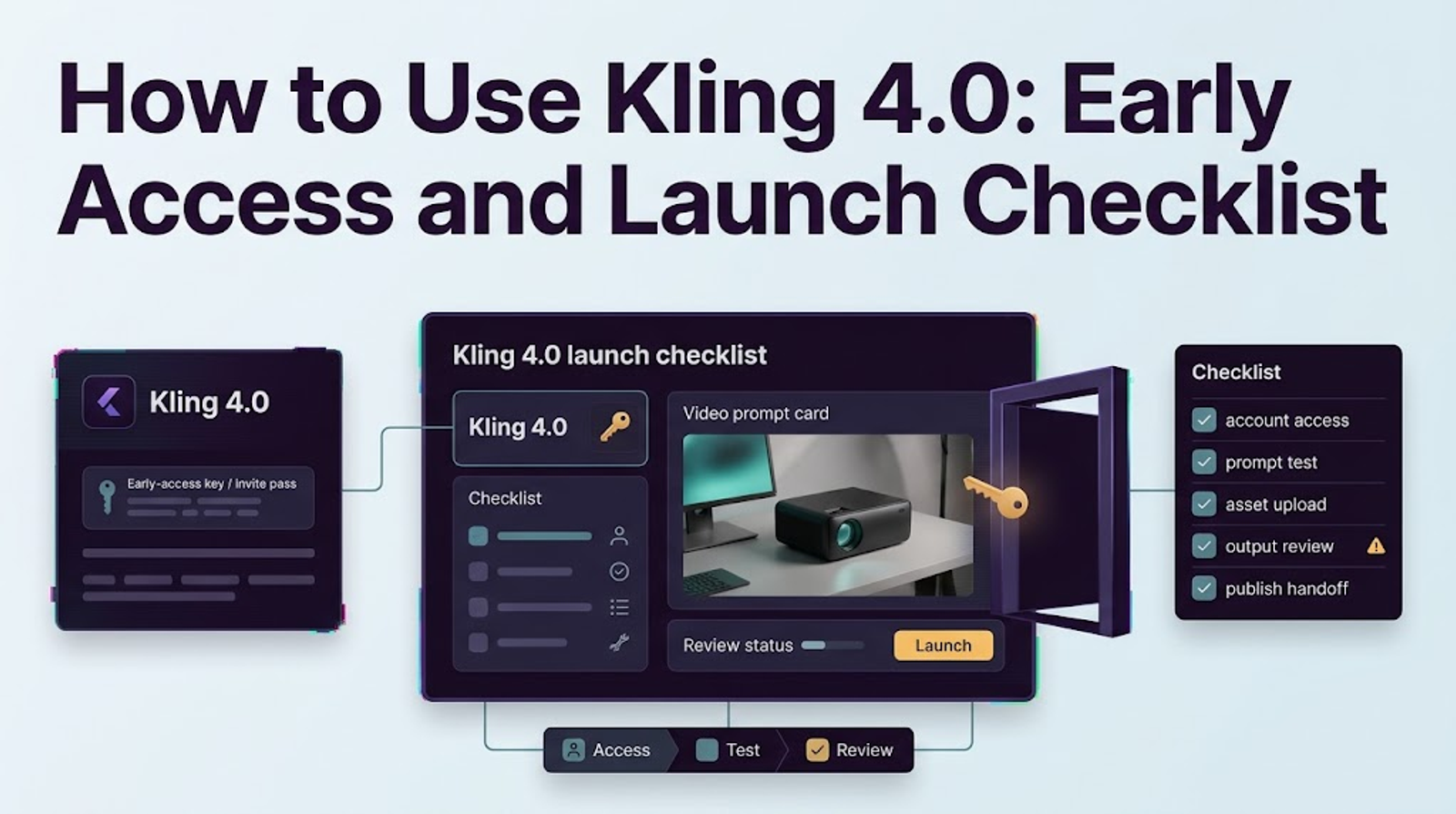
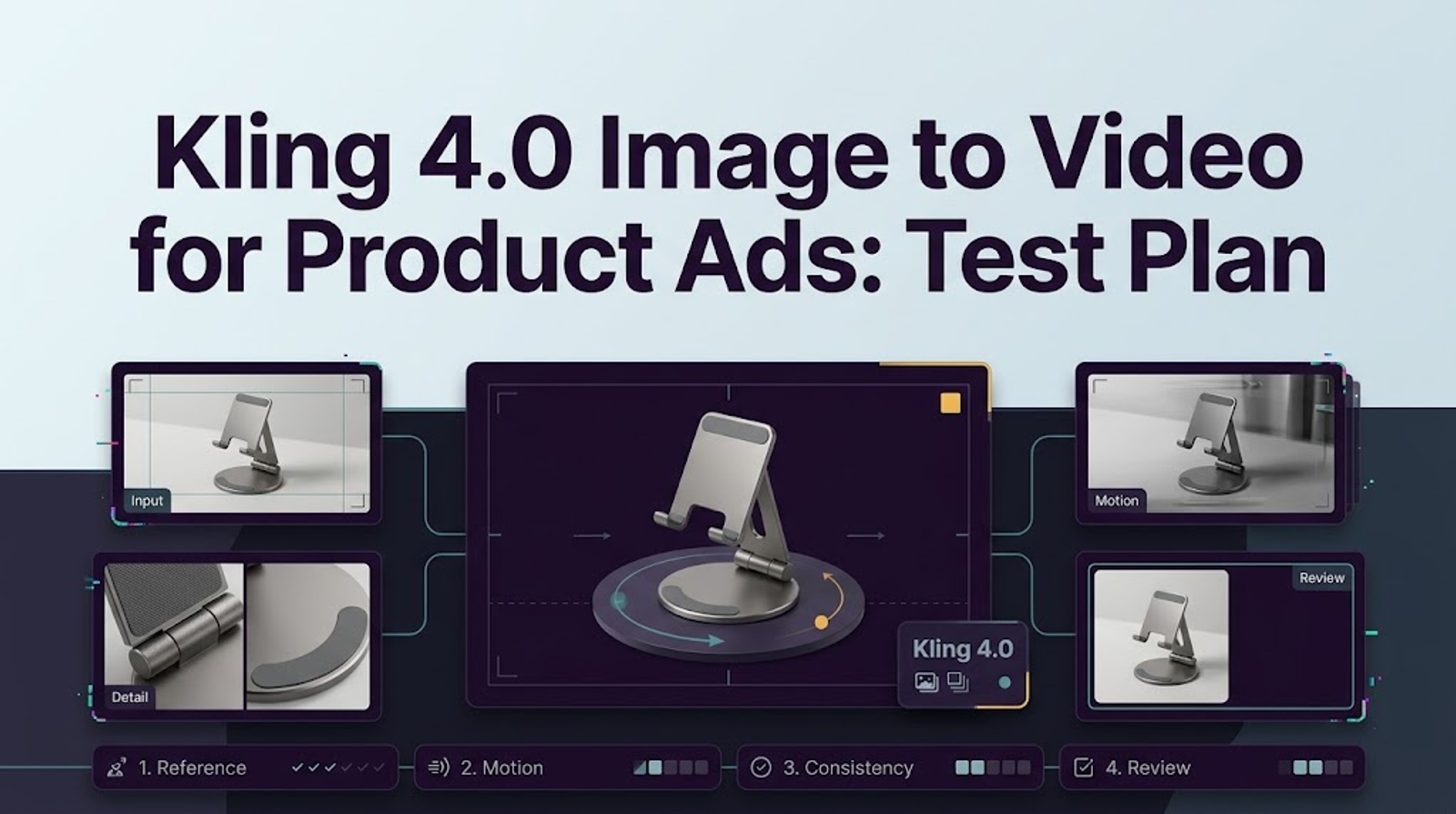
I’m Vela, a freelance creator who tests AI video workflows with real production constraints. As of October 14, 2026, full Kling 4.0 image to video is not generally available, while Flash remains a limited early-access version and cannot validate the full model’s workflow. When access appears, start with one licensed product photo, one restrained camera move, and one short clip. Judge whether the product shape, label, composition, background, and copy space remain usable across the entire shot. This is a test plan, not a reported generation result.
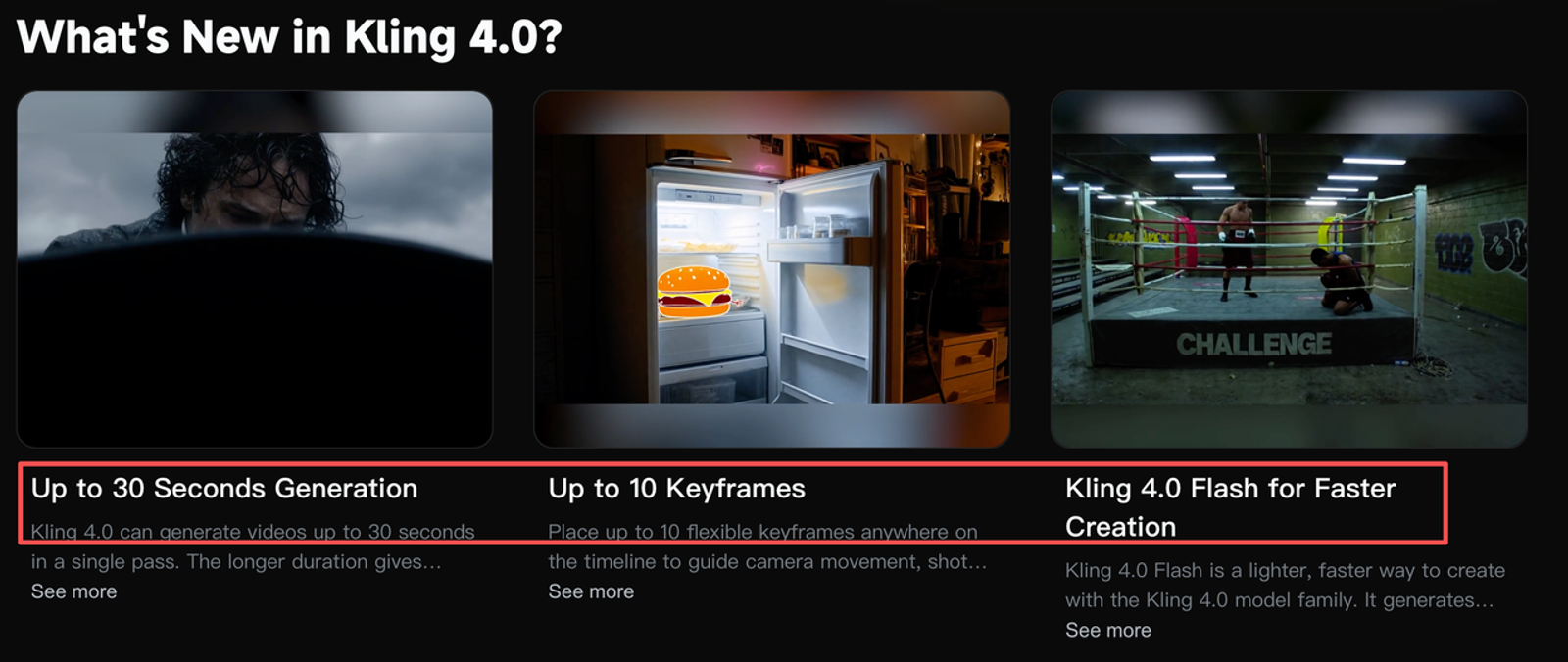
The official Kling 4.0 release notice draws an important line. Full 4.0 is announced with first-and-last-frame control, multiple keyframes, and output up to 4K; Flash supports image-to-video and Omni Reference, but is limited to 3–20 seconds and 720p SDR, with no first-and-last-frame or multi-keyframe support. A Flash result cannot validate the full workflow.
Which Product Photo Makes a Useful Starting Frame?
Use a photo that makes drift easy to see. Keep the whole pack and readable front label in frame; its shape, material, and color should not disappear into reflections or shallow focus. Leave background for a modest push-in and vertical crop. A lifestyle photo is a weak test when a hand hides the cap.
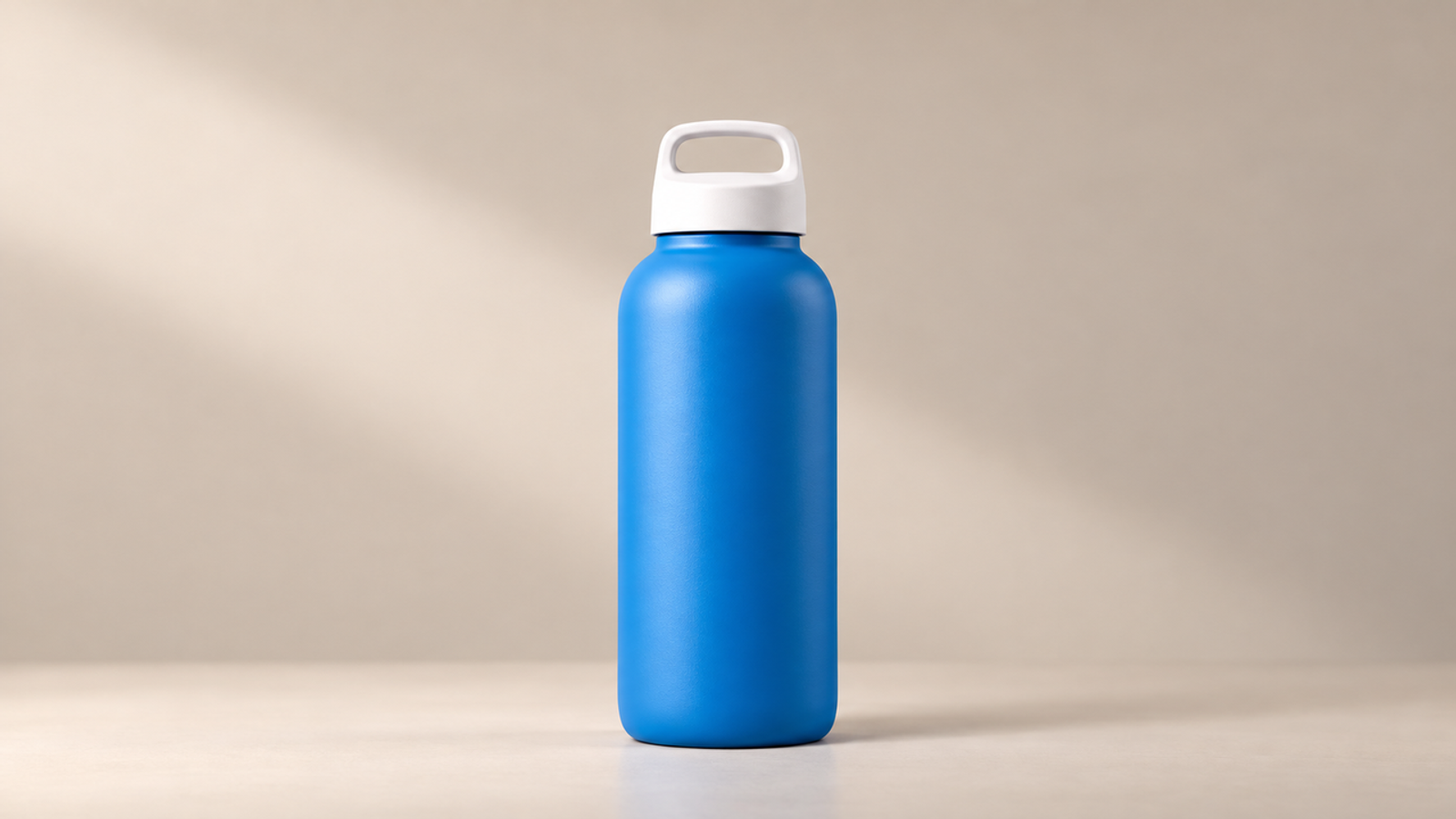
For the fictional example, I would use a front-facing blue reusable water bottle with a white cap and blank body on a neutral surface. Record the owner, license or internal approval, SKU, permitted campaign, and features the image does not show. Kling’s Terms of Service also make the uploader responsible for holding the necessary input rights. Asking for an unseen back label or opening mechanism turns the test into product invention.
Kling’s public 4.0 pages do not specify exact image extensions, size limits, or minimum dimensions for either version. Upload the best approved file accepted by the interface, then record its format, dimensions, aspect ratio, and color profile. Older API requirements do not provide new-model support.
Build a One-Shot Product Ad Brief
A useful brief separates facts the model must preserve from the motion it may create. I write four short blocks: product identity, camera action, composition, and prohibitions. That structure is more dependable than adding cinematic adjectives until the important constraints disappear.
The official Kling 4.0 feature page describes richer references and up to ten keyframes for the full model. Do not build a Flash baseline around them. If the interface exposes Kling 4.0 Elements, test product binding separately; public materials do not establish identical behavior across both versions.Use this English test brief:
Using the approved blue reusable water bottle image as the starting frame, create one continuous 5-second 9:16 product shot. Make one slow, smooth camera push-in of about 10 percent while the bottle remains still and centered. Preserve its exact silhouette, blue body, white cap, blank body, proportions, material, and lighting direction. Do not rotate it, reveal an unseen side, add hands or lettering, or change the background. Keep clean space above the bottle for approved copy added in post. No dialogue, music, or invented sound.
This is a Kling 4.0 image to video prompt guide for a controlled test, rather than a promise that every instruction will be followed. Set an attempt cap first, then save the source, prompt, selected model label, settings, generation date, quoted credits, and raw output together.
What Motion Should the First Clip Show?
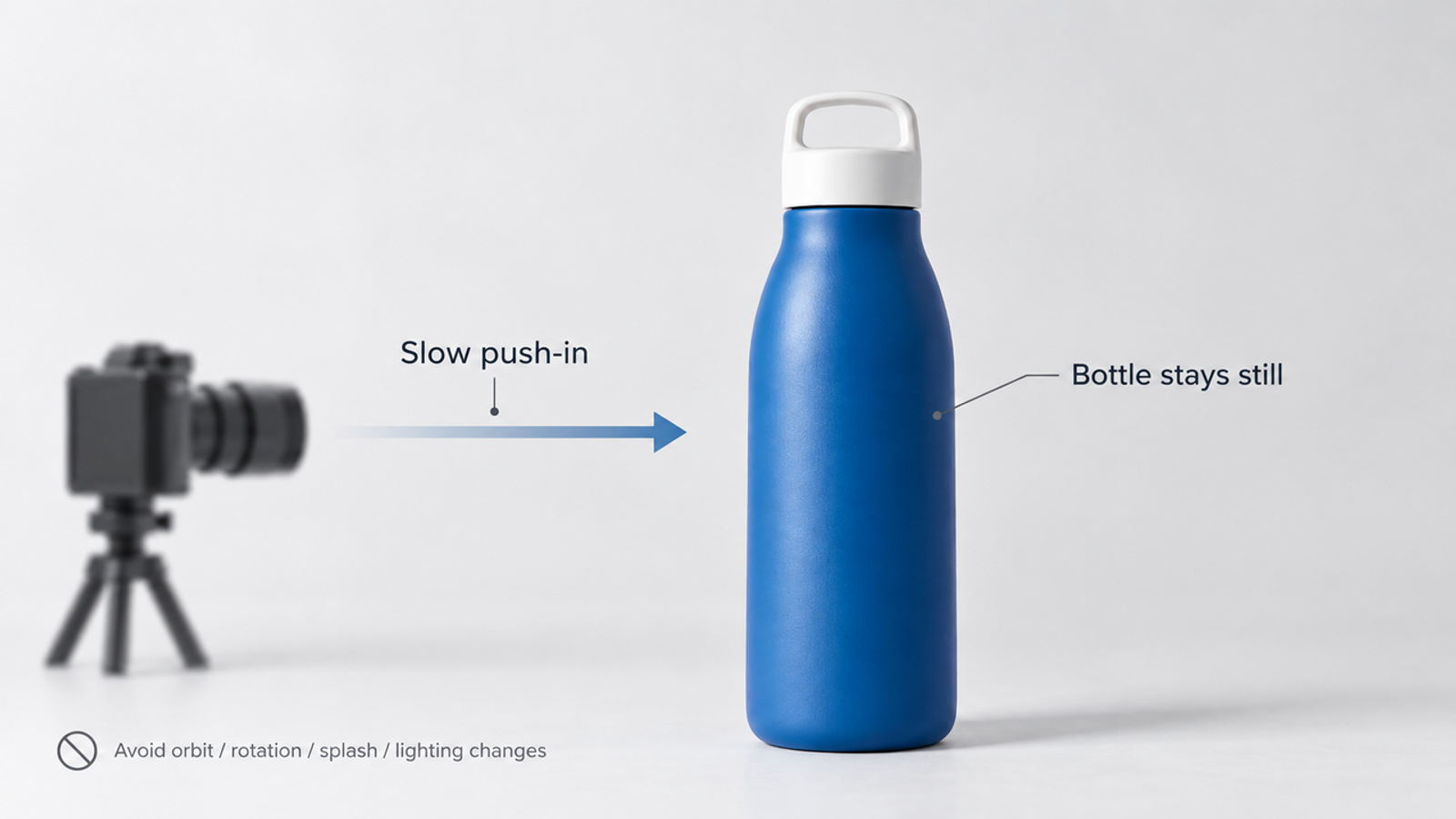
Use one restrained camera move: a slow push-in while the product remains still. This makes deformation visible and gives the editor a usable opening shot. Orbiting the bottle would expose surfaces absent from the photo; combining a push, rotation, liquid splash, moving light, and background transition would make a failure impossible to diagnose.
“Kling 4.0 motion control” can cause confusion. Kling’s dedicated guide currently covers VIDEO 3.0 character performance; public 4.0 materials do not document it as a Flash control for products. Describe the camera move in the baseline prompt and record any control the account actually provides.
Keep Product Shape and Label Stable
Compare the first, middle, and final frames with the approved photo at delivery size and 100 percent zoom. The bottle may grow as the camera advances, but its proportions, shoulder curve, cap, base, color, and finish should remain coherent. Reject any invented lettering, logo, measurement, seam, or claim, even if it appears briefly.
The example bottle has a blank body, so any lettering is invented. For a labeled SKU, compare spelling, placement, color, and claims with the authorized packshot rather than asking whether the label merely looks plausible.
If the cap deforms, reduce the push distance. If the label changes, shorten the shot or keep the camera farther away. Change one variable per retry; changing scene, movement, and light together hides what improved.
Leave Space for the Final Ad Copy
Reserve a quiet upper area rather than asking the model to render a headline. Generated copy is harder to revise, localize, or clear with legal. Human-set text preserves control over timing and safe zones.
Test the space with the real headline, disclaimer, logo, and call to action before accepting the composition. Negative space that looks generous in the raw clip can disappear under a 9:16 crop or interface overlay.
How Will You Judge Brand Fidelity?
Judge the clip against a written acceptance card, not against how polished it feels. Review it once at normal speed, then inspect the opening, midpoint, and final frames. The same reviewer should compare all retries under the same crop and copy mockup.
- Product shape: silhouette, proportions, cap, base, and seams match.
- Label and color: approved details remain unchanged; nothing new appears.
- Composition: the product stays inside the crop with usable margins.
- Background: objects remain stable; no distracting prop appears.
- Motion: one smooth push-in, without wobble, morphing, or false product action.
- Copy zone: approved typography fits inside the safe area.
- Post use: the clip can be trimmed and graded without rebuilding the product.
Use a hard gate for product facts. A changed shape, label, quantity, claim, or depicted function fails the take. A minor background defect may proceed only when an editor can remove it without altering the product. This keeps visual polish from outweighing commercial accuracy.
Record each failure with a timecode and a concrete description such as “white cap narrows at 00:03,” rather than “looks wrong.” A pass means the clip depicts the approved SKU accurately enough for the team’s intended placement. It does not prove a general fidelity rate for the Kling AI 4.0 video generator.
Where Does the Clip Need Human Editing?
Treat the generation as source footage. An editor should add approved copy, legal text, logo, captions, and call to action; confirm the crop; handle sound; and check the export. TikTok’s performance-ad creative guidance recommends vertical 9:16 delivery, at least 720p, and keeping important content inside the interface safe zone. Check each destination rather than assuming one master fits every placement.
The editor should also preserve the authorized source, raw generation, prompt, settings, edit project, review notes, and approved export. That package provides a more useful approval trail than the final MP4 alone. It also keeps image generation separate from claim approval and paid-media delivery.
Conclusion
A useful test asks whether one approved product image can survive one controlled camera move and remain editable as an ad. Start with a clear front view, protect product facts in the prompt, and reject drift with timecoded evidence. Use Flash only when the account exposes it, and reserve full-model conclusions for full 4.0 access. Success means a clip the brand can review and finish.