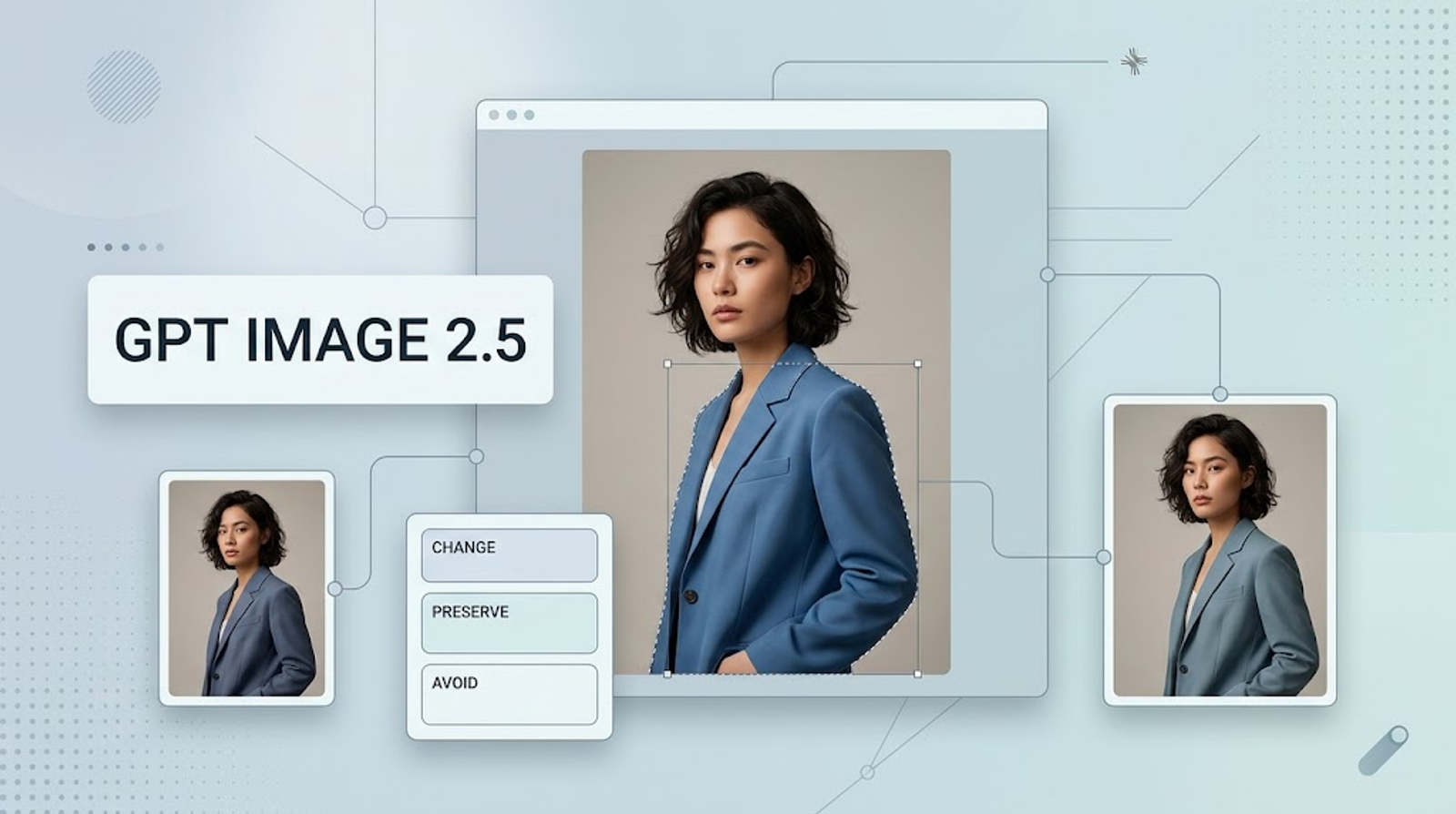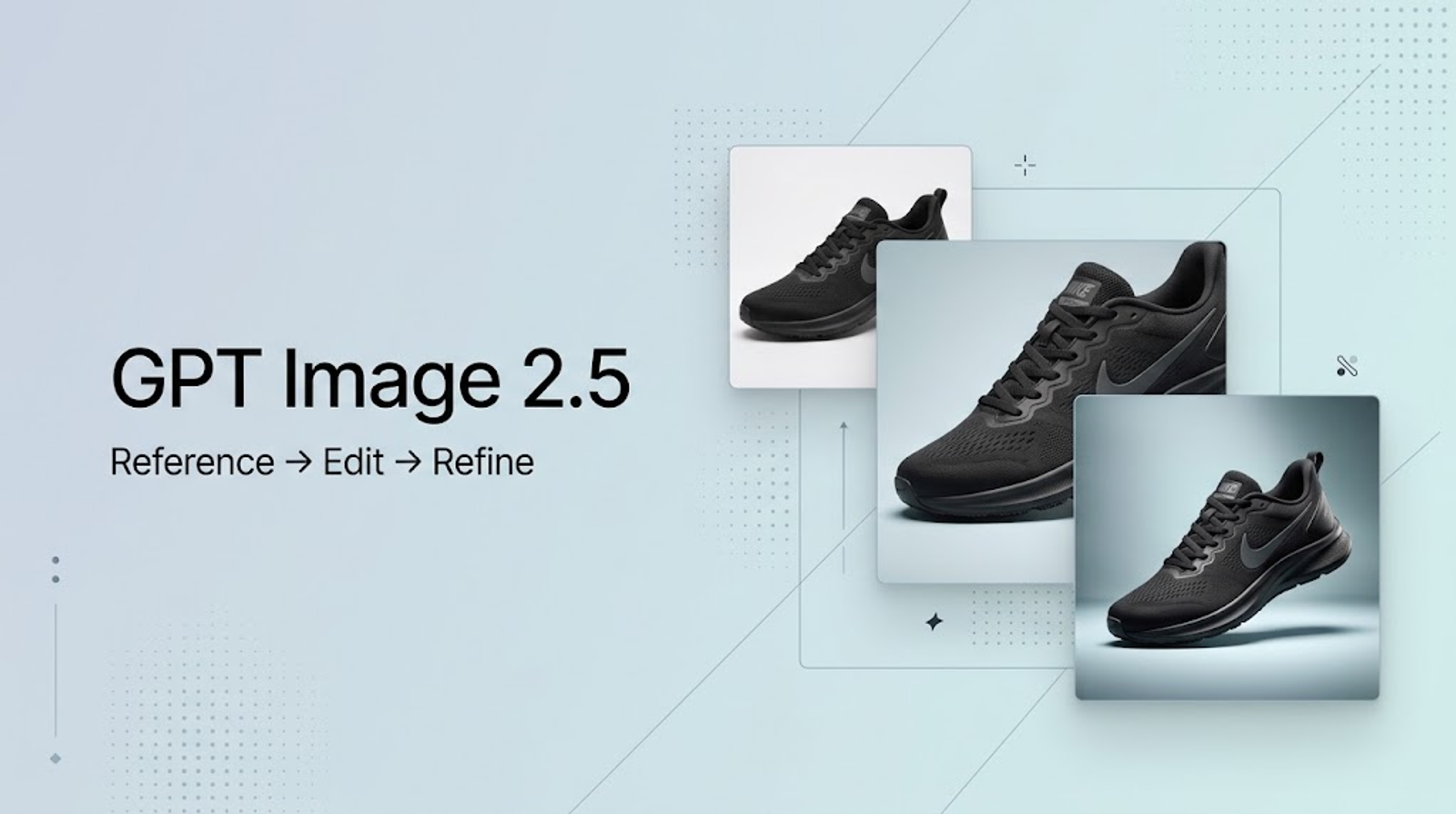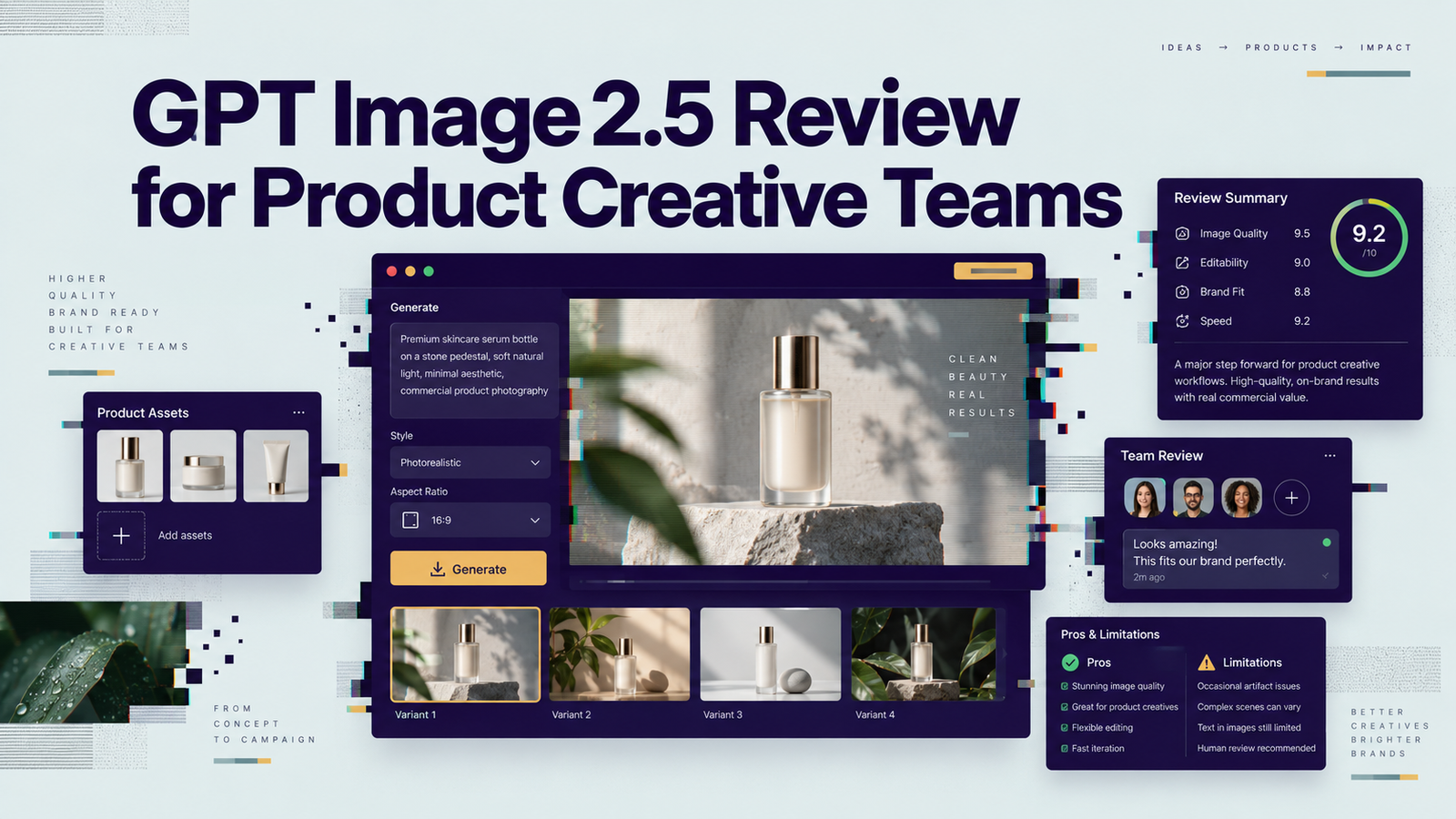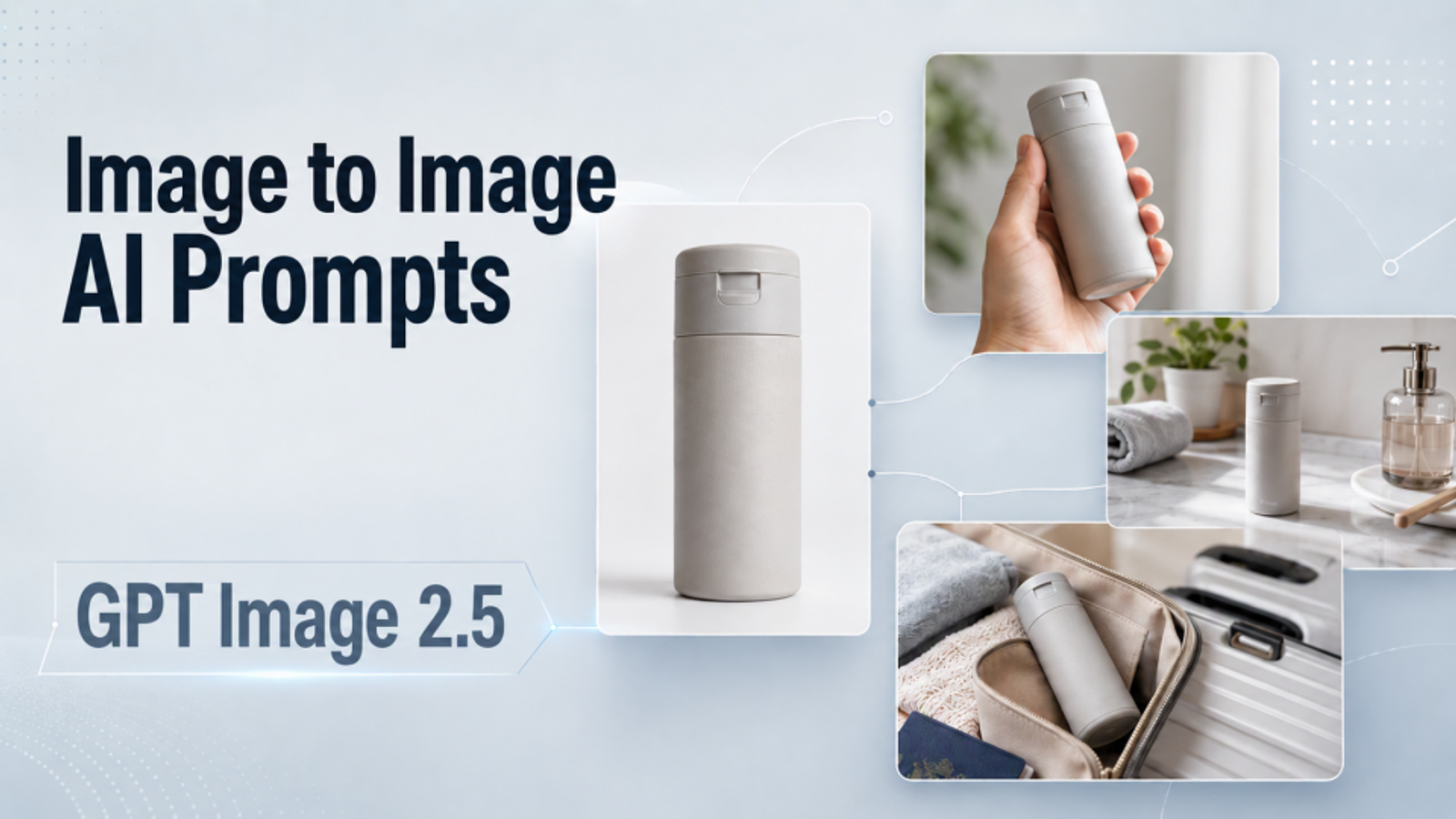
This guide is for ecommerce sellers, product marketers, designers, and creators who already have a product photo. I’ve selected seven common product-image situations, from handheld and wearable products to tabletop, everyday routine, travel, and scale-reference scenes. Each includes a copy-ready prompt and a practical adaptation tip.
A product in a new background is not automatically a use-case image. A useful scene should show what the product is doing, what it touches, how large it is, and why the setting makes sense.
Use the product photo as the source of truth. Let the prompt change the situation around it. The templates below are written for a clean catalog or white-background product image and can be adapted to a second reference image when you need a specific hand, person, room, or location.
Copy-ready Image to Image AI Prompts for Product Use-Case Scenes
Before using a template, replace:
- [product] with a short description of the item.
- [action] with one real action the product supports.
- [setting] with a relevant location.
- [aspect ratio] with the format you need.
- [visible details] with details that can actually be seen in the reference.
Keep the preservation language unless you intentionally want to change a product element.
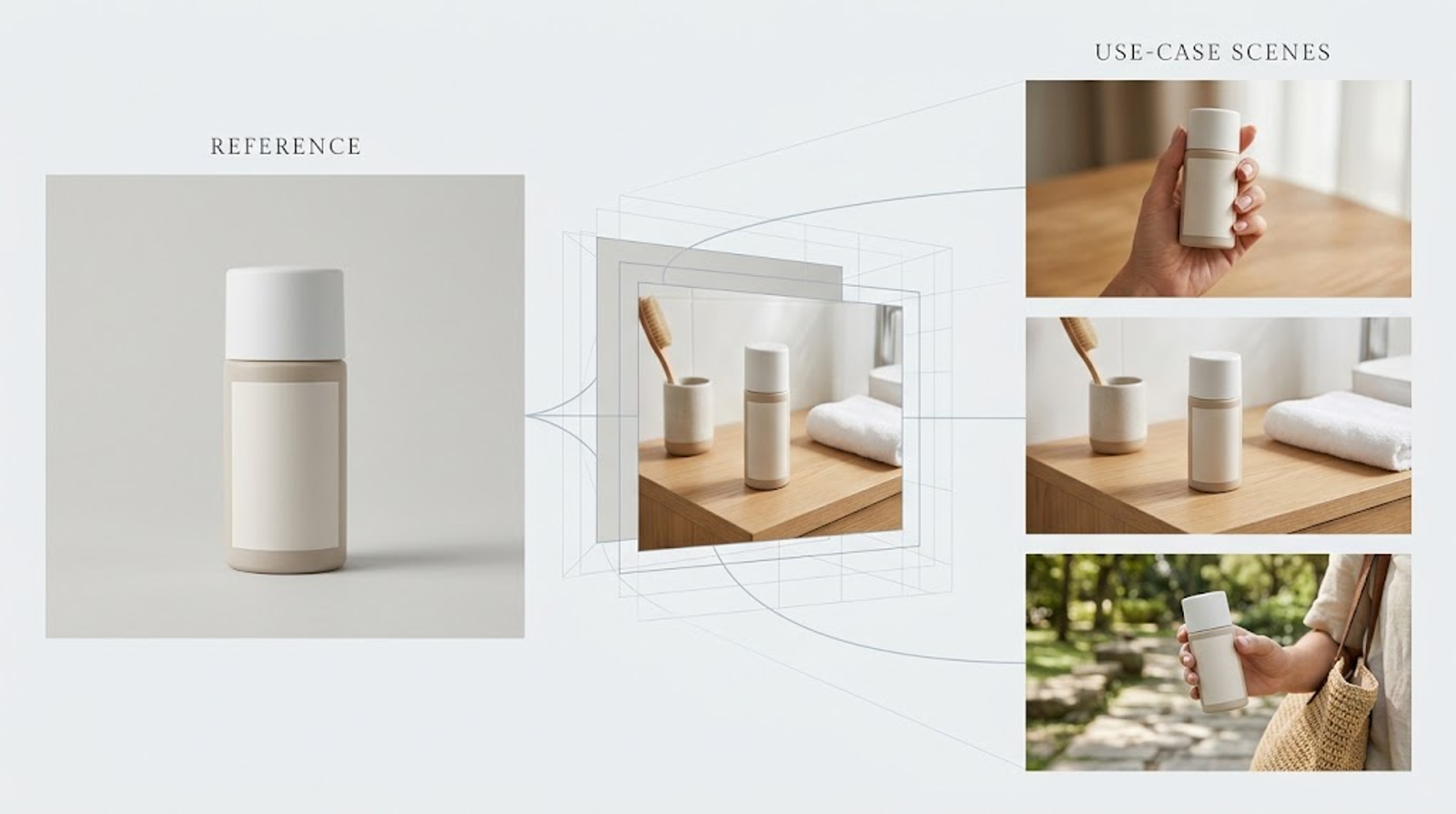
Prompt 1 — Product held naturally in one hand
Use this for bottles, small tools, beauty products, stationery, compact electronics, and accessories.
- Use Image 1 as the exact product reference for the [product]. Create a realistic commercial lifestyle photograph showing the same product held naturally in one hand in [setting].
- Preserve the product's exact visible shape, proportions, color, material, label, logo, controls, seams, cap, handle, and attachments from Image 1. The hand should grip [specific grip point] with believable finger placement while leaving the main product and label clearly visible. Keep the product at a realistic size relative to the hand and camera.
- Use[lighting description] and a[camera angle/framing] composition. The product is the visual focal point; keep props minimal and relevant to [use context]. Add a natural contact shadow where appropriate.
- Change only the setting, hand presence, and composition needed for this use-case scene. Do not redesign the product, add another product, invent extra fingers, cover the label, change the product's function, or add text or a watermark. Output a photorealistic image in [aspect ratio].
Tip: Name the exact grip point—handle, side, cap, or body—rather than asking for “a natural hand.” If the hand hides the label, ask for a smaller hand, a three-quarter angle, or a lower grip in a correction prompt.
Prompt 2 — Product used on a tabletop or work surface
Use this for kitchen tools, desk accessories, small appliances, organizers, and tabletop products.
- Use Image 1 as the exact product reference for the [product]. Place the same product in a realistic[kitchen/workspace/workbench]scene where it is being used on[surface]for [specific use].
- Preserve the exact product geometry, proportions, color, finish, label, controls, seams, and legitimate accessories visible in Image 1. Position the product in [orientation] with its [base/feet/contact edge] resting firmly on [surface]. Show the user's hand touching [control/handle/working area]only if that interaction is supported by the product design.
- Match the camera perspective, surface height, light direction, and shadow softness so the product feels physically present. Keep the product large enough to inspect and use only [one or two] supporting props that clarify the context.
- Do not make the product float, bend, change shape, gain extra parts, or perform an unsupported function. Do not add a second product, invented controls, misleading results, or unwanted text. Output a realistic ecommerce detail image in [aspect ratio].
Tip: The contact point is the control. “On a desk” is weaker than “the flat base sits flush on the desk, with the cable leading toward the rear edge.”
Prompt 3 — Product worn or used on the body
Use this for bags, watches, headphones, eyewear, apparel, footwear, and wearable accessories.
- Use Image 1 as the exact product reference for the [wearable product]. Create a realistic lifestyle photograph showing the same product worn or used on [body location] by [person description] in [setting].
- Preserve the product's exact silhouette, materials, colors, stitching, hardware, logo, straps, buttons, and proportions from Image 1. Place the product at the correct attachment point: [shoulder/wrist/ears/face/feet/torso]. Show how it rests, fastens, or connects to the body without changing its construction.
- Use [body framing] so the product remains fully readable. Match the lighting direction and perspective between the person and the product. Keep the pose natural but simple, with no hand or hair covering the important product details.
- Do not redesign the product, add extra straps or hardware, change its scale, hide the main logo, or introduce another accessory that is not in the reference. Do not add text or a watermark. Output a photorealistic image in [aspect ratio].
Tip: Describe the attachment relationship before describing the mood. “The shoulder bag hangs from the visible strap on the model's right shoulder” gives the model a physical relationship to follow.
Prompt 4 — Product being operated, opened, connected, or applied
Use this for devices, containers, tools, dispensers, chargers, kitchen products, and beauty products.
- Use Image 1 as the exact product reference for the [product]. Show the product in the specific state of [opened/connected/operating/applied] while [operator action] in [setting].
- Preserve every visible product detail from Image 1, including shape, proportions, material, color, label, controls, openings, seams, and attachments. The action must occur at [exact contact point]. Show only the product state and mechanism supported by the reference or by Image 2, which is a matching state reference.
- Use [camera framing] so the product and the action remain clear. Match the direction of light, reflections, and shadows across the product, operator, and environment.
- Do not invent an internal mechanism, liquid, ingredient, button, cable, attachment, output, or performance result that is not supported by the references. Do not change the product design or add claims, labels, text, or watermarks. Output a realistic use-case photograph in [aspect ratio].
Tip: A single closed product photo may not show what is inside it or how it opens. Add a compatible state reference when the requested transformation depends on hidden geometry.
Prompt 5 — Product in a home or work routine
Use this for lamps, mugs, storage products, small appliances, office tools, and household products.
- Use Image 1 as the exact product reference for the [product]. Create a realistic photograph showing the same product performing its normal role in a [morning routine/home office/bedside/workroom] scene.
- Preserve the product's exact shape, proportions, material, color, label, controls, and attachments. Place it at [specific location] where it would naturally be used, with [person or object] interacting with it only in the way the product supports. Keep the product as the clear focal point and make its function understandable from the image.
- Use [lighting description], [camera angle], and a restrained set of [one or two relevant props]. Match contact shadows and perspective between the product and the surrounding environment.
- Do not turn the scene into a generic decorative still life. Do not invent a feature, change the product's function, add competing products, obscure the main details, or render extra text or a watermark. Output a photorealistic ecommerce lifestyle image in [aspect ratio].
Tip: The routine should explain the product’s role. “A desk lamp lighting an open notebook” communicates more than “a lamp on a stylish desk.”
Prompt 6 — Product used outdoors, during travel, or on location
Use this for bottles, bags, outdoor accessories, travel products, sports accessories, and portable gear.
- Use Image 1 as the exact product reference for the [product]. Create a realistic outdoor or travel photograph showing the same product being used for [specific use] in [location].
- Preserve the product's exact geometry, color, material, label, hardware, and visible accessories. Place it at [contact point] on [surface] or attached to [person/object] at a believable scale. The action should communicate [use situation] without changing the product or suggesting an unsupported capability.
- Use [daylight/weather description], realistic environmental shadows, and [camera framing]. Keep the product sharp and visible against the background, with only a few props that support the travel or outdoor context.
- Do not make the product oversized, floating, buried, damaged, or redesigned. Do not add fantasy equipment, extra products, invented functions, performance claims, text, or a watermark. Output a photorealistic image in [aspect ratio].
Tip: Outdoor prompts need a physical anchor. Name the rock, trail surface, vehicle hook, backpack strap, table, or hand that supports the product.
Prompt 7 — In-hand scale reference
Use this when shoppers may misjudge a small product’s actual size.
- Use Image 1 as the exact product reference for the [product]. Create a clean, realistic in-hand scale-reference photograph showing the same product held in one hand beside [known scale cue or ordinary object].
- Preserve the exact product shape, proportions, color, material, label, and visible details from Image 1. Keep the product fully readable and undistorted. The hand should hold it naturally without covering the label or changing the apparent size. The scale cue must remain ordinary and proportionally believable.
- Use a simple [background/setting], soft natural light, and [camera framing]. Keep the product as the visual focus; the hand and scale cue are supporting elements only.
- Do not exaggerate the product's size, stretch its proportions, add extra products, change the label, or add text or a watermark. Output a realistic ecommerce detail image in [aspect ratio].
Tip: A scale image should reduce uncertainty, not create a dramatic scene. Use an ordinary hand or familiar object and keep the camera perspective neutral.
Prompt Tips for More Reliable Product Use-Case Results
Preserve the visible product, not an imagined product
List details the reference actually shows: shape, color, material, label placement, controls, seams, hardware, and attachments. A prompt cannot reliably preserve hidden details that the source image never reveals. If a requested state depends on those details, add a compatible reference image or keep the product in its visible state.
Describe contact before atmosphere
Start with what touches what:
- hand to handle;
- strap to shoulder;
- base to table;
- plug to port;
- tool to material;
- product to skin;
- product to ground or shelf.
Then add mood, props, and color treatment. This order keeps the prompt centered on the use-case instead of allowing the setting to overpower the product.
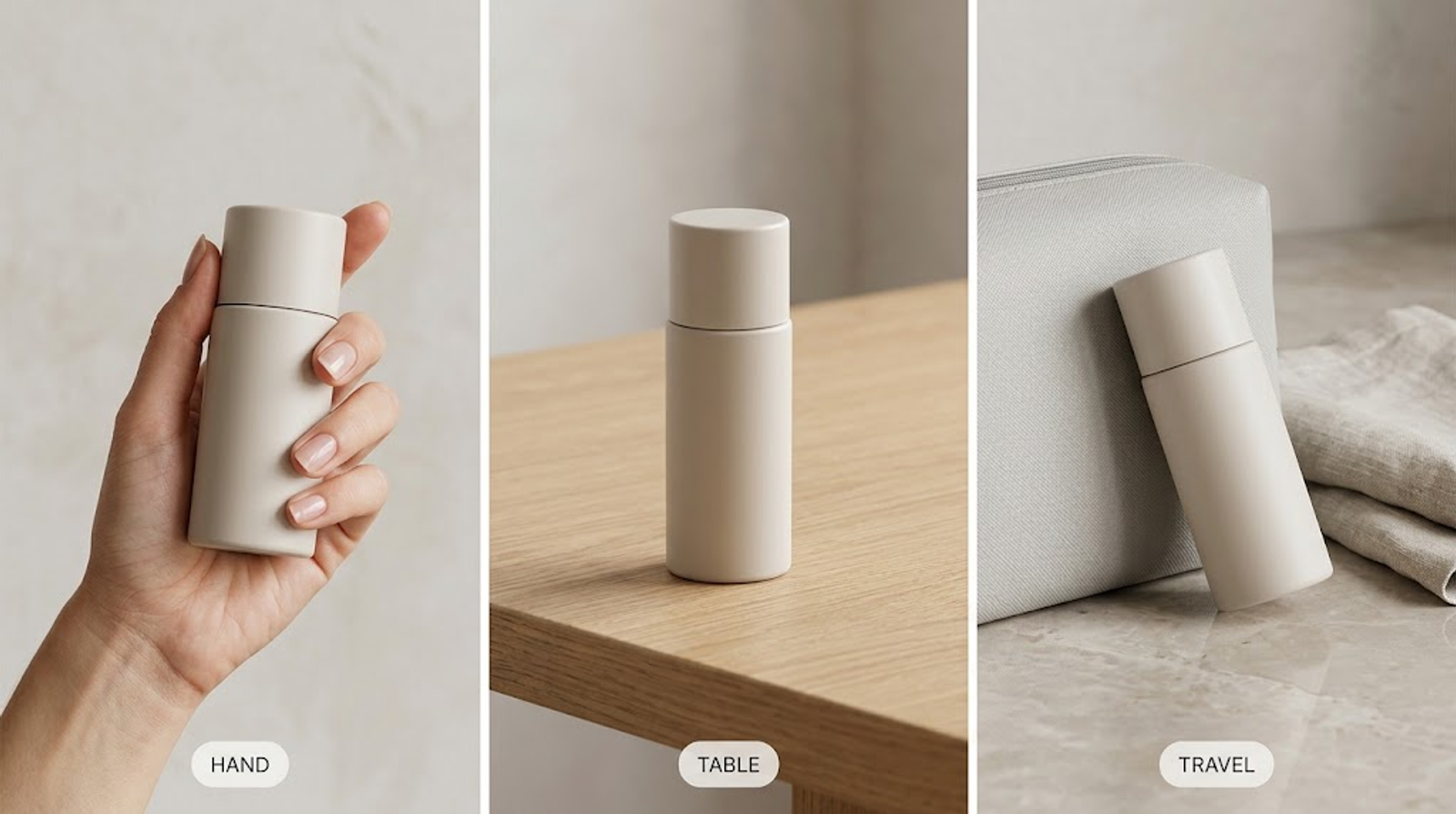
Separate legitimate state changes from invented functions
“Open the lid” and “show the product dispensing liquid” are different requests. The first may be possible when the hinge and opening are visible. The second may require a state reference and verified product information. Avoid prompts that imply a result, ingredient, mechanism, or capability that the source does not support.
Keep one action per prompt
A focused prompt is easier to inspect and correct. Ask for one main action and one clear scene. Combining a product-in-hand shot, an open-state image, a top-down flat lay, and a travel scene in one prompt makes it harder to know which instruction caused the result to drift.
Keep the product visible
Specify the framing and the amount of the product that must remain unobstructed. Hands, hair, props, shadows, and shallow depth of field should support the product rather than cover its label, controls, or silhouette.
Add focused correction prompts
Use one correction at a time:
- Grip: “Keep the exact product from Image 1. Correct only the hand placement so the fingers hold the handle naturally without covering the label.”
- Contact: “Keep the product geometry, label, and color unchanged. Place the base flat on the table and add a contact shadow directly beneath it.”
- State: “Do not invent an opening or internal mechanism. Keep the product in the closed state shown in Image 1.”
- Visibility: “Keep the product fully visible and reduce the hand or prop coverage so the main label and controls remain readable.”
- Lighting: “Keep all product details unchanged. Match the product’s highlight and shadow direction to the surrounding scene.”
- Scale: “Keep the same product and scene. Correct only the relative scale so the product matches the hand and surface.”
Quick Review Checklist
Before using the generated image, check:
- Is it still the same visible product?
- Is the action physically plausible?
- Are the contact points, orientation, and scale believable?
- Are the label, controls, material, seams, and attachments intact?
- Did the image invent a feature, accessory, ingredient, result, or claim?
- Is the product visible enough for a shopper to understand the use?
GPT Image 2.5 Limits
OpenAI’s GPT Image 2.5 prompting guide documents reference-image roles, change-versus-constraint instructions, action and interaction descriptions, and iterative inspection. It also warns that repeated edits can still change details intended for preservation. If a region must remain pixel-identical, compositing the approved edit into the original is safer than relying on prompting alone.
The model’s documented capabilities support this prompt pattern, but they do not guarantee perfect product fidelity, physically correct hands, readable labels, or accurate hidden mechanisms in every output. Check the generated image before using it in a product gallery or marketing asset.
Conclusion
The most reusable Image to Image AI Prompts for product scenes do three things clearly: preserve the visible product, describe one real action, and define the physical contact that makes the scene believable. Start with the template closest to the product’s actual use, replace only the bracketed variables, and use a focused correction prompt when the result drifts.
GPT Image 2.5 can provide the reference-image and editing controls this task requires, but the generated scene still needs a product and claim review before publication. Wizstar now includes GPT Image 2.5, so you can use these copy-ready templates there to turn a clean product photo into a more useful use-case visual. Start with the scene closest to the product’s real function, then review the product details before publishing.