If you want to know how to use Kling 4.0 today, start by checking what your own account can actually select. As of October 13, 2026, Kling’s public pages describe the full model as coming in October, while Kling 4.0 Flash is in limited early access; a redesigned creation page alone does not prove that the full model is enabled.
Flash can support an e-commerce pilot, but its limits should not become assumptions about the full Kling 4.0 video generator. An early test should verify access, run one controlled product shot, and determine whether it survives brand and production review.
Can You Use Kling 4.0 Yet?
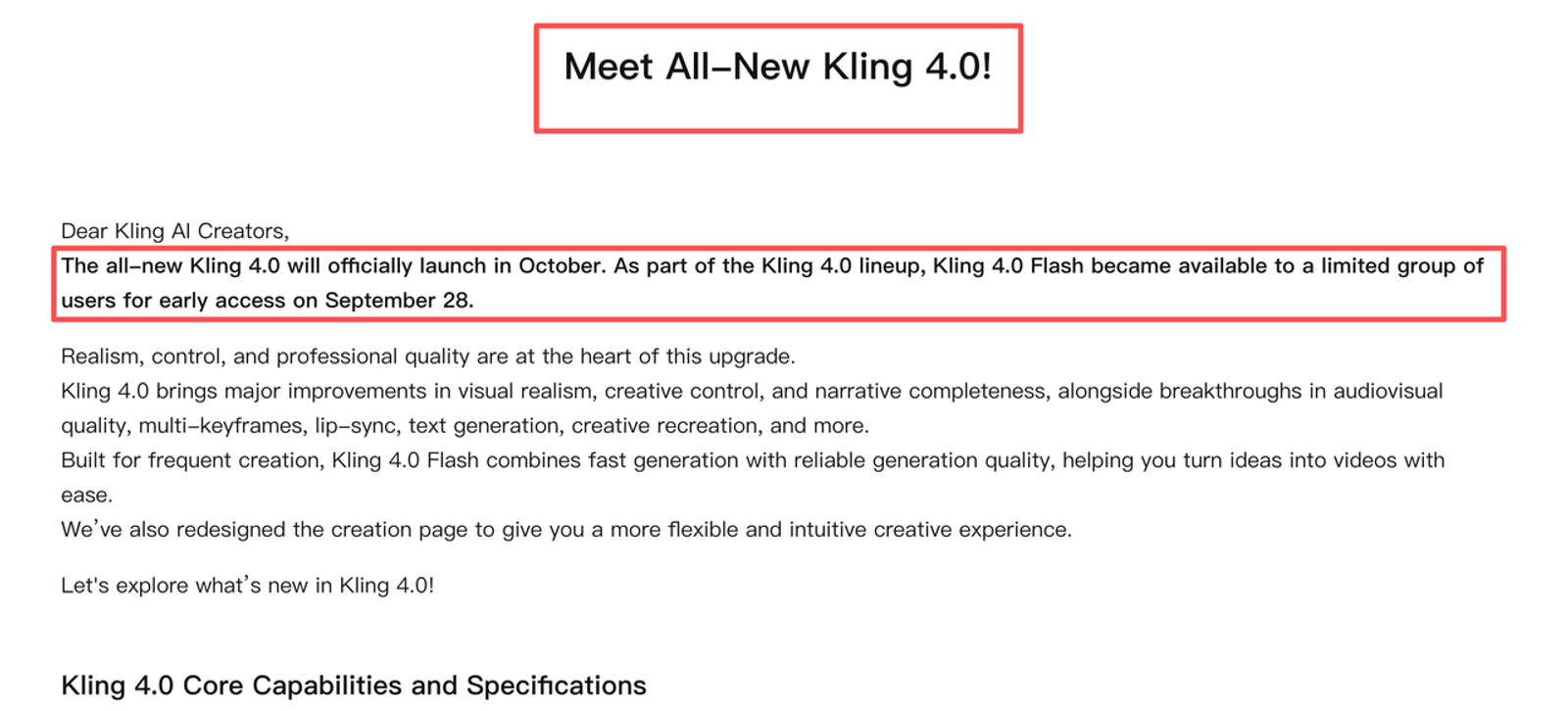
Possibly, but access is not universal. The official Kling 4.0 release notice says Flash became available to a limited group on September 28 and that the full model would officially launch in October; it does not provide a single date when every account and region will receive it.
Treat the exact model label in your account as decisive. Kling 4.0 Flash means the early-access variant; Kling 4.0 means you can test the full model settings displayed there. If neither appears, a 4.0 banner, new creation page, or developer Preview label is not usable access. Kling has not published a 4.0-specific price, free allowance, or universal credit-per-second figure, so do not carry forward Kling 3.0 rates.
Where Can You Check Official Access?
The search query “Kling AI 4.0 how to use” can surface announcement pages, but Kling’s signed-in model selector is the access check. Third-party “Kling AI 4.0 sign up” pages cannot establish which model your account is running.
Full Kling 4.0 Availability by Account and Region
The official Kling 4.0 product guide says the full model is coming soon and that feature availability may vary during the initial rollout. Kling has not published a country-by-country availability list on the reviewed pages. Account eligibility and location therefore remain separate unknowns: a colleague seeing 4.0 does not mean your workspace, billing tier, or region has it.
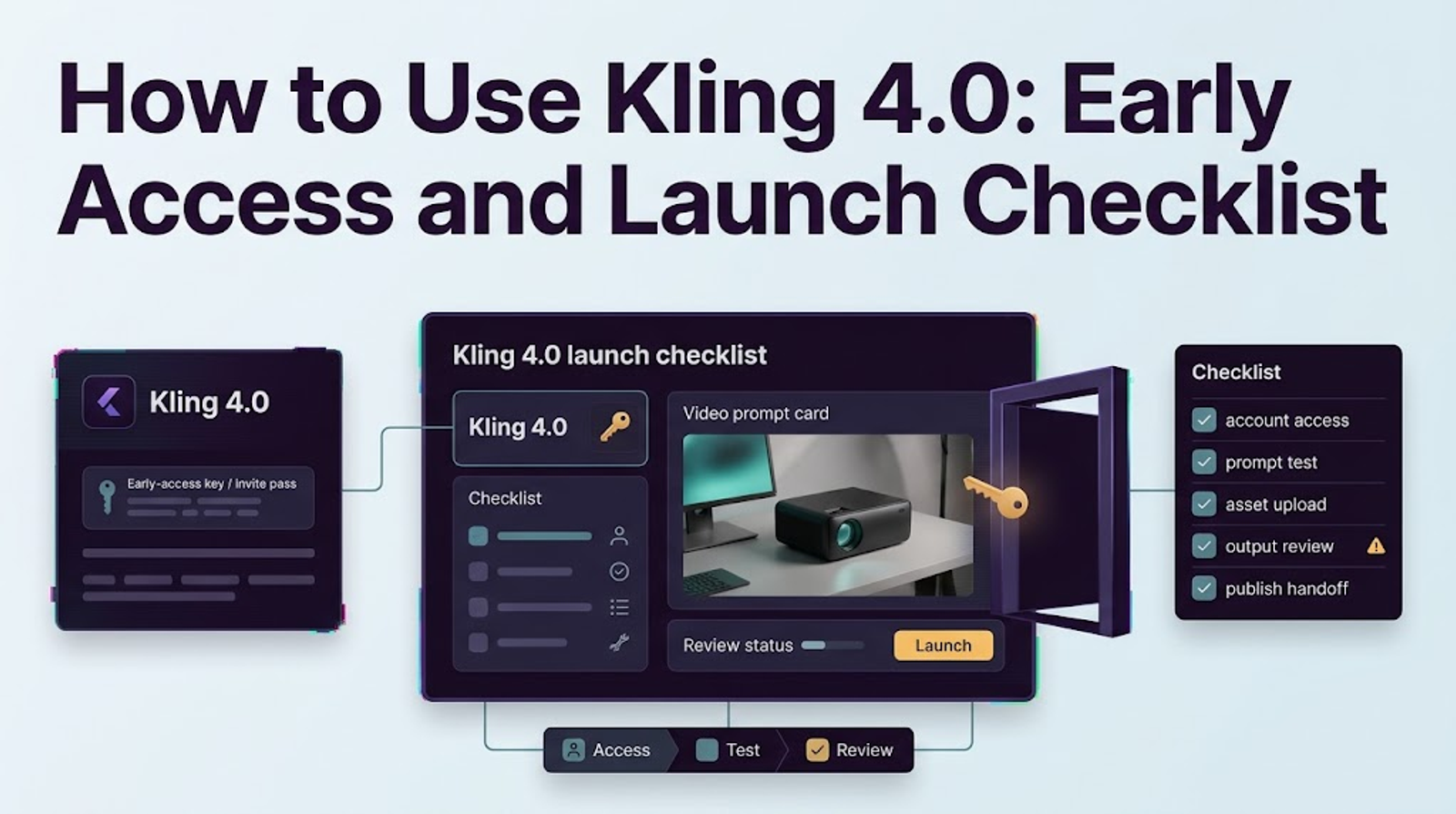
Before generating, record the displayed model, plan, region, date, duration, resolution, aspect ratio, and credit quote. This captures the conditions that applied to your test.
Kling 4.0 Flash Early Access
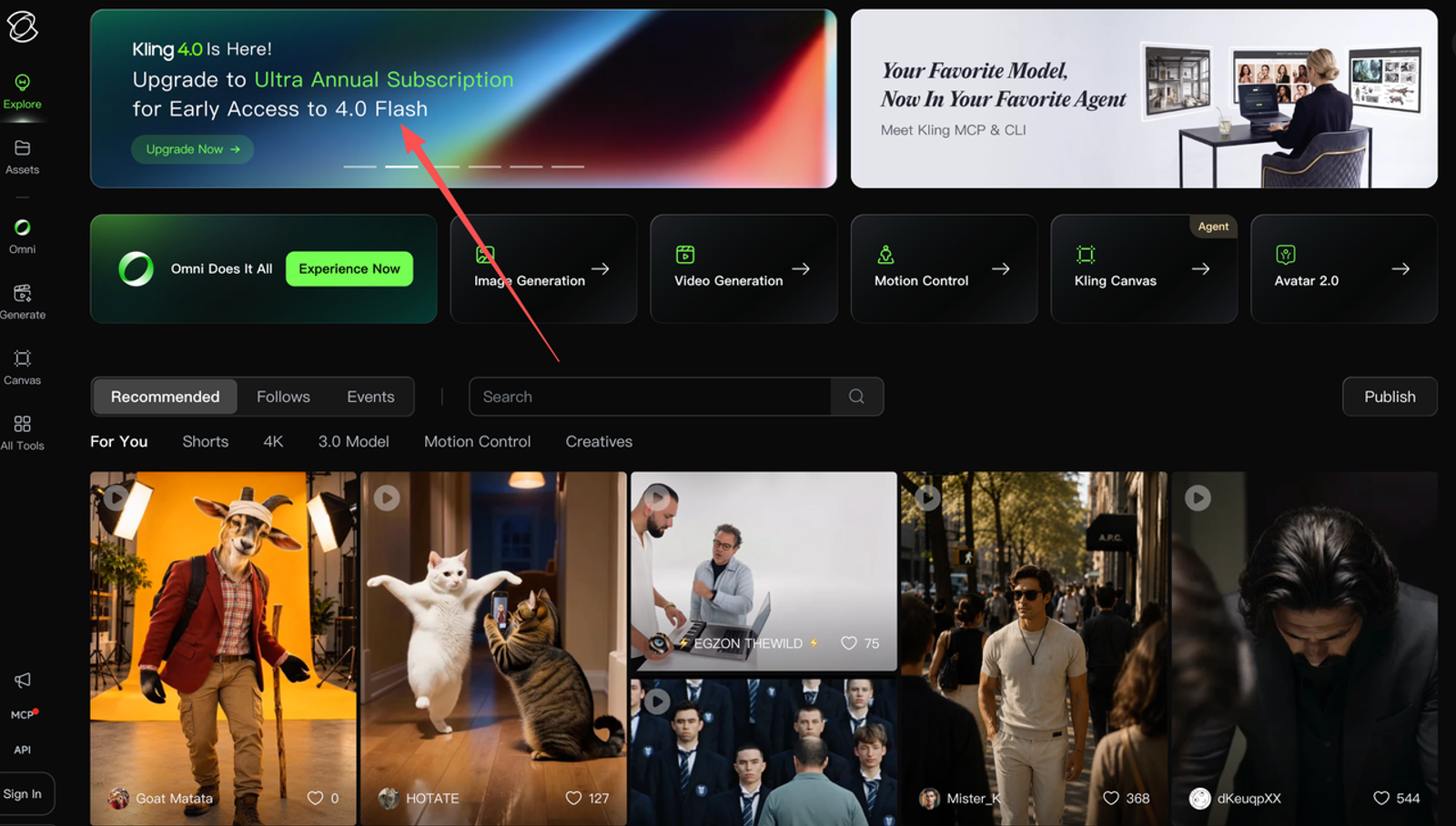
Flash is available first to a limited group, and Kling’s announcement names Ultra Yearly subscribers as the initial audience. The safest route to the Kling 4.0 official website is Kling Creator Studio: sign in or create a Kling account, then confirm whether Flash appears in the selector rather than assuming a URL grants eligibility.
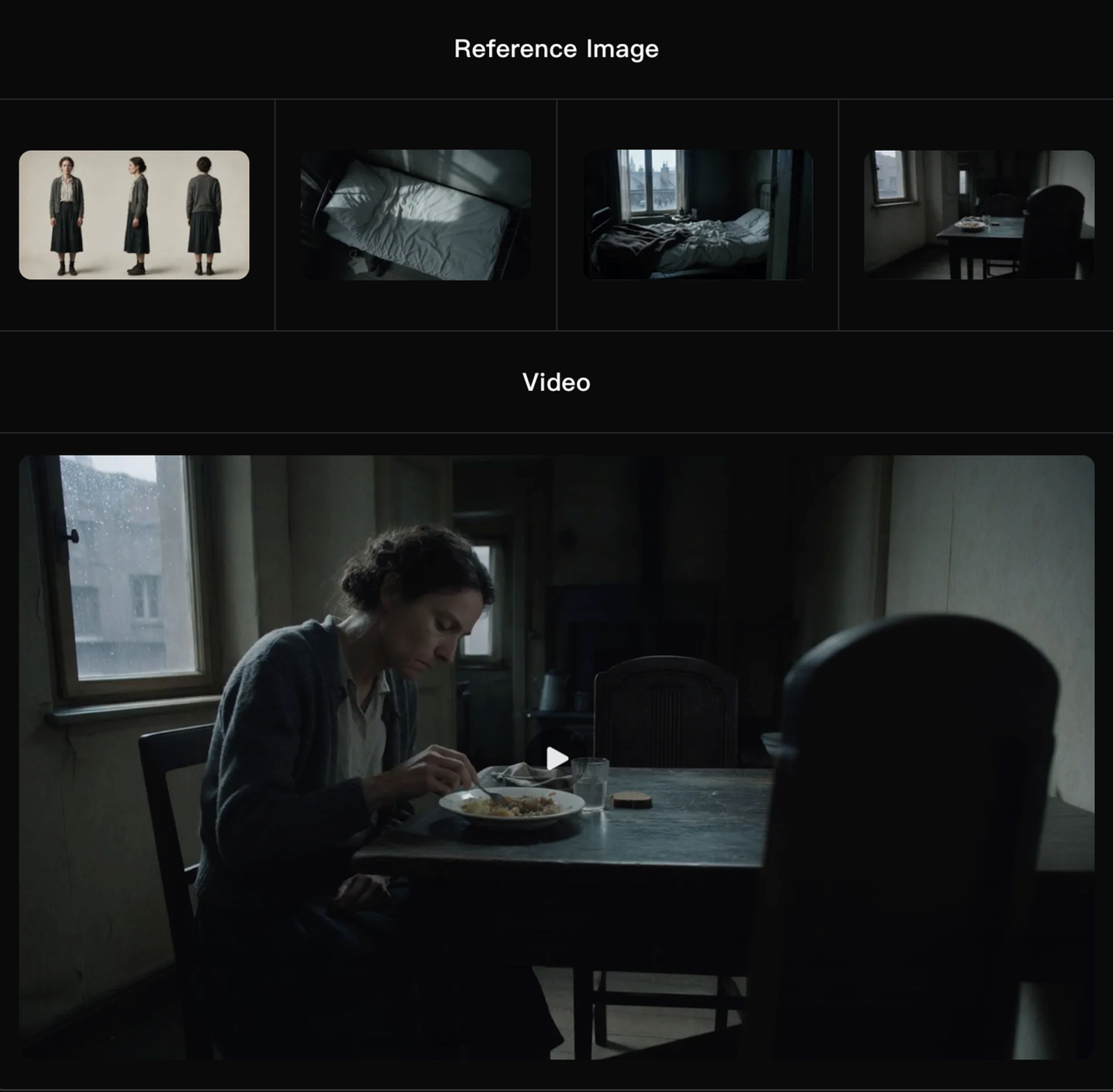
Kling describes Flash as a subset of the 4.0 family: text-to-video, image-to-video, and Omni Reference, with 3–20 second output up to 720p in 8-bit SDR. Flash does not support first/last-frame control or multiple keyframes. It can test short product motion, but cannot validate the full model’s announced 30-second, multi-keyframe, 1080p, 4K, or HDR workflow.
Prepare One Product Video Brief
A useful first test changes little. Choose one authorized product photograph with a clear silhouette and readable packaging. Define one delivery target—for example, a five-second 9:16 paid-social opening—and one action, such as a slow push while the product remains stationary. Add price, offer copy, subtitles, and the call to action in conventional editing, where they can be approved precisely.
Write the brief in four parts: product invariants, permitted motion, environment, and failure conditions. A practical first prompt could be:
Use the approved reference image as the product identity. Create a five-second 9:16 product reveal on a clean studio surface. Use a slow forward camera move and soft morning light. Keep the package shape, cap, label colors, logo placement, and printed text unchanged. Do not add products, hands, claims, or new lettering. Leave clear space above the product for copy added in post-production.
Archive the source, rights note, prompt, and expected final framing before generating. This makes the test repeatable.
Run a First Test When Your Account Has Access
Open the Kling Creator Studio entry, select the exact 4.0 label available, and upload the approved image. Use only settings visible in your account. Set the vertical format and short duration, paste the controlled prompt, and run one take. Record the credit estimate before submission and actual debit afterward because no official 4.0 rate card supports a reliable forecast.
Review the first take before buying variations. Compare its opening, midpoint, and final frame with the reference. If the label bends or the camera reveals an invented side, revise one instruction or reduce motion. Changing lighting, camera, scene, and behavior together hides the cause of any improvement.
When a take passes, download the file using the options your plan actually provides and record its resolution, duration, watermark status, and audio channels. The generation is still a source clip. Trim it, add approved copy, captions, music rights, and platform-safe framing in the downstream video workflow.
What Should a Team Review Before Publishing?
A team should review the clip as an advertisement, not as a model demo. Product geometry, color, label text, logo placement, pack count, and depicted use must match what customers receive. Check motion frame by frame for morphing, collisions, disappearing details, and an invented product back. Listen separately for unwanted speech, music, or effects, and make sure copy space survives the actual crop and interface overlays.
Then review rights and records. Kling’s current Terms of Paid Service state that member output can be used commercially, subject to the terms and stated restrictions, while membership benefits remain tied to the current purchase page. That does not prove that every free or early-access output has the same rights. Before publishing, verify the terms attached to the exact tier, the rights to every uploaded asset, required Kling attribution, and the current policy of the ad platform where the clip will run. This is general information, not legal advice.
Keep the reference, prompt, model label, settings, date, account or Team Space, credit record, raw output, edit notes, reviewer, and approved export together. Record whether the delivered file retains machine-readable provenance, but never treat metadata as a replacement for an internal approval log.
Conclusion
The practical answer to how to use Kling 4.0 is to let account evidence lead. Confirm the exact model label, use Flash only as a Flash test, run one tightly controlled product brief, and promote a clip to production only after product, rights, export, and platform review. That process remains useful when wider access arrives because it measures an approved asset rather than the novelty of a first generation.This article is based on currently available information about an unreleased product. Details may change, and we will update this page when official information becomes available.