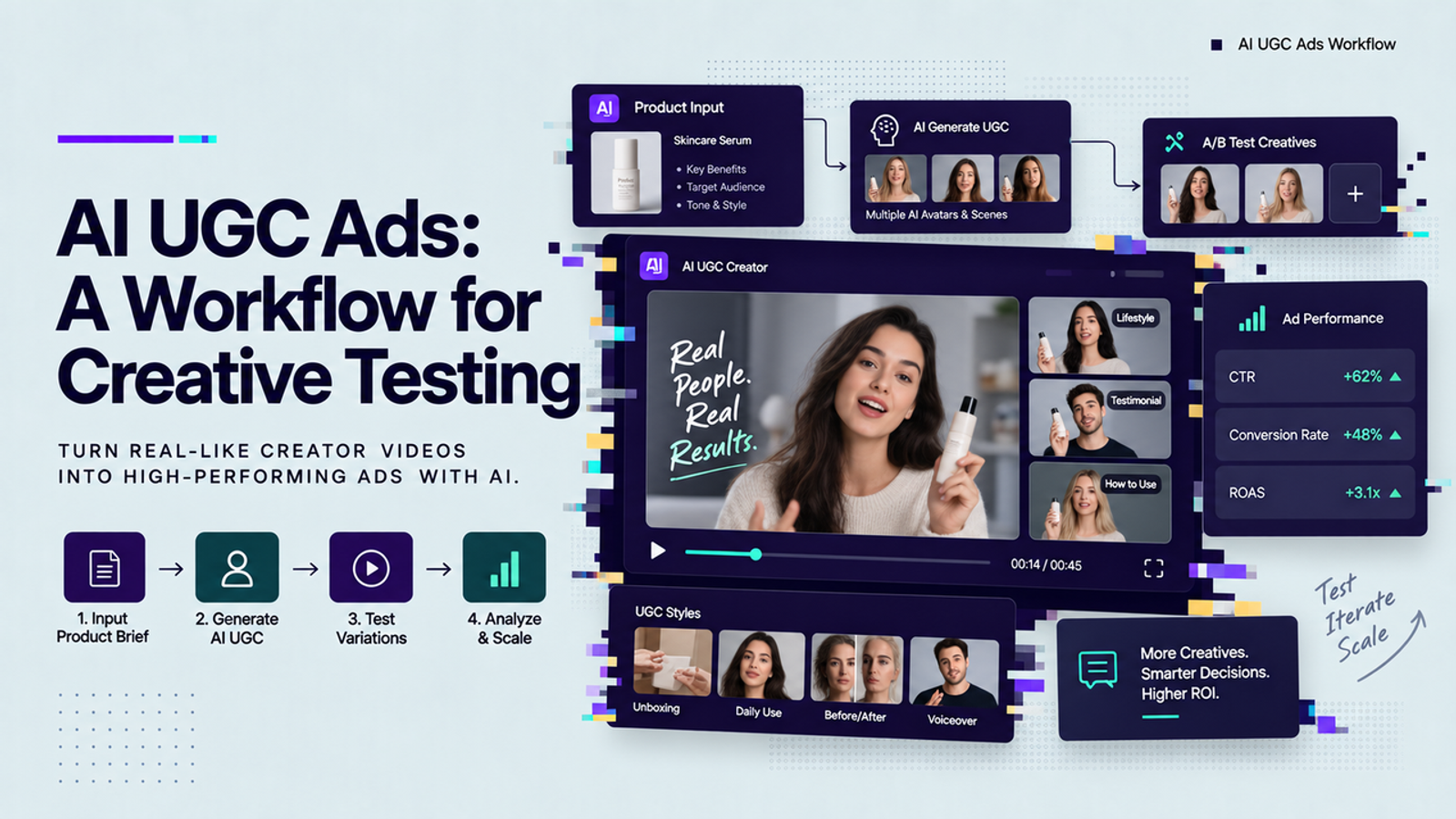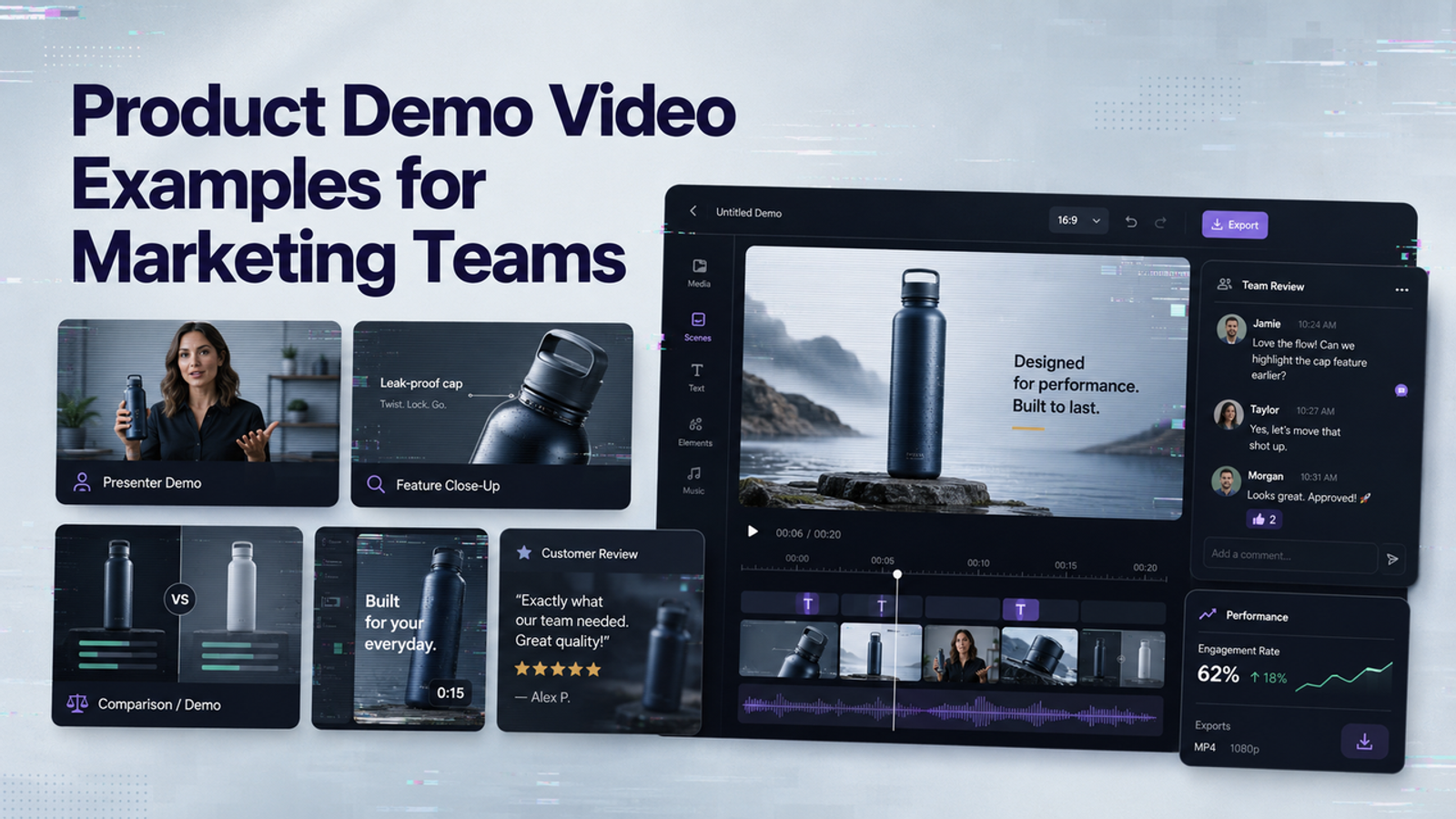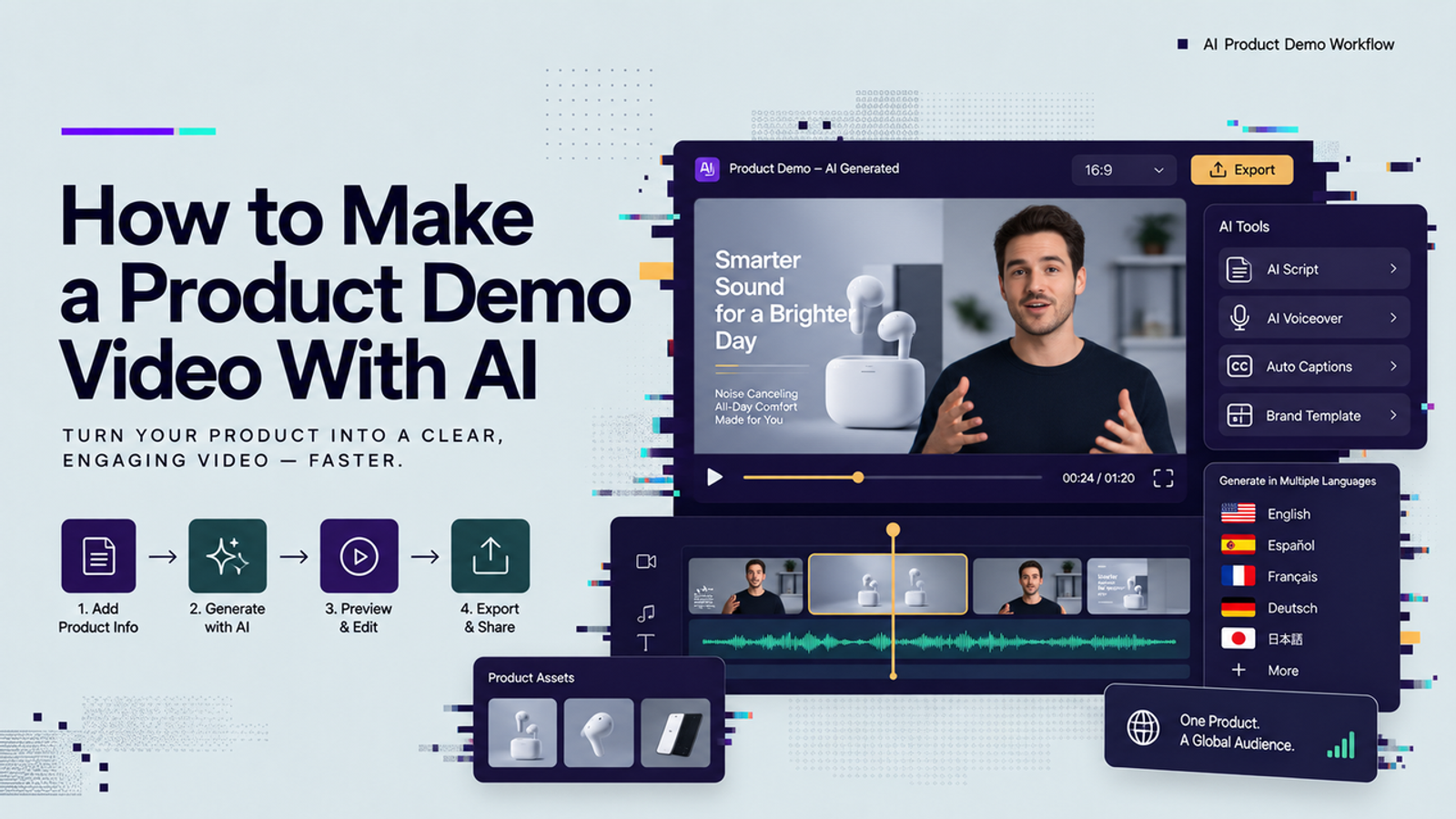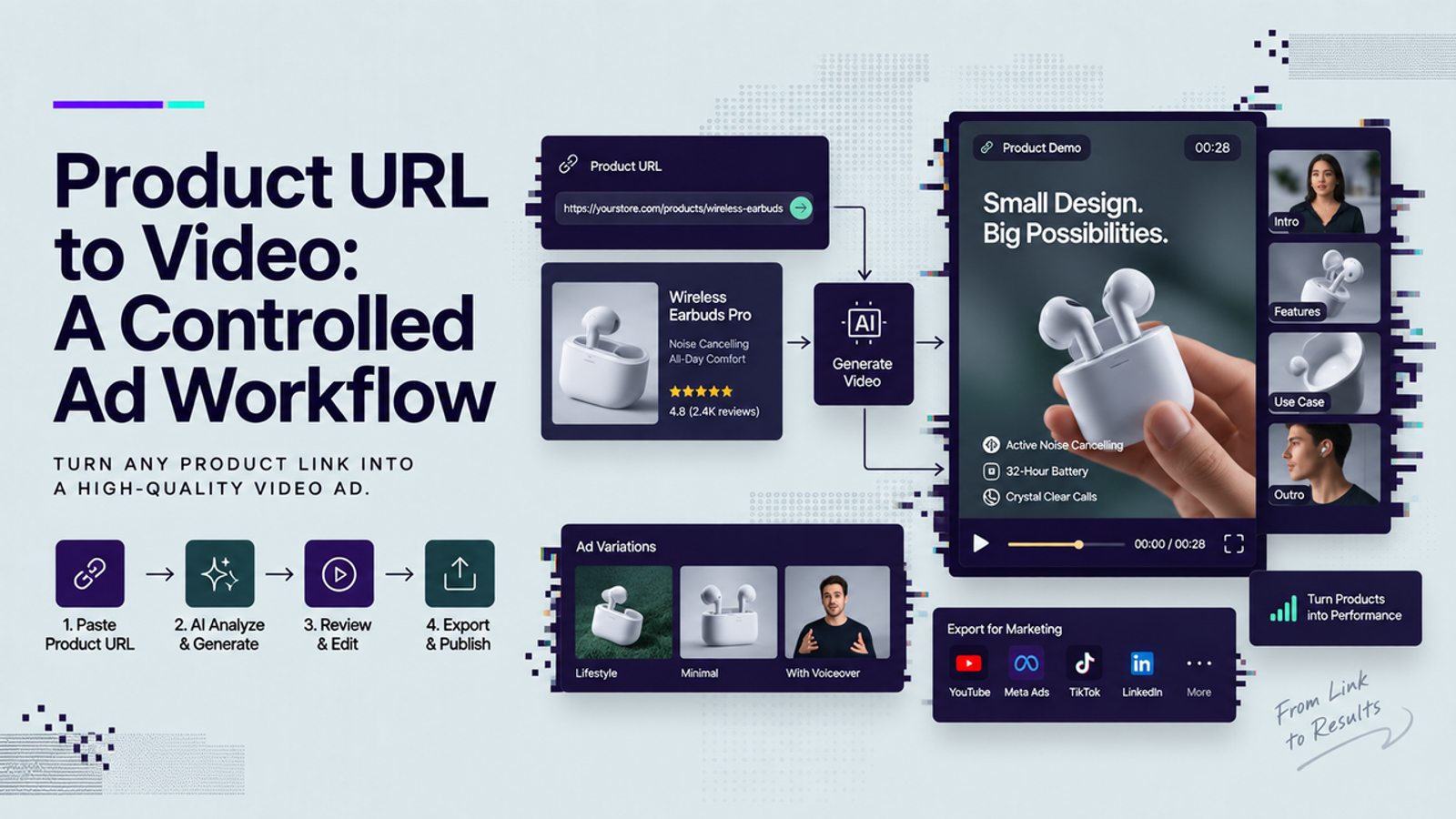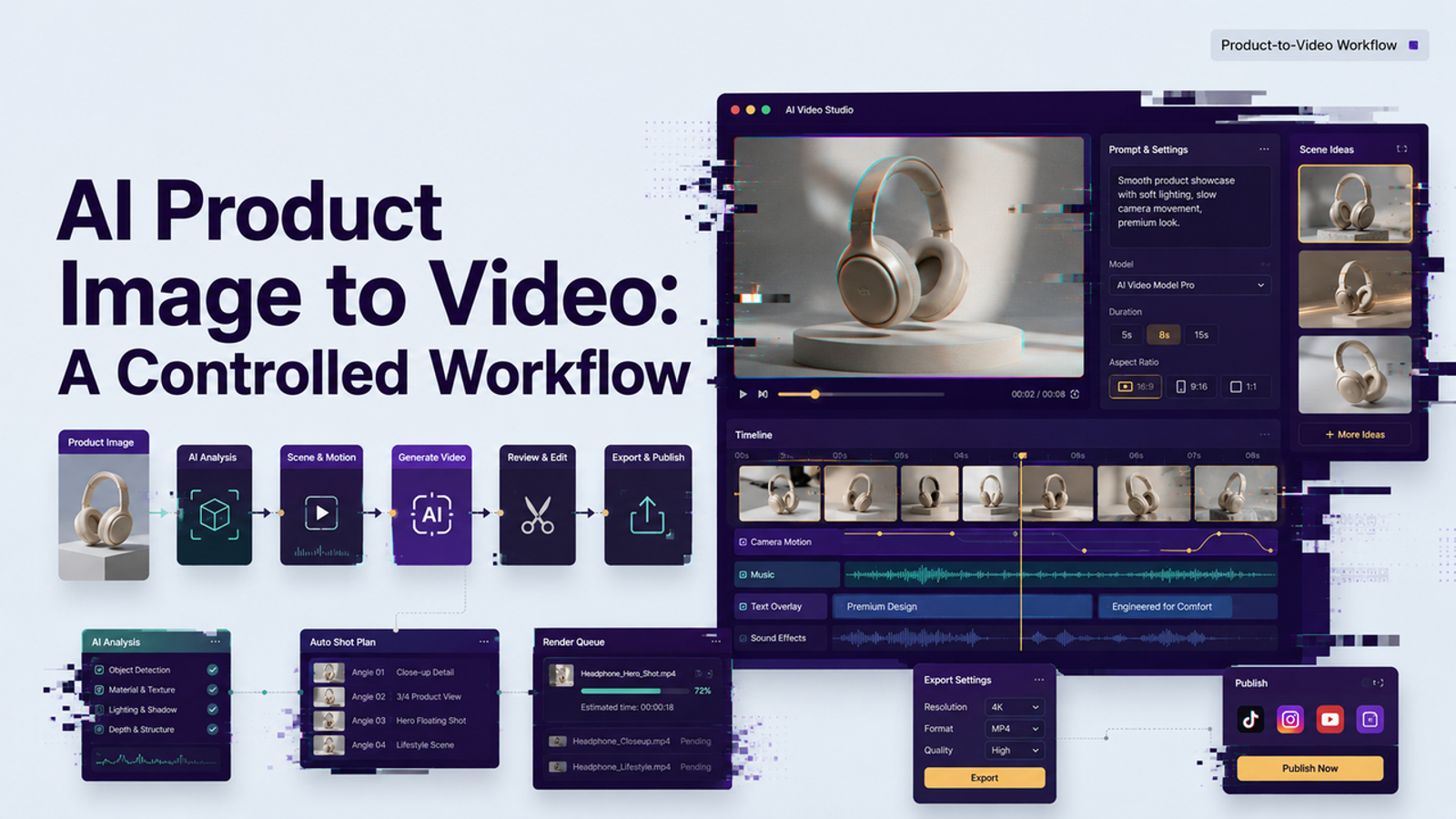
Vela is here. I wanted to answer a smaller question: can one approved product image become a useful video draft without turning into a product accuracy problem? That is where ai product image to video workflows get interesting. The goal is not to make the product dance, sparkle, fly, and somehow remain magically perfect. The goal is to start with reliable product photography, direct motion carefully, review the output like a brand asset, and only approve versions that still tell the truth about the product.
For e-commerce, DTC, and product content teams, I would treat this as a controlled production workflow, not a toy prompt. One clean photo can become a reviewable video direction. But the review step is not optional. Small thing, but it matters.
Choose the Product Image and Video Goal
Start with the product job, not the visual effect. Are you making a short paid social ad, a product page support video, a launch teaser, a marketplace listing asset, or a variant for internal creative review? Each goal changes the motion briefly.
For an ad draft, I would usually care about the first three seconds, the product angle, and whether the main benefit is obvious without sound. For a product page video, I would slow down and keep the product readable. For a marketplace asset, I would check the platform’s media rules before generating anything, because the prettiest render is useless if the channel will not accept it.
The safest first test is boring on purpose: one approved product photo, one product benefit, one target ratio, and one short motion idea. If the workflow cannot handle that, it is not ready for a larger creative batch.
Prepare Images for Reliable Motion
AI video models can stretch, soften, invent, or “improve” product details when the source image is messy. That may be fine for mood content. For product marketing, it is where trouble starts.
Use the highest-quality approved product image you have. Avoid compressed screenshots, old catalog images, mockups with tiny unreadable labels, and lifestyle photos where the product is half-hidden behind hands, fabric, reflections, or props. If the product has a legally important label, ingredient panel, serial detail, certification mark, or regulated claim, do not assume AI will preserve it.
Google’s own Merchant Center guidance for the image_link attribute is a useful reminder here: product images need to represent the actual product clearly, and image changes can affect how product data is processed. I would use the same mindset for AI video. The source image should be stable, current, and approved before you animate it.
Protect Shape, Labels, and Brand Colors
Before generation, write down what must not change. This sounds basic, but it saves review time later.
For example, keep the bottle shape, label placement, logo color, material texture, package size, and visible product count. If the photo shows a blue box with one bottle, the video should not turn it into three bottles, a different shade of blue, or a softer luxury package that no customer will receive.
I would also avoid asking for motion that fights the product structure. A rigid electronic device should not bend. A watch strap should not melt into the background. A skincare jar should not rotate so aggressively that the label warps halfway through the clip.
Separate the Product From the Background
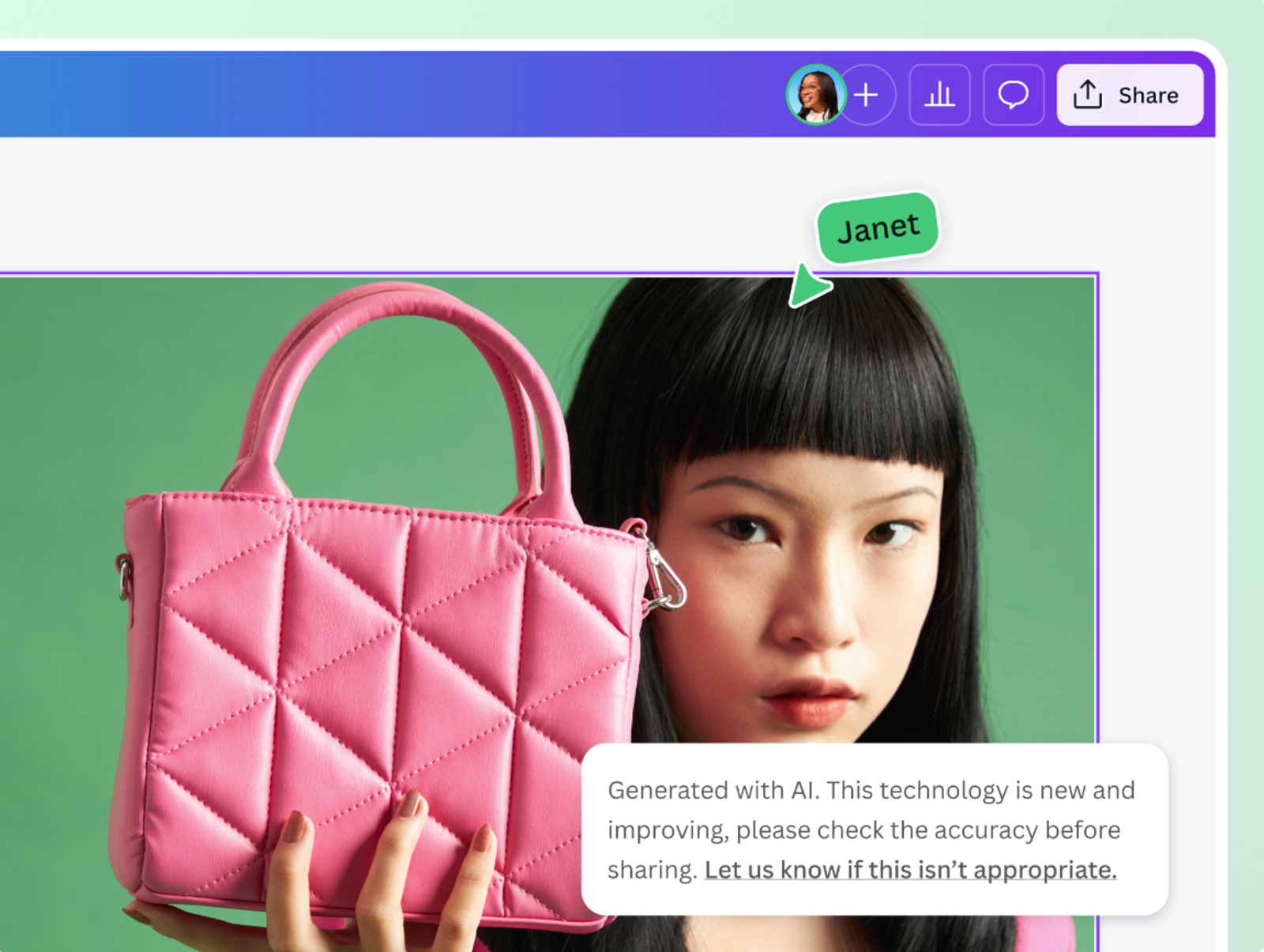
If the product and background are visually tangled, separate them before generating motion. A clean cutout, transparent background, or simplified product-on-surface image gives the model fewer things to misread.
This does not mean every video needs a white background. It means the model should know what the product is. You can add motion, lighting, props, or a lifestyle environment later, but the approved product asset should remain the anchor.
For product pages and organic search surfaces, structured product data can also matter. Google’s merchant listing structured data documentation treats the product image as part of the product information shown across search experiences. That is another reason not to let AI-generated visuals drift away from the real item.
Write a Controlled Motion Brief
A product motion brief is not a poetic prompt. It is a small production instruction. I like to write it as if I were handing the shot to a junior motion designer who needs boundaries.
A useful brief includes the product, camera movement, product action, background, lighting, duration, aspect ratio, and “do not change” details. For example: “Create a five-second vertical product video from this approved product photo. Keep the product shape, label, logo, color, and package size unchanged. Use a slow push-in camera move, soft studio lighting, and a clean warm background. Do not add extra text, new logos, hands, people, or additional products.”
That kind of prompt is less exciting than “make it cinematic.” Good. Cinematic is not a review standard.
Define Camera Movement and Product Action
Camera movement should be simple for the first version. Try slow push-in, slight orbit, gentle tilt, shelf reveal, or light sweep before asking for liquid splashes, flying ingredients, dramatic transformations, or complex hand interaction.
Product action is where image-to-video can become unstable. If the product is static in the photo, asking it to open, pour, fold, explode, refill, or assemble itself gives the model more room to invent. I would only use those actions when the output is clearly marked as conceptual and reviewed carefully.
Set Framing, Pace, and Aspect Ratio
Set the destination early. A 9:16 paid social video, 1:1 product grid asset, and 16:9 product page video should not be generated from the same vague prompt.For vertical ads, leave space for captions, platform UI, and safe zones. For product page use, keep the product centered enough that shoppers can inspect it.
For internal review, I sometimes generate wider versions first because they make artifacts easier to see. Then I crop or regenerate for the final placement.
Generate and Compare a Small Variant Set
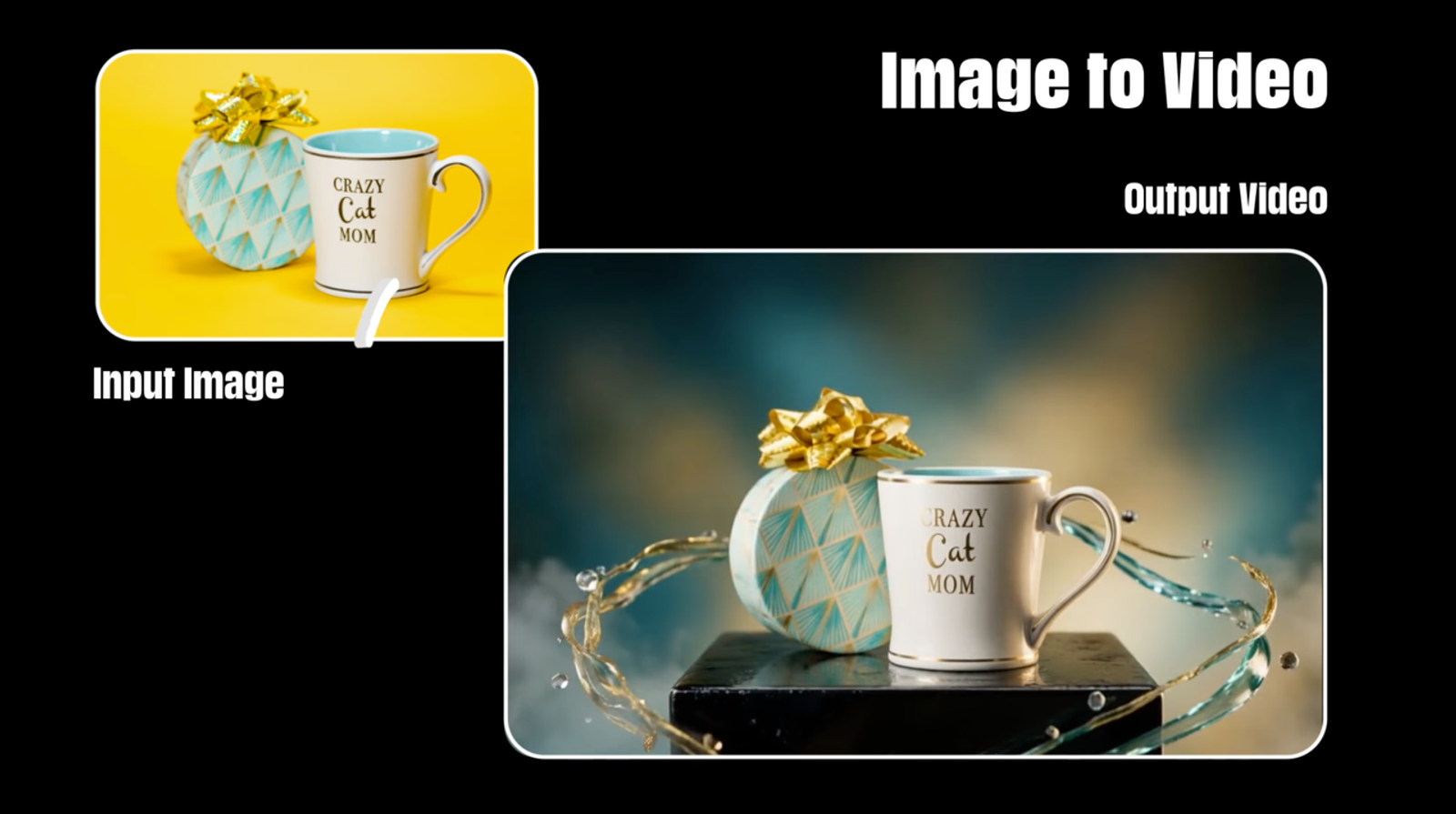
Do not generate twenty versions immediately. I would start with three to five variants, each changing only one meaningful variable: camera move, background style, product scale, or pacing.
This keeps the review sane. If every variant changes everything, no one knows why one version worked. If each version has a clear variable, the team can say, “The slow orbit preserved the label better,” or “The lifestyle surface helped, but the reflection distorted the product.”
For Amazon sellers, the official product video guidance explains that videos may serve different roles, such as product overview, unboxing, how-to, setup, troubleshooting, or brand story. That list in Amazon’s product video guidance is useful even outside Amazon because it forces one question: what job is this video doing?
Review Accuracy Before Visual Style
This is where I slow down. Review product accuracy before judging beauty.
Watch each render at normal speed, then scrub frame by frame around movement peaks. Check the label, logo, edges, proportions, material, shadows, reflections, and any claims visible on the package. Then compare the final frame to the original image. The result may look smooth and still be wrong.
I would reject a version if the product shape changes, the logo bends, ingredients or claims become unreadable, the product count changes, packaging color drifts, or the motion implies a feature the product does not have. Useful, but not magic.
AI-generated or AI-edited ad media may also face disclosure and platform handling changes. Meta’s update on GenAI transparency for ads is a good example of why teams should keep track of how assets were created or edited, instead of treating every export as ordinary footage.
Revise, Approve, and Export
Once you find a usable direction, revise narrowly. Do not rewrite the whole prompt unless the concept is wrong. Keep the product lock instructions, then adjust one issue: slower camera, cleaner background, less reflection, no added text, less aggressive motion, or more space for captions.
Approval should include the source image, prompt, generation date, reviewer name, intended channel, usage rights note, and final export file. If the asset is going to a client, marketplace, paid campaign, or distributor, keep the review comments attached. A video without its approval trail becomes hard to defend later.
Export should match the channel, not just look good in the preview window. Save a clean master, then create channel-specific versions for vertical social, square placements, product pages, or internal review.
Common Image-to-Video Artifacts
The most common artifacts are product warping, label drift, logo distortion, invented background objects, strange shadows, flickering edges, fake reflections, texture changes, and motion that makes the product look soft or rubbery.
The sneaky artifact is “premiumization.” The model may make a simple product look more expensive, glossy, larger, or more dramatic than it really is. That can feel flattering in review, but it may create a mismatch with the actual product. I would fix this before using the video in a real ad.
Rights are another quiet issue. If the source image came from a supplier, photographer, marketplace, or creator, confirm that your license allows edited, AI-assisted, and advertising use. The U.S. Copyright Office’s AI copyright guidance is worth checking when a project mixes human-created product photography with AI-generated elements.
Conclusion
AI product image to video works best when it is treated as a controlled product content workflow. Start with an approved image, protect the product details, write a narrow motion brief, generate a small variant set, and review accuracy before style.
I would call the best first output a reviewable version, not a final ad. That is not a weakness. It is the right expectation. For product teams, the win is not skipping judgment. The win is getting off the blank timeline while keeping enough control to protect the product, the brand, and the campaign.
FAQ
- Can brands animate supplier images without a separate license?
- Not automatically. A supplier image may be licensed for catalog display but not for AI transformation, paid advertising, or derivative creative. I would check the supplier agreement before uploading it into any image-to-video workflow.
- Do AI image-to-video tools retain original product photography?
- Some tools may store, process, or retain uploaded assets differently. Do not guess. Check the tool’s current terms, privacy policy, enterprise agreement, or data retention documentation before uploading unreleased products, confidential packaging, or licensed photos.
- Do marketplaces accept AI-animated product images as primary media?
- It depends on the marketplace and media placement. Some channels may allow product videos but still require accurate representation, disclosure, or specific upload rules. I would check the current marketplace policy before using AI-animated media as primary product content.
- Can reviewers compare versions without downloading every render?
- Yes, if the workflow keeps version history, preview links, source images, prompts, and comments together. The important part is traceability. Reviewers should know which source image and prompt produced each version.
- Which metadata should stay attached to approved product videos?
- Keep the source image ID, prompt, generation date, model or tool used, reviewer, approval status, target channel, license notes, and export settings. If your team supports provenance metadata, keep that attached too.