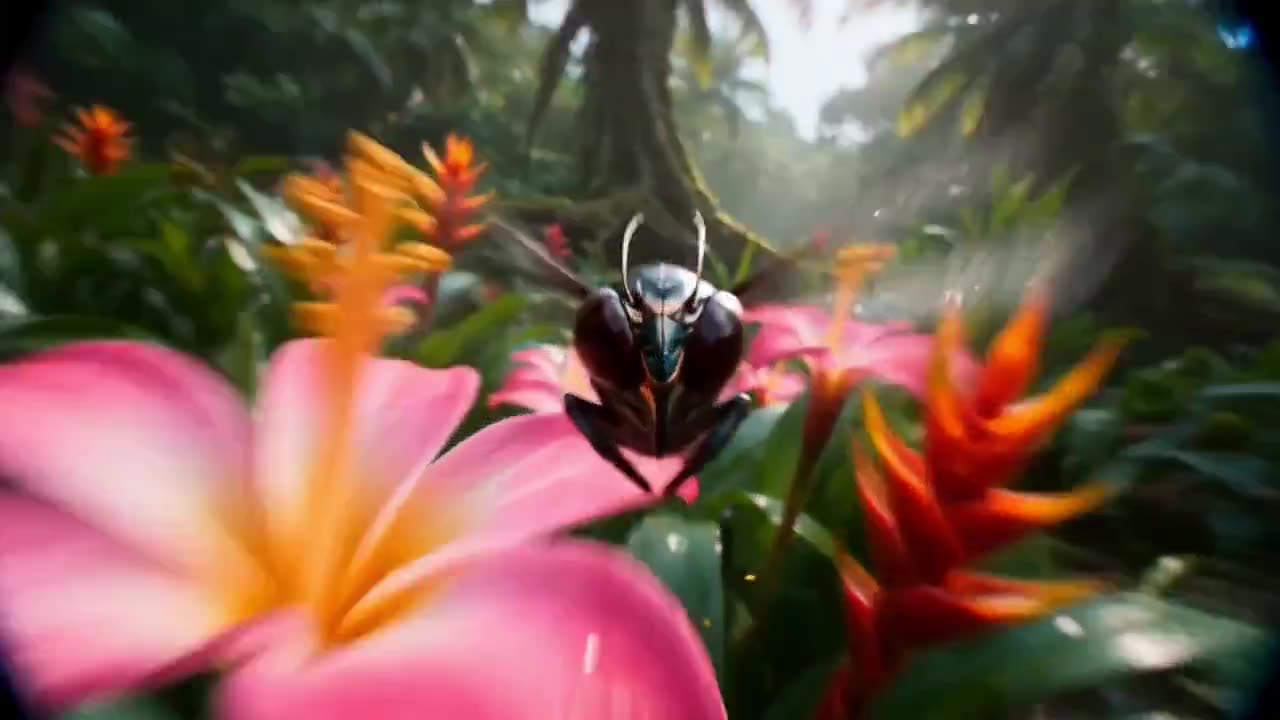
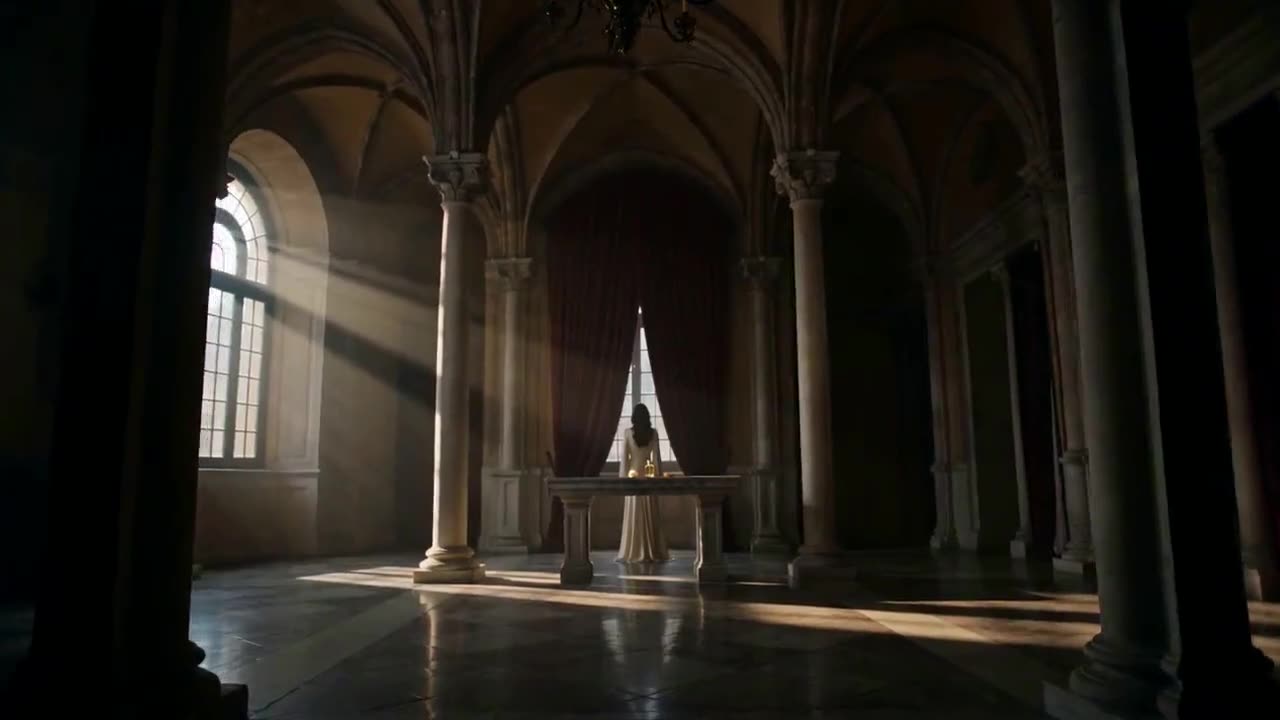
Cinematic Product Showcase
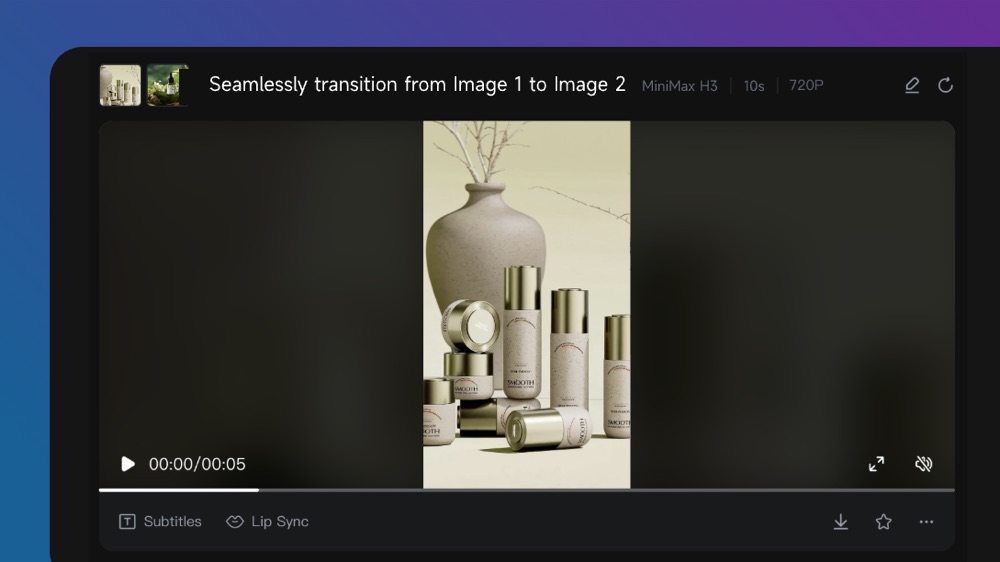
MiniMax H3 Max example · Product promotion
Create polished AI videos with fast generation, strong prompt adherence, and controlled visual direction. Try MiniMax H3 Max AI Video Generator for free!
MiniMax H3 Max example · Product promotion
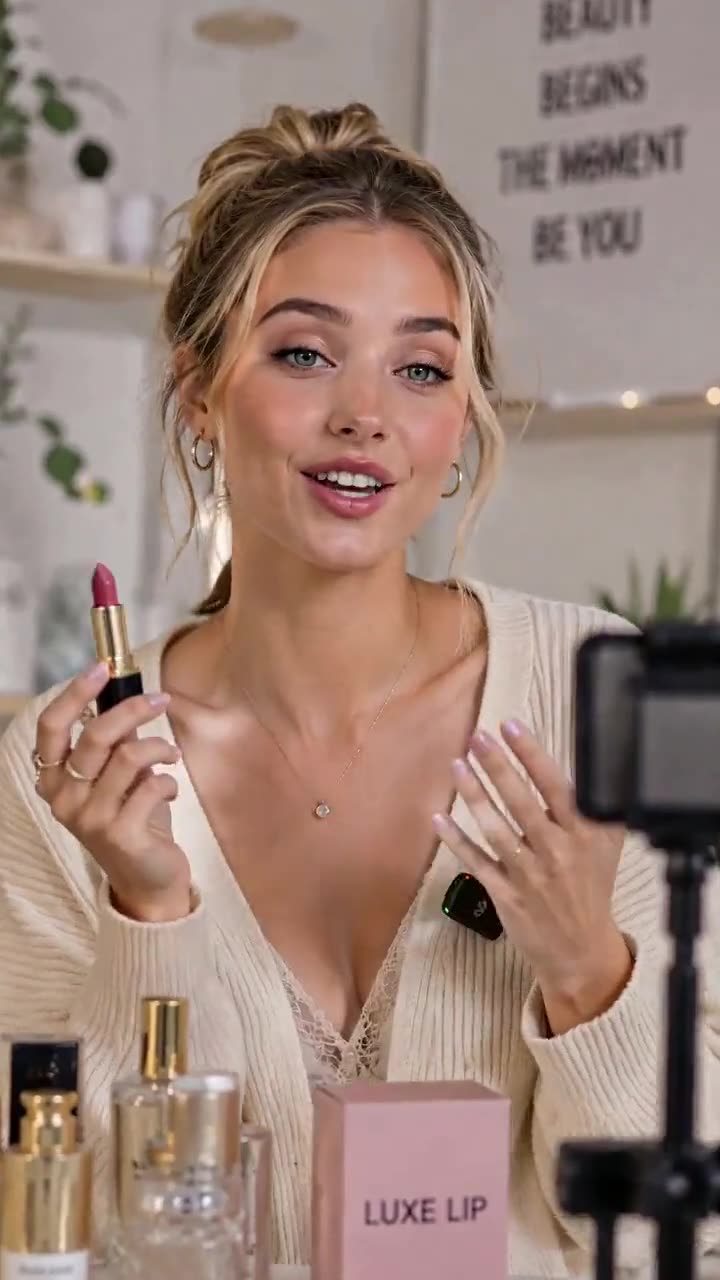
MiniMax H3 Max example · Social campaign
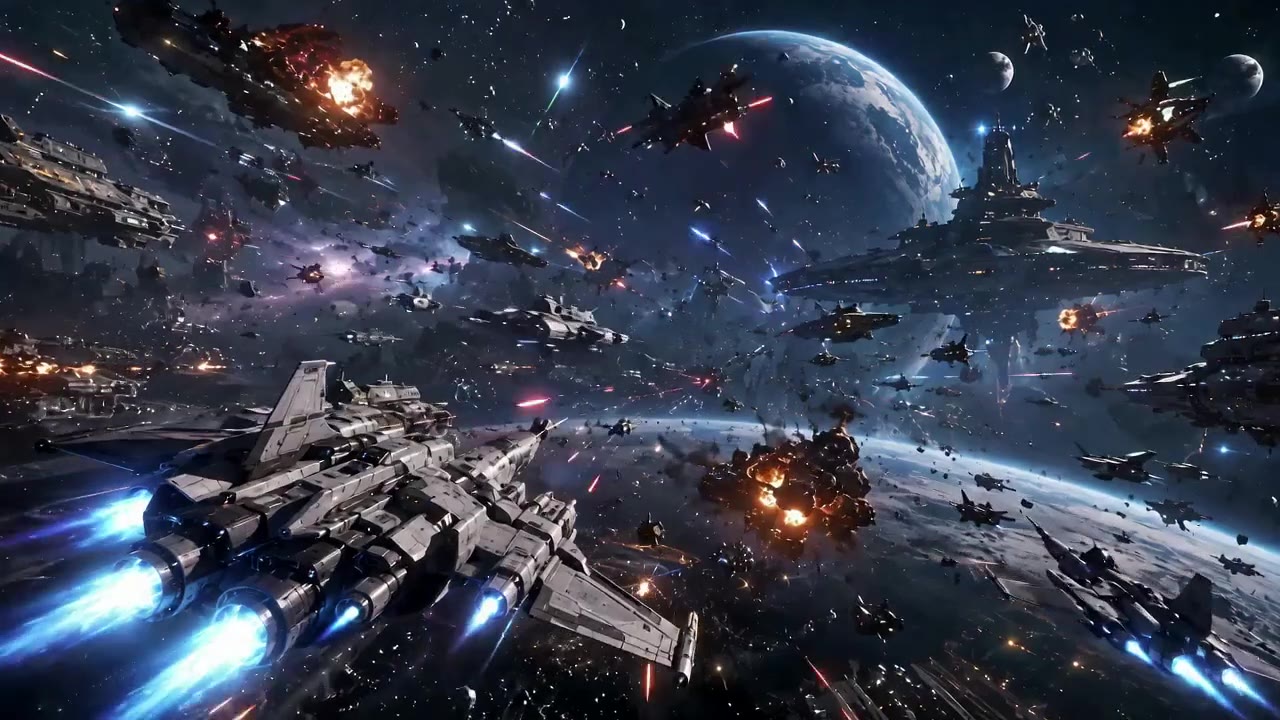
MiniMax H3 Max example · Story concept
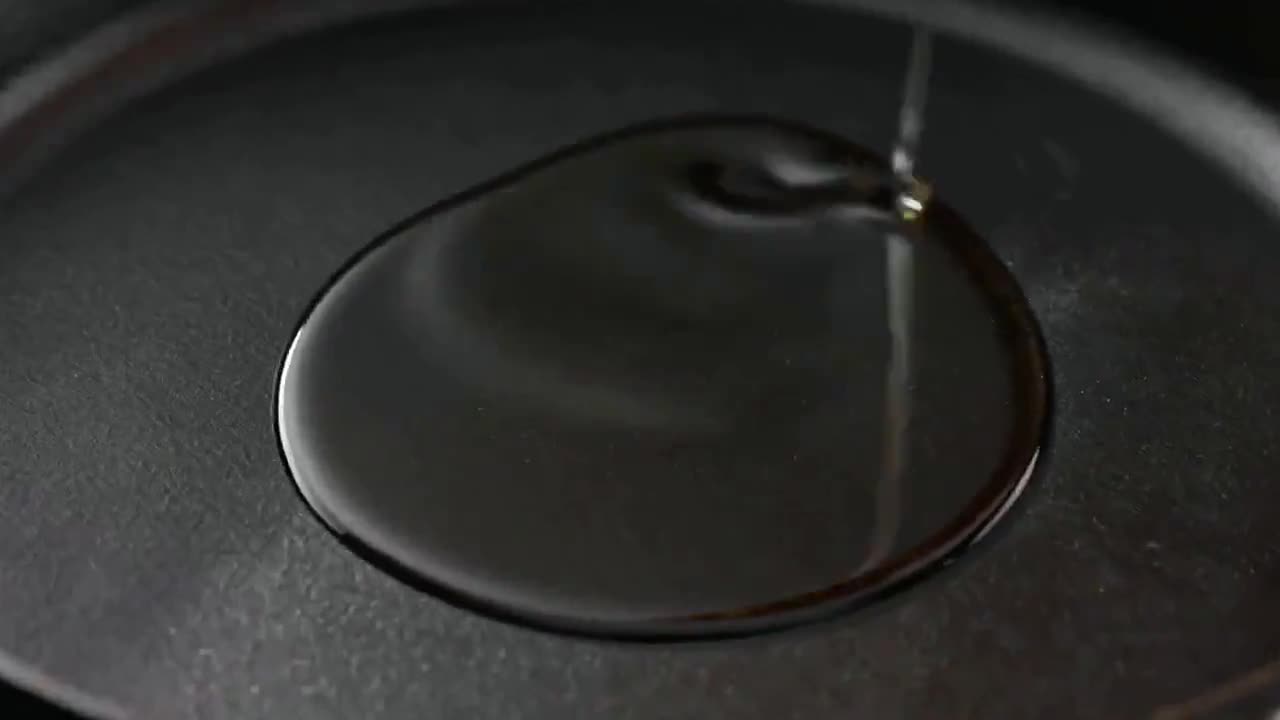
MiniMax H3 Max example · Process visualization
MiniMax H3 Max is an AI video model from MiniMax, designed for fast generation, strong prompt adherence, and rapid creative iteration. It helps you move from a written idea or a pair of visual endpoints to a polished short video draft. MiniMax H3 Max is built for creators who need to test visual ideas quickly. On Wizstar, you can create a scene from a written prompt or use keyframe inputs to guide the visual beginning, ending, and transition. Its focused workflow helps you direct the subject, action, camera movement, pacing, and final composition without preparing a large reference pack. MiniMax H3 Max is developed by MiniMax. Wizstar provides the creation workflow described on this page.
Explore the core MiniMax H3 Max capabilities available in the current Wizstar workflow.

Move from an idea to a reviewable video faster, with less waiting between creative tests.
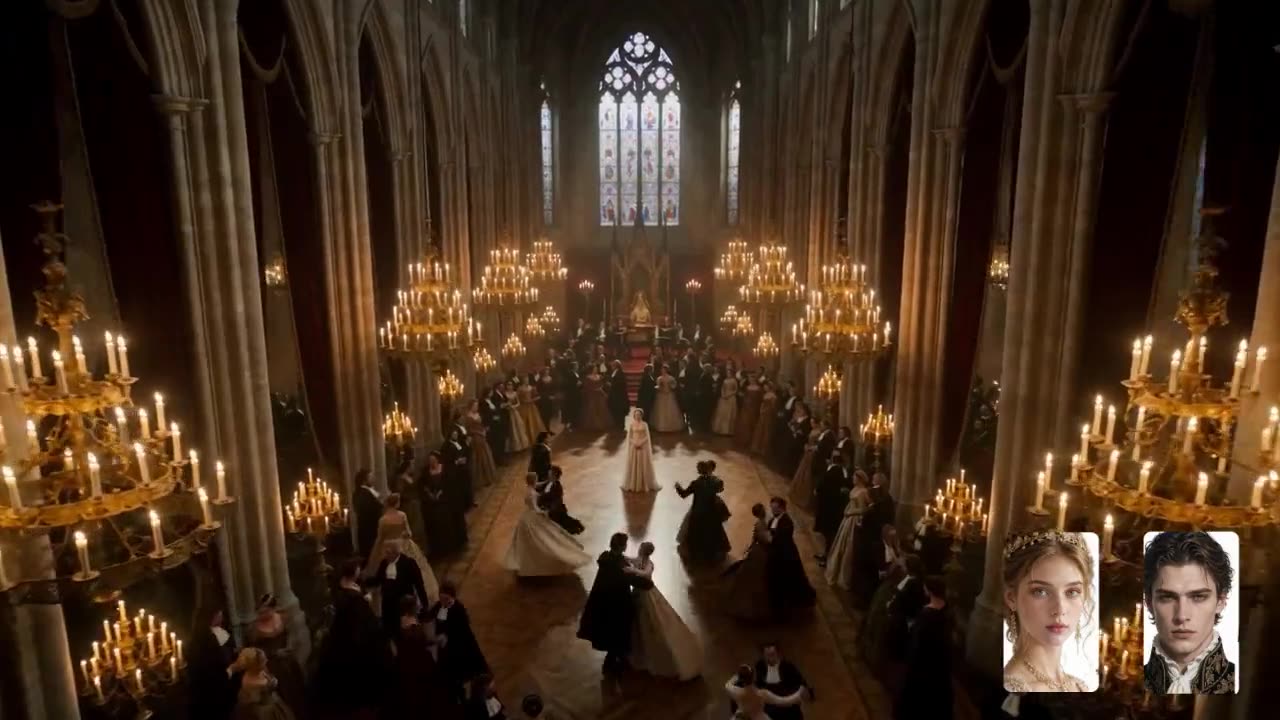
Follow detailed instructions for subject actions, camera direction, pacing, atmosphere, and visual details.
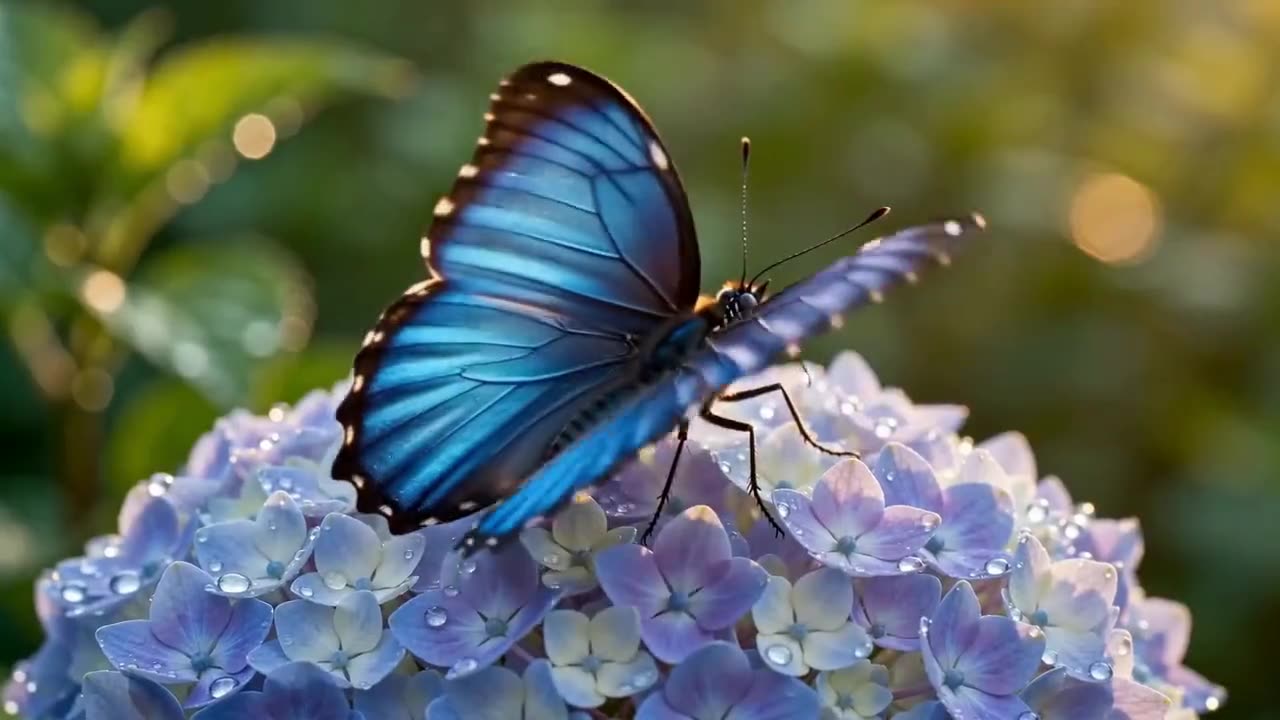
Create refined compositions with natural motion, considered lighting, and richer visual detail.
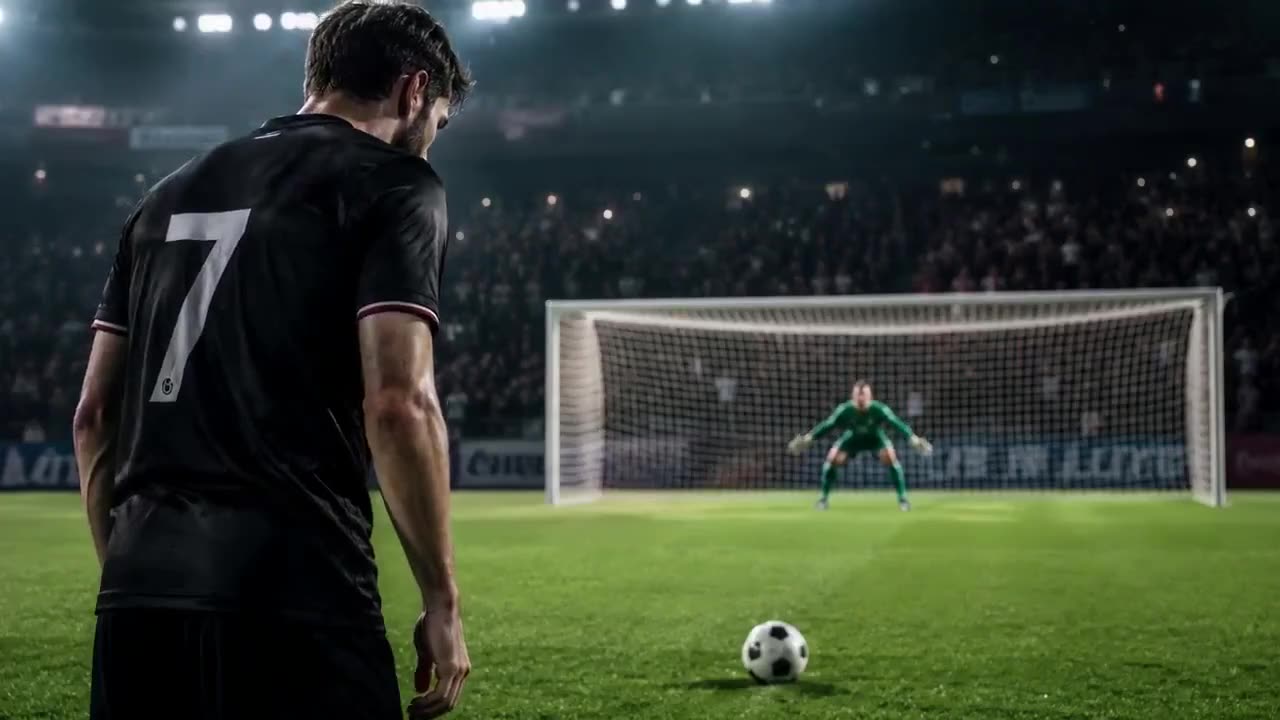
Direct movement, camera behavior, pacing, and visual changes with precise creative instructions.
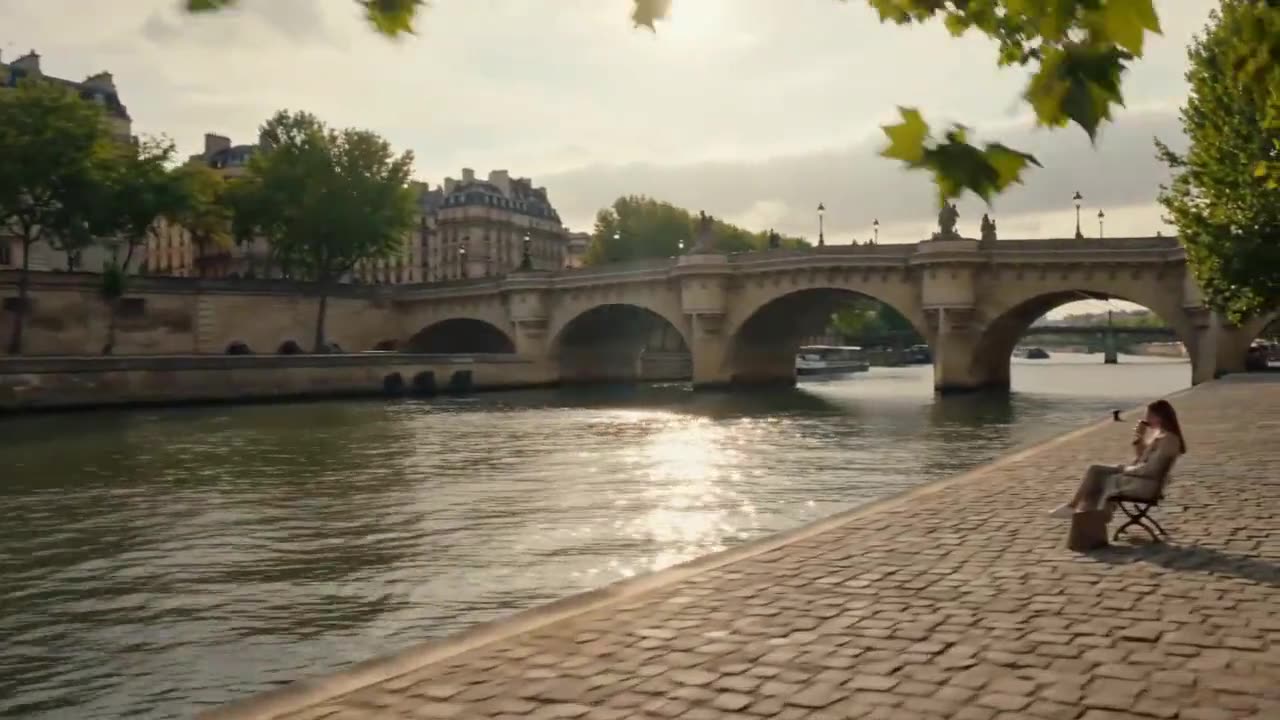
Generate, review, refine, and test new creative directions in a shorter production loop.
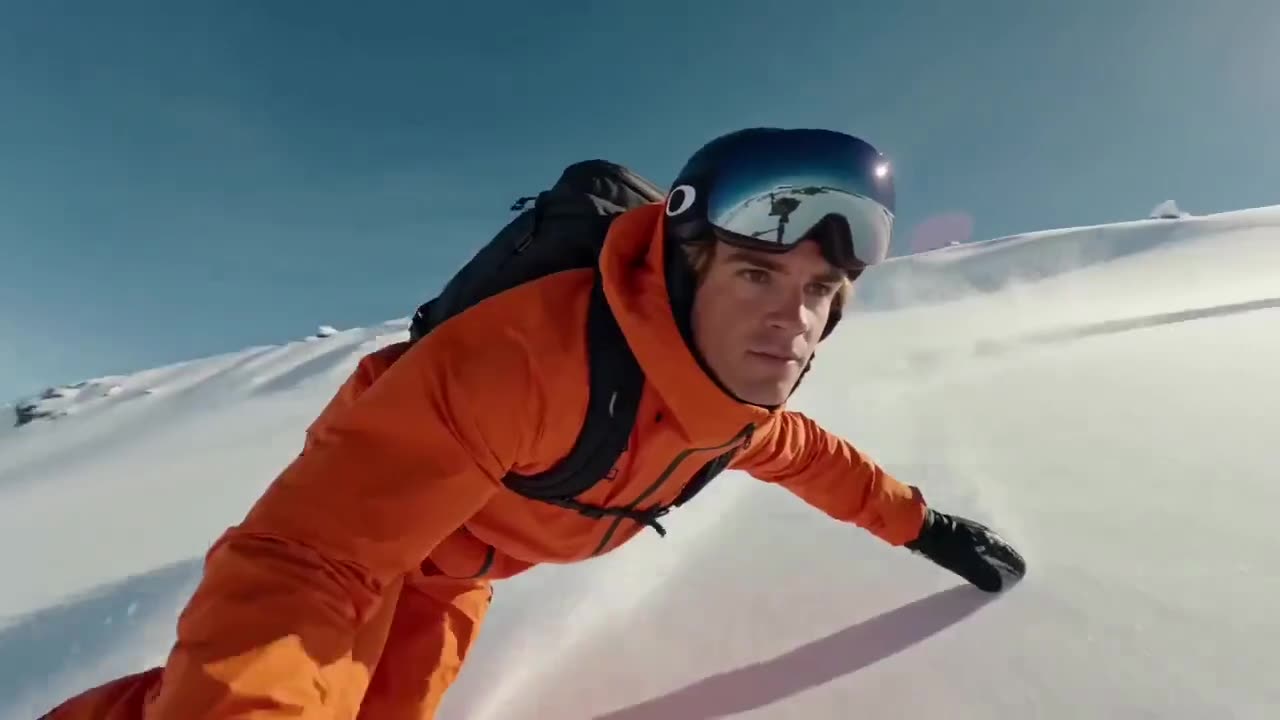
Move from a written idea or defined visual endpoints to a reviewable video draft.
Create with MiniMax H3 Max in three steps inside Wizstar.
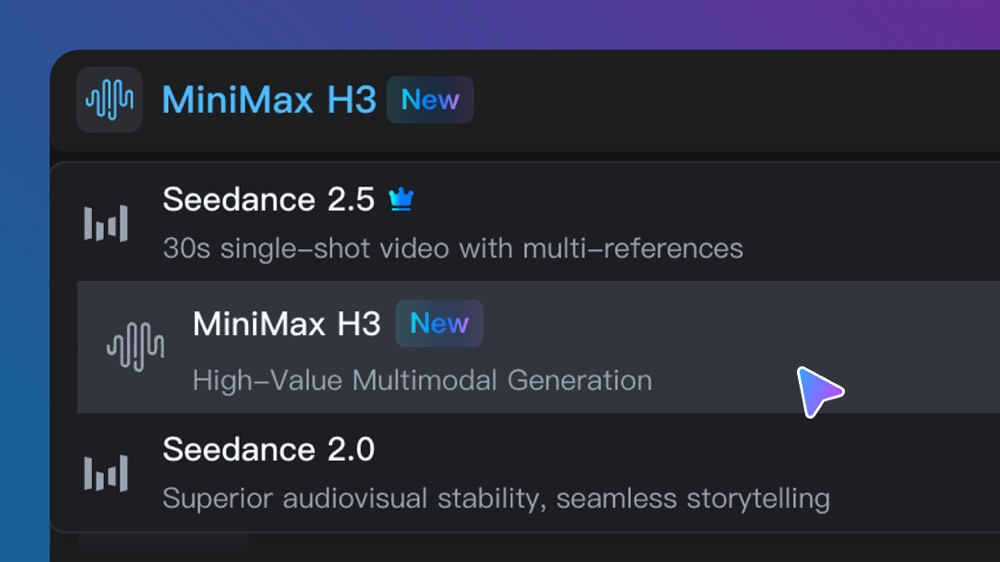 01
Choose Text to Video or Keyframe to Video. Enter a text prompt, or upload a required first frame and optional last frame.
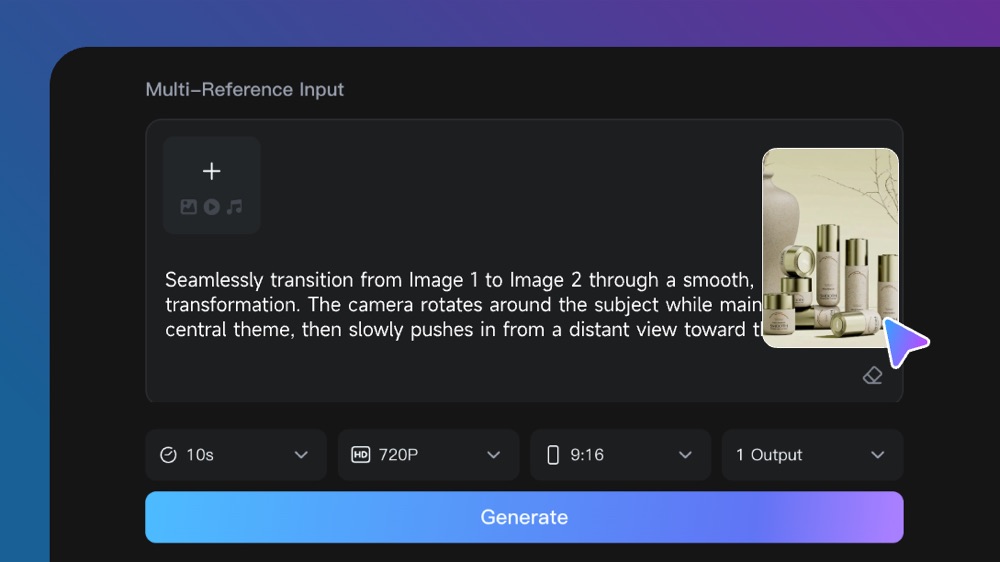 02
Describe the subject, action, setting, camera movement, lighting, pacing, and desired ending.
 03
Generate your video, review the result, and adjust the prompt, keyframes, or available settings for the next version.
Connect MiniMax H3 Max capabilities to the creative jobs teams need to complete.
Create product launch concepts, promotional visuals, and short commercial drafts before moving into full production.
Develop vertical ad concepts, campaign variations, and short-form content for social platforms.
Turn early ideas, moodboards, and visual directions into reviewable video concepts.
Test character actions, scene transitions, camera direction, and visual storytelling before production.
Preview a shot, motion idea, or keyframe transition before investing in filming or animation.
Visualize product interactions, simple processes, and step-by-step demonstrations through short video clips.
Compare the available model workflows before choosing a starting point.
| Model | Type | Best for | Primary input | |
|---|---|---|---|---|
| Wizshot 1.0 | Video | Wizstar’s own reference-to-video model at the lowest price | Text or reference media | View |
| Seedance 2.5 | Video | 30-second video generation with audio | Text or reference media | View |
| MiniMax H3 | Video | Multimodal video generation with synchronized sound | Text or reference media | View |
| MiniMax H3 Max Current | Video | Fast generation with strong prompt adherence and rapid creative iteration | Text or keyframe inputs | |
| Kling 3.0 | Video | Cinematic motion control | Text or reference media | View |
| Seedance 2.0 | Video | Multi-shot visual storytelling | Text or reference media | View |
| Seedance 1.5 | Video | Strong audio-visual synchronization | Text or reference media | View |
| Veo 3.1 | Video | Cinematic 4K video with rich audiovisual detail | Text or reference media | View |
| Gemini Omni 1.1 Flash | Video | Greater control with improved visual consistency | Text or reference media | View |
| Gemini Omni Flash | Video | Strong visual consistency across multimodal inputs | Text or reference media | View |
| Sora 2 | Video | Prompt-driven visual storytelling | Text or reference media | View |
Read our articles about MiniMax H3 Max to learn more about its features, pricing, use cases and more.
MiniMax H3 Max sits alongside other leading video models in the same Wizstar workflow. Compare them and pick the one that fits each shot.
Choose it for a single shot up to 30 seconds when several visual references need to stay connected in one directed sequence.
View modelChoose it for visually rich scenes that benefit from expressive character motion, detailed subjects, and polished high-resolution output.
View modelChoose it to bring product shots, characters, and image references to life with grounded movement and believable physical detail.
View modelChoose it for connected scenes that need reliable visual continuity, synchronized sound, and a smooth narrative flow.
View modelAnswers to common questions about using MiniMax H3 Max on Wizstar.
MiniMax H3 Max is a speed-optimized AI video model from MiniMax. It is designed for fast generation, strong prompt adherence, polished visual output, and rapid creative iteration. On Wizstar, it supports Text to Video and Keyframe to Video workflows.
MiniMax H3 Max focuses on faster generation, stronger prompt adherence, and efficient creative iteration. MiniMax H3 provides broader multimodal workflows and higher-end reference controls. Choose H3 Max when speed and prompt-directed creation are the priority.
Wizstar currently supports two MiniMax H3 Max creation modes: Text to Video and Keyframe to Video. Text to Video requires a written prompt. Keyframe to Video requires a first-frame image and supports an optional last-frame image.
Select MiniMax H3 Max in the Wizstar video generator, then choose a creation mode. Enter a detailed prompt for Text to Video, or upload a first frame and optional last frame for Keyframe to Video. Generate the video, review the result, and refine the prompt or keyframes as needed.
The current Wizstar workflow offers Native 480P and Native 768P output options. Available resolutions may depend on the selected workflow and settings, so confirm the options shown in the generator before submitting.
MiniMax H3 Max is suitable for product marketing, social media campaigns, creative concept development, character action studies, previsualization, product demonstrations, and other projects that require fast video iteration.
Access to MiniMax H3 Max depends on your current Wizstar plan, credits, and account availability. Wizstar may offer free credits or trial access, but free usage is not guaranteed or unlimited. Check the generation interface for the current credit requirements before creating a video.
This page describes the MiniMax H3 Max workflow available in the Wizstar web generator. A dedicated MiniMax H3 Max API has not been confirmed for this page. Check the current Wizstar API documentation for availability and access requirements.
Start with a text prompt or define a visual transition with keyframe inputs. Create, review, and refine your next video on Wizstar.
 Seedance 2.5
 MiniMax H3
 Kling 3.0 Omni