
Space battle
Warships trade fire as the camera sweeps through the fight.
Kling 4.0 creates videos up to 30 seconds in a single process, with up to 15 references and output up to 2K. New users receive 20 free credits. Sign up and try Kling 4.0 for free now!
Warships trade fire as the camera sweeps through the fight.
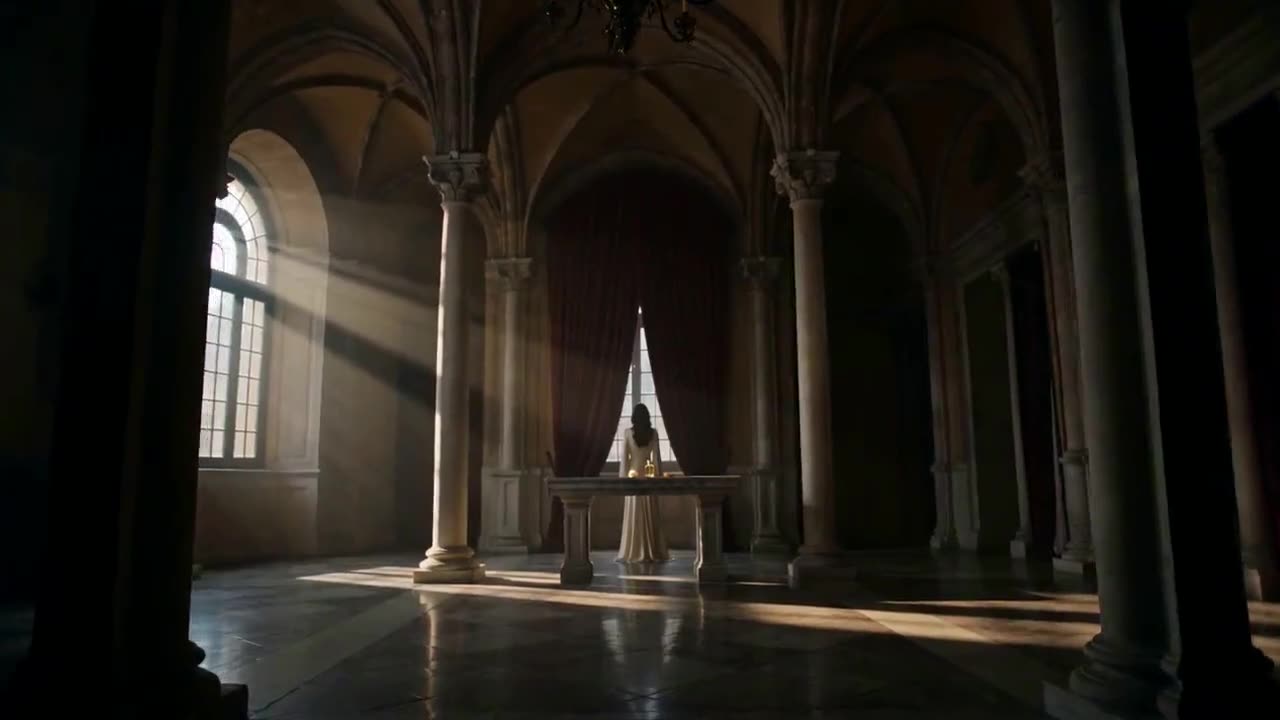
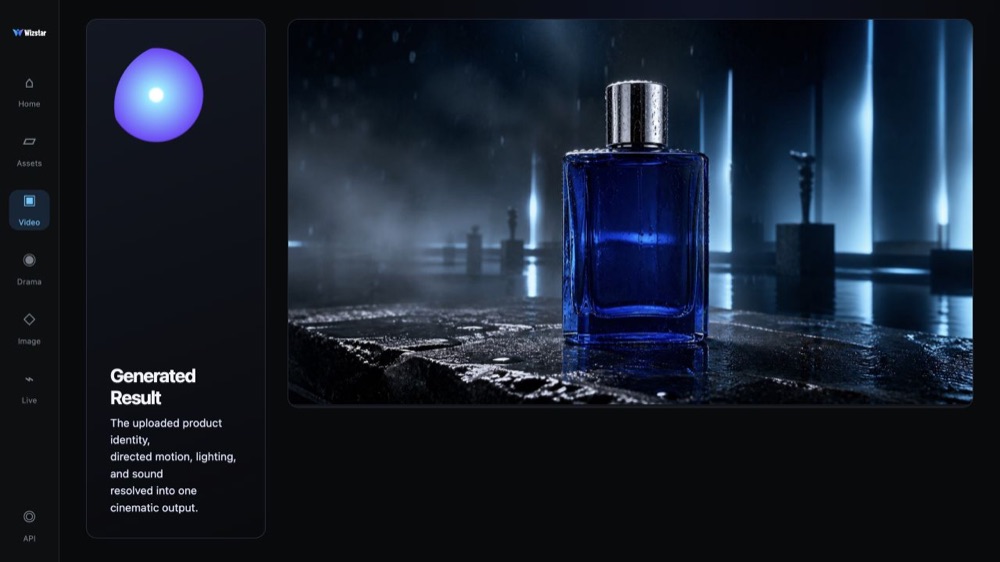
The bottle keeps its shape and label from the first frame to the last.
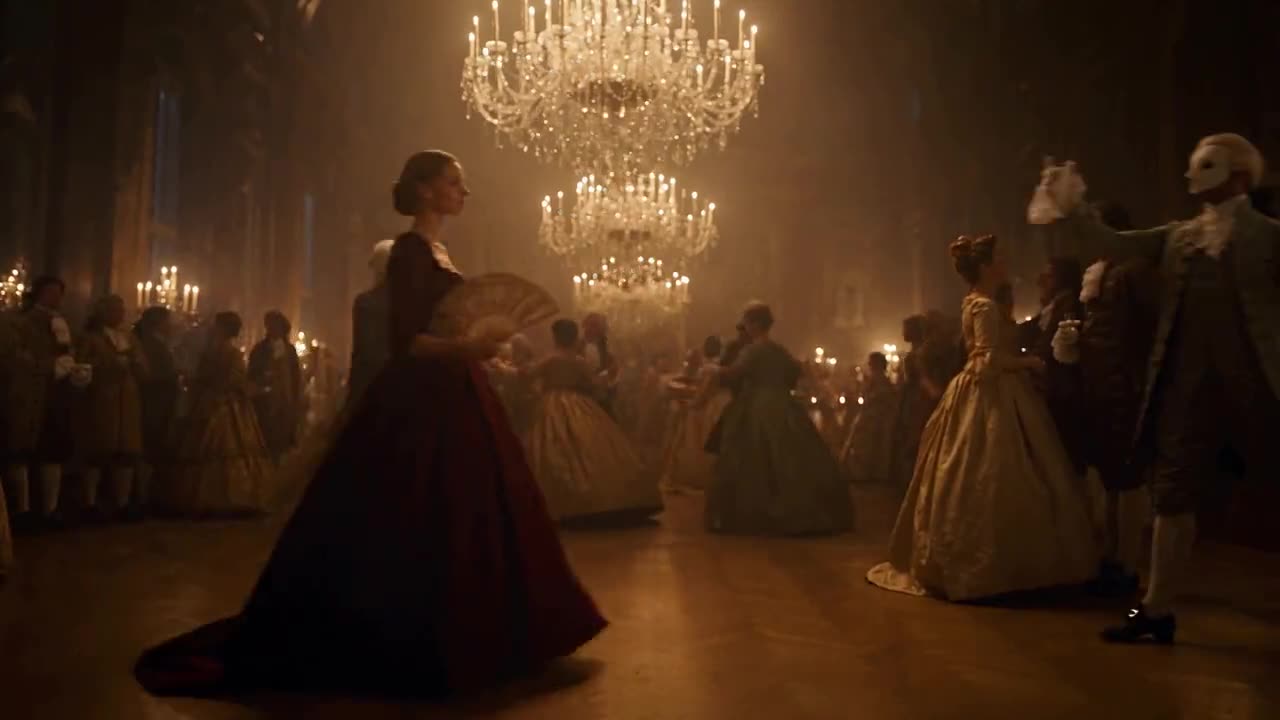
The same face and outfit stay recognizable across every cut.
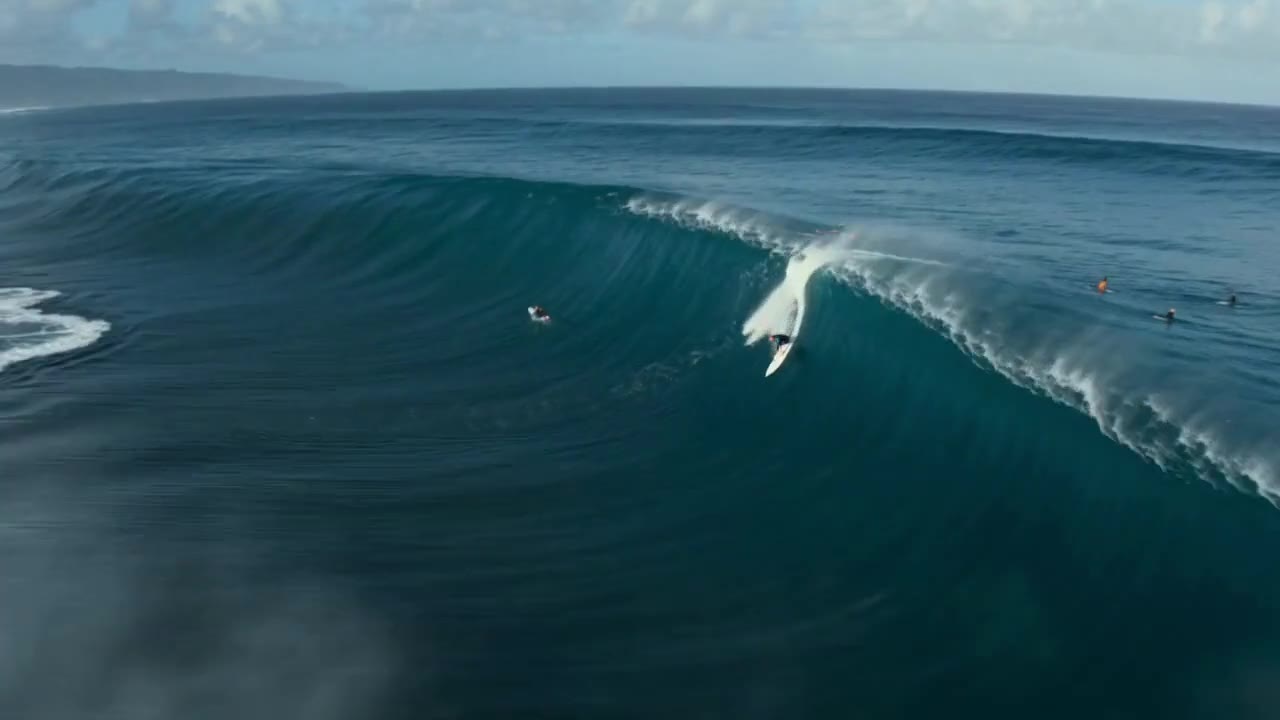
A drone shot banks alongside a surfer dropping down a huge wave.
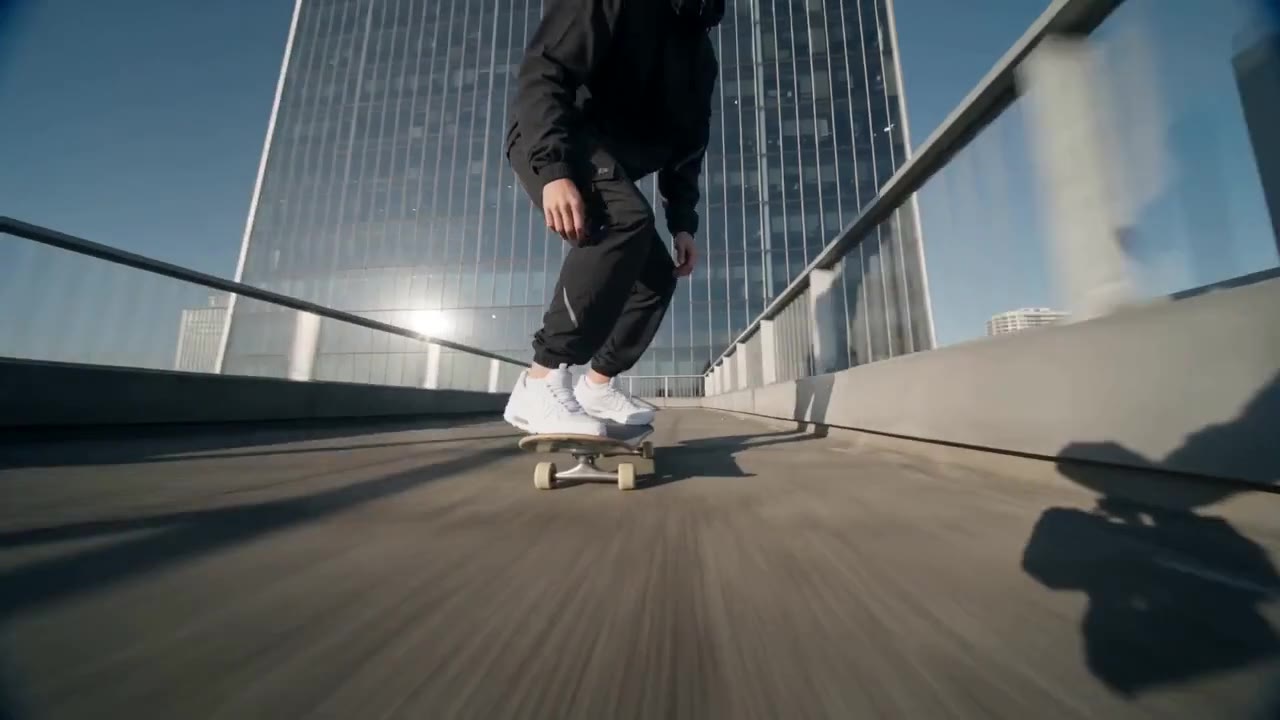
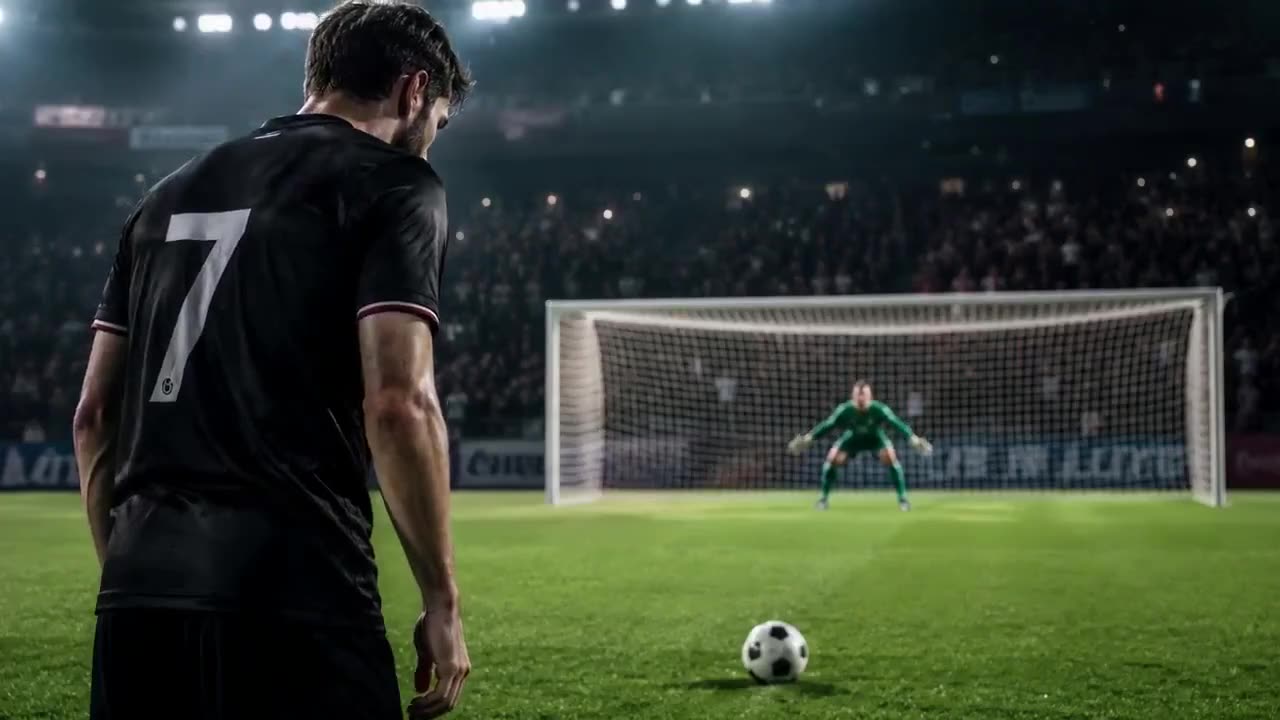
A fast trick filmed from the ground, with smooth, steady motion.
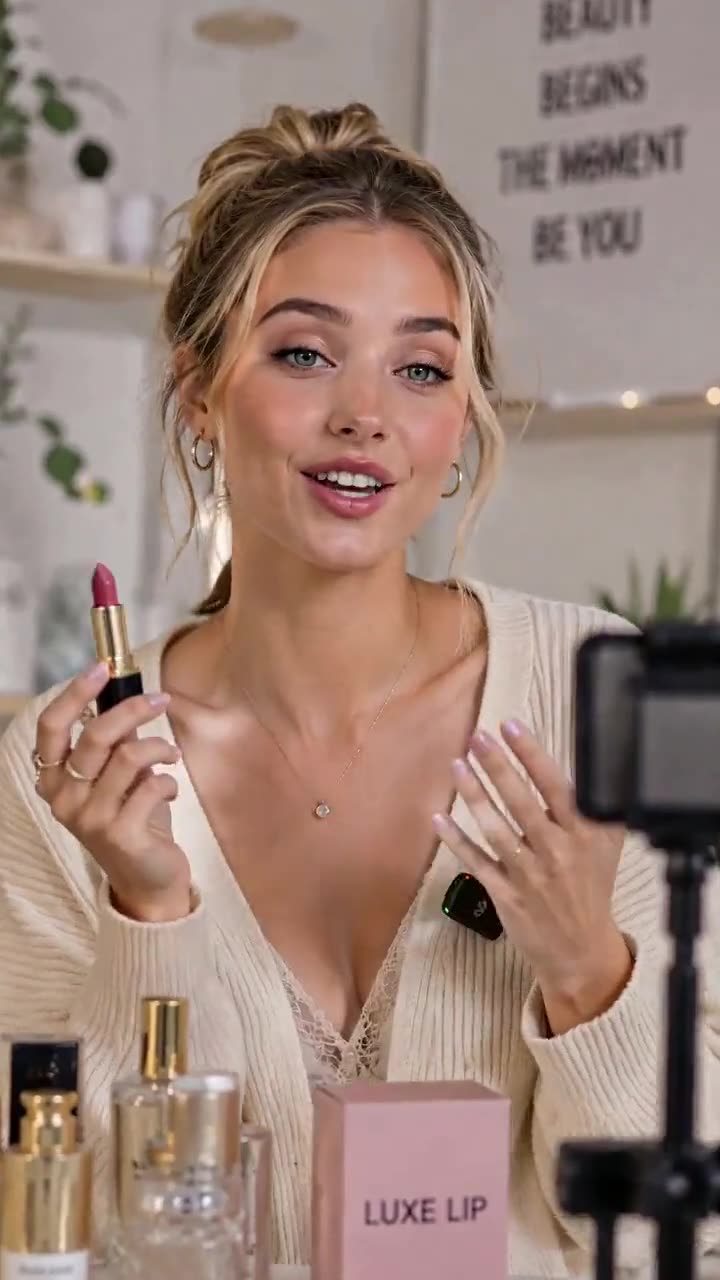
A vertical product video made for social commerce.
Kling 4.0 is a video model in the Wizstar AI video generator. On Wizstar it works in the Reference to Video, Keyframe to Video and Text to Video tabs. Add up to 15 images, videos and audio clips, or a first and last frame, and Kling 4.0 makes a clip of 3 to 30 seconds. Big movements and camera moves stay steady, so it is a good fit for action scenes, product ads and short stories that need time to play out.
Explore the core Kling 4.0 capabilities available in the current Wizstar workflow.
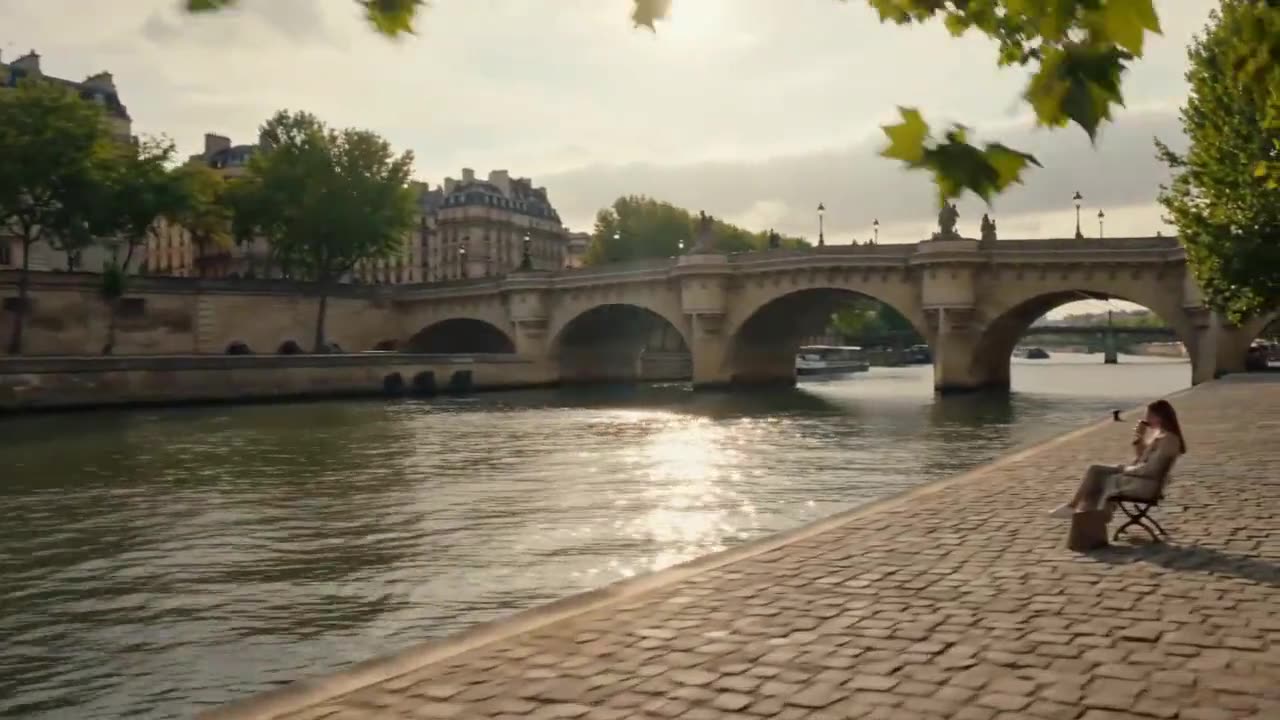
Make a clip of 3 to 30 seconds in one generation, so a full scene can play out without joining short clips.
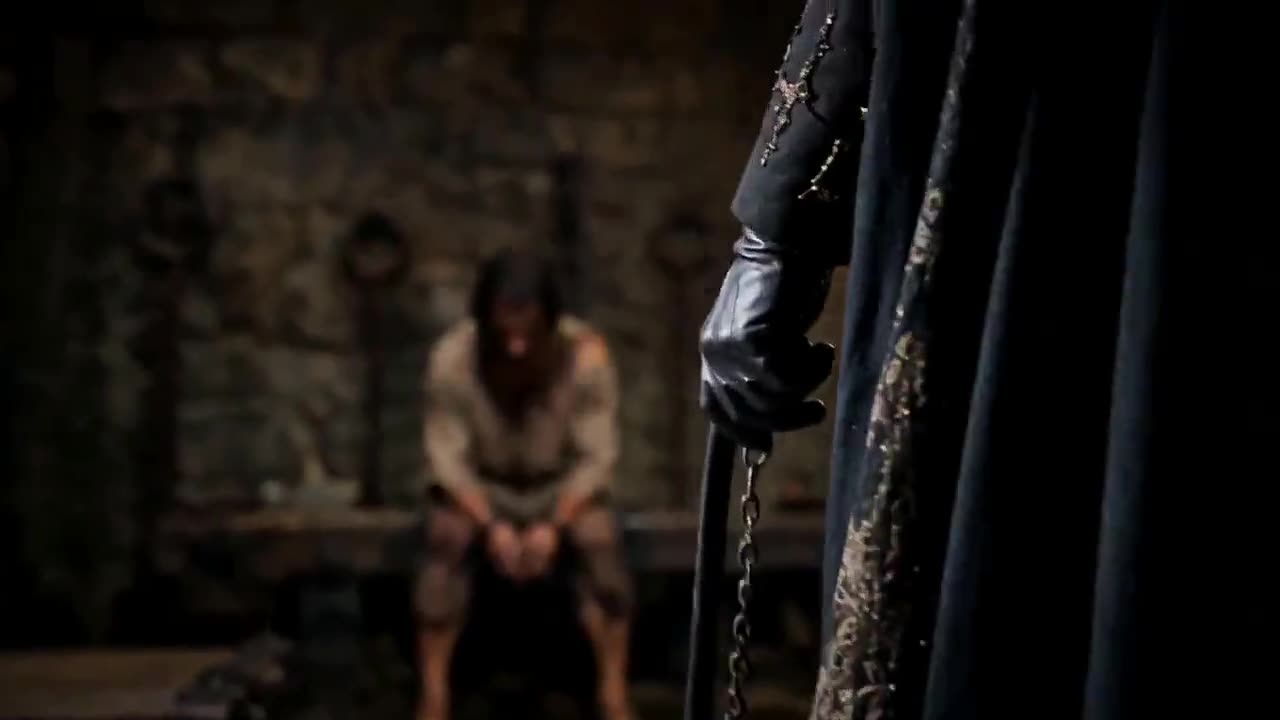
Add up to 10 images, 5 videos and 3 audio clips. Use images for the look, videos for the motion and audio for the voice or rhythm.
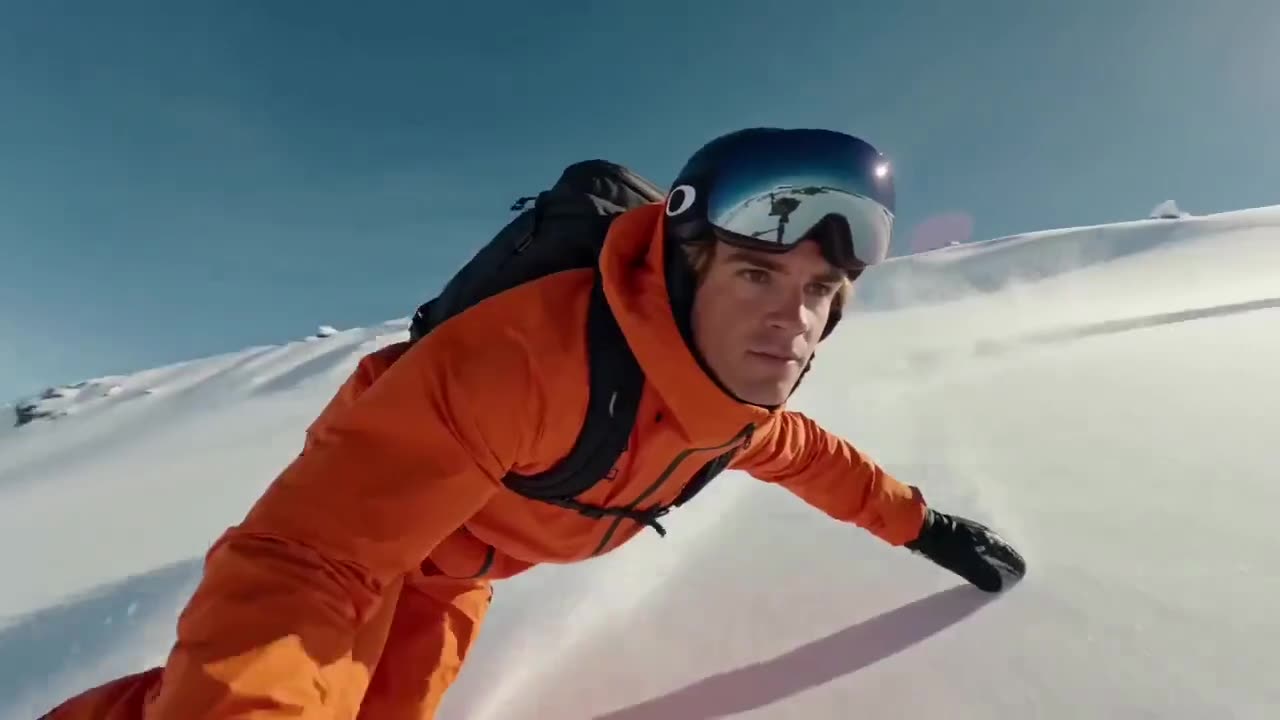
Keep fights, sports and fast chases smooth, even with tracking shots and orbits around the subject.
In Keyframe to Video, upload a first frame, a last frame or both, then describe what happens in between.
Create with Kling 4.0 in three steps inside Wizstar.
 01
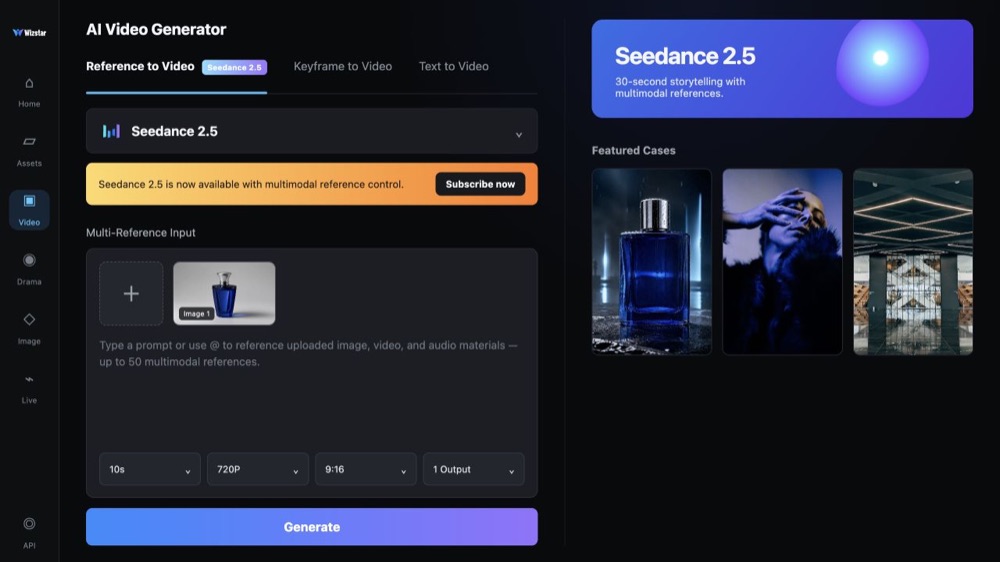
Pick Kling 4.0 in the Reference to Video, Keyframe to Video or Text to Video tab of the Wizstar video generator.
 02
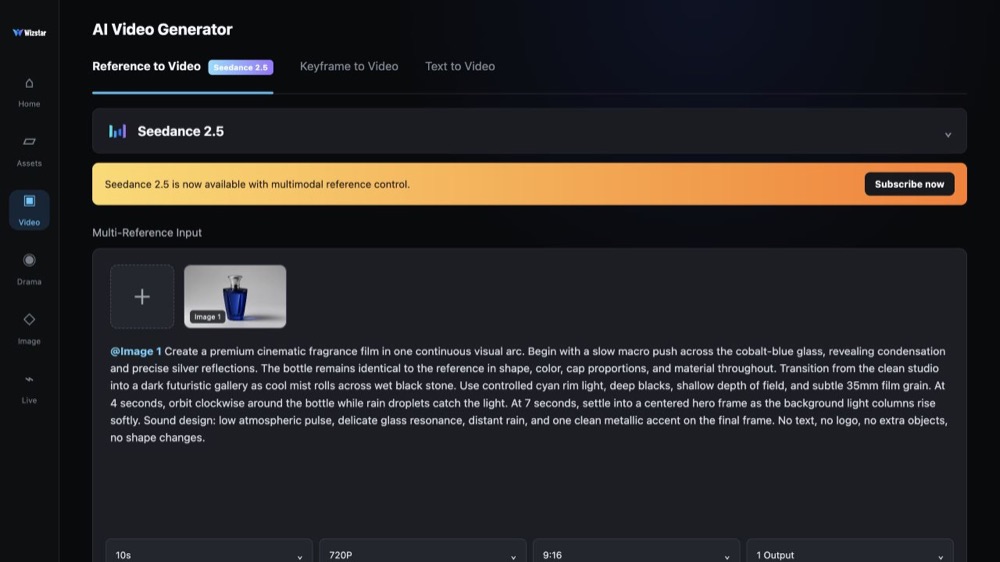
Upload images, videos, audio or keyframes, then describe the action, camera, pacing and ending.
 03
Choose 3 to 30 seconds, 9:16 or 16:9, and 720P, 1080P or Enhanced 2K. Review the clip and try again with one change.
Connect Kling 4.0 capabilities to the creative jobs teams need to complete.
Turn product photos into a 30-second ad where the product looks the same from start to end.
Keep characters easy to recognize while a full scene or plot twist plays out in one clip.
Show fights, races and sports moves with smooth motion and a camera that keeps up.
Use a video you like as a reference for pacing and camera, then put in your own characters or products.
Compare the available model workflows before choosing a starting point.
| Model | Type | Best for | Primary input | |
|---|---|---|---|---|
| Wizshot 1.0 | Video | Wizstar's own reference-to-video model at the lowest price | Text or reference media | View |
| Seedance 2.5 | Video | 30-second video generation with audio | Text or reference media | View |
| MiniMax H3 | Video | Multimodal video generation with synchronized sound | Text or reference media | View |
| Kling 4.0 Current | Video | 30-second video from 15 references | Text or reference media | |
| Kling 3.0 | Video | Cinematic motion control | Text or reference media | View |
| Seedance 2.0 | Video | Multi-shot visual storytelling | Text or reference media | View |
| Seedance 1.5 | Video | Superb audio-visual synchronization | Text or reference media | View |
| Veo 3.1 | Video | Cinematic 4K video with rich audiovisual detail | Text or reference media | View |
| Gemini Omni 1.1 Flash | Video | Greater control with improved visual consistency | Text or reference media | View |
| Gemini Omni Flash | Video | Strong visual consistency across multimodal inputs | Text or reference media | View |
| Sora 2 | Video | Prompt-driven visual storytelling | Text or reference media | View |
Answers to common questions about using Kling 4.0 on Wizstar.
Kling 4.0, also searched as Kling AI 4.0, is a video model in the Wizstar AI video generator. On Wizstar it works in the Reference to Video, Keyframe to Video and Text to Video tabs and makes clips of 3 to 30 seconds. It takes up to 15 image, video and audio references in one generation.
Open the Wizstar video generator and pick Kling 4.0 in one of its three tabs. Upload your references or keyframes, or start from text, and write a prompt about the action, camera, pacing and ending. Choose the length and resolution, generate the clip, then change one thing at a time for the next try.
Kling 4.0 is available to Wizstar members, and each generation uses credits. New users get 20 free credits when they sign up, so you can try the Wizstar video generator before choosing a plan.
Kling 4.0 uses credits. The amount depends on the length, the resolution and whether you add video references, so a 30-second 1080P clip costs more than a short 720P one. The exact credit amount shows in the generator before you submit.
Yes. In Keyframe to Video, upload a first frame, a last frame or both, and Kling 4.0 animates the scene between them. In Reference to Video, you can add up to 10 images to set the characters, products and setting.
Kling 4.0 makes clips of 3 to 30 seconds in one generation. You can pick 720P, 1080P or Enhanced 2K, in 9:16 or 16:9. Check the options in the generator before you submit, because the available settings can change.
You can add up to 15 references in Reference to Video: up to 10 images, up to 5 videos with a total length of 30 seconds, and up to 3 audio clips. In the prompt, say what each reference should control, such as the face, the product, the motion or the voice.
Kling 4.0 makes clips of up to 30 seconds, twice the length of Kling 3.0, and takes more references in one generation. It also keeps big movements and camera moves steadier. Choose Kling 3.0 for shorter clips in an existing Kling 3.0 workflow.
Both make clips of up to 30 seconds on Wizstar. Choose Kling 4.0 for fast action, steady camera moves and up to 2K output. Choose Seedance 2.5 when you need more references, up to 50 in one brief. You can switch between them in the same video generator.
Read our articles about Kling 4.0 to learn more about its features, pricing, use cases and more.
Kling 4.0 sits alongside other leading video models in the same Wizstar workflow. Compare them and pick the one that fits each shot.
Choose it for a single shot up to 30 seconds when several visual references need to stay connected in one directed sequence.
View modelChoose it for visually rich scenes that benefit from expressive character motion, detailed subjects, and polished high-resolution output.
View modelChoose it to bring product shots, characters, and image references to life with grounded movement and believable physical detail.
View modelChoose it for connected scenes that need reliable visual continuity, synchronized sound, and a smooth narrative flow.
View modelStart from text, keyframes, or reference media, then direct the motion and sound.
 Seedance 2.5
 MiniMax H3
 Kling 3.0 Omni