I’m Vela, a freelance creator who spends much of my time testing AI video and short-form production workflows. For product ads, I care less about the most cinematic first result than whether a model keeps the product accurate and leaves the team with a usable edit.
Kling 4.0 vs Veo 3.1 becomes useful only when both receive the same product, motion goal, and acceptance rules. No matched outputs are attached, so this article gives growth teams a repeatable test instead of naming a winner.
The official Kling 4.0 release notice separates the full model from limited Flash early access. Flash cannot stand in for full Kling 4.0, and Veo Fast or Lite cannot stand in for the standard Veo 3.1 model used below.
Which Product Ad Task Are We Comparing?
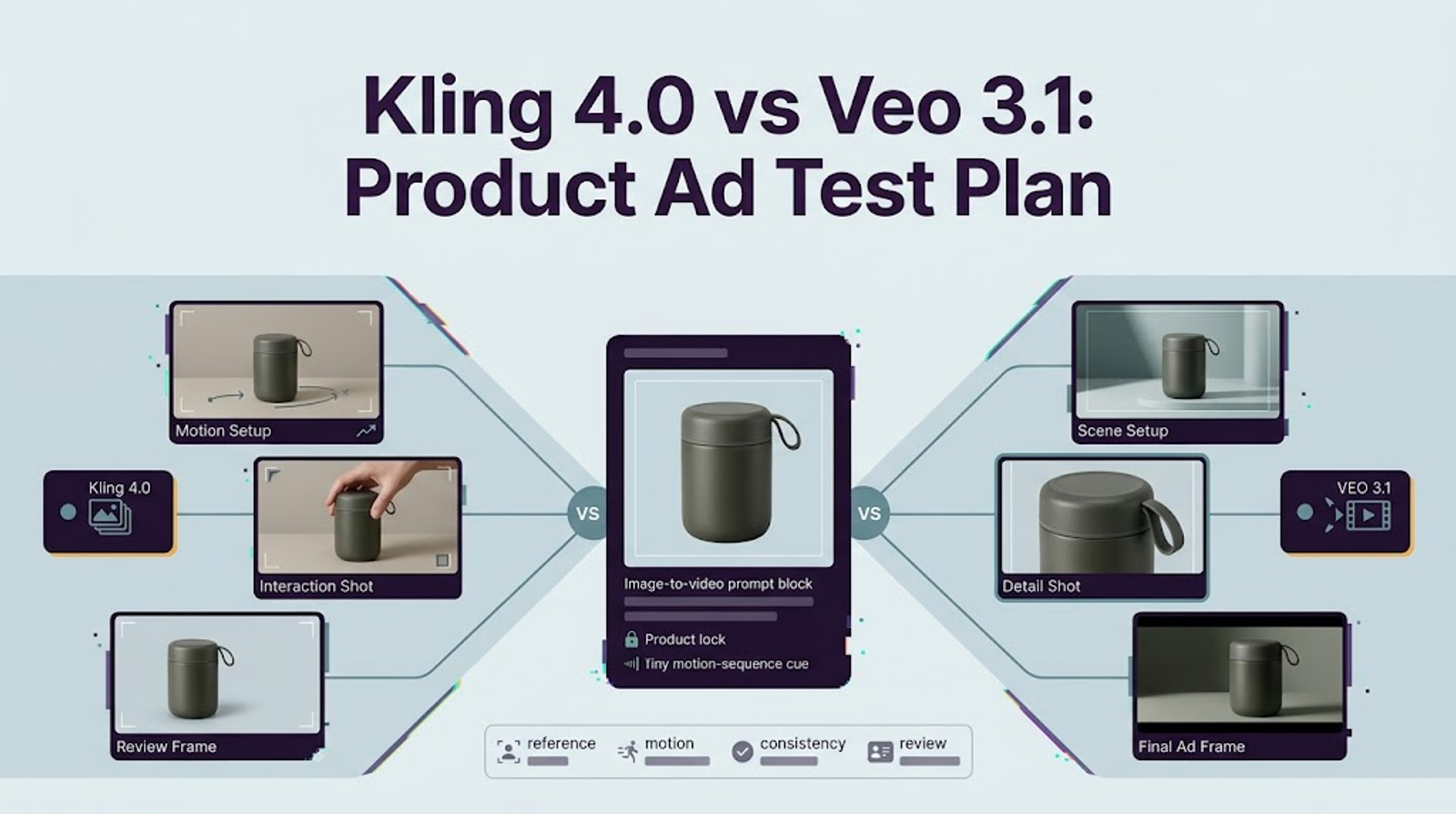
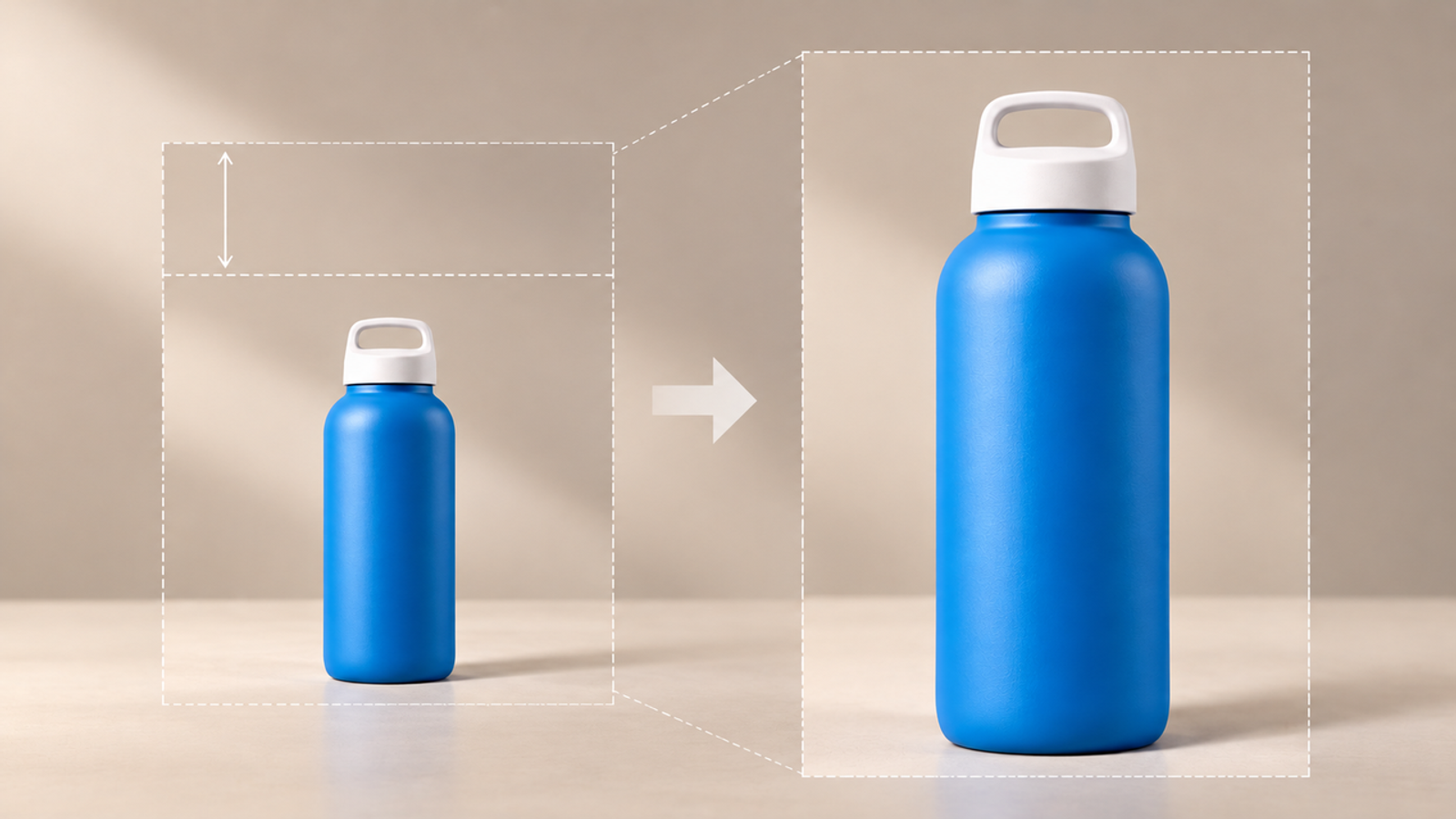
Compare one eight-second, 9:16, 720p opening shot made from the same licensed product image. The fictional fixture is a front-facing blue reusable water bottle with a white cap, exact label, and neutral background. The bottle remains still while the camera makes one slow push-in; approved headlines and call to action are added later.
This task exposes advertising failures: a deformed cap, mutated label, invented product side, or missing copy area. It does not test multi-shot storytelling, dialogue, or campaign performance. Keep the image authorization, intended placement, and approved claims with the test record.
Use full Kling 4.0 only when that label appears in the account. For Google, record veo-3.1-generate-preview; Fast and Lite are separate modes. Log the entry point, region, date, settings, displayed charge, and output. A Kling app run and Gemini API run can compare outputs, but not interface speed or billing.

Set Up the Same Image-to-Video Brief
Use the same creative contract, changing only required provider syntax and logging each change. In the documented Veo 3.1 image to video route, the primary image becomes the initial frame. Do not add Veo reference images or Kling multi-keyframes during the baseline; they change the guidance.
The official Veo 3.1 API guide documents 4/6/8 seconds, 9:16 and 16:9, 720p through 4K on standard and Fast, and always-on audio. Eight seconds at 720p and 9:16 fit the test. Review visuals muted, then log audio separately.Use this shared English brief:
Using the approved product image as the opening frame, create one continuous 8-second 9:16 shot at 720p. Make one slow, smooth camera push-in while the bottle remains still and centered. Preserve its exact silhouette, blue body, white cap, label spelling, logo placement, proportions, material, colors, and background. Do not rotate it, reveal an unseen side, or add hands, products, claims, or lettering. Keep the upper third quiet for approved copy added in editing. No dialogue or music.
Run three baseline generations per model. Do not quietly give one model extra retries. If neither model produces a passing take, allow one documented repair attempt per model with provider-specific controls. This small test supports a workflow decision, not a claim about either model’s overall success rate.
Product Shape and Label Fidelity
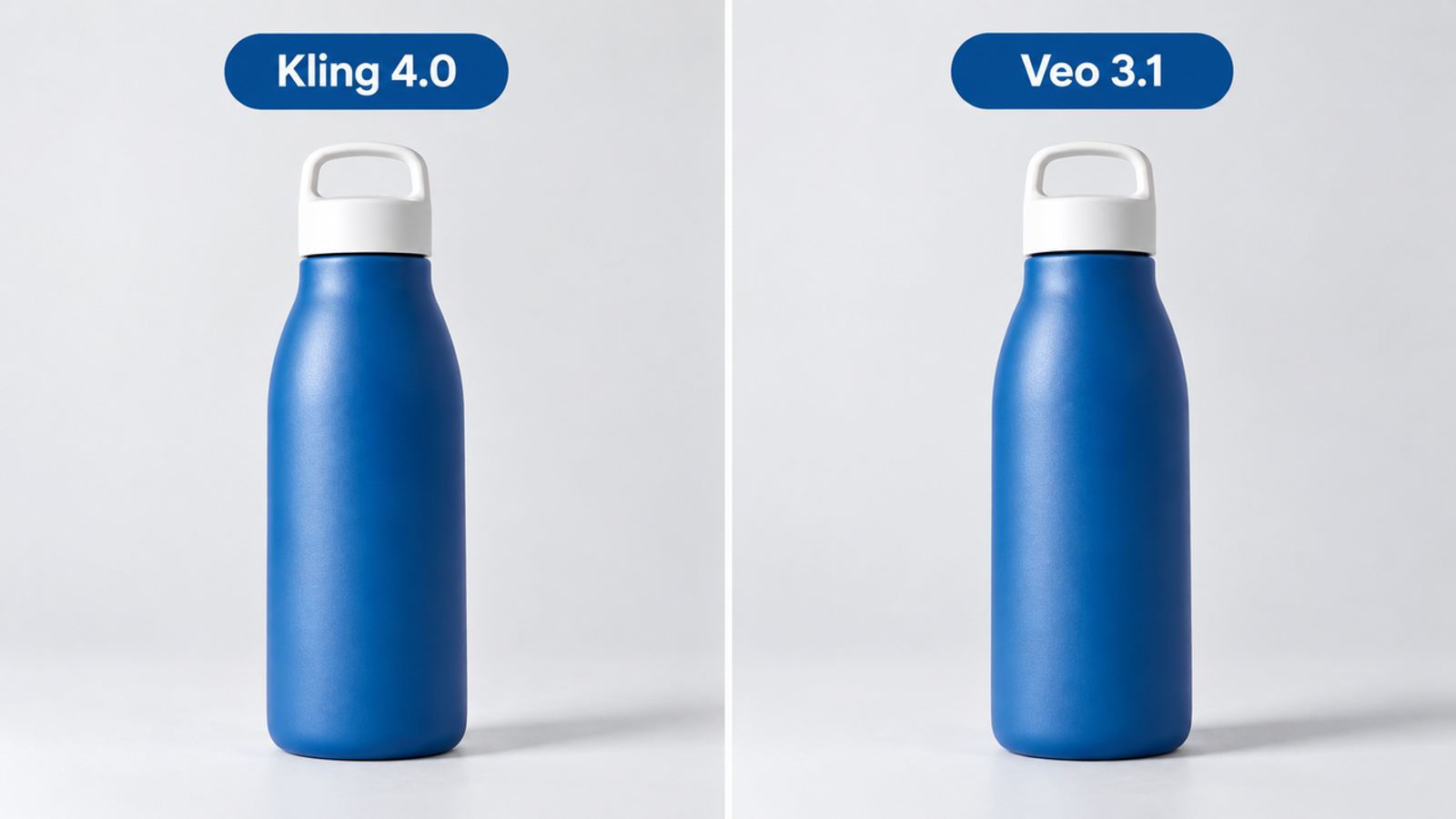
Compare the opening, midpoint, and final frames with the approved packshot at 100 percent zoom and delivery size. The product gate passes only when geometry, cap, seams, label, logo, colors, quantity, and purchase-relevant claims remain unchanged. Record “cap narrows at 00:05,” not “less realistic.” A background blemish may be repairable; A fictional product attribute should not move forward.
Camera Motion Across the Clip
The motion gate requires one continuous push-in without a hidden cut, abrupt acceleration, unintended rotation, disruptive wobble, or loss of the headline area. Judge the delivery crop with the copy mockup applied. If the bottle drifts upward and consumes that space, it creates downstream work even when every product detail survives.
Time Needed for a Reviewable Cut
Measure hands-on work separately from generation time. Start when the file downloads and stop when a reviewer can inspect the 9:16 cut with approved copy. Keep wait time, paid attempts, and human minutes separate. Before testing, set the maximum repair time the team will accept; exceeding it fails the workflow gate even if the final clip looks polished.
Exact model and route: Completed attempts / technical failures: Prompt revision minutes: Retouching or compositing minutes: Copy, crop, audio, and export minutes: Reviewer corrections: Total hands-on minutes to reviewable cut:
For teams comparing Kling 4.0 vs Veo 3.1 product ads, this is the practical core: an attractive frame does not offset the time spent rebuilding a label.
Which Published Capabilities Matter for This Test?
For full Kling 4.0, the relevant announced capabilities are image-to-video, 9:16 output, 3–30 second duration, 720p through 4K, first-and-last frames, and up to ten keyframes. Flash is a narrower 3–20 second, 720p SDR route without first-and-last-frame or multi-keyframe control. Its result belongs in a separate Flash test.
Veo 3.1 standard Preview supports image-to-video, a first image plus optional last frame, up to three asset references, 4/6/8-second clips, 9:16, 24 fps, and 720p/1080p/4K subject to documented duration rules. The baseline uses only the initial image. Additional references and end-frame interpolation become repair tools whose setup time must be counted.
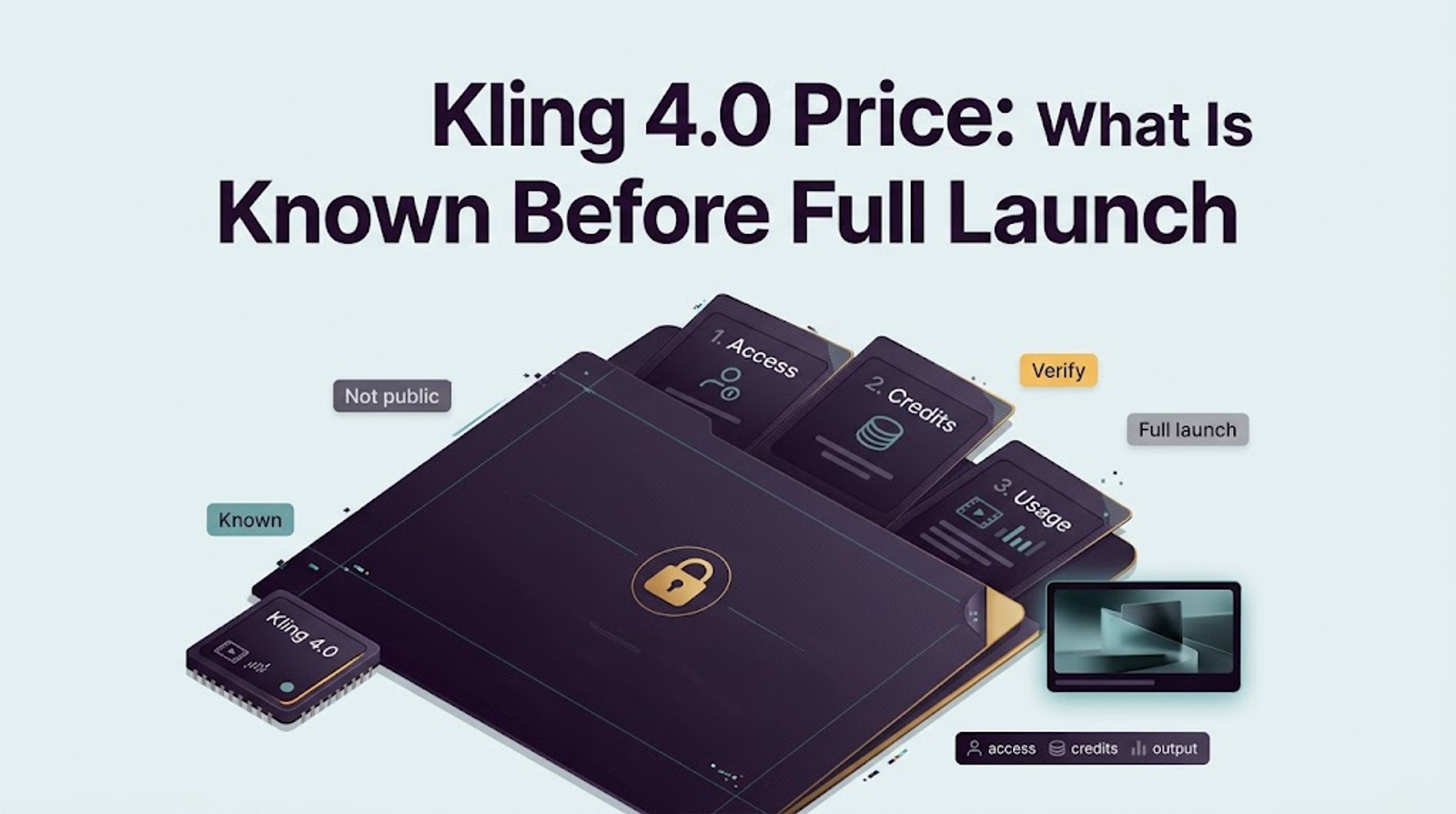
Pricing is not comparable from specifications. Google publishes per-second API rates; Kling has not published a full 4.0 rate, and app credits are not API dollars. This Kling 4.0 video comparison should record actual deductions without converting between billing units.
How Should a Team Choose After Testing?
Treat this as an AI product ad model test. If only Flash is available, do not use it as the Kling 4.0 result. If only Veo 3.1 is available and a campaign cannot wait, validate Veo for that job while keeping the future Kling test separate. When both full routes are available, run the matched baseline rather than choosing from vendor showcase clips.
Among outputs that pass the product, motion, and workflow gates, compare attempts, repairs, hands-on minutes, export conditions, and reviewer corrections. A model that repeats the result with less risky work on a second SKU is the stronger workflow candidate. One bottle clip is insufficient.
If both pass, use route, resolution, observed turnaround, budget, and account rights. Kling’s paid-service terms contain a commercial-use provision for member output alongside restrictions and other applicable terms. Save the terms shown for the generating account and seek clarification for client campaigns.
If neither preserves the pack, stop repeating the failure. Composite the authorized product cutout over generated motion or build a controlled motion-graphics shot the brand can approve.
Limits of Pre-Launch Comparisons
Without matched full-model outputs, no claim about brand fidelity, speed, cost per accepted clip, or overall quality is supported. Full Kling 4.0 access is still account-dependent, while the selected Veo model is a Preview endpoint. Capabilities, rates, and availability can change.
One image also cannot represent reflective cosmetics, transparent packaging, flexible apparel, or products shown in use. The test answers one production question for one SKU. It does not predict ad performance or establish that generated claims are accurate.
Licenses are not interchangeable. Google’s Gemini API Additional Terms say Google does not claim ownership of original generated content. Kling applies separate service, membership, watermark, and input-rights terms. Verify both contracts, source authorization, and ad-platform policy before publication. This is general information, not legal advice.
Conclusion
Choose the model that preserves the approved product, follows the camera move, and reaches a reviewable cut with less risky repair. Run the same eight-second baseline, exclude Flash and other Veo variants, and repeat the result on a second SKU. Until matched full-model files exist, a universal Kling 4.0 vs Veo 3.1 winner would be speculation.