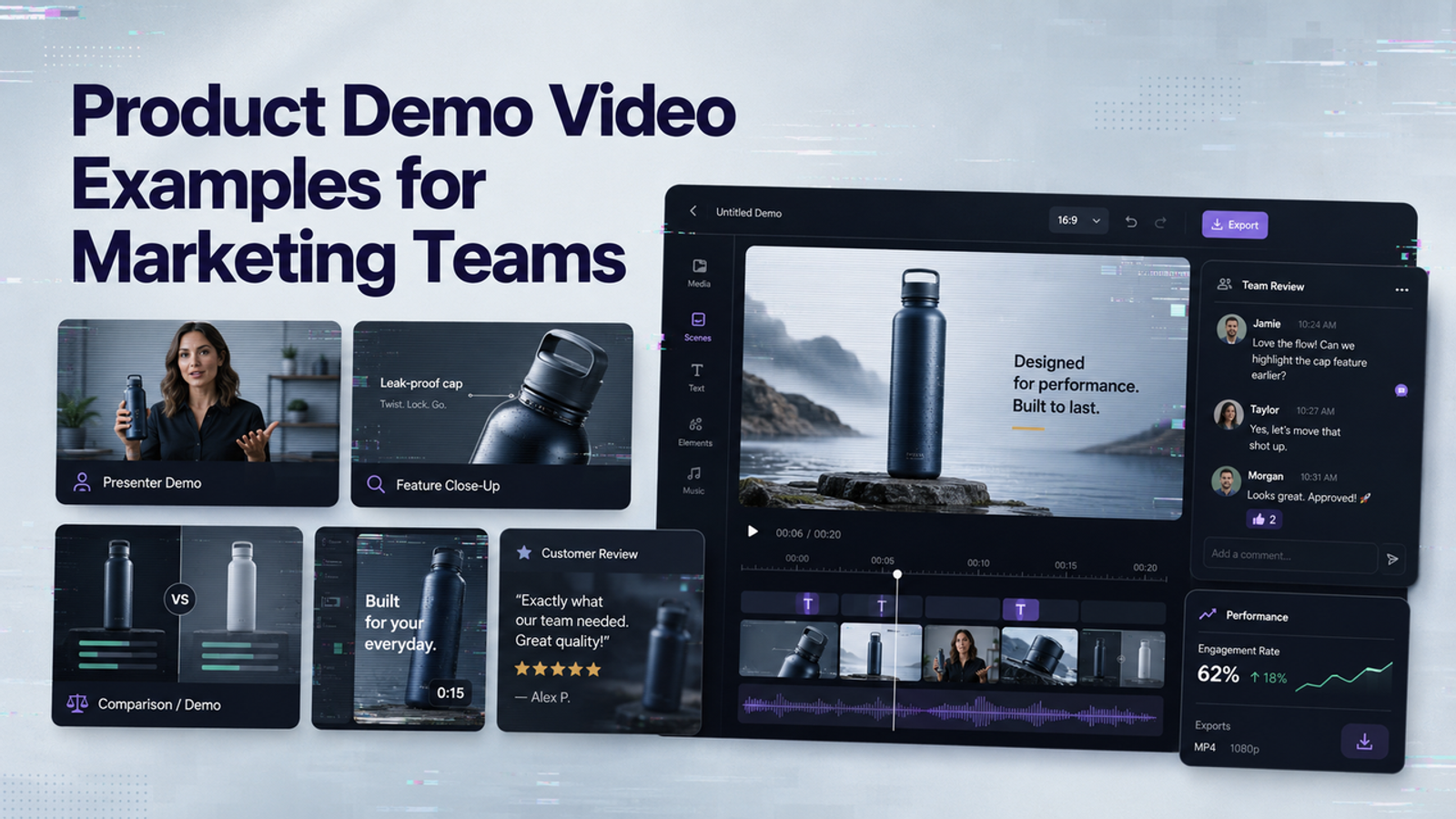
I’m Vela, and I collect product demo video examples for one practical reason: they show how a product earns attention. The useful ones make one promise, prove it in motion, and leave the viewer knowing what changed after seeing the product. This guide is not a gallery of “nice videos.” It is a way to read examples like a marketing team: audience, promise, proof, pace, and what not to copy.
How to Study Product Demo Examples
I would not start by asking, “Do I like this video?” A better question is, “What job is this demo doing?” Some demos reduce purchase anxiety. Some explain a workflow. Some make an invisible feature visible. Some only need to earn a thumb-stop on social before the viewer scrolls away.
When I study product demo video examples, I map five things: audience, core promise, evidence, pace, and borrowable pattern. Evidence might be live use, close-up detail, before-and-after, interface walkthrough, expert explanation, or customer proof. The pattern is the structure you can adapt without taking the brand’s visuals, music, script, characters, interface, footage, or distinctive edit.
E-Commerce Demos That Show Product Use
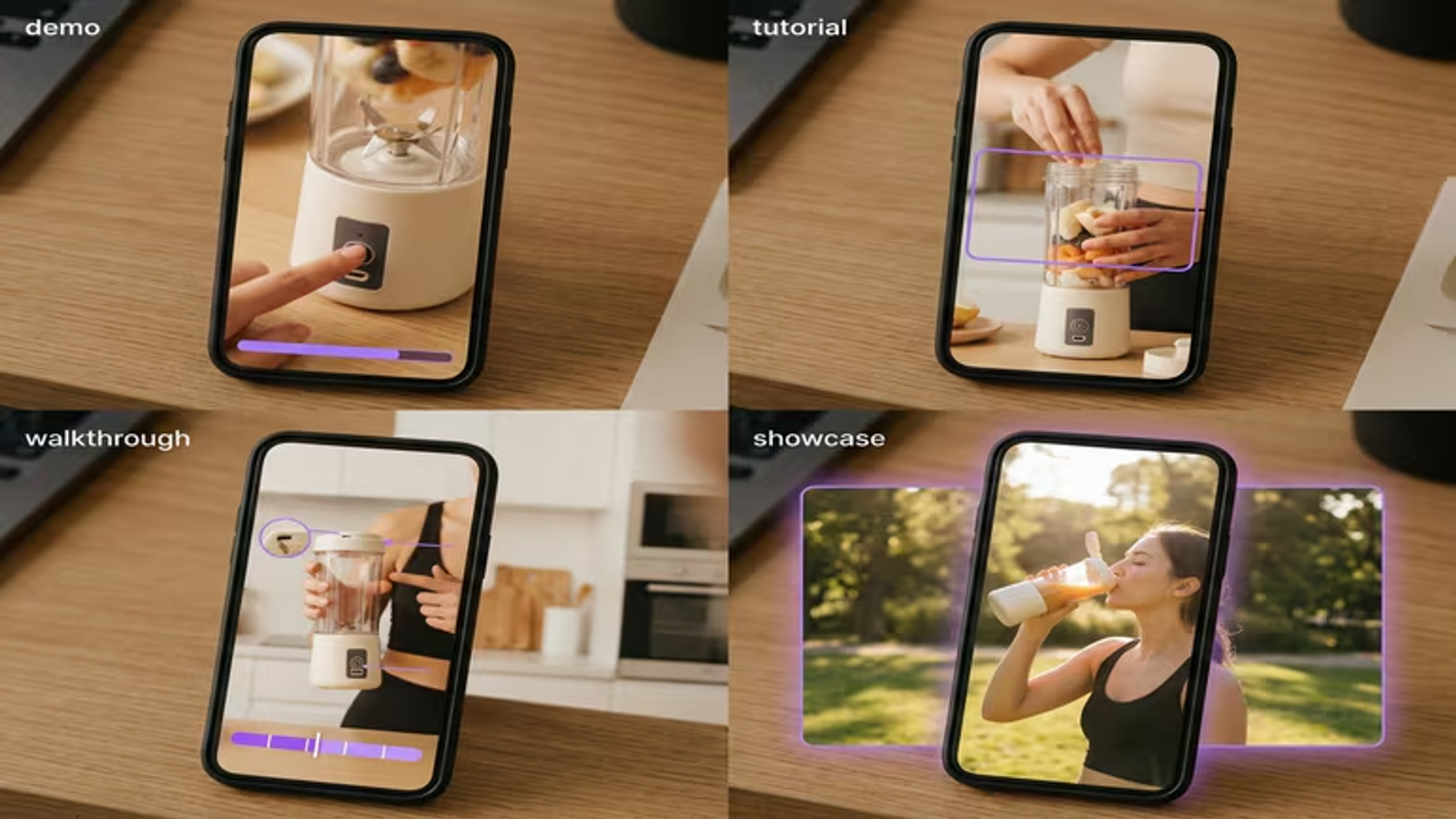
For e-commerce product demo examples, the strongest videos usually begin with the product doing the thing it was made to do. A camera gets mounted. A jacket gets packed into a small pouch. A skincare tool touches skin. Small thing, but it matters: the viewer needs to see scale, grip, texture, setup, and result.
A useful consumer product reference is GoPro’s HERO13 Black basics. The lesson is not to imitate GoPro’s adventure energy. The lesson is that the demo lowers friction by showing setup and handling. The core promise is practical: “You can use this without guessing.” A product promotional video can still look beautiful, but beauty should not hide the operating detail.
If the viewer has to wonder what comes in the box, how big it is, or what happens after pressing the button, the demo has skipped its job. For e-commerce teams, the safest brief is simple: show the product in hand, show the use order, show the result, and avoid claims that the video does not visibly prove.
SaaS Demos That Make Workflows Clear
SaaS demo examples have a different problem. The product may not have a physical action, so the video has to turn screens into a story. I usually look for whether the demo connects the interface to a real workflow instead of floating through features like a dashboard tour.
Slack’s official demo page is a useful SaaS reference because it frames the product through work patterns rather than only interface decoration. For marketing teams, the takeaway is simple: do not show every menu. Show the path from trigger to outcome. A good SaaS demo starts with a messy work moment, shows the product action, and ends with the user knowing what to do next.
The evidence in SaaS should be visible sequence. A viewer should be able to say, “First I do this, then the product helps me do that.” If the demo uses simulated data, sample names, or mock dashboards, label them clearly so viewers do not mistake a mock result for a real customer outcome.
Animated Demos for Invisible or Complex Products
Animated product demo video works best when live footage cannot show the real value. This includes APIs, security products, infrastructure tools, AI agents, data flows, and anything where the benefit happens behind the screen. Animation should not become decoration. It should make relationships easier to understand.
Salesforce’s Agentforce video is a useful reference because it explains a complex product idea with a defined sequence and transcript support. The point is not the visual style. The point is translation: abstract system behavior becomes a set of user-facing moments.
For complex demos, I like a three-layer structure. Start with the human task, show only the system logic the viewer needs, then return to the business result. Too many floating nodes can look impressive while hiding the actual promise.
Short Demos for Paid and Organic Social
Short product video examples have less room for setup, which makes structure more important, not less. I would not treat a 15-second demo as a smaller version of a two-minute explainer. It has a different job: one hook, one action, one proof point, one memory.
For paid social, the first seconds should carry the audience filter. A demo for busy parents, office workers, founders, or media buyers should feel different before the product is fully explained. For organic society, the demo may lean more into curiosity, but it still needs visible proof.
The review step is not optional here. Short demos compress claims, captions, product shots, and simulated results into a tiny space. One blocked product shot or strange AI-generated hand movement can weaken the whole clip.

What Strong Examples Have in Common
One Audience and One Product Promise
The best product demo video examples are narrow. They do not try to speak to every buyer, every channel, and every product benefit at once. A demo for first-time buyers may need setup and reassurance. A demo for existing users may need a new feature workflow. A demo for executives may need business impact, not interface detail.
A Logical Demonstration Sequence
A strong demo has a sequence the viewer can retell: problem, product action, proof, result. Or input, workflow, output, next step. If the product appears before the problem is clear, the demo feels like an ad. If the result appears before the action is proven, it feels like a claim.
A Clear Next Step
A clear next step does not have to mean a loud sales push. It can be “compare options,” “try this workflow,” “request a sample,” “check compatibility,” or “watch the full setup.” The important part is that the video does not end in fog.
Turn Inspiration Into an Original Brief
The safest way to use product demo inspiration is to turn it into a brief before anyone opens an editor. I would write down the audience, the one promise, the proof format, the required product details, the claims that need approval, the assets that must be original, and the parts that are simulated.
Then separate “format” from “creative property.” Format is borrowable: unboxing, before-and-after, workflow walkthrough, animated system map, social hook, founder-led explanation. Specific original expression may be protected.: another brand’s script, footage, music, actor style, interface, testimonial, slogan, or distinctive shot sequence.
For testimonial-style demos, be extra careful. The FTC’s consumer review rule Q&A is a good reminder that customer proof cannot be invented, distorted, or made to look more independent than it is. If a demo uses an actor, avatar, or synthetic voice to represent a testimonial, the underlying testimonial still needs to be genuine rather than fake or false; follow your own approval process as well.Accessibility also belongs in the brief, not at the end. The W3C guide to accessible audio and video is useful because short demos often rely on captions, visual text, motion, and sound cues. Captions should not cover the product. Important visual steps should not exist only in audio.
Conclusion
Product demo video examples are most useful when they are treated as working references, not templates to copy. I would study e-commerce demos for physical proof, SaaS demos for workflow clarity, animated demos for complex ideas, and short social demos for compression. Useful, but not magic. The real work is turning inspiration into an original brief your team can produce, review, approve, and stand behind.
FAQ
- May brands reuse demo formats without copying creative assets?
- Yes. Reuse the communication structure, not the creative property. A before-and-after format, workflow walkthrough, or unboxing sequence is fair inspiration. The specific script, framing, music, actor style, interface design, and edit identity should stay with the original brand.
- How can viewers identify simulated interfaces in product demos?
- Label simulated screens directly with phrases such as “sample data,” “simulated workflow,” or “illustrative interface.” Keep internal notes on which screens are real, staged, or generated, especially for legal, client, or paid media review.
- Do testimonial-style demos need proof of customer claims?
- Yes. A testimonial-style demo should be backed by the actual customer experience it represents. If the video uses a spokesperson, actor, avatar, or edited quote, the team still needs the underlying testimonial to be genuine, plus any approval your own review process requires.
- Which accessibility checks apply to short product demo examples?
- Check captions, contrast, readable on-screen text, audio clarity, flashing or fast motion, and whether the product action is understandable without sound. For vertical videos, check safe zones so captions and platform UI do not cover the product.
- How should teams credit third-party footage used in demos?
- Credit is not the same as permission. Confirm the license, keep source records, follow required attribution wording, and make sure the license covers commercial use, editing, paid ads, territory, and duration.