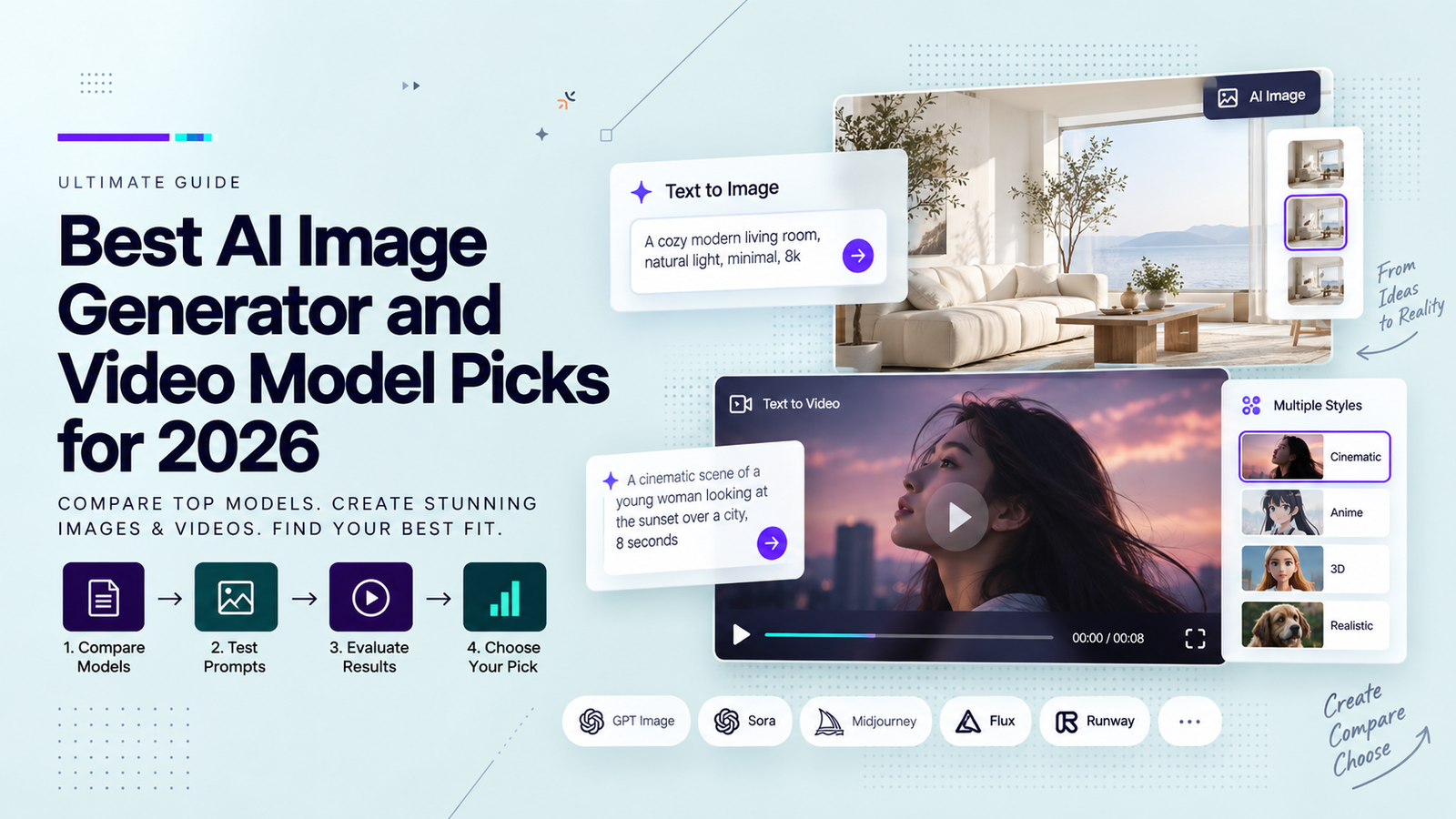

The short answer
The best setup for AI video generation connects an approved brief and authorized assets to shot-level generation, a tracked edit, human sign-off, and delivery. For teams making ads, demos, and localized clips, the system must show which source and revision produced the approved file. This proposed workflow draws on current documentation; it has not been tested for cost or speed.
Start with the Output and Review Requirements
Define the release before opening a generator: destination, aspect ratio, duration, language, captions, editable files, and final approver. A product page cut and a vertical ad may need different framing and copy. The Canadian Marketing Association’s AI video playbook recommends mapping the existing process and retaining human post-production and review. The team must name its own gates.
Copy this route into a project brief and assign one owner to each arrow:
Approved brief → Authorized asset library → Shot plan and workflow choice
→ Generated candidates → Edited cut → Human review
→ Approved master and versions → Distribution and archive
↘ Rejected or revised shot → New candidate ↗
The return arrow matters: trace a rejected shot to its source and prompt before rerendering.
Set Up a Brief and Approved Asset Library
The brief needs an audience question, approved answer, claim evidence, placement, mandatory copy, prohibited implications, and decision maker. Give each asset an ID; record its source, permitted uses and markets, expiry, and approval. Separate approved images, footage, logos, and voices from speculative drafts. A public image or quote is not automatically cleared for paid generation.
Use a shared drive or asset manager as an independent node, with restricted inputs and a release folder. Upload only what the shot needs. Check each service’s current commercial terms, retention, and training settings before transferring client media.
Route Each Shot to a Suitable Generation Workflow
Choose a route per shot. A real mechanism may require filmed footage; an atmospheric transition may suit text-to-video; a controlled still may suit image-to-video. Presenter and localization work needs checks for likeness, speech, translation, and captions. If the workflow cannot preserve a required fact, change the shot plan.
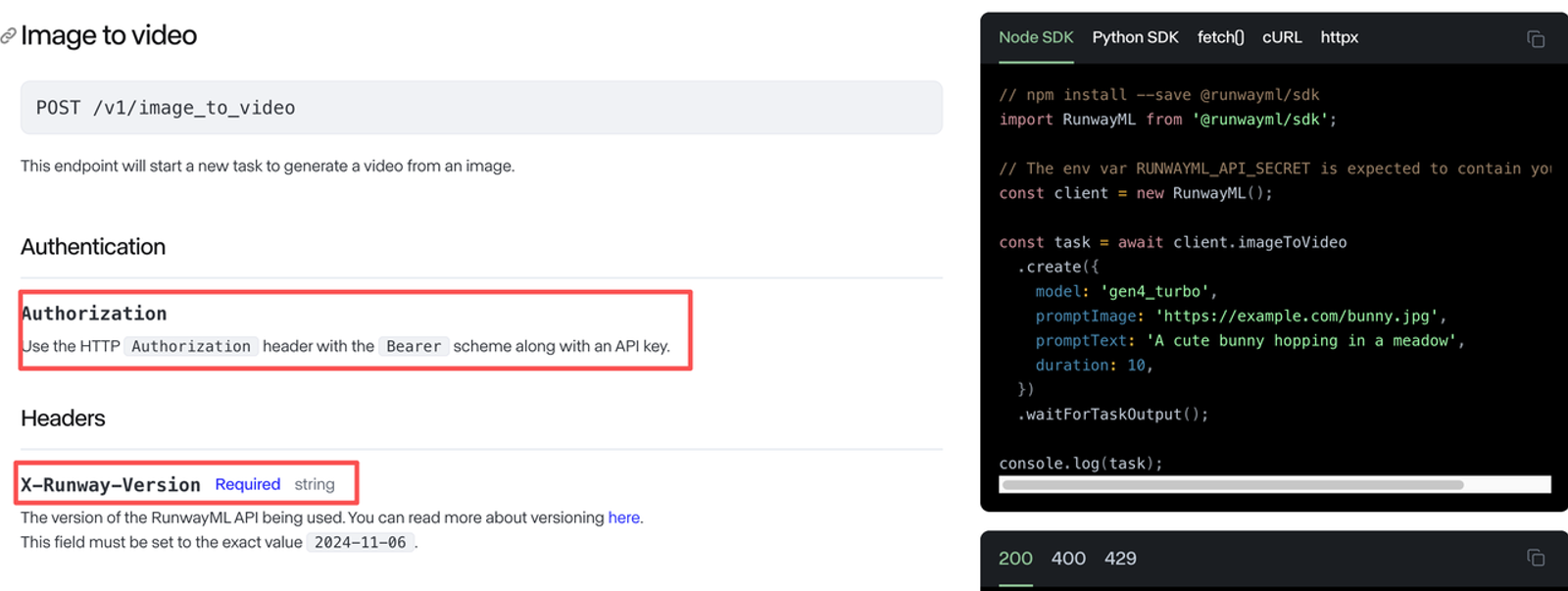
For API work, record the endpoint, model, and input mode. The Runway developer API reference illustrates why: image-to-video, text-to-video, and video-to-video are distinct tasks. Confirm availability, price, upload limits, and usage rights before automating any service.
Keep Prompts, Inputs, and Versions Together
The simplest AI video production stack is a shared record that connects a shot to its inputs and outputs. A filename such as final_v3_reallyfinal.mp4 cannot tell an editor which product image, prompt, model, or consent record produced it. Assign a campaign ID, shot ID, and candidate ID before generation, then preserve the rejected candidates and their reasons within the retention terms agreed with the client.
| Record | Minimum fields to copy | Decision owner |
| Brief | ID, audience, claim, placement, deliverables, deadline | Campaign lead |
| Asset | ID, source, permitted use, market, expiry, rights evidence | Asset or rights owner |
| Shot | ID, purpose, approved message, input IDs, chosen workflow | Producer |
| Generation | Candidate ID, prompt, model/version, settings, time, output link | Operator |
| Edit | Cut ID, selected candidate IDs, project link, change note | Editor |
| Review | Cut ID, reviewer, timestamp, decision, reason, required fix | Named approver |
| Delivery | Master ID, channel version, captions, destination, publish owner | Campaign lead |
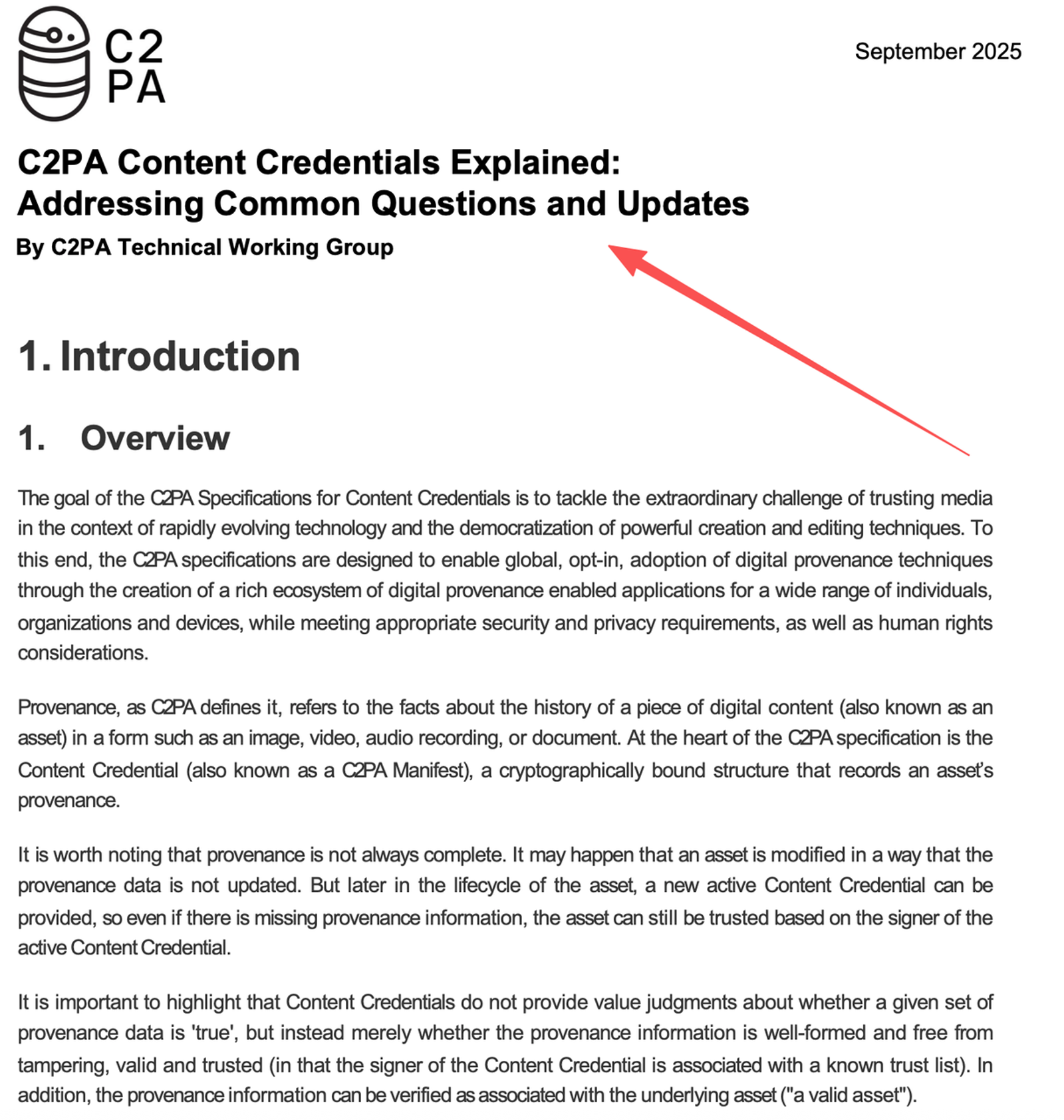
The record can live in a spreadsheet; it does not require a custom database. If a tool emits Content Credentials, keep them with the asset, but do not treat provenance metadata as proof that a claim or license is valid. C2PA itself explains that provenance can be incomplete and does not judge the truth of an assertion.
Add a Human Review Gate Before Export
Review the edited cut, not only the generated shots. One person checks whether the story answers the brief; a product owner checks visible details and claims; a rights owner checks people, voices, music, and source permissions; a channel owner checks placement and destination. Give each reviewer the same cut ID and a deadline. A draft earns a review, not a green light. An approval record should say who approved which version for which use, rather than simply “looks good” in a chat thread.
Check Rights, Claims, Brand Details, and Accessibility
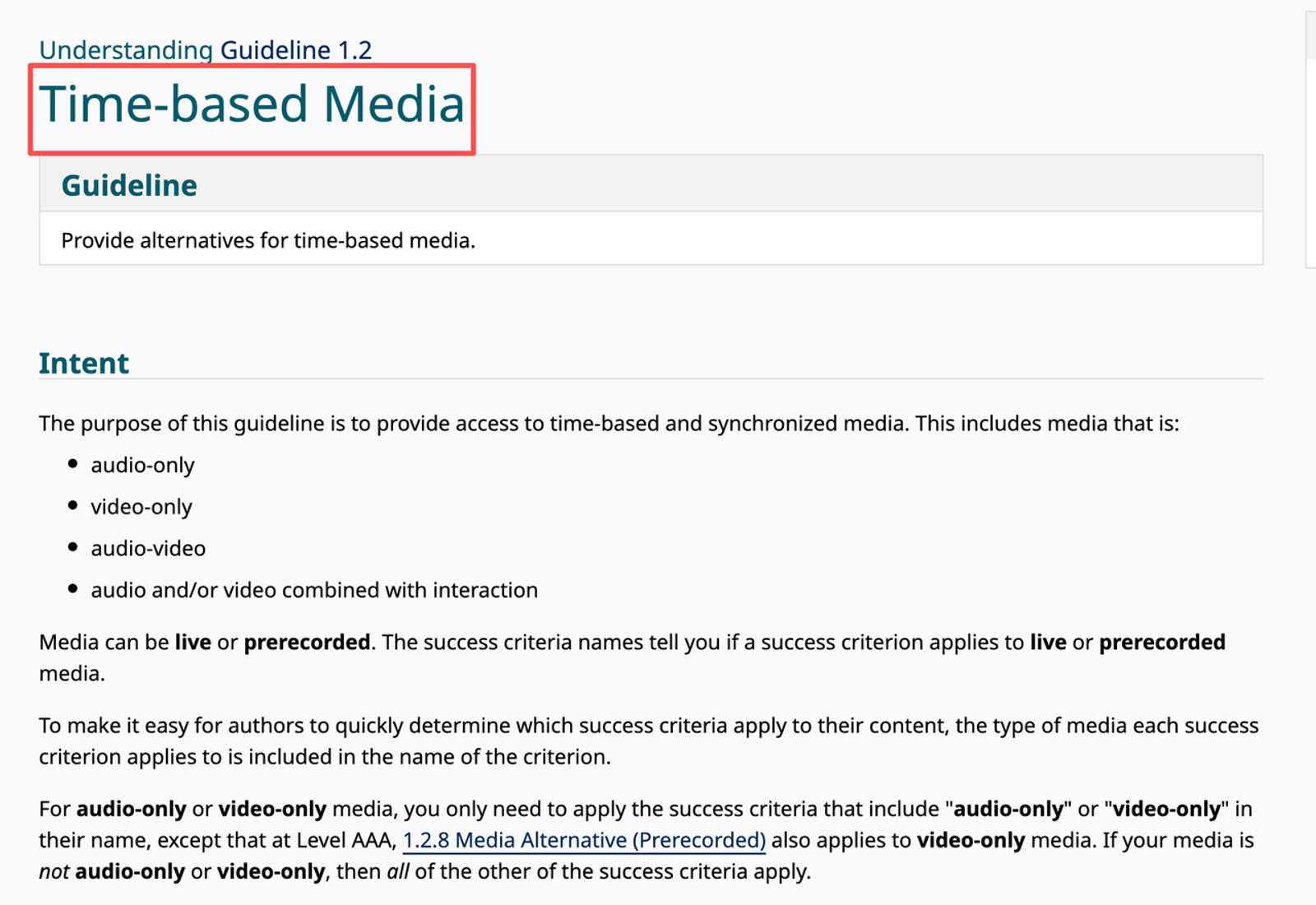
At the gate, pause on any changed logo, label, interface, price, or product behavior. Compare spoken and on-screen claims with the current product page and evidence file. For localized clips, check the translation in context and inspect caption timing and line breaks on a phone-sized preview. The W3C’s time-based media guidance, updated in 2026, identifies captions and audio descriptions among the relevant accessibility requirements; the applicable standard depends on the destination and content. I would check readability before I hit export. Rights and disclosure questions also depend on contracts, platform rules, and jurisdiction; This is general information, not legal advice.
Track Cost and Repair Work per Approved Clip
A cost sheet should count attempts, not just the winning render. Copy one row per attempt, including failed generations:
| Campaign / shot | Tool / model / plan | Input / prompt version | Candidate / attempt | Generation charge | Edit / review time | Result / failure reason | Approval / export ID |
| [campaign] / [shot] | [service / model / plan] | [asset IDs / prompt v] | [candidate 01] | [actual bill or pending] | [edit min / review min] | [approved or rejected: why] | [status / file ID] |
Plain-text copy: campaign/shot | service/model/plan | asset IDs/prompt version | candidate/attempt | actual charge or pending | edit minutes/review minutes | result and reason | approval status/export ID.
Record quoted credits and processing time if they affect the decision, but use actual charges for costing. Mark an unavailable charge pending bill check rather than estimating it. Sum the charges for all attempts linked to an approved clip; if labor is converted to money, apply the team’s documented hourly rate to each role’s recorded minutes. Otherwise report charges and labor time separately. Give localized or channel versions separate rows when they need separate approval. The next edit is part of the cost.
Connect Final Clips to Editing and Distribution
Generation output is source material for the editor. Hand over the selected clips with shot IDs, clean audio, copy, caption files, brand assets, and notes about elements that must stay accurate. An MP4 alone is not an editable project. If the editor or client needs future revisions, agree on the project file, linked media, fonts, licenses, and archive duration in advance.
For review, tools such as Adobe’s Frame.io workflow in Premiere Pro show how comments can attach to a particular frame and updated cuts can be shared for approval. Check the applicable product version: Adobe’s page distinguishes legacy and V4 panels. The publish owner should receive only approved masters and a delivery manifest listing channel, language, aspect ratio, caption file, destination, and expiry or refresh date.
Where a Team Setup Becomes Too Complex
If a small team produces one or two formats, start with one brief, a restricted asset folder, a shot log, and one sign-off field. Add API orchestration or a dedicated review system when volume, localization, or client separation makes manual handoffs unreliable. More automation also creates more failure points: duplicate uploads, stale claims, missing permissions, and exports nobody can trace back to an approved cut. I would keep the human decision gate even in a heavily automated route.
Conclusion
The best setup for AI video generation is the smallest repeatable system that can connect an approved message to authorized inputs, traceable candidates, an edited cut, human approval, and the exact file published. Start with the light version, then add automation where handoffs actually fail. Judge the setup by approved output and repair work over several projects, not by how many models it can call.
FAQ
- Can one brief be reused across models without exposing client data?
- Yes, if the brief is split into a reusable creative instruction and the minimum authorized inputs each service needs. Remove confidential context from prompts, restrict asset access, and verify every provider’s current data handling and contractual terms before transfer. Reusing wording does not authorize reuploading the same client media everywhere.
- What happens if a model becomes unavailable before launch?
- Route the affected shot to a documented alternative and review the new output as a new candidate. Preserve prompts, inputs, settings, and the last approved cut, but expect model-specific differences; a copied prompt is not a portable result. If replacement would change a claim or identity, pause that version until it is approved again.
- How should a team record consent for an AI spokesperson?
- Keep the signed authorization linked to the asset ID and specify allowed likeness, voice, scripts, languages, channels, markets, duration, and withdrawal process. The production record should show which generated versions rely on that consent. Have qualified counsel review the arrangement where required.
- May a contractor retain rejected generations after handoff?
- Only if the contract and rights terms permit it. Define who owns working files, how long they may be retained, which copies must be deleted, and whether portfolio or model-training use is allowed. A rejected render may still contain a client’s confidential product or a person’s likeness.
- Who may publish an AI-generated ad for a client?
- The person or team authorized by the client and the platform account should publish the specifically approved version. Production approval, legal clearance, and account access are different permissions; name the final publisher in the brief and retain the approval record. Check current platform disclosure and ad rules for the destination.