
The short answer
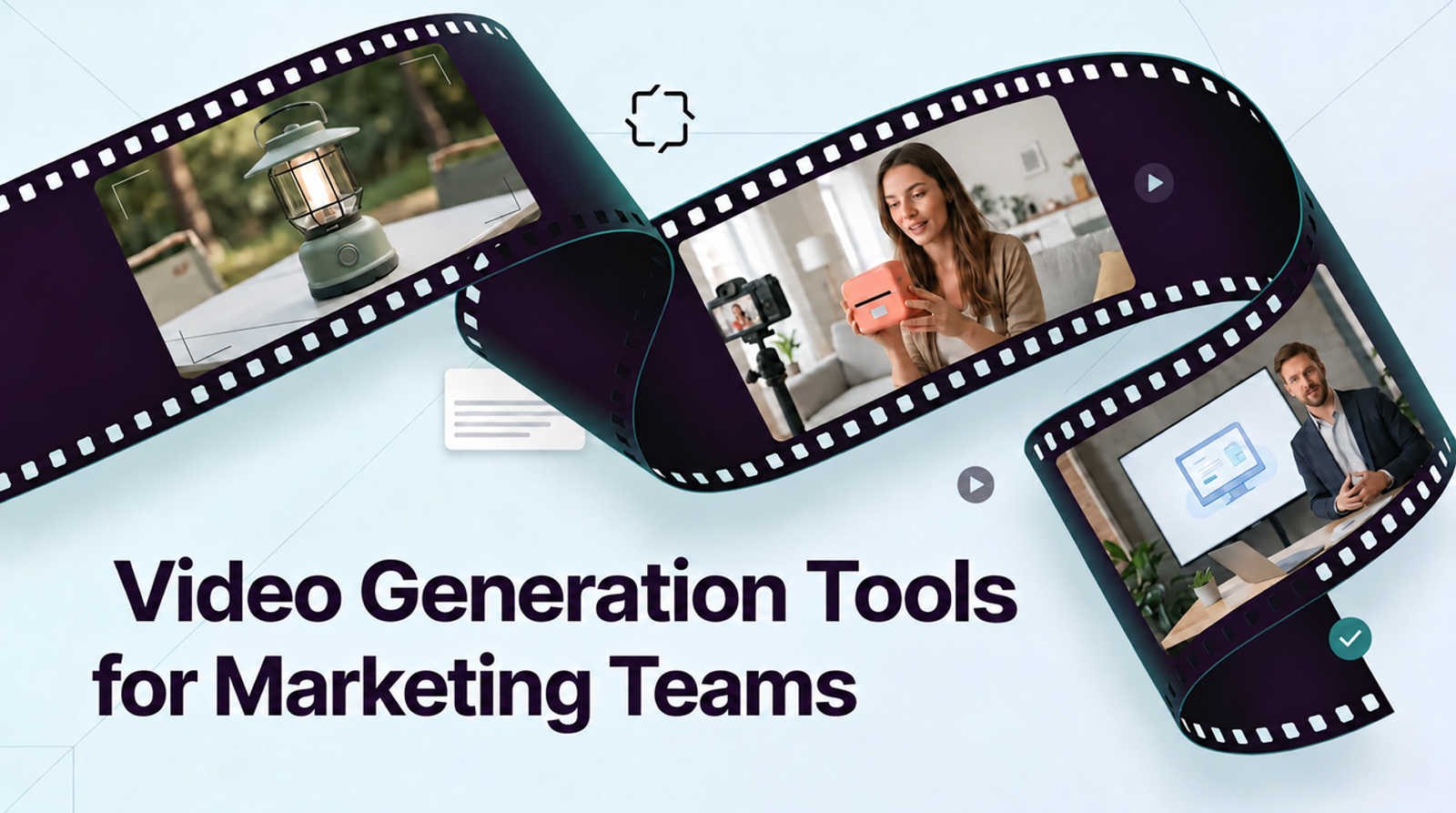
The best tool for creating branded social media video content depends on which part of the work your team needs to control. Wizstar can draft product or spokesperson scenes; Canva organizes repeatable brand layouts; Adobe Express supports social graphics and controlled templates; CapCut edits footage on a short-video timeline. A single tool may cover several steps, but the brand still needs approved assets, a reviewer, and a reliable handoff. This is a documentation-based comparison checked October 29, 2026; I did not generate or publish a matched campaign in these tools.
How to Compare Tools for a Branded Social Campaign
Start with required outputs, not a feature count: perhaps a vertical product video, square feed cut, and landscape version. Each needs the same product shape, wordmark, color, and approved copy. The harder test comes when a reviewer asks to change a line, crop, or sound.
Compare five jobs: generate missing footage, arrange recurring layouts, edit pacing and captions, review brand and claims, and export the files the client expects. For each candidate, record the input assets, plan and paid elements, edit permissions, output ratios, final file types, and who can retrieve the project later. If a platform’s current documentation does not establish a required capability, leave it as a pilot question rather than filling the gap with a guess.
Use One Approved Product and Brand Brief
Use a fictional cobalt-blue reusable bottle as the shared brief. Assume the team has an approved front packshot, a filmed close-up of the cap, a white wordmark file, two brand colors, a font license, and a line of approved copy: “Meet the bottle for your daily carry.” The example makes no insulation, health, or sustainability claim. Request a 12-second 9:16 master, a 1:1 feed version, and a 16:9 cut. The brand owner checks the wordmark, color, and copy; a product owner checks the bottle shape and cap; an editor checks each crop at placement size.
Each tool gets the part it is built to attempt. Ask Wizstar for one product scene from the packshot, Canva and Adobe Express for a branded layout around approved footage, and CapCut for an edit from the real packshot and cap clip. Keep the acceptance criteria fixed: the bottle stays recognizable, the wordmark is readable, the approved line is exact, and all three exports leave space for platform interface elements. These are proposed checks, not observed scores.

Wizstar — Generate Product and Spokesperson Scenes
Wizstar’s official feature catalog lists product-video, image-to-video, avatar, and translation routes. For the bottle brief, its clearest role is supplying a candidate product shot when the team has a packshot but no moving scene. A second route could use an authorized spokesperson to introduce the bottle, but that needs separate likeness and voice approval. Neither route should invent a customer endorsement or prove a physical performance claim.
Best Fit and Key Trade-Offs
Shortlist Wizstar when missing visuals are the bottleneck and the team can review generated frames against approved product material. Its breadth can help produce more than one scene type, but public feature descriptions do not establish a native brand kit, social scheduler, or client approval system. Plan brand layout and sign-off elsewhere. The plan and model selected can change credits, duration, resolution, and export options, so capture the in-product estimate before a pilot. I would check the label before the lighting: a cinematic bottle shot is unusable if its cap or wordmark changes.

Canva — Arrange Brand-Led Social Layouts
Canva suits teams that already have acceptable footage and need repeatable title cards, colors, type, and end frames. Its Brand Kits documentation describes shared logos, colors, fonts, assets, and guidelines, with controls that vary by plan and role. Put the approved bottle footage inside a campaign template, then make the 9:16, 1:1, and 16:9 layouts deliberately rather than assuming one crop will preserve every text position.
Best Fit and Key Trade-Offs
Shortlist Canva when many social posts must look related and non-editors need a guided layout. The trade-off is that a tidy frame cannot fix wrong product footage. Check whether the client’s plan includes the Brand Kit controls, assets, export quality, and shared folders required for the handoff. A copied design may carry layout but not every underlying team asset or permission. Review the actual downloaded video and keep licensed source files outside the design as well.

Adobe Express — Build Social Graphics and Cuts
Adobe Express is another layout-first route, especially when a team wants reusable designs with restricted edits. Adobe’s 2026 guidance on controlled brand templates describes brand restrictions and optional review-and-approval steps for Teams and Enterprise plans. For this brief, create an approved opening card and closing panel, place the bottle clip between them, and specify which text a regional editor may change. Use its social resize controls as a starting point, then inspect all three compositions manually.
Best Fit and Key Trade-Offs
Shortlist Adobe Express when brand governance matters more than generating the product itself. Its controls can reduce accidental layout drift, but the exact review features depend on the account tier and project setup. It is not a substitute for verifying the bottle image or an offer claim. Check how the approved template, uploaded assets, comments, and final exports are shared with an outside agency. If the edit needs frame-level repair, a dedicated timeline editor may still be the clearer route.

CapCut — Edit Short Social Videos
CapCut fits when the team already has real bottle footage and needs to choose the best seconds, pace cuts, add captions, and adapt the edit for social placements. Use the filmed cap detail where the script names the product, then verify that overlays never cover the wordmark. A timeline makes a one-shot replacement more direct than regenerating a whole scene, provided the project and source files remain available to the editor.
Best Fit and Key Trade-Offs
Shortlist CapCut for finishing and recutting, not for proving an unfilmed claim. Premium media may affect export or licensing, so log non-original assets. The CapCut agreement applicable to U.S. users distinguishes material-use categories and places conditions on music and commercial use. Confirm the exact asset label, subscription, territory, and destination before publishing; this is general information, not legal advice.
Compare Brand Review and Export Workload
For this shared brief, use the same three exports and one correction request: “Replace the closing line, keep the product identical, and recheck every crop.” The table separates documented workflow roles from conditions the team must verify in its own account and outputs.
| Tool | Generate | Arrange layouts | Edit | Brand review | Export and handoff to verify |
| Wizstar | Documented product and avatar scene routes | Brand layout remains a separate task | Test whether the chosen route permits the needed correction | Compare bottle, wordmark, and authorized likeness frame by frame | Test 9:16, 1:1, 16:9, clean download, credits, and source handoff |
| Canva | Use approved footage; generation is not this pilot’s job | Documented Brand Kits and reusable designs | Test a copy or crop correction in each layout | Check kit permissions, exact copy, and client access | Download three ratios; test copying the design and needed assets to the client |
| Adobe Express | Use approved footage; generation is not this pilot’s job | Documented controlled templates on eligible plans | Test a permitted regional text change and recrop | Verify approval workflow and reviewer access on the current plan | Export three compositions; test template and comment handoff |
| CapCut | Use real footage; generation is not this pilot’s job | Add approved graphics on the timeline | Test a shot replacement, captions, and pacing | Check product frame, text, and licensed elements | Export three ratios; confirm the next editor can open the project with media |
These are documentation-based trial routes, not matched quality results. A listed export, approval, or transfer is a test requirement until the team confirms it on the relevant plan and account.
The next edit is part of the cost. Record reviewer minutes, blocked exports, premium elements, and any new render, not just the monthly plan price. Keep a manifest with source asset IDs, approved copy version, project owner, export filename, ratio, channel, and sign-off date. An MP4 records the final picture; it does not preserve an editable project or prove that all its parts are licensed.

Choose a Tool Mix for Your Team
If the approved bottle footage is strong, start with CapCut for cuts and either Canva or Adobe Express for repeatable brand framing. If the missing shot is the problem, generate a candidate in Wizstar, inspect it against the packshot, then finish the accepted clip in a layout or timeline tool. A spokesperson belongs in the mix only when a person has a clear job in the message and the team has the required permissions. This is a division of labor, not a claim that every brand needs four subscriptions.
The operating rule is simple: keep the brand master and approval record outside any one person’s account. Make one owner responsible for the latest logo, product image, copy, licenses, and export inventory. I care about the second pass. A workflow that produces one attractive post but strands the editable source with a departing contractor is a poor fit for a continuing campaign.
Conclusion
Choose branded social video tools by the work that needs control: creating a missing scene, arranging a recognizable campaign system, or editing the final cut. Run the same product brief and correction through the shortlisted route, inspect every export, and preserve the assets and permissions needed for the next editor. The best fit is the workflow your team can keep accurate after the first post goes live.
FAQ
- Can a project be transferred between agency and client accounts?
- Sometimes, but the route is tool-specific. Canva’s account-transfer guidance says designs and files can be copied under certain conditions, while Brand Kits, fonts, audio, and comments do not copy through that process. Ask each vendor about project transfer before production, then test it with a non-confidential sample. Deliver source media and approvals separately.
- What happens to brand files when a contractor loses access?
- It depends on which account owns the workspace and assets. Remove access according to the team’s policy, but first verify that an authorized owner can open the master design, source files, comments, and export history. Keep an offline manifest so losing a contractor login does not erase the campaign’s provenance.
- Do stock assets in each tool cover paid social use?
- Not automatically. Check the exact image, template, font, music, avatar, and plan license for the intended channel and territory. The right to use an editor does not grant a blanket license to every asset inside it. Prefer brand-owned or separately licensed media where the permission chain must survive an agency handoff.
- Can a brand request deletion of uploaded product photos?
- Usually a provider offers account or data controls, but deletion scope and retention differ. Before uploading unreleased products, read the current privacy and data terms for the exact service and plan. Record where the original, generated variants, shared projects, backups, and exported copies reside; deleting one upload may not remove every copy.
- Can a team trace which asset version reached a published video?
- Yes, if it keeps a version record. Assign IDs to the approved packshot, logo, copy, soundtrack, project, and export; record the published URL and approval date. When a package or price changes, that map identifies which videos need review instead of relying on memory or filenames alone.