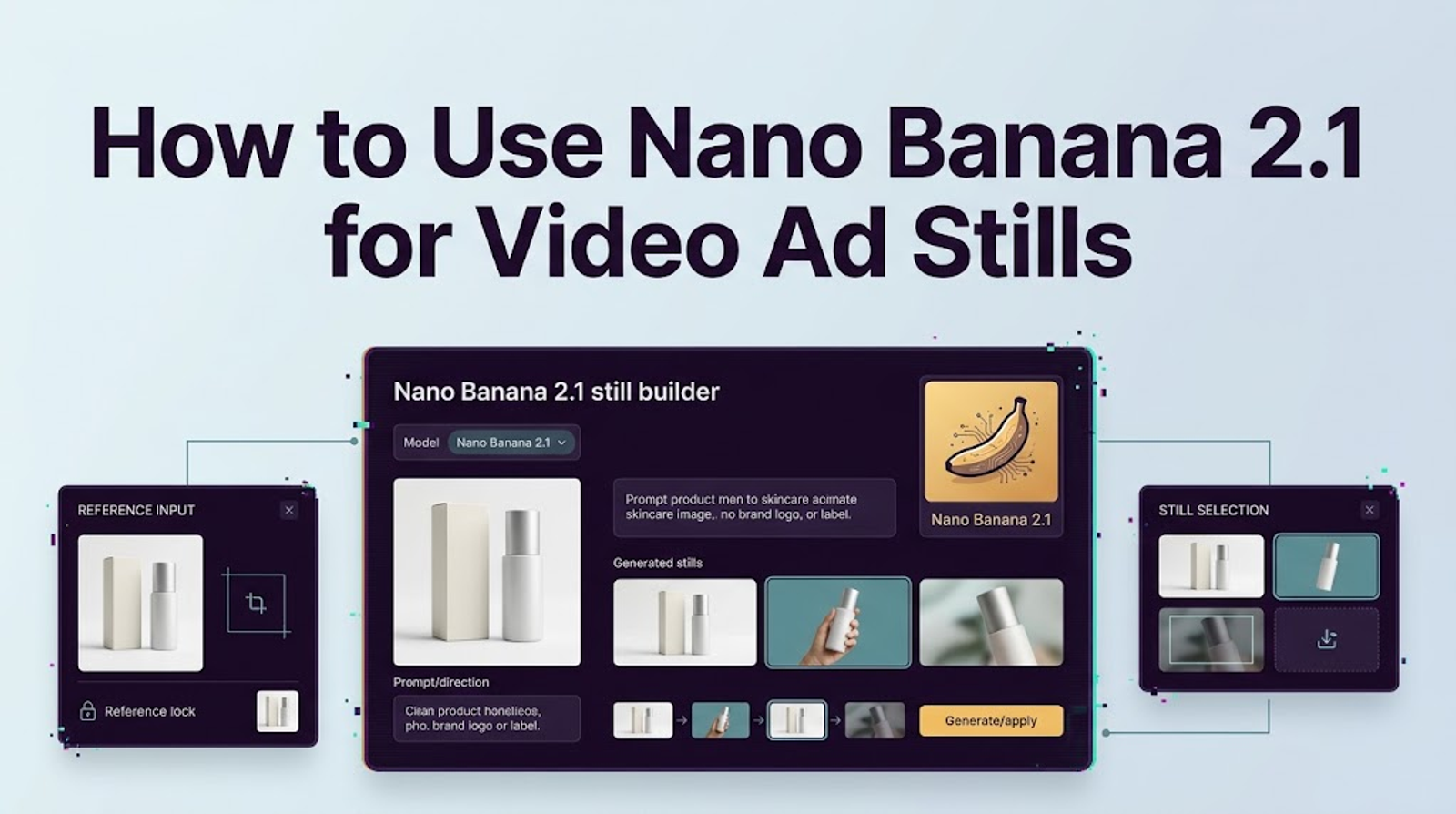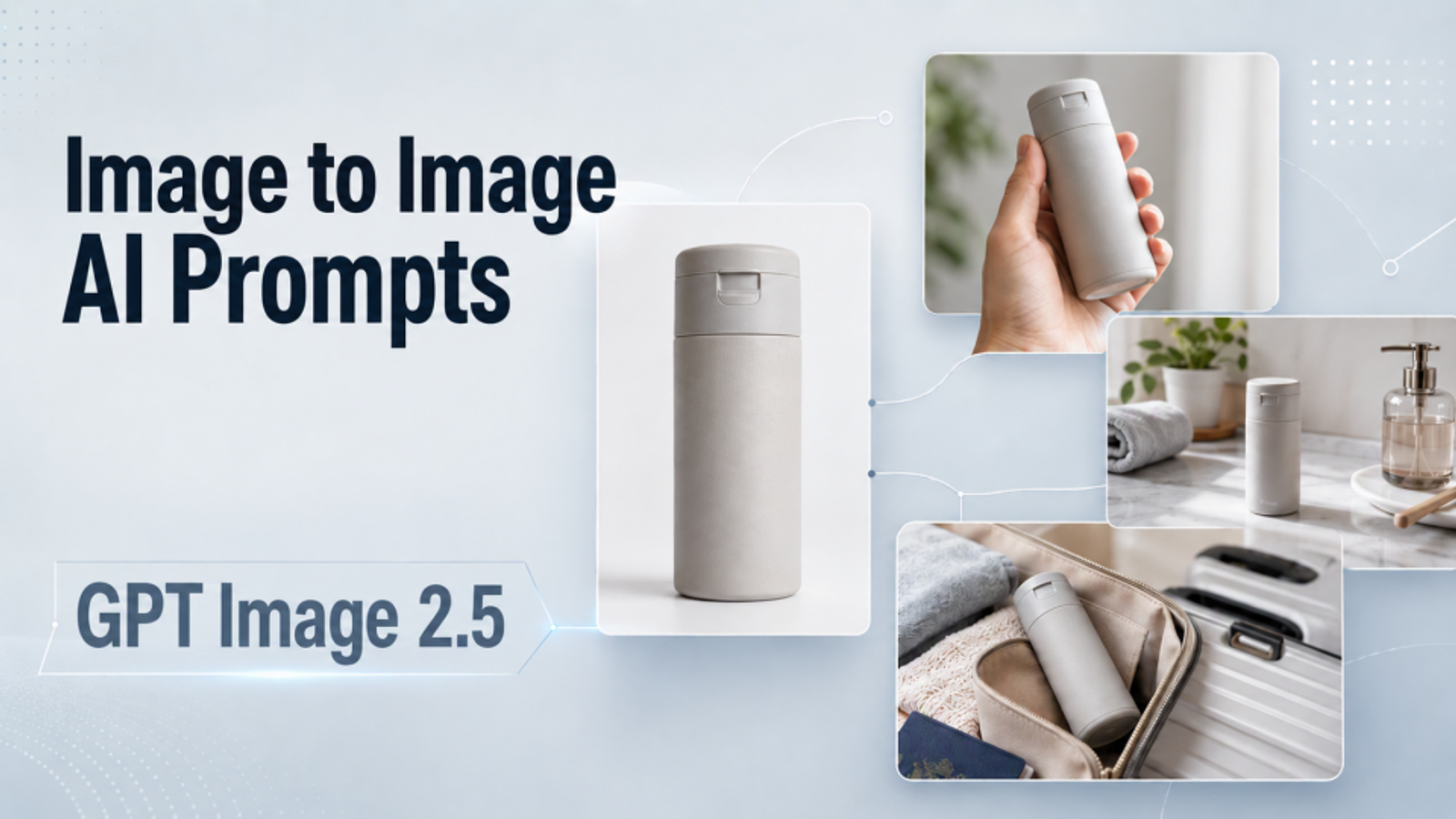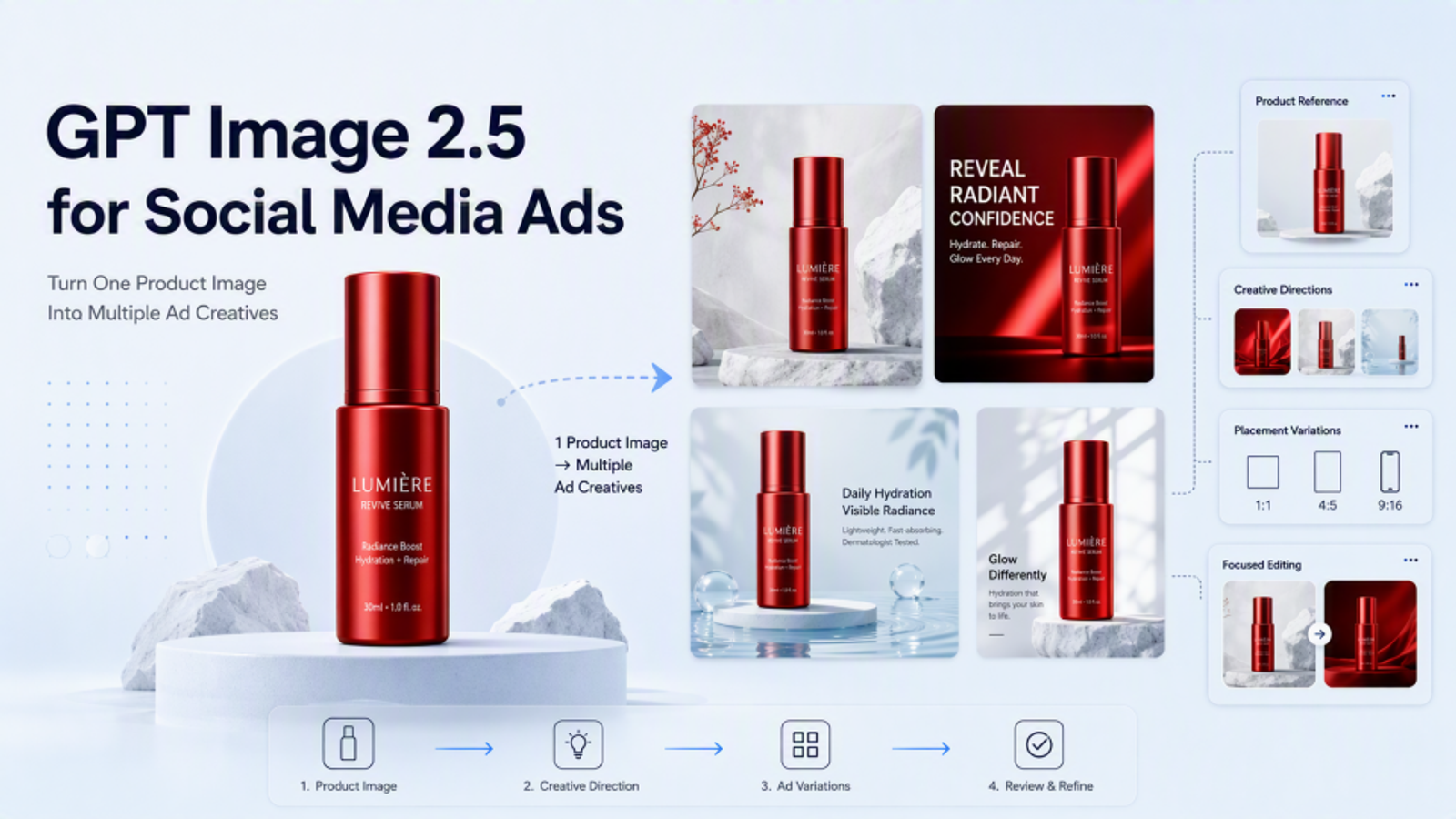
When I plan a short product ad, I like to lay out a few stills first: an opening shot, a closer look at the product, and a frame with room for the offer. It helps me see what each image needs to do before the motion comes in.
Three attractive images do not automatically make a usable ad board. The product must remain recognizable as the framing changes, and every still needs a job in the sequence. This nano banana 2.1 prompting guide provides three copyable prompts for one authorized blue reusable water bottle and a pre-video review method. I have not generated matched outputs, so these are production templates rather than test results.
What Must Stay Consistent Across Three Ad Shots?
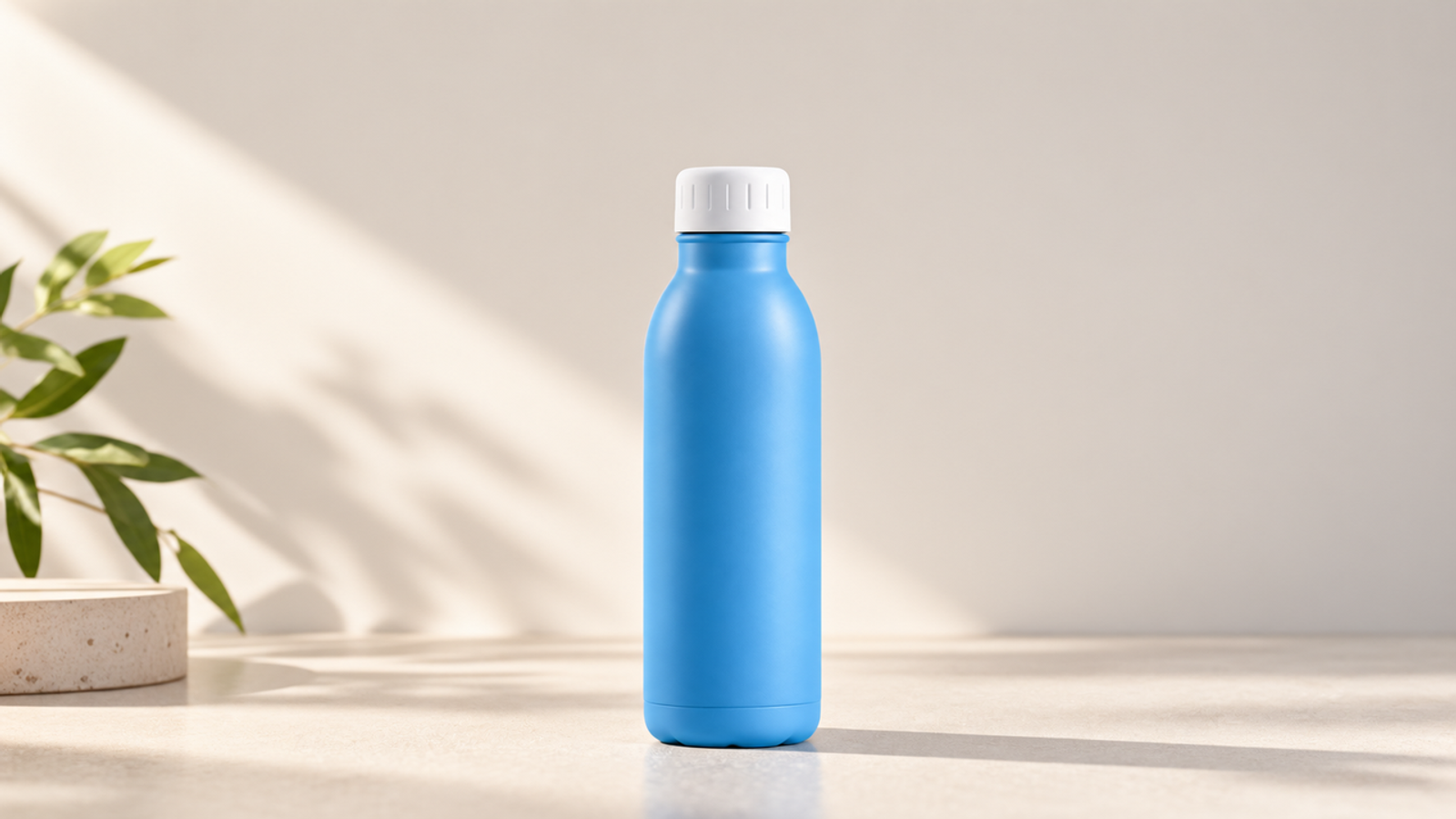
The bottle is the continuity anchor. Its blue color, silhouette, proportions, white cap, and blank body must survive all three shots. The desk, gym bag, camera distance, and copy space create progression: establish the product, reveal another context, then close on space for the message.
A model can produce three plausible blue bottles that are not the same bottle. Write the protected details into every nano banana 2.1 prompt and compare each result with the approved reference, not only the previous frame. Google identifies gemini-nano-banana-2.1 as stable on its Nano Banana 2.1 model page. Record that ID, date, aspect ratio, resolution, thinking level, and edits.
Build a Reusable Product Reference Brief
Use one authorized reference that shows the bottle and cap clearly. Create a fixed brief: “Approved product: blue reusable water bottle; fixed silhouette and proportions; white cap; blank body; no logo, label, measurement mark, or additional text.” Repeat it in every prompt and use it to reject a polished output that adds a mark or redesigns the lid.
Keep scene instructions separate from product facts. Google DeepMind’s professional image prompting guidance recommends defining subject, composition, action, location, style, aspect ratio, camera, lighting, and each reference’s role. Because that guide covers Nano Banana Pro, its structure is useful creative direction rather than evidence of 2.1 performance. This board needs one reference with one role.
I would also keep campaign copy out of the generated pixels. The blank bottle must remain blank, and the closing frame should reserve space for type that an editor adds later. That keeps claims, prices, fonts, and localization editable after the image is approved.
Write Three Nano Banana 2.1 Shot Prompts
Use the original reference for all three requests and set 9:16 in the API. Google documents reference-image input, multi-turn editing, 9:16 output, and 1K, 2K, or 4K sizes for 2.1. These controls do not guarantee cross-shot identity, so approve each still separately.
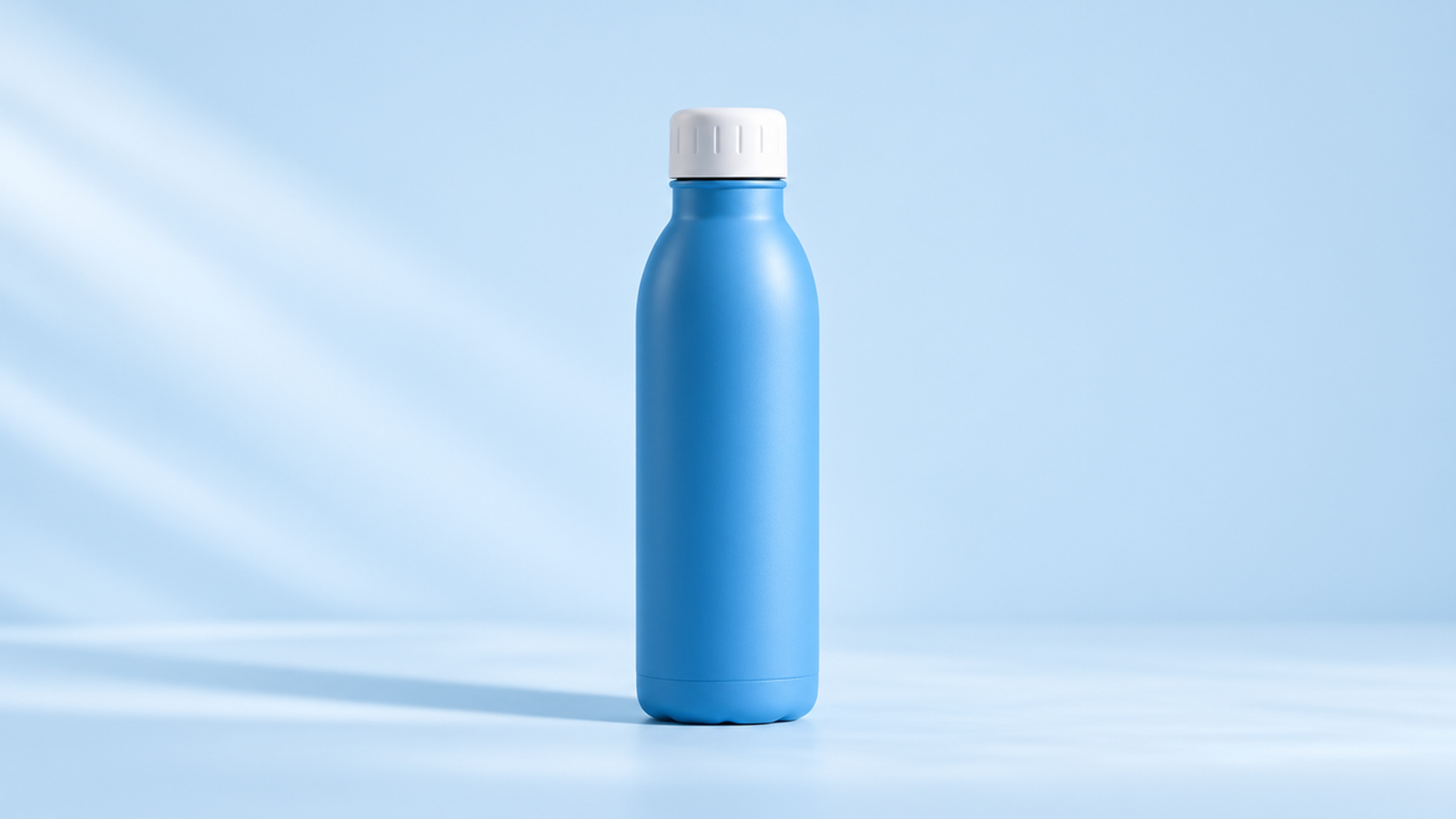
Shot 1: Establish the Product and Setting
Using the approved blue reusable water bottle reference, create a 9:16 opening still on a clean desk at morning light. Keep the bottle shape, white cap, and blank body unchanged. Show a wide view with the bottle clearly visible. No invented logo or text.
The opening shot needs orientation, not drama. Check silhouette, cap, and blank body, then view the wide frame on a phone. The desk and morning light should establish a routine without competing props. Reject a bottle that reads as decoration or whose blue color changes.
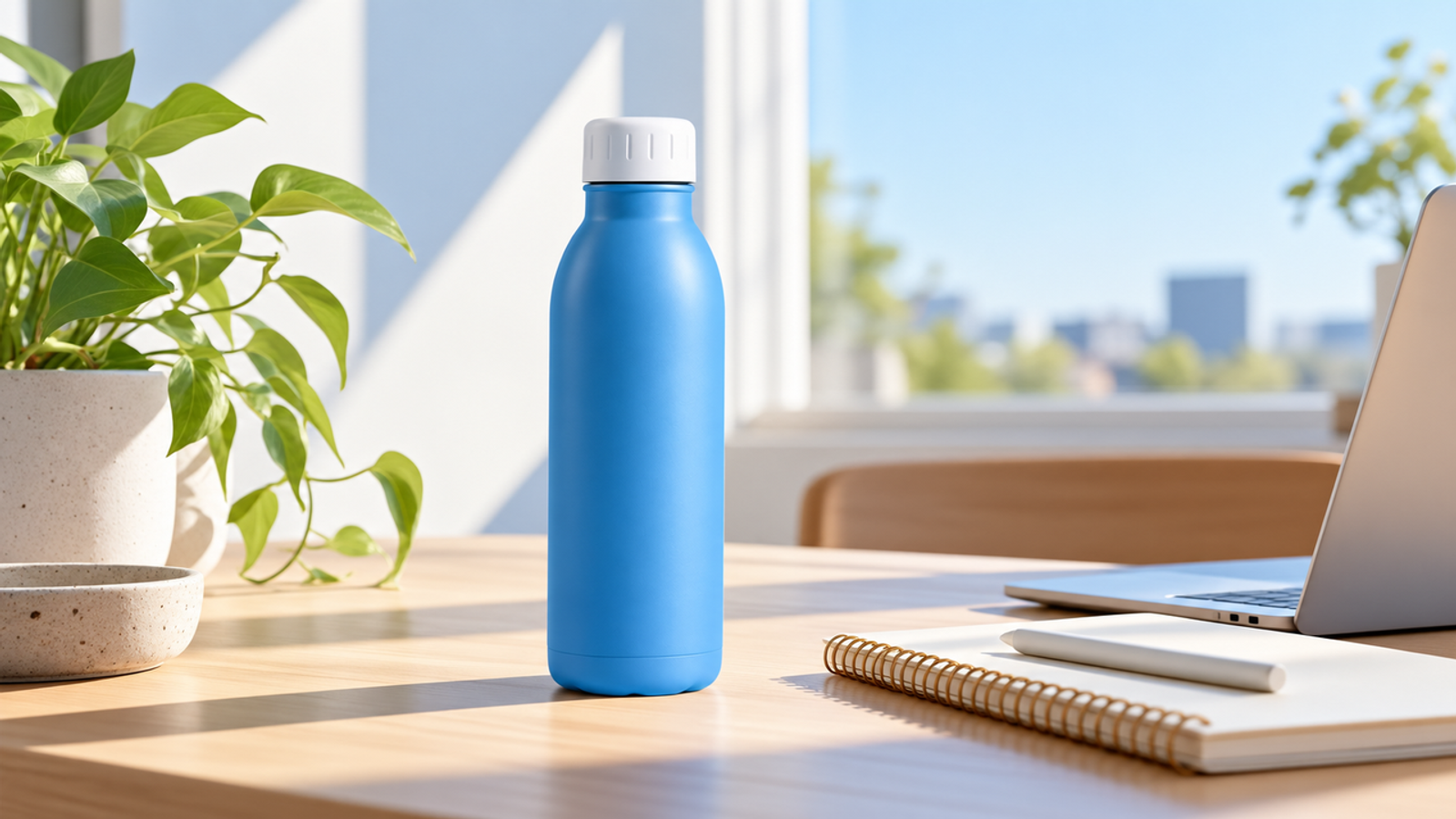
Shot 2: Show a New Angle With the Same Product
Using the same approved bottle reference, create a 9:16 medium still with the same bottle beside a gym bag. Keep its shape, white cap, and blank body unchanged. Change only the setting and angle. No invented logo or text.
This is the continuity test. The gym bag and medium framing add context while the bottle stays approved. Compare its shoulder, base, cap height, and blue tone with the reference and Shot 1. The bag must not hide the cap, cast an implausible shadow, or introduce another bottle. The reference capacity described in Google’s image generation documentation is useful, but more inputs would not repair a conflicting product brief.
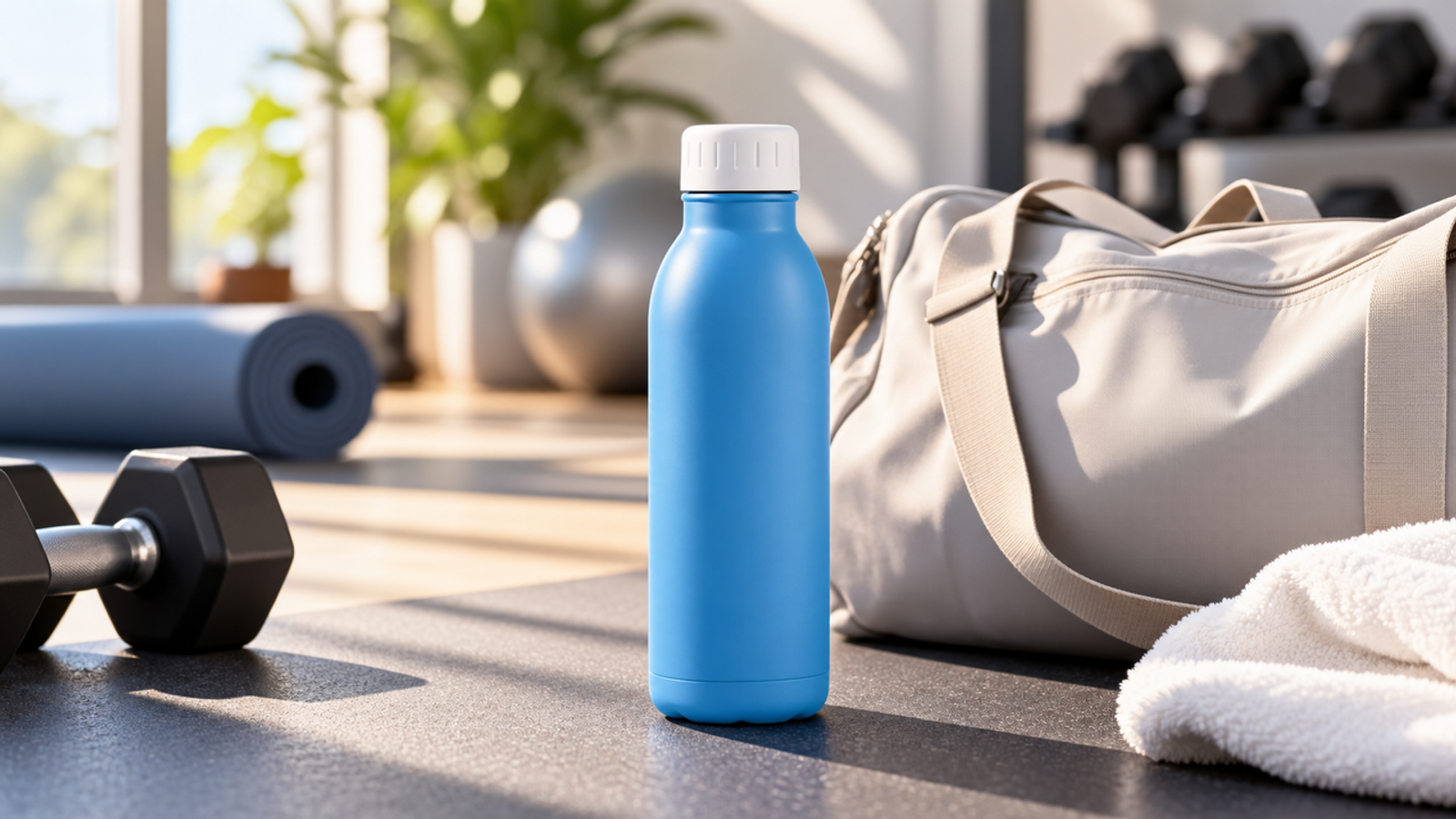
Shot 3: Leave Space for the Closing Message
Using the same approved bottle reference, create a 9:16 close product still against a neutral backdrop. Keep its shape, white cap, and blank body unchanged. Leave open space above for copy added later. No invented logo or text.
The final still must confirm the product and provide stable copy space. Ensure the crop preserves the cap and proportions, then overlay temporary headline text to test the area. Uneven contrast, busy shadows, or insufficient platform margins make “open space” unusable. Final copy belongs in the video or design layer.
Review the Board Before Video Production
Review the stills in sequence at delivery size. Shot 1 must read in the wide desk scene; Shot 2 must change angle and setting without changing the bottle; Shot 3 must survive a headline mockup. Across all three, compare shape, cap, blank body, blue tone, background logic, composition, and repair work.
I would name each decision in plain language: “approved,” “repairable in the editor,” or “regenerate.” A small background distraction may be repairable. A different cap, invented logo, or altered silhouette is a product failure and should not pass because the board feels coherent overall. Save the original reference, prompts, native outputs, selected versions, rejection reasons, and final crops together. Image generation ends at the approved still; animation, transitions, captions, sound, and final ad review belong to the downstream video workflow.
Fix Product Drift One Shot at a Time
When one frame drifts, do not rewrite the entire three-shot concept. Return to that shot’s approved reference, identify one observable defect, and request one correction: restore the white cap, remove the invented mark, or match the approved silhouette.
If you use conversational editing, start from the last acceptable version and state what must remain untouched. After the edit, recheck the whole product because correcting the cap can still alter the body.If repeated edits keep changing protected details, stop asking the model to redraw the product. Use an approved product cutout and build the scene around it in a design tool. The best nano banana 2.1 prompts cannot replace a locked source asset when exact packaging matters. The goal is a reviewable board, not proof that every pixel came from one model.
Conclusion
The useful unit is not one impressive still; it is an approved three-shot board in which the same product survives a deliberate change of setting, angle, and message space. Reuse the fixed product brief, generate each 9:16 shot from the authorized reference, and stop the sequence whenever the bottle drifts. Once all three frames pass review, hand them to the video workflow with editable copy and a clear asset record. That is when these nano banana 2.1 prompts become production inputs rather than another prompt collection.