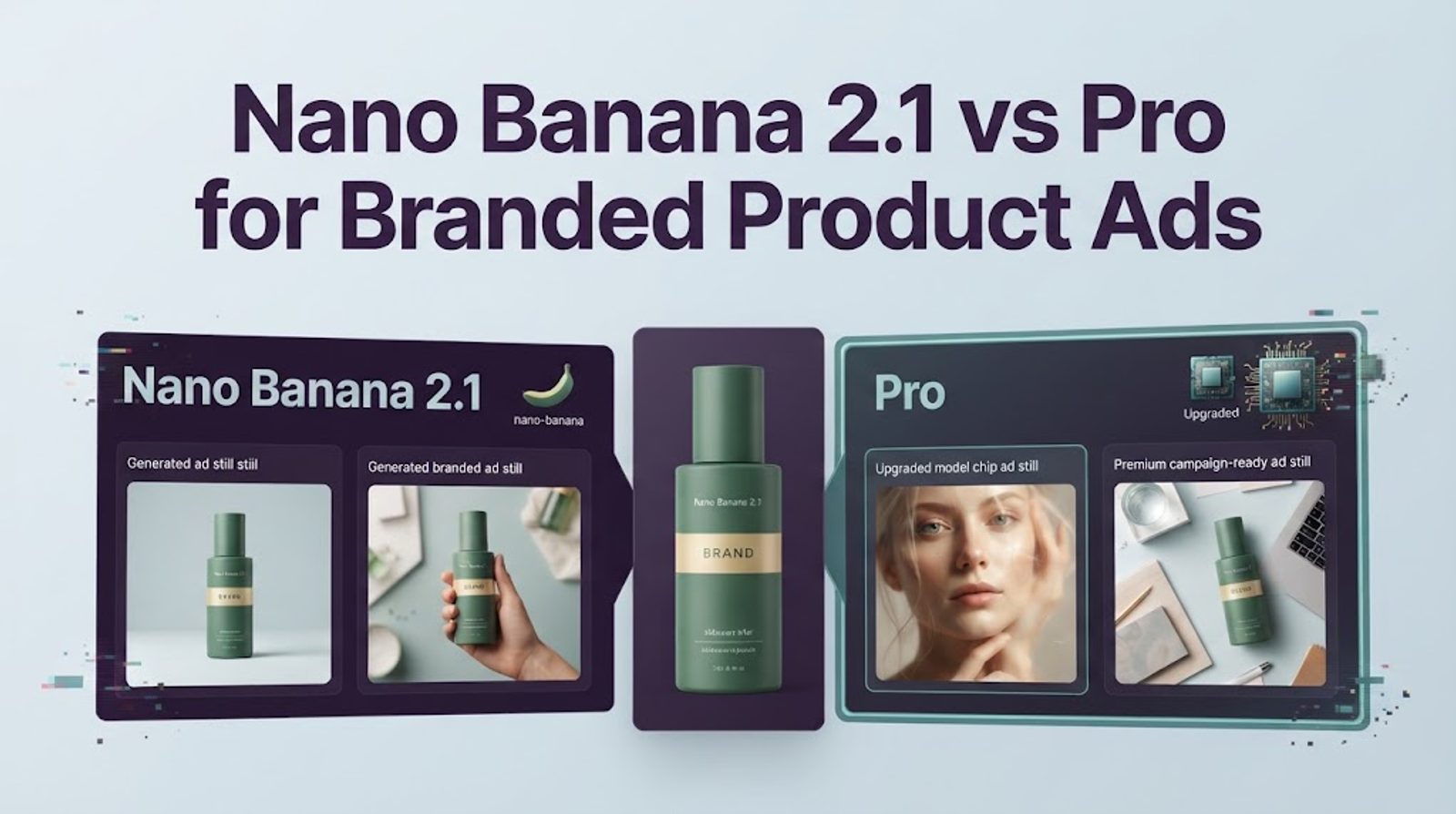
For branded product ads, start by testing Nano Banana 2.1 if your brief needs a controlled product scene and a few clear revisions. Add Nano Banana Pro to the comparison when the image depends on complex art direction, a high-fidelity product mockup, or detailed text inside the scene. Neither choice guarantees an accurate label; compare both on the same authorized product reference and review the outputs against your brand requirements.
It's Vela. The API model IDs are gemini-nano-banana-2.1 for 2.1 and gemini-3-pro-image for Pro. Google positions Pro for complex graphic design and high-fidelity product mockups, while its model card reports strong 2.1 results in product consistency and image editing. That combination makes “Pro” a useful option to test, not an automatic upgrade for every ad.
Which Model Fits a Branded Product Ad?
The fit depends on what makes the asset difficult. If the main challenge is placing a real product in a clean scene, keeping the composition on brief, and leaving space for copy, 2.1 is a sensible first test. If the brief calls for a more involved mockup or complex graphic treatment, Pro deserves a direct comparison. Google describes Pro as suited to professional image production and high-fidelity product mockups in its model overview. That describes intended use; it doesn’t prove Pro will preserve a particular package better than 2.1.
There is a useful wrinkle in Google’s published evaluations. In the October 2026 model card, Nano Banana 2.1 with Thinking scored 1024 ± 18 for product consistency, compared with 965 ± 14 for Gemini 3 Pro Image. The 2.1 no-Thinking score was 981 ± 18. These are evaluation preference scores, not accuracy percentages or predictions for a specific product image. Still, they show why a team should test its actual brief instead of assuming the more expensive model will perform better.
The standard paid Gemini API image-output prices also differ. As listed in Google’s API pricing, 2.1 costs $0.0336 for a 1K image, $0.0504 at 2K, and $0.113 at 4K. Pro costs $0.134 at 1K or 2K, and $0.24 at 4K. Those are output-image rates, not the full cost of every request; input and thinking tokens or grounding can add charges. Rates for Gemini Apps or other services may differ.
Compare Both Models on the Same Product Brief
Use one SKU that has a clear, authorized reference image and a reviewable set of brand requirements. Keep the product reference, prompt, aspect ratio, output size, and copy identical for both models. If one run gets a different crop or an extra reference image, note it; otherwise, the comparison won’t show whether the model or the changed setup affected the result.
A brief might ask for a branded skincare bottle on a bathroom counter, with its label facing camera, soft morning light, and open space above it for a headline to be added later. Specify which details must stay fixed—the bottle shape, cap, label, color, and visible package elements—and which can change, such as background, lighting, or surface. Avoid asking either model to invent the price, discount, ingredients, or product claims.
Generate several outputs per model if the production workflow allows it. Keep the misses as well as the strongest images. A reviewer who doesn’t know which model made each image can score product identity, label accuracy, composition, and revision effort against requirements set in advance. This won’t be a universal model ranking; it will tell your team which option is easier to approve for this kind of ad.
Product Shape and Reference Fidelity
Place each result next to the source image and inspect the silhouette, proportions, cap or closure, materials, color, label placement, and accessories. Check for subtle changes as well as obvious distortions. A slightly altered pump, lid, or package shape can make an otherwise attractive image unsuitable for an ad.
Google’s guide lists different categories for reference inputs. For Nano Banana 2.1, it documents up to 10 object references and up to four character references. For Pro, it lists up to six object references, five character references, and three style references. The categories matter more than the maximum total: a product team may need object fidelity, not additional character references. Google’s image-generation guide is the best place to check the current API limits, and teams should also verify the controls in their chosen interface.
More references won’t necessarily make the result more faithful. Start with the essential product photo and add another image only when it contributes a distinct detail, such as the package back or a logo asset. If the output merges details from different references, record that as a failure rather than trying to explain it away as a prompt issue.
Label and Offer Text in the Frame
Inspect every word against approved packaging and campaign copy: product name, flavor or variant, price, discount, date, punctuation, and disclaimers. Also check the layout at the intended viewing size. A correct word can still be too small or placed where a subtitle will cover it.
Neither model should be treated as a source of truth for brand wording. Google’s model card notes limitations with small text, while the product itself may include text too small to reproduce reliably. I’d ask both models for the scene without the final offer copy, then add price, promotional text, and required disclaimers in the design or video-editing stage. If the brief specifically requires text embedded in the scene, test that as a separate requirement and proofread the result character by character.
Revision Effort After a Brand Review
A first image can look polished and still fail review because the label changed or the product is too small in frame. Track the work required to fix each output: how many revision prompts it took, whether the product detail survived those edits, and whether a designer had to rebuild part of the image outside the model.
Keep the revision prompts focused. If the reviewer asks to move the product left and warm the light, make those changes without also changing the packaging or camera angle. When more than one constraint changes at once, it becomes hard to tell what caused a new error. The more useful model is the one that gets an approved asset with less correction—not necessarily the one with the more impressive first draft.
When Should a Team Use Nano Banana 2.1?
Use 2.1 as the first candidate when the task is a repeatable product scene: one approved SKU, a clear visual brief, a specified crop, and a small number of controlled edits. It also makes sense when API output cost matters and the team is producing many draft images at 1K or 2K. Google’s published product-consistency scores give teams a reason to include it in a test, but the product still needs to pass a human check against its source.
For routine product-ad work, define the pass criteria before generating: the package must match; no unapproved wording or claims can appear; The product needs to be read at phone size; and the final crop must leave room for any planned copy. If 2.1 clears those checks consistently, there may be little reason to route every ordinary image to Pro.
When Is Nano Banana Pro Worth Testing?
Test Pro when the ad needs a more complex mockup, graphic treatment, or scene with several visual constraints that 2.1 hasn’t handled well. It is also worth comparing when an output’s perceived quality depends on precise detail or a more elaborate art direction. Google specifically positions Pro for complex graphic design and high-fidelity product mockups. That makes it a reasonable candidate for those jobs, but the final decision should come from the same product and approval criteria used for 2.1.
The higher API output price can add up if the team uses Pro for early drafts or produces many variants. A practical approach is to use 2.1 for initial direction and reserve Pro for briefs where a failed detail or weak mockup would require substantial manual work. Compare total effort and cost per approved still, rather than the cost of one generation alone.
Limits of Published Specs and Single-Run Samples
Google’s evaluations and model descriptions help identify what to test. They don’t tell you how accurately either model will render your specific logo, whether your label stays unchanged through a sequence of revisions, or which output a brand reviewer will approve. A single generated image also can’t establish repeatability.
I don’t have matched outputs from your product brief, so I wouldn’t claim to have tested either model or declare a universal winner. Keep the prompt and references constant, save every output, and record review changes. If a model misses a detail, note which one and whether the correction held through the next edit. That gives the team a decision it can revisit when the prompt, package, or model changes.
Conclusion
For a regular branded product scene, test Nano Banana 2.1 first and require it to pass your accuracy and review checks. Add Pro when the brief depends on a complex mockup or graphic treatment, or when 2.1’s revisions aren’t getting the image over your approval bar. Use the same product reference and brief for both; then choose based on the still your team can actually approve.