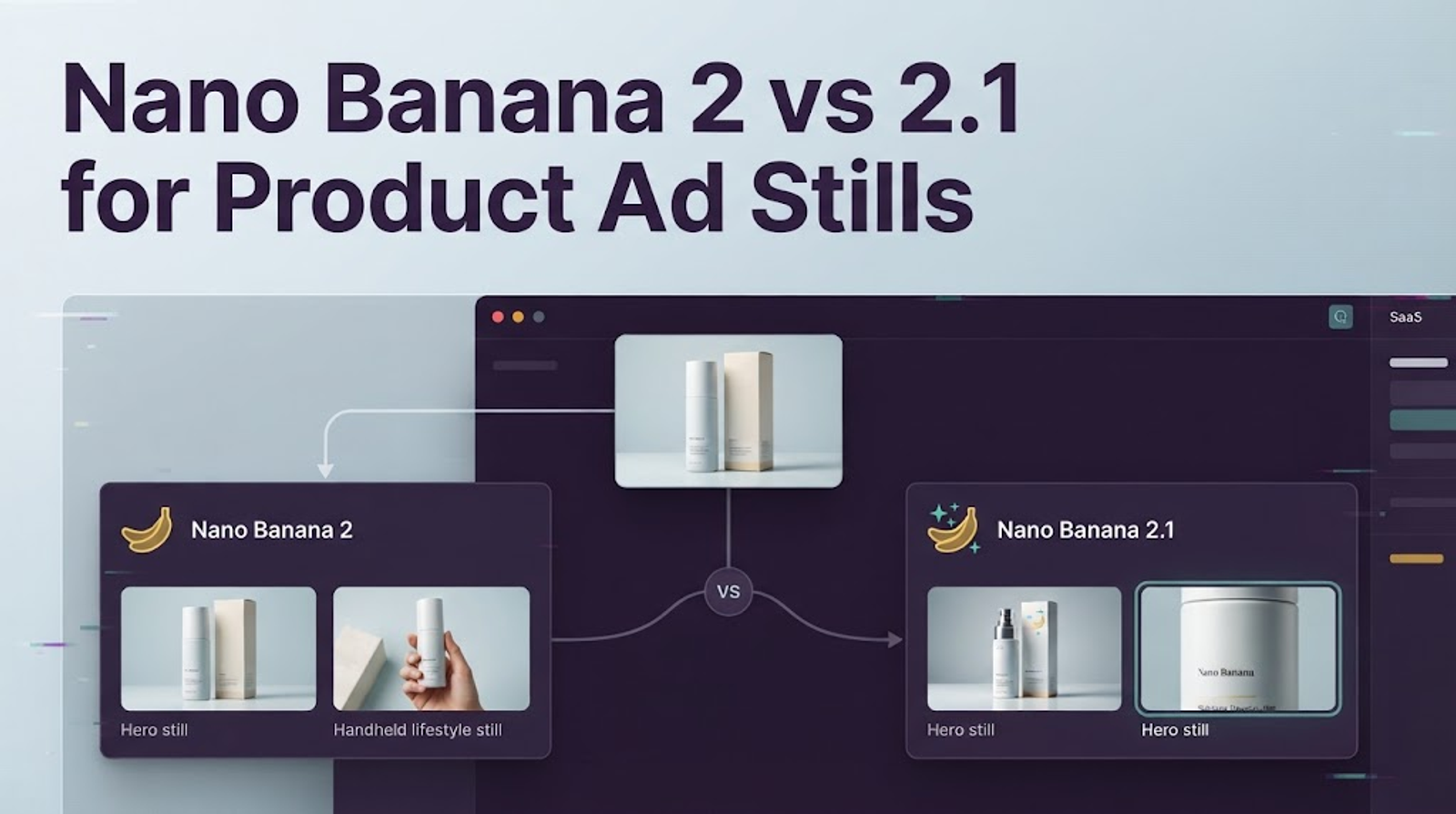
Hi, Vela is coming~ For product ad stills, Nano Banana 2.1 is worth testing against Nano Banana 2, but the published specs don’t prove it will work better for your product. The practical question is whether it preserves your SKU, handles your layout, and needs fewer corrections on the same brief. Without matched samples from your own workflow, I wouldn’t call either model the winner.
In the Gemini API, Nano Banana 2 is gemini-3.1-flash-image; Nano Banana 2.1 is gemini-nano-banana-2.1. Google’s current deprecation list recommends 2.1 as a replacement for 2, but lists no shutdown date for either model. That makes this a controlled workflow decision, not a reason to switch every active campaign today.
What Changes for Product Ad Stills?
Google describes Nano Banana 2.1 as an update to Nano Banana 2, with improvements to visual quality, instruction following, consistency across editing turns, and text rendering. Its model card includes comparative evaluation results for product consistency, text-to-image generation, and editing. Those scores give teams a reason to test 2.1. They don’t promise that a specific package, label, or offer will remain accurate.
There are also workflow differences that don’t show up in a quality score. Nano Banana 2 offers a 512-pixel output option; 2.1 does not. And while 2.1 costs less per image at the current standard paid Gemini API rates, the savings differ by resolution. At 1K, the listed prices are $0.067 for Nano Banana 2 and $0.0336 for 2.1; at 2K, $0.101 and $0.0504; at 4K, $0.151 and $0.113. The price difference is largest at the lower sizes, so don’t describe 2.1 as “half price” at every resolution.
Those figures are for API image output, not necessarily the Gemini app or another service. Input, thinking, batch, and grounding charges may also affect the bill. Google’s current API pricing page is the place to recheck the rates before estimating campaign costs.
Compare Both Models on One Product Ad Brief
Choose one real product and an ad brief your team might actually use. Give both models the same authorized product reference, prompt, aspect ratio, resolution, and copy requirements. Save the settings, prompt, and every output. If the setup changes between runs, it becomes difficult to tell whether the model or the input caused the difference.
A useful brief might ask for a specific bottle on a bathroom counter, with the label facing the camera, soft morning light, and clear space above the product for a headline to be added later. Avoid asking the model to invent claims, packaging text, or offer details. Those facts should come from approved product and campaign materials.
Generate several outputs per model if your workflow allows it. A single image can be an outlier, so keep all the outputs and compare them side by side. Have a reviewer score the images without seeing which model produced them. The comparison should focus on whether the still is usable, not just which one looks more polished.
Product Identity Across Draft Images
Put each output beside the source reference. Check the product silhouette, cap or closure, label placement, color, material, variant, and included parts. Mark any change that could mislead a customer or create extra work for the editor. A convincing background doesn’t make an inaccurate product shape acceptable.
Google’s model card reports higher product-consistency preference scores for Nano Banana 2.1 than for Nano Banana 2 in its evaluation. But the score comes from Google’s test setup; it isn’t a pass rate for your catalog. In your own comparison, define the pass criteria before looking at outputs. For example, the label and product shape may need to match exactly, while lighting and background can vary.
If your team uses multiple references, keep their roles clear. One image can establish the package front, another a side detail, and a third the brand’s visual direction. The official image-generation guide documents multiple reference images for the API, but an input limit doesn’t guarantee that a complex product composition will be correct. Check for swapped, duplicated, or invented details.
Offer Text and Layout Accuracy
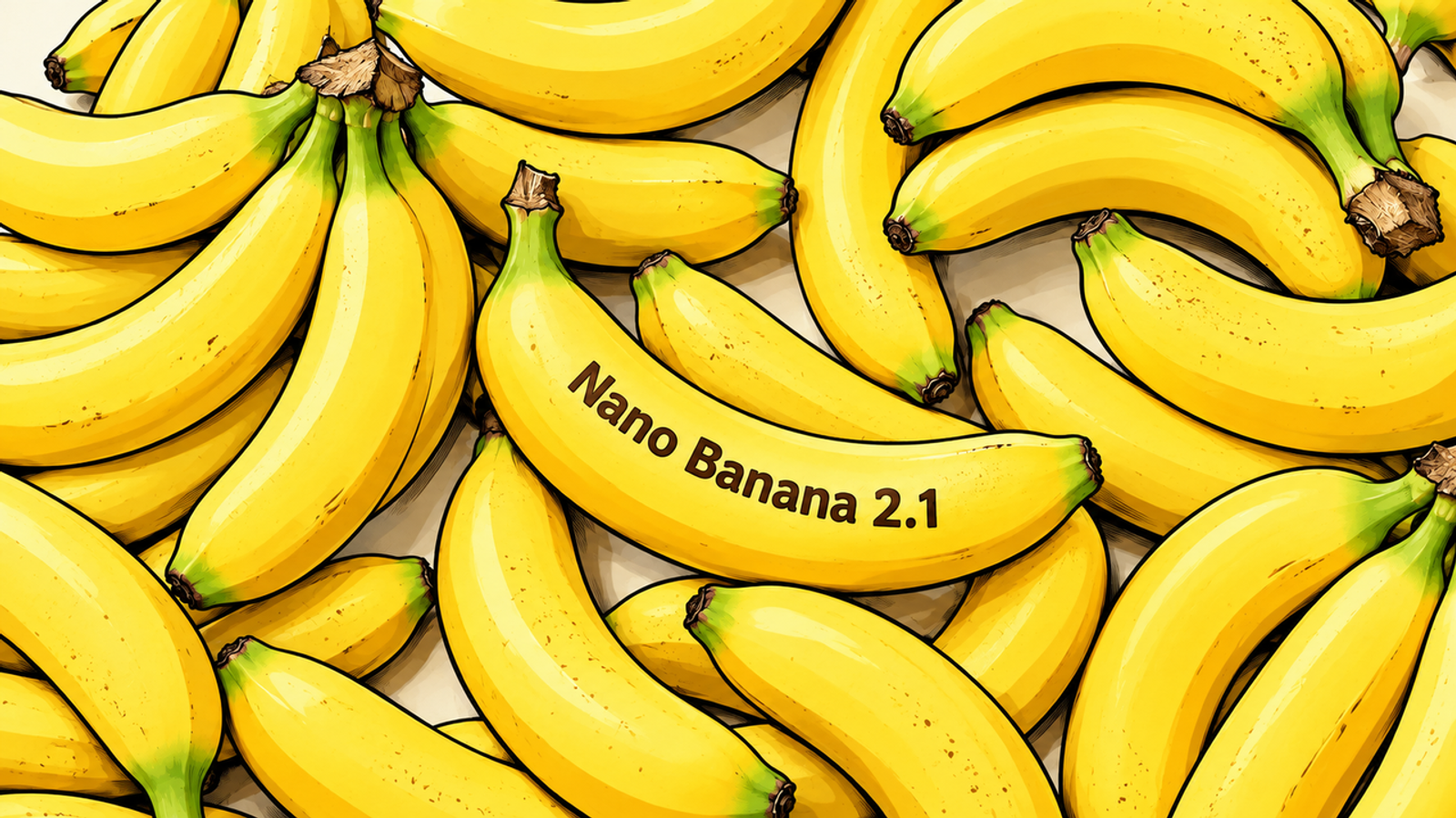
Check every character in the image against approved copy: product name, price, discount, dates, punctuation, disclaimers, and any small print. Then look at hierarchy and legibility at the size the audience will see. Correct wording can still fail if the offer is too small, crowded, or competing with the product.
Nano Banana 2.1’s improved text rendering is a reason to include text layout in the test, not to skip proofreading. Google’s model card still lists small text as a limitation, especially at 1K. For price, offer, or legal copy, I’d usually generate the scene without the final words and add the approved text in the editing stage. That gives the team direct control over type, spelling, and placement.
Also check whether the product remains the visual focus. A model may follow the words in a prompt and still create a layout that feels busy or leaves too little room for later copy. Score text accuracy and layout separately so one doesn’t hide the other.
Crops Needed for Video Ad Frames
Compare the models at the same aspect ratio and output size, then inspect the images at phone scale. Check that the full product remains visible, the focal point is clear, and there is room for subtitles, platform controls, or an opening hook. A still that looks balanced on a desktop monitor may feel cramped in a vertical feed.
The 512-pixel option may matter if your team uses small drafts to test composition before requesting a larger image. Nano Banana 2 supports that option; 2.1 does not. If your production process starts at 1K or higher, the difference may not matter. If 512px drafts are part of how you keep early iteration costs down, include that step in the migration test. Don’t compare a 512px image from one model with a 2K image from the other and treat the result as a model comparison.
When Should an Ad Team Switch Models?
Switch when 2.1 meets your product-accuracy and layout requirements with acceptable revision effort, and its cost fits your workflow. Keep Nano Banana 2 as the control while you test a representative product and brief in both models. Record how many outputs pass review, what changed during revision, and whether any crop or layout needs manual rescue.
If 2.1 passes, you can adopt it for new drafts while preserving the approved assets and prompts your team already uses. If the team relies on 512px previews, a particular Nano Banana 2 framing, or an established prompt that still works well, keep that workflow until the replacement passes the same acceptance checks.
The Gemini API deprecation list currently identifies gemini-nano-banana-2.1 as a recommended replacement for gemini-3.1-flash-image, with no shutdown date announced for either.
What Published Specs Cannot Tell You
Published evaluations can tell you what Google tested and which capabilities it reports improving. They can’t tell you whether your exact package will drift, whether a prompt will leave enough headline space, or how many attempts your team will need to get an approved still. Those depend on the SKU, reference images, prompt, settings, and your review threshold.
I don’t have matched outputs for your product brief, so I wouldn’t claim one model is faster or produces better ad stills for your brand. Treat this as a small acceptance test: use the same brief and inputs, keep the outputs, and record reviewer feedback. If you change the prompt or crop during the test, note the change. That record will make the next model decision easier to repeat.
Conclusion
Nano Banana 2.1 is worth testing for new product ad stills, particularly if 1K or 2K API costs, text layout, or product consistency are priorities. Nano Banana 2 may still fit a workflow that depends on 512px drafts or a look the team has already approved. Compare both on the same brief, check product details and video crops, then switch only if 2.1 clears your team’s review bar.