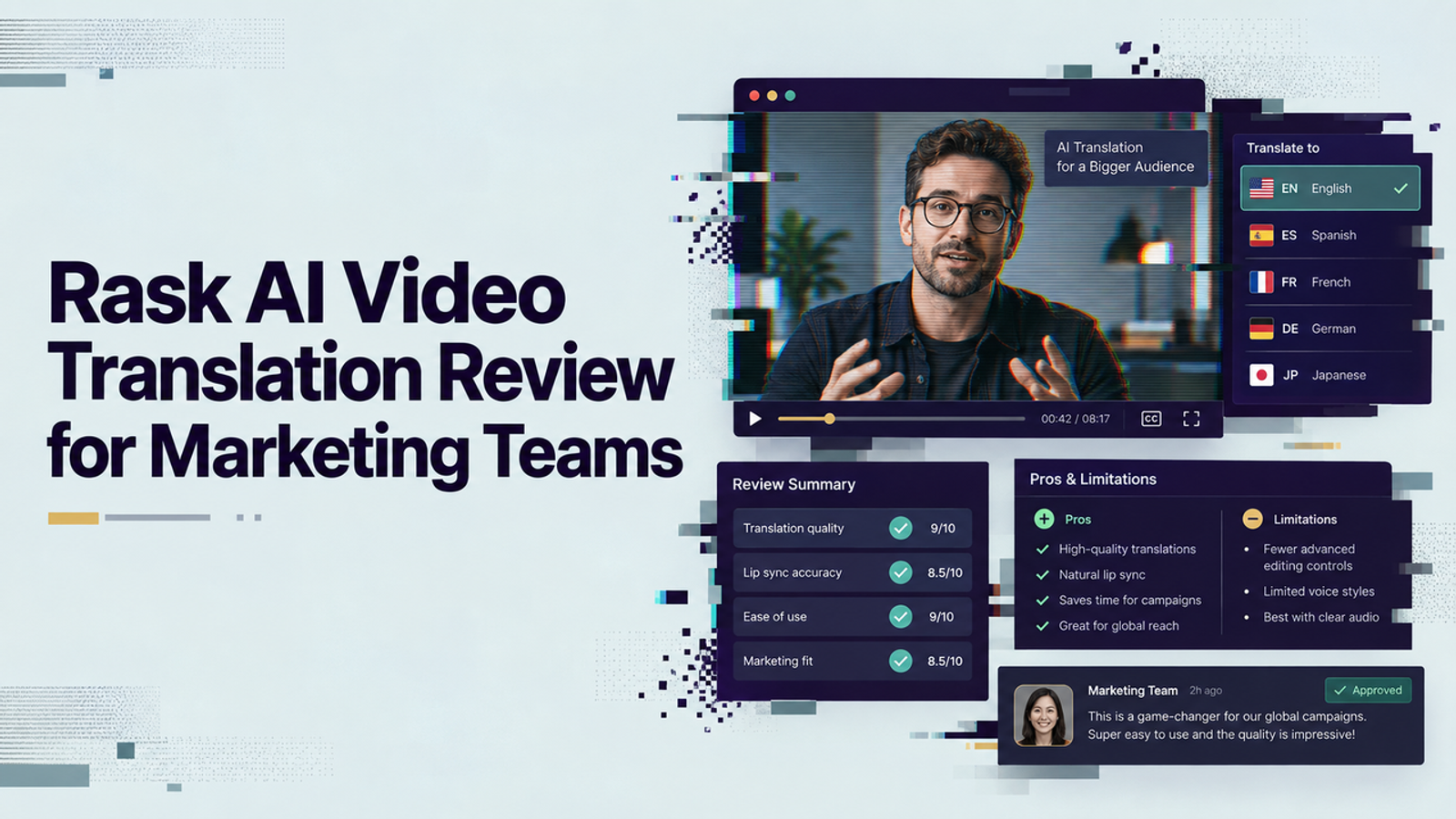
I’m Vela, and my view on Rask AI video translation is simple: it looks most useful when a marketing team already has a finished source video and needs controlled multilingual versions without rebuilding production from scratch. The real question is whether terminology, speaker identity, timing, subtitles, lip sync, approvals, and export stay manageable after the automatic pass.
One boundary first: I did not run a fresh hands-on Rask project for this article. I reviewed Rask’s current product, help, API, pricing, and compliance documentation as of September 8, 2026. I treat public user feedback as a secondary signal, so this is a workflow evaluation, not a claim that my own test proved output quality.
What Rask AI Video Translation Covers
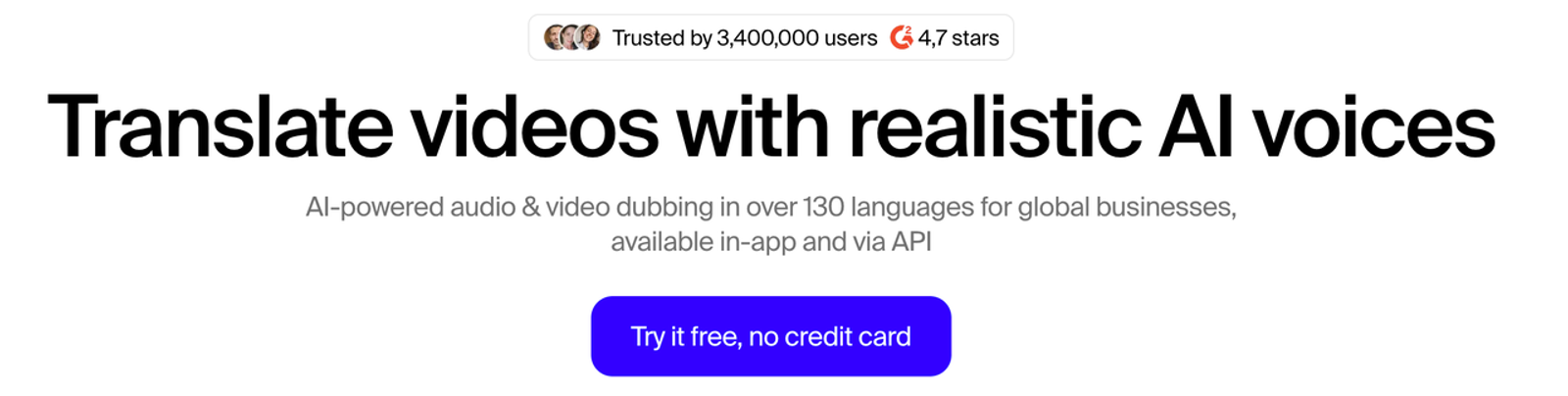
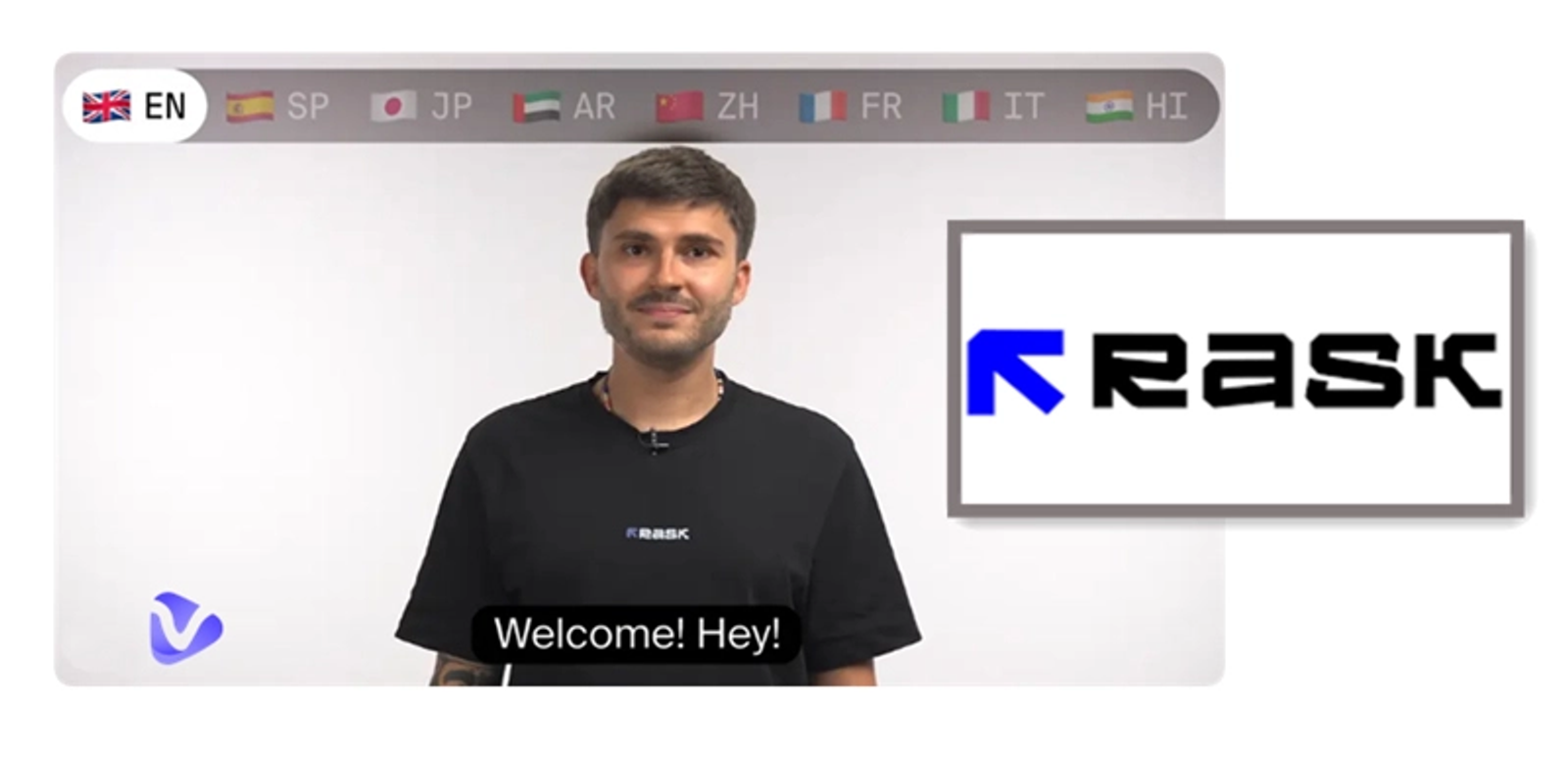
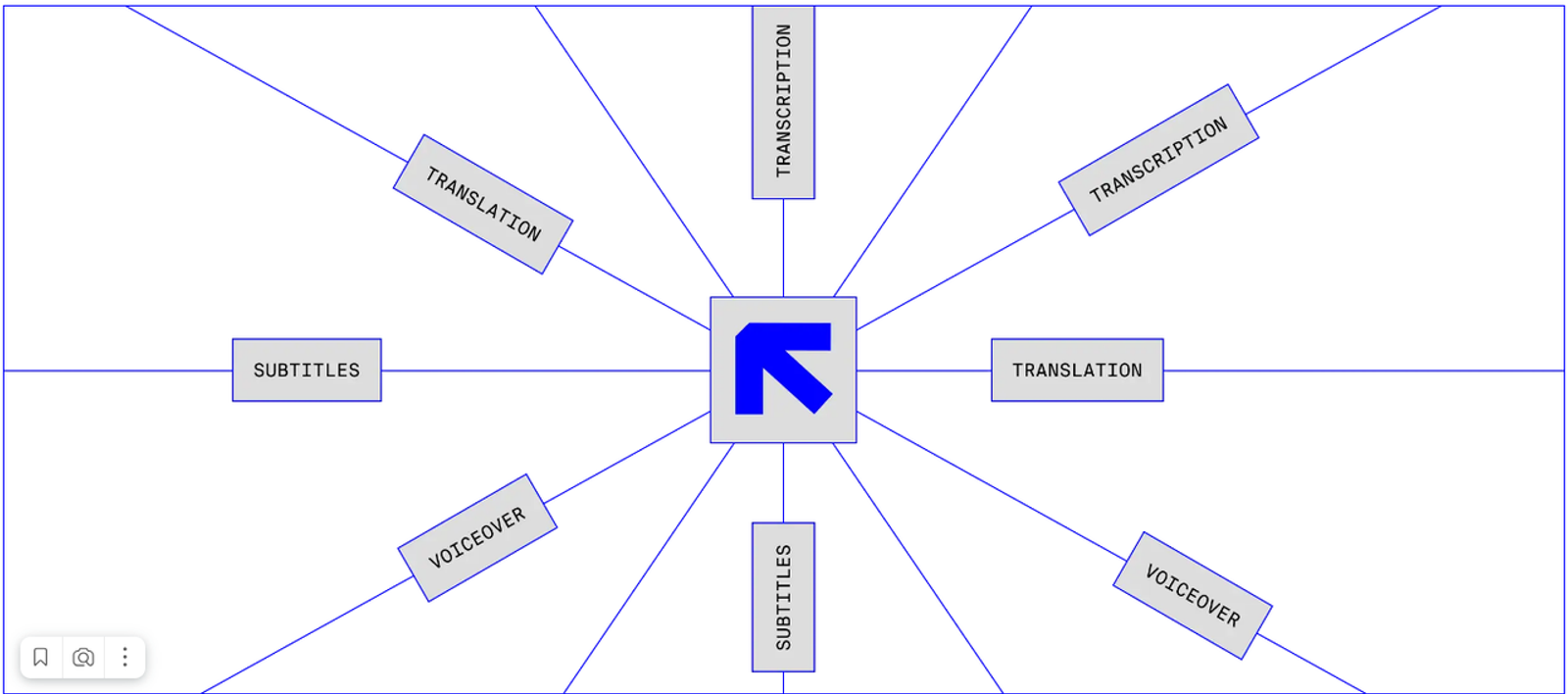
Rask currently positions itself as a video localization platform, with translation and dubbing across 135+ languages and dialects, editable transcripts, translation prompting, terminology controls, multi-speaker handling, subtitles, voice cloning, and lip sync. Its current Video Translator page says voice cloning works in 32 languages, while a separate Custom Voice Clone help page references 33. I would verify the exact language pair before scheduling a campaign.
Define the Marketing Asset Used for Evaluation
For this review, I would use one 45-second product-launch video: one presenter, one product name that must never be translated, two approved feature terms, a short on-screen CTA, and light background music. The translated version should preserve claim meaning, keep brand terms intact, use an approved voice, stay close to the source pacing, and export cleanly for final editing.
Separate Translation, Dubbing, and Lip Sync
These are different jobs. Translation changes meaning into another language. Dubbing turns that script into speech. Lip sync adjusts visible mouth movement to better match the new audio. Rask lets teams edit transcript segments and regenerate affected speech, while lip sync is a separate post-dubbing step.
That matters because a correct translation can still sound rushed, and a good dub can still look distracting. I would approve meaning first, voice second, and mouth movement last.
Walk Through the Localization Workflow
Prepare the Source Video and Terminology
I would lock the source transcript before upload and list every product name, feature term, number, and claim that needs controlled wording. Rask’s Translation Dictionary can save preferred translations or mark terms as “do not translate,” while API v2 supports language-pair glossaries.
Fixing terminology after five localized versions already exist is the kind of boring cleanup that eats a launch day.
Generate and Edit the Target Language Version
Rask can transcribe, translate, assign voices, and generate the dubbed version. Its editor supports text changes, speaker reassignment, segment splitting or merging, and redubbing changed sections. In June 2026, Rask also added Voiceover Preview and Version History, which should make review easier when teams want to compare edits or restore an earlier state.
I would review the meaning before voice polish. Product names, numbers, negation, legal qualifiers, and comparative claims get checked first. Then I would listen for pacing, pronunciation, emotion, and whether the voice still fits the campaign.
Export Assets for Campaign Production
Rask’s browser workflow documents translated video, lip-synced video, audio, and SRT subtitle exports. API v2 project data also exposes SRT and VTT paths. For editor handoff, SRT is the clearest browser-supported format; API teams can verify VTT in their integration.
The current W3C WebVTT specification is a useful reference when timed text has to move between web players, editors, and publishing systems.
Evaluate Quality on Business-Critical Checks
Review Meaning, Brand Terms, and Speaker Identity
I would not approve a multilingual marketing video because it merely “sounds fluent.” The product claim must still mean the same thing, brand terminology must be correct, and the speaker identity must be authorized.
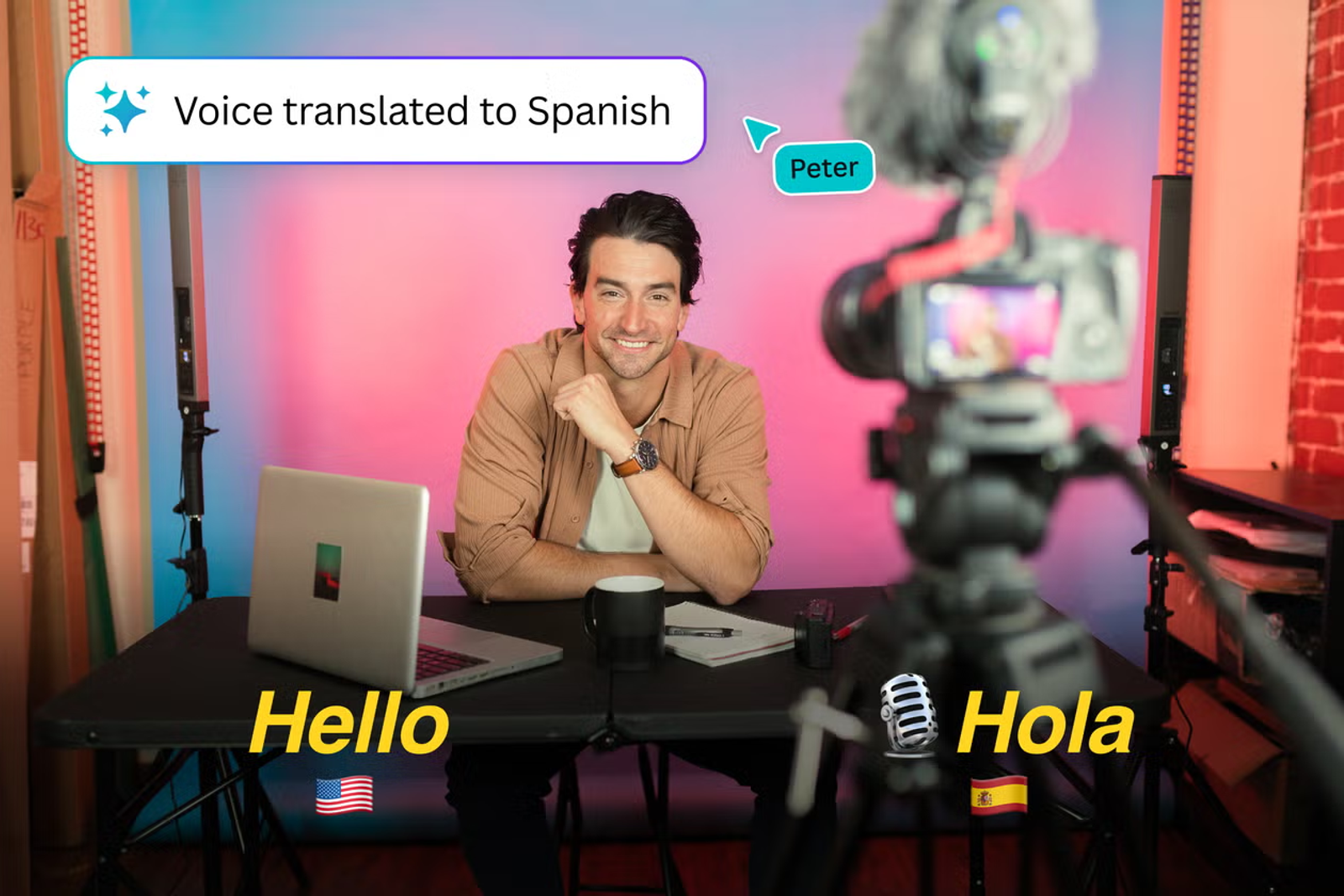
Voice cloning deserves a separate consent step. The FTC’s voice-cloning guidance discusses impersonation, biometric-data risk, authentication, and misuse. Tool access is not permission: document the speaker’s consent for cloning and for the intended commercial use.
Inspect Timing, Voice, and Visible Mouth Movement
Rask’s own lip-sync guidance says faces should be clearly visible, lighting should be usable, and mouths should not be blocked by hands, microphones, logos, or captions. It also warns that facial hair and strong lip makeup can introduce artifacts.
So I would treat lip sync as a conditional finishing step, not a repair button. If translated speech runs long, rewriting the sentence may be cleaner than forcing delivery speed. The useful test is whether viewers keep listening instead of staring at the mouth.
Account for Team Workflow and Operating Cost
Measure Review Time Alongside Platform Usage
Rask’s current monthly pricing page lists Creator at $60 for 25 minutes, Creator Pro at $150 for 100 minutes, and Business at $750 for 500 minutes, with annual discounts and Enterprise pricing by quote. Translation uses minutes per target-language output; lip sync also consumes minutes, and Enhanced Lip-sync is currently priced differently while in beta.
I would track reviewer time beside platform minutes: how many segments need correction, how many redubs happen, and whether lip sync must be regenerated after transcript changes. A cheap first pass with heavy cleanup can become an expensive workflow.
Check Collaboration, Access, and Data Handling
Teamspaces support shared projects and permissions. Rask’s Teamspaces help page currently describes Owner and Editor roles, while the pricing page advertises reviewer roles or guest reviewers on higher tiers. Agencies should confirm client separation and reviewer-only access before standardizing one workspace across brands.
Rask also states SOC 2 Type II certification and publishes data-protection and retention policies. Its retention policy says project deletion removes associated database data immediately, while media files may remain stored for up to 30 days for recovery. The NIST Generative AI Profile gives teams a neutral framework for reviewing governance, vendor risk, and human oversight.
Compare Rask With Relevant Alternatives
I would compare Rask by workflow, not by a generic “best translator” label. HeyGen is relevant when localization is tied closely to avatar or presenter creation. ElevenLabs becomes more relevant when voice and audio control are the center of the stack. Synthesia fits teams creating templated multilingual business videos rather than translating existing footage. A human localization vendor still makes more sense when certified linguistic review or culturally sensitive adaptation is the priority.
Rask’s clearest fit is existing source-video localization with editable dubbing, terminology control, voice preservation, optional lip sync, and team review. Older public review scores should not be treated as proof of 2026 output quality.
Decide When Rask Fits a Marketing Team
I would shortlist Rask for teams localizing presenter videos, product demos, webinars, case studies, or campaign clips across markets. It is less compelling when the real task is net-new video generation, heavy creative editing, or localization that must include human linguistic certification by default.
Governance belongs in that decision too. The EU’s August 2026 AI transparency guidance explains Article 50 obligations around AI-generated and manipulated content, including deepfakes. The current C2PA Content Credentials specification is also worth following as provenance and disclosure practices mature.
My bottom line: Rask looks strongest when localization is a repeatable production workflow rather than a one-off translation trick. The value is the combination of terminology control, editable dubbing, voice options, lip sync, review, and export, with human approval still in the loop.
FAQ
- Can teams import an approved terminology glossary into Rask?
- Rask supports reusable Translation Dictionaries in the product and glossaries through API v2. Current documentation shows term-level entries and language-pair glossaries; teams with an existing spreadsheet or terminology system should confirm the preferred bulk-import route.
- What speaker consent is needed before cloning voices?
- Get explicit permission covering voice cloning and the intended marketing use, especially for employees, creators, customers, or talent. Requirements vary by jurisdiction, so commercial-use consent should be documented rather than assumed.
- Which subtitle formats can move into another editor?
- The browser workflow documents SRT import and export. API v2 also exposes SRT and VTT paths, so API-based teams have another timed-text option to verify.
- How should sensitive source videos be retained or deleted?
- Set a retention rule before upload and delete completed projects when there is no business need to keep them. Rask’s published policy says deleted-project media may remain stored for up to 30 days for recovery.
- What workspace permissions help agencies separate client projects?
- Teamspaces can separate project environments, but current documentation is not perfectly aligned on role details. Confirm member limits, reviewer permissions, deletion rights, shared voice libraries, and whether each client needs a separate Teamspace.