I’m Vela, and my view on real-time video translation is simple: it helps people understand a live moment, but it does not turn that moment into a reviewed multilingual asset. The risky part is treating instant output as if a translator, editor, brand reviewer, and legal checker already approved it.
What Real-Time Video Translation Means
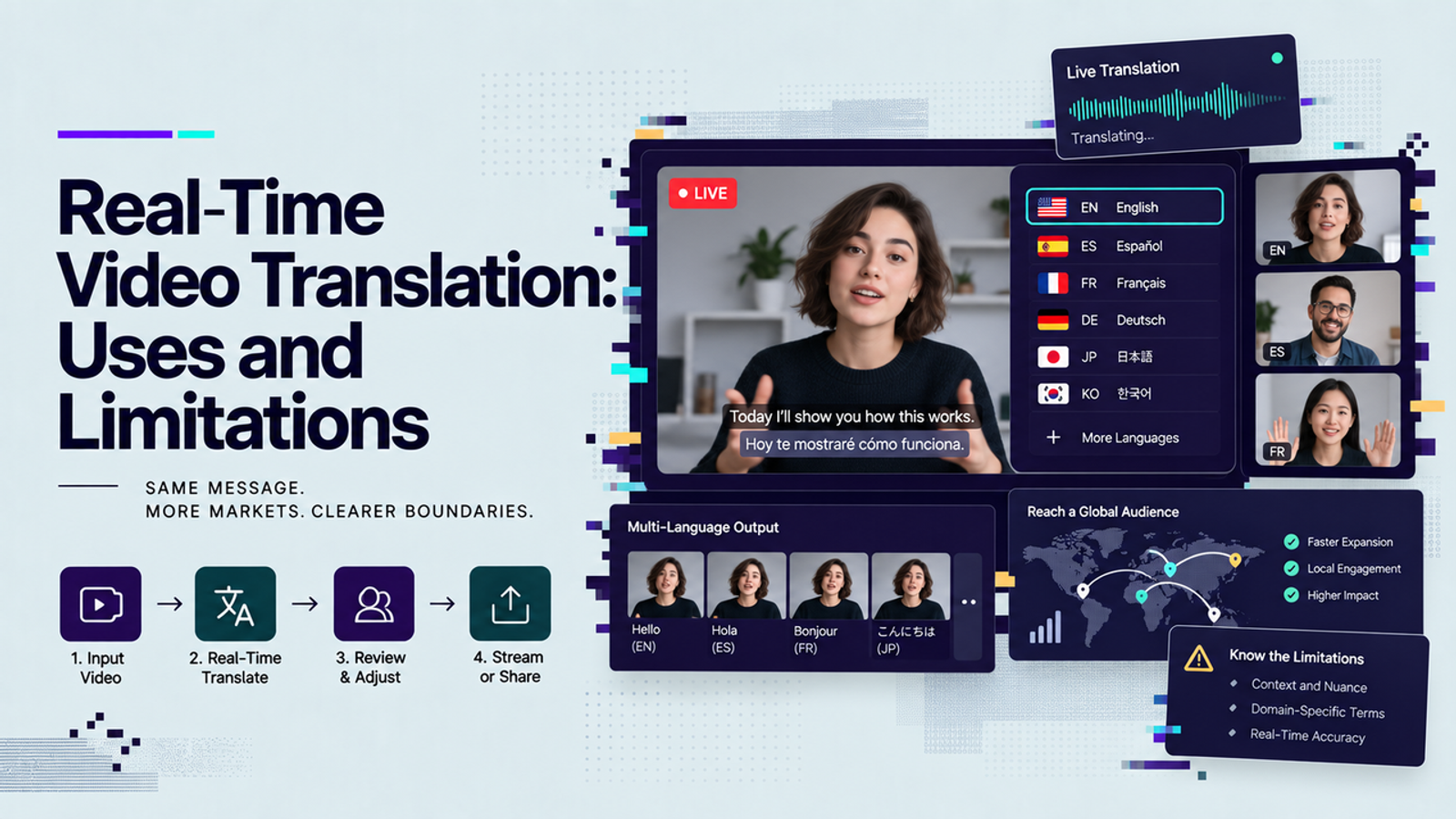
Real-time video translation usually means live speech is captured, converted into text, translated, and shown as captions or played back as translated speech with very little delay. A live video translation app may sit inside a meeting tool, webinar platform, support system, or custom streaming workflow.
Separate Live Speech Translation From Localized Video
Live speech translation is built for comprehension during the event. It helps a viewer follow a presenter, ask a question, or stay inside a training session even when the spoken language is not their strongest one. Localized video is different. It allows a team to adjust terminology, pacing, captions, voiceover, visuals, compliance notes, and cultural context before publishing.
This is the boundary I would not blur. Live translation can support access. It should not be treated as the final approved message, especially for product claims, pricing, legal language, medical guidance, finance, or safety instructions.
Map the Audio, Text, and Voice Layers
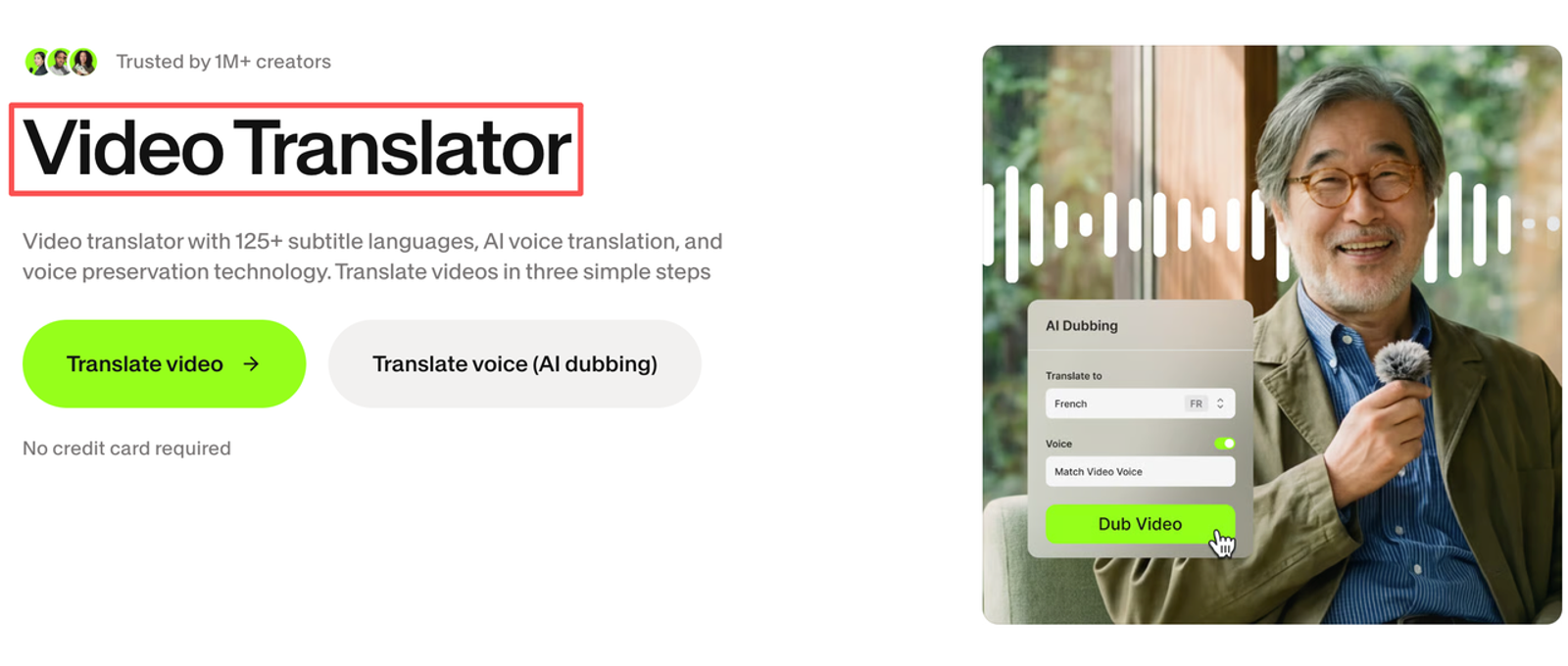
A real-time video and audio translation workflow has three layers. Speech recognition decides what was said. Machine translation decides how to express it in another language. If the workflow uses synthetic speech, a voice layer turns the translation back into audio.
Each layer can introduce small errors. Quiet microphones, crosstalk, accents, code-switching, jokes, acronyms, and product names all make the first layer harder. Voice output adds another timing problem because translated sentences may be longer or shorter than the original.
Identify Business Use Cases Worth Considering
The best live multilingual video use cases are the ones where speed matters more than polished phrasing. Internal understanding, audience access, and first-pass support are good fits. Permanent brand assets need more care.
Multilingual Meetings and Live Training
For cross-border meetings, translated captions can reduce friction. Zoom describes translated captions as a way to automatically translate meeting or webinar speech into another caption language in real time. That makes sense for team calls, onboarding, live training, and Q&A sessions where people need enough understanding to participate.
I would still prepare the session like a translation project. Share the agenda early. Put product names and acronyms on slides. Ask speakers to use one mic, slow down at handoffs, and repeat audience questions before answering. The cleaner the source speech, the better the live translation layer behaves.
Product Events, Support, and Livestream Commerce
Product events and livestream commerce are trickier because the message is closer to revenue. Live translation can help a multilingual audience follow a demo, but it can also distort claims if the speaker improvises. Webex’s guidance on real-time translation clearly separates spoken-language transcription from translated caption output, which is exactly the kind of detail teams should check before a broadcast.
For support, real-time translation is useful as a bridge when the alternative is no help at all. I would not use it alone for disputes, refunds, regulated advice, or anything that needs a defensible record later.

Understand the Quality and Latency Trade-Off
Translation latency is not just a technical annoyance. It changes how people experience the event. If captions arrive too late, viewers read the previous thought while the presenter is already explaining the next one. If voice output lags, turn-taking gets awkward.
Terminology and Speaker Changes Increase Risk
Live systems struggle when the session keeps changing direction. One speaker says a product name, another uses an internal nickname, a customer asks a half-finished question, and someone answers before the microphone catches the full context. The model may still produce fluent text, which is the dangerous part. Fluent does not always mean correct.
Glossaries help, but they are not magic. They can guide product names, campaign terms, feature labels, and industry phrases. They cannot fully rescue a messy conversation, a sarcastic aside, or a slide that contradicts what the speaker says.
Voice Output Adds Another Timing Constraint
Translated captions can be slightly late and still useful. Synthesized voice has a narrower window. If the translated voice overlaps the original speaker, viewers may struggle to follow either one. If the system waits too long, the event starts to feel like stop-and-go traffic.
Human interpretation has timing challenges too, but it comes with judgment. Microsoft’s documentation for Teams language interpretation shows why professional interpreter channels and automatic captions should be treated as different workflows, not interchangeable settings.
Design a Reliable Live Translation Workflow
A reliable workflow starts before the event. I know that sounds less exciting than “turn it on and go,” but this is where the avoidable problems usually live.
Prepare Glossaries and Human Escalation Paths
Start with the words that must not be mistranslated: product names, people’s names, safety terms, pricing phrases, feature labels, campaign slogans, and support categories. Give speakers a short prep note instead of a giant language policy nobody will read.
For higher-stakes sessions, add a human escalation path. That may mean a bilingual moderator, a professional interpreter, a support agent who can step in, or a post-event reviewer.
Show the Audience What Is Machine Translated
Tell the audience when captions or voice output are machine translated. This sets expectations. People are more forgiving when they know they are seeing a live aid, not an approved transcript.
The label should be visible but calm: “Machine-translated captions are provided for live access and may be corrected after the event.” No drama. No hiding the ball.
Record a Source for Post-Event Correction
If the session matters, record the original source and preserve the transcript according to your platform’s policy. Google Meet’s security and privacy guidance says meeting audio or video records are not stored unless recording, transcript, or note-taking features are activated—verify against Google Meet’s current security and privacy guidance, which is the kind of detail teams should confirm before choosing a retention plan.
The post-event process should include source transcript cleanup, terminology correction, subtitle timing, speaker label checks, and a final version for replay. I would not use the raw live translation as the evergreen asset. It was made under pressure.
Know When Asynchronous Localization Is Safer
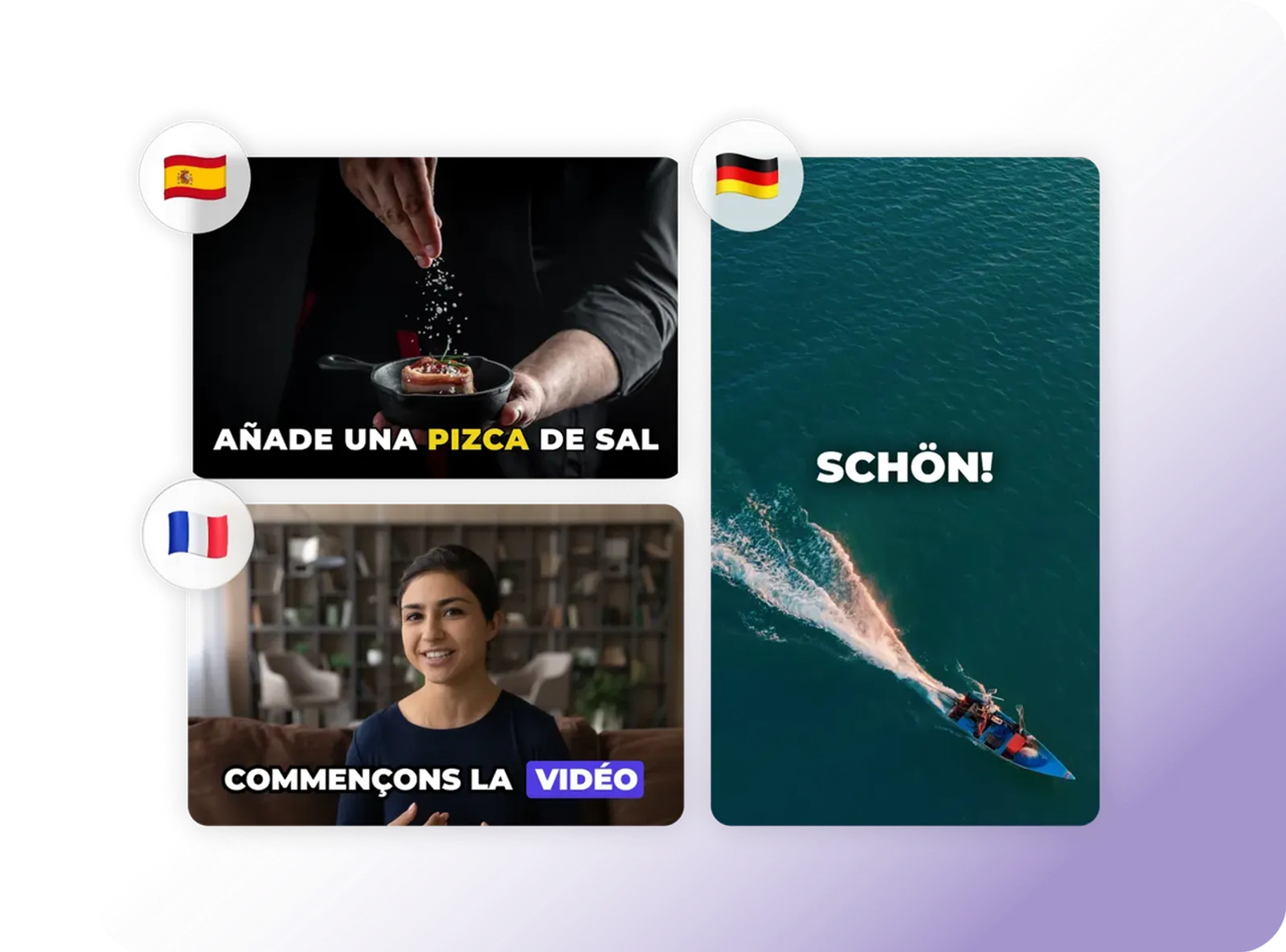
Asynchronous localization is safer when the video will keep working after the live moment. That includes paid ads, product pages, training libraries, customer onboarding, investor materials, healthcare education, legal explainers, and anything with claims that must stay accurate.
The trade-off is time. You lose immediacy, but you gain review. You can correct the transcript, adapt phrasing, choose subtitle length, rerecord voiceover, adjust visuals, and approve the final version. For many business videos, that is not overkill. That is work.
For custom systems, latency and accuracy also depend on the speech pipeline. Amazon notes in its streaming transcription guidance that streaming can support real-time transcription, but increased speed may have accuracy limits in some cases. That sentence alone is enough reason to test the whole chain instead of assuming “real time” means “ready.”
FAQ
- Can real-time translation continue during a network outage?
- Not reliably. If the meeting or stream drops, the audio input may stop, the transcript may miss segments, and translated output may disappear. Prepare backup audio, a fallback caption message, and a human contact path.
- Should translated live sessions be retained after the event?
- Only with a clear retention reason, consent model, and storage policy. Keep the original recording and corrected transcript when the session becomes training or customer content. Do not treat raw translated captions as the official record unless reviewed.
- How can audiences opt out of synthesized voice output?
- Offer original audio, captions only, or a chosen audio channel when the platform supports it. Some people prefer captions because they can compare the speaker’s tone with the translated text.
- Does live translation support existing sign-language interpretation workflows?
- It can sit beside them, but it should not replace them by default. Sign-language interpretation carries visual grammar, timing, expression, and accessibility context. Check layout so captions, slides, and interpreter video do not cover each other.
- What redundancy is needed for a high-stakes broadcast?
- Use a clean audio feed, backup meeting link, bilingual moderator or interpreter, prepared terminology, visible fallback message, and post-event correction plan. I would also rehearse speaker handoffs and language switching. Real-time video translation is most useful when it is treated as a live access layer, not a shortcut around review. That makes the technology less magical, but much safer for real teams.