The short answer
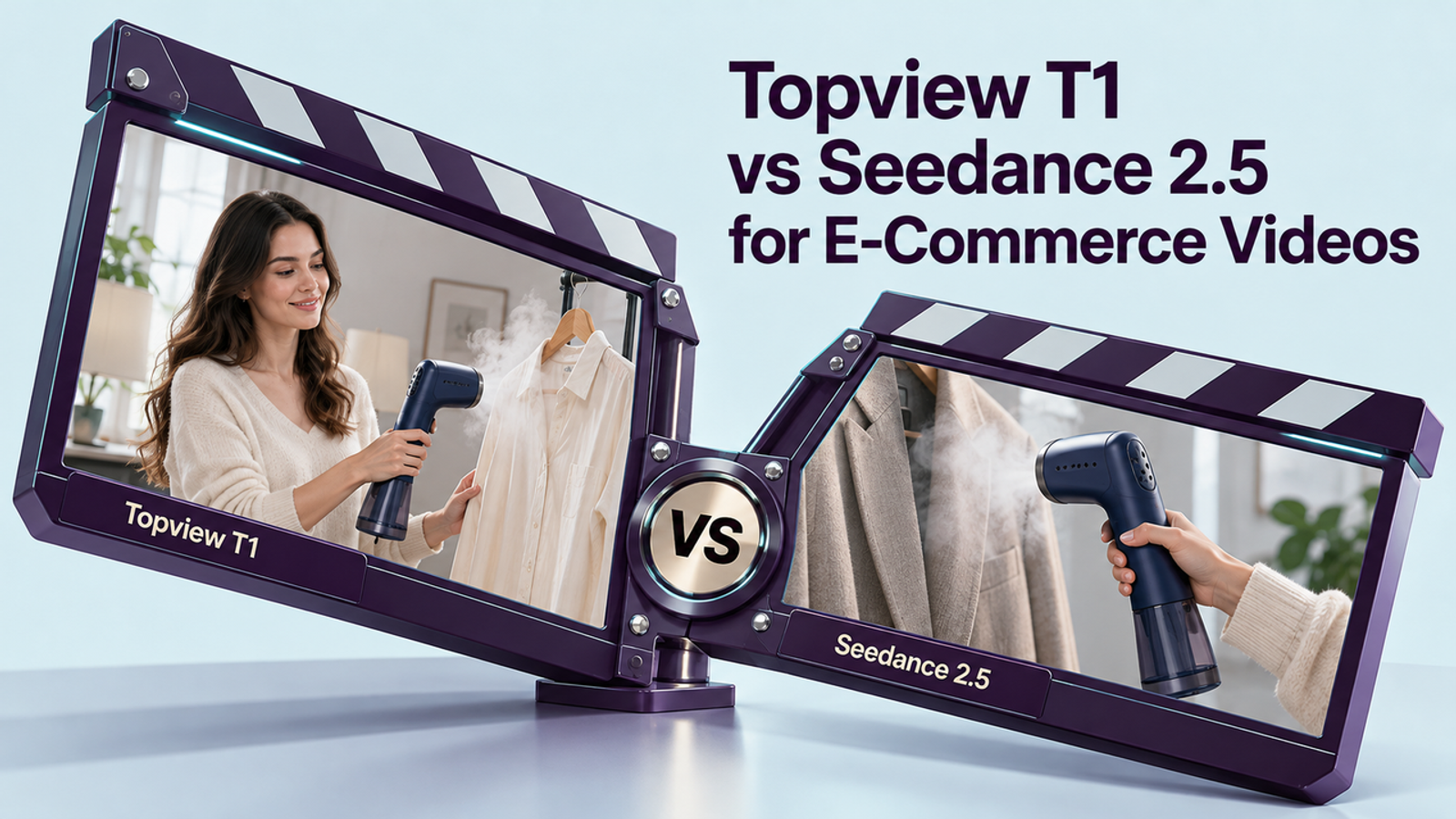
The public information does not establish a winner for e-commerce product fidelity. Topview’s published rate makes T1 the lower-cost route on paper; ByteDance documents broader reference and editing features for Seedance 2.5. Neither claim proves which model will preserve a specific package. Compare them in the same Topview workspace with one approved packshot, a fixed shot brief, and a scorecard that tracks revisions. This is a documentation-based comparison, not a matched test; direct Seedance access elsewhere may have different settings or pricing.
Which Route Fits This E-Commerce Ad Shot?
For a short product ad, ask whether the model can animate the shot while keeping the item recognizable. A slow push, restrained camera arc, or small change in reflected light gives it a clear job. A busy multi-scene prompt makes label drift harder to diagnose.
Topview’s T1 page lists text-to-video, image-to-video, and multi-reference inputs, with 720p and 1080p output. ByteDance describes Seedance 2.5 as an audio-video model with reference and editing capabilities. For one packshot, those broader controls matter only if they solve a specific production need. Neither product page establishes label accuracy or ad approval.

Compare Product Detail and Shot Control
Judge the same four things in each result: package silhouette, color and material, label and logo, and whether motion keeps the product in frame. Then check whether the chosen move is actually useful. A slow move that exposes the product’s size or finish may help a buyer; Decorative motion that obscures the label is just extra work. Pretty is easy to spot. Useful takes another look.
Use a simple record rather than a single “best-looking” screenshot:
| Check | What to record |
| Product identity | Shape, color, cap or parts, label, logo, and text changes |
| Shot control | Requested move, actual move, framing, cuts, and visible product time |
| Usable result | Pass, revise, or reject, with one specific reason |
| Export | Resolution, aspect ratio, audio, watermark, and file format |
Compare Revision Workflow and Cost
Topview’s T1 page advertises 1080p at 2.2 credits per second and compares a 30-second T1 generation at $6.60 with Seedance 2.5 at $17.55, calling T1 about 62% less. That comparison is Topview’s own pricing and quality claim, not an independent test of equal product-ad outputs. The public pricing grid, checked October 23, 2026, lists 1080p T1 at 8.8 credits per 4 seconds and Seedance 2.5 at 14.8 credits per 4 seconds; plan discounts and membership terms can change the checkout economics. Check the current Topview pricing page for the plan and route you would actually use.

At those displayed 1080p credit rates, an 8-second first pass works out to 17.6 credits for T1 and 29.6 for Seedance 2.5 before plan discounts. If three successful attempts are needed for one approved clip, the model-use estimate becomes 52.8 and 88.8 credits respectively. This is arithmetic from the published rates, not a measured approval rate. Add the campaign’s share of the plan, review time, and editing costs, then divide by approved clips: cost per approved clip = total test spend ÷ clips accepted for use.
The price gap matters only if both routes meet the same review bar. Extra renders to fix a warped package can outweigh a cheaper first pass. The next edit is part of the cost.
When Should a Team Choose T1 or Seedance?
Choose T1 for a cost-conscious first test when the brief is a straightforward shot and its available controls are enough. Consider Seedance 2.5 when your shot needs reference or editing capabilities; verify those controls are exposed in the Topview route before counting them as a revision shortcut. For either model, keep real packaging footage or an approved still ready when a product detail cannot tolerate visual drift.
If the product needs precise mechanical demonstration, exact ingredient or safety labeling, or a claim that must be shown as evidence, film that proof or composite real product footage. A generated clip can support a campaign, but it cannot certify that a label or feature is correct.
Conclusion
Choose T1 when the simpler shot meets your review bar at a lower repeatable cost; choose Seedance when its available controls reduce work on a more demanding brief. If neither keeps the product faithful, use real footage for that shot. For a separate product-video workflow, see Wizstar’s current model list.
FAQ
- Do both routes support square output for product placements?
- The public Topview pages do not confirm every ratio for both models. The Seedance 2.5 API documentation includes 1:1, while T1’s page only confirms an aspect-ratio selector. Check that 1:1 appears in both model settings and preview the crop before generating a batch.
- Are both models available on Topview today?
- Yes. Topview’s current T1 page documents T1, and its pricing page lists both T1 and Seedance 2.5. Availability, settings, and credit deductions can change, so confirm both options are selectable in your account.
- Can either route generate speech for a product demo?
- Yes. Topview describes T1 as supporting multilingual dialogue, and ByteDance describes Seedance 2.5 as joint audio-video generation. For precise product claims or regulated wording, add approved voiceover and captions in editing rather than relying on generated speech.
- Which commercial-use terms govern each output?
- If you generate both through Topview, check Topview’s current terms and your plan. Its terms say it assigns the rights it may have in outputs to the user where permitted by law, while prohibiting commercial use by free users. You still need rights to the packshot and any other uploaded assets. A direct Seedance API route would have its own provider terms. See Topview’s current terms before using output in paid campaigns.
- Are generated clips watermarked on either route?
- The model pages do not establish a watermark-free result for every plan. Topview lists watermark-free exports as a plan feature, so check the account tier and inspect the downloaded file before delivery; Seedance’s model identity alone does not settle the export setting.