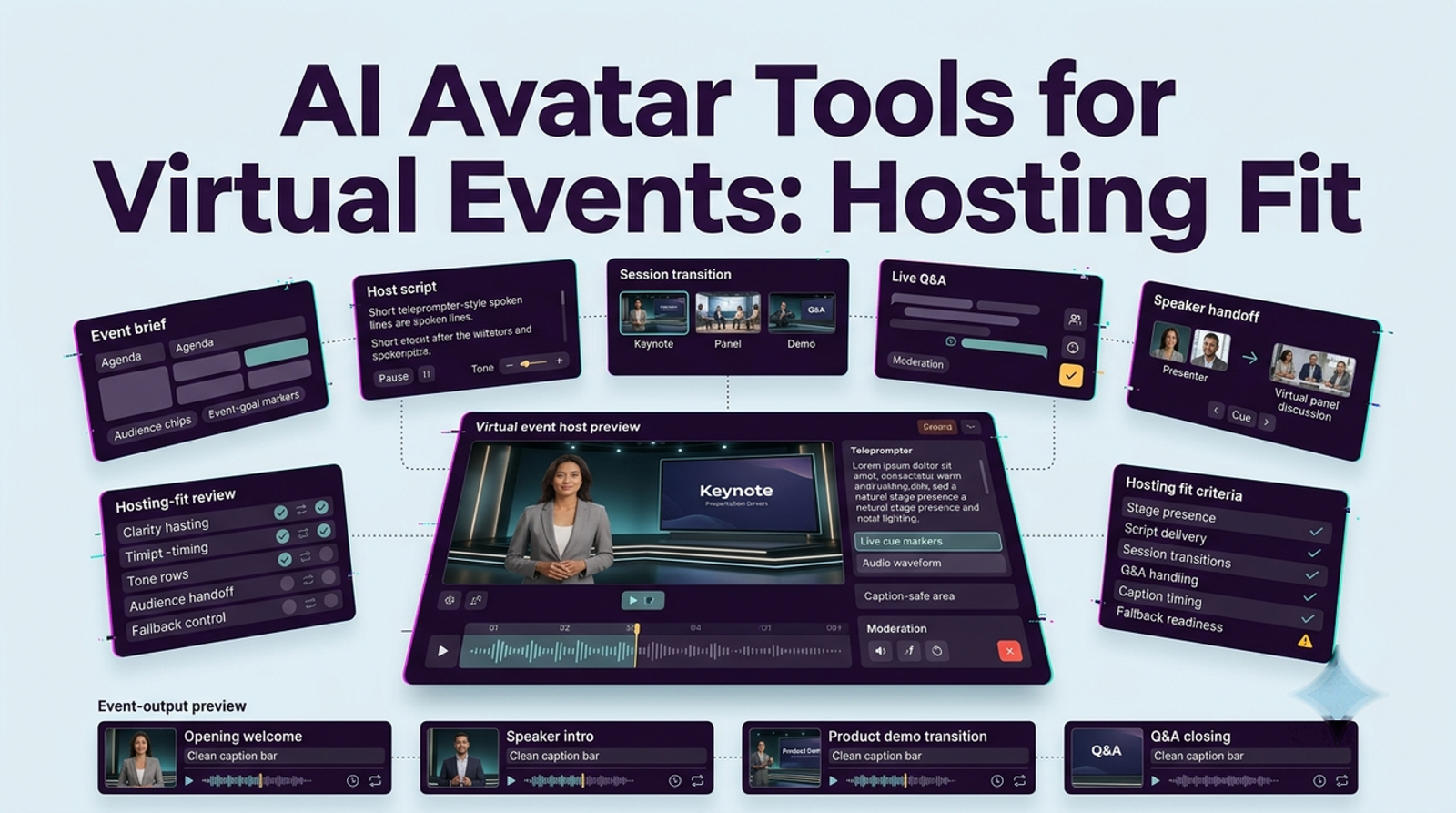
An AI avatar can look polished and still be a poor event host. For virtual launches and livestreams, I care less about how convincing the face is in a demo and more about whether the production team can cue it, interrupt it, replace it, and keep the show moving when something goes wrong. I’m Vela, and that is the lens I would use for AI avatar tools for virtual event hosting: hosting fit is really a control problem.
I checked current event-platform and production guidance rather than inventing a private latency benchmark. Response delay, interruption behavior, and human takeover all depend on the avatar layer, network, encoder, event platform, and event format, so those numbers should be measured in rehearsal.
Define the Host's Role in the Event
Before comparing a virtual event AI avatars, define what the “host” actually needs to do. A scripted opener, agenda transition, sponsor introduction, and closing can be prepared in advance. Live Q&A is different: the host has to listen, interpret, respond, handle awkward questions, and recover from delay or misunderstanding.
I would split the job into three buckets: scripted delivery, bounded live interaction, and exception handling. The more the event depends on the third bucket, the less comfortable I am with making the avatar the only host.
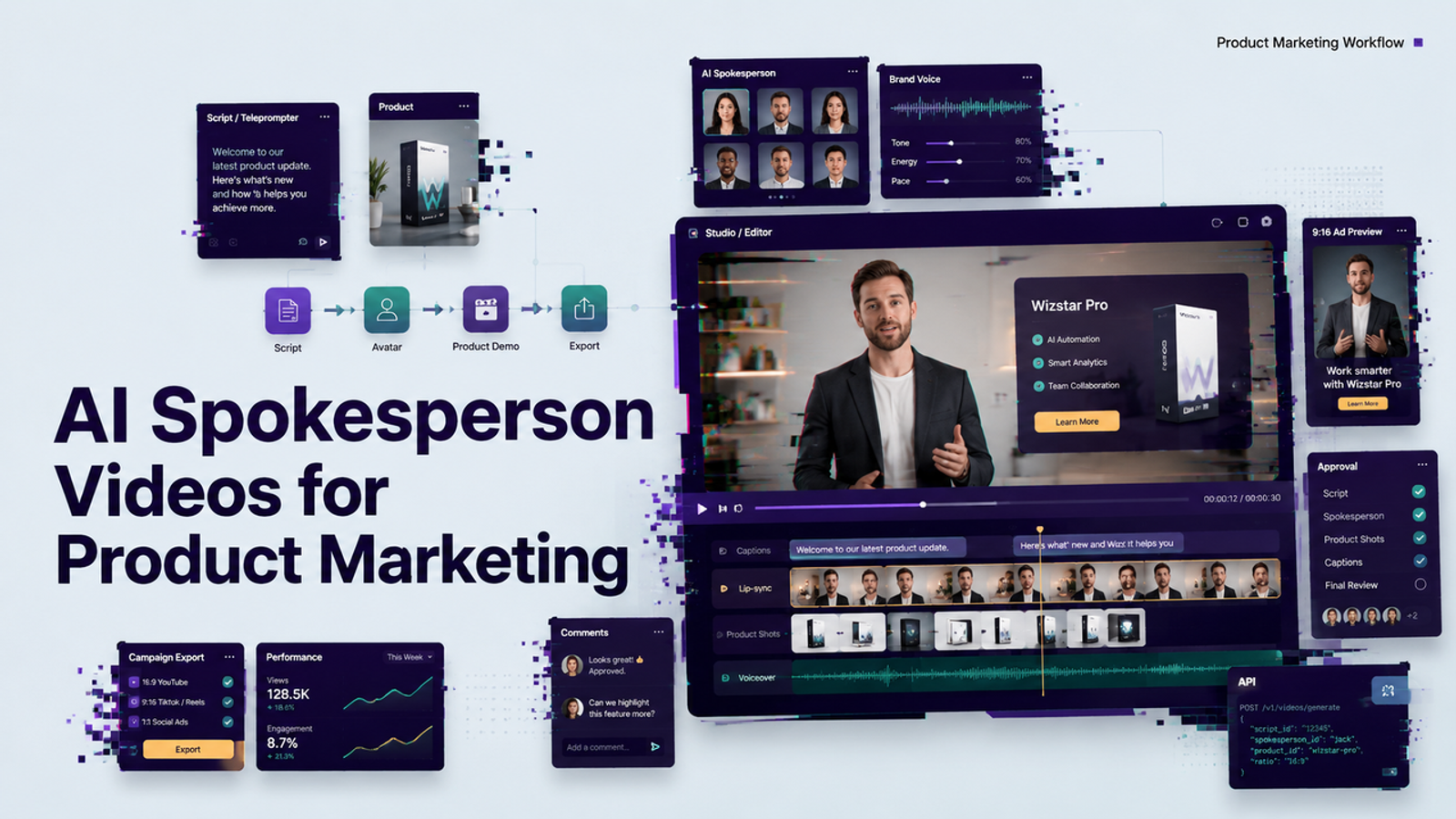
That distinction also changes the buying criteria. For scripted segments, voice quality, pronunciation, visual continuity, and easy clip replacement matter most. For a live digital human event host, I would add interruption control, response routing, moderation, state recovery, and a clearly assigned human operator.
Compare Three Event-Hosting Setups
I would compare setups, not just avatar faces. The same avatar can feel reliable in one production architecture and risky in another.
| Setup | Best fit | Main strength | Main risk |
|---|---|---|---|
| [object Object] | [object Object] | [object Object] | [object Object] |
| [object Object] | [object Object] | [object Object] | [object Object] |
| [object Object] | [object Object] | [object Object] | [object Object] |
| [object Object] | [object Object] | [object Object] | [object Object] |
Scripted Segments and Live Responses
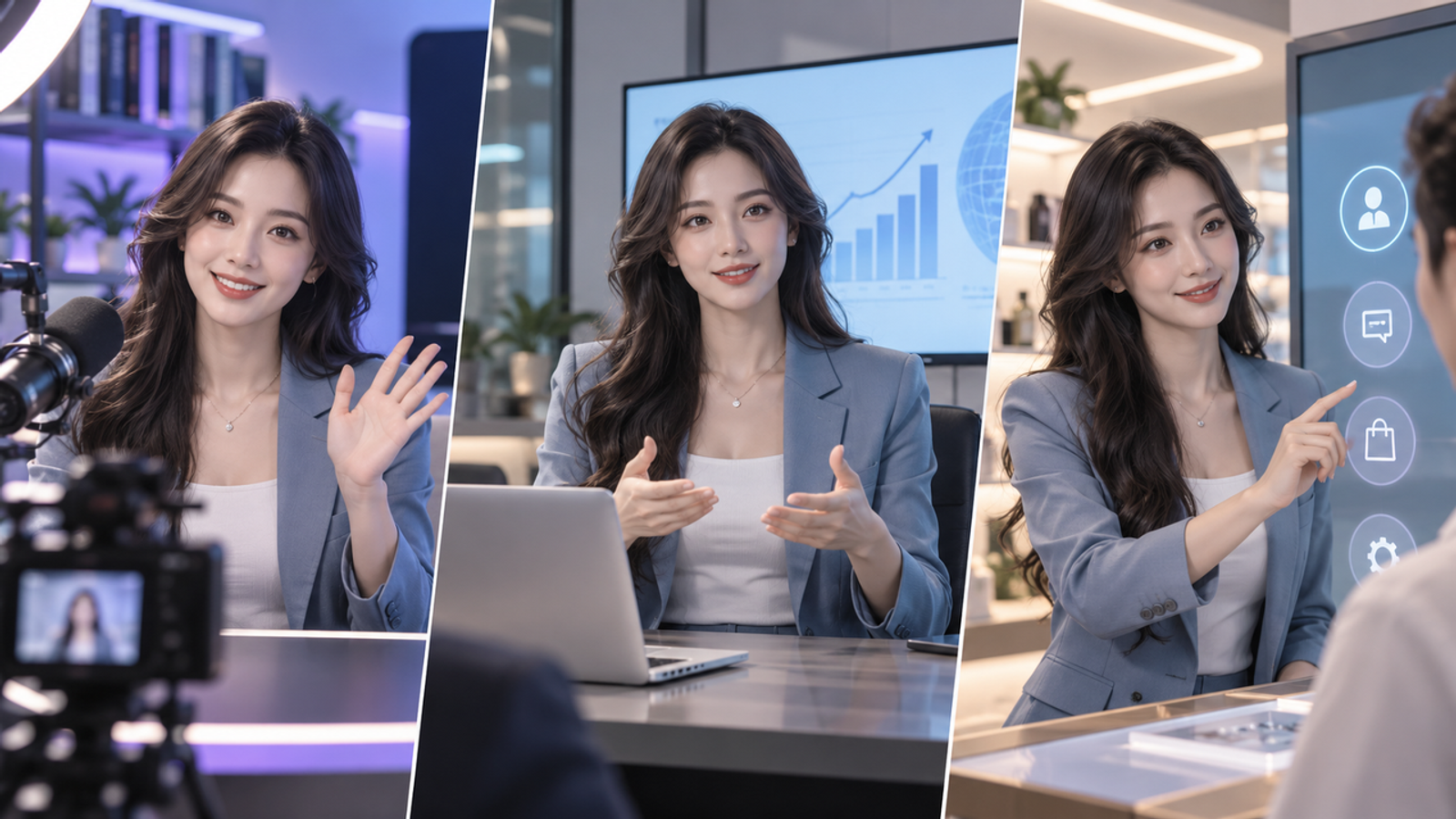
The safest setup is a pre-rendered avatar used as a playout asset. The production team approves the script, exports the segment, and cues it like any other video. This is not truly “live AI,” but that is exactly why it can work well for openings, transitions, or repeated sponsor lines.
A live avatar feed is more ambitious. Here I would verify whether the tool can appear as a camera source, browser source, or RTMP-style input, then test the full path through the event platform. Microsoft’s current Teams town hall production workflow shows why this production layer matters: organizers can prepare in a green room, use RTMP-In, control what attendees see, and manage the event flow. Those controls do not make an avatar reliable by themselves, but they give the producer somewhere to manage it.
Moderator Control and Human Takeover
For a real event, I want the moderator to control questions before the avatar sees them. Attendee text should not flow directly into an AI host with no filtering. A human producer can choose which question enters the response path, rephrase unclear wording, or route the question to a human speaker.
The takeover test should be physical, not theoretical. During rehearsal, force the avatar to fail: give it an ambiguous question, interrupt mid-answer, disconnect its source, and see how cleanly the producer can switch to a human or fallback scene. The 2026 OBS Studio 32.1 release notes include changes around Studio Mode source visibility and audio monitoring—the kind of production controls I would use while rehearsing source switching instead of trusting a single live feed.
Rehearsal and Fallback Playback
The hybrid setup is the one I would choose first for a product launch or executive-facing event. Let the avatar own approved segments, let a human moderator own live judgment, and keep prerecorded fallback clips ready for the moments where the avatar is supposed to speak.
Fallback content should not be a generic “technical difficulties” card. I would prepare a clean host transition, a short holding message, the next approved segment, and a human handoff line. The audience does not need to know which backend failed; they need the program to keep moving.

Run a Rehearsal Against the Event Schedule
A good rehearsal should mirror the running of the show. Do not test the avatar in isolation for five minutes and call it ready.
| Run-of-show point | What to test | Producer action | Record during rehearsal |
|---|---|---|---|
| [object Object] | [object Object] | [object Object] | [object Object] |
| [object Object] | [object Object] | [object Object] | [object Object] |
| [object Object] | [object Object] | [object Object] | [object Object] |
| [object Object] | [object Object] | [object Object] | [object Object] |
| [object Object] | [object Object] | [object Object] | [object Object] |
| [object Object] | [object Object] | [object Object] | [object Object] |
| [object Object] | [object Object] | [object Object] | [object Object] |
I would run at least one “bad” rehearsal on purpose. Disconnect something. Send a question the avatar should not answer. Change the agenda at the last minute. The point is not to embarrass the system; it is to find out whether the production team still controls the event.
Where an Avatar Should Not Replace the Host
I would not make an avatar the sole host when the event depends on crisis judgment, sensitive employee or customer issues, legal or financial statements, emotionally charged announcements, or unscripted executive Q&A. Those moments need accountability and social judgment, not just fluent delivery.
I would also avoid pretending a synthetic host is a real person. A digital human event host can be useful precisely because it handles repeatable presentation work. It does not become more trustworthy by hiding what it is.

Conclusion
The best AI avatar services for live streaming hosts are not necessarily the ones with the most human-looking demo. For event production, I would choose the setup that gives the team the clearest cueing, moderation, takeover, and fallback path.
That usually pushes me toward a hybrid model: scripted avatar segments where consistency helps, bounded live interaction where it has been rehearsed, and a human producer who can take control without turning a technical problem into an audience problem.
Platform features, AI disclosure requirements, recording rules, licensing terms, and vendor capabilities can change by plan, region, and service. This article reflects public guidance checked on September 24, 2026 and is not legal advice. Verify the current event-platform, avatar-vendor, privacy, disclosure, music, recording, and sponsor requirements before production.