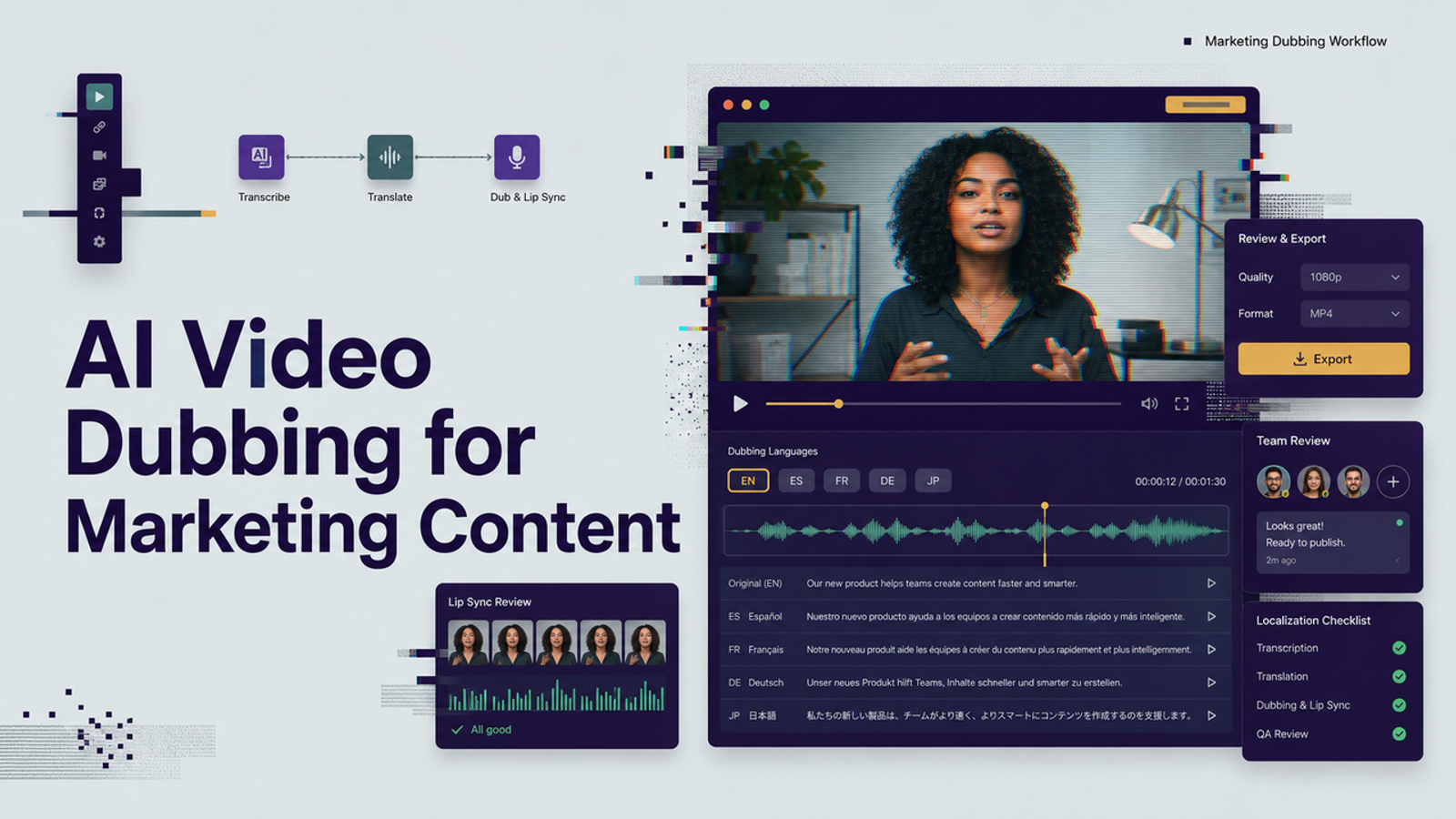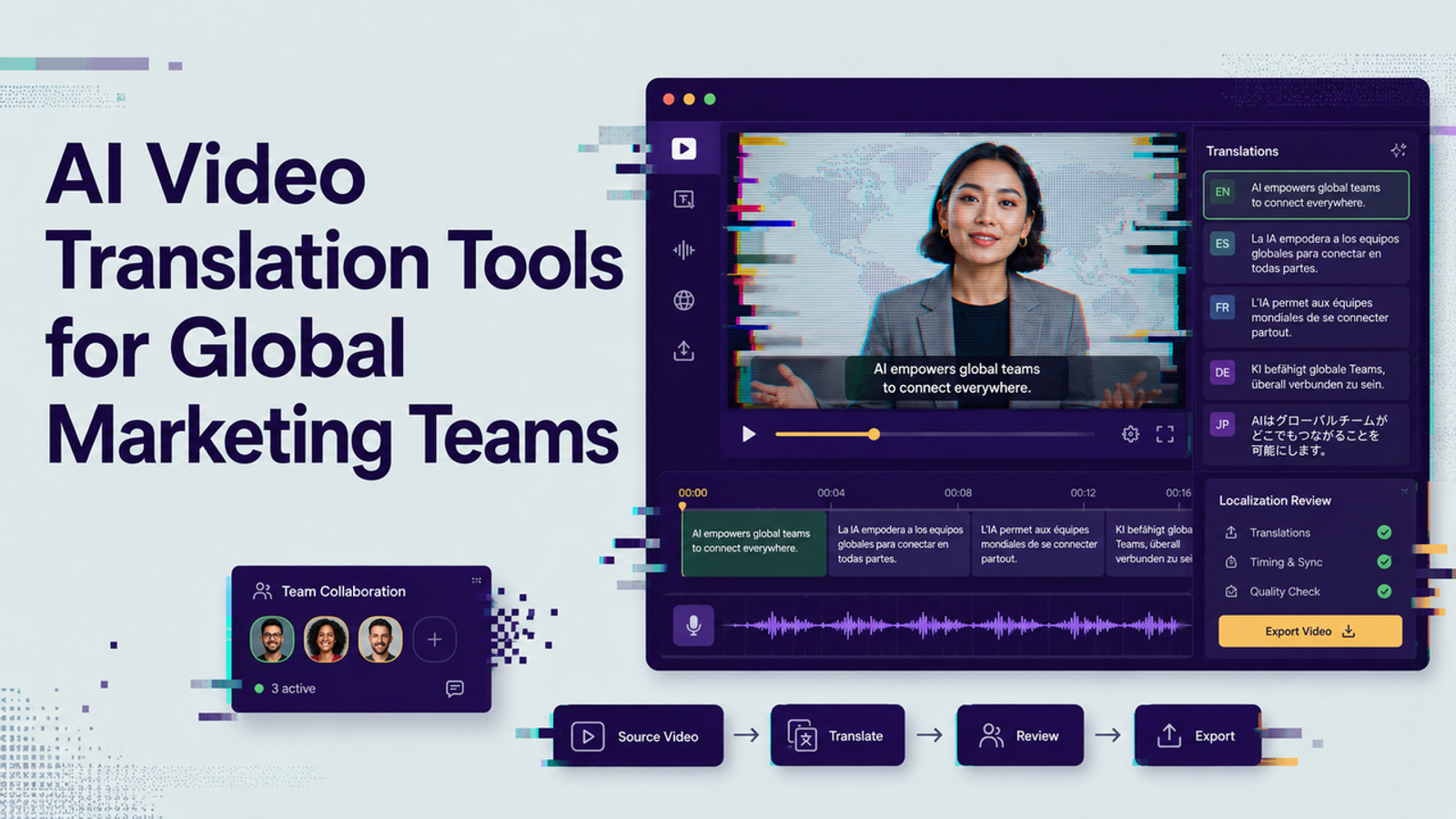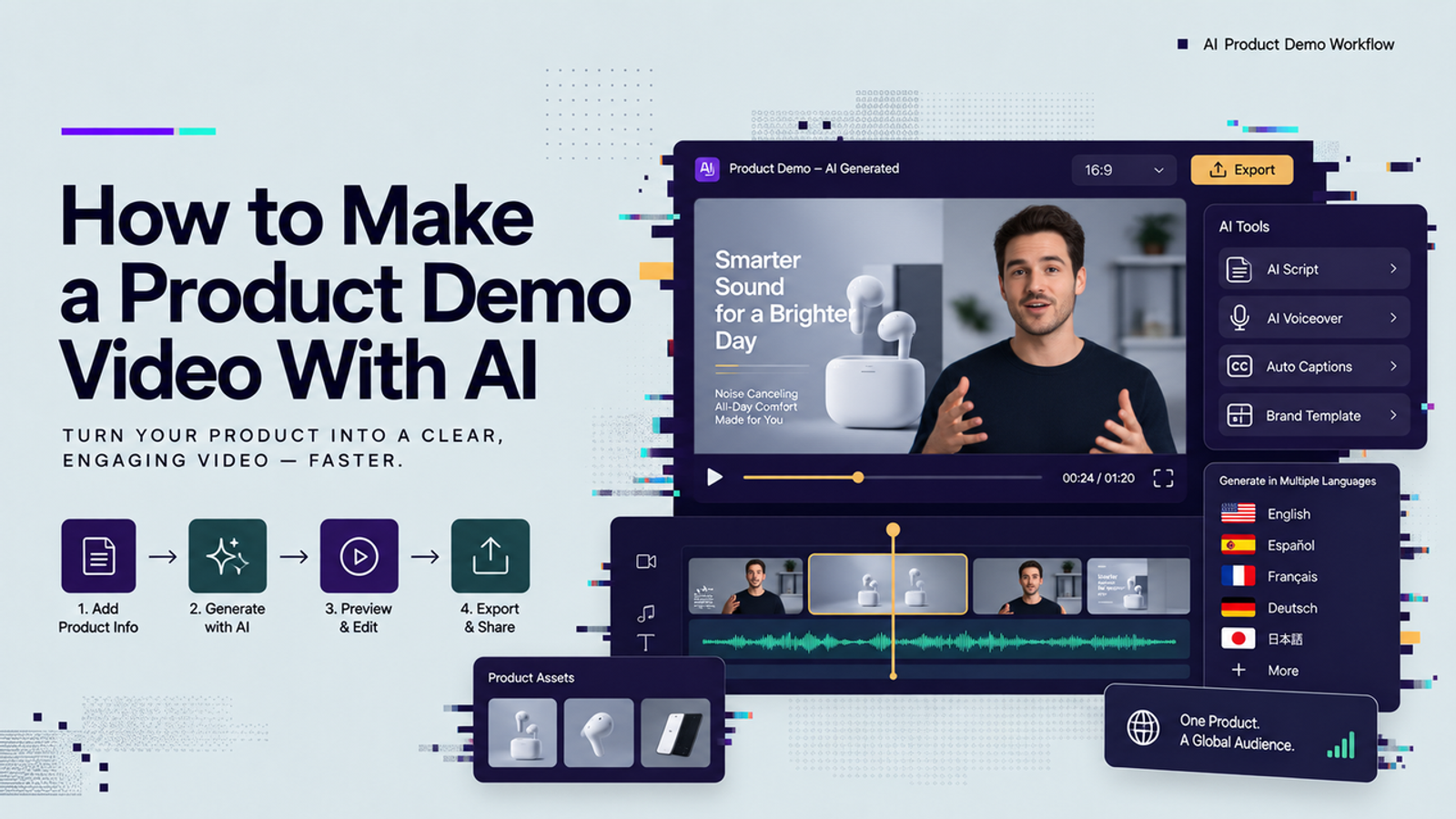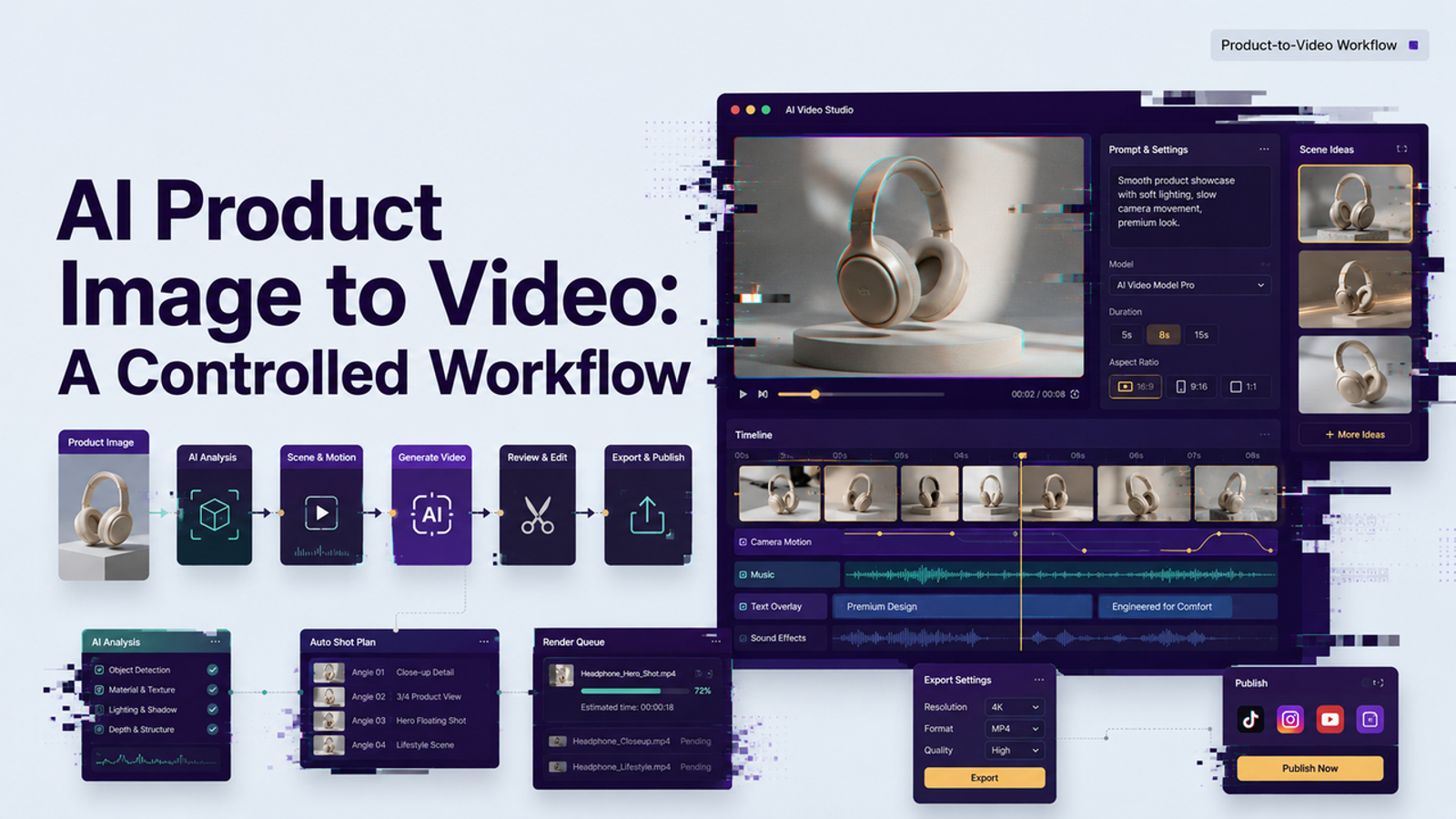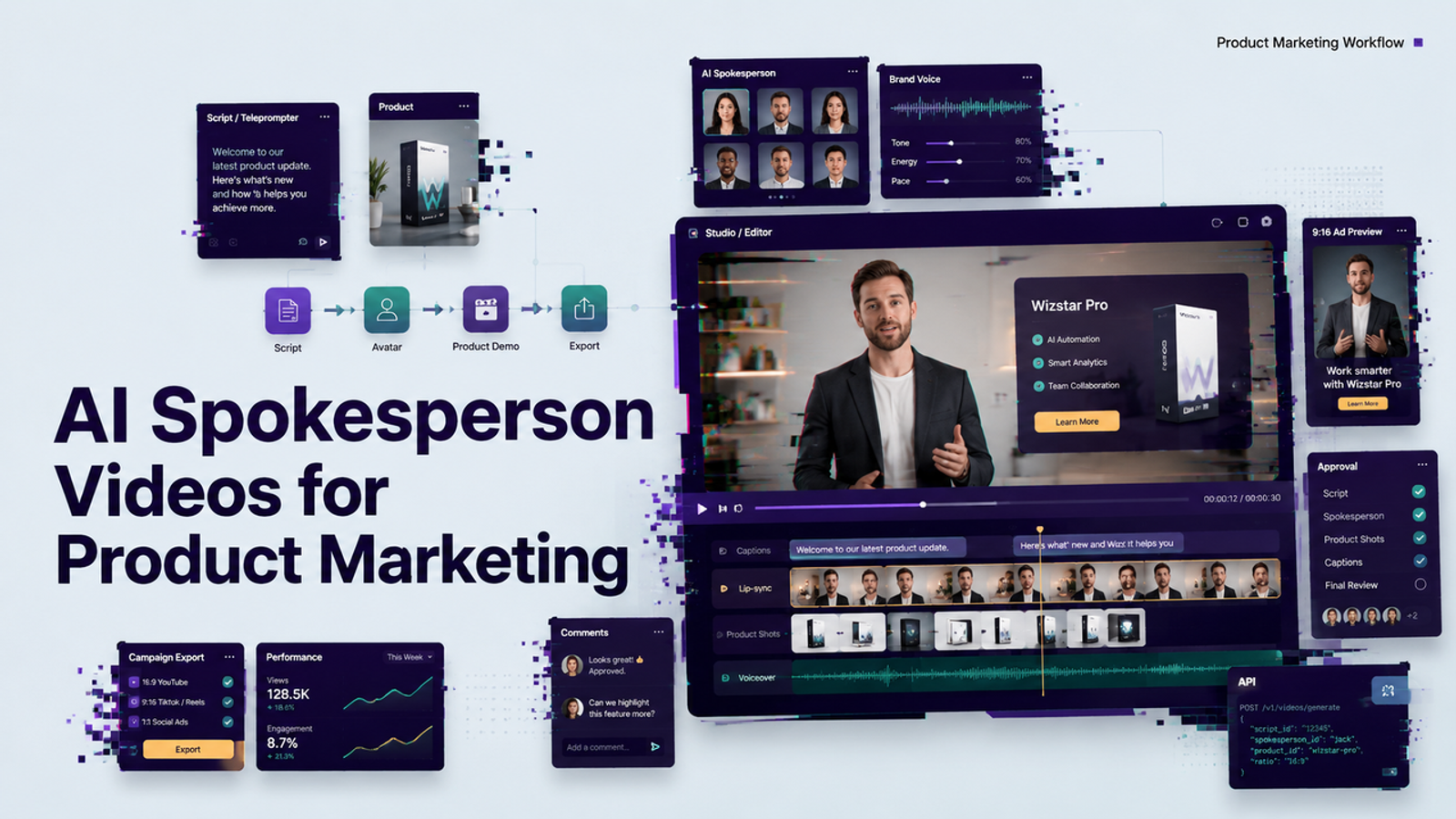
I'm Vela. I like AI spokesperson videos most when they solve one plain production problem: your team needs the same clear message again and again, but nobody wants to film the same update five times. Not a fake founder, manufactured customer, or replacement for real human judgment. This guide shows how founders, product marketers, training teams, and sales support teams can use an ai spokesperson video as a reviewable asset without ignoring consent, quality, and limits.
Where AI Spokesperson Videos Fit
An ai spokesperson video works best when the message is scripted, repeatable, and low to medium emotion: product release summaries, feature walkthroughs, onboarding explainers, sales enablement clips, internal training updates, and localized product education.
I would not use an AI video spokesperson to pretend that a real customer gave a testimonial, or to make an employee appear to support a claim they never approved. The FTC’s 2024 guidance around the consumer reviews and testimonials rule is a useful reminder that marketing claims still need to be truthful, and synthetic presentation does not make fake experience acceptable.
Choose the Right Presenter Role
The first question is not “Which avatar looks most realistic?” I would start with: what job is this presenter doing? A spokesperson can be a guide, narrator, trainer, product explainer, internal host, or localization layer, and each role needs different pacing and approval rules.
Product Introductions and Updates
For product introductions, the presenter should not carry the whole video. The product should. I would keep the avatar’s role narrow: open with the problem, explain the update, point attention toward screenshots or product visuals, and close with the practical takeaway.
This is where an avatar product demo can save time. If a product marketer already has screenshots, a short release note, and three approved value points, the team can create a reviewable spokesperson version before deciding whether the update deserves human filming.
Demos, Training, and Sales Support
Training and sales support are strong fits because the message often changes in small ways. A sales team may need a new objection explainer; a customer education team may need the same workflow in several languages.
Here, I care less about cinematic realism and more about clarity. Does the AI avatar marketing clip deliver the script without odd pauses? Do the mouth movements distract from the message? Can the viewer follow the product screen while the presenter speaks? If yes, the video may be useful even if nobody mistakes it for filmed footage.
Prepare the Script and Visual Brief
A good AI spokesperson video starts with a tight script. I would keep the first test around 30 to 60 seconds because long scripts hide problems until late in the workflow. The script should include one audience, one product task, one promise, and one proof point. If it tries to cover the whole product, the presenter will sound like a brochure with eyebrows.
The visual brief matters too. Decide whether the presenter appears full screen, beside product UI, or inside a slide-style layout. For product marketing, I usually prefer screenshots, feature callouts, or simple diagrams beside the presenter.
Consent belongs in the brief. If the presenter uses a real employee’s face, voice, likeness, or recorded training material, get written approval for the specific use. The U.S. Copyright Office’s 2024 digital replicas report treats realistic AI replicas as a serious rights issue, not a casual production shortcut.
Create a Reviewable First Version
I would call the first generation a reviewable first version, not the final video. The goal is to see whether the AI spokesperson video creator can follow the script, keep the voice clear, match the layout, and leave the team with something worth reviewing.
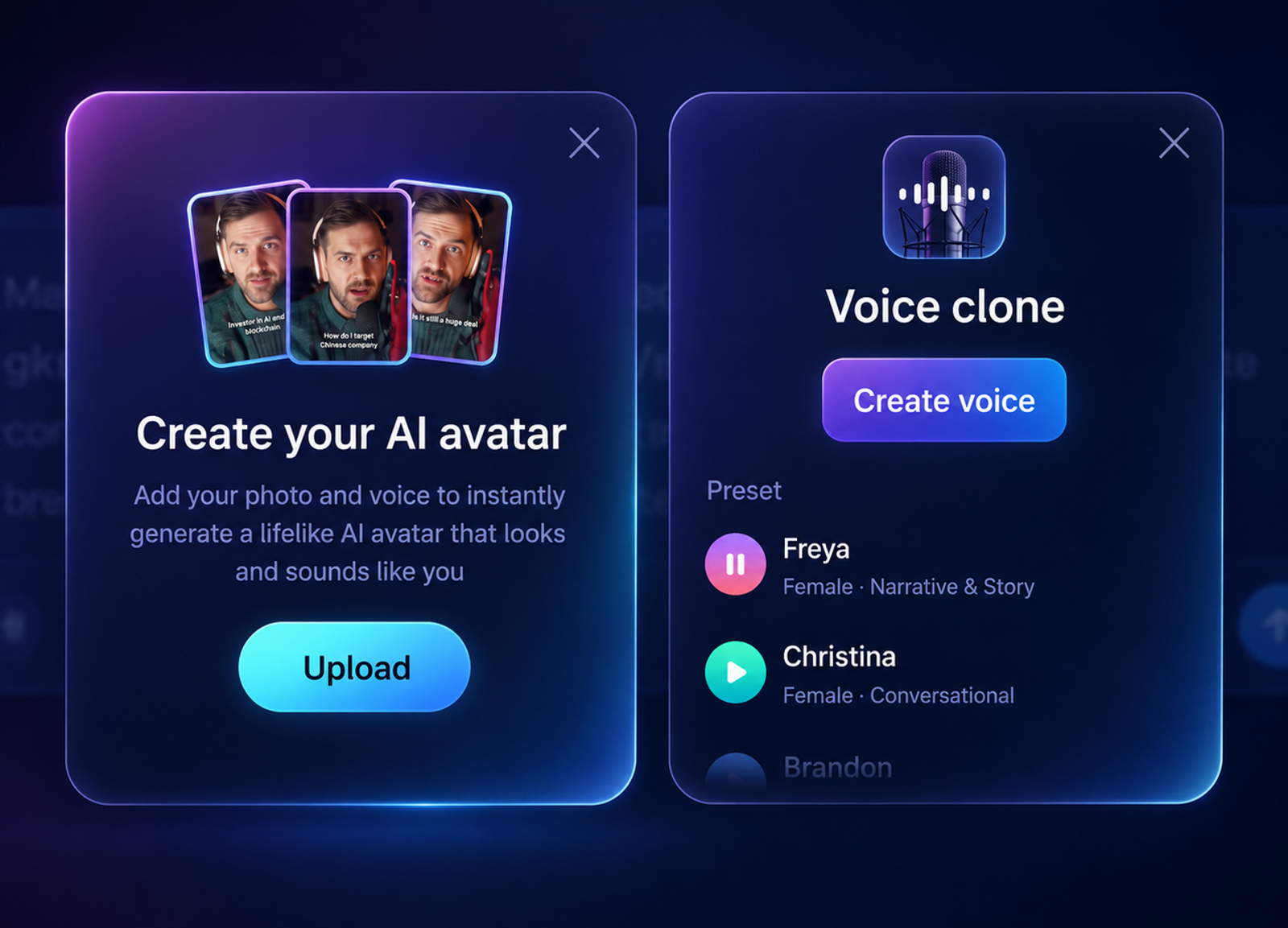
Before generating, confirm the platform’s current input options. Some workflows may accept a photo, short source video, typed script, uploaded audio, product images, product links, or reference footage. Some may support voice synthesis or voice cloning, while others only offer preset voices. Export settings also matter: internal training may need 16:9, while a product teaser may need 9:16 or 1:1.
I would also check whether the tool publishes clear rules for custom avatars, voice models, team permissions, data use, retention, and deletion. If those details are not public, do not guess. Ask before uploading employee material or building a repeatable campaign workflow.
Check Voice, Motion, and Brand Fit
This is where I slow down. Avatar quality is mostly about small movements. I look at the mouth first, then blinking, head turns, audio timing, and whether the tone matches the product category. A slightly stiff presenter can work for an internal update. The same stiffness may feel wrong in a founder story.
For brand fit, review the spokesperson like a landing page hero section. Is the claim specific? Is the tone too cheerful for a serious product? Does the presenter sound like the brand, or like a generic training narrator? The NIST Generative AI Profile is useful because it frames generative AI work as a risk-managed process, not just a creative output.
Content provenance is another practical layer. Teams publishing synthetic media across ads, help centers, or sales libraries should consider how they will label and track versions. The C2PA specifications are one reference point for media provenance and content history.

Revise and Approve the Video
The revision pass should separate creative preference from production risk. A dull line can be rewritten. A drifting mouth needs regeneration. A broad product claim needs legal or product review. A voice that sounds too close to an employee who did not approve reuse should stop the project.
Keep an approval record for every reusable spokesperson asset: script version, presenter source, consent scope, voice source, generation date, export file, disclosure decision, and reviewer notes. Boring paperwork, yes. Still worth it.
When a Human Presenter Is Better
A human presenter is better when emotion, trust, accountability, or personal judgment is the point. Founder apology videos, investor updates, sensitive HR messages, customer testimonials, executive vision pieces, and crisis communication usually need a real person. An AI avatar can make those videos faster, but faster is not always better.
I would also choose a human when the product needs hands-on demonstration with complex physical interaction. If the presenter must touch the product, improvise, or answer unpredictable questions, a synthetic presenter may add more review work than it saves.
Realism and Performance Limitations
An AI spokesperson video can reduce repeated filming, but it does not remove review. Lip sync may drift. Teeth and mouth shapes may look odd. Emotion can feel flat. Product visuals may need separate editing. Translated versions may sound accurate but culturally stiff.
Performance claims need restraint. A better workflow may help a team test more messages, but it does not guarantee conversion, ad approval, sales lift, or training completion. I would judge it by revision workload, reuse potential, and whether it helps the team ship clearer content with less reshooting.
Conclusion
AI spokesperson videos are useful when they reduce repeated filming for clear, scripted product communication. They are not a shortcut around consent, proof, review, or human judgment. I would use them for product updates, training, sales support, and controlled localization before using them for anything emotionally sensitive.
The best workflow is not the one where the avatar looks most human. It is the one where the message stays clear, the rights are clean, the review process is visible, and the team knows when to stop using the avatar and bring in a real person.