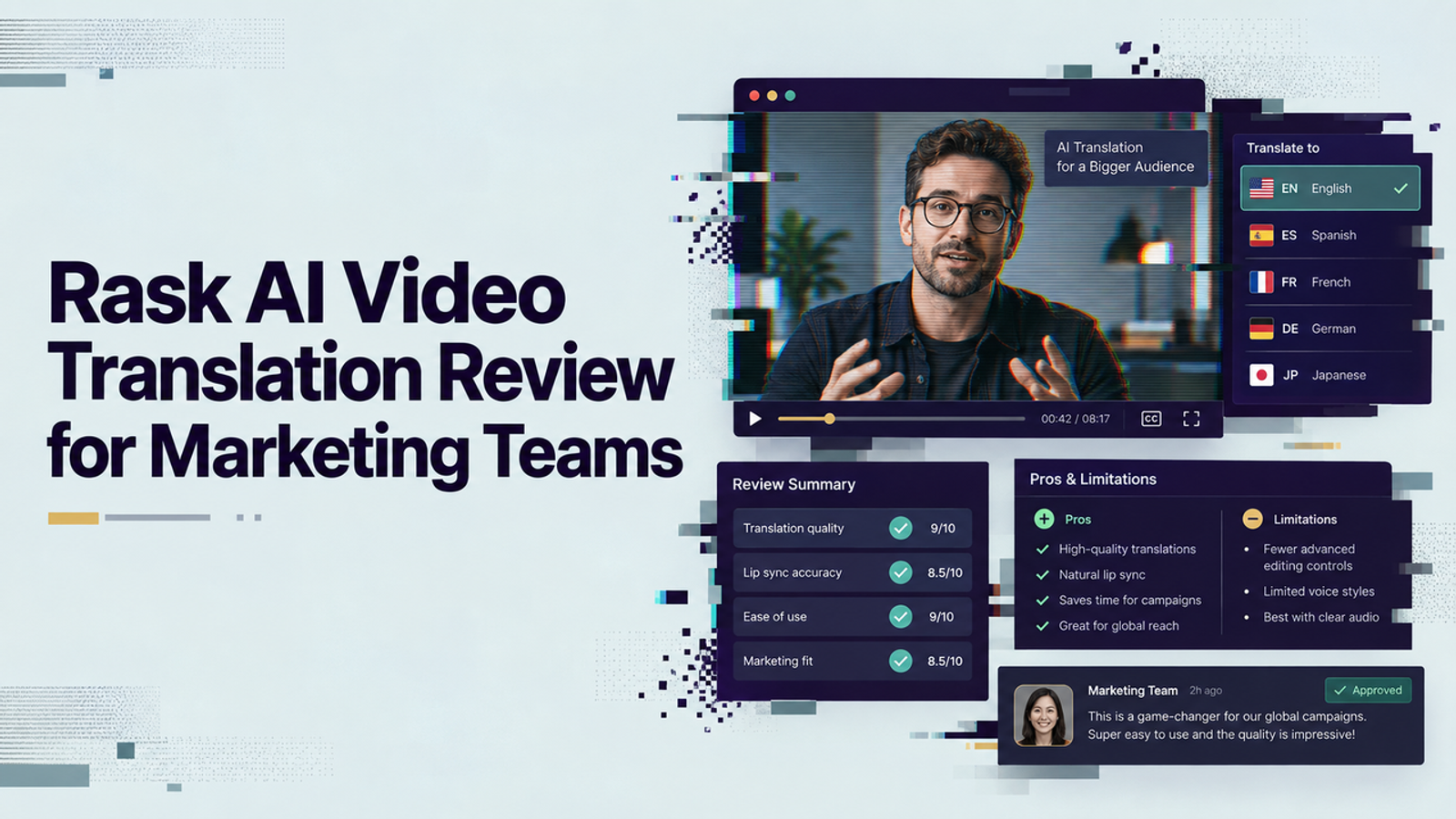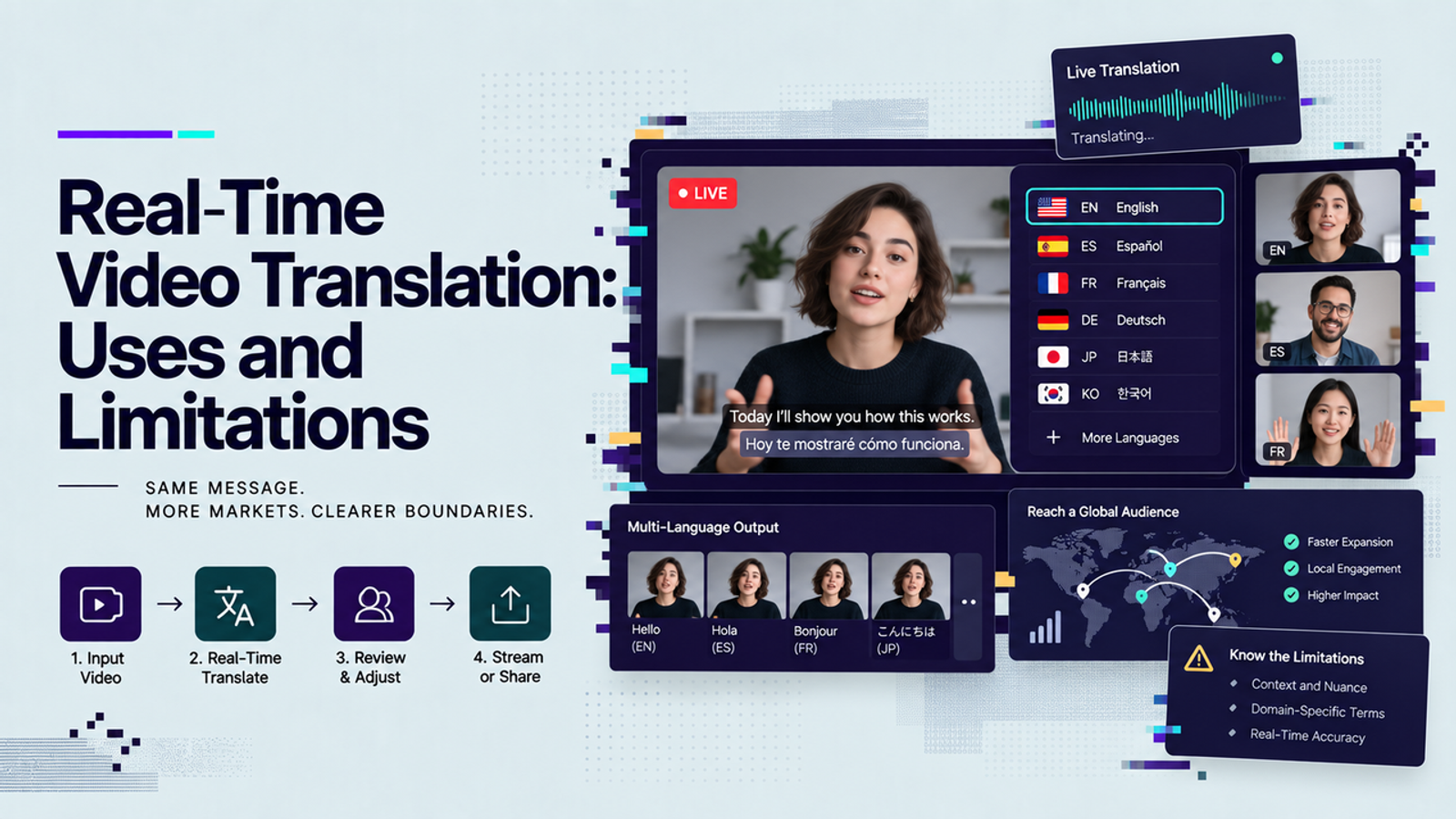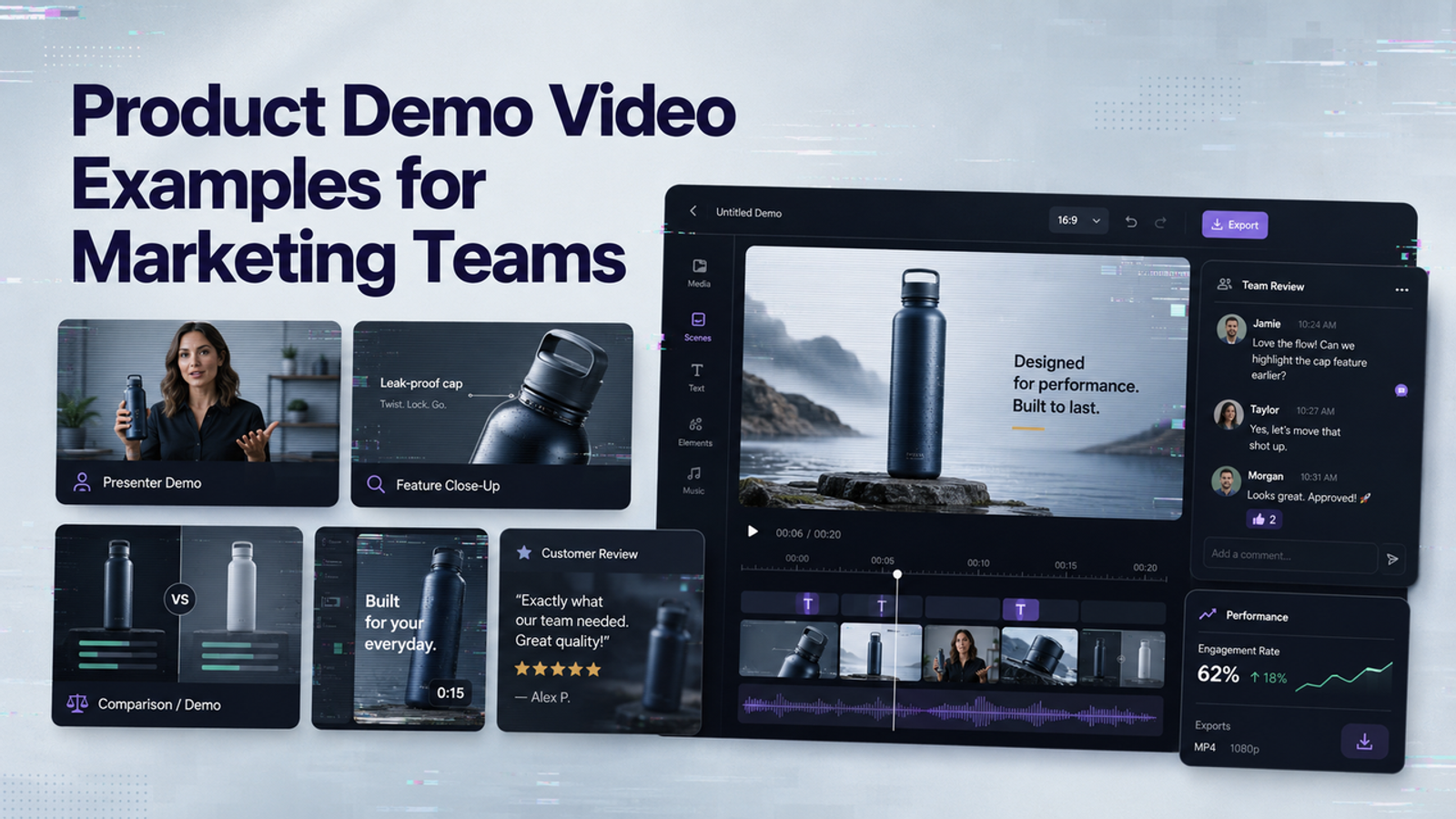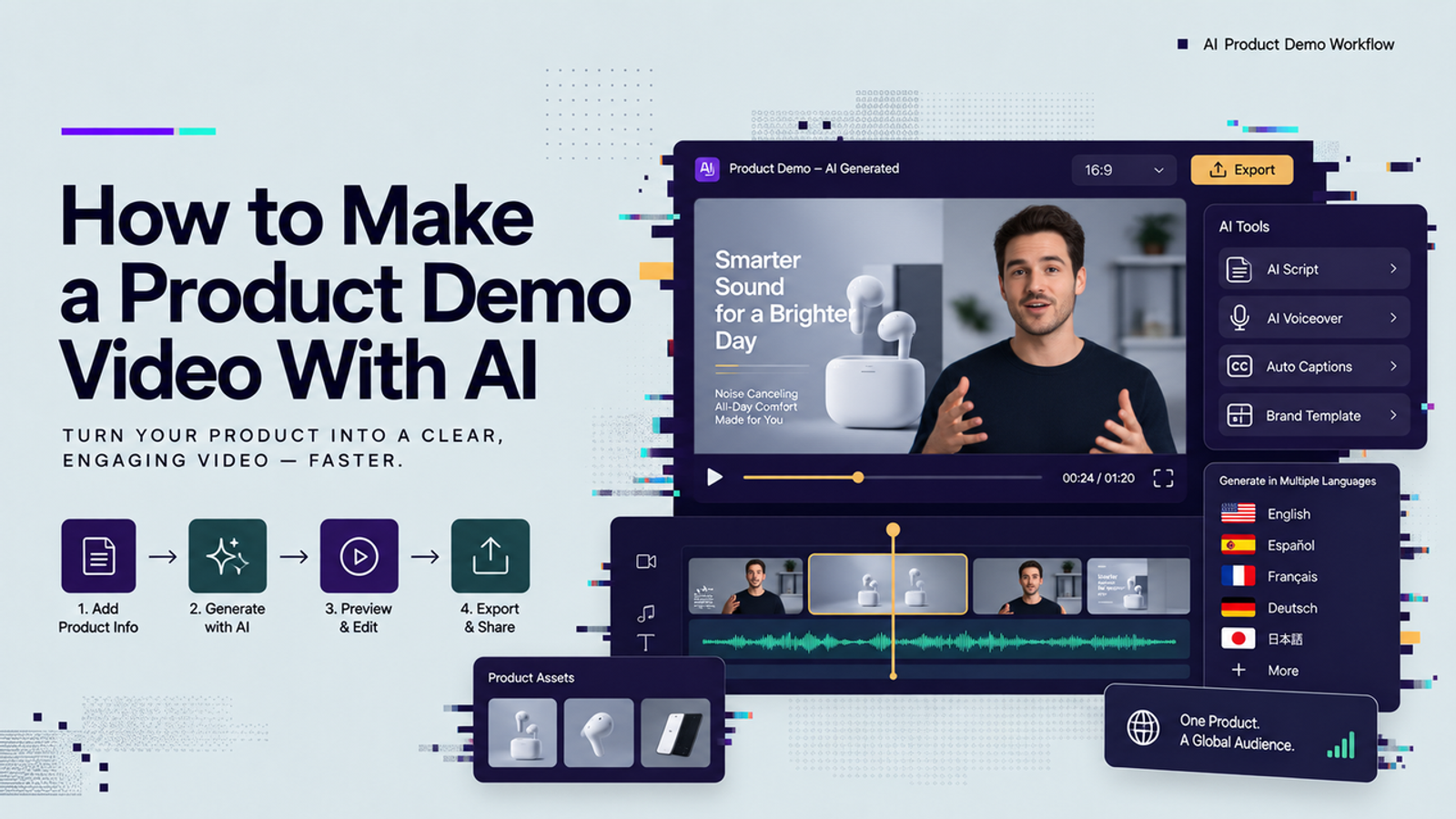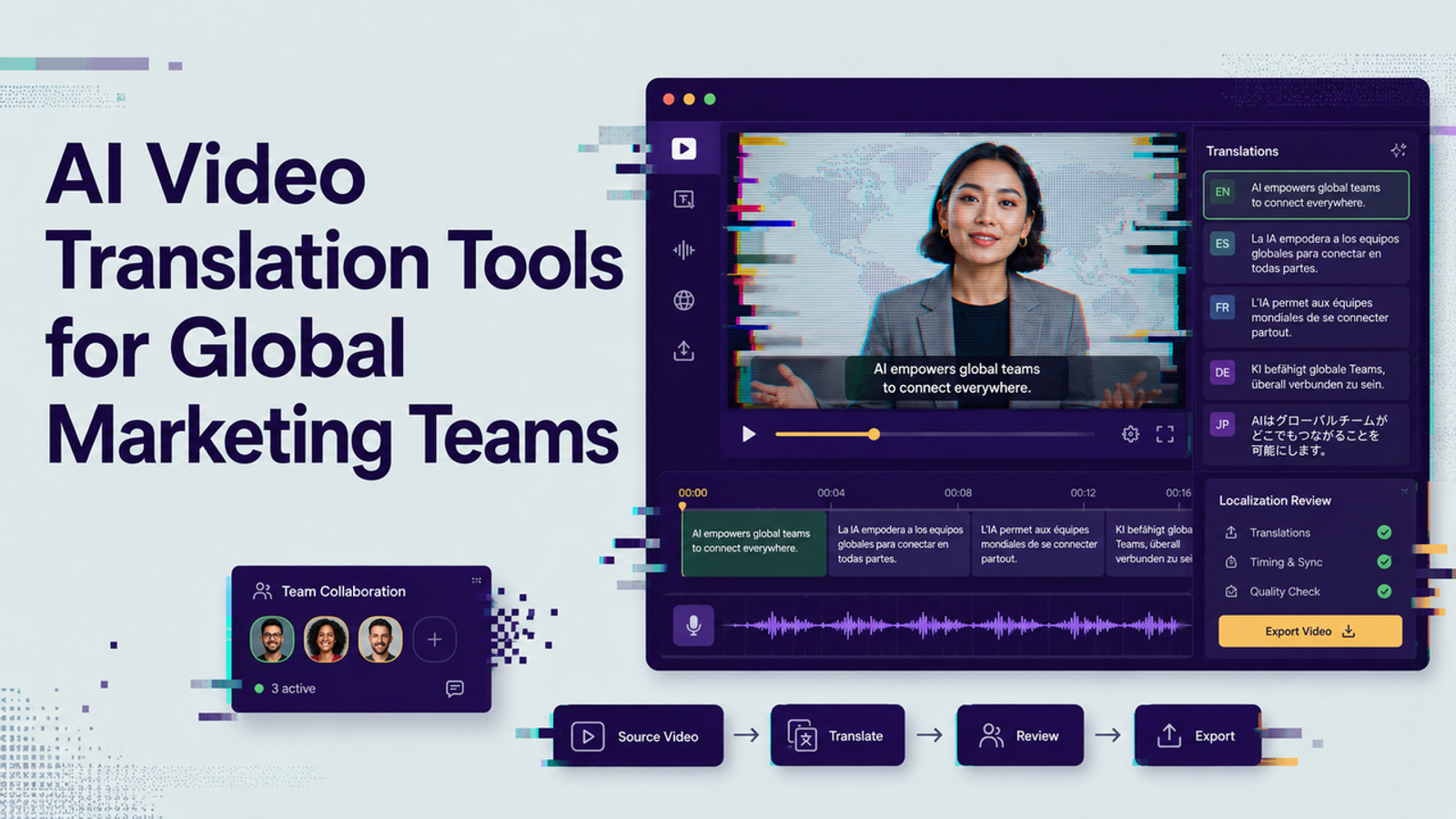
I’m Vela, and I would not choose AI video translation tools by counting language flags on a homepage. Flags are easy. The harder question is whether your team can control the transcript, protect product meaning, review the voice, fix captions, approve lip sync, and ship the right version to the right market. This guide is for global marketing and content operations teams comparing video translation apps by workflow, not feature noise.
Start With the Localization Job
“Translate this video” is rarely one job. A webinar clip may only need accurate subtitles. A founder update may need a natural dubbed voice. A product ad with a close-up speaker may need lip sync, caption styling, brand terms, and legal review before export.
I would start by naming the output before choosing the software: subtitle-only, dubbed voiceover, lip-synced speaker, or full campaign localization. Then record source length, speaker count, visible face time, product claims, target markets, formats, and review owner. That boring sheet saves you from testing the wrong tool.
Types of Video Translation Tools
Caption and Subtitle Workflows
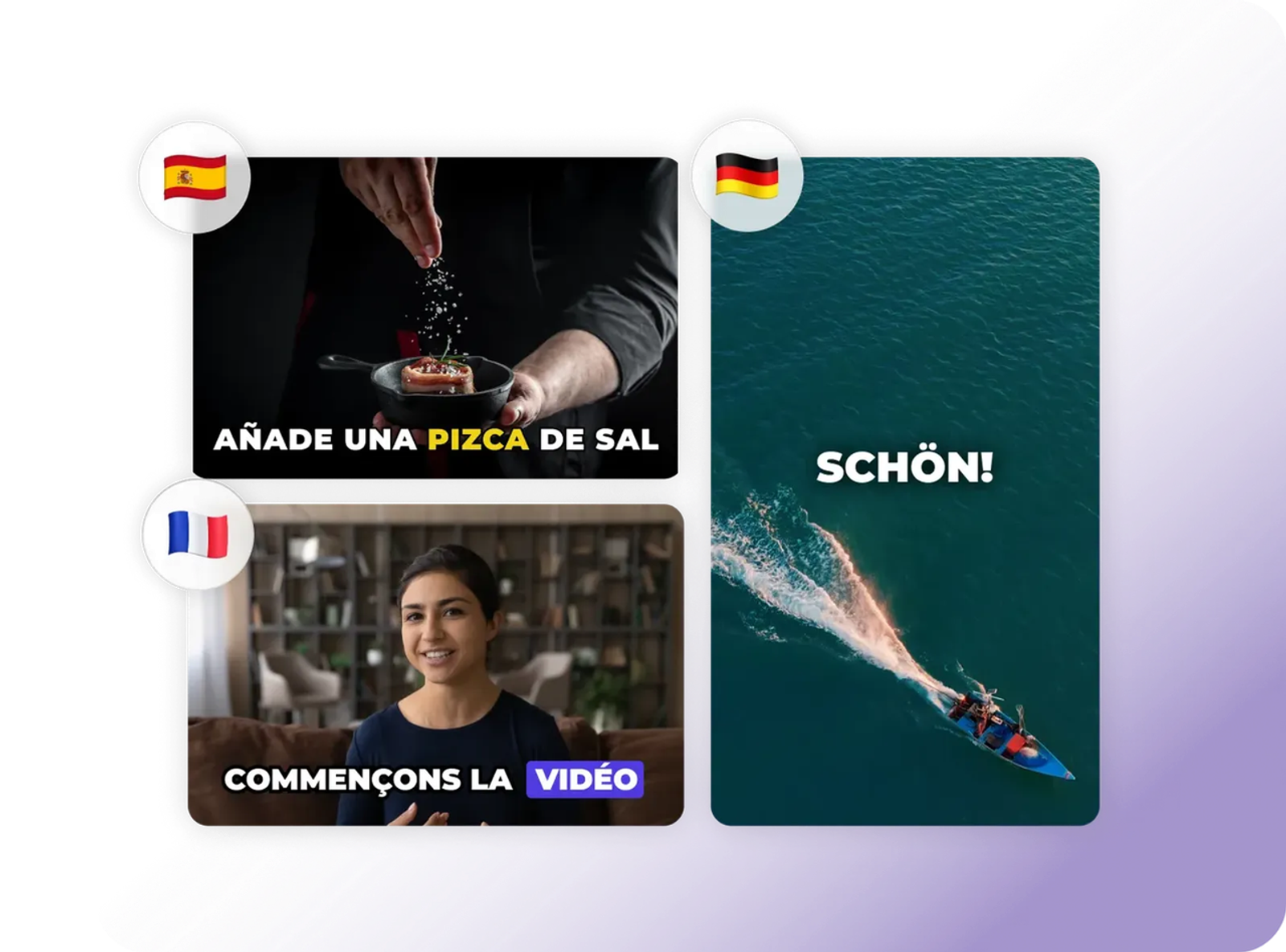
Caption-first tools are the cleanest starting point when the original voice should stay. They work well for webinars, explainers, training clips, event recaps, and social videos where the speaker’s real voice carries trust. Here, I care less about flashy AI voices and more about transcript editing, timecodes, speaker labels, glossaries, and exports.
Captions are not just translated words at the bottom of a video; They should cover speech and meaningful audio information. The WCAG captions guidance is a useful reference when your team needs a stricter standard than “readable enough.”
AI Dubbing and Voice Workflows
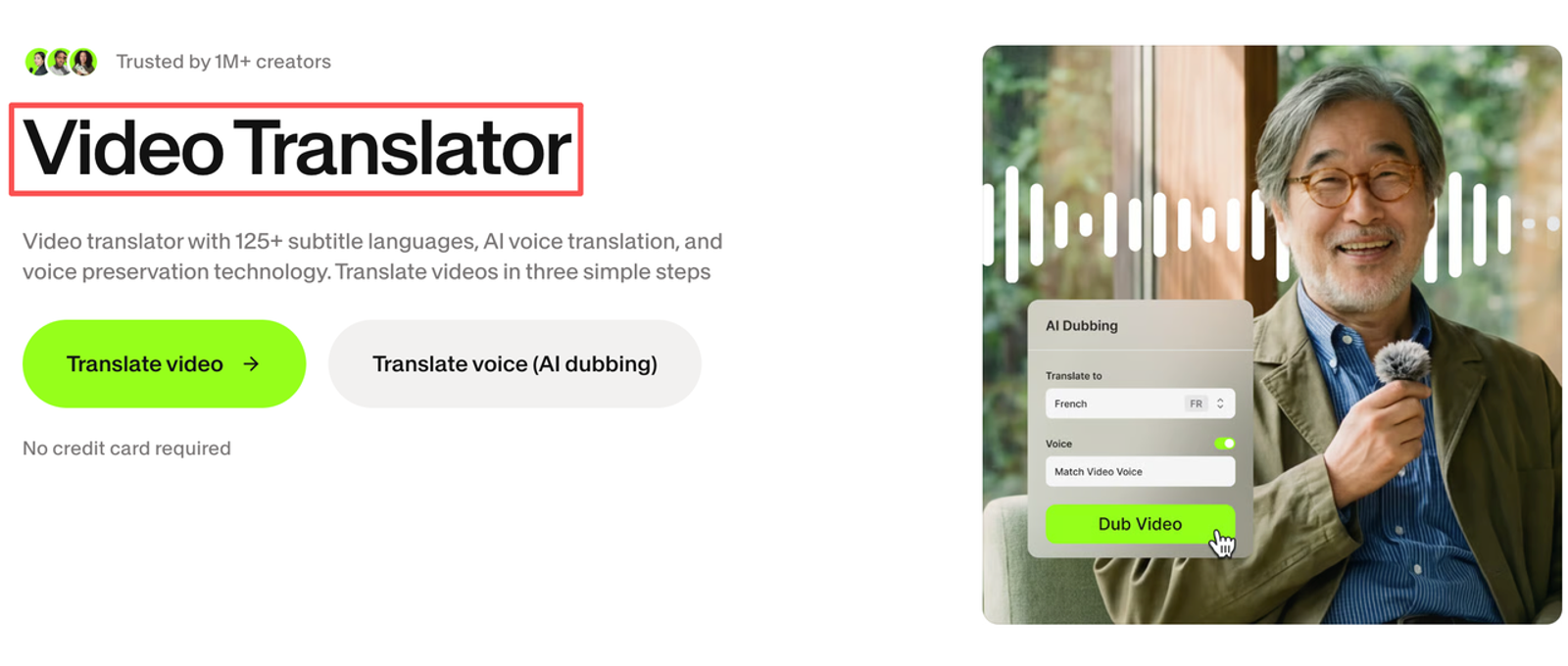
AI dubbing fits when the viewer should listen instead of read. This can work for product education, course modules, sales enablement, and short explainers. The review burden moves from text accuracy to voice quality: pronunciation, pacing, emotion, speaker separation, and timing.
This is where I slow down. Voice can make a translated video feel local, but it can also feel fake very quickly. Teams should check pronunciation dictionaries, editable scripts after dubbing, separate audio export, voice rights clarity, and human review before final rendering.
Lip Sync and Full Localization Platforms
Lip sync is useful when the speaker’s face is central to the message. A founder shot, customer testimonial, training presenter, or product spokesperson can feel more natural when the mouth roughly follows the new language. But I would not use lip sync just because it exists. If the video is mostly screen recording, product footage, or motion graphics, subtitles or voiceover may be simpler.
Compare Language and Editing Control
Good video translation software should let you edit the source transcript before translation. If the transcript is wrong, everything downstream gets expensive. Product names, feature labels, acronyms, numbers, and claims should be locked before the first target language is generated.
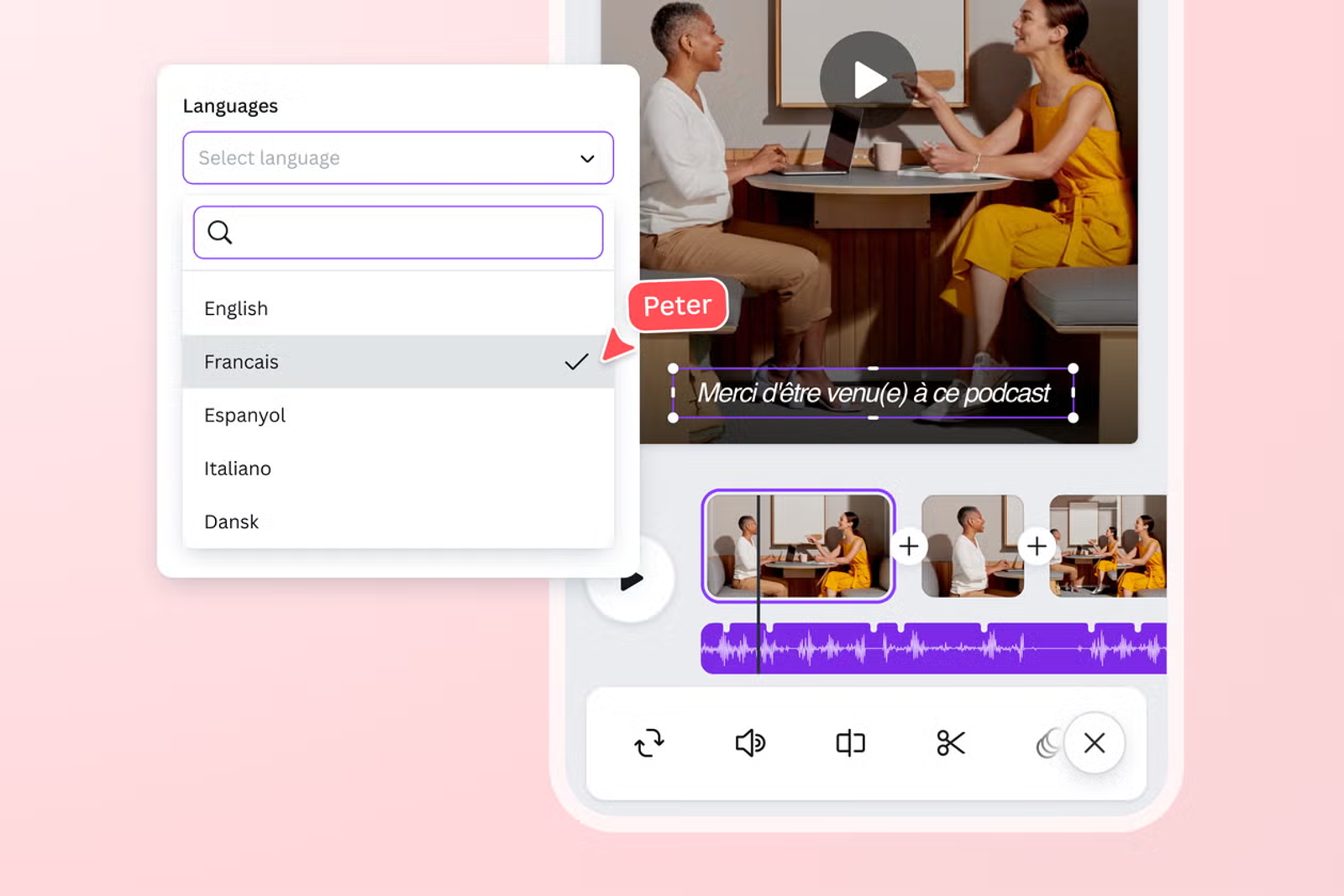
For subtitles, check whether exports support formats your channels accept. The WebVTT standard is a practical reference for web caption tracks, while YouTube subtitle formats are worth checking before you promise a YouTube-ready handoff. Small thing, but it matters: a perfect translation in the wrong file format is still an operations problem.
The stronger tools usually give separate controls for source transcript, translated script, caption line breaks, voice timing, and final video export. The weaker ones hide too much inside one “generate” button.
Compare Review and Approval Workflows
A translated video needs at least three reviews. A language reviewer checks meaning, tone, terminology, and regional fit. A marketing reviewer checks claims, offer language, and product positioning. A video reviewer checks timing, captions, lip sync, audio levels, and visual artifacts.
AI can draft the translation, but it does not know that one product phrase is approved in Germany and risky in Canada. It also may not know that a literal translation sounds stiff to local buyers. For global teams, approval workflow matters as much as generation quality.
Compare Collaboration and Version Control
Collaboration is where many video translation programs get less clean. A tool may produce a nice first version, but can your team leave comments by timestamp? Can a reviewer approve only the Spanish caption file while the Japanese dub still needs changes? Can you compare v1, v2, and final without downloading files named final-final-new.mp4?
For content operations, I would look for project folders, role permissions, shared glossaries, source-video locking, version history, and export labels by market. A translation workflow becomes risky when every local team edits offline and no one knows which file is approved.
Match the Tool to Content Risk
Not every video deserves the same workflow. A low-risk internal tutorial can move fast. A customer interview, medical product explainer, financial services ad, or executive message should move slower. If the asset includes a real person’s face or voice, confirm consent and usage rights before upload, not after the video looks good.
For risk language, I like borrowing from official frameworks instead of inventing a checklist. The NIST Generative AI Profile is useful for thinking about generative AI risks in a structured way. For teams operating in or selling into the EU, the EU AI Act overview is worth reading before publishing AI-assisted media at scale.
Limitations and Trade-Offs
AI video translation tools can reduce turnaround time, but they do not remove judgment. Captions may be accurate but visually crowded. Dubbing may sound smooth but flatten the speaker’s personality. Lip sync may help immersion but introduce facial artifacts. A tool that works for a 30-second talking-head clip may struggle with a noisy group interview.
Credits and file limits also change the real cost. I would check current official pages on September 21, 2026 for language coverage, editing controls, voice options, caption exports, upload limits, pricing, data handling, and commercial rights. Do not judge pricing by the cheapest plan alone. The real cost is how many usable versions you get after review.
Run a One-Video Evaluation
I would test one controlled video before choosing any AI tool for video translation. My baseline test would use a 45-second customer-safe product explainer, one visible speaker, one product name, two approved claims, clean audio, and a 9:16 export target. For languages, I would test English to Spanish for dubbing and English to Japanese for captions, because the timing and line-Break pressure are different enough to reveal workflow issues.
The review method should be written down: native speaker checks meaning and tone, marketing checks approved claims, video editor checks timing and artifacts, and content ops checks file naming, export settings, and version history. Test date: September 2, 2026. I would treat this as a workflow check, not a final benchmark. One good result is not enough to prove repeatability.
Conclusion
The best AI video translation tools are not simply the ones with the most languages. For global marketing teams, the better question is whether the tool helps you move from source video to approved local asset without losing control of meaning, voice, captions, rights, and versions.
My practical view is simple: start with the localization job, not the tool name. Caption workflows, dubbing workflows, and lip sync workflows each leave different review work behind. The tool is useful only when that leftover work is visible, editable, and safe enough for the market you are entering.
FAQ
- Can teams upload interviews containing confidential customer information?
- Only if the vendor’s terms, data processing agreement, retention policy, and access controls allow that use. Redact names, contracts, account details, and private performance data before testing.
- Do vendors delete footage after completed translation projects close?
- Do not assume they do. Check the official policy or contract for deletion controls, enterprise retention terms, backup handling, file access, and whether uploaded assets may be used for model training.
- Who owns pronunciation dictionaries created during video localization?
- It depends on the vendor agreement. A pronunciation dictionary can become a valuable brand asset because it contains product names, executive names, regional terms, and approved phrasing. I would want export rights or clear reuse rights.
- Can projects move between vendors without reprocessing media?
- Sometimes, but not cleanly. If you can export source transcripts, translated scripts, caption files, audio stems, and final videos, migration is easier. If edits are locked inside one project format, reprocessing is likely.
- Do video translation APIs support region-specific data processing requirements?
- Some may, but do not infer this from the word “API.” Region-specific processing depends on infrastructure, subprocessors, data transfer terms, and contract language. For EU-related projects, teams often need to review data-transfer mechanisms such as EDPB Standard Contractual Clauses with legal counsel.