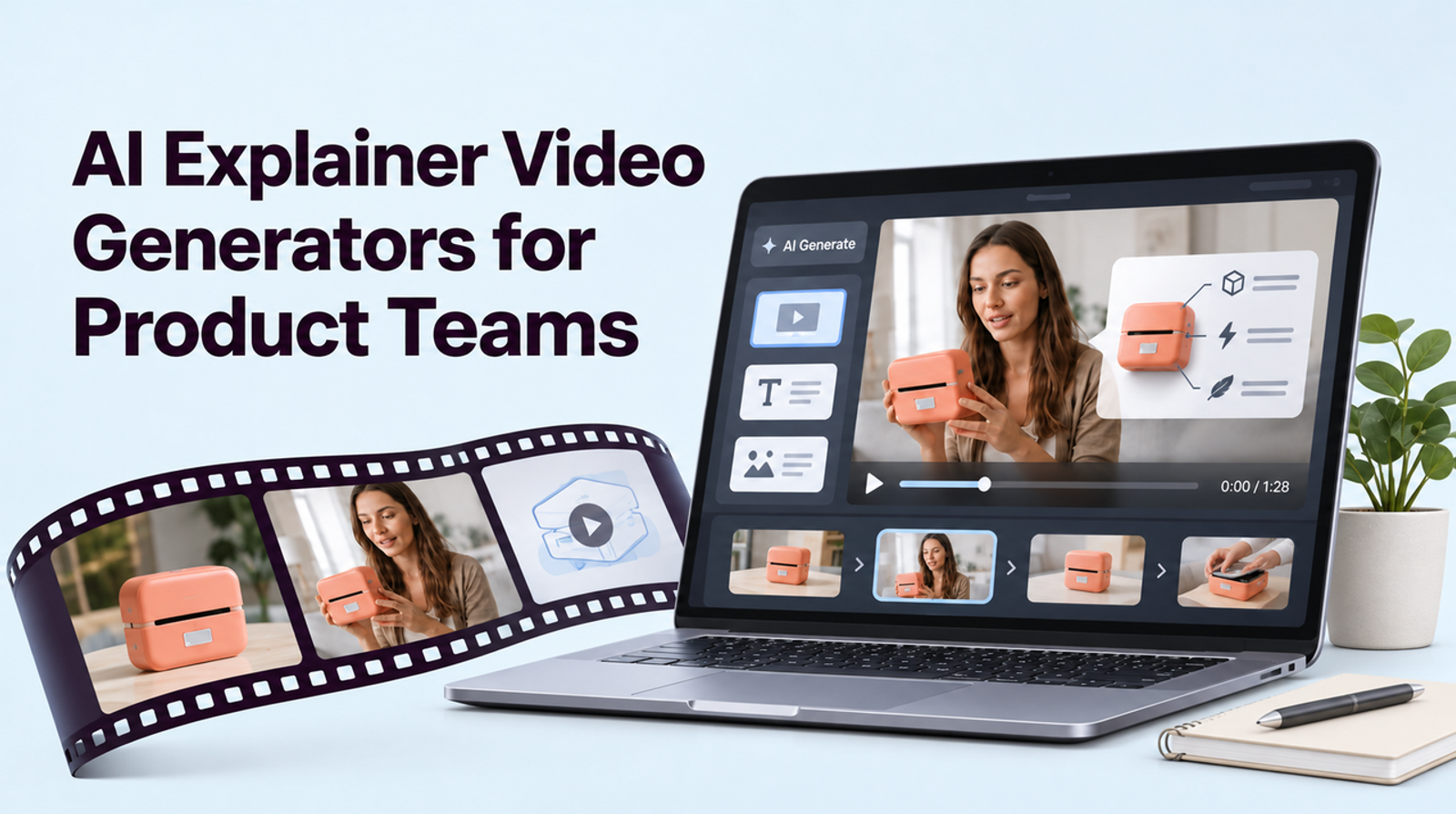
The short answer
An AI explainer video generator shortlist should start with the format that makes one real feature clear: product-led footage with Wizstar, animated process scenes with Vyond, script-led assembly with InVideo, or presenter narration with Synthesia. Official pages checked in November 2026 establish these candidate routes. We have not run the shared brief in vendor accounts, so this article cannot identify the most accurate, fastest to revise, or cheapest option.
What Must a Product Explainer Make Clear?
One Audience, One Feature, and One Next Step
For this comparison, imagine a SaaS team explaining a new approval control: a workspace owner can require a second person to approve a customer-facing campaign before it goes live. The team has an approved interface capture. I would give each tool the same claim and one requested revision: change the button label in the product UI. The comparison would ask whether a viewer can distinguish a real screen from a conceptual illustration, whether the narration matches the current workflow, and how easily the changed label can be fixed.

How Were the Explainer Tools Compared?
Product Evidence, Format, Editing, and Review
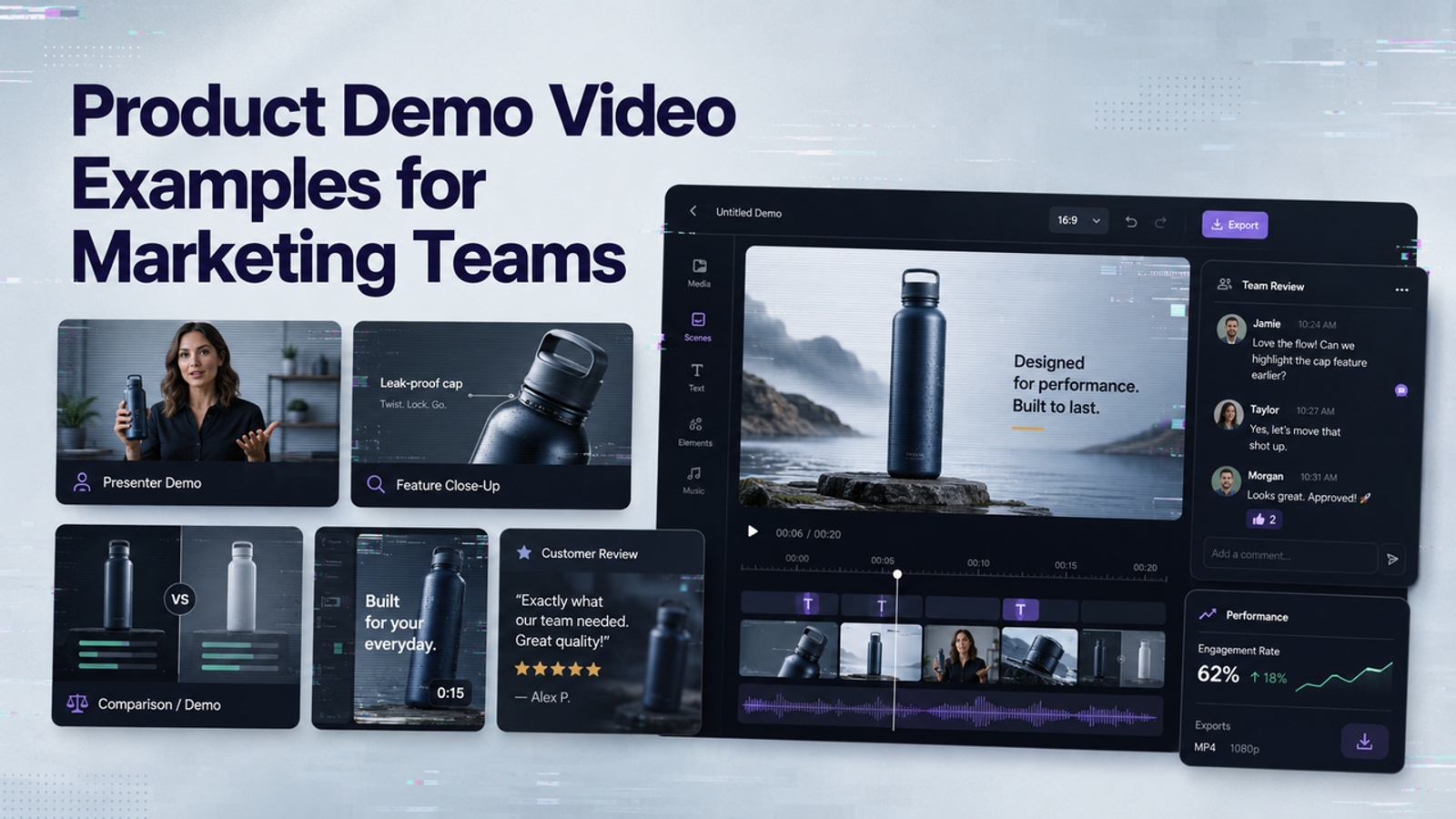
A product-led video starts with approved visual evidence. Animation can explain a hidden process or decision. Script-led assembly gives a narrative sequence to media. A presenter can deliver consistent language across versions.
I would review every draft for product evidence, format fit, control over one button-label revision, and the effort required for approval. The table separates the documented route from results that this article cannot verify.
| Tool | Documented route | Shared-brief results | Plan, export, and cost |
| Wizstar | Product assets to video | UI fidelity and label revision not tested | Confirm in account |
| Vyond | Prompt or document to animated video | Scenario accuracy and label revision not tested | Confirm in account |
| InVideo | Brief to narrated visual assembly | Product-shot accuracy and label revision not tested | Confirm in account |
| Synthesia | Presenter-led video | Screen legibility and label revision not tested | Confirm in account |
In a trial, record the exact product and plan, approved source assets, whether the live screen stayed accurate, revision steps and minutes, review/version controls, final export, and actual charges. Mark each finding observed, documented only, or still to confirm. The next edit is part of the cost when a feature changes during launch week.
Wizstar for Short Product-Led Explainers
Starting From Approved Product Assets
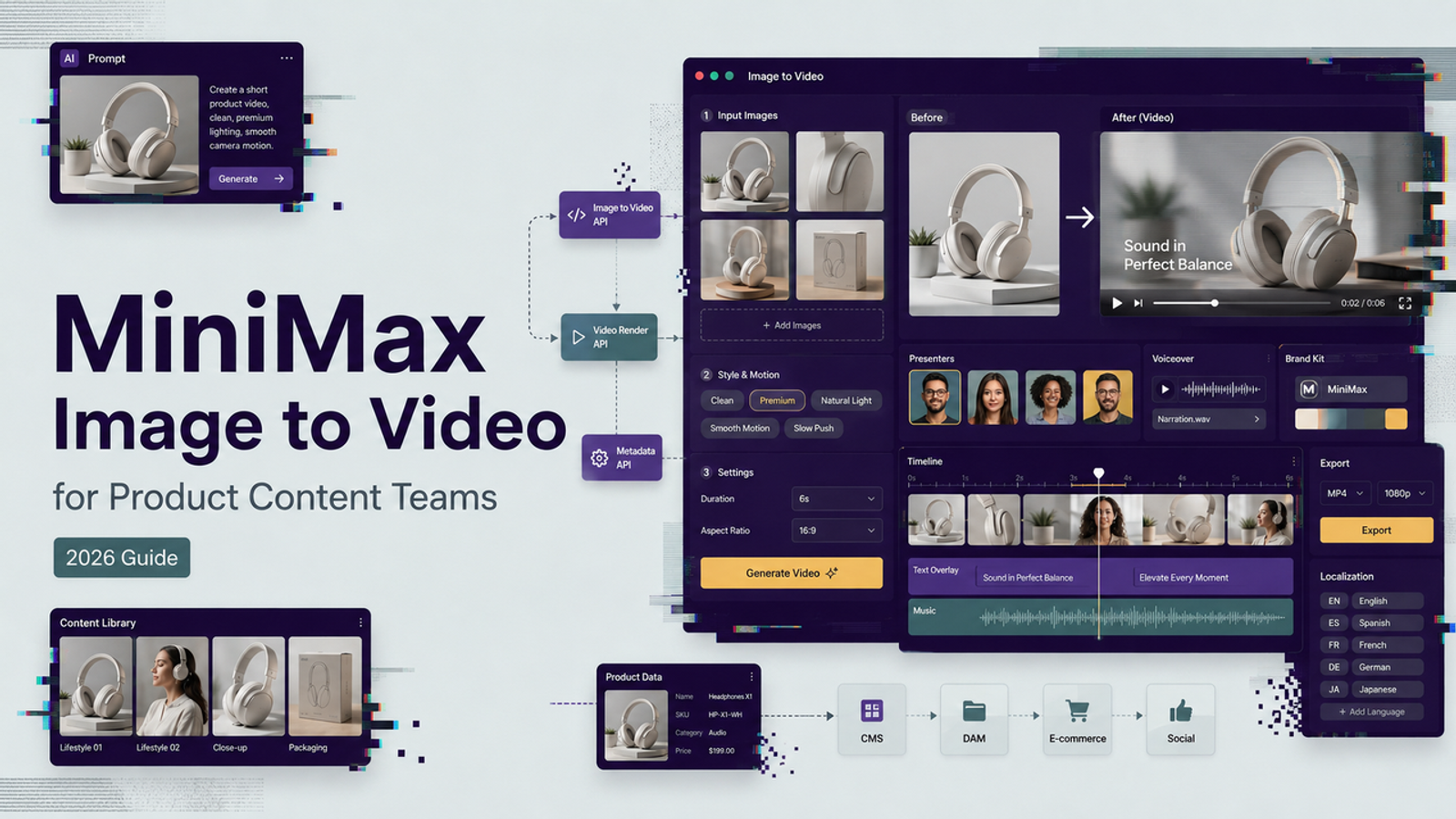
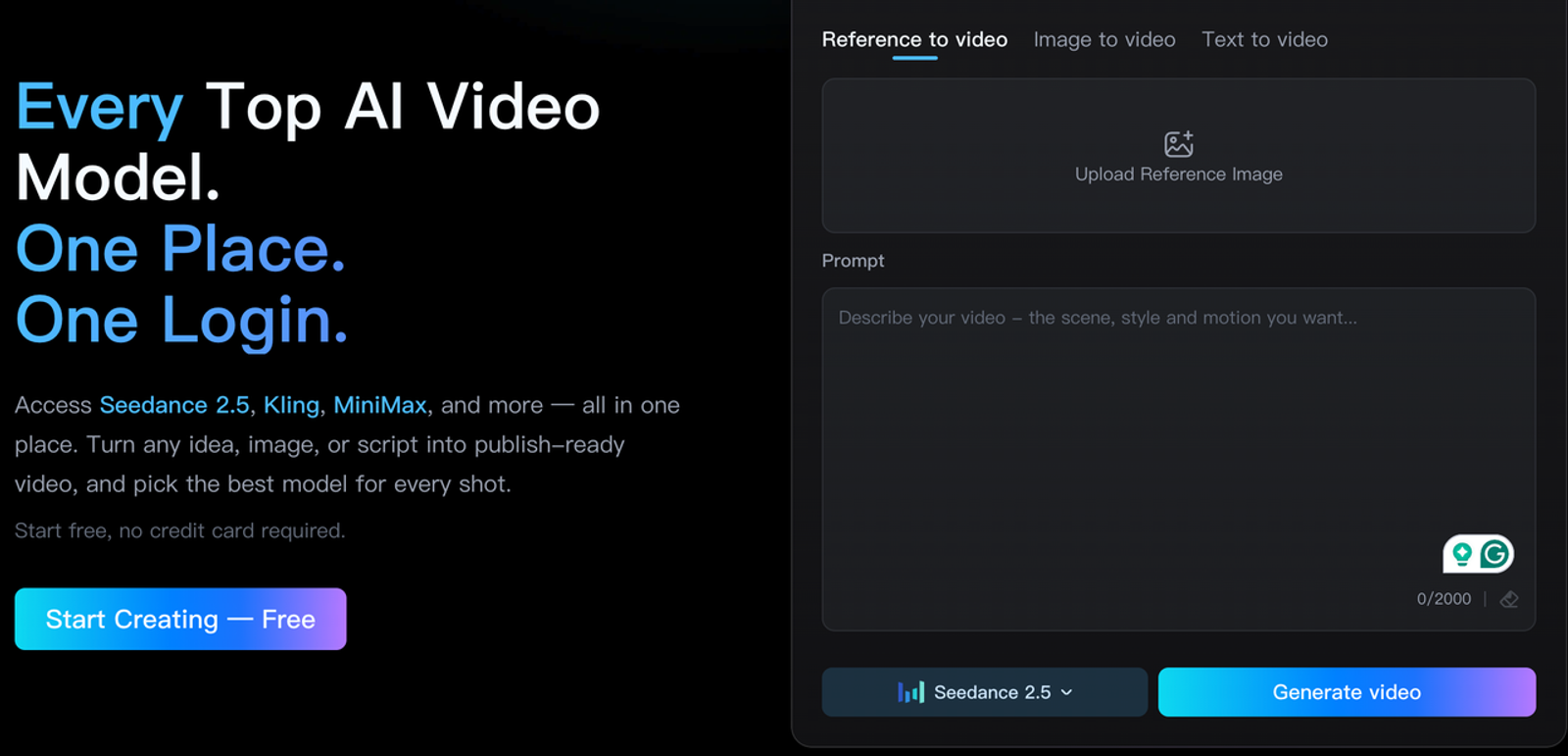
Wizstar’s current product-video and video-generation entries describe routes from images, product inputs, and prompts to video. For the approval-control brief, that makes Wizstar a candidate for a short product-led draft only if the team supplies its own approved interface captures or other accurate product visuals.
I would check the label before the lighting: an attractive video showing a button that does not exist would make the explanation worse.
Where a Generated Scene Needs Extra Proof
If the video shows a notification arriving or an approval being granted, the product owner should compare that moment with a current recording of the live flow. The public pages describe creation and export in broad terms; confirm editing controls, output settings, watermark, licensing, and commercial terms in the current account. For an image-led brief, start a controlled draft from Wizstar’s current product entries using approved assets.
Vyond for Animated Process Explanations
When a Scenario Helps Understanding
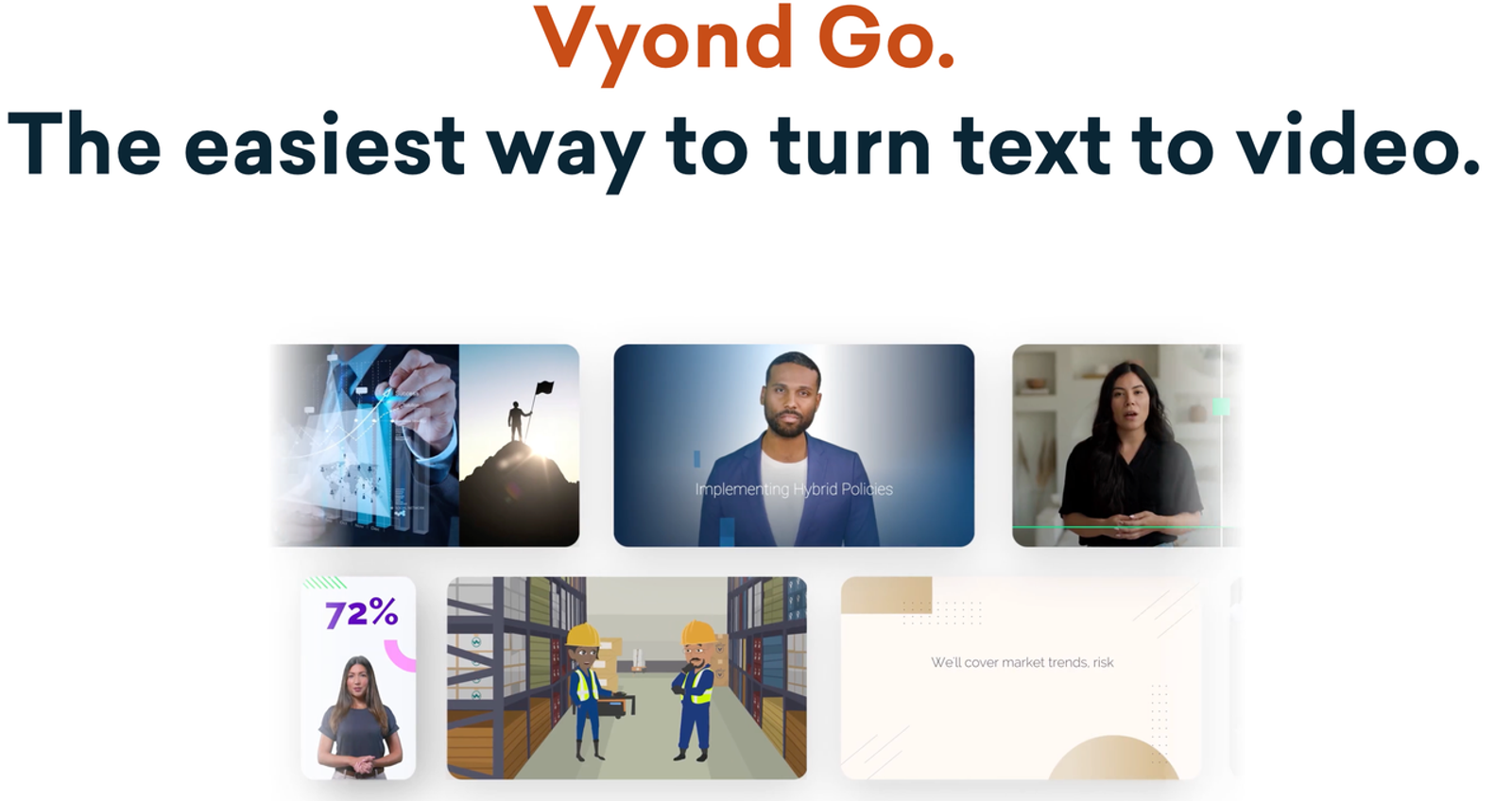
Vyond Go’s product page describes turning a prompt, document, or URL into video and offers animated and mixed-media styles. For the approval-control feature, animation could show the relationship between requester and approver before the screen demonstration appears. If approval is required only for customer-facing campaigns, an animation that implies every draft needs approval overstates the feature. I would write that boundary into the script and ask the product owner to inspect each scene for invented behavior.
Limits for Showing a Real Interface
An animated imitation of the interface is a poor substitute when the viewer needs to find a control in the live product. Use a current capture at that moment, or identify an animated screen clearly as conceptual. Vyond can frame the roles and transitions; the exact click path belongs to the product evidence. Its free-trial and plan export conditions also vary, so verify the deliverable before treating a draft preview as a publishable file.
InVideo for Script-Led Explainers
Assembling a Narrated Story
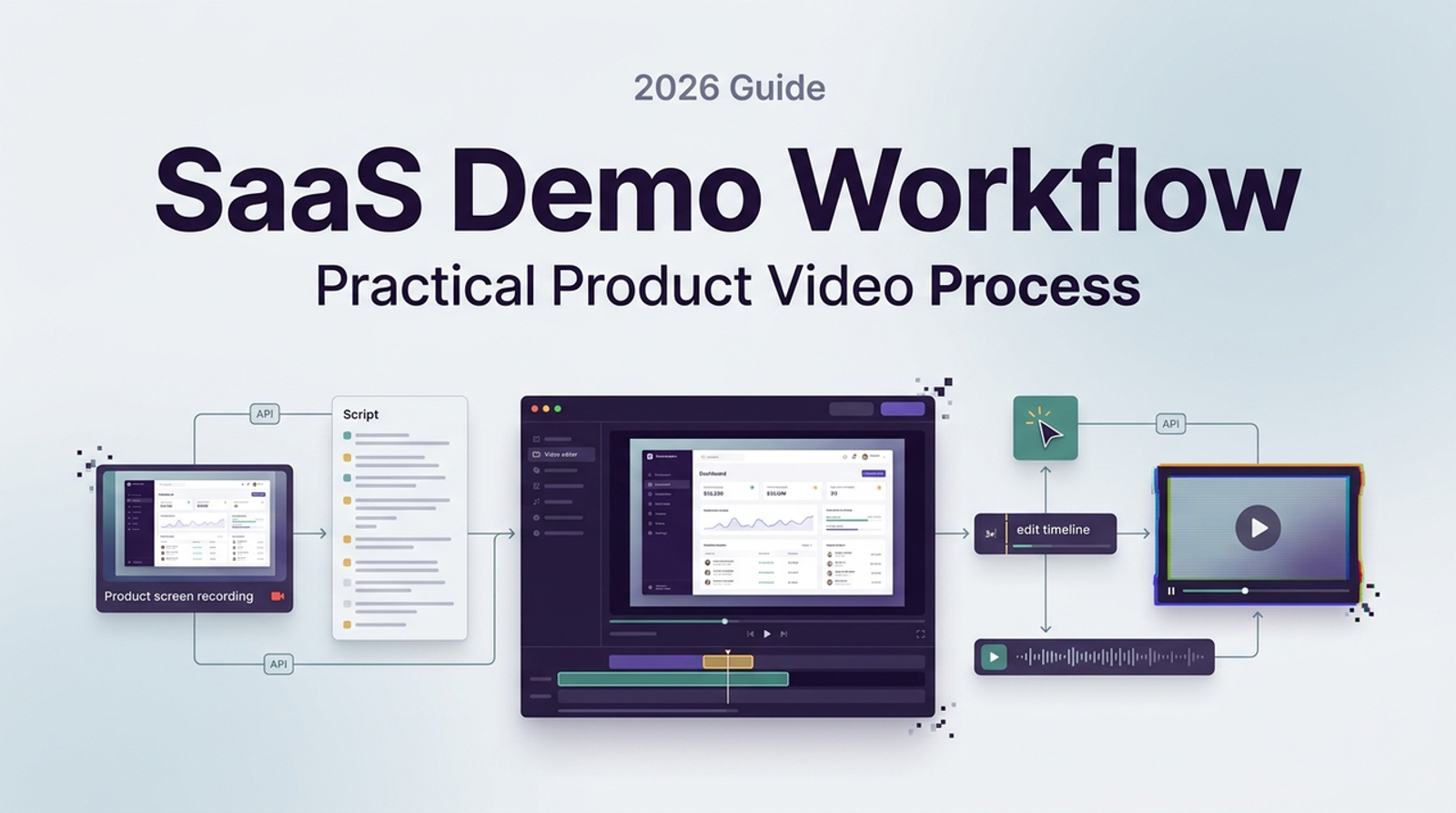
InVideo’s explainer-video page describes generating scripts, visuals, voiceover, subtitles, and music, with text-driven edits. This route fits a product team that already has a concise explanation and wants to assemble a short product explanation video around it. The approved script could establish the problem, introduce the approval control, show the actual UI capture, and end with a specific next step for the manager.
I would read the narration against each shot, especially where “approve” could be confused with “request approval.” A reviewer should be able to identify the one frame that proves the feature rather than infer it from generic office footage.
Stock Visuals Versus Product Proof
Stock can establish a workplace context, but it cannot demonstrate this feature. A video of someone clicking a generic dashboard should not be treated as evidence of the actual approval flow. Replace that moment with an approved capture, then verify crop, legibility, and whether the cursor or callout points to the correct control. Also check the licensing of stock and music for the intended customer-facing use; the presence of media inside an editor does not establish that every proposed use is covered.
Synthesia for Presenter-Led Explanations
Delivering a Consistent Spoken Message
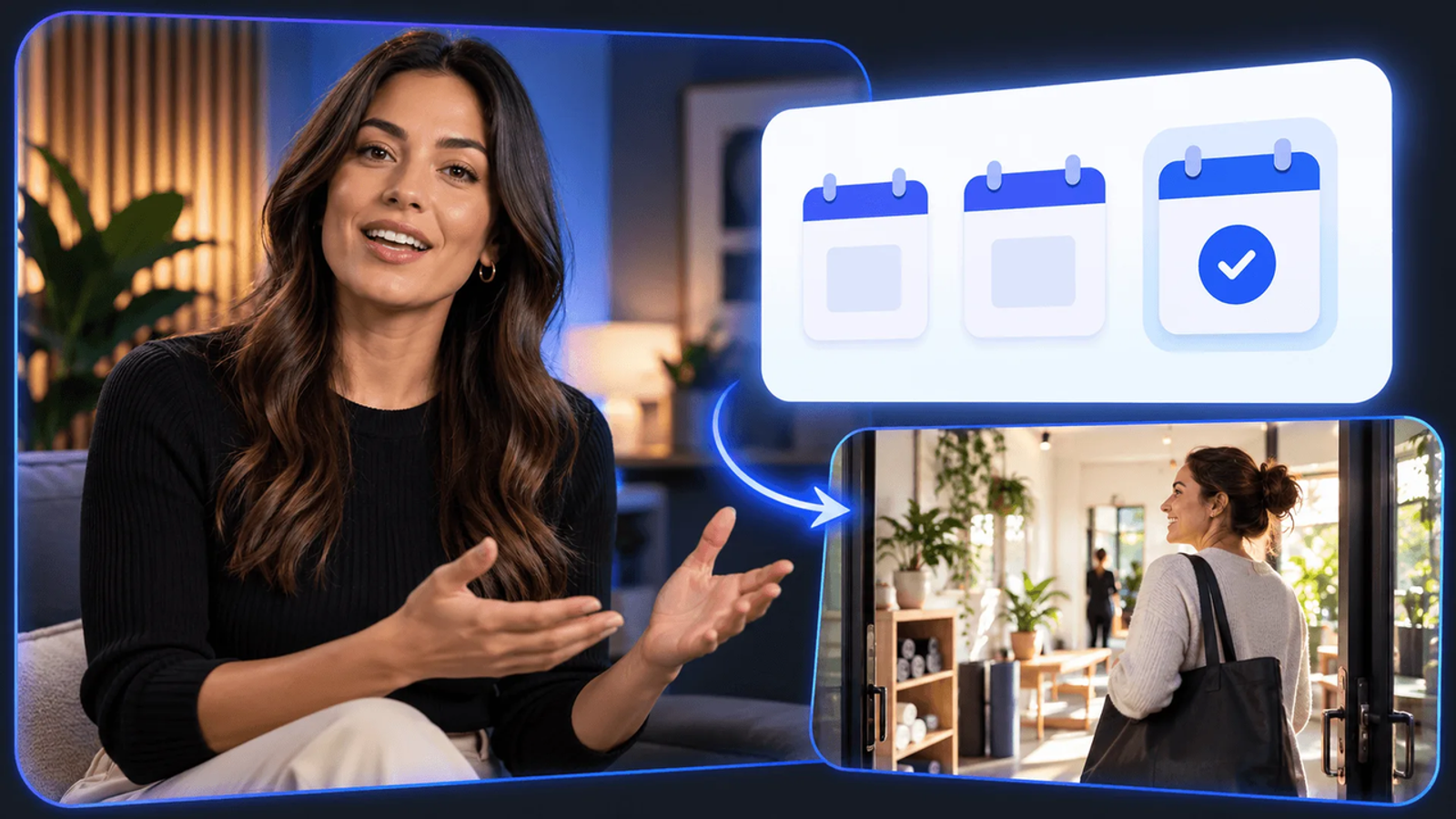
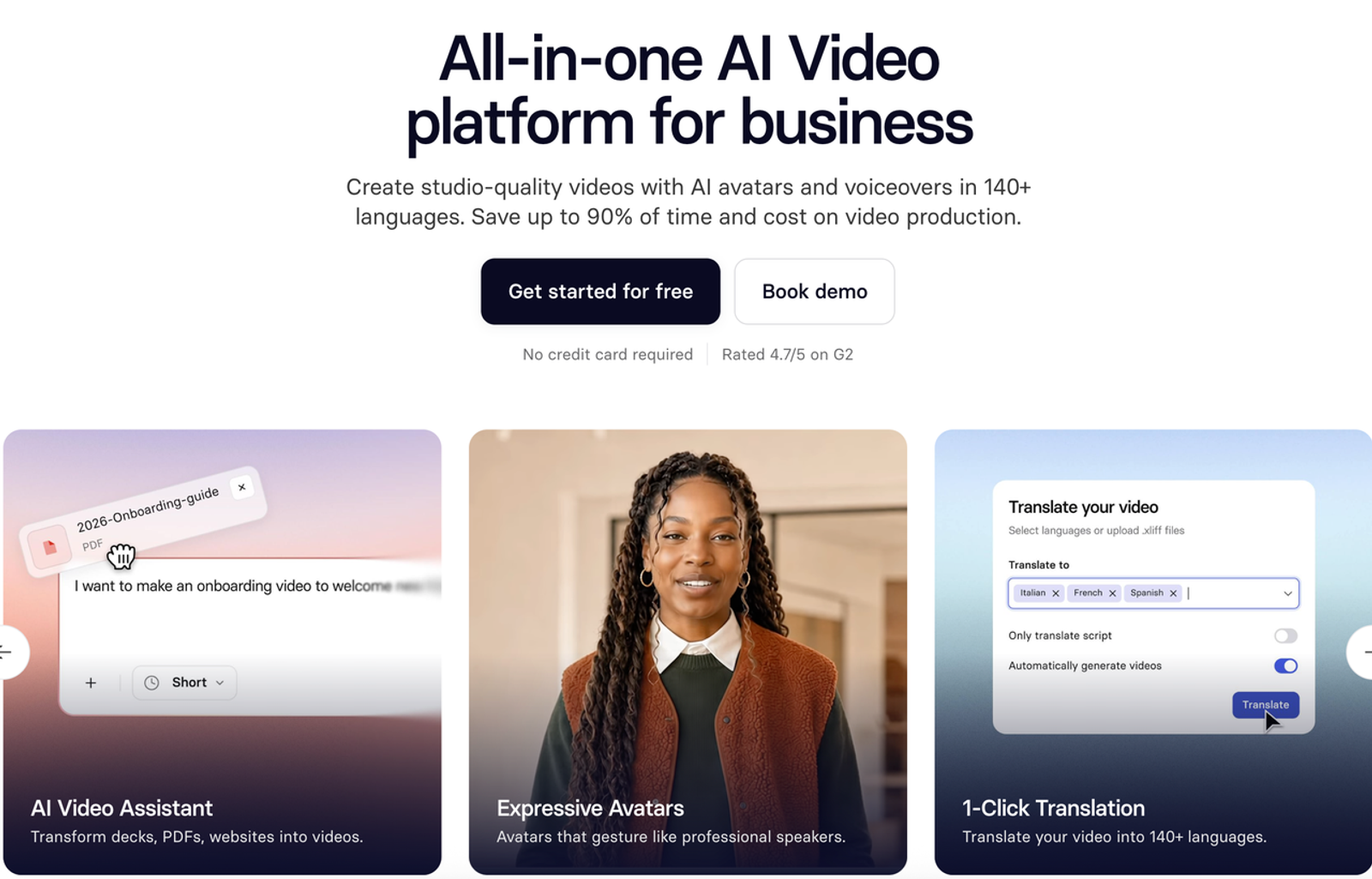
Synthesia’s current video platform page presents avatar-led video, translation, and editing features for business communication. A presenter route can be useful when the product team needs a consistent voice to explain a stable concept across several markets or release notes. For this feature, I would let the presenter state the rule and its benefit, while giving the real interface enough screen time for the viewer to locate the setting.
If the script says a campaign is blocked until approval, the capture should show that state rather than an unrelated dashboard. Any custom face or voice also needs explicit authorization for customer-facing use; a vendor’s avatar feature does not grant rights over a person’s likeness.
When the Presenter Crowds Out the Product
If a manager must follow two clicks and recognize a specific status, a large talking head can shrink the UI until the instruction becomes unreadable. The presenter may work for a short introduction or closing, while the demonstration takes over the frame for the actual steps. Before I call it ready, I would inspect the export on a phone and in the product-page embed size. If the button cannot be read, the format has displaced the lesson.
Which Format Fits Your Explanation?
Show the Actual Product Where Accuracy Matters
Choose a trial route around the sentence the viewer must believe. If the claim is “this control prevents publication until approval,” require a current product capture in every version. Test Wizstar when approved assets lead the story, Vyond for role-based explanation, InVideo for a locked script, and Synthesia for presenter narration. These are format hypotheses from official descriptions, not purchase recommendations. The winner for your team depends on the corrected export, review controls, and actual cost.
Review Claims Before Publishing
Have the product owner sign off on the feature behavior, the copy owner on wording, and the design owner on whether illustrative scenes could be mistaken for the real UI. Record the product version and date of the captured screen. If the label changes, update the source capture, subtitle, callout, and narration together. The most useful explainer is the one that remains true after the next product release.
Conclusion
For product teams, an AI explainer video generator is a format decision before it is a software decision. Use the real product to prove the feature, then choose animation, stock-led assembly, or a presenter only where that format improves understanding. Trial each candidate with the same approved claim and a realistic UI revision; judge the corrected, publishable explanation rather than the first attractive draft.
FAQ
- Can a product explainer use screenshots from an unreleased feature?
- Yes, if the company owns or is authorized to use them and the release team approves what can be shown publicly. Label a prototype or mockup as such when it does not reflect the shipping interface, and avoid implying a launch date or behavior that has not been confirmed. Check the product’s access restrictions and any third-party content visible in the capture before distributing it.
- Which of these explainer tools can export editable caption files?
- Vyond and Synthesia currently document SRT or VTT caption downloads. Vyond’s caption help page also distinguishes separate closed captions from text burned into the video. For InVideo and Wizstar, confirm the relevant plan and workflow before promising a separate editable caption file. Test the exported file in the destination player; A caption preview in the editor is not the same deliverable.
- Who owns the voice or avatar used in a customer-facing explainer?
- The answer depends on the source person’s consent, the tool’s current terms, and the license for the final asset. Get written permission for a custom face or voice that names the audience, languages, duration, and reuse rights. A stock avatar may come with different commercial conditions. Keep that record with the project rather than assuming a paid subscription transfers ownership of someone’s likeness.
- Can an explainer be embedded on a product page without a watermark?
- Often, but it depends on the account plan, export mode, and hosting choice. Check whether the final file carries a tool watermark, whether an embedded player adds branding, and whether the license permits the planned page and traffic. Test the actual production embed before sign-off; a clean editor preview does not prove the page experience will be clean.
- How can a team update an explainer when the interface changes?
- Keep the approved script, source capture, edit project, caption file, and published URL linked to a product-version record. When a UI label moves, replace the affected screen and check every spoken or written reference to it. Re-export and review the page embed at its real display size, then withdraw or replace stale versions. The amount of work this takes is an important trial result for each tool, not something a feature list can settle.