A SaaS product demo video should help a specific viewer understand how a task gets done. That gives you a useful editing test: does each scene explain the problem, demonstrate the workflow, or help the viewer take the next step?
I’m Vela. Here’s how I would build that demo, from choosing a buyer task to keeping the published version accurate. We’ll follow one hypothetical revenue operations example throughout, with a script and recording plan you can adapt to your own product.
Choose the SaaS Buyer Task
Write the task in the buyer’s language:
A revenue operations manager needs to find stalled enterprise deals and notify the account owner before the weekly forecast meeting.
This identifies the viewer, the deadline, and the result worth showing. Confirm that your product supports the workflow under the role and plan being demonstrated. A feature available only to administrators should not appear to be available to every user.
Choose one next step, too: book a technical discussion, open a feature, or complete the task independently.
Pick the Right Demo Format
This guide covers recorded video: a linear sequence the viewer watches. A live demonstration allows questions; an interactive product tour lets viewers explore steps. Those formats need different production and measurement plans.
Sales Qualification Demos
Help prospects recognize whether the workflow fits their problem. Show the relevant starting state, the product action, and the result. End with an invitation to discuss their requirements. Watching the video alone does not qualify a lead.
Feature Release Demos
Explain what changed, who can access it, and what to try first. Existing users need enough context to find the feature in their own account, including any role, plan, or rollout restrictions.
Onboarding and Training Demos
Show the complete path a learner must repeat, including necessary setup and confirmation steps. Leave time to read unfamiliar labels. End by asking the learner to perform the task, with a clear route to help if their screen differs.
Script the Workflow Around User Value
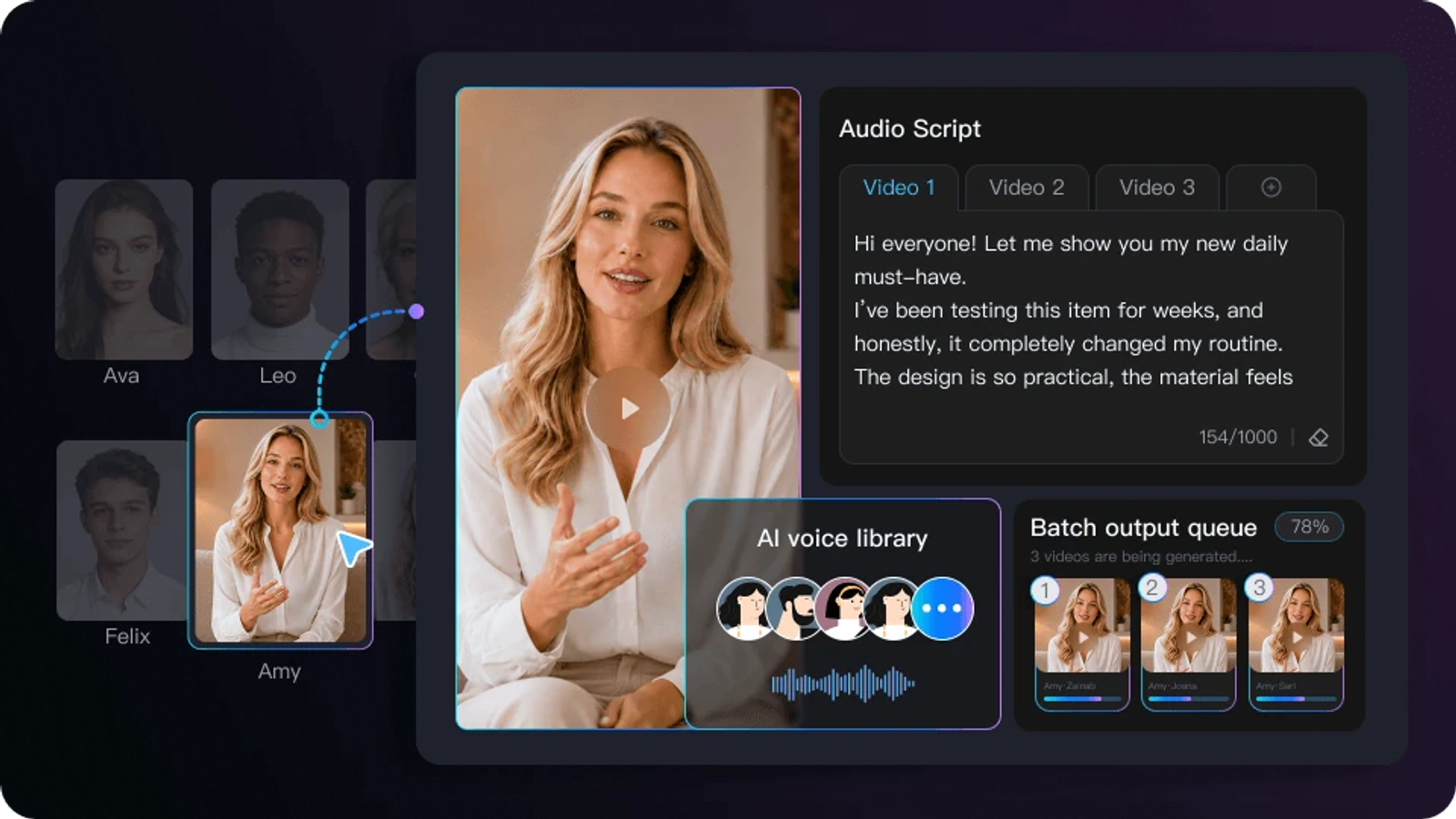
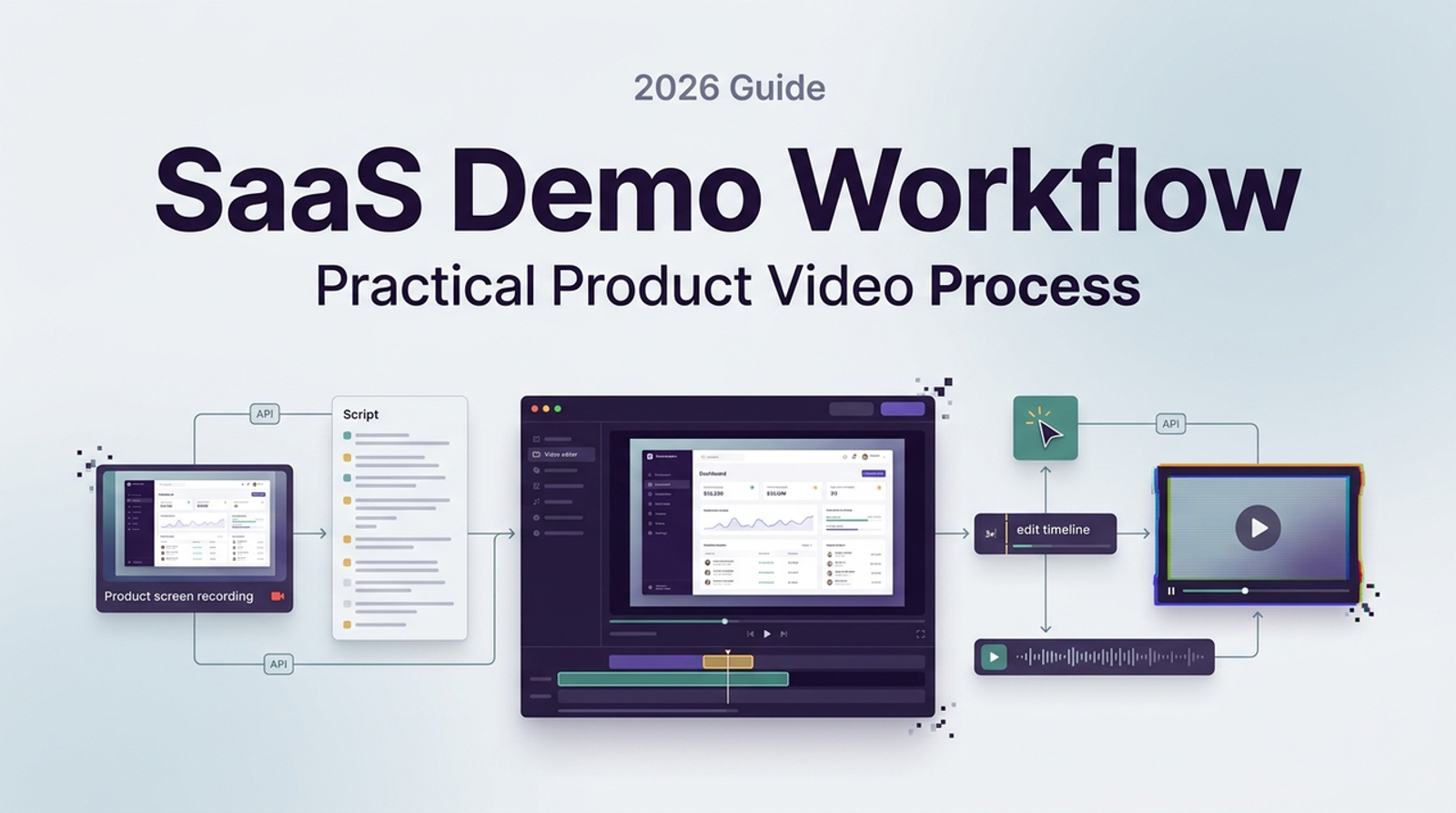
Pair narration with visible evidence before recording. For our hypothetical example, assume the verified product supports filtering deals and manually notifying an owner:
| Beat | Screen action | Example narration |
| Problem | Open the approved demo deal list. | “Before forecasting, check which enterprise deals need follow-up.” |
| Action | Apply the supported inactivity filter. | “Filter by last activity to find deals that have stalled.” |
| Proof | Open a deal, confirm its owner, and send a notification. | “Check the record, then notify the account owner.” |
| Next step | Show the sent confirmation. | “Try this with your demo records before the next forecast review.” |
That closing line suits onboarding; a sales version needs its own CTA. Keep manual actions visible. If notification requires a click, the script should not call it automatic.
A shorter path also does not establish a time-saving claim. Any numerical efficiency claim needs a documented baseline, measurement method, and applicable conditions.
Capture Product Proof Accurately
Record in an approved demo workspace with fictional records. Check permissions before capturing or uploading unreleased features, customer material, or confidential screens. The FTC’s data security guidance provides useful background on limiting access and protecting sensitive information.
Prepare the recording environment: close notifications, fix the window size and zoom, make labels readable, and reset the workflow to its starting state. Move the cursor deliberately and let important loading or confirmation states finish.
Keep a scene list linking each capture to the product version, user role, and script. Use actual interface recordings for product proof; label conceptual illustrations clearly. An AI-generated dashboard cannot establish that your software performs the workflow.
Add Voice, Avatar, or Motion Carefully
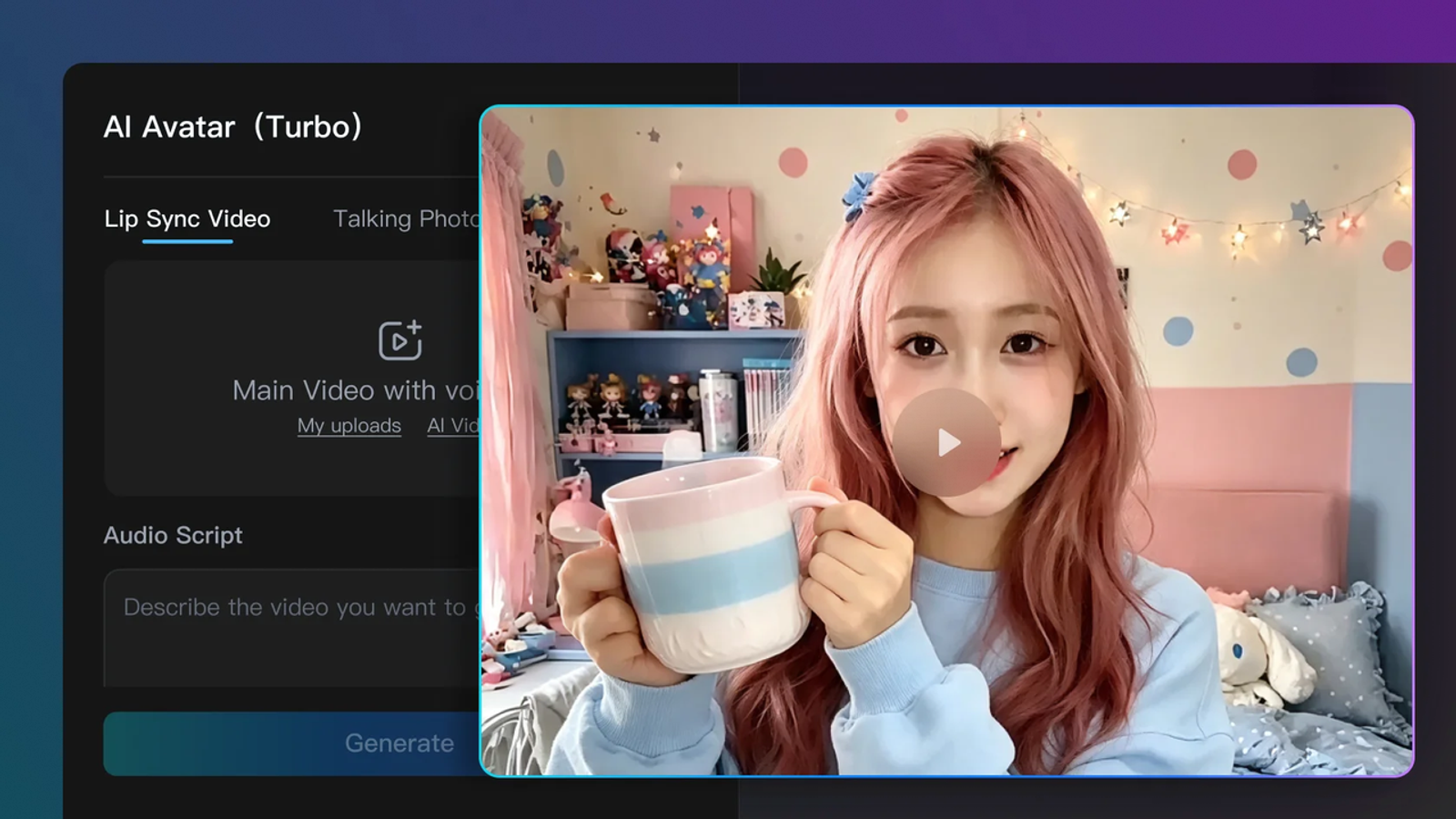
Narration can explain context and describe important visual information. Match it to the action, and distinguish verified behavior from illustrative scenarios.
An avatar can introduce the task or summarize the result. Keep it away from controls and labels learners need to inspect. A synthetic presenter must not invent a customer’s experience; the FTC’s testimonial guidance is relevant when the script presents an endorsement.
Review captions against the audio. W3C’s prerecorded-caption guidance includes dialogue and meaningful non-speech information. Captions are one part of accessibility; test readability and playback in the final environment too.
Review With Product and Sales Teams
Give reviewers specific decisions. Product checks behavior, permissions, and UI accuracy. Sales or product marketing checks whether the problem and next step match buyer conversations. For training, customer education checks whether the instructions are complete.
In our example, Product should verify the filter’s meaning and notification behavior. Sales should confirm that the stalled-deal scenario reflects a relevant buyer need.
Resolve data permissions and sensitive claims before recording. During final review, attach approved claim sources and decisions to the released version. Reopen approval if an edit changes meaning or product behavior.
Publish, Measure, and Maintain the Demo
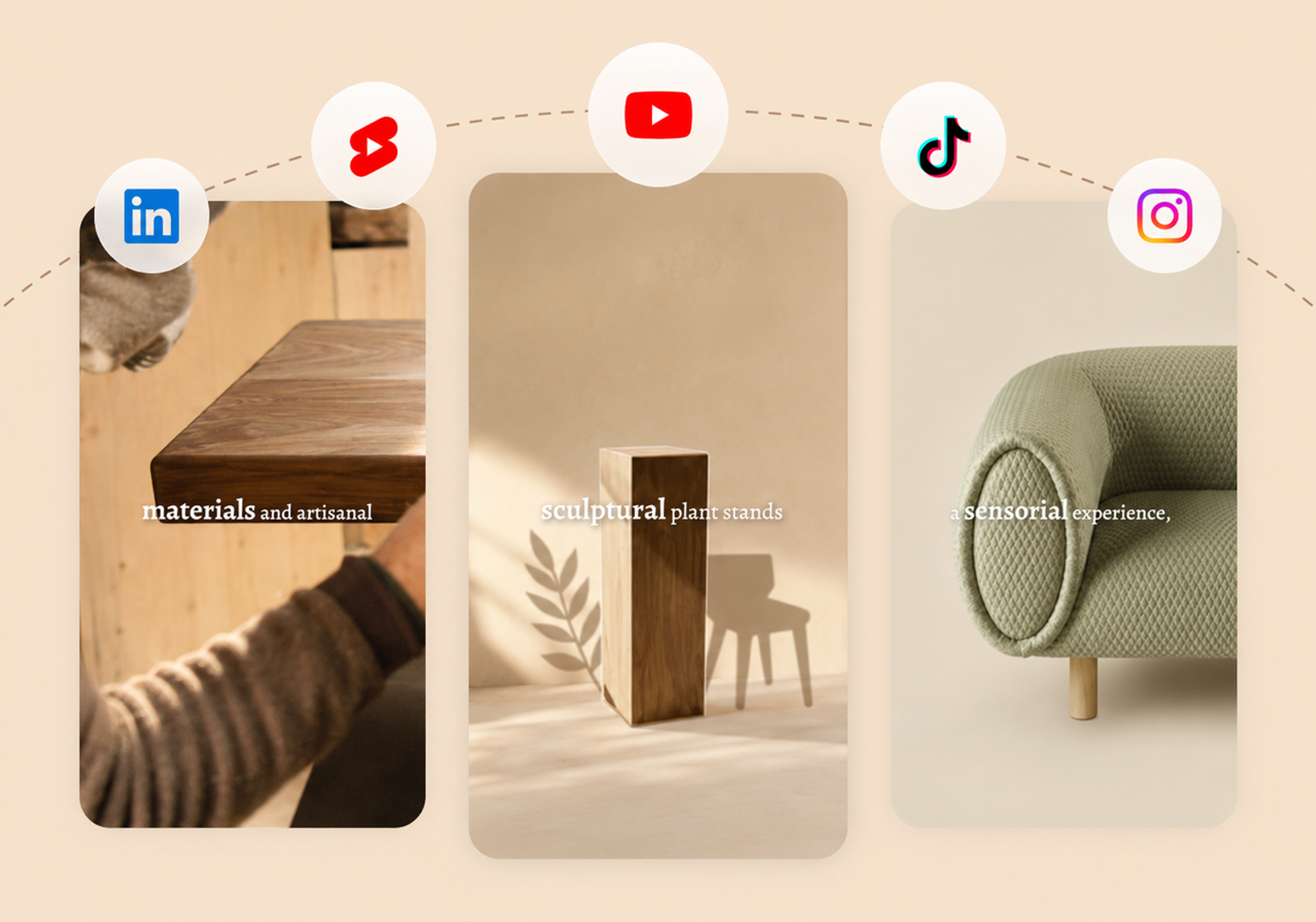
Prepare exports for the actual destination. Website embeds, help centers, and ads may need different captions, thumbnails, and framing. Check placement-specific requirements, such as LinkedIn’s video ad specifications, when relevant.
Choose a primary result that matches the demo’s purpose:
| Purpose | Suggested measure |
| Sales | Share of a defined viewer cohort requesting the next step within a stated period. |
| Feature release | Share of eligible users who try the demonstrated feature. |
| Onboarding | Task completion rate among users attempting the task. |
Record the denominator, observation period, and demo version. Use viewing and drop-off data to investigate confusing scenes; watching through does not prove task completion or establish that the video caused a conversion.
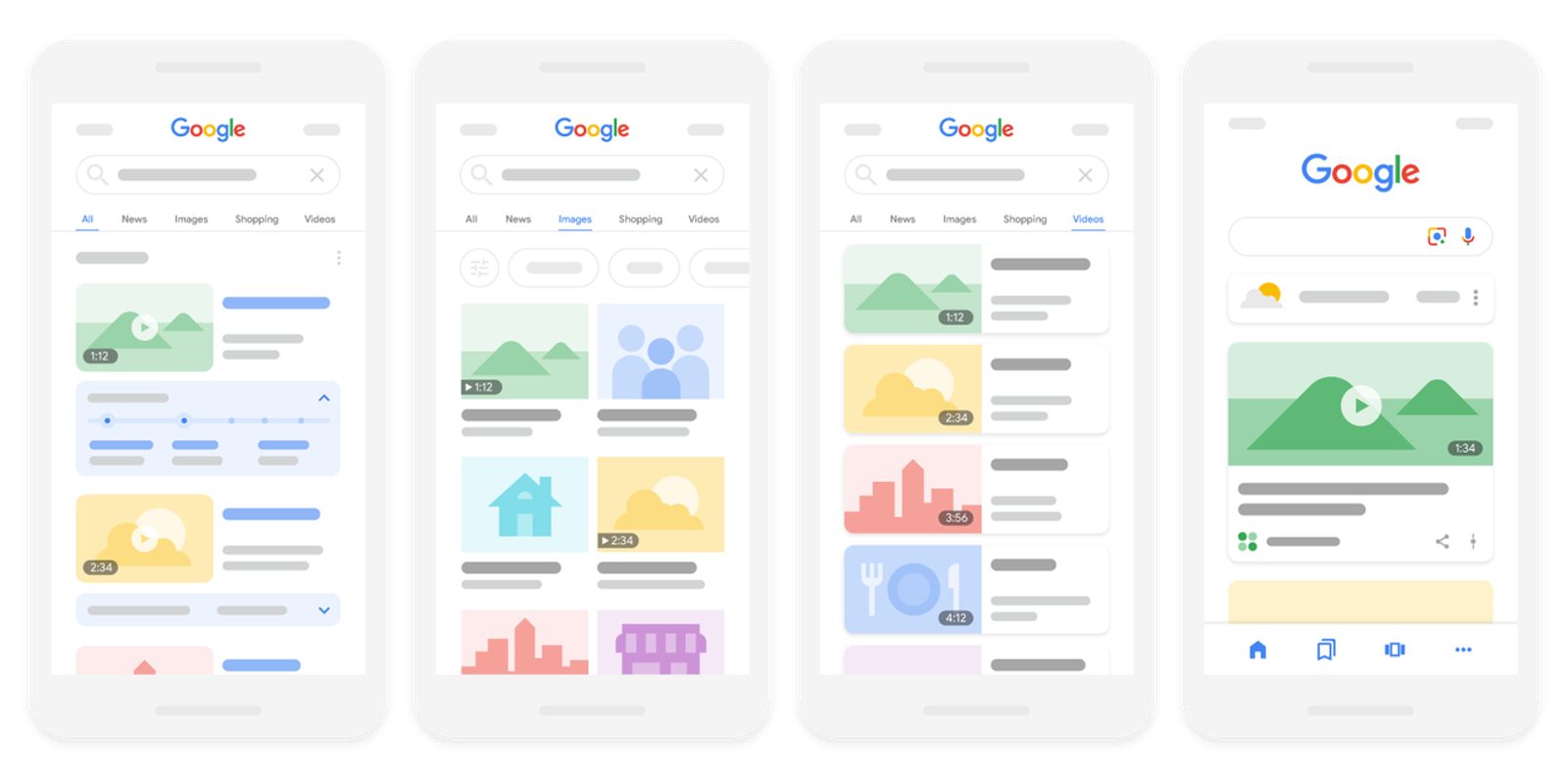
If video indexing is a goal, follow Google’s video SEO guidance, including its requirements for a watch page focused on that video. An embed alone does not establish eligibility.
Keep an owner, source captures, script, language versions, and published URLs together. A renamed button may need a local replacement; changed permissions or workflow logic require broader review. Use the localization workflow when updates affect multiple markets.
Where AI Helps and Where It Adds Risk
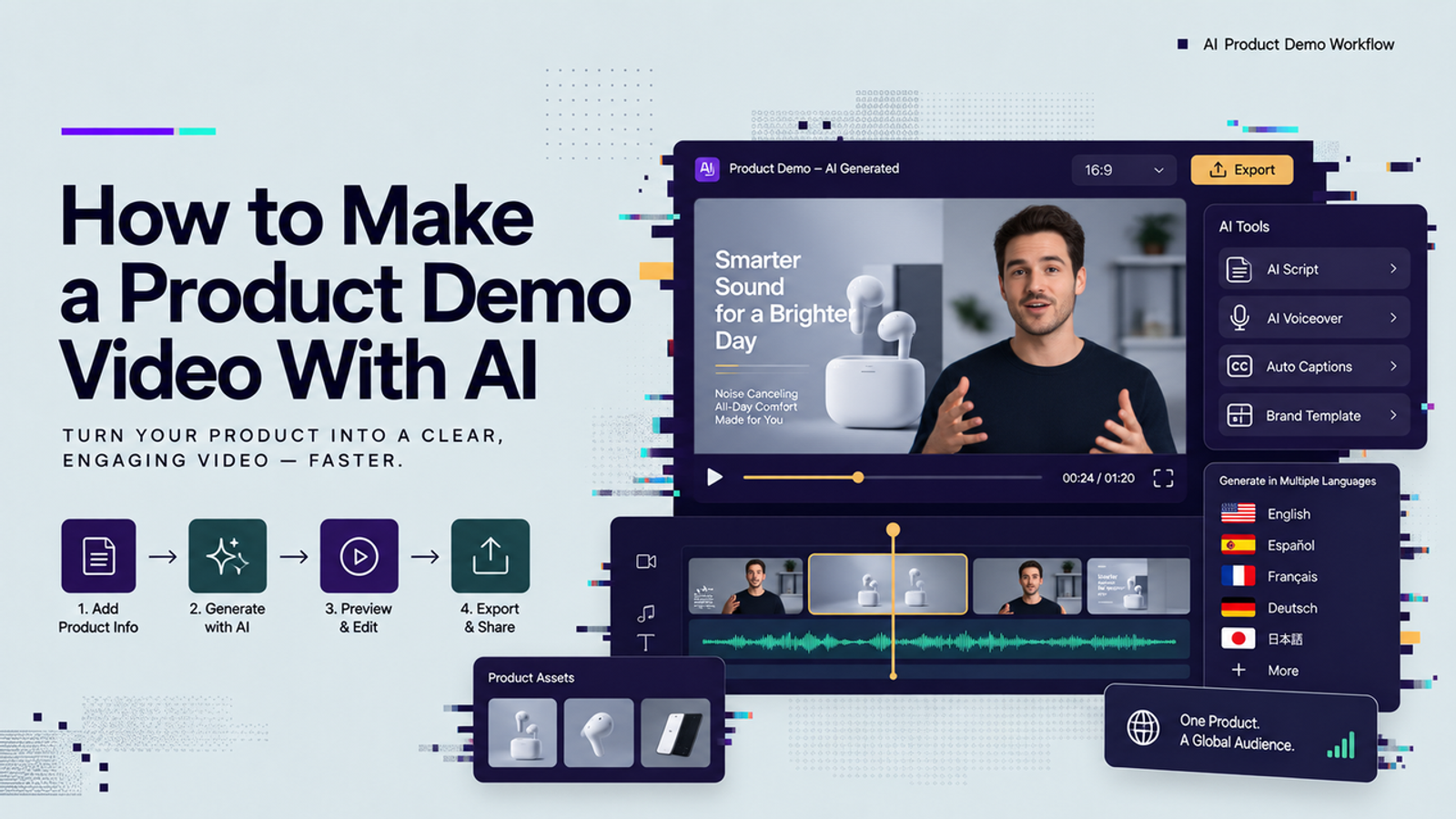
AI can assist with script alternatives, narration drafts, captions, and localized versions. Our AI product demo tutorial covers the broader production process.
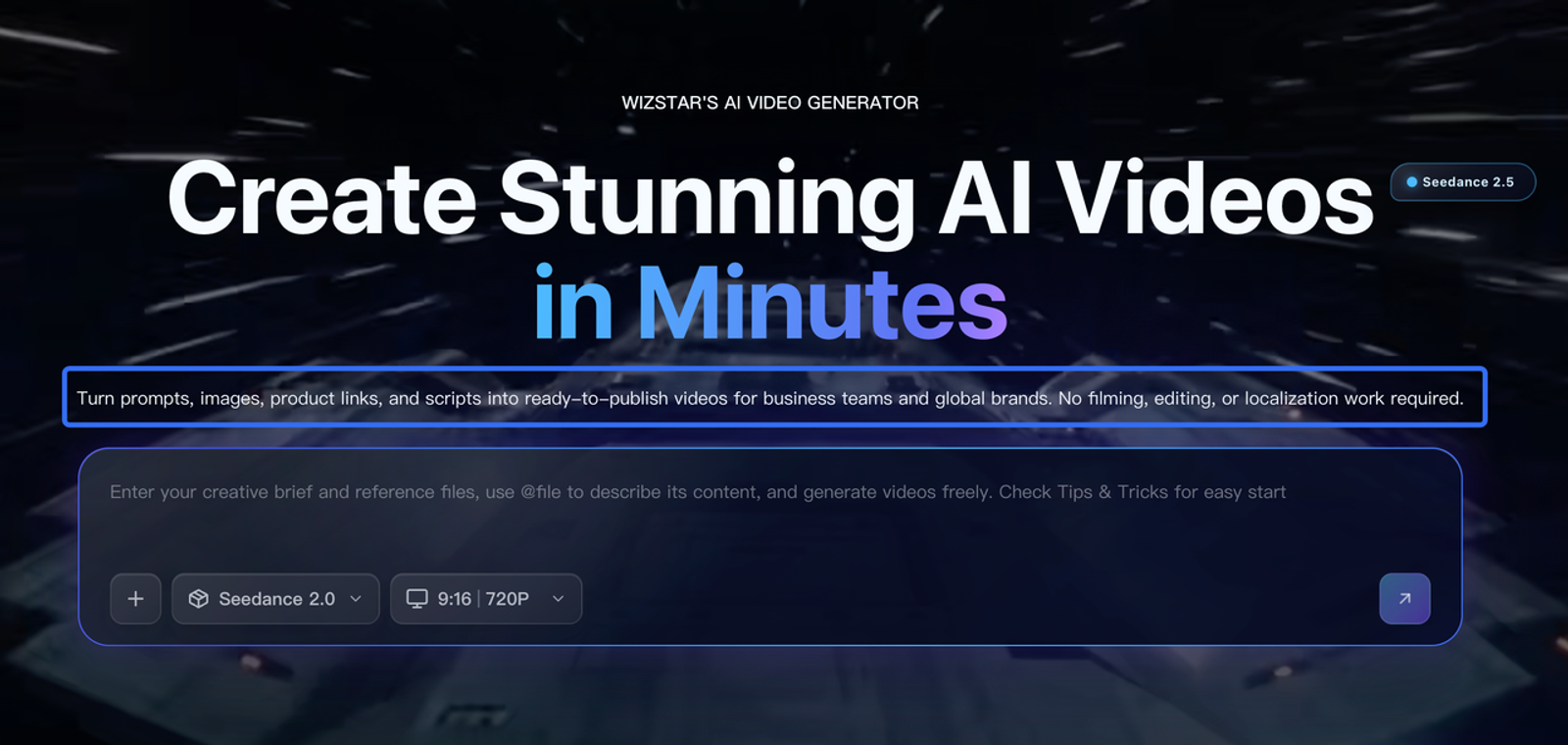
For SaaS, keep product evidence grounded in verified behavior. Check generated scripts for invented capabilities, unsupported outcomes, and missing conditions. Preserve editable scenes so a changed label or sentence can be corrected without recreating unrelated material.
Conclusion
Build your SaaS product demo video around one task the viewer recognizes. Pair each script line with verified product behavior, record a clean workflow, and give reviewers clear decisions. Then measure the intended next step and maintain the published versions as the product changes.
FAQ
- Can SaaS demos show unreleased features under an NDA?
- Only with the necessary approvals. An NDA does not itself authorize external-tool uploads or unrestricted sharing. Confirm the permitted audience and vendors, use access-controlled distribution, and set an expiry or revocation process. Keep private and public exports separate.
- How should teams anonymize customer data inside demo recordings?
- Prefer fictional data in a separate demo environment. If approved real material must be used, inspect every frame, popup, audio track, and exported file for identifying information. Masking visible names alone does not guarantee anonymity.
- Who approves claims when sales and product teams share demos?
- Assign a claim owner before scripting. Product verifies capability; product marketing owns positioning; legal or compliance reviews sensitive claims where needed. Link the approval and supporting evidence to the released version, and recheck materially changed wording.
- Can one SaaS demo be adapted for partner marketplaces?
- Often, but check the specific marketplace’s current submission requirements. Confirm format, language, screenshots, permitted links, claims, and asset rights. Create a separate export when its requirements differ, and include that version in the maintenance record.
- What file access should agencies receive for SaaS demo projects?
- Provide approved assets and named, limited-access accounts in a demo environment. Set access expiry and revocation responsibilities. Agree which source files transfer, and keep production passwords, tokens, and unnecessary customer information out of shared media folders.