The best AI avatar platforms for large enterprises need to fit the way your company actually works. Once HR, regional teams, agencies, and company spokespeople share the same system, the buying questions become specific: who can use an avatar, who can approve a video, and what happens when someone leaves?
I’m Vela. I compared Synthesia, HeyGen, and Colossyan using public documentation checked on October 15, 2026, focusing on what enterprise buyers can verify before signing. Plan-specific controls and contractual commitments still need confirmation with each vendor.
Define the Enterprise Video Operating Model
Before booking demos, follow one video through your company. HR might write the script, a regional editor translate it, Legal approve it, and an agency prepare the final version.
Each handoff reveals the controls you need.A central communications team may use one workspace; a multinational group may need departmental workspaces, delegated administrators, and restricted presenter libraries.
An AI avatar for large companies also needs someone responsible for authorizing its creation, reuse, and retirement.I would map who creates, edits, approves, and releases the video, then note the records each step should leave.
A requirement such as “regional editors can revise translations but cannot use the executive avatar” gives a vendor something concrete to demonstrate.Interactive avatars and livestreaming need a separate evaluation. Shared editing controls do not establish live-session moderation, API access controls, or emergency shutdown behavior.
The NIST Generative AI Profile’s lifecycle approach applies here: follow identities and content through creation, use, removal, and vendor exit.
Compare Three Platforms on Governance
These vendors publish enterprise documentation. The comparison guides further investigation, without establishing a quality ranking. Confirm which controls your quoted plan and configuration include.
| Platform | Where I would start | What still needs checking |
| Synthesia | Organization and workspace roles, live collaboration, brand enforcement, and audit exports. | Editing entitlements, exceptions to brand restrictions, and approval behavior. |
| HeyGen | Identity controls, workspace settings, editing handoffs, and audit-event categories. | Existing shared links, release restrictions, administrator overrides, and log exports. |
| Colossyan | Departmental workspaces, roles, shared brand kits, and security documentation. | Cross-department access, concurrent editing, enforceable approvals, and audit exports. |
1. Synthesia: Organization Roles, Brand Controls, and Audit Exports
Synthesia’s role documentation distinguishes Organization, Workspace, and Brand Admins, alongside Members and Guests. Roles and licenses are separate settings, so a role alone does not settle editing entitlements.
I would have the vendor configure a regional editor and brand owner with their actual responsibilities, then test both accounts.
For AI avatar solutions with real-time team collaboration, Synthesia documents Enterprise Live Collaboration, but only one person can edit a script at a time. A team reviewing together should try that arrangement and see whether it suits their handoffs.
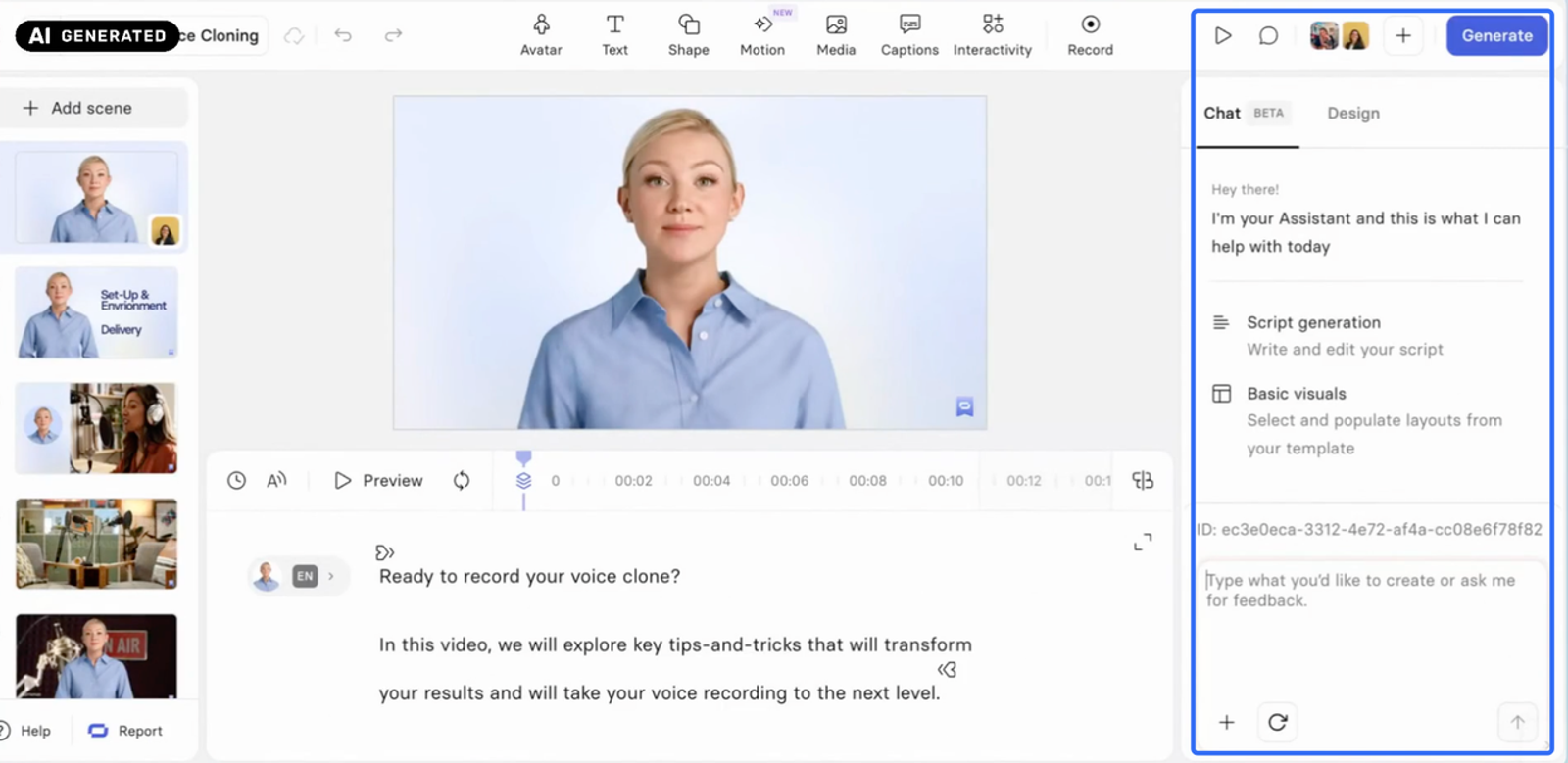
The brand controls deserve a closer look too. Brand Kit Enforcement restricts certain changes, yet users can paste off-brand elements from other videos and upload logos as ordinary images. A procurement test should include those routes.
Enterprise audit logs support CSV and API access. The remaining questions are which approval, avatar, and release actions appear in those records, whether they identify the relevant version, and how long customers can retrieve them. Approval enforcement also needs a demonstration in the configuration being quoted.
2. HeyGen: Workspace Access, Editing Handoffs, and Audit Events
In HeyGen’s Single Editor Mode, teammates can watch and comment while one person edits, then pass editing access to someone else. I would have the usual creator and reviewer make a change together and check that the handoff preserves their work.
Its Enterprise documentation lists SSO, SCIM provisioning, and audit logging. The Advanced Enterprise Settings guide goes into workspace access and video distribution, including an important limitation: changes apply going forward and do not retroactively update existing access, links, downloads, or shares.
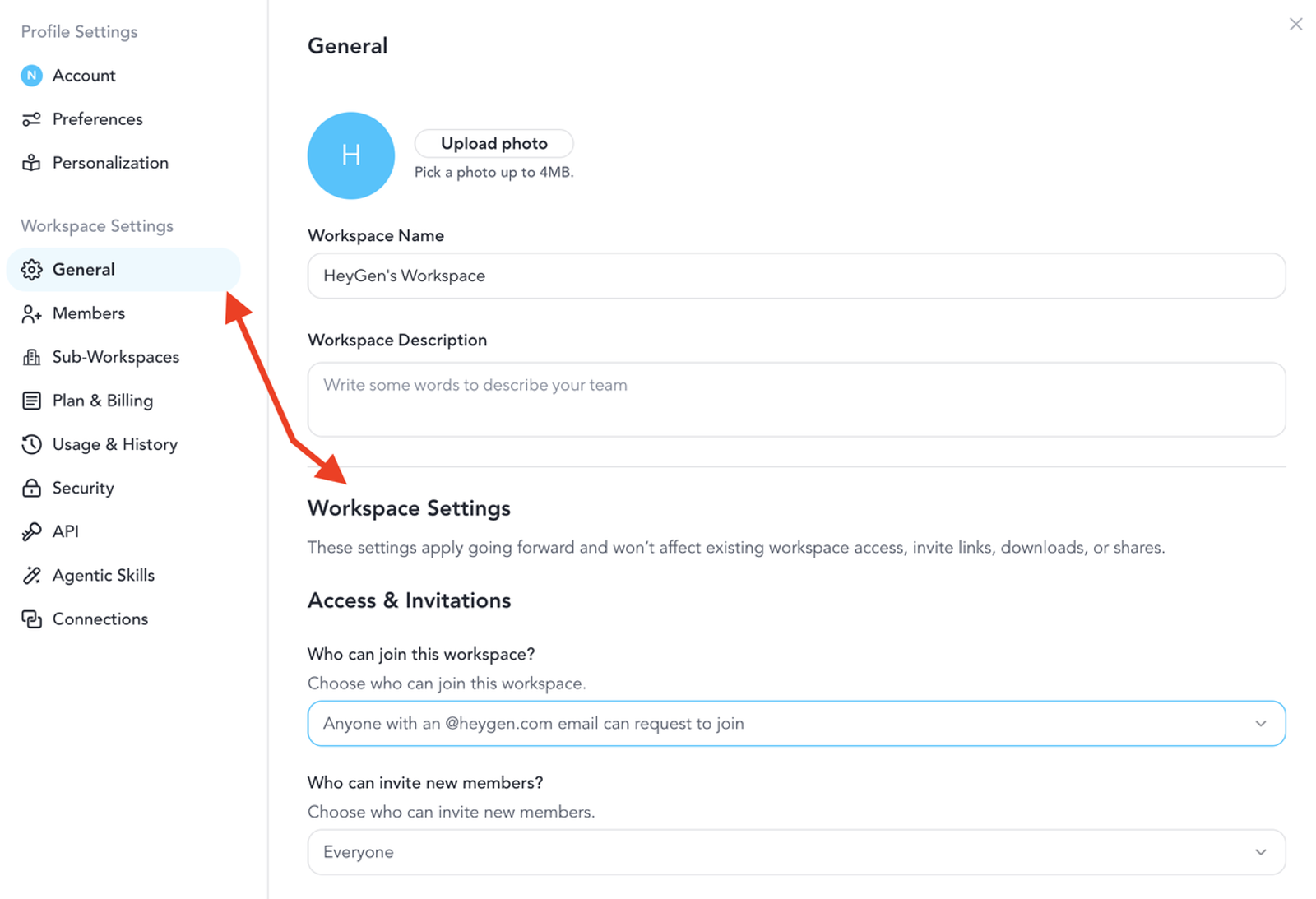
So a newly restricted project is only part of the test. What happens to a link an employee shared last month? Does removing that employee affect an existing session? Keep older assets in the pilot so these questions get answered.
HeyGen also lists approval requests, decisions, withdrawals, and administrator overrides among its audit categories. Ask to see the workflow behind those events, including a script changed after approval. Establish who can override a decision and which release routes remain available.
Bring an approved template and restricted avatar to check brand permissions. Log-export formats, retention, and access after termination still need written answers.
3.Colossyan: Multi-Workspace Administration and Shared Brand Assets
Colossyan describes SSO, custom workspace roles, and multi-workspace architecture in its security materials. Its workspace guide distinguishes Viewer, Editor, Admin, and Owner permissions.
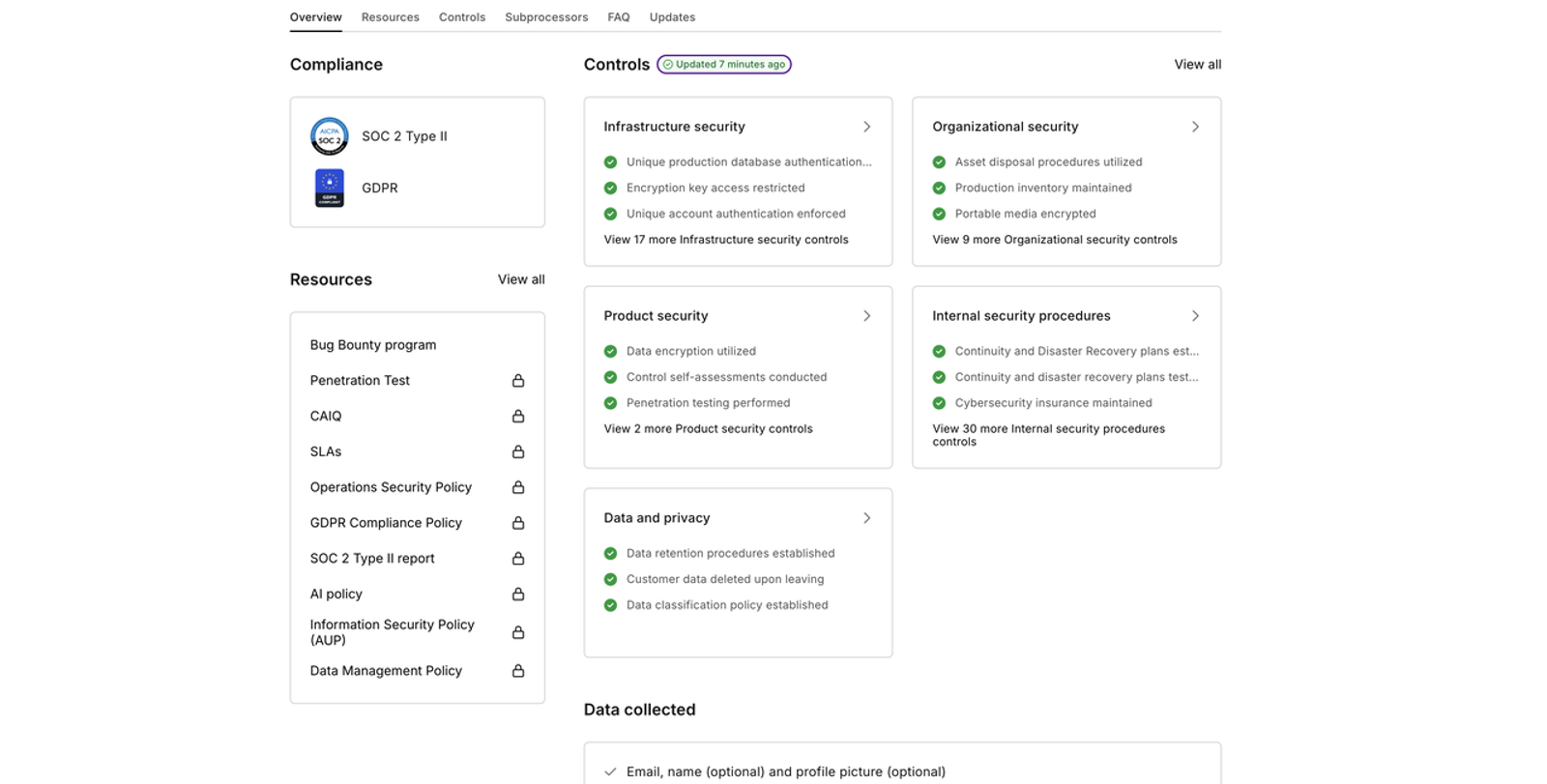
A useful demo would put those permissions into a familiar situation: headquarters owns the presenter and template, a regional team edits translations, and an agency reviews one project. Can each person reach the material they need while restricted content stays outside their access?
The brand-kit documentation explains sharing across workspaces. I would follow that through to maintenance: who can change or unshare a kit, what happens to existing projects, and how does the team preserve an approved version?
Collaboration and approval need separate demonstrations. Have two people open and edit the same draft, observe conflict handling and recovery, then change an approved script and attempt to release it.
The public materials reviewed here do not settle every approval condition or customer-visible audit-export capability. Request records for the pilot’s permission, avatar, editing, and release actions. An unanswered question should stay marked unverified until the vendor demonstrates the behavior or addresses it in the proposed agreement.
Run a Controlled Department Pilot
One department is enough to expose useful problems. Include a creator, reviewer, administrator, brand owner, and temporary external collaborator. Security and accessibility participants should join for the tasks they need to assess. Use approved test material without unnecessary personal or confidential data.
Give each vendor the same brief, roles, restricted avatar, and release requirements. Then try the situations that could interrupt an ordinary working week:
| Test | What would count as a pass? | Evidence to keep |
| Remove a user | Access ends within the agreed window; retained content has an assigned owner. | Before/after access results, timestamps, ownership record. |
| Try another workspace | An unauthorized user cannot retrieve the restricted avatar or project. | Role settings and attempted-access result. |
| Edit an approved script | The changed version follows the required approval path before release. | Version identifiers, approval record, attempted release. |
| Pass editing to a colleague | Both people know who can edit, and their intended changes survive. | Recording and saved draft. |
| Export activity records | The required records are readable outside the platform and match the tested actions. | Export file and event-to-action mapping. |
hese are suggested acceptance conditions, not results from tests I ran. Record what was demonstrated, what failed, and what remains unverified, with someone responsible for each unresolved item.
A failed mandatory requirement should hold up rollout unless the accountable owner accepts a documented alternative. A promised future feature remains unverified.
Also track review time, corrections, generation consumption, and paid seats or integrations. A pilot should tell you what this workflow will cost when more departments adopt it.
Separate Published Controls From Contractual Commitments
This is where I would slow down before signing. A help article explains a feature, and a security report describes an assessed scope and period. The agreement needs to say what the supplier commits to providing your organization.
Alongside the current DPA, subprocessor list, and relevant assurance reports, request written terms covering:
- Processing locations, model-training use, retention, and deletion across relevant services.
- Incident notification, support response, availability measurement, exclusions, and remedies.
- Avatar authorization, permitted uses, export rights, termination assistance, and backup deletion.
- Seats, usage charges, overages, renewals, and exit costs.
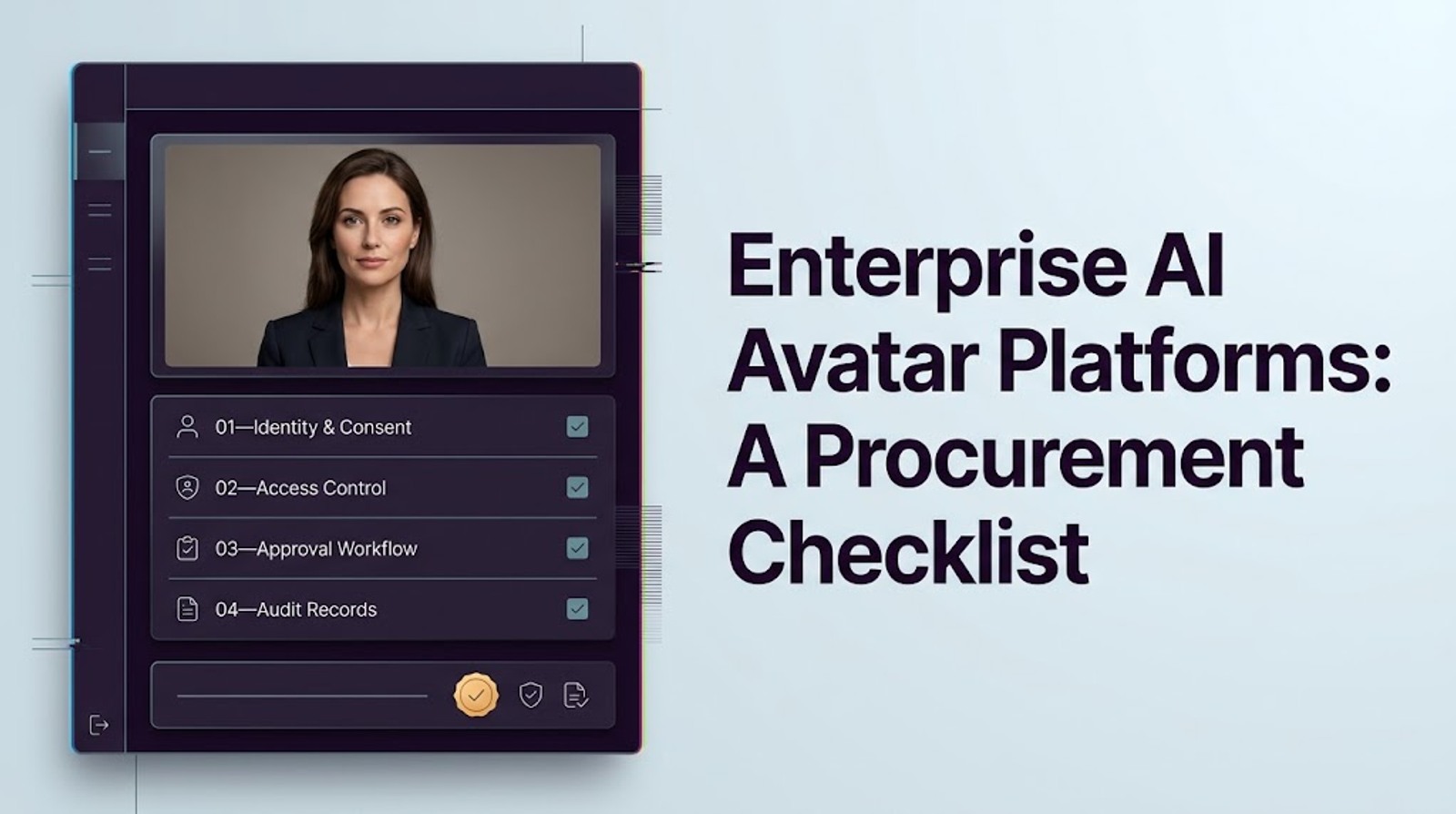
For every mandatory requirement, record the supporting document or clause, the responsible owner, and anything still unresolved. An advertised SLA needs checking against the scope and remedies in the proposed agreement.
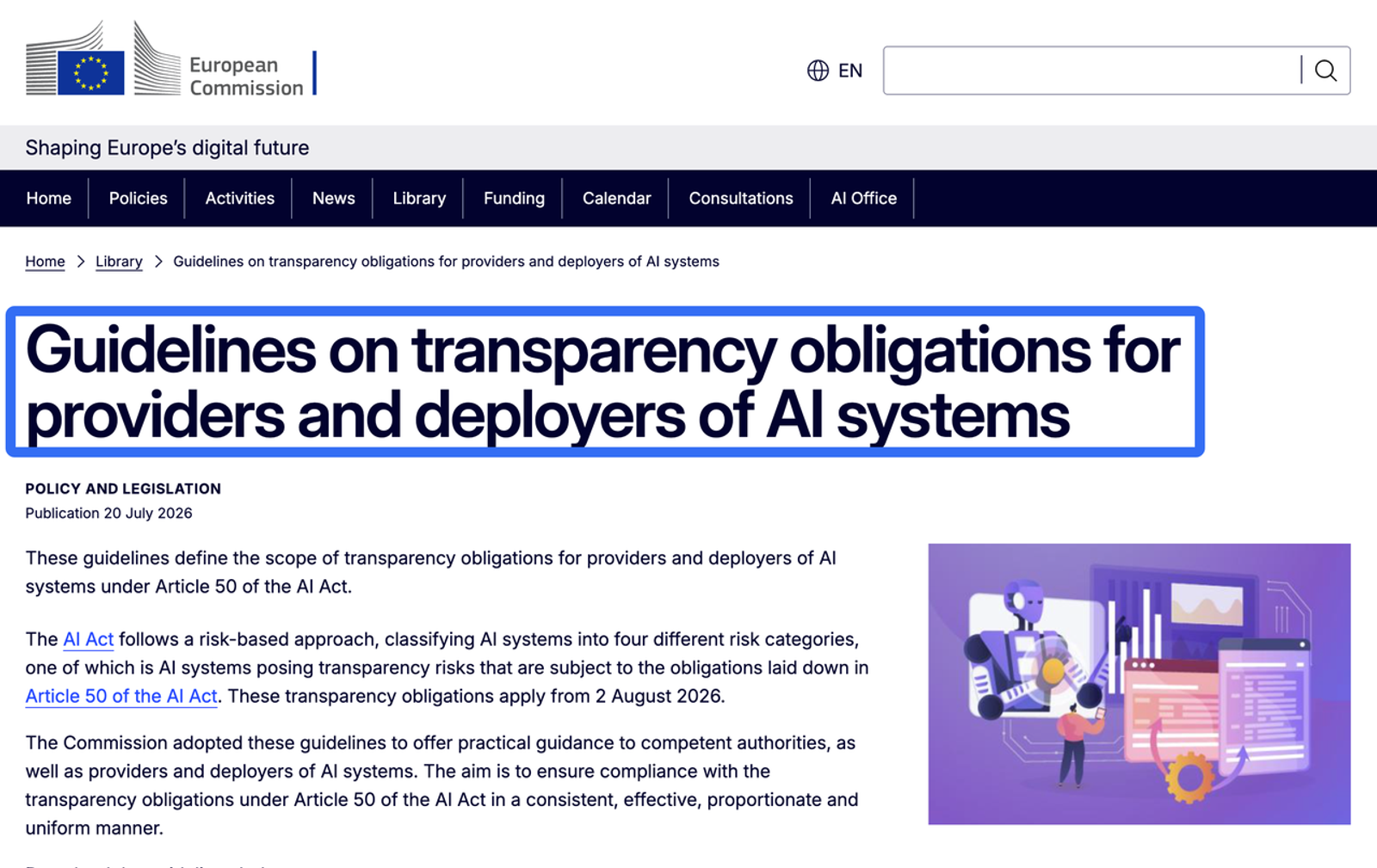
For EU deployments, the Commission’s Article 50 transparency guidance distinguishes provider and deployer obligations. Counsel should identify applicable marking or disclosure duties and check whether the publishing workflow preserves them.
This article is procurement guidance, not legal advice. Legal, privacy, security, HR, and accessibility owners should review the requirements relevant to your jurisdictions and deployment.
Conclusion
The best AI avatar platforms for large enterprises should hold up through an ordinary sequence of edits, approvals, staff changes, and content updates.
Synthesia’s role and brand documentation, HeyGen’s workspace and audit guidance, and Colossyan’s workspace and security materials give buyers useful places to start.
The final choice still needs evidence from the proposed configuration and agreement.I would want to finish procurement knowing who can use each identity, how a changed video gets approved, and which records the company can keep. That is what makes a governed avatar video workflow manageable after the demo is over.
FAQ
- Can departing employees withdraw consent for company avatars?
- Where GDPR processing relies on valid consent, the person must be able to withdraw it. The EDPB also cautions that employee consent may not be freely given. Leaving employment, withdrawing consent, and contractual likeness rights need separate review. The practical question is who handles the request. Establish a process to suspend new generation, locate affected avatars and videos, and route deletion or retention decisions to the responsible owner. Withdrawal does not invalidate previously lawful processing or automatically settle continued publication and retention questions.
- What changes when a subsidiary operates in another jurisdiction?
- Start with the legal entity responsible for processing, then reassess employee authorization, international transfers, processing locations, disclosure, and retention requirements. A data-flow map should cover source recordings, avatar models, generated videos, support access, and subprocessors. Separate workspaces show an access arrangement; they do not establish separate data residency. Confirm which regional requirements the proposed contract supports.
- Can an acquired company bring its avatar library into the tenant?
- Check rights and portability before promising migration. For each identity, establish who is represented, the authorization behind it, permitted purposes, territory, duration, and any restrictions on assignment to another entity. Rendered videos, editable projects, voice models, and custom avatars are different migration tasks. Try a sample transfer and check permissions afterward. Assets with unresolved provenance should stay outside production until the responsible legal and business owners decide their status.
- Which records should survive the end of a vendor contract?
- Agree on a retention schedule before the contract ends. It may cover avatar authorizations, approval decisions, audit exports, published videos, scripts, version identifiers, incident records, and deletion confirmations. Each record needs an owner, purpose, access restriction, and retention period. Test exports early, and specify the export window, formats, fees, backup treatment, and deletion timetable. Retention should remain proportionate to applicable obligations; keeping everything indefinitely creates its own problem.
- How can an enterprise test accessibility with disabled employees?
- Include employees with relevant access needs in real authoring, review, and viewing tasks using their usual assistive technology. Section508.gov’s usability-testing guidance recommends representative participation and cautions against generalizing from one person’s experience. Cover keyboard navigation, screen readers, focus, captions, transcripts, and meaningful visual information in outputs. Pair usability findings with applicable conformance testing, then agree on blocking defects, accessible alternatives, remediation ownership, and retesting. The 2025 U.S. federal Section 508 procurement assessment found post-award verification and defect escalation among the weakest, most inconsistent steps. That supports checking delivery after purchase; it is not a universal legal standard for private enterprises.