
The short answer
To compare AI avatars for UGC video ads fairly, give Wizstar, HeyGen, and Creatify the same product evidence, script, verified claim, and 9:16 brief, then score exports rather than showreels. The useful question is which workflow keeps the presenter believable, the product recognizable, the claim intact, and revisions manageable.
This is a documentation-based test plan, not a report of matched videos I generated. I have the documentation, not a finished test. Public product pages, pricing pages, and policy materials were reviewed on October 16, 2026; plan entitlements and terms can change, so capture the conditions shown in each test account before rendering.
What Should an Avatar-Led UGC Ad Prove?
It should prove that the message is understandable, the depicted product is the advertised SKU, and the evidence supports the spoken claim. “UGC-style” describes the ad’s visual grammar: direct address, close framing, quick pacing, captions, and an informal voice. It does not turn a synthetic presenter into a customer or make generated product behavior factual.
For a clean test, use a fold-flat laptop stand and one substantiated claim: “folds flat for a laptop bag.” Supply the approved product page, three pack shots, a four-second real clip of the hinge closing, the brand pronunciation, and one call to action. A presenter may deliver the line well while the cut fails to show the hinge, or the product may look accurate while the voice feels detached.
Use One Product, Script, Claim, and Vertical Format
Lock a 20-second script before opening any tool: “Meet the LiftLite laptop stand. It raises a laptop for desk work, then folds flat for a laptop bag. Watch the hinge close. Tap to see the dimensions.” The invented name is part of this test fixture; A live campaign should use its approved product name and substantiated wording.
Set the same output brief: 1080 × 1920 where supported, captions inside mobile safe zones, product visible by second three, real hinge footage during “watch the hinge close,” and no first-person experience claim. Give every workflow the same correction: “Keep the presenter and timing, replace only the product-proof shot, and correct the final caption.”
Decide the editing boundary before starting. Either each platform must deliver the finished MP4 with its native controls, or all three outputs may enter the same external editor under the same time allowance. The first approach compares self-contained workflows; the second compares the total route to a publishable ad. Record unsupported inputs or controls. Do not improve one entry externally while judging another on its native export.
How Should the Three Workflows Be Scored?
Apply three pass-or-fail gates before scoring: the claim has substantiation, the depicted SKU has no material error, and the campaign has documented rights for the avatar, voice, product assets, footage, music, and intended paid placement. A failure cannot be offset by smooth delivery or attractive editing; return that version for correction or reject it.
Score each eligible draft on a 100-point rubric. Rate every row from 0–5, then calculate rating ÷ 5 × weight. A 4/5 for product proof therefore contributes 16 of its 20 points. Keep the content reviewer blind to the vendor name, attach a reason and timecode to each rating, and let the production owner record time and credits separately. This UGC avatar comparison then remains auditable without hiding workflow cost.
| Criterion | Weight | What earns full marks |
| Presenter fit | 15 | Delivery suits the brand, with stable gaze, natural emphasis, and no distracting motion |
| Product identity | 20 | Shape, finish, hinge, logo, and proportions match approved references |
| Product proof | 20 | The real hinge clip appears at the claimed moment and remains easy to inspect |
| Script and claim fidelity | 15 | Spoken words and captions preserve the locked copy without added promises |
| Revision isolation | 15 | The requested shot and caption change without damaging approved scenes |
| Ad readiness | 15 | Vertical crop, caption safe zones, audio, pacing, and CTA survive a phone review |
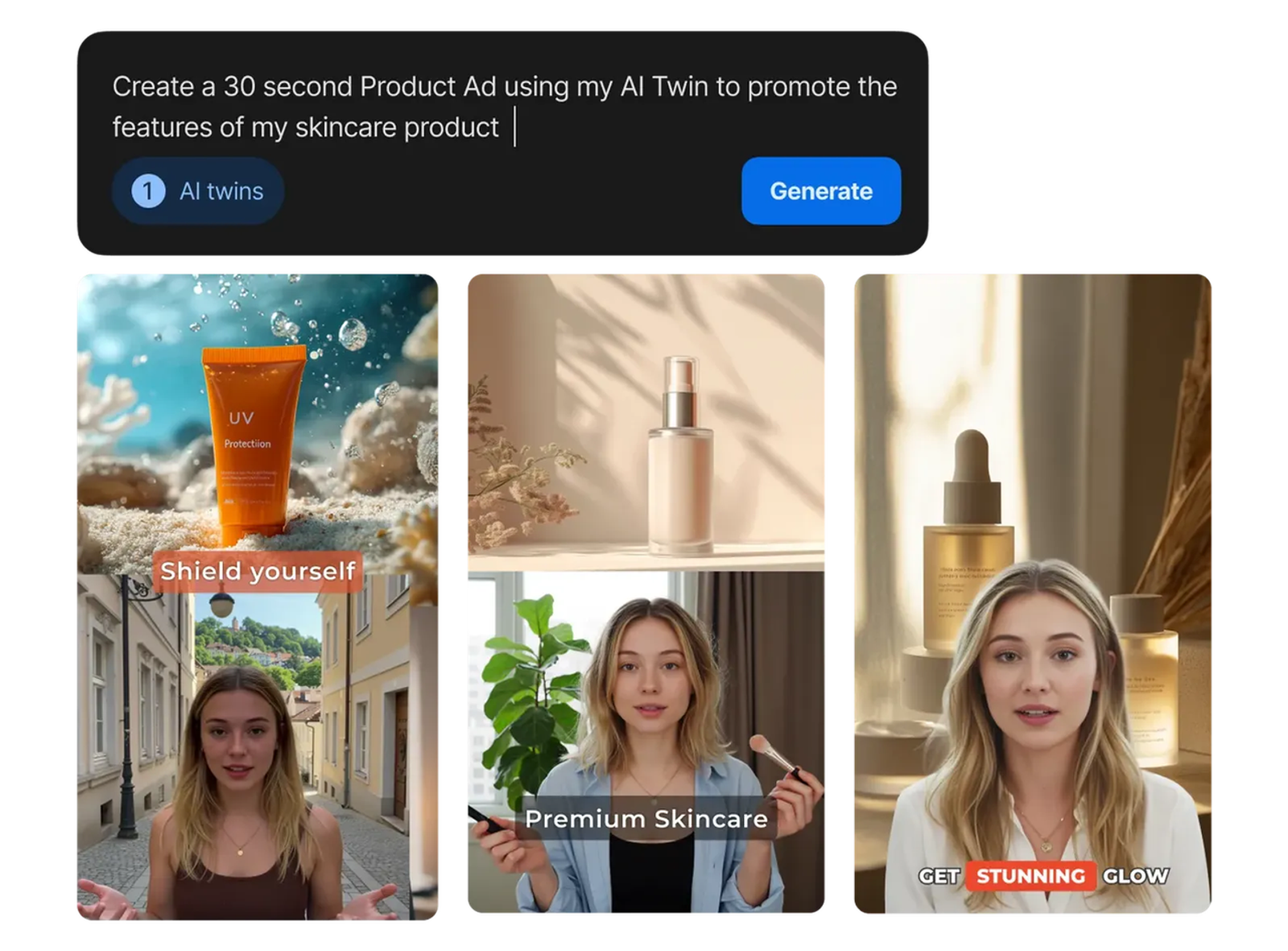
Presenter Delivery and Product Visibility
Review once with sound, once muted, and once at normal phone size. With sound on, listen for emphasis on the product name and claim rather than generic enthusiasm. Muted playback reveals whether captions, product timing, and gesture still make sense. The phone-size pass catches the common failure in which the avatar looks polished on a desktop but crowds out the item being sold. If I am watching the mouth, I have stopped listening.
Separate product identity from product proof. A correct still image can establish which stand is for sale; It can not prove that the hinge closes as described. The supplied real clip carries that burden. Penalize any generated replacement that changes the mechanism, hides the action, or presents decorative motion as evidence.
Script Control, Revisions, and Usable Output
Compare the first draft with the locked script word for word. Product-link tools may infer new benefits; presenter-first tools may preserve copy but leave weak visual support. Log every added adjective, altered caption, pronunciation error, and unsupported scene.
Then submit the identical revision. For each route, record initial-render credits, revision credits, human review minutes, external editing minutes, rejected outputs, and the final approved export. The next edit is part of the cost. Since the services price plans, models, and rerenders differently, “cost per export” is less useful than cost per approved ad. Do not name a speed or price winner until the same team completes the same gate.
Wizstar: Product-Led Avatar Ad Workflow
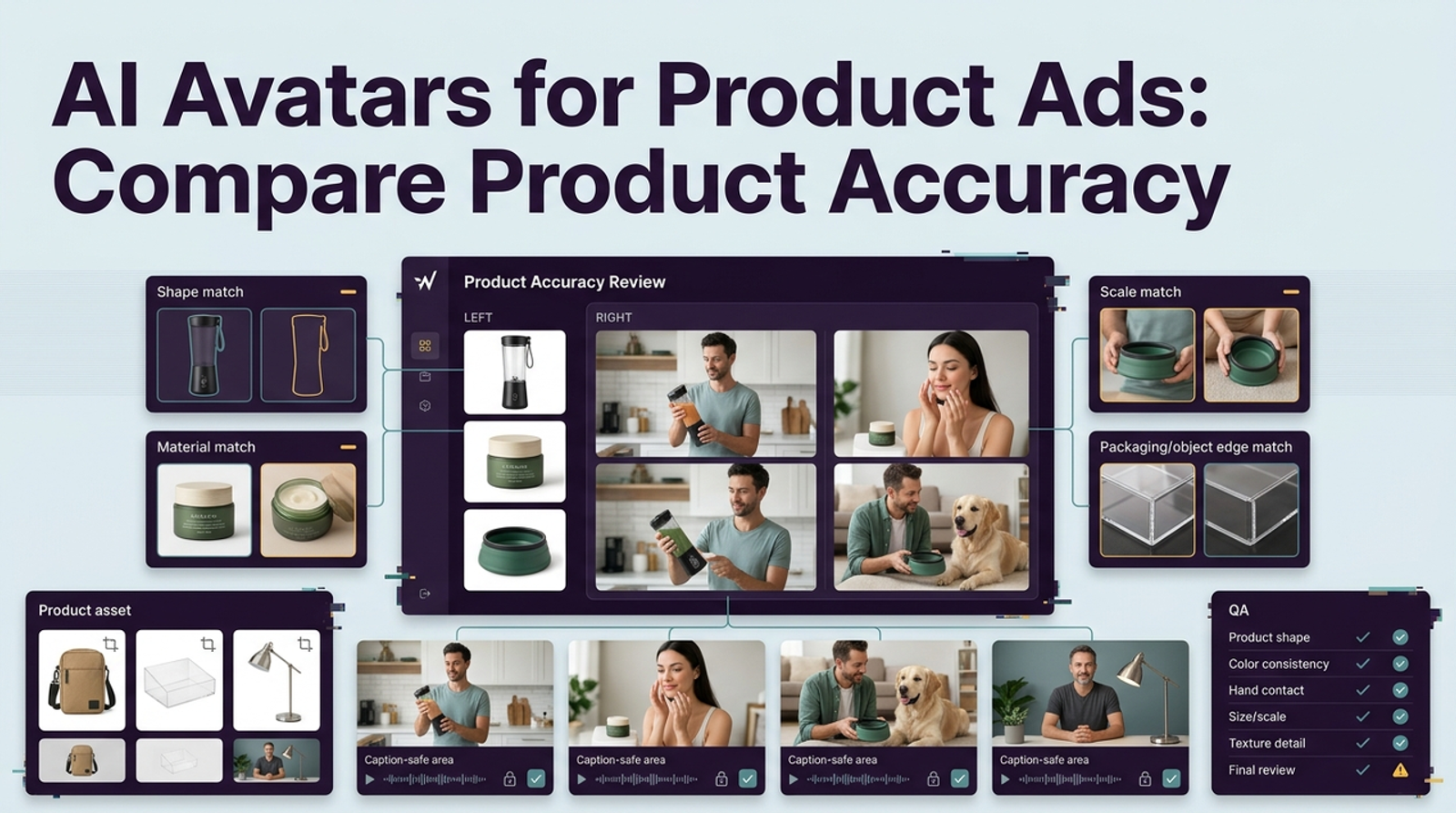
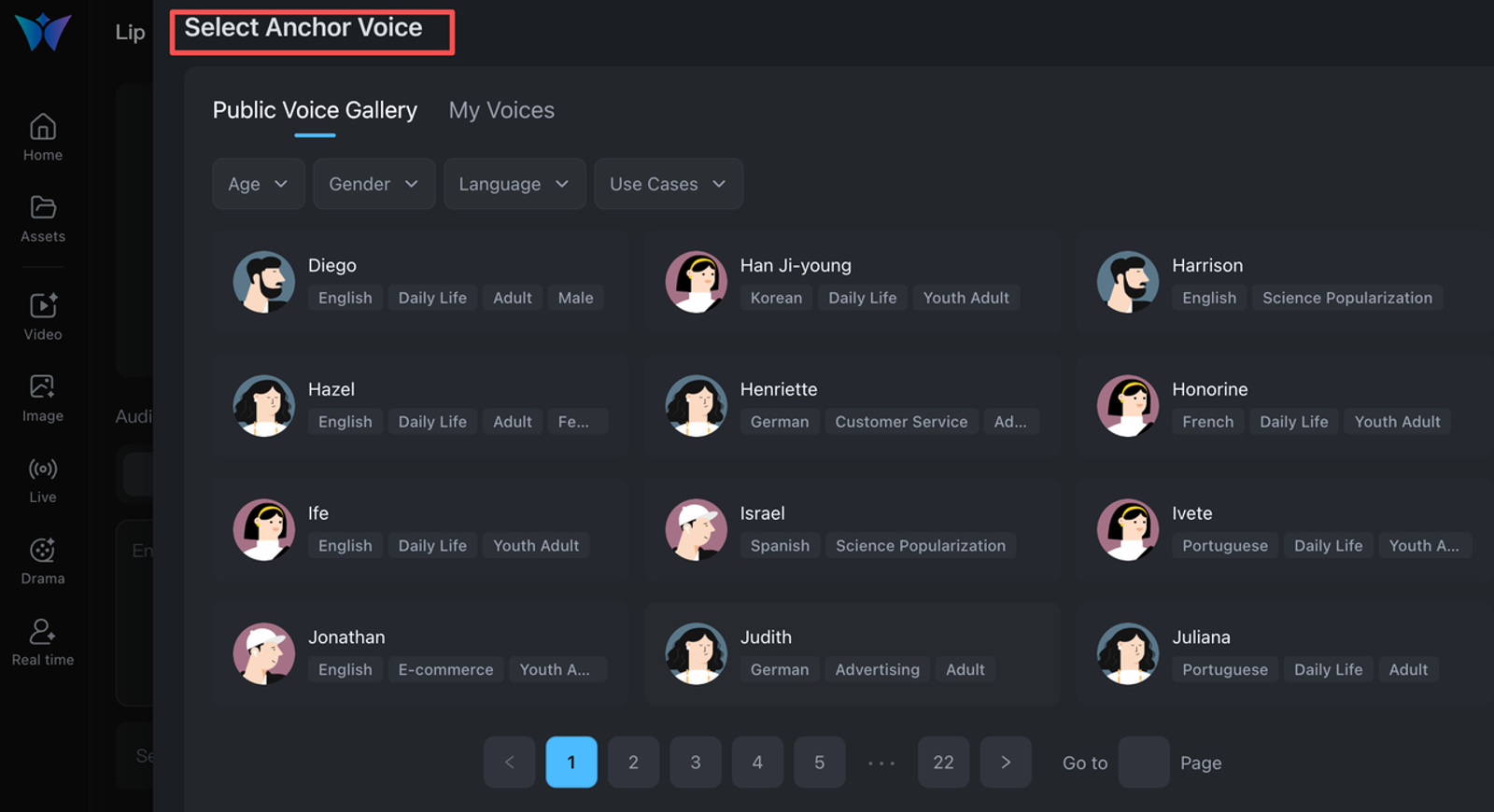
Wizstar’s official product workspace accepts ideas, images, scripts, and product links across product-video, avatar, and localization workflows. For this fixture, start with the approved product assets, build the evidence sequence, then add the avatar as the narrator. That order suits a campaign where the object and its proof shot must remain central.
Test whether the product remains consistent between stills, generated connective shots, and the real hinge clip; whether the avatar competes with the demonstration; and whether a narrow revision preserves approved scenes. Wizstar’s pricing is credit and model dependent, while custom avatar or voice work may be separate. Paid plans list commercial use subject to conditions. Record the model, resolution, credits, export status, and purchase terms. Mark unresolved client-transfer, music, or likeness rights unknown.
HeyGen: Presenter-Led Ad Workflow
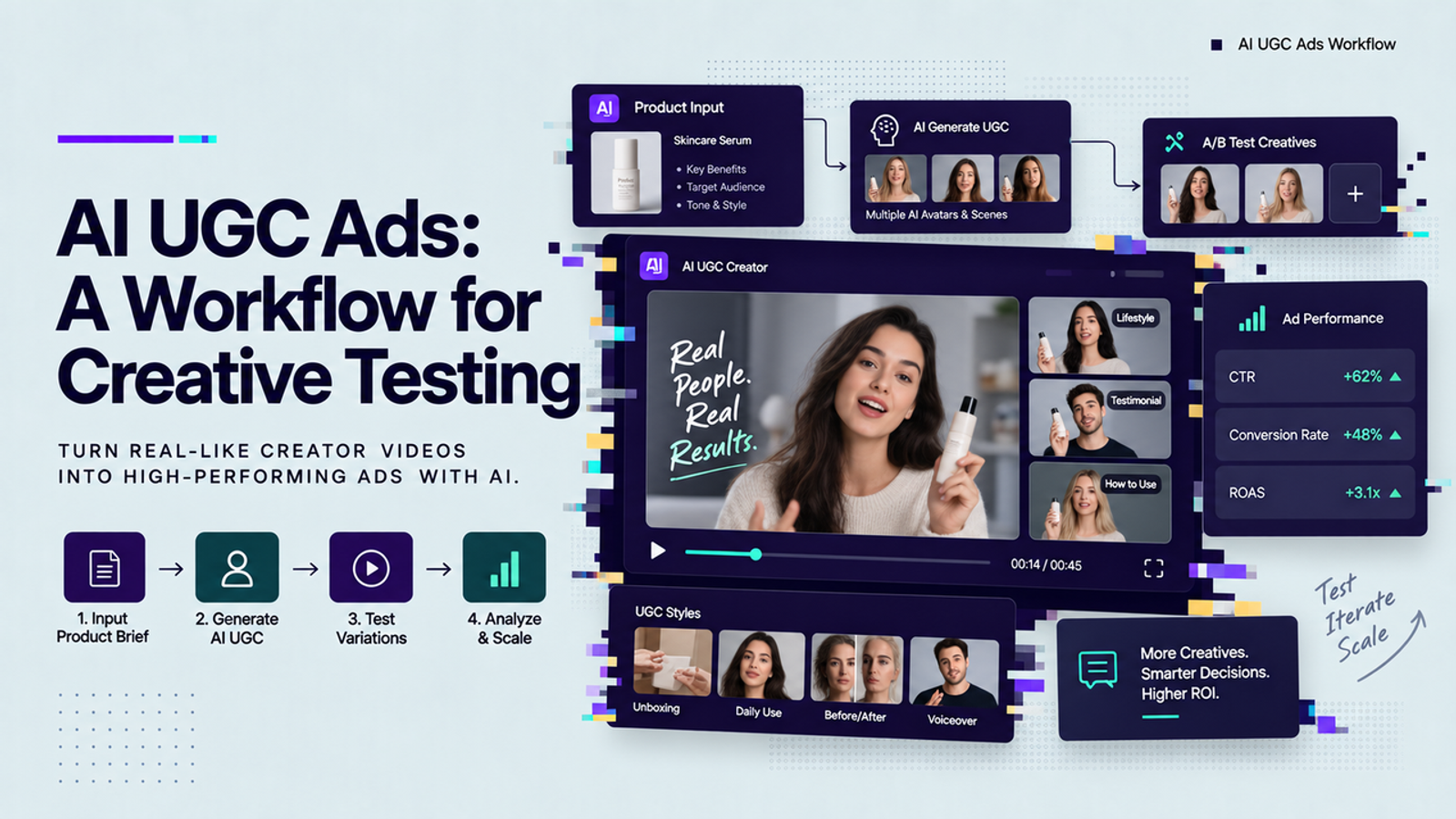
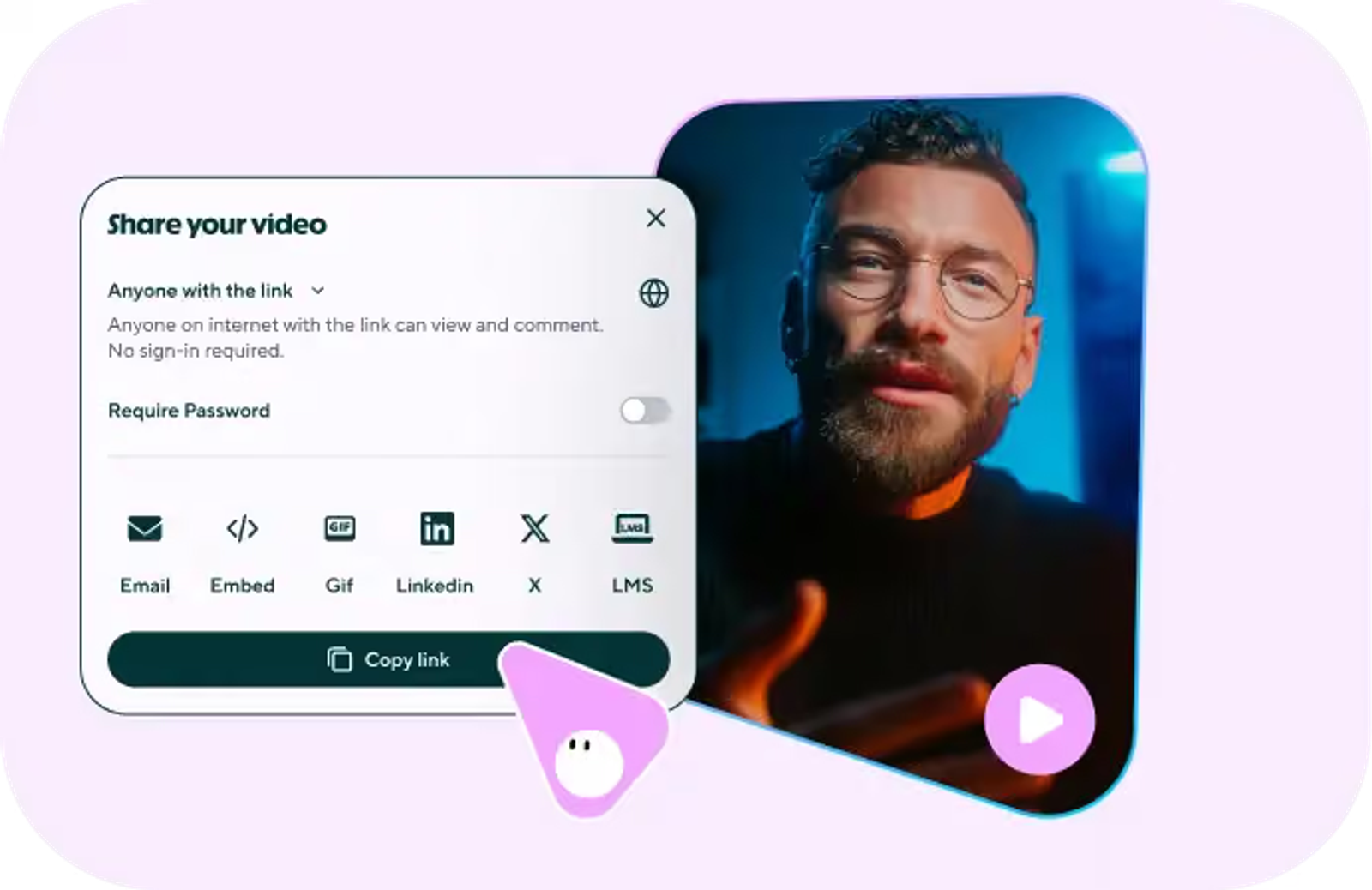
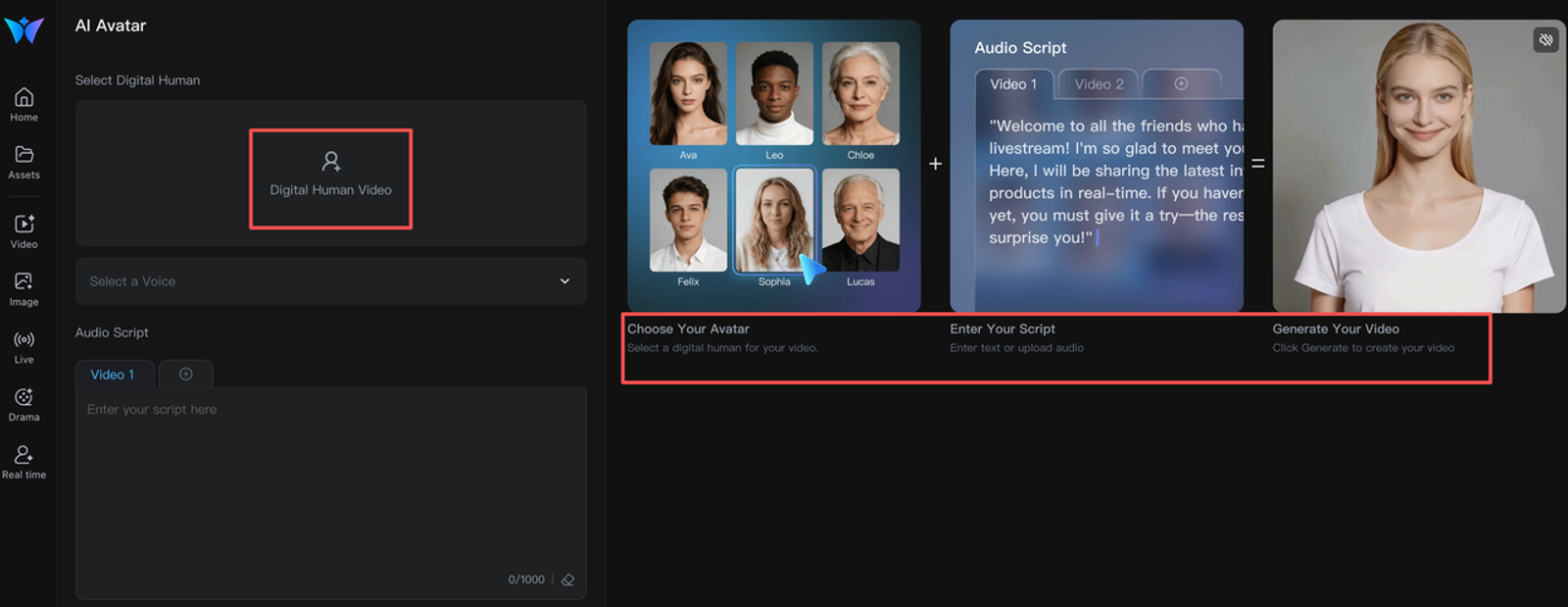
HeyGen’s official UGC ads workflow starts naturally with a selected presenter and a supplied script, with avatar, voice, localization, and product-placement controls positioned around that performance. Use the locked copy rather than its script suggestions, then place the approved proof clip where the claim occurs.
Judge this route hardest on delivery: pronunciation, eye line, emphasis, gesture, and fit without implying real customer experience. Product placement is documented, but that does not establish fidelity for this stand. Inspect hand contact, scale, logo, and the transition into real footage. HeyGen lists commercial use on eligible paid plans and puts consent responsibility on custom-avatar users. Capture the plan, avatar source, workspace permissions, credits, and consent record.
Creatify: Product-Brief Ad Workflow
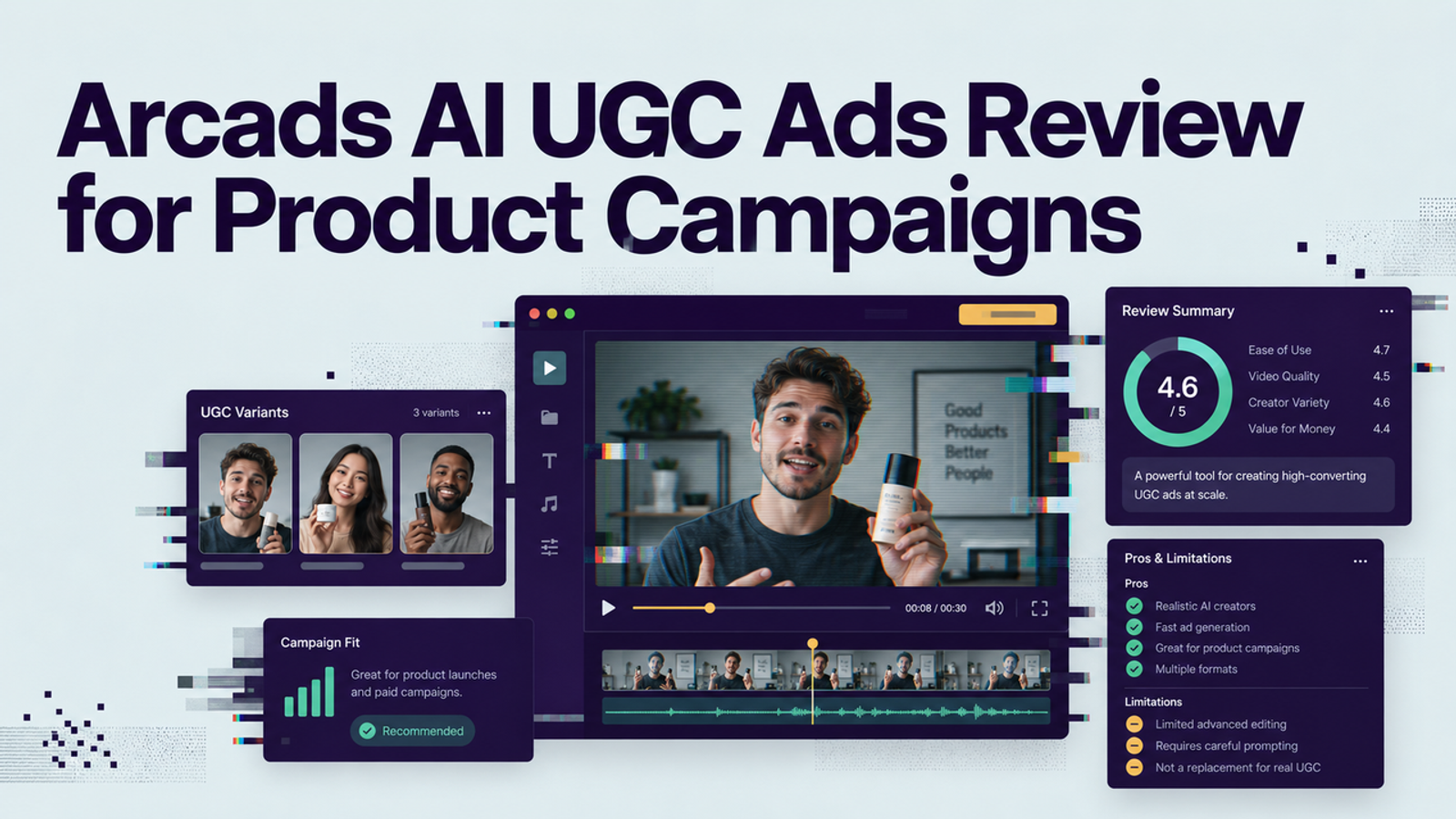
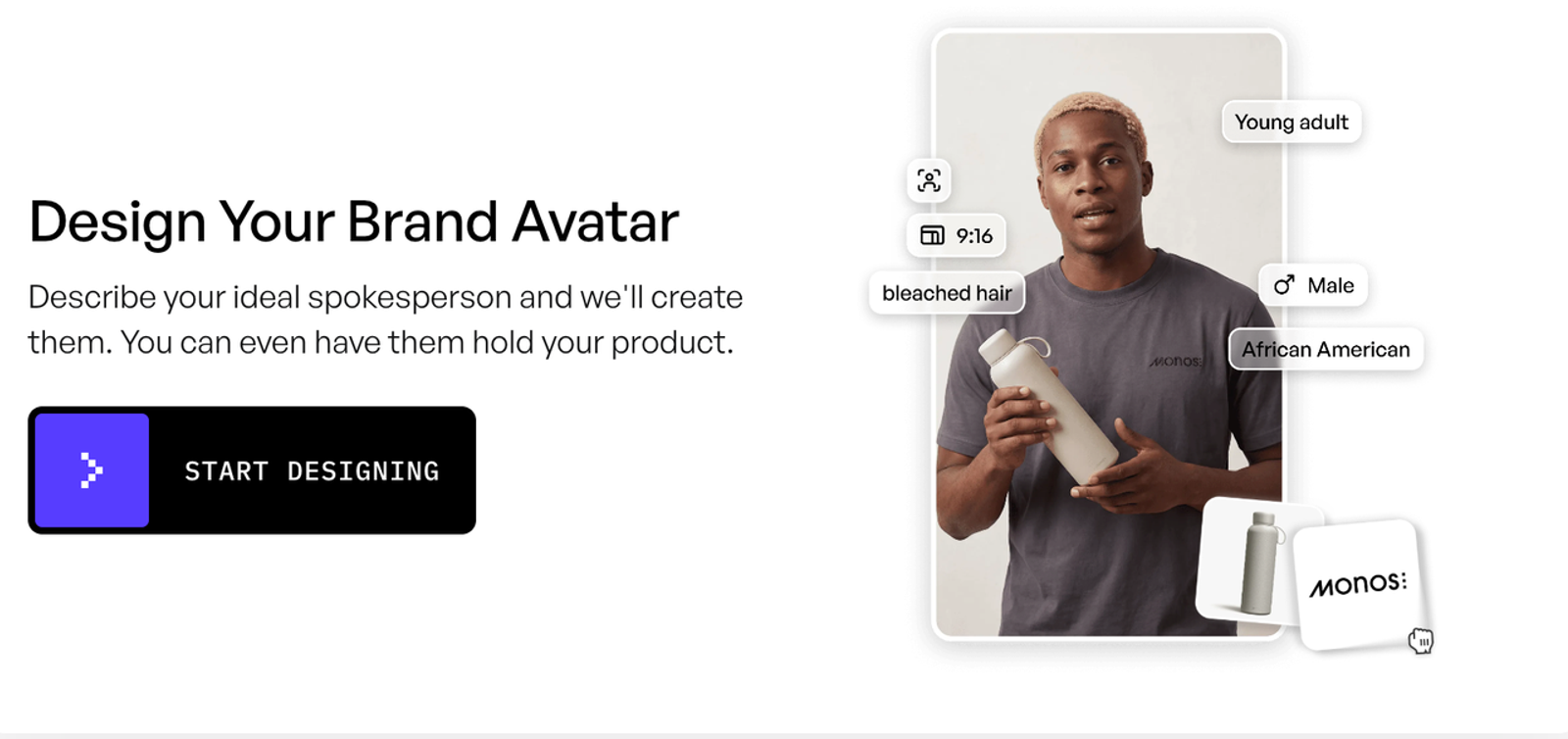
Creatify’s official feature overview describes a product URL, image, or short brief as the starting point for a full ad containing script, avatar, voice-over, product visuals, music, and captions. That makes it the broadest brief-to-cut route here. It also creates the clearest test of whether automation respects a locked claim.
Import the same product page, then replace generated copy with the approved script. Check whether listing content adds benefits, the real hinge clip occupies the proof moment, and a scene change preserves captions and pacing. Pricing uses monthly credits plus plan limits; official materials describe paid-plan commercial use. Record every render and rerender. Confirm music, stock, custom-avatar, and client permissions for the exact account.
Which Workflow Fits the Campaign Brief?
Choose the workflow whose starting point matches the ad’s hardest constraint. This table sets the first test to run; it does not award a winner before matched outputs exist.
| Campaign constraint | First workflow to test | Main review risk |
| Product assets and proof organize the story | Wizstar | Product changes or becomes secondary between scenes |
| Casting, delivery, or multilingual narration drives the brief | HeyGen | A credible presenter outruns weak product evidence |
| A product URL or short brief must become a complete ad | Creatify | Generated copy or scenes introduce unapproved claims |
A DTC team should produce one AI avatar UGC ad in each workflow only when the buying decision justifies reviewing all three. An agency can pilot the two closest routes, keep the scorecard, source pack, gate results, and cost record in the client folder, then add the third when requirements change. The outcome is a defensible decision for this product, claim, channel, and revision pattern—not a universal Avatar ranking.
Where an AI Avatar Is the Wrong Choice
An AI avatar is the wrong choice when the ad depends on genuine personal experience, precise physical performance, sensitive advice, or unclear likeness permission. Use real footage for fit, texture, assembly, durability, before-and-after results, or product behavior viewers may treat as proof. Virtual spokesperson ads can introduce that evidence, but should not simulate it.
The same caution applies to testimonial language. The US FTC’s current reviews and testimonials Q&A says AI stock avatars are not categorically prohibited, yet false underlying testimonials or deceptive portrayals can still create problems. Other markets apply different rules. This is a production checklist, not legal advice; have the responsible reviewer check the campaign’s market, category, contract, and platform policy.
Conclusion
The right way to compare AI avatars for UGC video ads is to control the brief and inspect the work left after generation. Hold the product, evidence, claim, script, format, and correction constant; then score presenter fit, proof, revision isolation, ad readiness, and rights records.
Wizstar, HeyGen, and Creatify begin from different production assumptions. That difference is useful only when the team measures it against a real campaign constraint. Run the fixture, retain the evidence, and decide from approved outputs. A draft earns a review, not a green light.
FAQ
- Can a synthetic presenter give a first-person product testimonial?
- No, not as an invented experience. A synthetic presenter can deliver brand narration or attributed, authorized words from a real customer, but “I used this” implies experience the character did not have. Preserve the source testimonial, permission, and approved wording.
- Do paid social platforms require labels on AI avatar ads?
- Requirements vary by platform, format, market, and degree of generation. For example, TikTok’s September 2025 instructions explain how advertisers disclose qualifying AI-generated ads in Ads Manager, while Spark Ads follow the platform’s organic AI-content rules. Check the current TikTok disclaimer instructions at upload because duplicating or replacing creative can reset the setting. A platform toggle also does not replace any disclosure required in the creative itself.
- Can one person's avatar be licensed across multiple client accounts?
- Only if the written consent, platform terms, and agency contract cover every client, channel, territory, duration, and type of edit. Access to an avatar in one workspace does not establish a transferable multi-client licence. Treat any undisclosed scope as unknown and obtain a written answer before reuse.
- What records should a brand keep if an avatar ad is challenged?
- Keep the substantiated claim, source product page, original assets, script versions, prompts or settings, avatar and voice permissions, music and stock licences, disclosure decision, exports, approval trail, placement dates, and account terms captured at production time. Tie each published file to its record with a stable version ID.
- Can a campaign reuse an approved avatar after a spokesperson withdraws consent?
- Do not assume an earlier approval authorizes new publication. Pause new renders and placements, preserve the consent and usage history, and review the withdrawal clause, provider process, live placements, and applicable law. Replace or remove the avatar where the governing rights require it, with qualified legal review for disputed cases.