
Start with an editor when you need to preserve approved footage. Shortlist a generator when you need the first product-led or presenter-led ad. That distinction can save a team from buying generation capacity when its daily problem is making small revisions.
I’d choose around the next change: a new hook, another actor, or a different product angle. The useful comparison is what each tool lets you retain, revise, review, and export.
Quick Picks by Testing Workflow
- Product information to first drafts: Creatify or Predis.ai.
- Presenter-led scripts: HeyGen or Arcads.
- AI creator production with editing options: Captions.
- Image-led asset variants: AdCreative.ai.
- Approved footage to revised cuts: Canva or CapCut.
Choose the production route before comparing subscriptions.
How We Evaluate UGC Testing Software
Public product, pricing, and help pages were checked on November 2, 2026. This shortlist matches documented workflows to production needs; it does not report an eight-tool generation benchmark or campaign results.
Criteria are input fit, control over changes, review work, billing transparency, and exports. Creator marketplaces and standalone analytics tools are outside this shortlist.
The shared evaluation brief is a product ad requiring a new opening while its approved body, offer, and CTA remain fixed. Generators and editors approach that brief differently. Their outputs should not be treated as equivalent evidence about which hook converts.
Shortlist of UGC Tools for Ad Testing
URL-to-Ad Platforms
Creatify: Product-Page Inputs and Generation Capacity
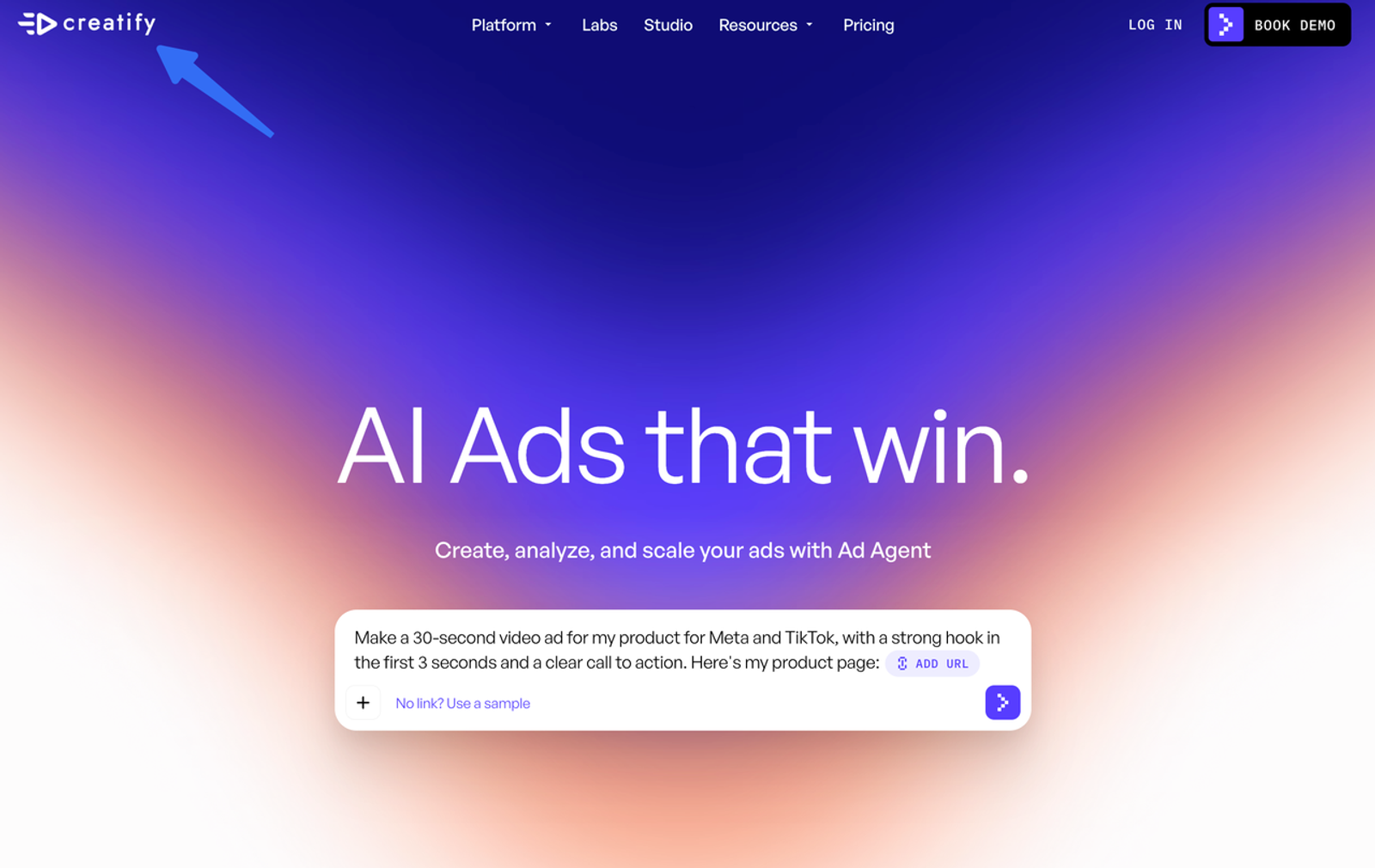
Creatify is a useful candidate when the source material is a product page. Its official platform lists URL-to-video, avatar, and AdFlow workflows, giving ecommerce teams several production routes from the same product information.
For hook variations, approve the extracted product facts before generating. Then inspect whether changing the opening also changes the presenter, product representation, or body. If it does, finish the pair against a shared approved body in a permitted editing workflow.
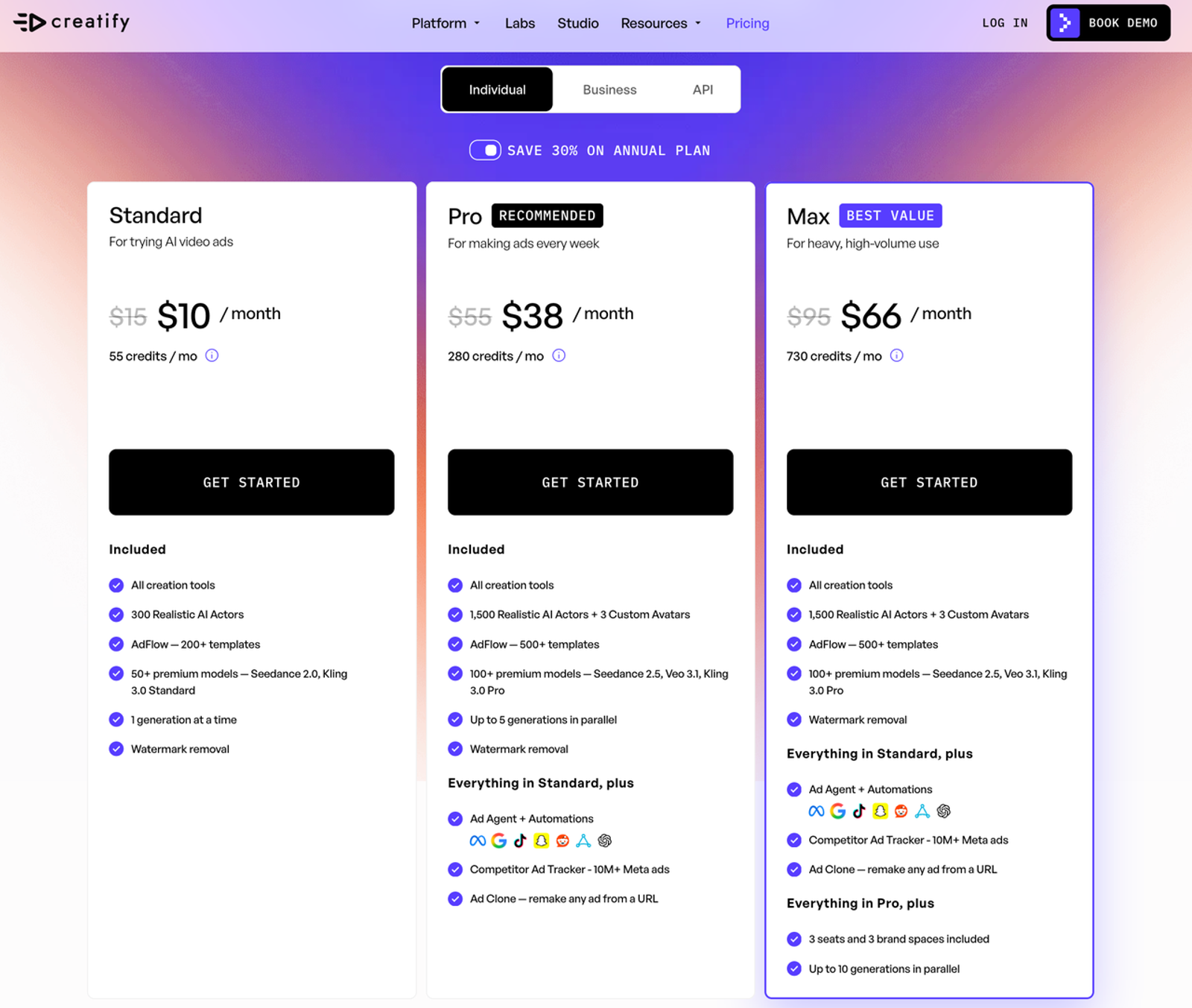
Creatify’s plans distinguish model allowances, parallel generations, seats, and brand spaces. Compare the selected model’s generation estimate rather than treating the credit balance as a fixed number of finished ads. An approved master may need only an editor.
Predis.ai: Product Ads With Brand and Review Workflows
Predis.ai accepts product links, prompts, and images for video and other social creative. It is worth considering when the same campaign needs video, copy, and related brand assets.
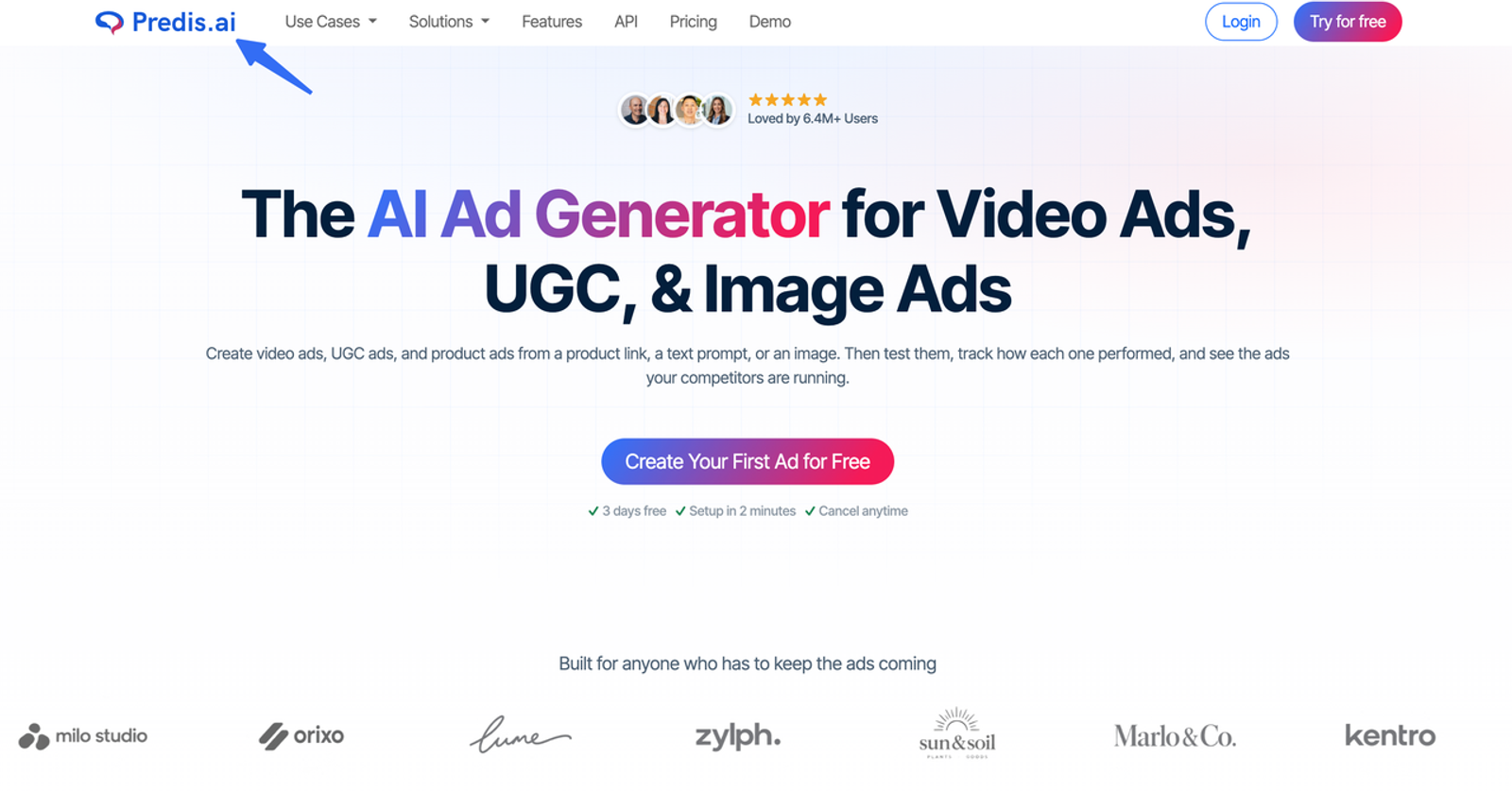
Start from the approved product information, create the proposed ad, and inspect the script and offer before preparing variations. Its documented approval flow deserves evaluation if reviewers work inside the platform. Confirm which actions require approval; a review feature does not establish every export restriction.
Predis says generation consumes credits according to content type and model. Its plans also distinguish brands and publishing capacity. Check whether its controls suit a tightly constrained hook edit.
Avatar-Led UGC Platforms
HeyGen: Presenter Videos and Localized Versions
HeyGen belongs on the shortlist when a presenter carries the message. Its official platform documents avatar, voice, and translation workflows. That makes it relevant to spokesperson ads and regional versions of an approved script.
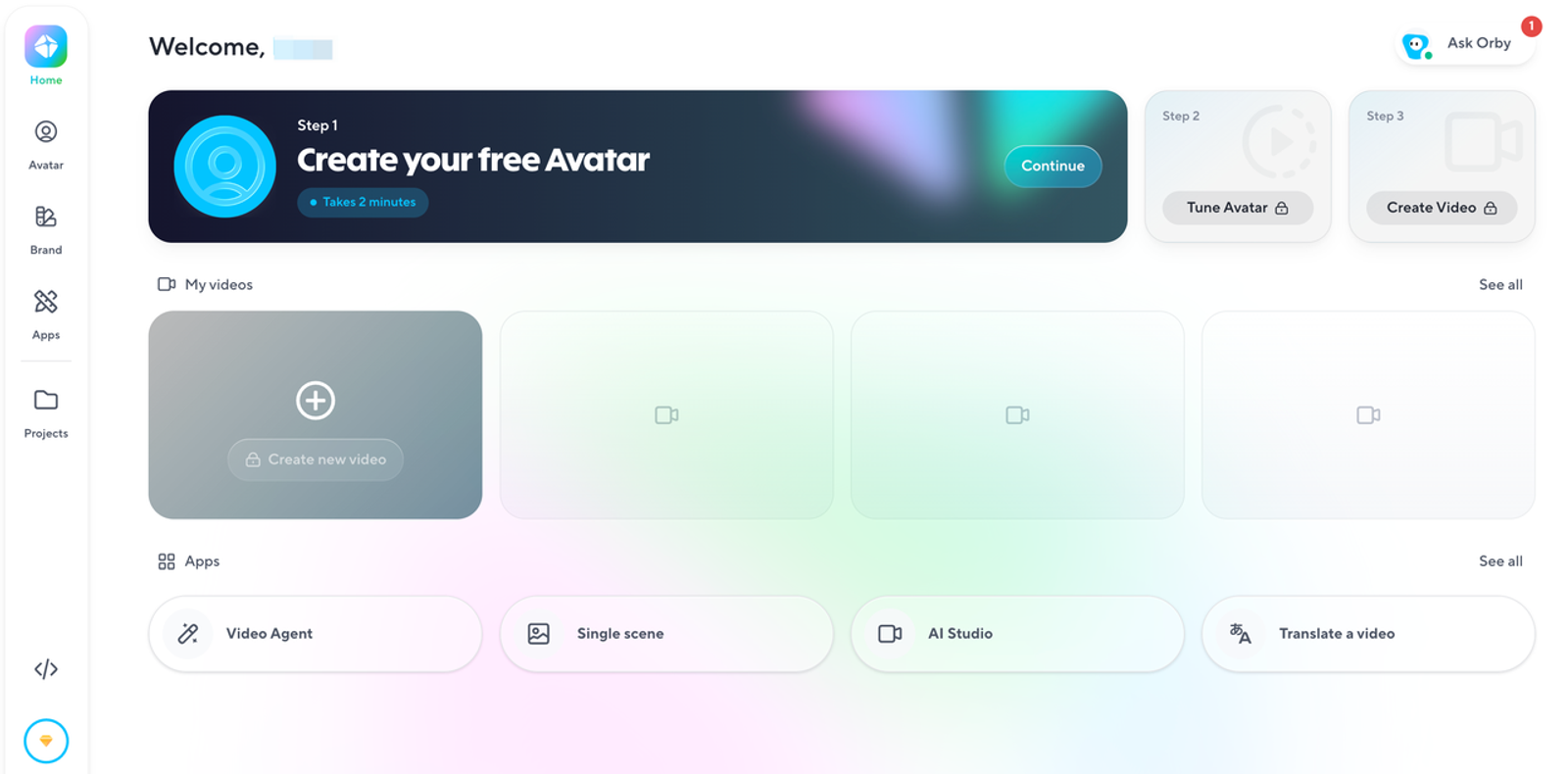
Keep the presenter and voice settings consistent when comparing openings. Review pronunciation, pauses, and the transition into the shared product footage. For localization, approve the translated offer and on-screen terms separately; a fluent voice does not establish market accuracy.
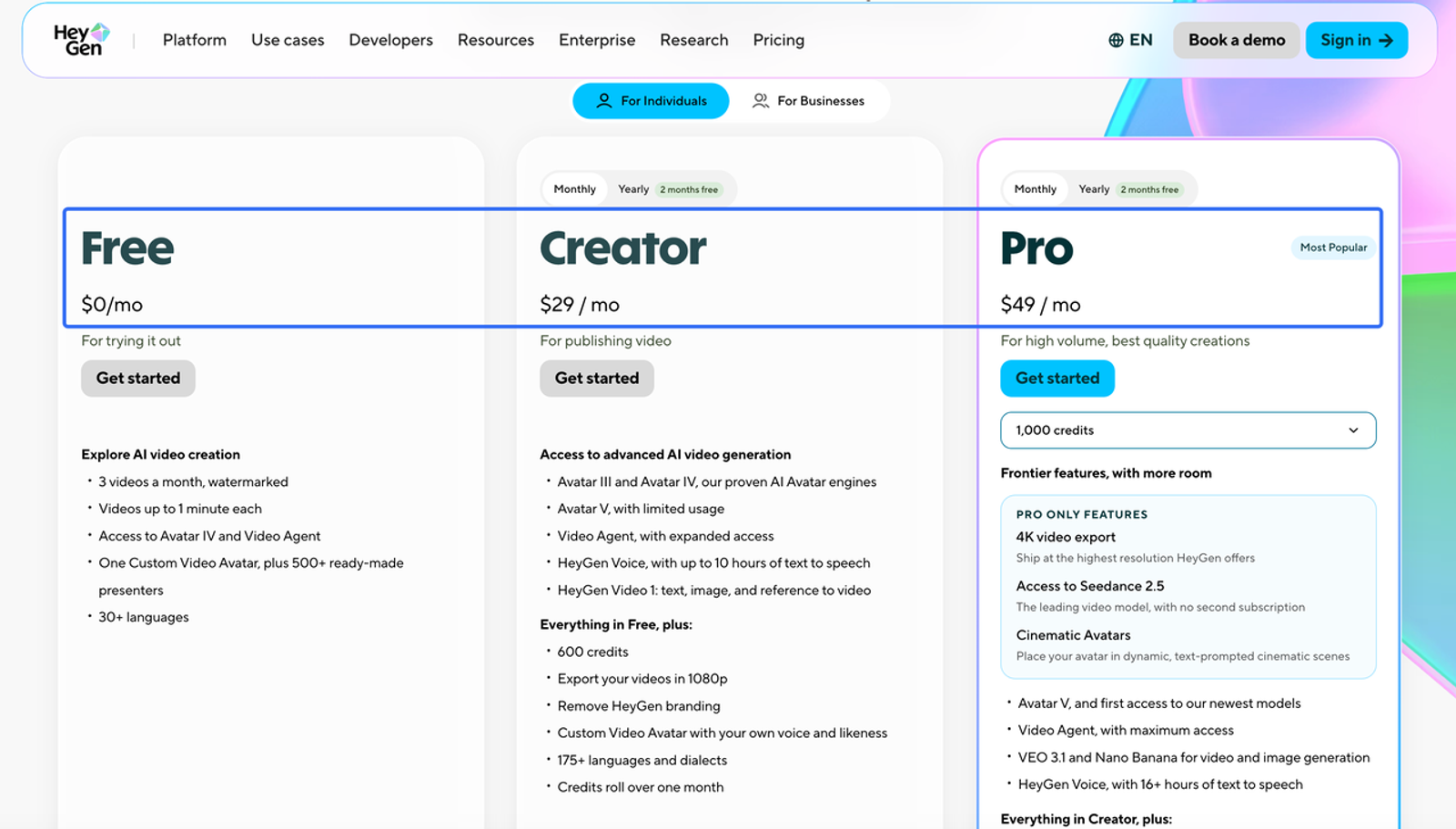
HeyGen pricing lists Creator at $29 per month on monthly billing, with generation usage varying by model and duration. Budget new spoken takes as well as the subscription. Prioritize it when presenter control matters.
Arcads: Actor Selection and Spoken Variations
Arcads is a candidate for actor-led creative where delivery is part of the production decision. Its AI Actors documentation describes library and custom actors, multiple talking models, and an audio-driven route.
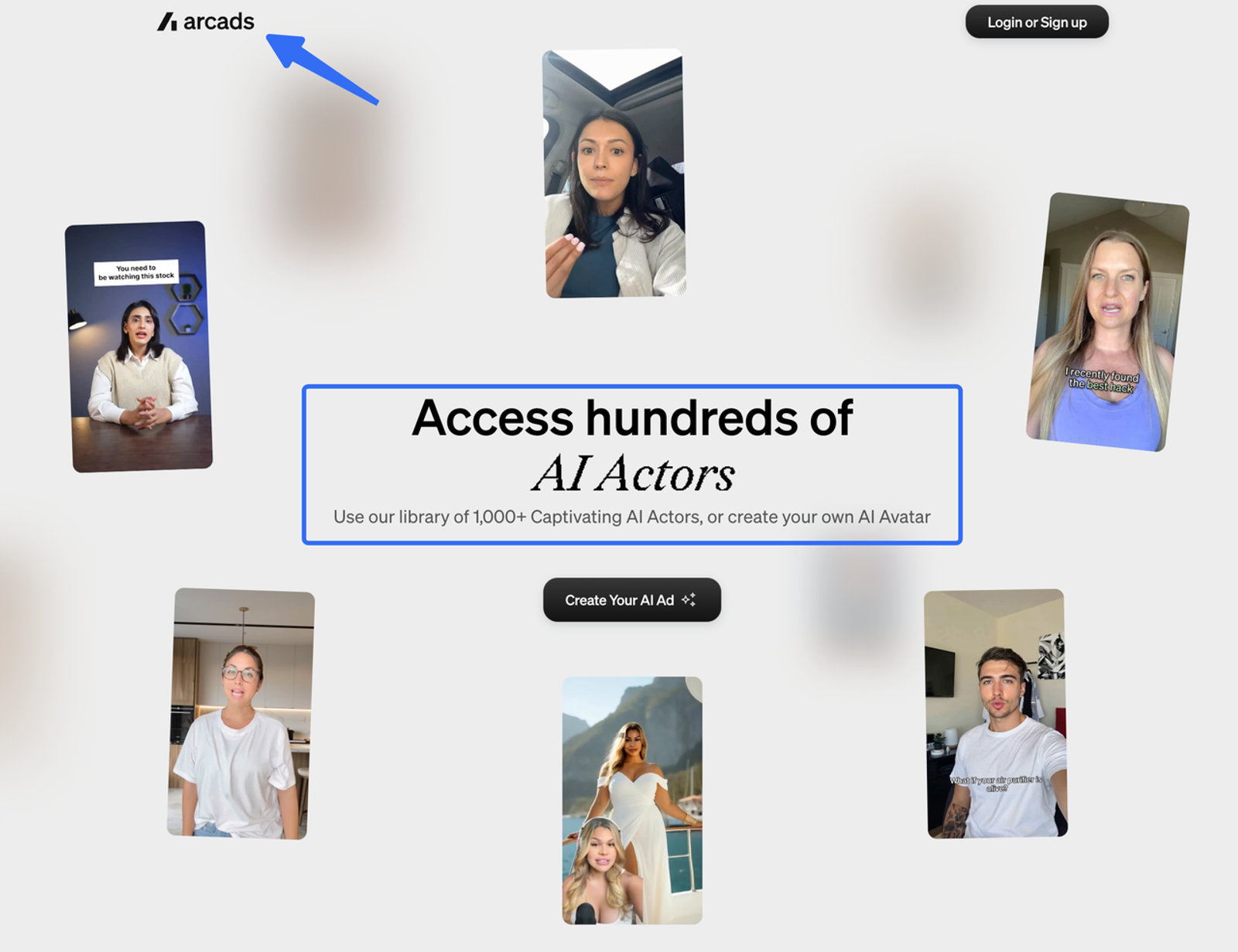
For a hook comparison, retain the chosen actor and voice while reviewing each new performance. For an actor comparison, its Replace Actor workflow is documented to preserve the existing script and timing. Still inspect the finished outputs for other changes before calling the variable controlled.
Arcads notes that account rates and plan sizes may differ, with generation costs shown in the app. Record the chosen model and quoted charge. A footage edit may not require another actor generation.
Captions: Creator Generation and Social Finishing
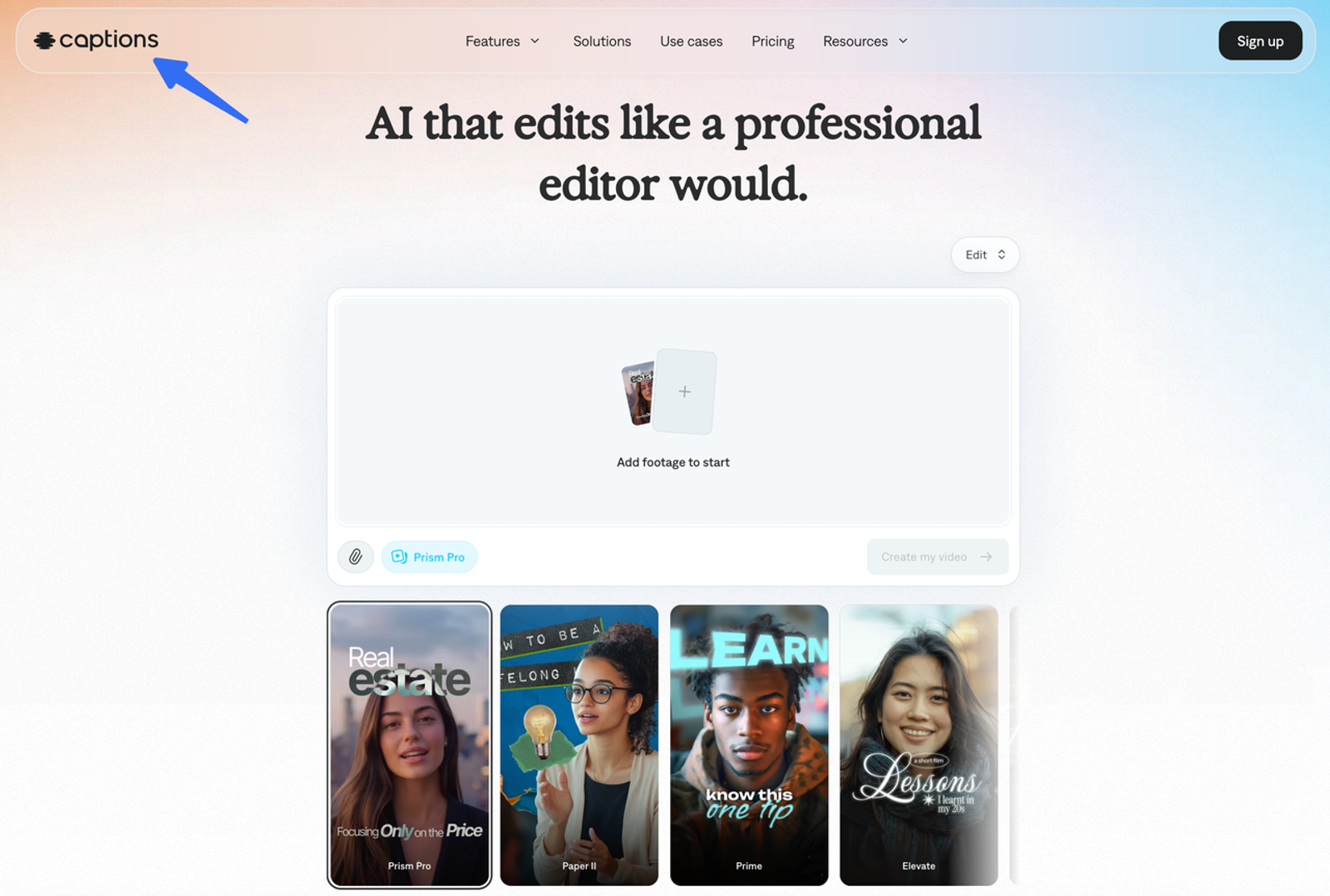
Captions is worth evaluating when generation, captioning, and editing need to stay close together. Its current plans describe custom actors, AI editing, and a chat-based editor. Check whether a requested script change preserves the rest of the cut or creates additional review work.
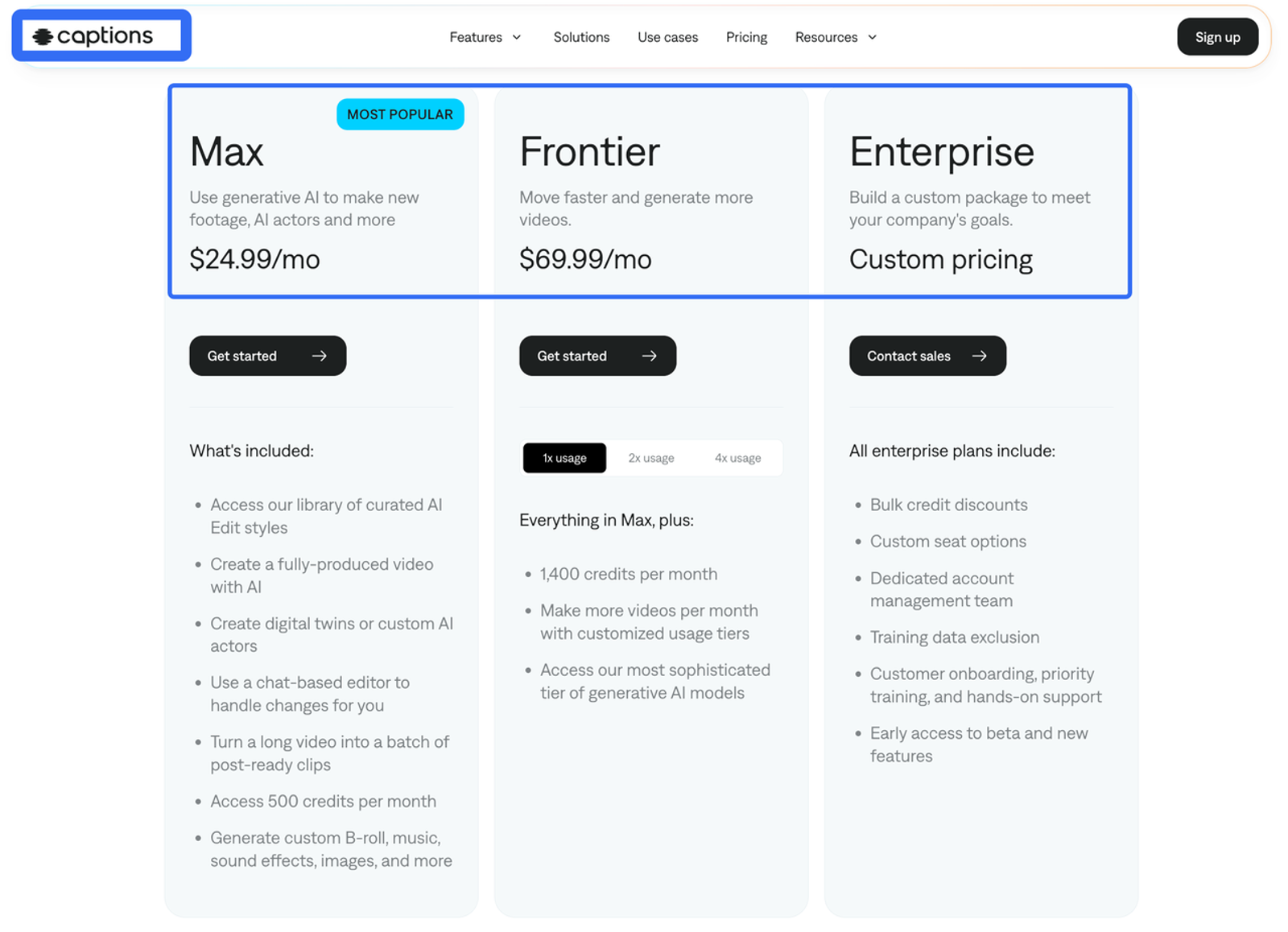
The pricing page lists Max at $24.99 per month and explicitly says its displayed features and prices reflect iOS plans. That is not a quote for every desktop or agency workflow.
The Mirage API is a separate developer route using scripts, image references, or actor IDs. Compare the relevant route’s credits and exports rather than assuming an app subscription covers API production. Confirm the revision path before standardizing it.
Editing and Variant Tools
AdCreative.ai: Image-Led Video Assets
AdCreative.ai sits here as an asset-generation option alongside the editors below. Its AI video page describes text- and image-led video creation. That supports evaluating new product visuals; it does not establish the same controls as a script-and-actor workflow.
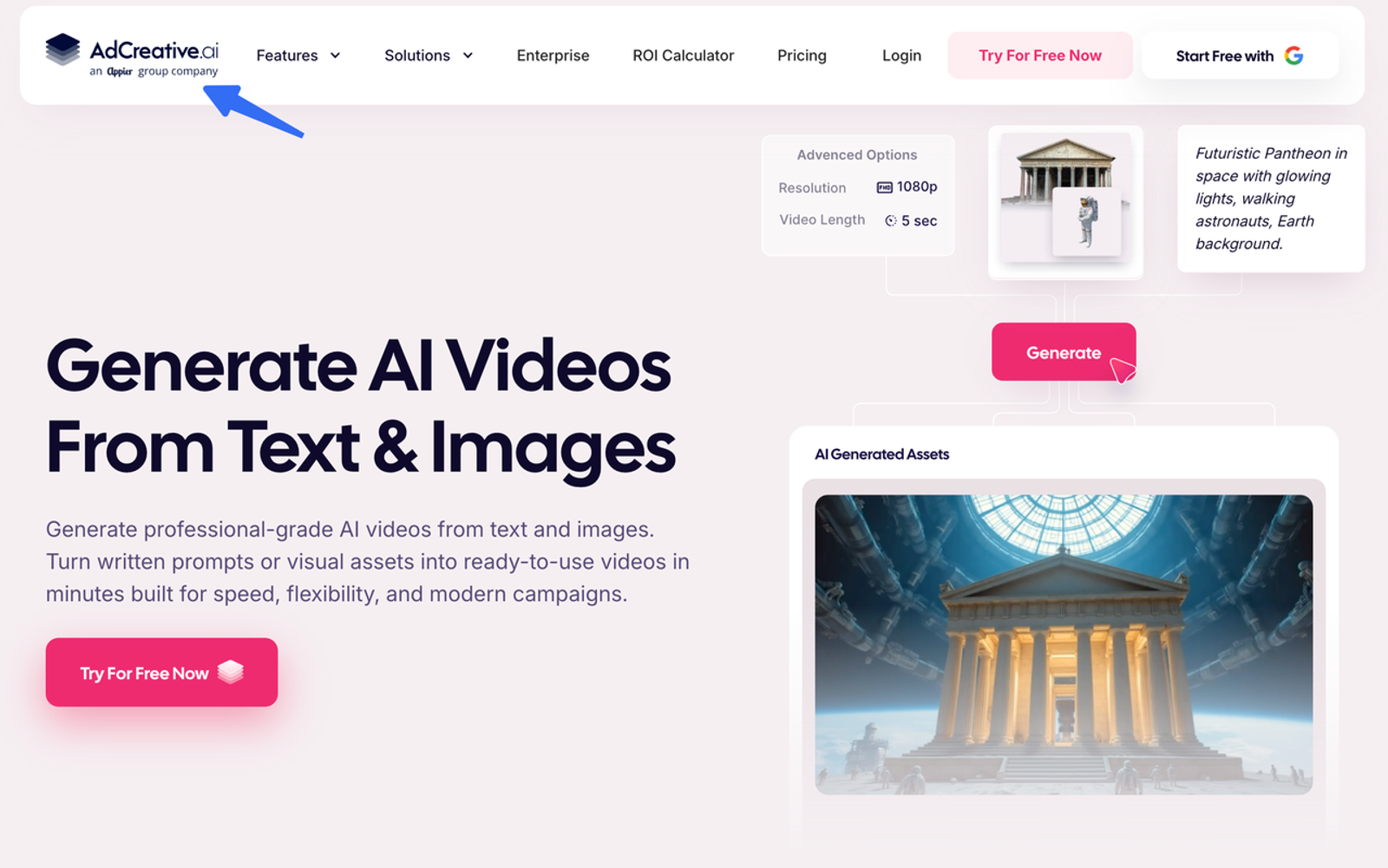
Use an approved product image and a defined visual request, then inspect labels, geometry, and product behavior in each result. A newly generated scene may be a broader creative variation rather than a hook-only change.
Its general creative FAQ describes download-based credits. Confirm the video feature’s specific allowance before applying that rule. Treat commercial-use and ownership language as vendor terms to review, not a guarantee covering every uploaded asset or likeness.
Canva: Reusable Layouts and Approved Footage
Canva’s video editor documents a multi-layer timeline, trimming, splitting, captions, and resizing. It is a practical candidate when the campaign already has usable footage and the next versions involve openings, offer cards, or layouts.
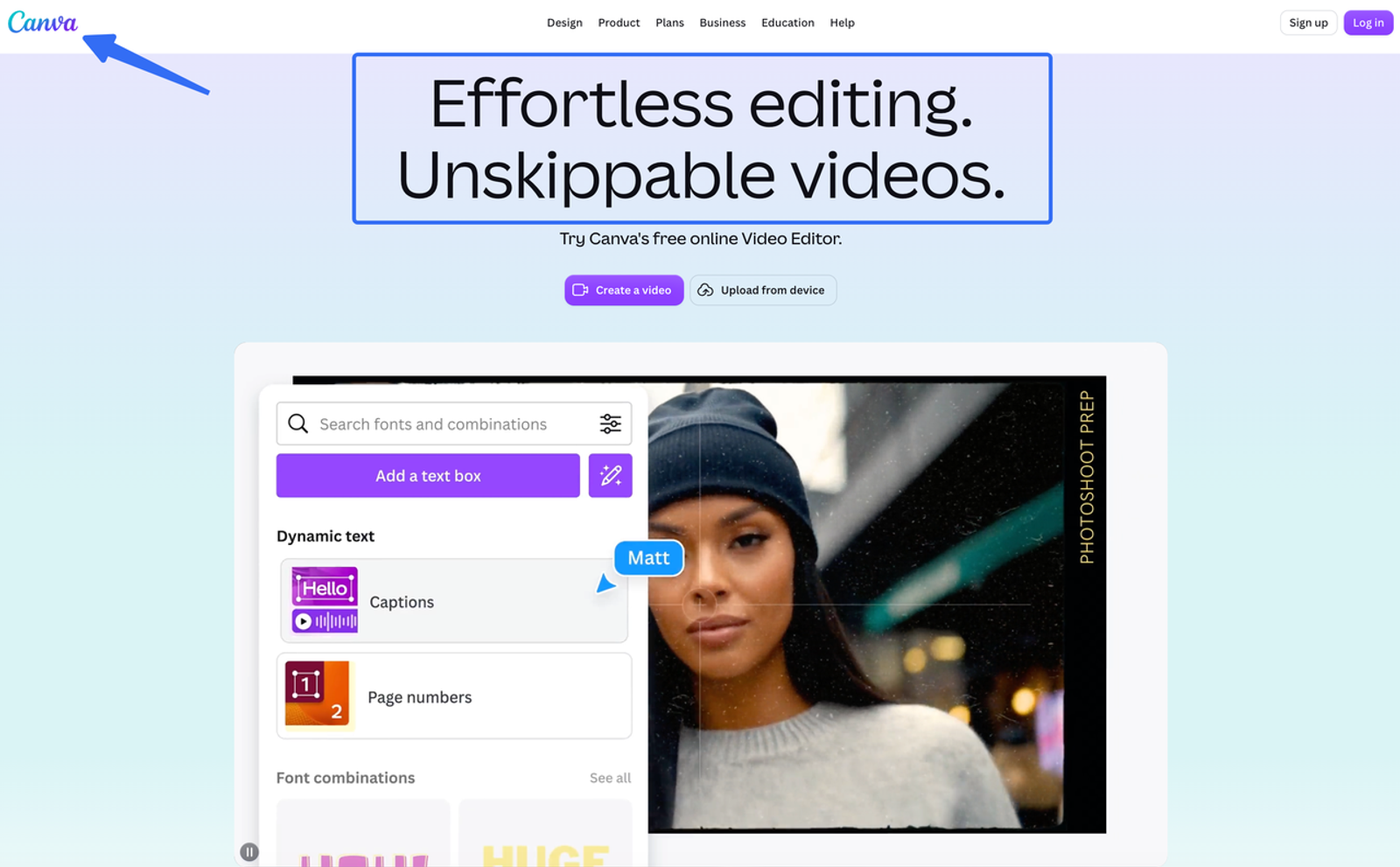
Begin with the approved master, replace the opening, and compare the unchanged body and CTA before export. This avoids asking a generator to recreate product footage that has already passed review.
Check the relevant plan and brand controls, including reviewer access and approval configuration. Comments, locked elements, and formal approval serve different purposes. Verify project handoff and asset dependencies if clients must continue editing.
CapCut: Timing, Captions, and Hook Swaps
CapCut is another candidate for footage-led revisions, with editing, subtitle, and audio tools. Use it to assemble alternate openings against the same approved product sequence, then check pacing, caption placement, and the closing frame.
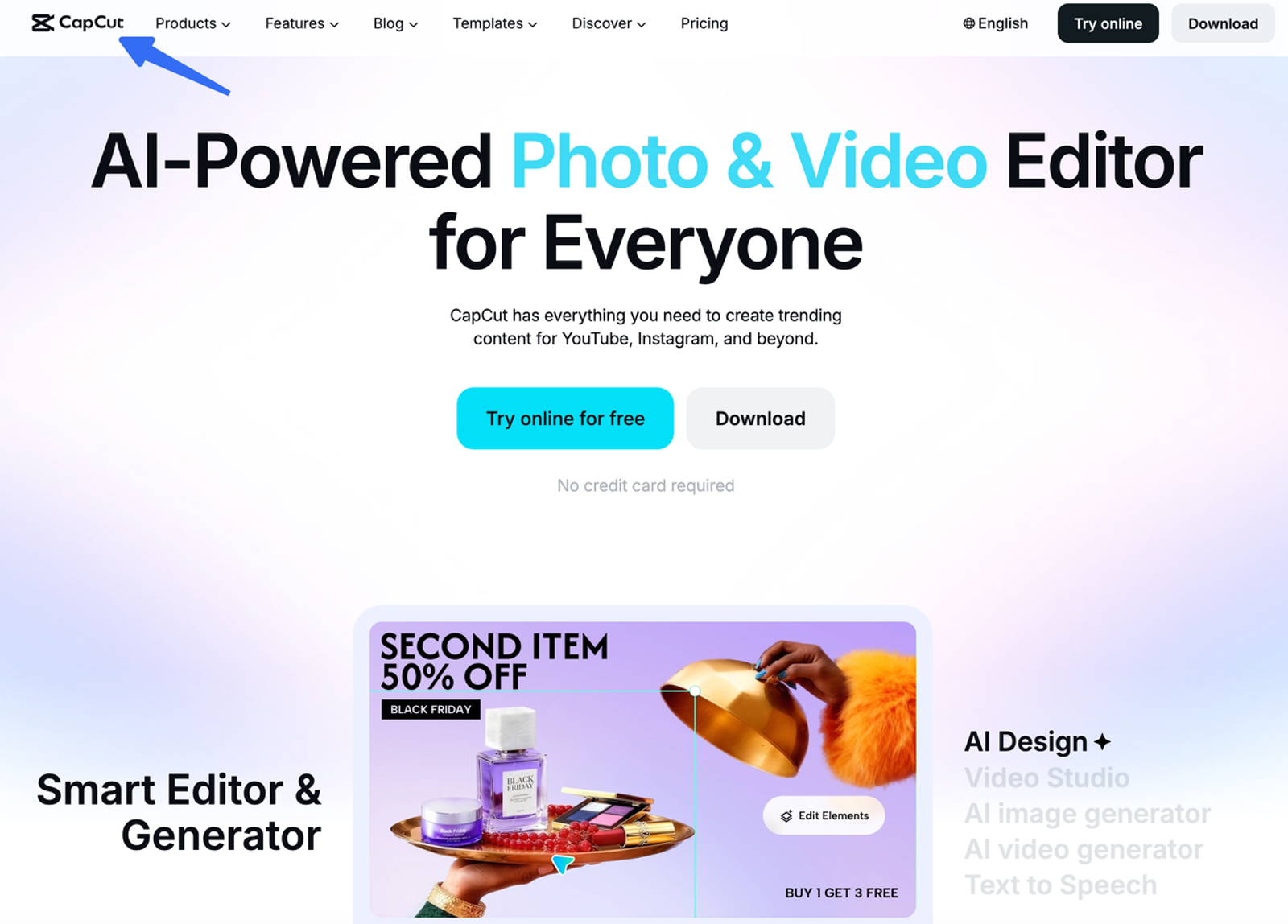
Evaluate the actual desktop, mobile, or web workflow your editors will use. Inspect the exported file for watermark, resolution, and any template dependencies rather than inferring those conditions from another CapCut feature.
Its materials license distinguishes non-commercial materials from materials permitted for limited commercial use. Music, territory, and modification conditions need attention before a paid campaign. Client approvals and campaign measurement need separate checks.
Feature Comparison for Campaign Testing
| Production need | Candidates to examine | Purchase condition |
| Start from product information | Creatify, Predis.ai | Extracted facts, generation route, revision scope |
| Change a spoken performance | HeyGen, Arcads, Captions | Actor/voice continuity, new-take charges |
| Generate supporting visuals | AdCreative.ai | Product fidelity, video allowance, asset rights |
| Preserve approved footage | Canva, CapCut | Editable master, caption controls, export dependencies |
Brief Control and Creative Variables
For a single-variable hook test, preserve the body, offer, CTA, and production settings. If generation changes several elements, treat the outputs as broader concepts. Concept exploration is useful; it answers a different question.
Review, Approval, and Export
Review the actual files for product accuracy, claims, captions, audio, and disclosures. A synthetic presenter cannot provide customer experience that never happened. The FTC’s endorsement resources explain the relevant U.S. principles. Commenting access alone does not establish final release approval.
Cost Visibility and Team Access
Divide the software charges allocated to a batch by its approved, distinct creatives. Include paid revisions, downloads, seats, and exports without counting included credits twice. Record labor separately. The UGC tool pricing guide explains this approval-based cost model.
For agencies, inspect client access and brand organization independently; a brand kit alone does not establish client isolation.
Best Fit by Team and Testing Volume
A solo buyer can evaluate one generator and one editor. An agency should prioritize repeatable revisions and client handoffs. Higher-volume teams need to inspect concurrency, credit limits, and approval capacity together. More generation capacity helps only when the team can review and use the output.
Limitations and Trade-Offs
Public documentation does not establish render quality, revision time, approval rates, or campaign performance. Pricing, model availability, and permissions can change.
Before uploading client material or publishing, verify applicable tool terms, creator and asset permissions, data handling, and disclosure requirements. This is operational guidance, not legal advice. A production subscription does not clear every underlying right.
A Practical Trial Plan
Use a small, authorized product task. The following is an illustrative evaluation, not a completed test:
| Element | Trial instruction |
| Product | One approved desk-organizer asset set |
| Output | A 15-second, 9:16 ad for this exercise |
| Fixed | Product body, supported claim, offer, CTA, music, caption style |
| Changed | Opening A: “Which cable belongs to which charger?” Opening B: “Give each charging cable a place.” Retain actor and voice where applicable |
| Record | Changed sections, charges, editing time, approval decision |
Generators start from product assets or scripts; editors start from the same approved master. Record the work each route requires.
Give every approved export a variant ID linked to its source version and eventual ad ID. For media testing, define the primary metric and decision rule separately. TikTok split testing also controls audience exposure; producing two files alone does not. Keep an inconclusive result when evidence is insufficient.
Conclusion
Choose the best UGC video software for ad campaign testing around the revision your team actually needs. Confirm what stays fixed, what must be regenerated, and what another approved version costs. Then carry that version’s identity into the advertising experiment so production choices and performance evidence remain traceable.
FAQ
- Can teams connect performance data without exposing customer identities?
- Use creative or ad IDs and aggregated metrics where sufficient. Inspect connector permissions and exported fields for names, emails, order details, or other unnecessary identifiers. Confirm the approved processing scope before connecting accounts. Creative-performance reporting should not automatically require uploading a customer audience list.
- Do platforms notify users before retiring an avatar model?
- Do not assume advance notice. Ask for the applicable notification policy, supported-version period, replacement options, and treatment of active campaigns. Archive approved exports and record model settings. A saved video does not guarantee future model availability.
- Which contracts cover actor likeness rights for client campaigns?
- Review the stock-actor license or custom-avatar authorization alongside platform terms and the agency-client agreement. Confirm channels, territories, duration, edits, and restricted uses. Platform-licensed actors and a client’s uploaded voice clone require different checks; a broad commercial-use statement does not resolve every proposed use.
- Can test results export into existing creative analytics systems?
- Video export alone is insufficient. Confirm whether results come from the ad platform, a CSV, or a supported connector. Map variant IDs to ad IDs and retain reporting dates, currency, attribution window, and metric definitions. A generation API does not establish access to campaign-performance data.
- How should regulated brands retain generation and approval records?
- Follow the organization’s applicable retention requirements. Preserve the brief, source assets, generated versions, model/settings where available, claim evidence, permissions, approvals, final exports, and campaign identifiers. Assign an owner and restrict access. Confirm what the vendor can export; project history may not provide a complete audit record.