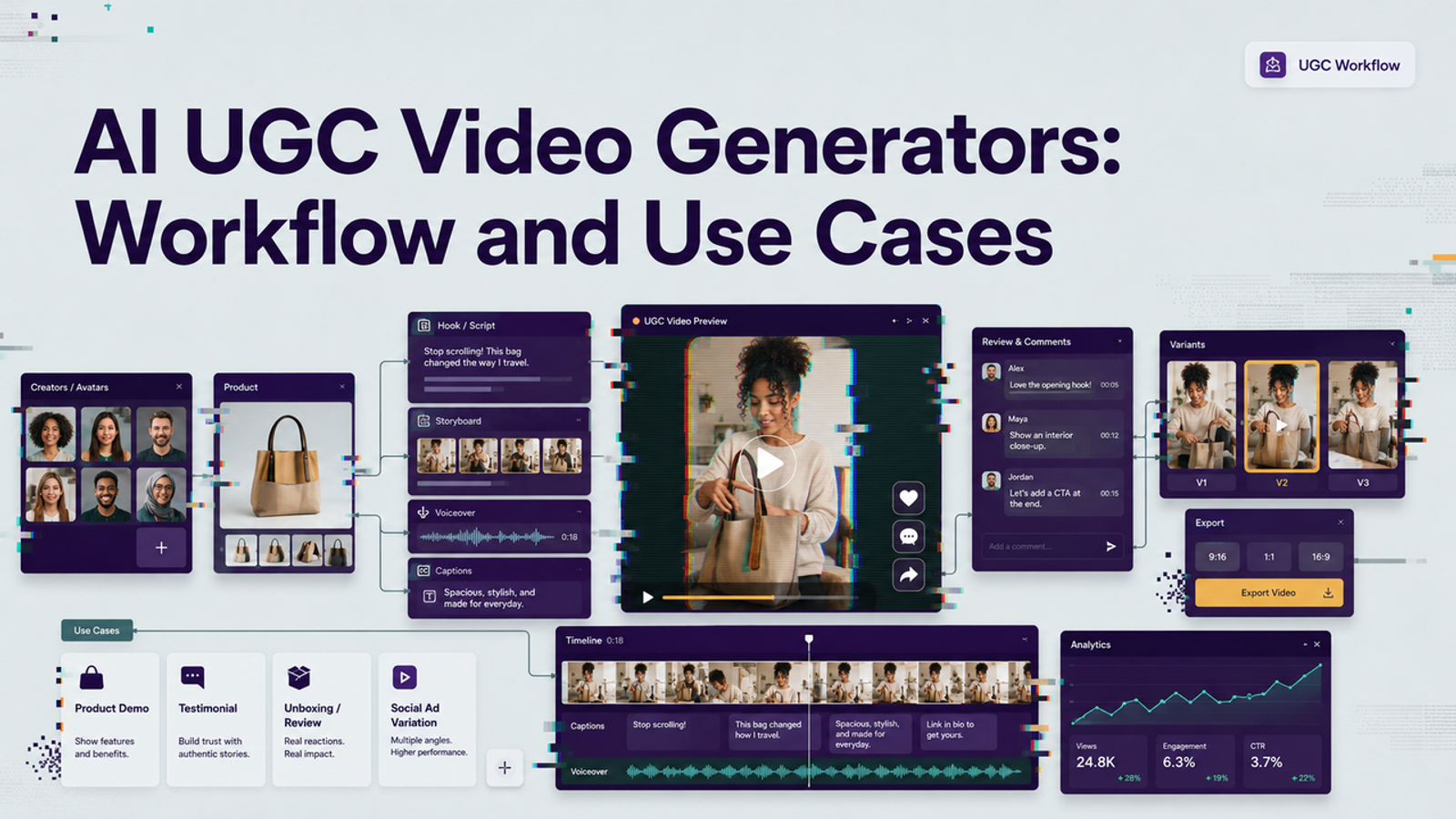
I’m Vela, and I usually test AI video tools from the boring end: one real product, one short script, and one output that a team could actually review. For AI UGC video generators, that matters more than the prettiest homepage demo.
I would not judge an AI UGC video generator by how many smiling presenters it shows on the homepage. For brands and agencies, the useful question is more practical: can it turn a product, a script, and a clear creative angle into a reviewable UGC-style video without pretending that a synthetic presenter is a real customer? UGC-style video can borrow the rhythm of creator content, but it still needs consent, claim control, product accuracy, and human review before it goes near a campaign.
What an AI UGC Video Generator Produces
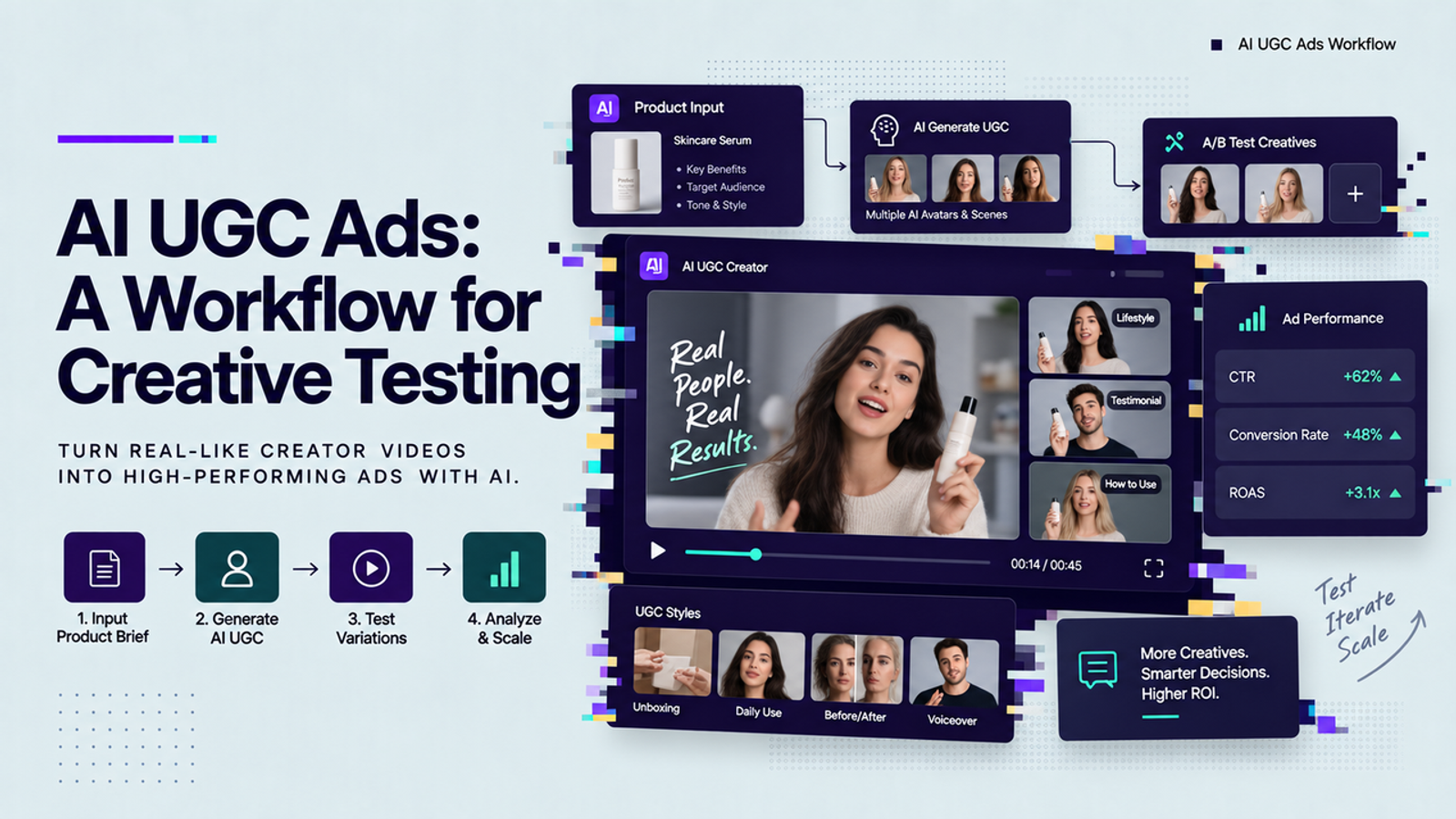
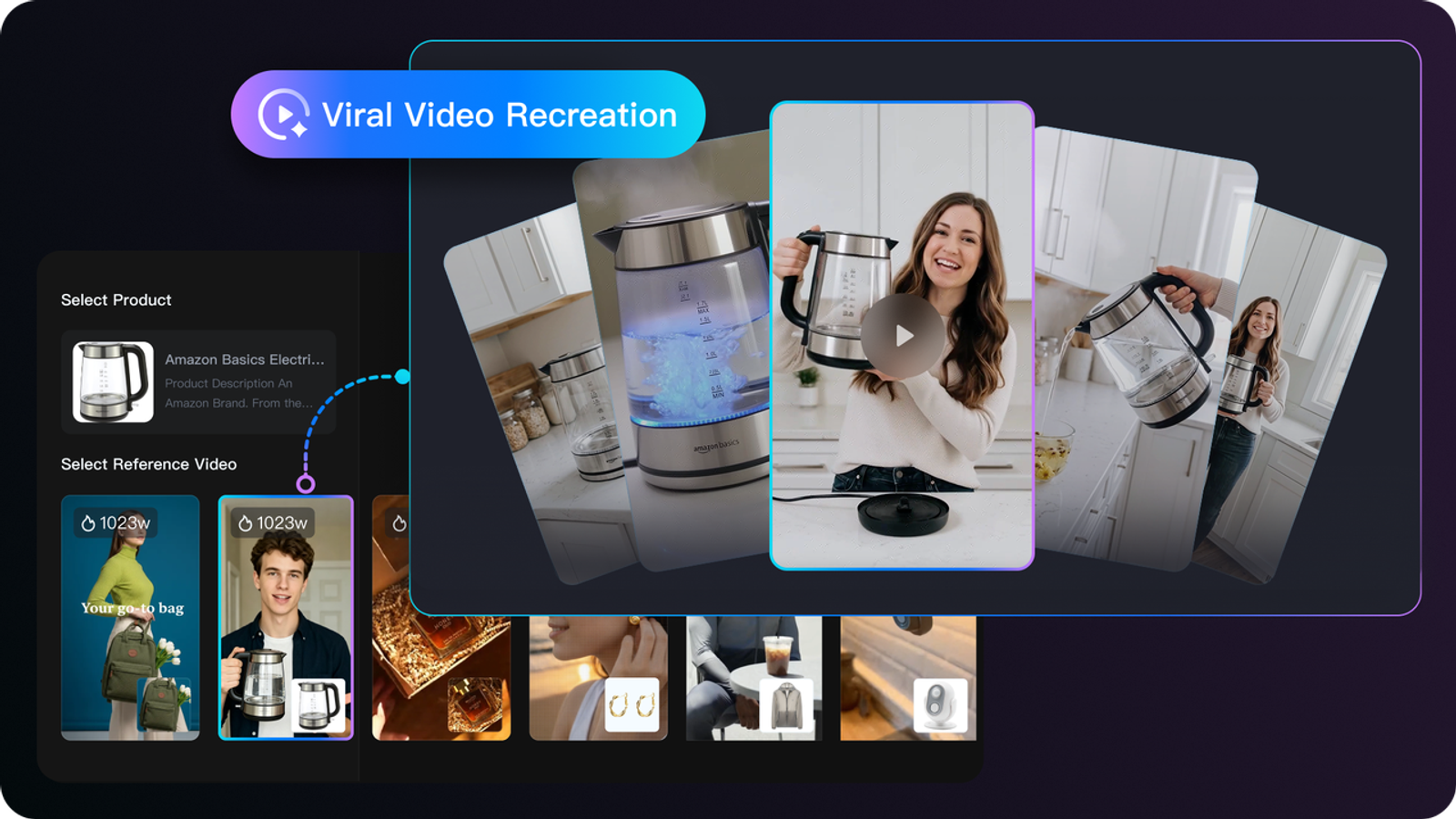
An AI UGC video generator creates short, creator-like videos using a script, a product input, and a presenter. The presenter may be a stock AI actor, a custom avatar made from approved footage, a voice-only narrator, or a mixed scene where product visuals carry most of the message. The output often looks like a talking-head ad, product reaction clip, unboxing scene, or ecommerce UGC video draft.
I call it a draft on purpose. A good first version gives the team something to watch, comment on, and revise. It does not prove that the claim is legal, the actor is authorized, the product is shown accurately, or the voice sounds natural enough for paid media. The video may feel casual, but the review should not be casual.
Business Use Cases That Fit UGC-Style Video
UGC-style AI video fits best when a team needs more creative directions before a shoot, more product variations than a small creator roster can handle, or faster localization tests before committing to full production. I would consider it for product launch teasers, ecommerce explainers, seasonal offer variants, founder-style updates, app walkthroughs, and agency concept boards.The strongest use case is not “replace creators.”
The better use case is testing structure: hooks, presenter tones, product angles, and offer explanations before deciding which concept deserves real creator production.
Inputs and Presenter Options
Scripts, Product Links, and Visual Assets
The script is the control surface. If it says “real customer” when the presenter is synthetic, the workflow is already off track. I would write the script as a product explanation, brand message, dramatized scenario, or presenter-led demo, not as a fake personal experience. The FTC’s consumer review rule is a useful reminder here because it directly discusses fake or false testimonials and AI stock avatars.
For UGC-style ads, that changes how the script should be written.For product inputs, I would keep the first test boring: one clean product image, one product page or short product summary, three approved claims, one target audience, and one aspect ratio. If the product label bends, the packaging color shifts, or the presenter says a claim the brand cannot support, I would regenerate or rewrite before editing. The FTC advertising guidance also makes the basic point that companies need proof for advertising claims, which is why AI output should not invent cleaner-sounding benefits.
Stock Presenters and Custom Avatars
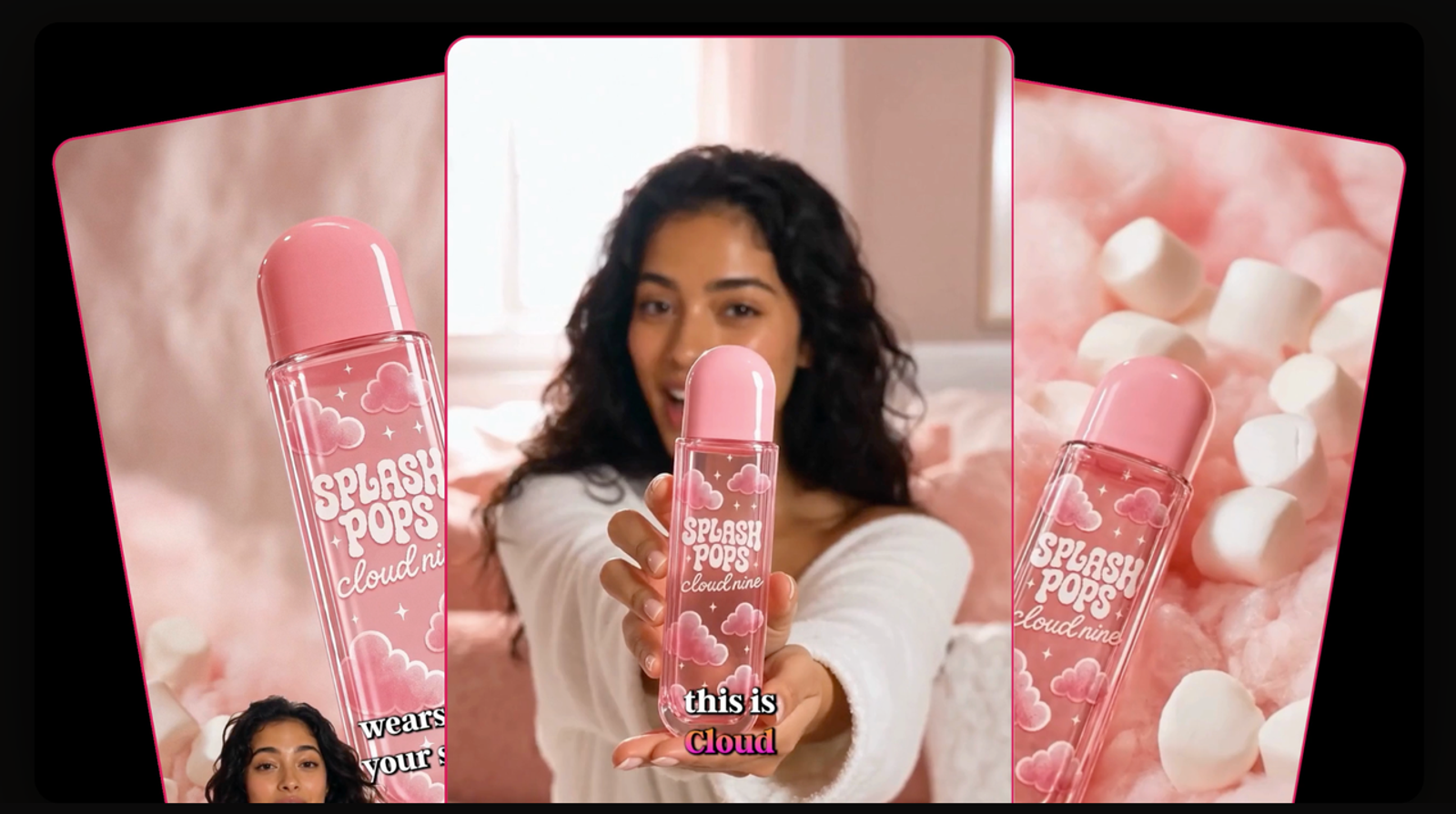
Stock presenters are useful when the brand needs speed and does not need a specific person. They are usually better for generic product explainers, concept testing, and early ad variations. The risk is sameness. If every brand uses the same cheerful synthetic face, the creative starts to feel rented.
Custom avatars are more sensitive. If the avatar is built from an employee, founder, creator, or actor, I would want written permission that covers footage, voice, likeness, markets, duration, editing rights, revocation, and reuse after the person leaves the company. This is the part people notice too late.
A Reviewable UGC Video Workflow
Build the Brief and Generate Variants
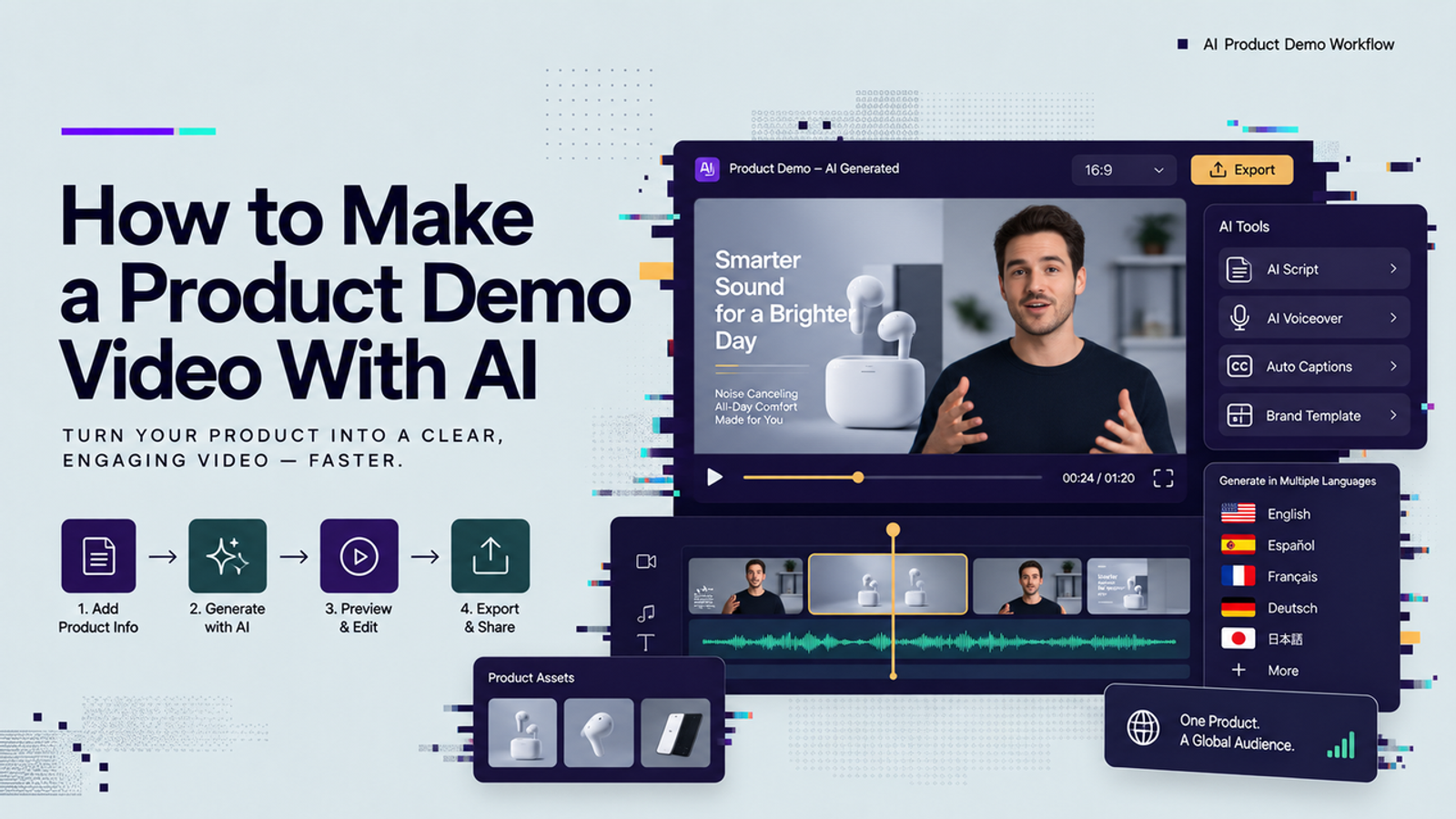
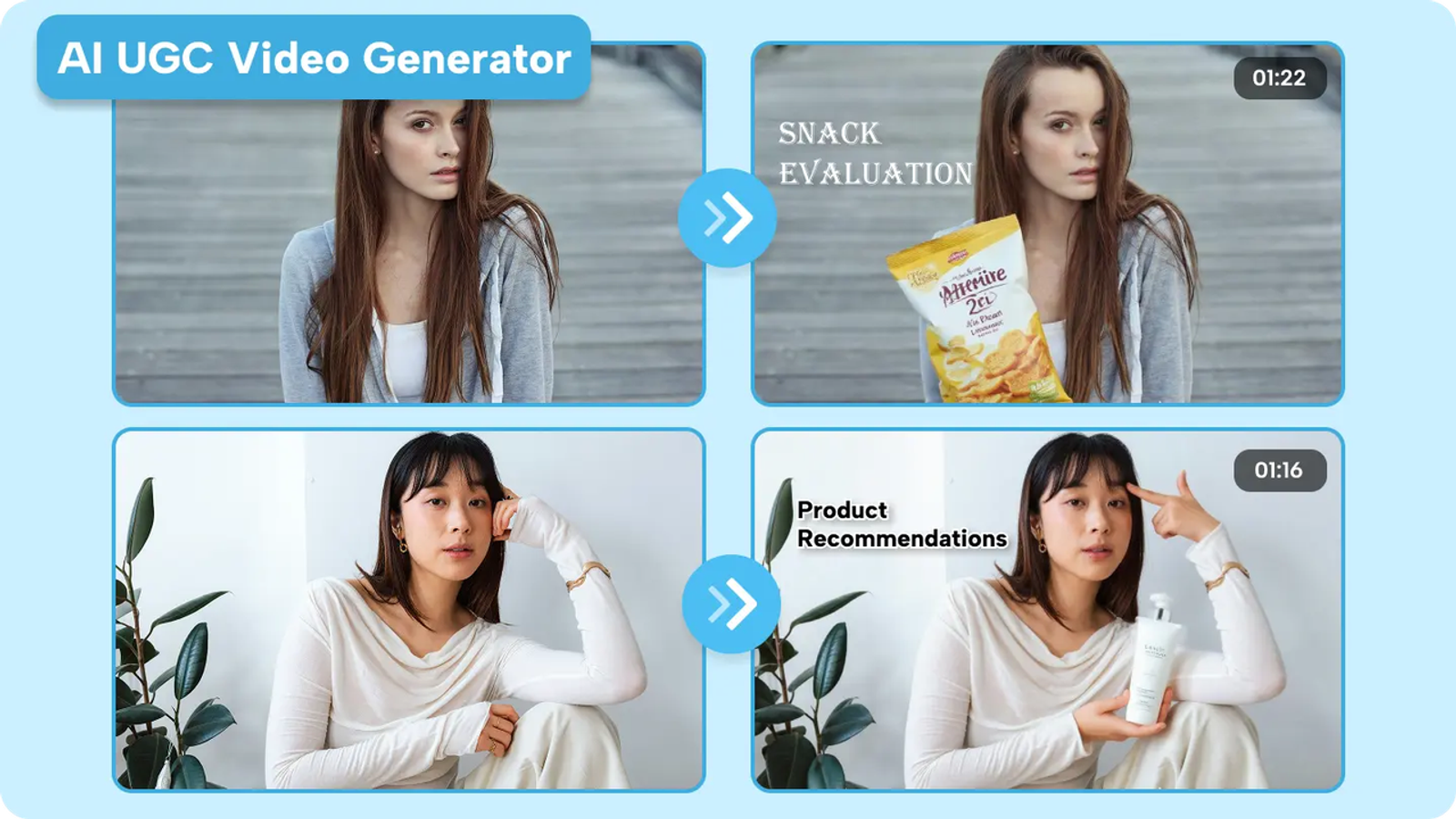
I would start with a motion brief, not a prompt dump. The brief should name the product, audience, platform, video length, presenter role, approved claims, forbidden claims, desired tone, caption style, product shots, and disclosure needs. Then generate three to five variants to see whether the avatar UGC workflow can produce a first reviewable version without creating cleanup work everywhere.
Check Naturalness, Accuracy, and Claims
My review order is simple: mouth, hands, product, claim, caption. The mouth matters because bad lip sync steals attention. Hands matter because product gestures can look strange. Product details matter because ecommerce ads cannot casually distort the thing being sold. Claims matter because the model may smooth a script into something stronger than the brand approved.
For risk review, I would also look at the NIST Generative AI Profile as a practical frame. It is not a UGC ad playbook, but it does push teams to think about AI risks across design, evaluation, and use. Small thing, but it matters when synthetic faces, voices, and claims meet paid distribution.
Revise and Approve the Final Cut
Once a variant survives the first review, I would revise the script before revising the scene. Most unnatural AI UGC videos are not only visual problems. They are script problems. The presenter is asked to sound spontaneous while reading a sentence no human would say into a phone. Shorten the line, remove inflated adjectives, and let the product visually do more work.
Final approval should include creative, brand, product, legal or compliance when needed, and media buying. Keep a record of source assets, presenter type, script version, approvals, export date, and where the video was used. If the campaign later needs edits or takedown handling, that record helps.
How Teams Should Evaluate Generators
The best AI UGC video generator for one team may be a poor fit for another. I would compare tools by the work left after generation, not just by the prettiest sample. Use the same product input, script, target ratio, and review checklist across tools.
The checklist I would not skip: presenter source, likeness consent, voice rights, claim locking, upload retention, model training use, deletion process, caption export, watermark rules, commercial terms, credits per usable version, failed-generation policy, plan limits, and downgrade behavior. One good video is nice. Repeatability is the real test.
Presenter Realism and Scene Control Limitations
Presenter realism usually breaks in small places: blinking, smile timing, mouth shape, hand-object contact, sudden head movement, and emotional tone. The best version is the one where I keep listening instead of staring at the avatar. For product-heavy videos, I would avoid asking the presenter to do too much at once.
Scene control has similar limits. Keep backgrounds simple, avoid tiny product text, do not overload the script, and use captions that support it rather than cover the message. The W3C’s caption guidance notes that captions should not obscure relevant video information, which is practical advice when packaging or an app screen is part of the proof.
Disclosure also depends on market and use case. In the EU, AI Act Article 50 includes transparency obligations for certain AI-generated or manipulated image, audio, or video content that constitutes a deepfake. I would not treat disclosure as a tiny export setting. Put it in the brief early, especially if the presenter resembles a real person.
Conclusion
AI UGC video generators are most useful when they create a reviewable first version from real product inputs, not when they pretend synthetic content is the same as organic customer footage. For brands and agencies, keep the workflow simple: define the presenter role, lock the claims, use approved product assets, generate variants, review naturalness and accuracy, then approve only the cuts that can survive business review.
I would treat AI UGC as a production shortcut, not a review replacement. It can help teams move faster, test more ideas, and reduce some filming pressure, but the useful version is the controlled version.
FAQ
- Can brands build avatars from an employee's footage?
- Yes, but for commercial use I would require written consent that covers likeness, voice, markets, channels, duration, editing, and revocation. Employment alone should not be treated as permanent avatar permission.
- How long are uploaded faces and voices retained?
- That depends on the provider’s current data policy. Check retention, deletion, model training use, and enterprise controls before uploading any face or voice asset.
- Do reusable avatars survive after a plan downgrade?
- Do not assume they do. Some tools may restrict access, export quality, team seats, or reusable assets after downgrade. Check the plan terms before building a workflow around one avatar.
- Can teams export captions separately for accessibility review?
- Some generators support editable captions or separate subtitle files, and some only burn captions into the video. For team review, I prefer separate caption export.
- Who handles takedown requests for lookalike generated presenters?
- The brand should keep responsibility records, and the provider should have a clear abuse or takedown process. Save consent files, script versions, output IDs, and campaign usage dates.