
The short answer
Yes, FLUX 3 Max is a candidate for animating one approved product photo into a short ad shot. The draft is useful only if it preserves the real SKU frame by frame and the team can finish the ad in an editing workflow. This is a documentation-based decision framework, not a hands-on verdict.
What Changed With FLUX 3 Max?
The fal Model and Its Image-to-Video Entry Point
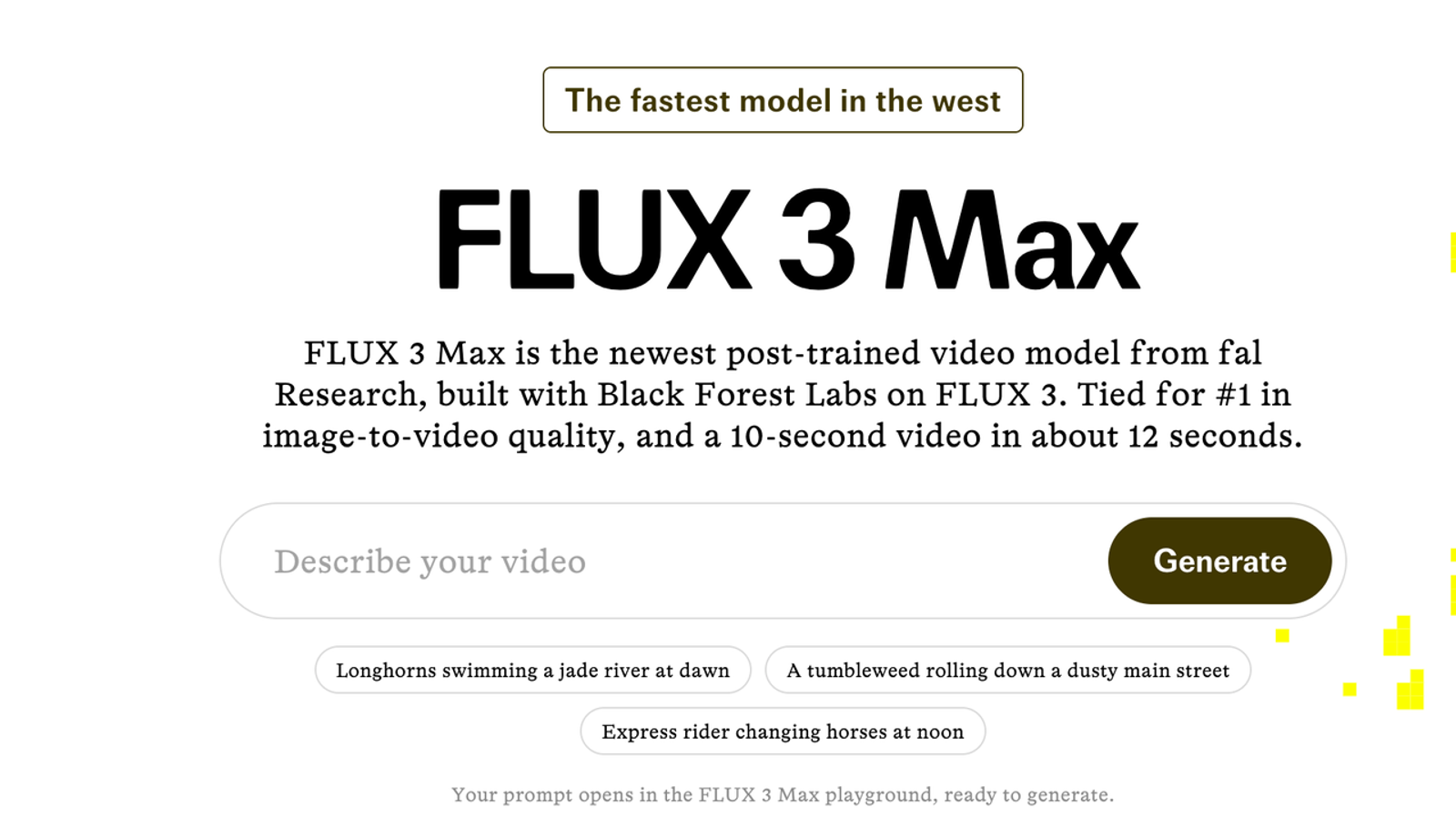
FLUX 3 Max is a video model post-trained by fal Research with Black Forest Labs on FLUX 3. Its official image-to-video model page offers an image input, prompt, and API route. Teams can bring an approved packshot rather than asking text-to-video to invent the product. The source image anchors the request; it does not guarantee SKU accuracy across frames.
fal's performance claims do not settle the product-ad question: can one generated move preserve a sellable product while adding enough motion to justify review time?
Why This Launch Matters for Product Ad Teams
For an e-commerce or DTC team, an approved photograph provides a known starting asset. Image-to-video lets the team test a reveal, subtle camera move, or transition into a separately edited offer card. Approval of the still does not transfer to the motion: a new angle or visual effect can create a claim that was never reviewed. The approach is less persuasive when the ad depends on a real demonstration or precise usage sequence.
The trial should have a spending boundary: one initial render and, if the failure is specific, one controlled revision. Log generation spend alongside reviewer and editor time, then compare that total with a conventional edit of the same packshot. The next edit is part of the cost.
When Does a Product Photo Make a Good Starting Frame?
A Single Product Reveal With Controlled Motion
Choose one rights-cleared, high-resolution still of the exact advertised variant. A front-facing packshot with clear edges, readable packaging, and space for the intended crop is easier to assess than a lifestyle image with hands, reflections, and hidden surfaces. Confirm upload and paid-use rights before sending the asset.
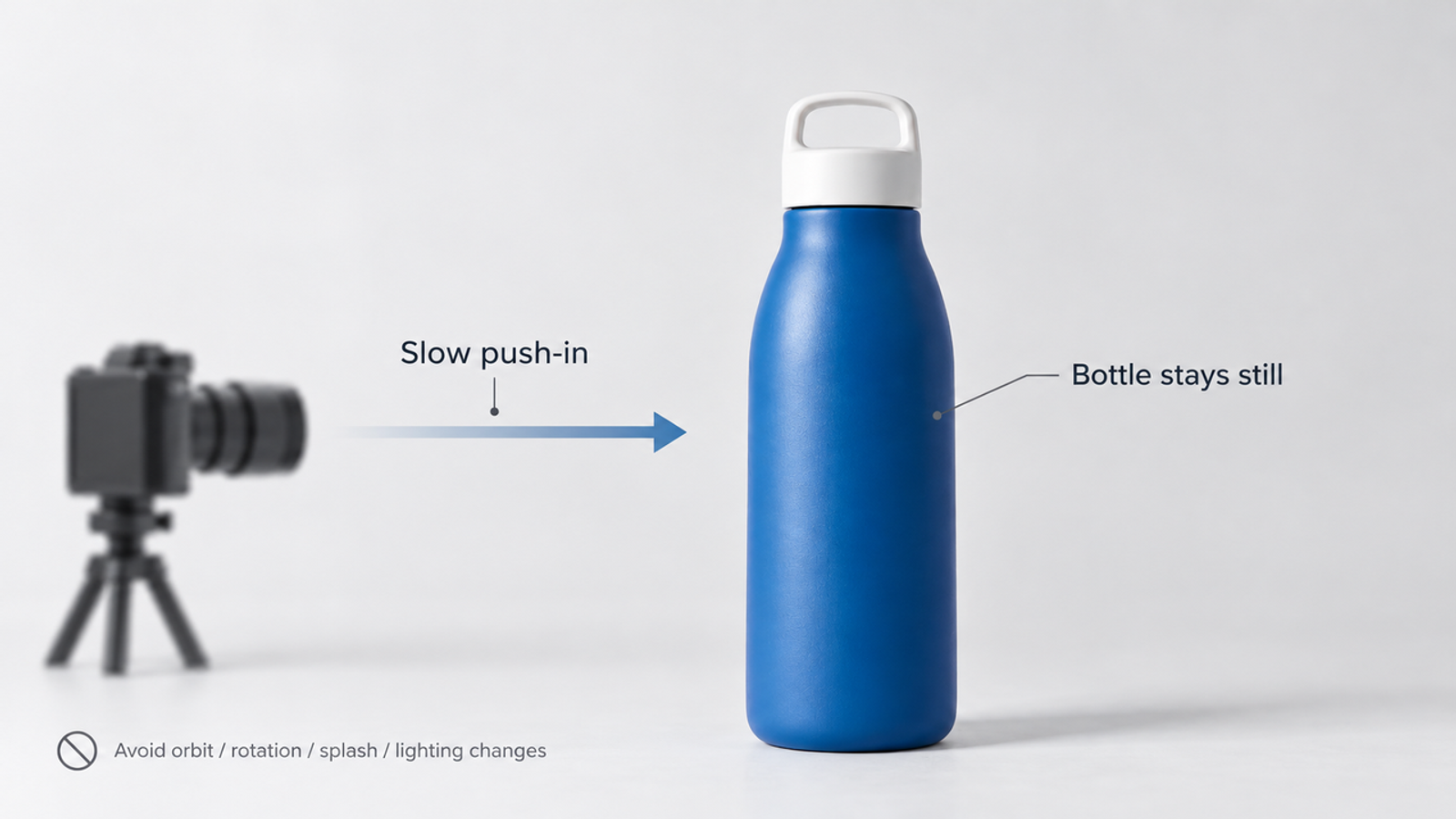
Give the trial one job: a restrained reveal. A proposed prompt might read: “One continuous shot. Slowly push toward the stationary bottle while the background light shifts; preserve the bottle shape, cap, label, and color. Add no new text or objects.” Avoid rotating it when the source never shows its back. A prompt cannot supply missing product evidence. Place essential claims as approved typography in editing rather than relying on generated lettering.
What the Image and Prompt Each Contribute
The photo establishes silhouette, label layout, material, finish, and colorway. The prompt defines motion and constraints. Save the input, prompt, settings, and output so a reviewer can trace the draft. If it misses, change one variable at a time so the next result is interpretable.
A prompt asking for splashes, rotating packaging, accessories, and a claim at once invites invented SKU details. Start with the smallest useful movement; add complexity only after product fidelity holds.
How Should a Brand Evaluate One Draft?
Packaging, Claims, and Product Identity
Review the first, middle, and final frames, then pause around transitions and any moment the product moves. Compare them with the approved source and product page: Is the logo correct? Did the cap, seam, button count, material, finish, or package volume change? Does a reflection suggest another shape? A brief error still matters in a paid placement.
Check implied benefits as carefully as copy. A splash can imply water resistance; a glowing interface can suggest a nonexistent feature. TikTok's policy on misleading ad content reinforces the need to compare the shot with the actual product and landing page. I would check the label before the lighting: a beautiful move cannot rescue a false package. Record failures with timecodes and decide whether editing can remove them.
Motion, Framing, and Export Fit
Motion should reveal the object without stretching it, changing its proportions, or making the camera pass through it. Preview the intended crops with subtitles, offer text, and interface overlays in place. Google Ads' video specifications and safe-zone guidance illustrate why an attractive master frame does not automatically fit each placement. Make the placement plan before calling a draft usable.
Reject a draft if any frame changes product identity or implies an unapproved claim. A crop or timing problem may justify one targeted revision if the product remains truthful. Otherwise, accept the shot for editing or stop the trial. Keep the reviewer’s timecoded decision beside the source image; a convincing thumbnail is not evidence that the full-size clip passes.
Where Does a Single Generated Clip Fall Short of a Full Ad?
Editing, Localization, and Campaign Assembly
One FLUX 3 Max product shot still needs an approved offer, call to action, licensed sound, captions, and a final sequence. Editors may need to trim an unstable opening, add verified text, localize claims, and build placement variants. A draft earns a review, not a green light.
When to Choose Another Production Path
Use conventional filming or 3D product work when the ad must prove a physical action, show hidden surfaces, or hold regulated detail steady through motion. Use still-image animation or compositing when the product can remain untouched while the camera, background, and approved copy move around it. The more the shot must prove, the less a single generated frame can safely supply.
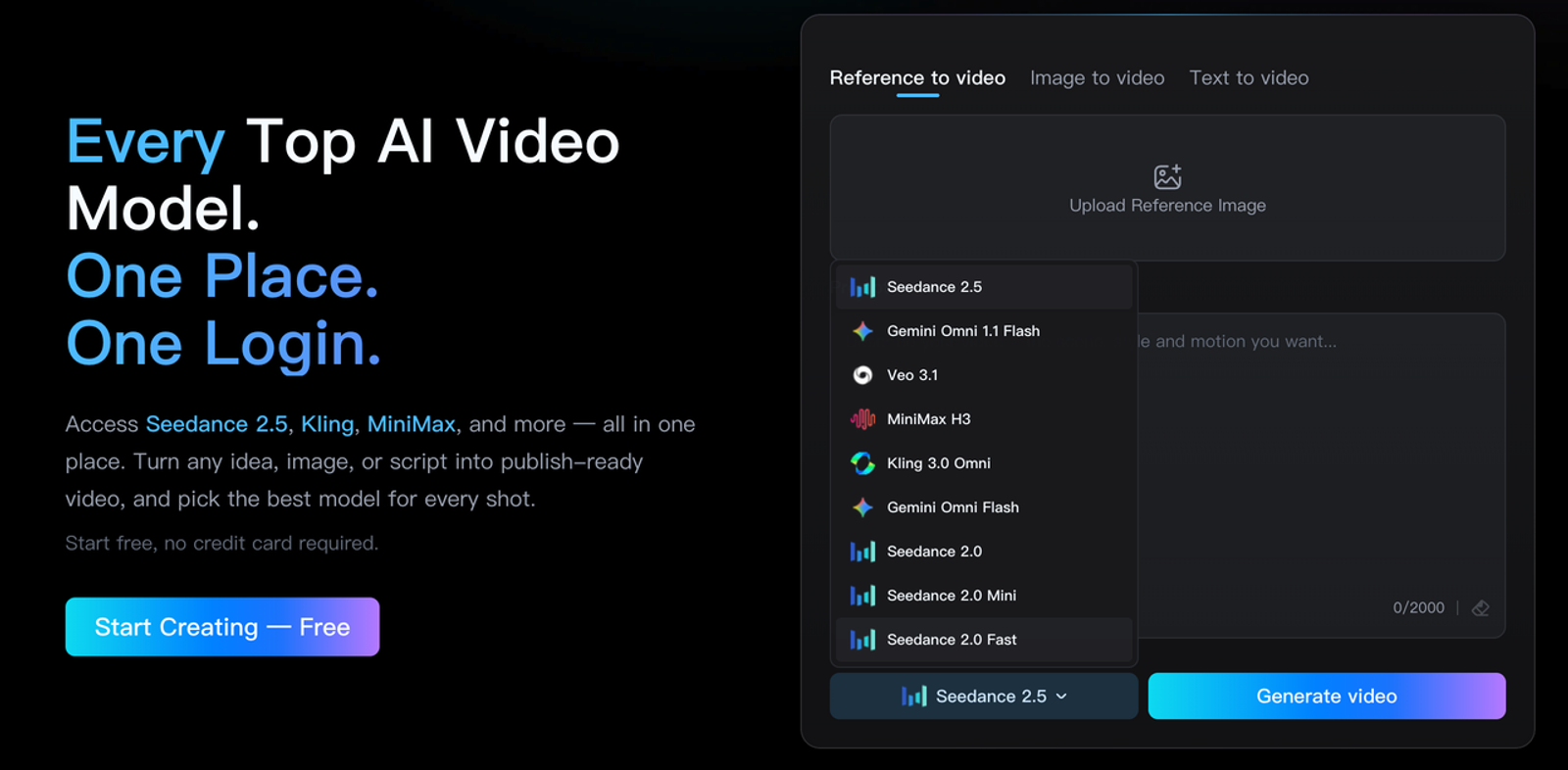
Teams looking for another image-to-video production route can examine Wizstar's current AI video generator. Its public page describes product-visual workflows; confirm the available models before building a campaign plan.
Conclusion
The useful outcome of a FLUX 3 Max product-ad trial is a recorded decision, not merely a plausible clip: source image, prompt, output, timecoded review, revision cost, and final placement preview. If the product stays truthful and the finishing work is proportionate, move the shot into editing. If it fails an identity or claim check, change the production path rather than prompting indefinitely.
FAQ
- Is FLUX 3 Max currently available inside Wizstar?
- There was no public confirmation of FLUX 3 Max inside Wizstar when its model and AI video pages were checked on October 20, 2026. Confirm availability with Wizstar before planning a workflow around it.
- Can a team access FLUX 3 Max through an API?
- Yes. fal's image-to-video model page exposes an API route for FLUX 3 Max, alongside its playground. Check the live schema and account access before implementation; a listed endpoint alone does not verify a particular team's permissions or spend limits.
- Does fal retain product images uploaded to FLUX 3 Max?
- The public fal privacy policy does not state a FLUX 3 Max-specific retention period for uploaded product images. Confirm retention and deletion in the current agreement or directly with fal before using confidential assets.
- Can a brand use FLUX 3 Max clips in paid ads or client work?
- fal labels the model for commercial use, but that label does not clear third-party rights or guarantee ad approval. Review the current fal terms of service, any applicable model or account terms, and permissions for product imagery, logos, people, voices, music, and client materials. Check each destination platform's ad policy and have a human approve all claims.
- How is a FLUX 3 Max draft billed if it fails internal review?
- An internally rejected completed draft is still a use of fal's service; fal describes credit deductions for use and output-video-second pricing. Internal approval is not the billing trigger. Check the live rate before generating: promotional pricing was time-limited when checked on October 20, 2026. Ask fal about provider-side failures or billing disputes rather than assuming an unusable creative is free.